Canva is the best business card design software for most people, with the largest template library and print-ready export, rated 4.7 out of 5 on G2 from 7,926 reviews. Pick Adobe Express for Adobe Stock assets, and VistaCreate if you want Pro features for $10 a month billed yearly.
How we make this list: we compare pricing pages, product documentation and public user reviews, then re-check every price before each update. No product paid for a place. Disclosure.
Canva leads with the largest template library and print-ready export, rated 4.7/5 on G2 from 7,926 reviews.
Adobe Express Premium costs $9.99 a month and adds 200M+ Adobe Stock assets, 30,000 fonts and brand kits.
VistaCreate Pro costs $10 a month billed yearly and covers up to 10 team members on one subscription.
Venngage's free plan cannot download a file at all, so a printable card needs Premium at $10 a month billed yearly.
Avery Design & Print is the only fully free tool here, built for printing cards on Avery stock at home or in the office.
What to look for in business card design software
A business card is small, so size and print quality matter more than fancy effects. Look for templates in the standard 3.5 by 2 inch size, a bleed area for printing to the edge, and export at print quality so text stays sharp.
Templates and brand controls decide how fast the work goes. A good tool offers card templates in your industry, lets you set your logo, colors and fonts once, and reuses them across cards, letterheads and social graphics.
Export options decide whether the card can actually be printed. Check that your plan allows PDF or high-resolution PNG downloads without a watermark, and that the file suits your printer or print shop. Our guide to properly sizing images explains why resolution matters for print.
Price models vary more than features. Most tools here have a free plan, but free plans differ on downloads, watermarks and commercial use, and monthly billing can cost far more than the annual total.
Canva is a browser-based design platform with the largest template library in this list, including business card templates in standard sizes. The free plan includes more than 1 million templates, 3 million stock assets and 5 GB of storage, and Pro adds 100 million premium assets, background removal, Magic Resize and brand kits.
The trade off is that the best templates and assets sit behind Pro, which costs $144 a year with annual billing or $15 a month billed monthly. The free plan covers a first card well, but premium templates and brand kits matter for a consistent set. It suits small businesses that want a card designed and ordered in one place.
What we like
Largest template library in this list
Free plan covers a first card
Brand kits and print ordering on Pro
Rated 4.7/5 from 7,926 G2 reviews
Watch out for
Best templates and assets need Pro
Pro price has risen in recent years
Designs can look similar to other Canva cards
Pro adds brand kits, 1 TB storage and print orderingVisit canva.com
02
Adobe Express
4.4/5on G2 (1,108 reviews, checked Nov 2026)
Paid from$9.99/mo
Best for Adobe Stock assets and fonts
Free planYes, 5 GB storage
Premium plan$9.99/mo
Stock assets200M+ on Premium
Brand kitsPremium only
adobe.com
Adobe Express homepage, captured Nov 2026.
Adobe Express is Adobe's browser-based design tool for quick graphics, including business cards, flyers and social posts. The free plan includes more than 100,000 templates, 1 million stock assets and 5 GB of storage, and Premium adds 200 million Adobe Stock assets, 30,000 fonts, brand kits and 250 generative AI credits a month.
The trade off is the free export. Free downloads carry a watermark on some assets and lock the best templates, so a clean card needs Premium at $9.99 a month. It suits people already using Adobe tools who want stock photos and fonts in the same editor.
VistaCreate is a browser-based design platform, formerly Crello, with more than 200,000 templates for print and social graphics. The free Starter plan covers core design tools and templates, and Pro adds premium templates, 70 million stock items, background removal and unlimited brand kits.
The trade off is polish. Some templates feel a step behind Canva's, and the smaller community means fewer tutorials, though a finished card looks just as good. Pro costs $10 a month billed yearly, or $13 a month billed monthly, and covers up to 10 team members. It suits small teams that want Pro features at a low price.
Visme is an all-in-one visual design platform with more than 10,000 templates for presentations, documents and print graphics. The free Basic plan covers simple designs, and Starter at $12.25 a month billed yearly adds premium templates and assets, more projects and PDF export.
The trade off is commercial use. Basic and Starter are for personal use only, so a card for a business needs Pro at $24.75 a month billed yearly. It suits teams that already use Visme for decks and reports and want cards in the same brand system.
What we like
10,000+ templates across print and decks
PDF export on the Starter plan
Brand controls keep cards consistent
Strong for data-led card designs
Watch out for
Starter is for personal use only
Business cards need Pro at $24.75 a month
Takes time to learn the full feature set
Pro adds commercial use and unlimited projectsVisit visme.co
05
Venngage
4.7/5on G2 (125 reviews, checked Nov 2026)
Paid from$120/yr
Best for clean, text-led cards
Free planYes, 5 designs
Premium plan$10/mo billed yearly
Free downloadsNo, Premium needed
Brand kitBusiness, $24/mo
venngage.com
Venngage homepage, captured Nov 2026.
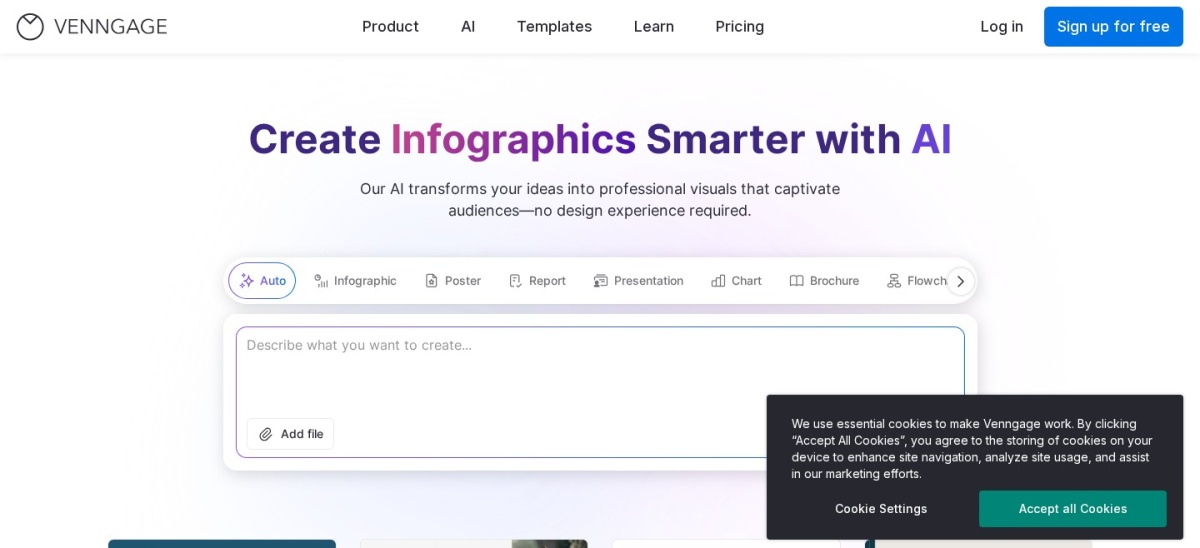
Venngage is a browser-based design platform for infographics, reports and marketing collateral, with templates that suit clean, text-led business cards. The free plan allows 5 designs, and Premium adds unlimited designs, premium templates, 50 image uploads and high-resolution PNG export.
The trade off is downloads. The free plan cannot download a file at all, so a printable card needs Premium at $10 a month billed yearly, or $19 a month billed monthly. Brand kits and PDF export need Business at $24 a month billed yearly. It suits small businesses that want tidy, information-led cards.
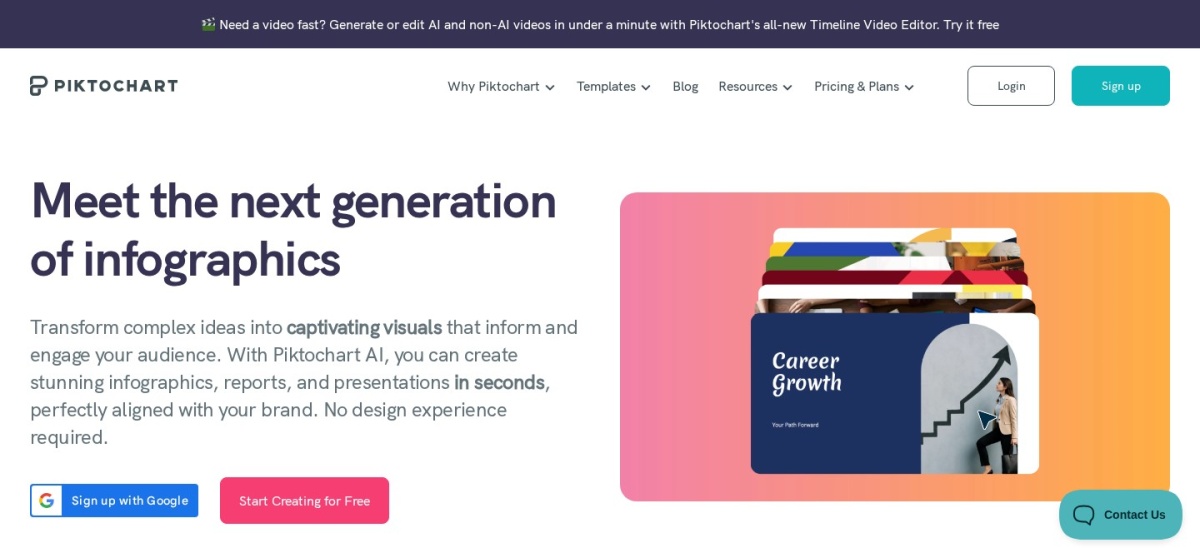
Piktochart is a browser-based design tool for infographics, reports and print graphics, with templates and brand controls for consistent cards. The free plan covers basic designs, and Pro adds premium templates and high-resolution export for $10 a month billed yearly.
The trade off is depth. Piktochart is built for infographics first, so card layouts are fewer than in Canva or VistaCreate, and the editor is simpler. It suits people who already make reports in Piktochart and want a matching card without learning another tool.
4.7/5on Trustpilot (9,500 reviews, checked Nov 2026)
Paid from$15/mo
Best for a logo and cards together
Free planYes, browse and edit
Starter plan$15/mo
Business cardsIncluded on Starter
Vector filesSVG and EPS on Starter
brandcrowd.com
BrandCrowd homepage, captured Nov 2026.
BrandCrowd is a browser-based branding platform that turns a business name into a logo, business cards, social graphics and a basic website. You can browse and edit for free, and Starter at $15 a month adds high-resolution and vector logo files, unlimited logo edits and business card templates.
The trade off is creative freedom. Templates are fast but hard to push far from the starting design, and annual billing prices vary by checkout offer, so check the total before paying. It suits new businesses that need a logo and a matching card in the same afternoon.
4.4/5on Trustpilot (14,000 reviews, checked Nov 2026)
Paid from$96/yr
Best for a full brand kit from one logo
Free planYes, design only
Brand Kit$96/yr
Logo files$20 one-time Basic
Card templates300+ in Brand Kit
looka.com
Looka homepage, captured Nov 2026.
Looka is an AI logo maker that builds a logo from a business name and style choices, then turns it into a brand kit. The Brand Kit at $96 a year adds more than 300 matching templates, including business cards, social posts, email signatures and letterheads, in the logo's colors and fonts.
The trade off is lock-in. The Brand Kit only works with a logo bought from Looka, so you cannot upload your own logo, and the $96 subscription renews each year. A one-time logo costs $20 for a basic file or $65 for premium files. It suits founders starting a brand from scratch.
Avery Design & Print is a free online designer for Avery printable products, including business cards on standard 2 by 3.5 inch card stock. It offers templates matched to Avery product numbers, mail merge for names and titles, and QR codes, with no paid plan at all.
The trade off is range. Templates are plain beside Canva's, designs are tied to Avery paper sizes, and only 10 G2 reviews back the 4.7 rating, so the score is a thin sample. It suits anyone who wants to print a small run of cards at home or in the office.
Check the card size first. The standard card in the US is 3.5 by 2 inches, and most print shops ask for a bleed area around the edge so color runs to the cut line.
Export at print quality. A PDF made for print, or a PNG at 300 dots per inch, keeps text and logos sharp. A low-resolution image from a screen will look soft on paper.
Proofread the card on paper before a big run. Print one copy at home or order a small batch, then check the name, phone number, email address and website by eye.
How we chose
We started from the established design tools that offer business card templates, then kept nine that cover the full range from free print-at-home tools to full brand kits.
Prices come from vendor pricing pages and G2 pricing pages, checked on 24 November 2026. Ratings come from G2 or Trustpilot on the same day. Where a vendor shows a sale, the list shows the regular price.
We left out print-only services with no design tool, and tools whose published prices conflicted across sources, including Desygner. No vendor paid for a place, and we do not claim hands-on testing for this list.
How to choose business card design software
Start with how the card will be printed, then match the tool to that job.
Decide how you will print the card. A home printer suits a small run on Avery stock, while a print shop or online print service needs a print-ready PDF. Pick a tool whose export fits that route.
Pick a template that fits your brand. Choose a layout with room for your logo, name, role and contact details. A clean template with your colors beats a busy one.
Check the export before you pay. Make sure your plan allows downloads without a watermark and in the format your printer needs. Venngage, BrandCrowd and Looka all charge before a usable file is yours.
Add up the real yearly cost. Monthly billing costs far more than annual billing on most of these tools. Compare the annual totals, not the monthly headline.
FAQ
What is the best business card design software?
Canva is the best pick for most people. It has the largest template library, print-ready export and a free plan, and G2 users rate it 4.7 out of 5 from 7,926 reviews. Adobe Express is the best alternative for Adobe Stock assets.
Can I design a business card for free?
Yes. Canva, Adobe Express, VistaCreate, Visme, Venngage, Piktochart, BrandCrowd and Avery all have free plans, and Avery is fully free. Free plans limit premium templates, downloads or commercial use, so check those limits first.
What size should a business card be?
The standard card in the US is 3.5 by 2 inches. Design at that size with a bleed area for printing to the edge, and export at 300 dots per inch or as a print-ready PDF so text stays sharp.
Can I print business cards at home?
Yes, for small runs. Avery Design & Print is built for this: design on an Avery template and print on matching Avery card stock. For larger runs or special finishes such as foil, a print shop gives better results.
Do I need a paid plan to download my card?
It depends on the tool. Venngage's free plan cannot download a file at all, and BrandCrowd and Looka charge for high-resolution downloads. Canva, Adobe Express and VistaCreate let free users download, with some templates and features held back.
Which tool is best for a logo and business card together?
BrandCrowd or Looka. BrandCrowd builds a logo and matching cards in one workflow, with vector files on its $15 a month Starter plan. Looka's $96 a year Brand Kit turns one AI logo into more than 300 matching assets.
SaaS SEO and WordPress specialist with about 8 years of experience. Rakib compares WordPress plugins, themes, hosting and software using public pricing, documentation and user reviews. See how we rank.