Ableton Live is the best audio production software for producers, rated 4.7 out of 5 on G2, with a clip-based workflow built for electronic music and live sets. Mac owners should pick Logic Pro at $199.99 once, beat makers should pick FL Studio from $99, and anyone on a budget should start with REAPER at $60 or free Audacity.
How we make this list: we compare pricing pages, product documentation and public user reviews, then re-check every price before each update. No product paid for a place. Disclosure.
Ableton Live leads on G2 at 4.7 out of 5 from 159 reviews, and its Intro edition costs $99 once.
Logic Pro is the best value for Mac owners: $199.99 once buys the full studio, with no subscription.
FL Studio charges once and updates free for life, with Fruity at $99 and Producer at $179.
REAPER is the cheapest full DAW here at $60 for a discounted licence, after a 60-day evaluation.
GarageBand and Audacity are both free, and Audacity runs on Windows, Mac and Linux.
What to look for in audio production software
Audio production software falls into two groups: full DAWs that record, arrange and mix whole songs, and editors that cut and clean up finished audio. Most buyers in this list want a DAW, so seven of the nine picks are DAWs and two are editors.
Price models differ more than features. Some tools charge once, some charge every month, and two are free. A one-time price can still mean paying again for a later major version, so check what the licence covers before you buy.
Free plans and trials matter when the price is high. Our guide to free vs premium WordPress plugins explains the same trade-off in general: a free version covers the core job, and paying adds features, support or speed.
Check the platform before anything else. Logic Pro and GarageBand run only on Apple devices, while the rest here run on Windows and Mac, and REAPER, Bitwig and Audacity also run on Linux.
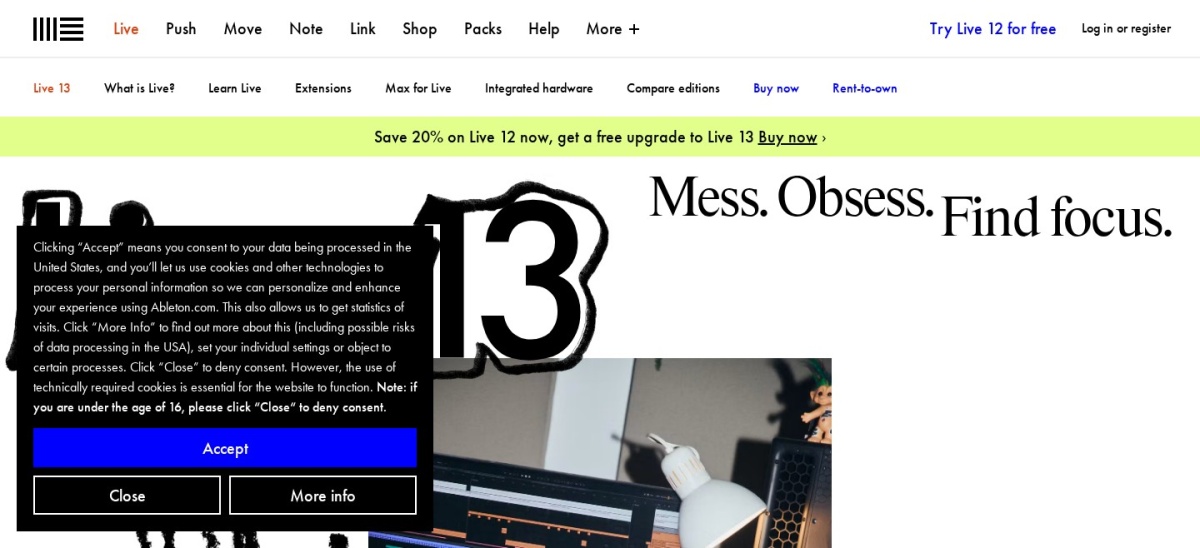
Ableton Live is a DAW built around Session View, a grid where you launch clips and build songs from loops before arranging them on a timeline. Intro costs $99 once and covers 16 audio and MIDI tracks, Standard costs $349 once with unlimited tracks, and Suite costs $749 once with Max for Live and the full instrument library.
The trade off is price and learning curve. Suite costs $749, and the clip workflow feels strange at first if you come from a linear DAW, while the 20% sale running now still leaves Suite as the dearest pick here. It suits electronic producers and performers who want to sketch with loops and play songs live.
What we like
Session View makes loop-based writing fast
Rated 4.7 out of 5 on G2 from 159 reviews
90-day trial covers the full Suite version
Deep library of instruments and effects in Suite
Watch out for
Suite at $749 is the dearest pick in this list
Clip workflow takes time to learn
No free plan, only a trial
Standard adds unlimited tracks; Suite adds Max for LiveVisit ableton.com
02
Logic Pro
4.6/5on G2 (177 reviews, checked Nov 2026)
Starts at$199.99/yr
Best value professional DAW for Mac
Price$199.99 once
PlatformsMac only
Stock libraryInstruments, loops, Atmos
Also inApple Creator Studio, $12.99/mo
apple.com
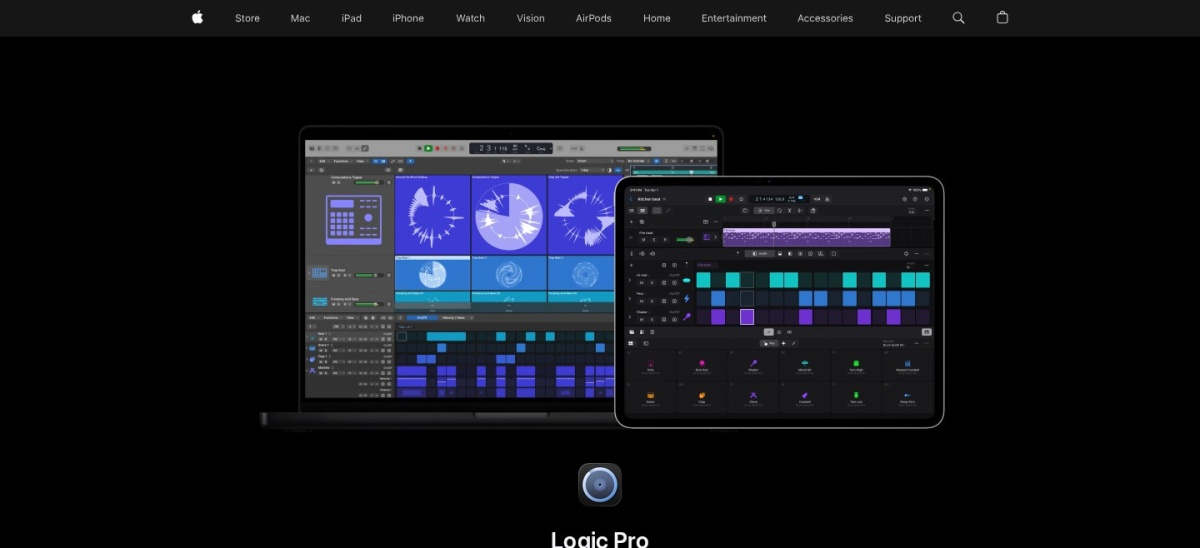
Logic Pro homepage, captured Nov 2026.
Logic Pro is Apple's full DAW for Mac, sold once for $199.99 on the Mac App Store with free updates. It includes a large stock library of instruments and loops, Session Players that play drums, bass and keys, Stem Splitter, and Dolby Atmos mixing, with no subscription to keep paying.
The trade off is the platform. Logic Pro runs only on Mac, and only on Apple silicon models, so Windows users need a different DAW and the iPad version needs the $12.99 a month Creator Studio plan. It suits Mac owners who want a complete studio for one payment.
What we like
$199.99 once, with free updates
Huge stock library included
Rated 4.6 out of 5 on G2 from 177 reviews
Stem Splitter and Atmos mixing built in
Watch out for
Mac only, no Windows version
iPad version needs a subscription
Full sound library is a large optional download
Creator Studio adds iPad access and Final Cut ProVisit apple.com
03
FL Studio
4.6/5on G2 (103 reviews, checked Nov 2026)
Starts at$99/yr
Best DAW for beat makers
Cheapest editionFruity, $99 once
UpdatesFree for life
Audio recordingProducer edition and up
TrialFull features, projects need a licence to reopen
image-line.com
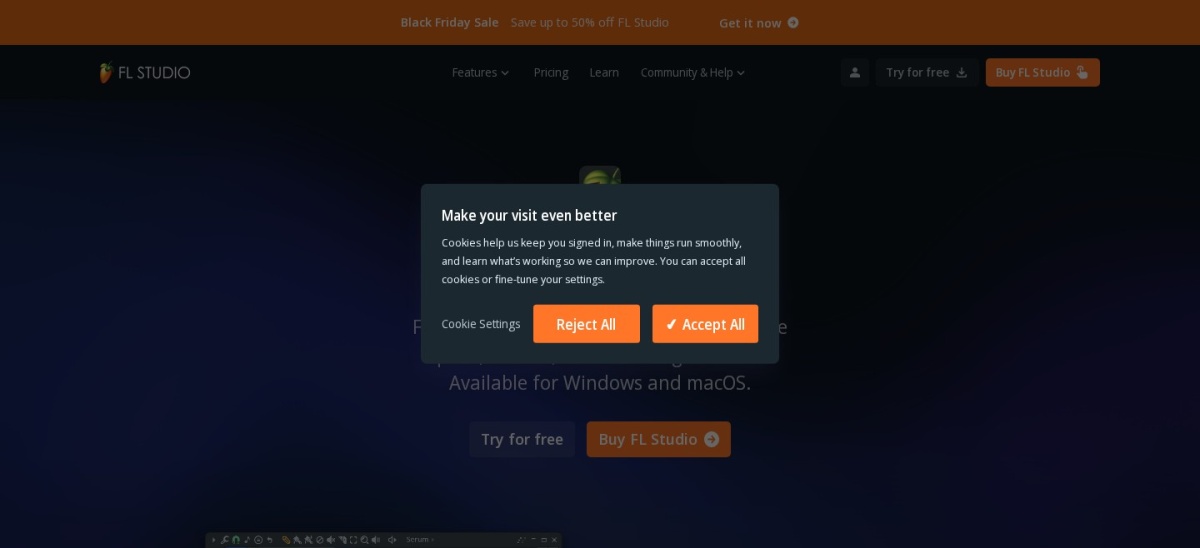
FL Studio homepage, captured Nov 2026.
FL Studio is a pattern-based DAW for Windows and Mac, built around a step sequencer, a Piano Roll and a playlist where patterns become songs. Fruity Edition costs $99 once, Producer costs $179 once and adds audio recording, and every edition includes free updates for life.
The trade off is the entry edition. Fruity at $99 cannot record audio and holds only 8 audio clips per project, so most buyers need Producer at $179, and a sale running now cuts those prices for a short time. It suits beat makers who build tracks from patterns and loops.
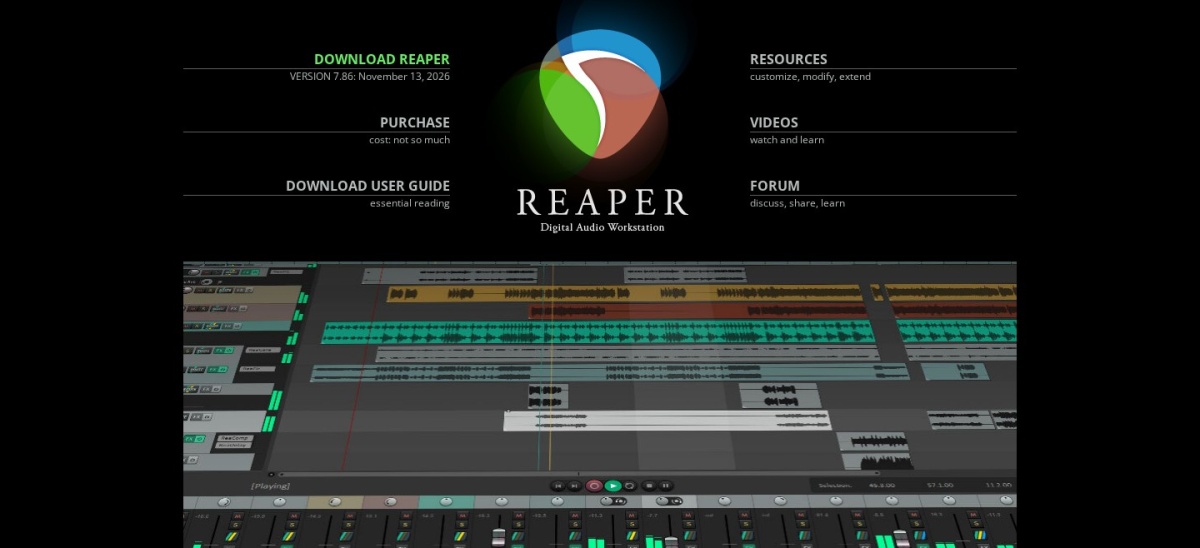
REAPER is a full DAW from Cockos for Windows, Mac and Linux, with multitrack recording, MIDI editing, mixing and mastering in a small, fast download. A discounted licence costs $60 once, the 60-day evaluation runs the full app, and you can reshape almost every part of it with themes and scripts.
The trade off is polish. REAPER ships with few stock instruments and a plain interface, so you add your own plug-ins and set it up before it feels like a finished studio. It suits buyers who want pro features for $60 and do not mind configuring their tools.
Cubase is Steinberg's DAW for Windows and Mac, built for composing, recording, mixing and scoring to picture in one project. Elements 16 costs $99.99 once, Artist costs $299.99 once, and Pro costs $599.99 once with stem separation, VariAudio pitch editing and 98 effects.
The trade off is the edition ladder. Elements limits tracks and leaves out VariAudio, so the full toolset needs Pro at $599.99, and major-version updates cost extra. It suits composers and media writers who need scoring, expression maps and deep MIDI tools.
Adobe Audition is Adobe's audio editor for Windows and macOS, made for cleaning up and finishing recorded sound. It covers multitrack mixing, waveform editing and a spectral view for removing clicks, hum and noise, and it includes loudness metering for broadcast work. The single-app plan costs $22.99 a month on an annual plan, with a 7-day trial.
The trade off is the billing. Audition sells only by subscription, so $22.99 a month adds up to $275.88 a year, and the app has no Linux build. It suits podcasters and video editors already paying for Adobe's apps who need repair tools more than a songwriting DAW.
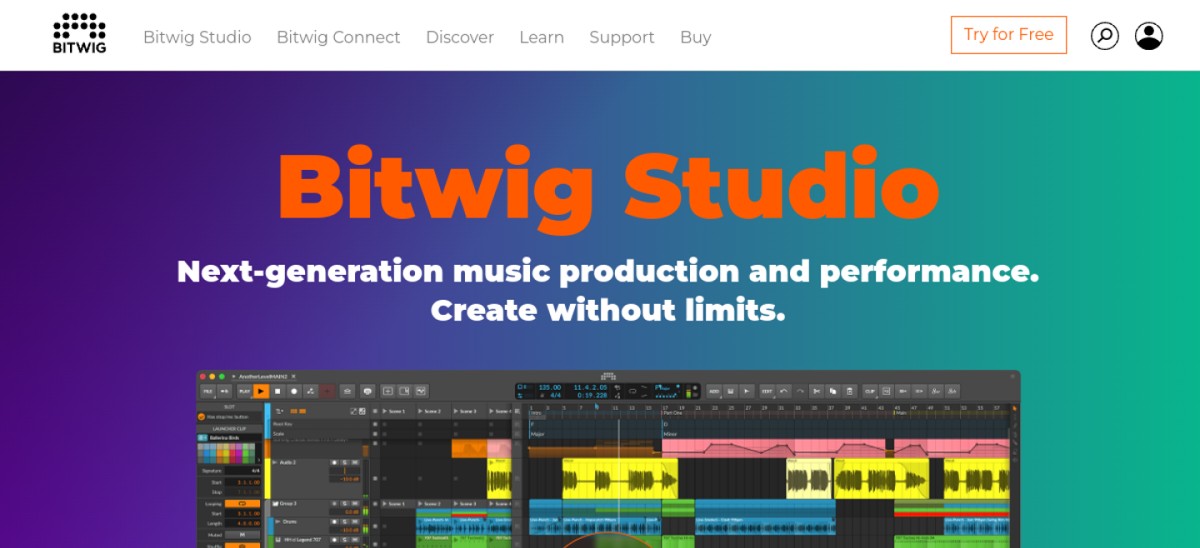
Bitwig Studio is a DAW for Windows, Mac and Linux that pairs a clip launcher with a linear arranger. Essentials costs $99 once, Producer costs $199 once, and the full Studio edition costs $399 once with The Grid, a modular space for building your own instruments and effects.
The trade off is the update clock. Every licence includes 12 months of upgrades, then you keep your version but pay again for new features, and the smaller user base means fewer tutorials than Ableton or FL Studio. It suits sound designers who want deep modulation and a Linux build.
GarageBand is Apple's free music app for Mac, iPhone and iPad, with virtual instruments, loops, session drummers and recording for up to 255 audio tracks. It shares projects with Logic Pro, so a song started here can move to the paid studio later.
The trade off is depth and reach. GarageBand has no advanced mixing, scoring or plug-in tools, and it runs only on Apple devices, so Windows friends cannot open your projects. It suits beginners and students who own a Mac and want to start making music for nothing.
Audacity is a free audio editor that runs on Windows, Mac and Linux, built and shared as open-source software. It records and edits several tracks at once, trims and mixes clips, cleans up background noise, and saves finished audio as WAV, MP3 or FLAC. The site counts more than 100 million downloads since 2000.
The trade off is what it leaves out. Audacity has no virtual instruments, no MIDI tracks and no loop library, so it cannot build a song from scratch the way a DAW can, and its plain interface shows its age. It suits spoken-word editing, voiceover and quick cleanup jobs where a free tool is enough.
Free tools in this list cover real work. GarageBand records and mixes full songs, and Audacity handles recording, editing and noise removal without a price.
Paid tools mostly add instruments, MIDI and depth. A free editor has no virtual instruments or loop library, and a free DAW holds back advanced mixing, scoring or plug-in tools.
The middle ground is a cheap one-time licence. REAPER at $60 and FL Studio at $99 both buy a full DAW with no monthly bill, which beats a $22.99 a month subscription for anyone who records every week.
If you earn money from audio, a paid plan is usually worth it. A $60 or $99 licence is small next to one lost session, and the paid tools here all offer a trial first.
How we chose
We started from the DAWs and audio editors that appear most often in buyer guides and review sites, then kept nine that cover electronic music, beats, composing, podcasting and free editing.
Prices come from each vendor's pricing page, checked on 24 November 2026. Ratings come from G2, apart from Bitwig Studio, which uses Capterra. Where a vendor shows a sale, the list shows the regular price.
We left out Pro Tools and Studio One, now sold as Fender Studio Pro, because their sites block automated screenshots, and we swapped in Adobe Audition and Bitwig Studio instead. No vendor paid for a place, and we do not claim hands-on testing for this list.
How to choose audio production software
Start with your platform and your budget, then match the tool to the work you do most.
Check your platform first. Logic Pro and GarageBand run only on Apple devices. If you use Windows, start with Ableton Live, FL Studio, REAPER, Cubase, Bitwig or Audacity instead.
Decide between a DAW and an editor. A DAW records, arranges and mixes whole songs. An editor such as Audacity or Audition only cuts and cleans up finished audio, so pick a DAW if you write music.
Try before you pay. Ableton Live, REAPER, Cubase and Bitwig all offer full trials of 30 to 90 days. Use the trial on a real song before you spend anything.
Count the full cost, not the first price. A $22.99 a month subscription costs $275.88 a year, while a $99 one-time licence costs $99 once. Check whether later major versions need another payment.
FAQ
What is the best audio production software?
Ableton Live is the best pick for most producers. It is rated 4.7 out of 5 on G2 from 159 reviews, its clip-based workflow suits electronic music and live sets, and Intro costs $99 once. Mac owners get better value from Logic Pro at $199.99 once.
What is the best free audio production software?
GarageBand is the best free DAW if you own a Mac, with up to 255 tracks, virtual instruments and session drummers. Audacity is the best free editor on any platform, with multitrack recording, noise removal and no paid tier. Both are free with no locked features.
Is FL Studio or Ableton Live better for beginners?
FL Studio is easier to start with if you make beats, because its step sequencer and Piano Roll are simple to learn and Fruity costs $99 once. Ableton Live suits producers who want to perform live or work with loops, but its clip workflow takes longer to learn.
Do I need Pro Tools to record music professionally?
No. Pro Tools is the standard in large studios, but Logic Pro, Cubase, Ableton Live and REAPER all record, mix and master professional songs. Pick the DAW that fits your platform, budget and workflow, since finished songs depend on the producer, not the brand.
How much does audio production software cost?
Free tools such as GarageBand and Audacity cost nothing, while one-time DAWs run from $60 for REAPER to $199.99 for Logic Pro. Subscriptions cost more over time: Adobe Audition is $22.99 a month, which is $275.88 a year. Trials let you test most paid tools first.
Can I use GarageBand projects in Logic Pro?
Yes. GarageBand shares its project format with Logic Pro, so you can open a GarageBand song in Logic Pro and keep working on it. That makes GarageBand a good free starting point for Mac owners who may buy Logic Pro at $199.99 later.
SaaS SEO and WordPress specialist with about 8 years of experience. Rakib compares WordPress plugins, themes, hosting and software using public pricing, documentation and user reviews. See how we rank.