ZapWorks is the best AR WYSIWYG editor for most teams, with a drag-and-drop Designer, image and world tracking, and a 4.5/5 G2 rating from 30 reviews. Pick MyWebAR for the cheapest commercial plan at $25 a month billed yearly, or Blippar to start at £7.99 a month.
How we make this list: we compare pricing pages, product documentation and public user reviews, then re-check every price before each update. No product paid for a place. Disclosure.
ZapWorks is the top pick for agencies, with a drag-and-drop Designer, image and world tracking, and a 4.5/5 G2 rating from 30 reviews.
MyWebAR gives the clearest low-cost commercial plan: Pro at $25 a month billed yearly, with 50 experiences and 120,000 views a year.
Blippar is the cheapest way to start, at £7.99 a month, but confirm new sign-ups are open after its October 2026 platform upgrade pause.
Onirix Starter is for testing only, and commercial use jumps to Professional at €299 a month billed yearly.
Adobe Aero was retired in November 2025 and 8th Wall closed its hosted platform in February 2026, so neither appears in this list.
What an AR WYSIWYG editor should cover
An AR WYSIWYG editor is a visual tool that lets you build augmented reality by dragging objects into a scene and seeing the result as you work, without writing code. You place 3D models, images, video and buttons in a browser editor, then publish a link or QR code. Viewers open it on a phone and see the digital content overlaid on the real world.
Start with the type of experience you want. If a QR code on packaging or a poster should open a 3D model in a phone browser, any editor on this list can do it. If you need indoor navigation, look for a specialist, and if AR must lock onto factory machines, only an industrial tool will do.
Next, check the viewing model and the commercial terms. Some tools charge per month, some per view, and some per experience, and a per-view plan looks cheap until a campaign goes viral. Several low-priced tiers are non-commercial only, so a business must buy a higher tier to publish. Our guide on generating images with AI in WordPress shows how teams create the visual assets these editors need.
Ratings in this list come from G2, apart from Web-AR.Studio, where no G2 rating exists and the Google Play rating of its viewer app is used instead. Prices come from each vendor's pricing page, checked on 24 November 2026, and where sources conflict the vendor page wins.
List prices in each vendor's currency, checked Nov 2026
VuforiaQuote
BlipparFREE£96
Web-ARFREE$96
HololinkFREE€108
ZapWorks$156
Overly€240
MyWebARFREE$300
Onirix€540
PlugXR$948
The 9 best AR WYSIWYG editor software tools
01
ZapWorks
4.5/5on G2 (30 reviews, checked Nov 2026)
Starts at$12.99/mo
Best AR WYSIWYG editor overall
No-code editorDesigner, drag-and-drop
TrackingImage, face, world
Views on Pro12,000 per year
Free trial14 days
zap.works
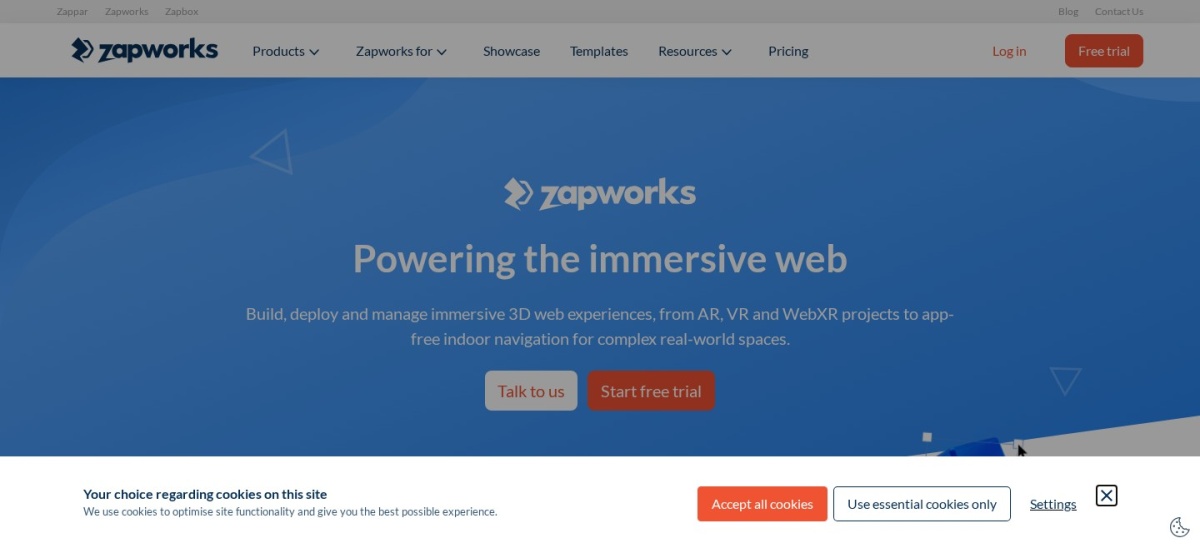
ZapWorks homepage, captured Nov 2026.
ZapWorks is the AR toolkit from Zappar, built around a drag-and-drop Designer for non-technical users and a visual Studio for richer scenes with animation and interactivity. Experiences open in the phone browser from a QR code or link, with no app download, and cover image, face and world tracking. The 14-day trial opens the full toolkit, including Mattercraft and the Universal AR SDKs.
The trade off is price. The Developer plan costs $12.99 a month, or $64.99 a year, but it is for non-commercial use only, so commercial projects need Pro at $315 a month, or $2,640 a year, which includes 12,000 views a year and charges $30 per 1,000 extra views. It suits agencies and brands that publish many campaigns and want one platform for design, publishing and analytics.
What we like
True drag-and-drop Designer plus a visual Studio
Strong image, face and world tracking
Published pricing with a 14-day full trial
Large agency user base
Watch out for
Commercial use jumps from $12.99 to $315 a month
Pro includes only 12,000 views a year
Companies above $10M revenue must buy Enterprise
Pro adds commercial use, 12,000 views a year and email supportVisit zap.works
02
MyWebAR
4.4/5on G2 (5 reviews, checked Nov 2026)
Paid from$25/mo
Best value commercial plan
No-code editorYes, browser-based
TrackingImage, world, face
Pro experiences50
Pro views120,000 per year
mywebar.com
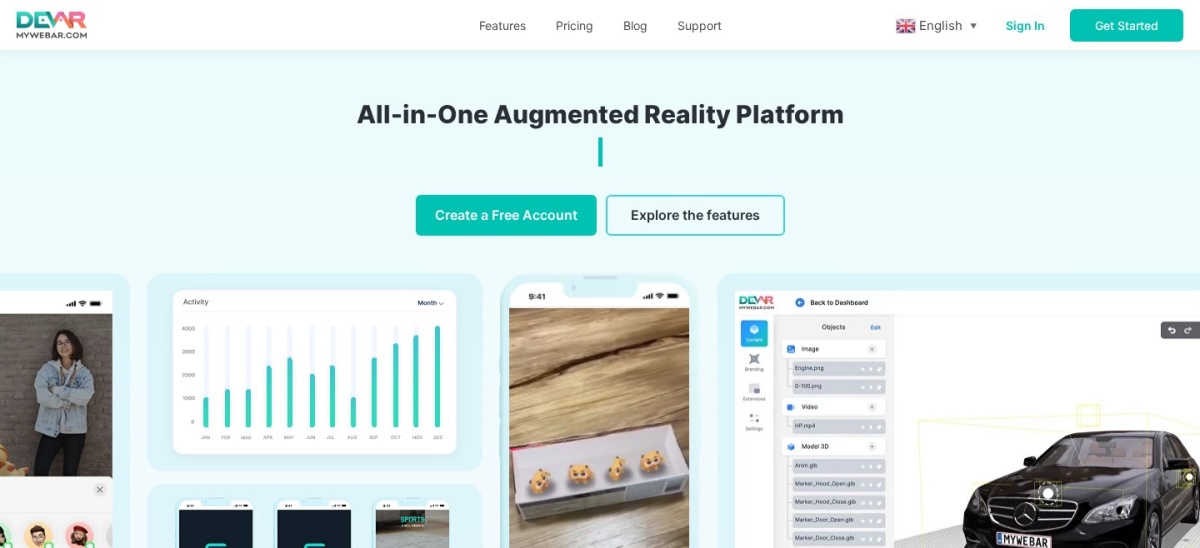
MyWebAR homepage, captured Nov 2026.
MyWebAR is a no-code WebAR platform from DEVAR for marketers, educators and small businesses. The editor covers world experiences, image tracking, masks and face effects, and published experiences open in any mobile browser. The free Creator plan is for non-commercial use only, with 100 views a year. Pro adds flat and curved image tracking, reports and analytics, a custom domain and AI content generation.
The trade off is the view meter. Pro costs $39 a month billed monthly, or $25 a month billed yearly, and allows 50 experiences and 120,000 views a year with 1 GB of storage, so a busy campaign can hit the cap. White-label publishing and 3D object tracking need the higher tiers. It suits small teams that want a clear, low-cost commercial plan.
What we like
Clear low-cost commercial plan
No-code editor with world experiences and face effects
AI content generation on Pro
Custom domain on Pro
Watch out for
Free Creator plan is non-commercial only
Pro view cap of 120,000 a year
Low G2 review count, and Capterra reviews flag support
Higher tiers add white-label publishing and unlimited experiencesVisit mywebar.com
03
Blippar
3.6/5on G2 (4 reviews, checked Nov 2026)
Paid from£7.99/mo
Best for the cheapest start
No-code editorBlippbuilder
TrackingSurface, marker, face
Paid projects1 on £7.99 plan
SDK views$0.01 per 1,000
blippar.com
Blippar homepage, captured Nov 2026.
Blippar is one of the oldest names in AR, founded in 2011, and its Blippbuilder is a drag-and-drop editor that needs no coding. You build a scene, publish it, and share it through a link or QR code, with surface, marker and face tracking. The free tier covers building and testing, and the WebAR SDK starts at $0.01 per 1,000 views with 100 free views.
The trade off is the step up in price. The paid Blippbuilder plan starts at £7.99 a month for one project, while Professional costs £249 a month for five projects. Reports in October 2026 said Blippar had paused new subscriptions while upgrading its platform, so confirm sign-up is open before you plan a launch. It suits marketers and educators who want the cheapest way to start.
What we like
Very low entry price
Drag-and-drop Blippbuilder with a free tier
Pay-as-you-go SDK option at $0.01 per 1,000 views
Watch out for
Lowest G2 rating in this list, 3.6 from 4 reviews
Professional jumps to £249 a month
New subscriptions were paused in October 2026
Professional adds 5 projects and more publishing optionsVisit blippar.com
04
Onirix
4.3/5on G2 (5 reviews, checked Nov 2026)
Starts at€45/mo
Best for spatial AR and wayfinding
No-code editorOnirix Studio
TrackingImage, spatial, GEO
Starter projects5
Starter views200 per month
onirix.com
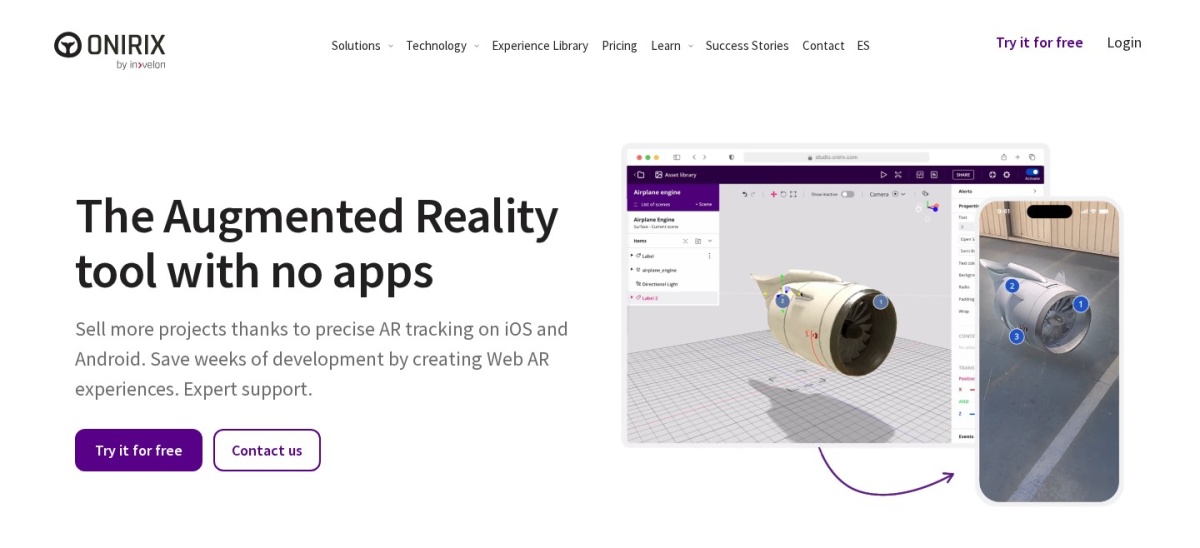
Onirix homepage, captured Nov 2026.
Onirix is a WebAR platform with a browser-based editor called Onirix Studio, built for staff without technical knowledge. You can build 3D model scenes, videos, interactive elements and geolocated maps, then share them through a link or QR code with no app download. It also offers spatial AR, which scans an environment and anchors content in place, plus wayfinding routes inside venues.
The trade off is the commercial jump. Starter costs €90 a month billed monthly, or €45 a month billed yearly, and includes 5 projects and 200 Studio views a month, but it is limited to testing, internal work and pre-sales demos. Commercial deployment starts at Professional, at €299 a month billed yearly. It suits brands, tourism and venue operators that want location-based AR.
What we like
Visual Onirix Studio editor
Spatial AR with visual positioning
Wayfinding and geolocated experiences
Watch out for
Starter plan cannot be used for commercial client work
Professional jumps to €299 a month on annual billing
Starter includes only 200 views a month
Professional adds commercial use, 50 projects and 10,000 views a monthVisit onirix.com
05
Overly
4.5/5on G2 (13 reviews, checked Nov 2026)
Starts at€19.99/mo
Best for simple DIY WebAR campaigns
No-code editorCreator, browser-based
TrackingImage, WebAR 3D
BillingPer AR experience
Free trialYes
overlyapp.com
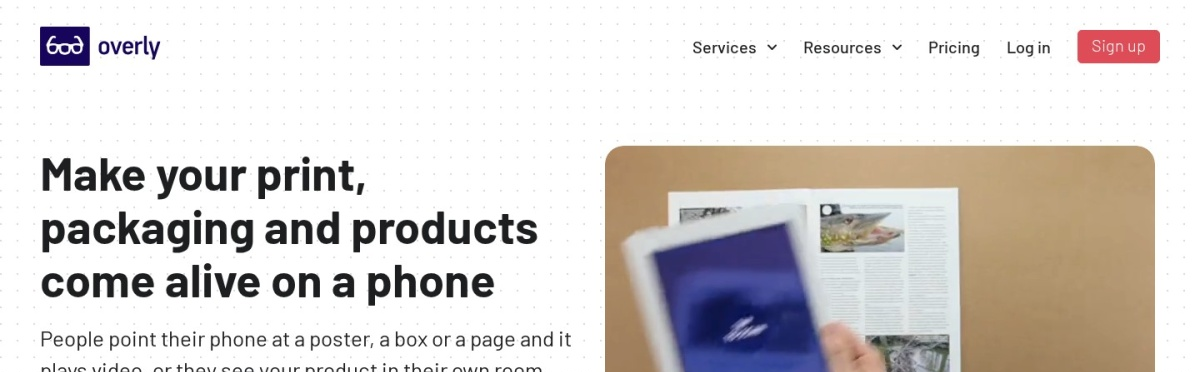
Overly homepage, captured Nov 2026.
Overly is a WebAR platform, also known as Overlyapp, with a DIY Creator editor that needs no coding. You upload an image, video or 3D model in the browser editor and publish, and viewers scan a QR code to see the model on their floor, table or wall in the phone browser. Image-tracked AR can also run in the free Overlyapp mobile app. The Pro plan includes 3D model optimisation and analytics.
The trade off is per-experience billing. Pro costs €19.99 per AR experience a month, or about $23, and annual billing saves 40%, so running many small AR pieces adds up fast. There is no permanent free plan, only a free trial, and G2 lists lower Starter and Pro prices that conflict with the vendor page. It suits product launches, packaging, print and exhibitions where one or two experiences carry the campaign.
What we like
Simple browser editor
Per-experience pricing keeps small campaigns cheap
WebAR and app-based AR in one plan
Watch out for
Pro is billed per experience, so many small pieces add up
3.1/5on Google Play (316 reviews, checked Nov 2026)
Paid from$8/mo
Best for beginners on a small budget
No-code editorWAS Design Studio
Tracking modes8, incl. SLAM, GEO
AI credits500 per month
Free projects10
web-ar.studio
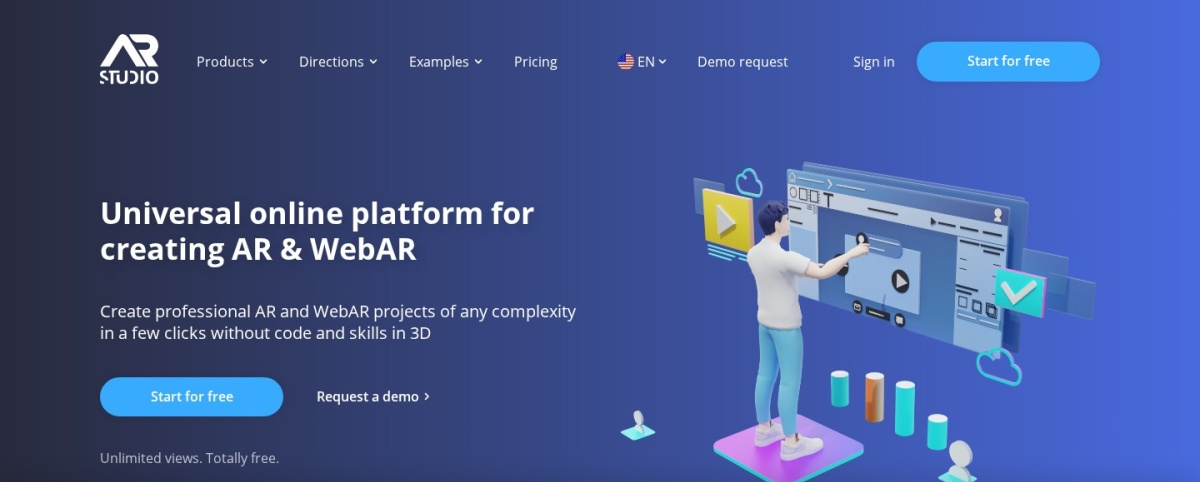
Web-AR.Studio homepage, captured Nov 2026.
Web-AR.Studio is an end-to-end WebAR platform for brands, agencies and developers, built around a no-code visual editor called WAS Design Studio. Every plan includes monthly AI credits for generating text, images and 3D models, and the platform covers 8 tracking modes, including QR, image, SLAM, face and GEO AR. The free plan includes 10 projects and 200 MB of storage.
The trade off is that the platform is newer, with a smaller community than ZapWorks or Blippar, and its viewer app is rated 3.1 out of 5 on Google Play from 316 reviews. Standard costs $8 a month billed yearly and adds 500 AI credits a month, unlimited projects and 1 GB of storage. It suits beginners and small teams that want the cheapest paid WebAR editor.
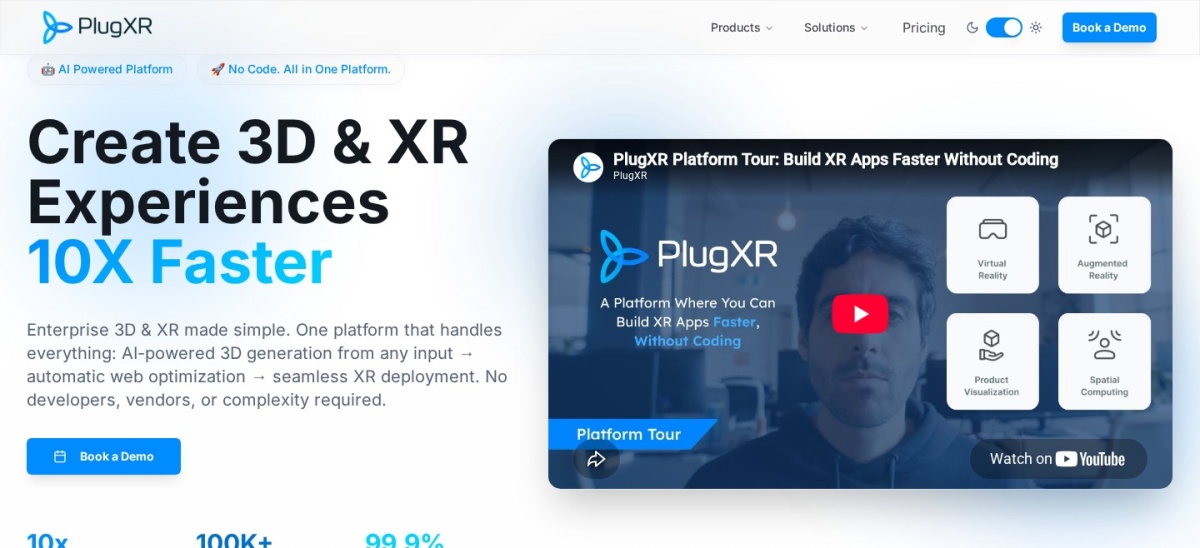
PlugXR is a no-code platform for creating and deploying AR, VR, WebXR and interactive 3D experiences. Its drag-and-drop editor includes templates, AI text-to-3D and image-to-3D generation, and 3D product configurators, with publishing to web, mobile, VR headsets and AR glasses. The Starter plan includes 20 AI generations a month, 1 configurator and 1 GB of storage.
The trade off is that the entry plan is narrow. Starter costs $79 a month for a single AR or VR experience, and Pro jumps to $249 a month for 5 configurators, so a catalogue with many products gets costly. Annual billing saves 20%. It suits ecommerce and product teams that want AI-generated 3D models and configurators without hiring developers.
What we like
AI-assisted 3D generation lowers the asset barrier
Drag-and-drop editor with AR and XR templates
Publishes to web, mobile and headsets
Watch out for
Starter covers only 1 configurator
Pro jumps to $249 a month
Only 2 G2 reviews, so the rating is thin
Pro adds 5 configurators, white-label options and API accessVisit plugxr.com
08
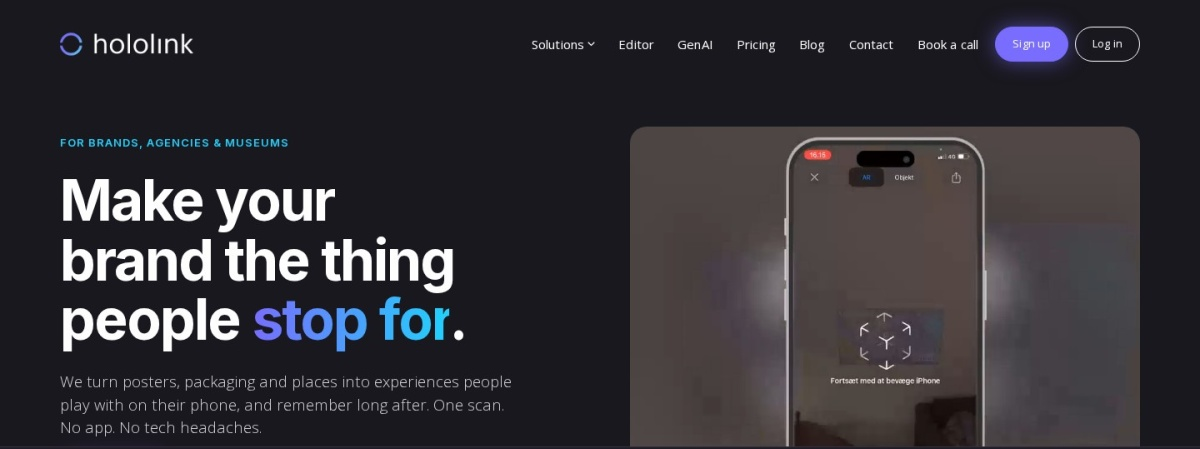
Hololink
4.2/5on G2 (19 reviews, checked Nov 2026)
Paid from€9/mo
Best simple editor for posters and packaging
No-code editorYes, drag-and-drop
TrackingImage recognition
Personal seats1
Publishing fromBasic, €29/mo
hololink.io
Hololink homepage, captured Nov 2026.
Hololink is a web-based AR editor that lets you create AR experiences with a visual, no-code platform and image recognition. Its drag-and-drop editor adds animations to objects, video and images with a few clicks, and experiences open in the phone browser with no app download. The free plan covers 1 seat, and the editor includes every feature on the Personal plan.
The trade off is that the cheapest plan is for previews only. Personal costs €9 a month billed annually, or €19 billed monthly, and is for previews and internal demos. Publishing unlimited experiences and views starts at Basic, at €29 a month billed annually. It suits agencies, museums and brands that want a simple editor for posters, packaging and places.
What we like
Simple drag-and-drop editor
Every editor feature on the Personal plan
Unlimited views from the Basic plan
Watch out for
Personal plan is for previews and demos only
Publishing starts at €29 a month billed annually
No free plan for publishing
Basic adds publishing with unlimited experiences and viewsVisit hololink.io
09
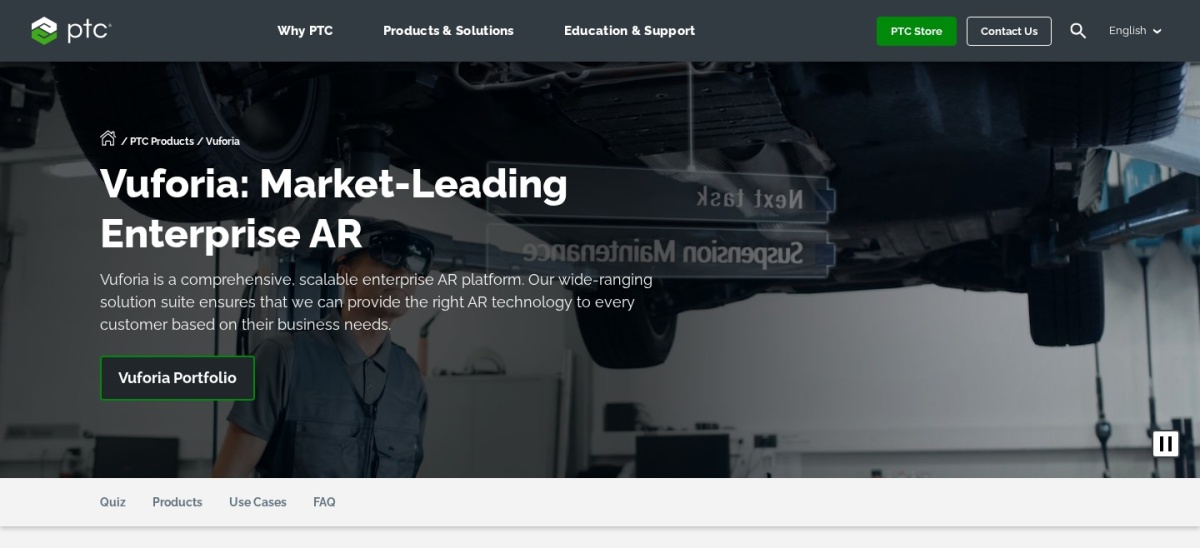
Vuforia Studio
4.1/5on G2 (14 reviews, checked Nov 2026)
PricingQuote/yr
Best for industrial AR on real machines
No-code editorYes, drag-and-drop
TrackingImage, model targets
CAD supportYes, Creo data
PriceQuote only
vuforia.com
Vuforia Studio homepage, captured Nov 2026.
Vuforia Studio is PTC's drag-and-drop AR authoring tool for industrial teams. It turns existing 3D CAD models into AR experiences that overlay service steps, assembly guidance and IoT data onto real equipment. The editor needs no coding for standard experiences, and it supports image targets, model targets built from CAD data, and Microsoft HoloLens 2.
The trade off is access. PTC does not publish a price for Vuforia Studio, so every deployment is quoted through sales, and there is no free plan, only a trial through PTC sales. That puts it out of reach for small teams that want a published price on day one. It suits manufacturers in aerospace, automotive and energy that need AR tied to real machines.
What we like
Drag-and-drop authoring from CAD data
Strong model and image tracking
Enterprise backing from PTC
Watch out for
Quote-only pricing with a sales process
Built for industrial use, so marketing teams may find it heavy
Free vs paid: what the cheapest plan really allows
Free plans cover building and testing well. Most include the full editor, a few projects and a small view allowance.
Commercial use is where free plans differ most. ZapWorks Developer, MyWebAR Creator and Hololink Personal are all limited to non-commercial use, previews or demos, so a business must pay to publish.
Paid plans mostly add views, projects and branding control. Check the view limit first: ZapWorks Pro includes 12,000 views a year, MyWebAR Pro 120,000, and Onirix Starter only 200 a month.
If a campaign could go viral, a per-view plan can cost more than a flat monthly plan. Pick the billing model that matches the size of the audience you expect.
How we chose
We started from every live AR WYSIWYG editor with published pricing or a public rating, then kept the nine that still sell a hosted visual editor in November 2026.
Prices come from each vendor's pricing page, checked on 24 November 2026. Ratings come from G2 on the same day, except Web-AR.Studio, which uses the Google Play rating of its viewer app. Where a vendor shows a sale or an annual discount, the list shows the regular monthly price.
We left out Adobe Aero, retired in November 2025, and 8th Wall, whose hosted platform closed in February 2026. No vendor paid for a place, and we do not claim hands-on testing for this list.
How to choose an AR WYSIWYG editor
Start with the experience you want to publish, then check the price rules before you commit.
Decide what viewers will scan. A poster or package needs image tracking, a room needs world or SLAM tracking, and a venue needs wayfinding. Match the tracking to the job, not the feature list.
Check whether the cheap plan allows commercial use. Several entry tiers are for testing, demos or non-commercial use only. Read the licence terms before you promise a client a launch date.
Publish one small test first. Upload your own 3D model or image, publish a test link, and open it on two different phones. Tracking quality and load time vary more between tools than the feature lists suggest.
Read the view and project limits. Count the views and projects a campaign needs, then compare the cap on each plan. See how to speed up WordPress if the page that hosts the experience loads slowly.
FAQ
What is an AR WYSIWYG editor?
An AR WYSIWYG editor is a visual tool that lets you build augmented reality by dragging objects into a scene and seeing the result as you work, without writing code. You place 3D models, images, video and buttons in a browser editor, then publish a link or QR code for viewers to open on a phone.
Do I need to know how to code to use these tools?
No. ZapWorks Designer, Blippbuilder, MyWebAR, Onirix Studio, Overly Creator, Web-AR.Studio, PlugXR and Hololink are all built for non-technical users. Coding helps only when you want custom interactions, such as a game or a checkout flow, and several tools offer an SDK for that work.
How much does AR WYSIWYG editor software cost?
Entry prices run from free to $315 a month for a commercial plan. Web-AR.Studio starts at $8 a month billed yearly, Blippbuilder at £7.99 a month, and MyWebAR Pro at $25 a month billed yearly. ZapWorks Pro costs $315 a month, and Vuforia Studio is quote only.
Can I publish AR experiences without an app?
Yes. Most tools in this list publish WebAR experiences that run in the phone browser. Viewers scan a QR code or open a link, and the AR content appears with no app download. Vuforia Studio can also publish app-based experiences when a project needs them.
Which AR editor is best for small businesses?
MyWebAR is the best choice for most small businesses, because Pro costs $25 a month billed yearly and allows commercial use. Blippar is cheaper at £7.99 a month, and Web-AR.Studio is cheaper still at $8 a month billed yearly. Pick MyWebAR if you need analytics and a custom domain.
Why are Adobe Aero and 8th Wall not in this list?
Adobe Aero was retired on 6 November 2025, and its cloud service was decommissioned on 3 December 2025, so it can no longer be downloaded or used. 8th Wall closed its hosted platform on 28 February 2026 and released its engine as open source, so it no longer offers a hosted visual editor.
SaaS SEO and WordPress specialist with about 8 years of experience. Rakib compares WordPress plugins, themes, hosting and software using public pricing, documentation and user reviews. See how we rank.