MediaHuman Audio Converter is the best audio converter for most people, free on Windows, Mac and Linux with batch conversion between lossy and lossless formats and a 4.9 out of 5 Trustpilot rating. Pick Freemake for 50+ formats on Windows, or CloudConvert when you want no install.
How we make this list: we compare pricing pages, product documentation and public user reviews, then re-check every price before each update. No product paid for a place. Disclosure.
MediaHuman Audio Converter is the best free pick: free on Windows, Mac and Linux, with batch conversion, CUE splitting and a 4.9 out of 5 Trustpilot rating.
Freemake converts between 50+ audio formats and extracts audio from video, but the free version caps each file at 3 minutes.
Audacity is the strongest free editor here, with 100M+ downloads since 2000, and it exports WAV, MP3, FLAC and Ogg.
CloudConvert and Zamzar need no install: CloudConvert gives 10 free credits a day, while Zamzar allows 2 free files every 24 hours.
Paid plans start at $14.95 once for Any Audio Converter and $30 once for Switch, or $9 a month for CloudConvert.
What to look for in an audio converter
An audio converter changes one audio format into another, usually to play a file on a device that rejects the original format, or to shrink a large lossless file for a phone.
The formats matter most. Lossless formats such as FLAC and WAV keep full quality but take more space, while MP3 and AAC shrink files by dropping sound most listeners will not miss.
Desktop converters suit large libraries because files never leave your computer, while web converters suit one-off jobs with no install. Our guide on hosting a podcast with WordPress covers the audio formats podcast players expect.
Check the free limits before you commit. Some free desktop tools cap file length, and web tools cap file size or daily conversions, so a tool that looks free can stop halfway through a library.
4.9/5on Trustpilot (503 reviews, checked Nov 2026)
PriceFree
Best audio converter overall
PlatformsWindows, Mac, Linux
Lossless formatsFLAC, ALAC, WAV, AIFF
Batch conversionYes, with CUE split
Paid planNone, fully free
mediahuman.com
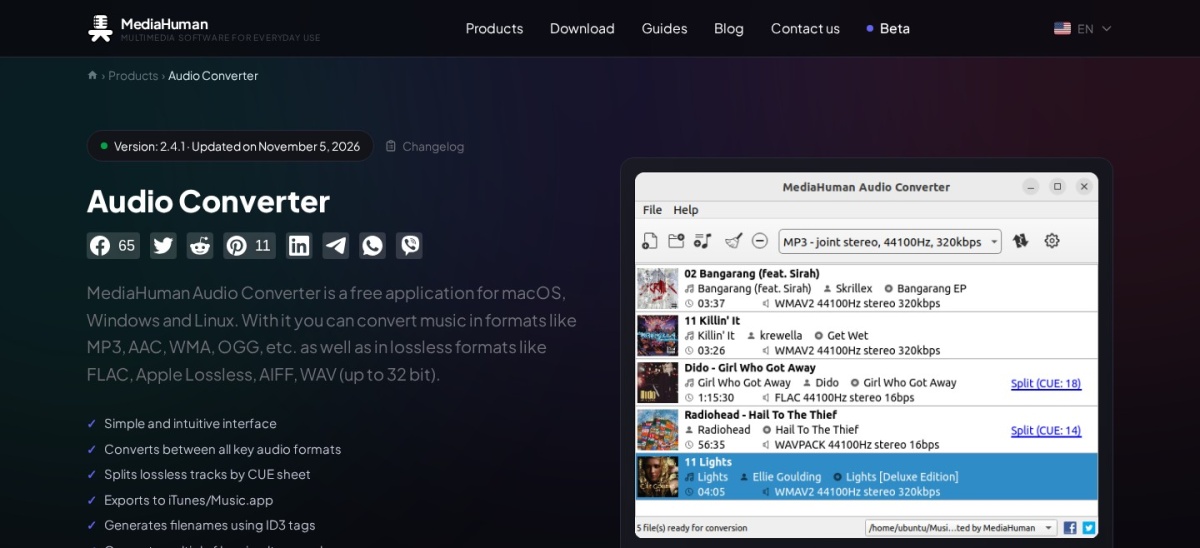
MediaHuman Audio Converter homepage, captured Nov 2026.
MediaHuman Audio Converter is a free batch converter for Windows, Mac and Linux. It converts between MP3, AAC, WMA, OGG, FLAC, Apple Lossless, AIFF and WAV up to 32-bit, splits lossless albums by CUE sheet, keeps folder structure and tags, and exports straight to iTunes or the Music app.
The trade off is editing depth. It has volume normalization, fades and silence trimming, but no multi-track editing or effects rack, so pair it with Audacity for cleanup work. It suits anyone converting a music library between formats without paying.
3.9/5on Trustpilot (2,221 reviews, checked Nov 2026)
PriceFree
Best for 50+ formats on Windows
PlatformsWindows only
Formats50+ audio formats
Batch conversionYes, plus join
Free limit3 minutes per file
freemake.com
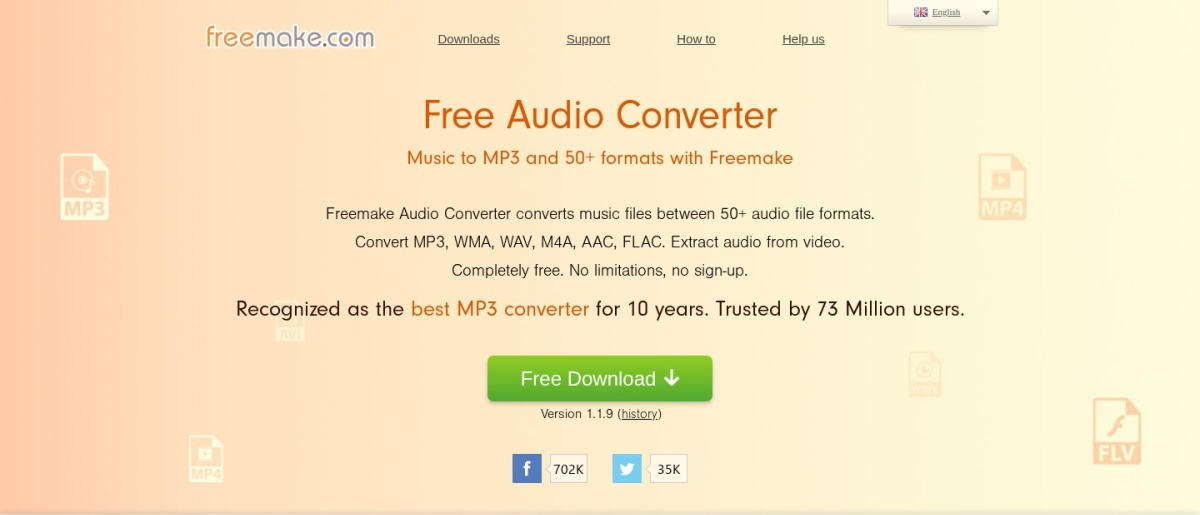
Freemake Audio Converter homepage, captured Nov 2026.
Freemake Audio Converter is a free Windows tool that converts music between 50+ audio formats, including MP3, AAC, M4A, WMA, OGG, FLAC and WAV. It extracts audio from 500+ video formats, converts files in batches, joins tracks into one file, and sends finished tracks to iTunes or cloud storage.
The trade off is the free limit and the platform. The free version caps each file at 3 minutes, and there is no Mac or Linux version, so long tracks need the paid pack or another tool. It suits Windows users converting short clips and video soundtracks.
Audacity is a free, open-source audio editor for Windows, Mac and Linux, with more than 100 million downloads since 2000. It records, trims and cleans up audio, then exports to WAV, MP3, FLAC, Ogg and more, with VST3 plugin support and a redesigned interface in Audacity 4.
The trade off is that it is an editor first. Batch conversion needs extra steps, and some formats need the FFmpeg library installed before they export. It suits podcasters and musicians who want to edit and convert in one free tool.
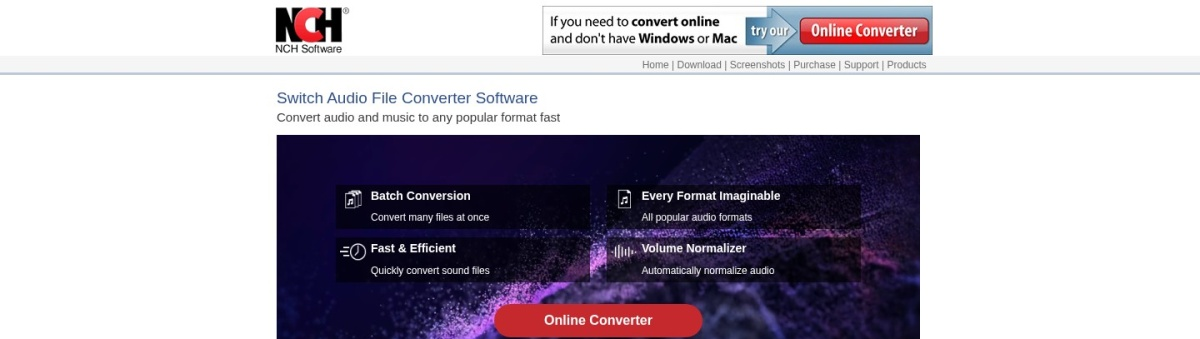
Switch Audio Converter homepage, captured Nov 2026.
Switch Audio Converter is a fast desktop converter from NCH Software for Windows, Mac and Android. It converts between 75+ audio formats, converts files in batches, extracts audio from video, and normalizes volume automatically while converting.
The trade off is the licence. The free version is for non-commercial use only, and the Plus version costs $30 once for commercial use and extra features. It suits anyone converting batches of files on a desktop quickly.
What we like
75+ formats
Fast batch conversion
Automatic volume normalization
Free version never expires
Watch out for
Free version is non-commercial only
No Linux version
Plus adds commercial use and extra features for $30 onceVisit nch.com.au
05
CloudConvert
4.7/5on G2 (21 reviews, checked Nov 2026)
Paid from$9/mo
Best web converter with no install
PlatformsWeb, any browser
Formats200+ across file types
Free plan10 credits a day
Paid planSubscription, $9/mo
cloudconvert.com
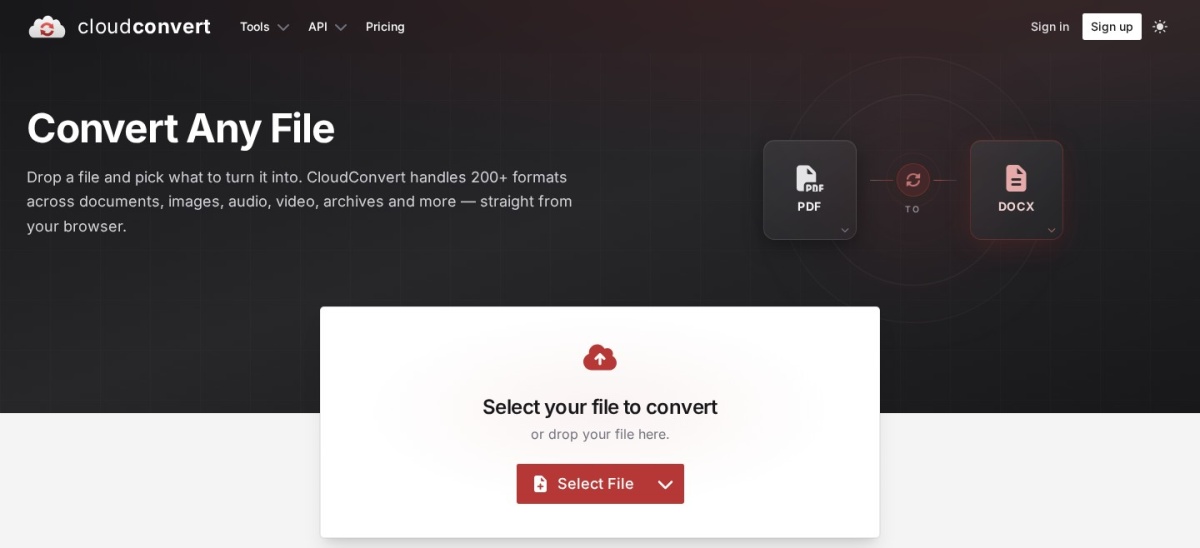
CloudConvert homepage, captured Nov 2026.
CloudConvert is a web converter that handles 200+ formats across audio, documents, images and video, straight from the browser. The free plan includes 10 conversion credits a day, and one credit covers one minute of conversion time, so short audio files cost little.
The trade off is the credit meter. Heavy use needs a subscription at $9 a month for 1,000 credits, and files upload to CloudConvert servers, so it is a poor fit for private recordings. It suits occasional conversions with no install.
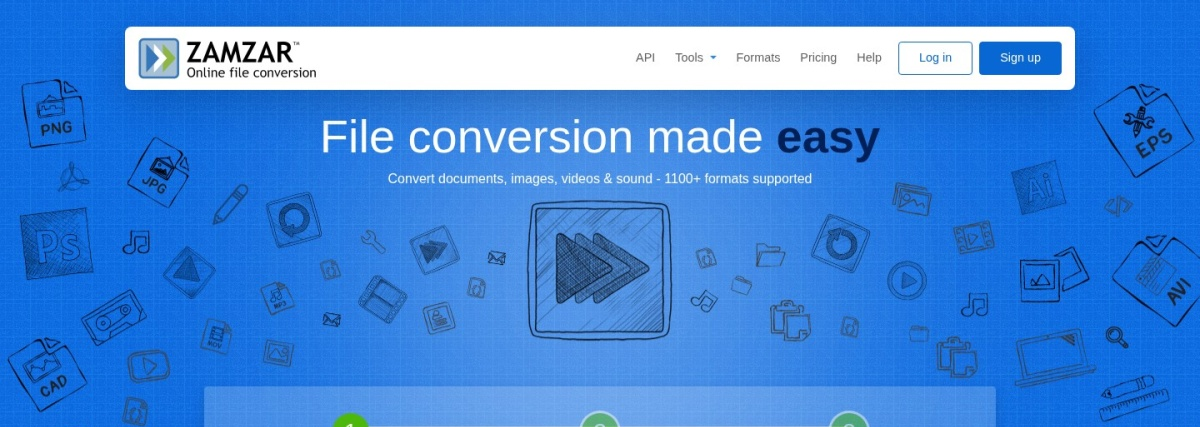
Zamzar is a web converter that has run since 2006 and covers 1,100+ formats, including audio, documents, images and video. The free tier allows 2 files every 24 hours, and paid plans add unlimited web conversions, larger files and online storage.
The trade off is the free cap and the price. Two files a day and a small file limit make the free tier slow for libraries, and Basic costs $12 a month. It suits occasional conversions where no install matters more than cost.
What we like
1,100+ formats
No install needed
Running since 2006
Email notification when files are ready
Watch out for
Free tier allows only 2 files a day
Basic plan costs $12 a month
Files upload to a server
Basic adds unlimited web conversions for $12 a monthVisit zamzar.com
07
VLC media player
4.7/5on G2 (625 reviews, checked Nov 2026)
PriceFree
Best for converting with a player you own
PlatformsWindows, Mac, Linux, mobile
ConversionVia Media menu
Batch conversionNo
Paid planNone, fully free
videolan.org
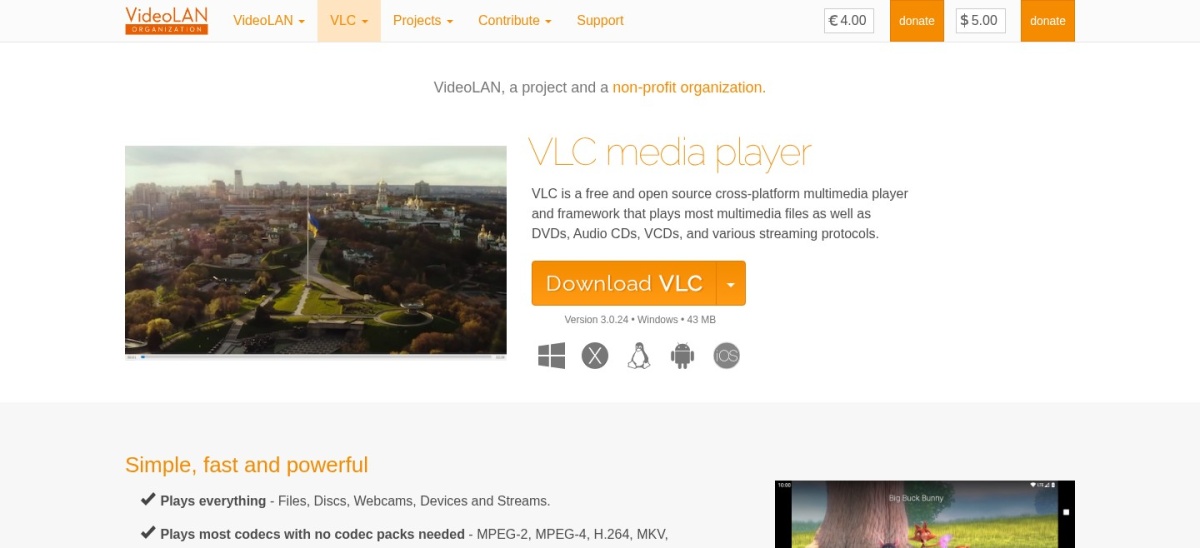
VLC media player homepage, captured Nov 2026.
VLC media player is a free, open-source player from VideoLAN that also converts audio through its Media menu. It plays most codecs with no extra packs, runs on Windows, Mac, Linux, Android and iOS, and version 3.0.24 is the current release.
The trade off is the workflow. Conversion is one file at a time through menus, with no batch queue or presets, so large libraries take far longer than in a dedicated converter. It suits quick one-off conversions on a computer that already has VLC.
4.6/5on SourceForge (83 reviews, checked Nov 2026)
PriceFree
Best open-source converter and ripper
PlatformsWindows, Mac, Linux + more
FormatsMP3, FLAC, AAC, Opus + more
CD ripperYes, with CDDB
Paid planNone, fully free
freac.org
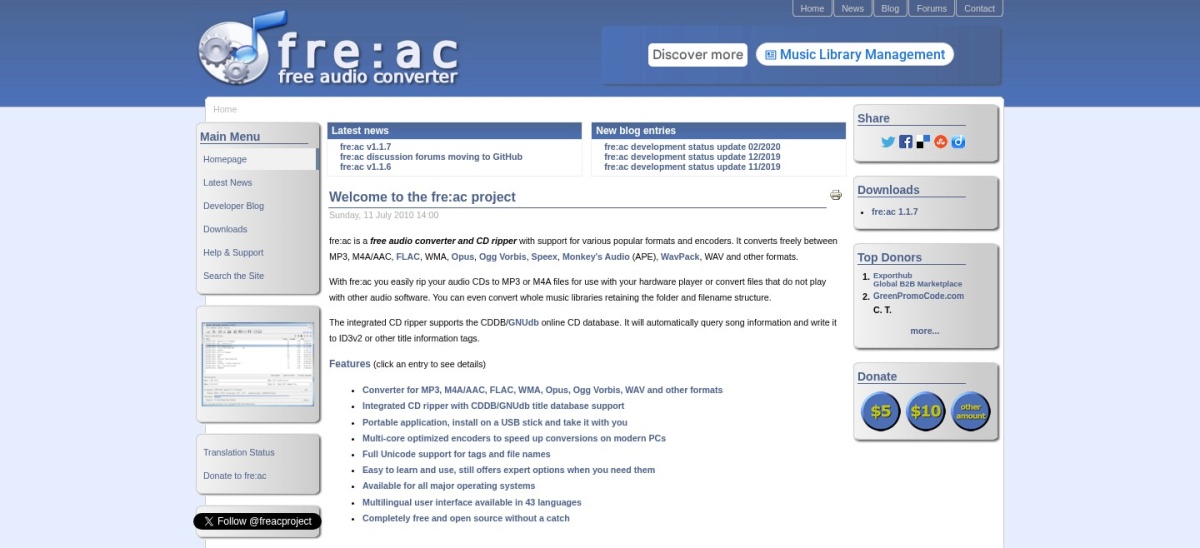
fre:ac homepage, captured Nov 2026.
fre:ac is a free, open-source audio converter and CD ripper for Windows, Mac, Linux, FreeBSD and Haiku. It converts between MP3, M4A/AAC, FLAC, WMA, Opus, Ogg Vorbis and WAV, rips CDs with CDDB title lookup, and runs as a portable app from a USB stick.
The trade off is the interface. It looks dated next to newer tools, and expert options such as encoder settings take time to learn. It suits collectors ripping CDs and converting whole libraries without paying.
What we like
Free and open source
Built-in CD ripper
Portable, runs from a USB stick
Multi-core encoders for speed
Watch out for
Dated interface
Expert settings take learning
No web version
Free with no paid plan; donations support the projectVisit freac.org
09
Any Audio Converter
3.6/5on Softonic (245 reviews, checked Nov 2026)
Paid from$14.95/once
Best for trimming while converting
PlatformsWindows and Mac
FormatsMP3, WAV, FLAC, AAC + more
Batch conversionYes
Paid planFrom $14.95 once
any-video-converter.com
Any Audio Converter homepage, captured Nov 2026.
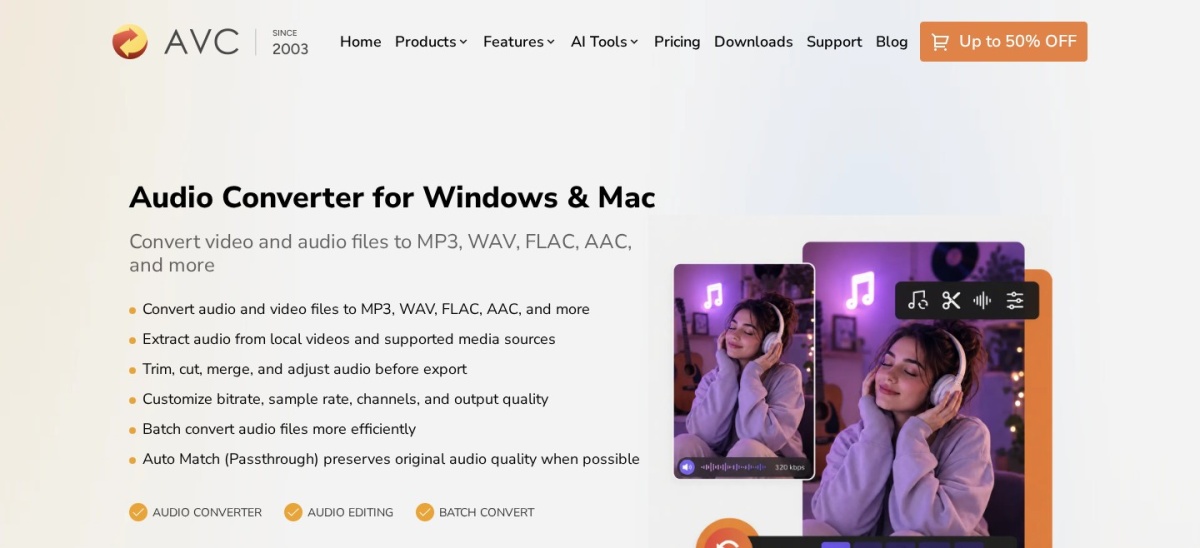
Any Audio Converter is a desktop converter and editor for Windows and Mac from Anvsoft. It converts video and audio to MP3, WAV, FLAC, AAC and more, trims, cuts and merges audio before export, and converts files in batches with local processing.
The trade off is the price and the rating. The paid version starts at $14.95 once, and its 3.6 out of 5 Softonic rating is the lowest in this list. It suits Windows and Mac users who want trimming and conversion in one local tool.
Desktop converters keep files on your computer, so there is no upload wait and no file-size cap from a server. They suit full music libraries and private recordings.
Web converters need no install and work on any device with a browser, but every file goes to a server, so avoid them for private recordings.
Price works differently too. Desktop tools are often free or a one-time payment, while web tools sell subscriptions or credits that suit occasional use better than daily use.
How we chose
We started from the desktop and web audio converters with the longest track records and the largest review bases, then kept nine that cover free, one-time and subscription pricing.
Prices come from each vendor's pricing or store page, checked on 24 November 2026. Ratings and review counts come from G2, Capterra, Trustpilot, SourceForge or Softonic on the same day. Where a vendor shows a sale, the list shows the regular price.
We left out converters with no clear vendor or no published price. No vendor paid for a place, and we do not claim hands-on testing for this list.
How to choose an audio converter
Match the converter to the size of the job, then check formats and free limits before you install anything.
Count the files first. A handful of files suits a web converter, while a full library needs a desktop tool with batch conversion and no daily cap.
List the formats you need. Check that the tool reads your source format and writes your target format, including lossless formats such as FLAC if you keep masters.
Read the free limit. Free versions cap file length, file size or daily conversions, so confirm the limit covers your longest file before you start.
Keep private audio local. Use a desktop converter for recordings, interviews or unreleased music, and keep web uploads for files you are happy to share.
FAQ
What is the best audio converter software?
MediaHuman Audio Converter is the best pick for most people. It is free on Windows, Mac and Linux, converts in batches, splits CUE sheets and holds a 4.9 out of 5 Trustpilot rating from 503 reviews.
Is there a completely free audio converter?
Yes. MediaHuman, Audacity, VLC and fre:ac are free with no paid tier, and Freemake and Switch have free versions for personal use. Web tools such as CloudConvert and Zamzar also convert for free within daily limits.
Can I convert FLAC to MP3 for free?
Yes. MediaHuman, Freemake, Audacity, Switch, VLC and fre:ac all convert FLAC to MP3 without paying. Pick MediaHuman for whole folders at once, since it keeps folder structure and tags during batch conversion.
Do I need to install software to convert audio?
No. CloudConvert and Zamzar run in the browser and need no install, which suits one-off conversions. Install a desktop tool such as MediaHuman or Switch when you convert often or work with large music libraries.
What is the best audio converter for Windows?
MediaHuman and Freemake are the strongest free Windows picks, with MediaHuman adding Mac and Linux support. Switch is the best paid Windows option at $30 once, with batch conversion and volume normalization.
Will converting MP3 to WAV improve sound quality?
No. Converting a lossy file such as MP3 to WAV cannot restore sound that compression already removed. It only makes the file larger, so keep the original MP3 unless a device or editor needs WAV.
SaaS SEO and WordPress specialist with about 8 years of experience. Rakib compares WordPress plugins, themes, hosting and software using public pricing, documentation and user reviews. See how we rank.