REAPER is the best mixing software for most independent producers, offering a $60 discounted license and a fully functional 60-day evaluation. Choose Logic Pro for integrated music production and spatial audio mixing, or Ableton Live for electronic music and clip-based production.
How we make this list: we compare pricing pages, product documentation and public user reviews, then re-check every price before each update. No product paid for a place. Disclosure.
REAPER offers a $60 discounted license and a fully functional 60-day evaluation.
Logic Pro is available through Apple Creator Studio for $129 per year.
Ableton Live Intro regularly costs $99 and supports 16 tracks.
Pro Tools Artist supports 32 audio tracks for $9.99 per month.
Audacity is free and holds a 4.5/5 rating from 457 G2 reviews.
What to look for in audio mixing software
Audio mixing software helps producers balance recorded instruments, vocals and sound effects. Most professional options are digital audio workstations, commonly called DAWs, that combine recording, editing, mixing and exporting.
Look for flexible signal routing, volume automation, equalization, compression and third-party plugin compatibility. These features help you control individual tracks and create a balanced final mix.
Track limits matter when mixing large projects. An inexpensive entry-level edition may work for electronic music but become restrictive when recording bands or producing orchestral arrangements.
Compare subscription costs with perpetual licenses. A one-time purchase may reduce ongoing expenses, while subscriptions often include continuing software updates and additional services.
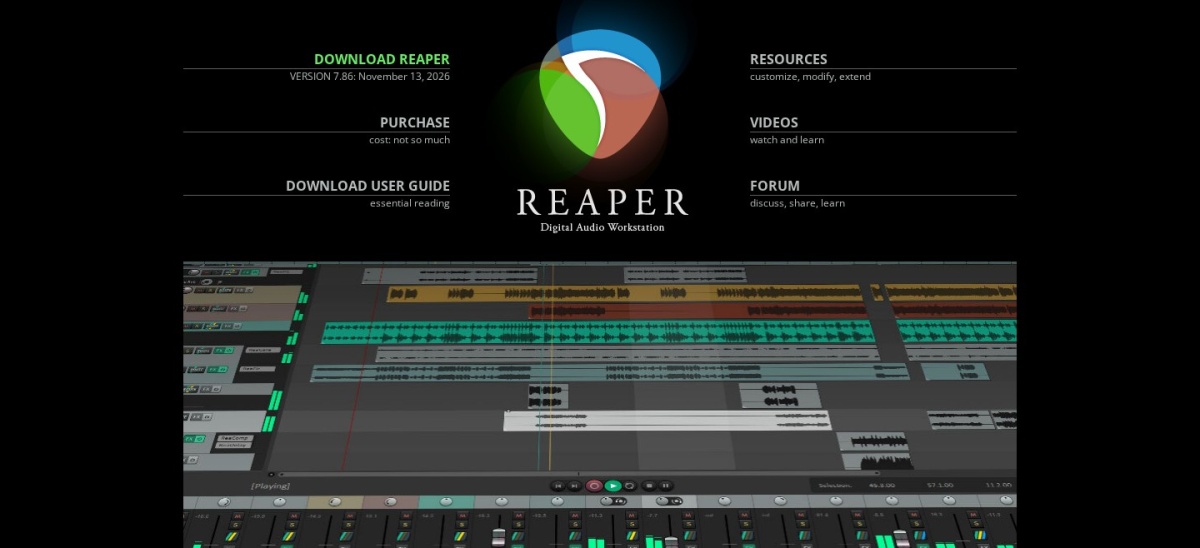
REAPER is a digital audio workstation for recording, editing and mixing music, with a fully functional 60-day evaluation. Its flexible track routing and plugin support make it suitable for projects ranging from vocal recordings to full-band sessions.
The trade off is a learning curve and eligibility restrictions on the $60 discounted license, with commercial licensing costing $225 for businesses exceeding the qualifying revenue threshold. It suits independent producers and engineers who prefer customizable software.
What we like
Affordable perpetual licensing
Customizable audio routing
Full-featured evaluation
Supports multiple operating systems
Watch out for
Interface takes time to learn
Discounted license has eligibility requirements
A purchased license includes updates through version 8.99.Visit reaper.fm
02
Logic Pro
4.6/5on G2 (177 reviews, checked Nov 2026)
Starts at$129/yr
Best for music production on Mac
PlatformsMac and iPad
Spatial audioDolby Atmos
Entry subscriptionApple Creator Studio
Standalone Mac license$199.99
apple.com
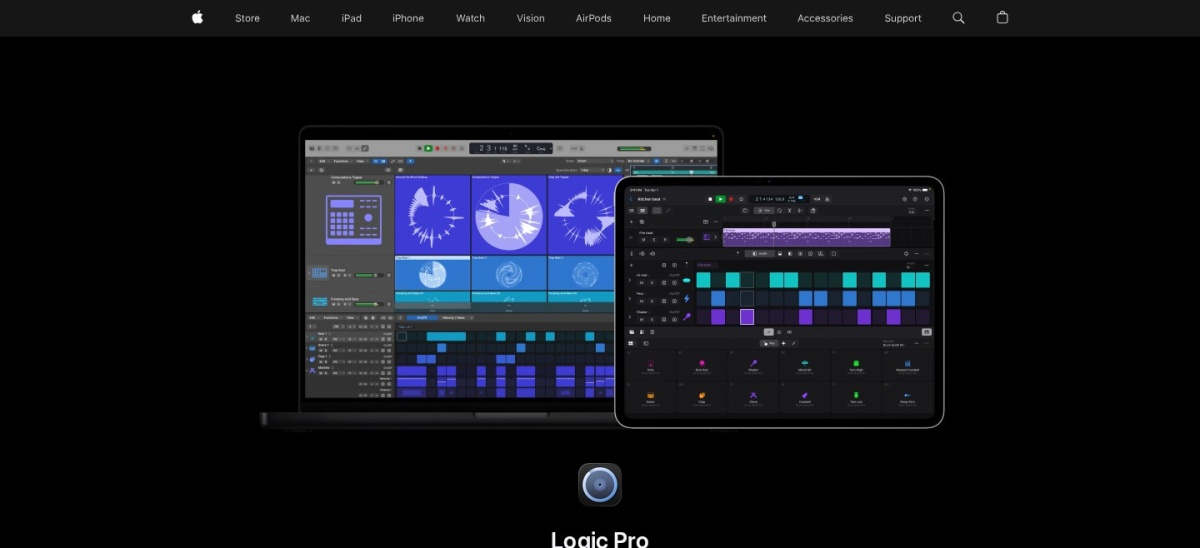
Logic Pro homepage, captured Nov 2026.
Logic Pro is Apple's music production application, available through a $129 annual Apple Creator Studio subscription. It combines virtual instruments, audio editing, mixing effects and spatial audio production within a single environment.
The trade off is platform compatibility, although Mac users can avoid subscriptions with a $199.99 standalone purchase. It suits musicians and producers who already use Apple hardware and want integrated composition and mixing tools.
What we like
Integrated instruments and effects
Spatial audio mixing
Standalone purchase available
Music composition features
Watch out for
No Windows or Linux version
Large sound libraries require storage
Apple Creator Studio includes Logic Pro and additional creative applications.Visit apple.com
03
Ableton Live
4.7/5on G2 (158 reviews, checked Nov 2026)
Starts at$99 one-time
Best for electronic music mixing
PlatformsWindows, macOS
Entry editionLive Intro
Track limit16
Included sounds5+ GB
ableton.com
Ableton Live homepage, captured Nov 2026.
Ableton Live is a music production workstation that combines traditional arrangements with clip-based workflows. Its Intro edition supports 16 tracks and includes more than 5 GB of sounds for creating and mixing electronic music.
The trade off is the track restriction and smaller collection of production devices in the $99 Intro edition, temporarily discounted to $79 during a promotion. It suits electronic musicians working with loops, samples and live arrangements.
What we like
Flexible clip-based arrangement
Suitable for live performances
Integrated instruments and effects
Perpetual licensing available
Watch out for
Entry edition limits track counts
Advanced editions cost considerably more
Standard and Suite expand production features, instruments and sound libraries.Visit ableton.com
04
Pro Tools
4.3/5on G2 (122 reviews, checked Nov 2026)
Paid from$9.99/mo
Best for professional recording studios
Entry editionArtist
Audio tracks32
MIDI tracks64
Instruments and effects110+
avid.com
Pro Tools homepage, captured Nov 2026.
Pro Tools is Avid's digital audio workstation for recording, editing and mixing professional audio projects. Its Artist subscription includes 32 audio tracks, 64 MIDI tracks and more than 110 instruments and effects.
The trade off is that the $9.99 monthly Artist edition has fewer tracks and mixing capabilities than the higher editions. It suits recording engineers, musicians and producers who expect to exchange projects with professional studios.
What we like
Established studio workflow
Detailed audio editing
Hardware integration
Included mixing effects
Watch out for
Entry edition has track restrictions
Advanced immersive mixing requires an upgrade
Studio adds 512 audio tracks and immersive mixing.Visit avid.com
05
FL Studio
4.6/5on G2 (101 reviews, checked Nov 2026)
Starts at$99 one-time
Best for beat production and mixing
PlatformsWindows, macOS
Entry editionFruity
Audio clips8
Edition updatesFree for life
image-line.com
FL Studio homepage, captured Nov 2026.
FL Studio is a pattern-based music production workstation with dedicated sequencing, arrangement and mixing tools. Its entry-level Fruity edition supports 8 audio clips and includes lifetime software updates.
The trade off is that the $99 Fruity edition does not include direct audio recording or stem separation, while promotional discounts apply to selected higher editions. It suits beatmakers and electronic producers who primarily work with virtual instruments.
Adobe Audition is an audio editing and mixing application designed for recorded media, podcasts and sound restoration. Its $22.99 monthly single-app plan includes multitrack sessions, waveform editing and tools for removing unwanted noise.
The trade off is the recurring cost of $275.88 per year and limited music composition capabilities compared with dedicated music workstations. It suits podcast editors, video creators and audio post-production professionals.
What we like
Detailed spectral audio editing
Noise reduction tools
Multitrack mixing environment
Integration with Adobe Premiere Pro
Watch out for
No perpetual license
Less suitable for MIDI composition
The paid subscription provides access to Audition and continuing updates.Visit adobe.com
07
Audacity
4.5/5on G2 (457 reviews, checked Nov 2026)
PriceFree
Best for completely free audio mixing
PlatformsWindows, macOS, Linux
LicenseOpen source
Plugin supportVST3 and Nyquist
Audio exportsWAV, MP3, FLAC and more
audacityteam.org
Audacity homepage, captured Nov 2026.
Audacity is a free, open-source audio editor with over 100 million downloads since 2000. It supports multitrack audio projects, third-party effects, frequency analysis and common audio export formats.
The trade off is that the free application has fewer advanced production and routing options than dedicated commercial workstations. It suits beginners, podcasters and musicians who need basic mixing without paying for software.
What is the difference between mixing and mastering?
Mixing balances individual tracks within a recording. It involves adjusting volume, stereo placement, equalization, dynamics and effects so that instruments and vocals work together.
Mastering prepares the completed mix for distribution. It focuses on overall tonal balance, loudness, consistency and playback across different listening systems.
How we chose
We selected established audio workstations and editors based on their mixing capabilities, licensing options, platform compatibility and public G2 reviews.
The editorial check date is 22 Nov 2026. Pricing and ratings come from the linked public pages, but historical figures for that exact date could not be independently confirmed. Perpetual license prices represent initial purchase costs rather than recurring annual charges.
We excluded DJ-only applications, standalone effects plugins and products without independently confirmed entry pricing. Cubase was excluded because its official pricing page did not render its pricing details when opened. No vendor paid for a place, and we do not claim testing for this list.
How to choose the best mixing software
Compare your recording requirements, operating system and budget before purchasing a digital audio workstation.
Identify your production workflow. Choose software designed for your main activity, whether recording bands, producing electronic music or editing spoken audio.
Check track limits and routing. Make sure the entry edition supports your expected session size, auxiliary channels and signal processing requirements.
Confirm hardware and plugin compatibility. Review supported operating systems, audio interfaces, control surfaces and plugin formats before committing.
Compare long-term licensing costs. Evaluate subscriptions against perpetual purchases and consider whether future edition upgrades will increase your expenses.
FAQ
What is the best mixing software overall?
REAPER is our top pick for independent producers because it combines flexible routing, detailed audio editing and affordable perpetual licensing. Its discounted license costs $60 for eligible individuals and organizations.
What is the best free mixing software?
Audacity is a suitable free option for basic multitrack mixing, audio editing and recording. It supports third-party effects and common export formats without requiring users to purchase a core software license.
What mixing software do professional studios use?
Pro Tools is widely associated with professional recording studios and audio post-production workflows. Logic Pro, REAPER and other established digital audio workstations also support professional music production, depending on project requirements.
Can beginners use professional audio mixing software?
Yes. Beginners can learn professional mixing software by starting with volume adjustments, panning and basic equalization. Entry editions and free evaluations help new producers develop their skills before purchasing more advanced features.
Do I need additional plugins for mixing music?
Not necessarily. Most commercial digital audio workstations include equalizers, compressors, reverbs and other essential mixing effects. Additional plugins become useful when you need specialized processing or prefer a different workflow.
SaaS SEO and WordPress specialist with about 8 years of experience. Rakib compares WordPress plugins, themes, hosting and software using public pricing, documentation and user reviews. See how we rank.