Affinity leads for zero-cost page layout with a free core app that includes pixel, vector, and layout studios. Adobe InDesign fits publishers needing print and digital standards, while Canva suits fast template-driven layouts.
How we make this list: we compare pricing pages, product documentation and public user reviews, then re-check every price before each update. No product paid for a place. Disclosure.
Affinity offers its core desktop layout, vector, and pixel tools free, with optional Canva Pro add-ons at $144/yr.
Adobe InDesign lists at $22.99/mo on an annual plan billed monthly ($263.88/yr prepaid).
Canva Pro lists at $12/mo billed yearly ($144/yr) or $18/mo billed monthly for one user.
Marq starts at $10/mo billed yearly ($120/yr) for Pro or Team plans with a free tier.
Swift Publisher sells a single-user macOS license for $19.99 one-time.
What to look for in page layout software
Page layout software handles multi-page composition, typography styles, master pages, and print or digital export. Some tools focus on commercial print output with CMYK profiles and PDF/X export, while others prioritize speed, templates, and browser collaboration.
Licensing models vary widely across desktop and cloud tools. Free and open-source options reduce upfront cost, whereas subscription apps charge monthly or annually and may gate AI or team controls behind higher tiers.
File compatibility matters if you exchange editable files with agencies, printers, or teammates. Check whether an app imports existing layouts such as IDML files or exports standard PDFs for external review.
Affinity is a unified creative suite from Canva that combines layout, vector, and pixel tools free for individuals. It supports master pages, text styles, and IDML imports for multi-page documents.
The trade off is that premium AI features sit outside the free core and require a paid Canva plan. It suits budget-conscious designers and solo creators who want layout tools without a core license fee.
What we like
Core layout, vector, and pixel tools are free
Supports IDML imports from InDesign
Includes master pages, styles, and export tools
Watch out for
Requires a Canva account to download and activate
Premium AI tools require a paid Canva subscription
Adobe InDesign is a desktop publishing app for books, magazines, brochures, and interactive PDFs. Its single-app annual plan includes 100GB cloud storage, Adobe Fonts, and 25 monthly generative credits.
The trade off is recurring subscription billing at $263.88/yr prepaid or $22.99/mo on an annual commitment. It suits agencies, publishers, and teams needing established print and editorial workflows.
What we like
Built for multi-page print and digital publications
Strong typographic and layout control across long documents
Includes 100GB storage and 7-day trial
Watch out for
No free tier beyond a 7-day trial
Annual commitment required for listed monthly rate
Creative Cloud Pro bundles 20+ apps at $69.99/mo regular price.Visit adobe.com
03
Canva
4.7/5on G2 (7,927 reviews, checked Nov 2026)
Paid from$144/yr
Best for fast template-based marketing layouts
Free Plan$0 (1 Brand Kit)
Pro Yearly$144/yr ($12/mo)
Pro Monthly$18/mo
Seat Limit1 user on Pro
canva.com
Canva homepage, captured Nov 2026.
Canva is a browser-based layout and design platform with a free tier offering 5GB storage and one Brand Kit. Canva Pro adds 100GB storage, background removal, resizing, and five Brand Kits for one user.
The trade off is that Pro costs $144/yr billed yearly or $18/mo monthly and covers only one person. It suits marketers and small teams making flyers, presentations, and social layouts quickly.
What we like
Free tier available with no time limit
Fast template workflow for everyday marketing pieces
Pro includes resizing, background removal, and 100GB storage
Watch out for
Pro plan is limited to a single user
Less deep prepress control than dedicated print tools
Canva Business scales per seat at $250/yr per person or $25/mo.Visit canva.com
04
Marq
4.5/5on G2 (210 reviews, checked Nov 2026)
Paid from$120/yr
Best for brand templates and team locking
Free Plan$0 (3 projects)
Yearly Rate$120/yr ($10/mo)
Free Storage2GB cloud
FormatWeb-based
marq.com
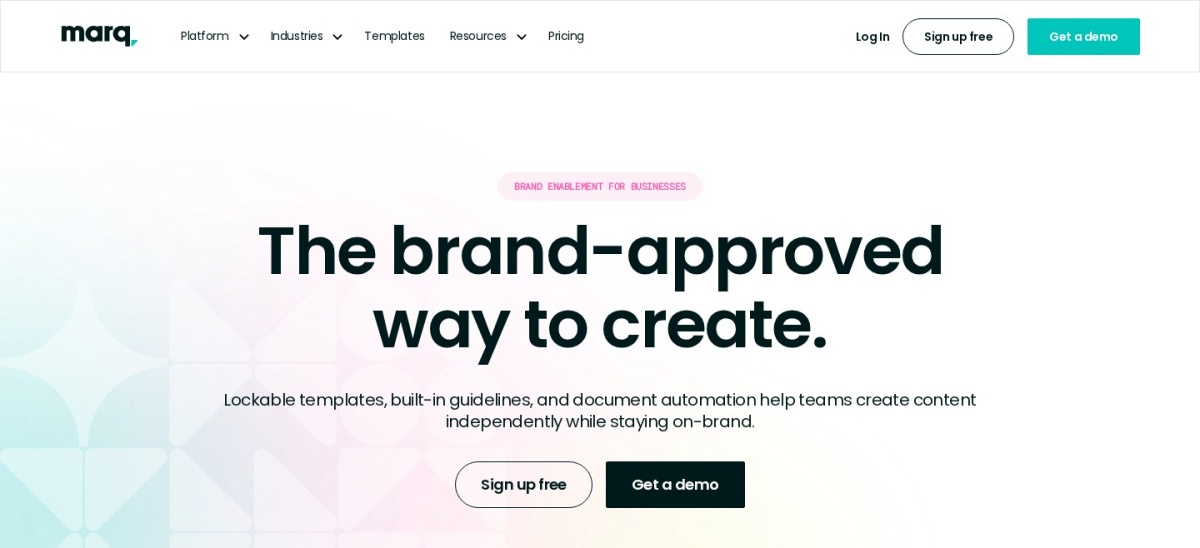
Marq homepage, captured Nov 2026.
Marq is a web-based layout platform with a free tier that includes 2GB cloud storage and a three-project limit. Paid plans start at $120/yr billed yearly ($10/mo) with premium templates and smart brand assets.
The trade off is a three-project cap on the free plan and recurring annual billing at $120/yr. It suits teams and businesses distributing reusable branded templates across contributors.
What we like
Free plan includes 2GB storage and print/share options
Supports template locking and brand asset management
Runs in the browser without local install
Watch out for
Free plan caps projects at three
Large or data-heavy documents can slow browser editing
Team plan at $120/yr billed yearly adds roles and data automations.Visit marq.com
05
Swift Publisher
4.4/5on G2 (11 reviews, checked Nov 2026)
Starts at$19.99 one-time
Best for one-time Mac desktop publishing
Single User$19.99 one-time
Family Pack$35.99 one-time
PlatformmacOS
Included Art2,000+ clipart
swiftpublisher.com
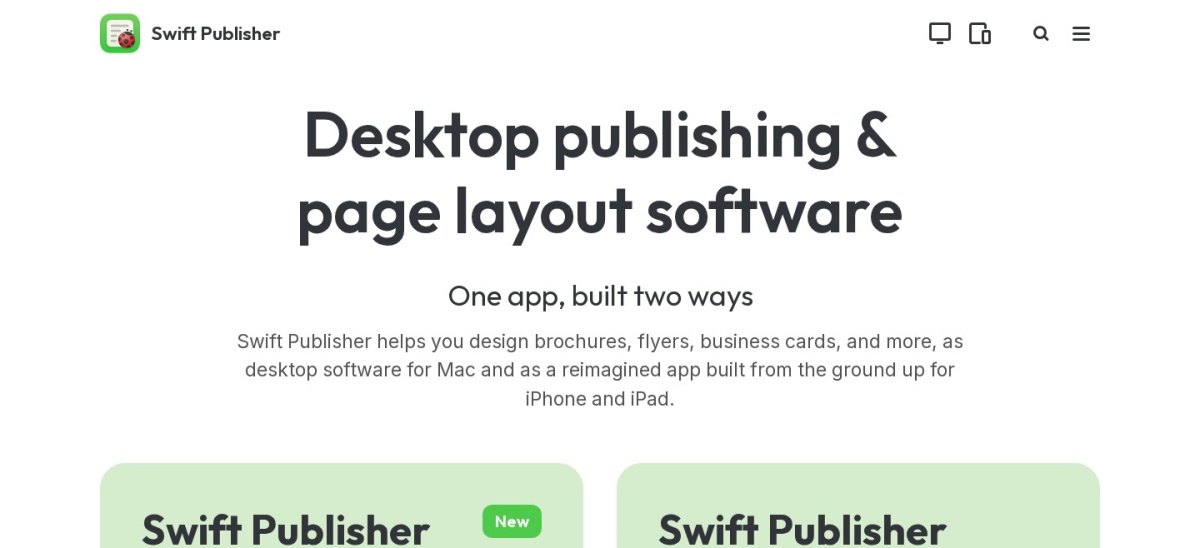
Swift Publisher homepage, captured Nov 2026.
Swift Publisher is a macOS desktop publishing app sold for a $19.99 one-time single-user license with over 2,000 clipart images. It helps users create brochures, flyers, labels, calendars, and multi-page layouts.
The trade off is that it runs only on macOS and costs $19.99 upfront rather than offering a free tier. It suits Mac users who want a low-cost one-time purchase for brochures and labels.
What we like
One-time $19.99 single-user license with no subscription
Easy learning curve for brochures, flyers, and labels
Family Pack available for up to five household Macs
Watch out for
Limited to macOS
Less suited to heavy commercial prepress than InDesign
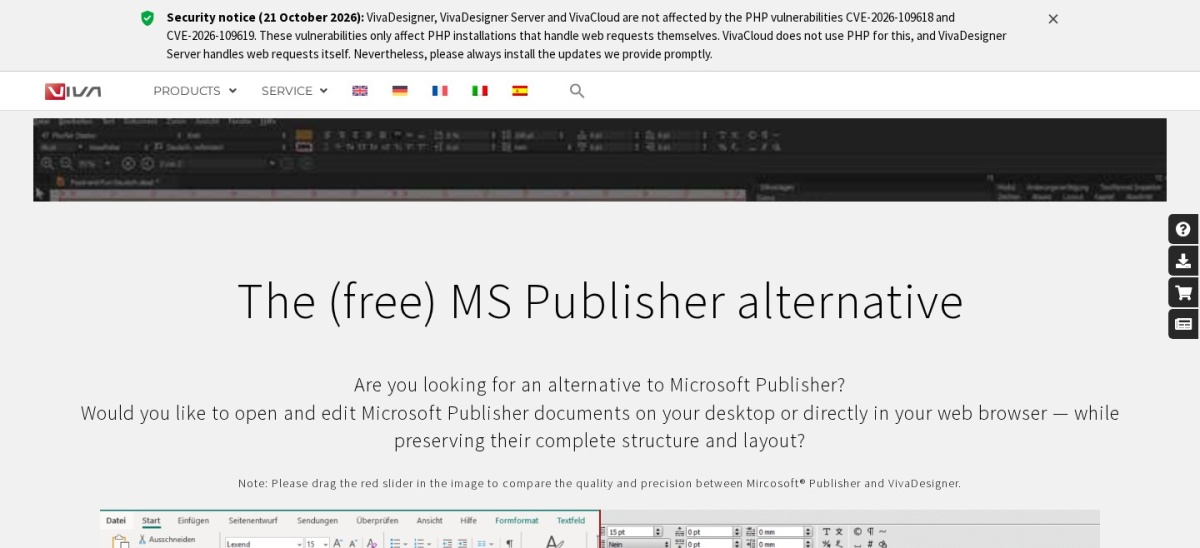
VivaDesigner is a layout program available as a free desktop edition alongside paid editions for education, personal, and commercial use. Paid desktop licenses start at $89/user for eligible education users and $139/user for personal non-commercial use.
The trade off is that commercial desktop licensing costs $399/user and the free edition restricts commercial publishing. It suits organizations and users who want desktop and browser layout options with edition tiers.
What we like
Offers a free desktop edition
Supports desktop and web workflows plus InDesign file import
Dedicated editions for education, nonprofits, and commercial use
Watch out for
Commercial license is priced higher at $399/user
Smaller public review count than mainstream suites
Commercial desktop edition is listed at $399/user, with upgrades sold separately.Visit viva.systems
07
Scribus
4.1/5on G2 (27 reviews, checked Nov 2026)
PriceFree
Best for open-source print publishing
PriceFree ($0)
LicenseOpen-source
OS SupportWindows, Mac, Linux
Print OutputCMYK and PDF/X
scribus.net
Scribus homepage, captured Nov 2026.
Scribus is a free, open-source desktop publishing program for Windows, macOS, and Linux with no paid tiers. It provides master pages, frames, style sheets, CMYK color handling, and PDF/X export.
The trade off is a dated interface and steeper learning curve than newer commercial tools. It suits nonprofits, schools, and users who need print-ready layout tools at zero cost.
What we like
Completely free and open-source with no paid plans
Runs on Windows, macOS, and Linux
Supports CMYK color and PDF/X export for print
Watch out for
Interface feels dated and takes time to learn
Lacks built-in Pantone swatches out of the box
No paid tiers or subscriptions; community-maintained open-source software.Visit scribus.net
How we chose
We selected active page layout and desktop publishing tools from current 2026 software directories and vendor pages that cover print, marketing, or multi-page document design.
Pricing, plan rules, and review ratings were checked on 22 Nov 2026 using regular listed pricing rather than temporary discounts.
We excluded discontinued apps and tools whose pricing pages could not be confirmed directly in our research. No vendor paid for a place, and we do not claim testing for this list.
How to choose the right page layout tool
Follow these four steps before picking a layout app for your team or workflow.
Match the app to your output format. Choose a dedicated print layout tool if you export CMYK or PDF/X files, or a browser editor if you focus on quick marketing graphics.
Check recurring and per-seat costs. Compare annual billing against monthly rates and check whether team members require separate paid seats.
Verify file and asset compatibility. Confirm whether you need to import existing layouts like IDML files or share editable files with collaborators.
Test your typical document length. Try a free tier or trial on a multi-page draft to see how styles, grids, and exports behave before committing.
FAQ
What is the best free page layout software right now?
Affinity offers a free core app covering layout, vector, and pixel editing for individuals, while Scribus is free and open-source for print PDFs across Windows, Mac, and Linux.
How much does Adobe InDesign cost in 2026?
The single-app InDesign plan is listed at $22.99/mo on an annual plan billed monthly or $263.88/yr prepaid, with a 7-day free trial.
Does Canva Pro cover multiple team members?
Canva Pro is for one user at $144/yr billed yearly or $18/mo billed monthly, while Canva Business is priced per person at $250/yr or $25/mo.
Is Swift Publisher available on Windows?
No, Swift Publisher is built for macOS and is sold as a one-time license starting at $19.99 for a single user.
What does Marq's free plan include?
Marq's free tier includes 2GB of cloud storage, a three-project limit, a basic template library, and social sharing or print options.
SaaS SEO and WordPress specialist with about 8 years of experience. Rakib compares WordPress plugins, themes, hosting and software using public pricing, documentation and user reviews. See how we rank.