Adobe Express is the best of these Canva alternatives, with a free plan and Premium at $9.99 a month, rated 4.4 out of 5 on G2 from 1,110 reviews. VistaCreate is the best value for teams at $10 a month for up to 10 seats, while Pixlr is the cheapest paid pick at $1.99 a month.
How we make this list: we compare pricing pages, product documentation and public user reviews, then re-check every price before each update. No product paid for a place. Disclosure.
Adobe Express leads with Firefly AI, 200M+ stock assets and Premium at $9.99 a month.
VistaCreate Pro costs $10 a month billed yearly and covers up to 10 seats on one subscription.
Pixlr Plus is the cheapest paid plan here at $1.99 a month billed yearly, or $23.88 a year.
Fotor Pro costs $3.99 a month billed yearly and Desygner Pro+ costs $4.95 a month billed yearly.
PicMonkey is the only tool here with no free plan; Basic starts at $72 a year billed annually.
Paid plans here run from $23.88 to $168 a year, and eight of the nine tools have a free plan.
What should you look for in Canva alternatives?
A good Canva alternative covers the same ground: ready-made templates, stock photos, a brand kit and one-click resize for social sizes.
Price is the first filter. Most tools here have a free plan, and the cheapest paid plans start at $1.99 a month, so there is little reason to pay full price for basic social graphics.
The free plan is where the real differences hide. Some free plans cap downloads, cap active files or hold back background removal and resize, which are the features most people upgrade for.
If you already publish Canva designs in WordPress, our guide on adding a Canva website to WordPress explains the embed route, which works the same for designs made in most of these tools.
Adobe Express is Adobe's template editor for social posts, flyers, logos, presentations and quick video edits. The free plan covers basic templates, 100,000+ templates, 1M+ stock assets, 4,000+ fonts and 5 GB of storage, while Premium adds brand kits, 250 generative credits a month, 200M+ stock assets and 30,000 fonts.
The trade off is the credit cap. Premium allows 250 generative credits a month, so heavy AI generation runs out fast, and Adobe's own pages show different Premium prices, $9.99 on the pricing page and $11.99 on the home page, so check at checkout. It suits people already in the Adobe world who want quick social graphics and a brand kit.
What we like
Free plan with no card needed
Firefly AI generation with commercial safety
200M+ stock assets and 30,000+ fonts
One-click resize and brand kits on Premium
Watch out for
250 generative credits a month on Premium
Pricing page and home page show different prices
No annual discount on Premium
Premium adds brand kits, 250 credits a month and stock assetsVisit adobe.com
02
VistaCreate
4.5/5on G2 (171 reviews, checked Nov 2026)
Paid from$10/mo
Best value Canva alternative
Brand KitYes, even on the free plan
Pro seatsUp to 10 seats included
Stock library170M+ items on Pro
Paid planPro, $10/mo billed yearly
vistacreate.com
VistaCreate homepage, captured Nov 2026.
VistaCreate is a design platform for social posts, ads and print, with a Brand Kit on its free Starter plan. Starter includes 100,000+ templates, 1M+ photos and 10 GB of storage, while Pro costs $10 a month billed yearly, covers up to 10 seats, and adds background removal, one-click resize and the full stock library.
The trade off is scale. Its template library and AI tools are smaller than Canva's, and monthly billing costs $13 a month instead of $10, so the yearly plan is the one to buy. It suits small teams that want a shared Brand Kit at one flat price.
Visme is a visual platform for presentations, infographics, documents and reports, with charts and data widgets Canva does not match. The free Basic plan includes 10 AI credits a month and 500 MB of storage, while Starter at $12.25 a month billed yearly adds 200 AI credits a month, full template access and JPG, PNG and PDF downloads.
The trade off is that Starter is licensed for personal use only, and PowerPoint export needs the Pro plan at $24.75 a month. Monthly billing is far higher at $29 a month for Starter, so yearly billing is the real price. It suits marketers who need decks plus reports and infographics in one place.
Snappa is a focused design tool for quick marketing graphics, including social posts, ads, thumbnails and blog images. The free plan includes every template and stock photo with 10 credits a month, though a card is required to start it, while Pro at $10 a month billed yearly gives 3,000 credits a year up front, plus custom fonts and background removal.
The trade off is scope. Snappa exports JPG and PNG only, with no PDF, vector or animation output, so it cannot make a print-ready file on its own. It suits anyone who needs a finished graphic in minutes and does not need print output.
What we like
Fastest tool to learn here
Free plan includes all templates and stock photos
Pro credits cover 3,000 images a year
Very cheap for what it covers
Watch out for
No PDF or print export
Free plan caps at 10 credits a month and needs a card
No animation or video tools
Pro adds 3,000 credits a year and background removalVisit snappa.com
05
Piktochart
4.4/5on G2 (163 reviews, checked Nov 2026)
Paid from$14/mo
Best for infographics and reports
Cheapest paid planPro, $14/mo yearly
Free planYes, 5 active files
Infographic templatesYes
Print exportPDF, Pro plan
piktochart.com
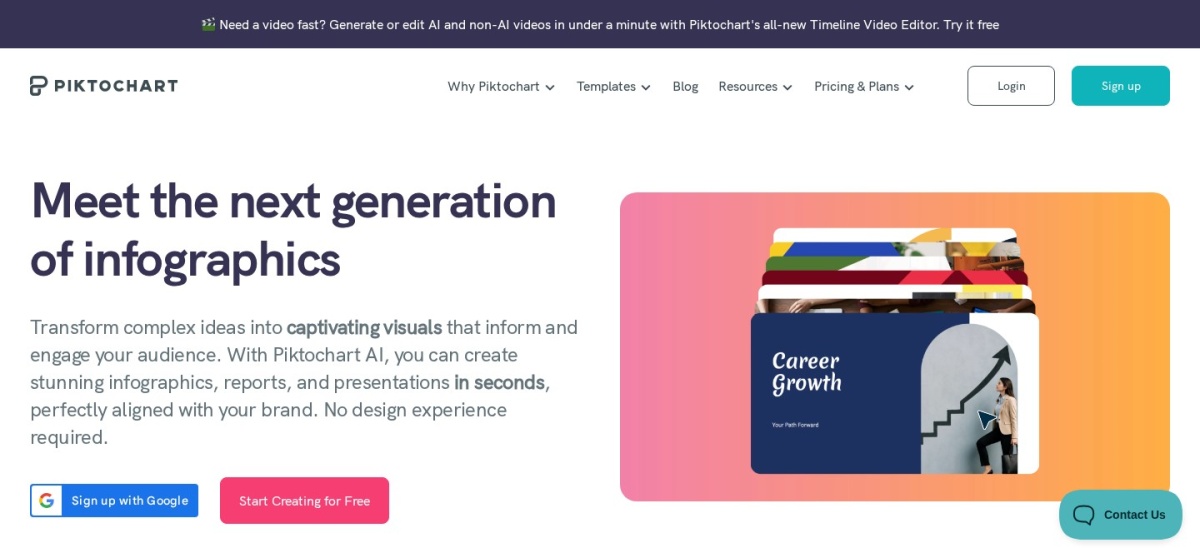
Piktochart homepage, captured Nov 2026.
Piktochart is a visual design tool for infographics, presentations and reports, with templates, charts and brand kits. Pro costs $14 a month billed annually, or $29 a month billed monthly, and the free plan covers 5 active files with basic templates and charts.
The trade off is price and the free plan. At $168 a year on annual billing it is the most expensive tool in this list, and 5 active files is a tight cap. It suits teams that make visual reports and infographics on a regular basis.
Fotor is a browser photo editor with templates for social posts, plus a 1-tap AI Photo Enhancer, an unblur tool and a 4x upscaler. The free Basic plan covers light use with limited credits, and Pro costs $3.99 a month billed annually, or $47.99 a year, with background removal, batch editing and HD exports.
The trade off is the credit allowance. Pro includes 100 AI credits a month, so heavy users pay for more, and its template range is thinner than Canva's. It suits bloggers and sellers who want cheap, quick photo fixes in a browser.
What we like
Second cheapest paid plan in this list
Unblur, sharpener and 4x upscaler in one place
Free Basic plan for light use
Runs in the browser with nothing to install
Watch out for
Only 100 AI credits a month on Pro
Heavy AI use needs a bigger plan
Thinner template range than Canva
Pro adds HD exports, batch editing and 100 credits a monthVisit fotor.com
07
Pixlr
4.4/5on G2 (749 reviews, checked Nov 2026)
Paid from$1.99/mo
Best cheapest paid alternative
Photo editorYes, with layers
Free planYes, with ads
Plus AI credits80 a month
Paid planPlus, $1.99/mo
pixlr.com
Pixlr homepage, captured Nov 2026.
Pixlr is a browser photo editor with layers, masks, generative fill and background removal, plus templates for social posts. Plus costs $1.99 a month billed annually, or $23.88 a year, with 80 AI credits a month, and the free plan covers light use with ads.
The trade off is credits. Every AI action spends credits, so heavy use burns through the 80 a month, and Premium at $7.99 a month billed annually is the realistic tier for regular work. It suits budget users who want occasional edits with layers on hand.
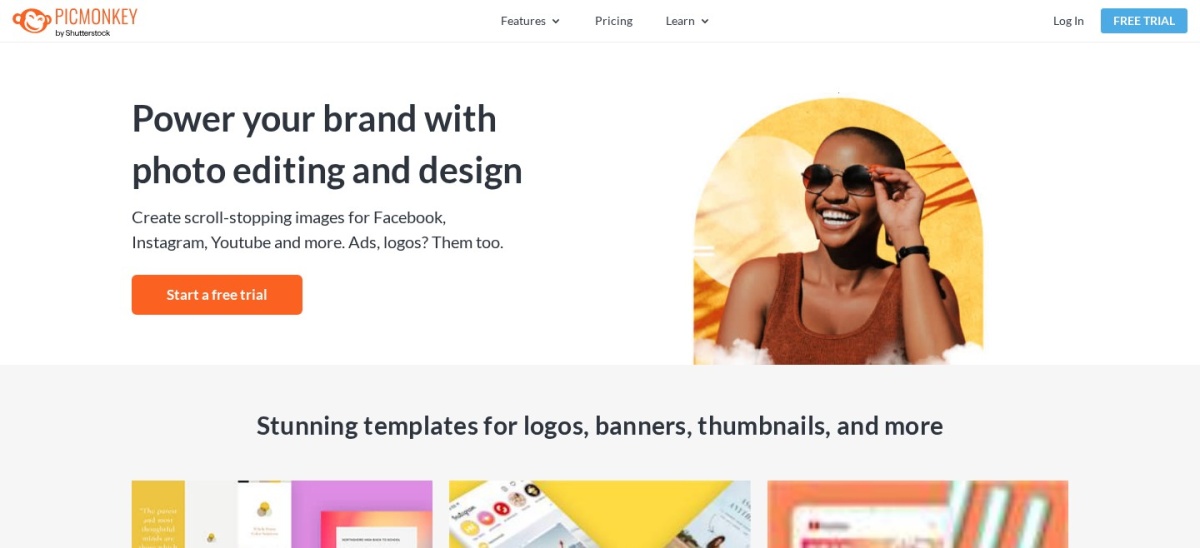
PicMonkey is a photo-first design tool with preset sizes, touch-up tools and templates aimed at marketers and sellers. There is no free plan, only a trial, and Basic starts at $72 a year billed annually, or $7.99 a month, with templates, effects and photo editing.
The trade off is the paywall. You cannot export anything without paying, and Smart Resize needs the Pro plan at $12.99 a month. It suits small businesses that want a simple photo editor and will pay from day one.
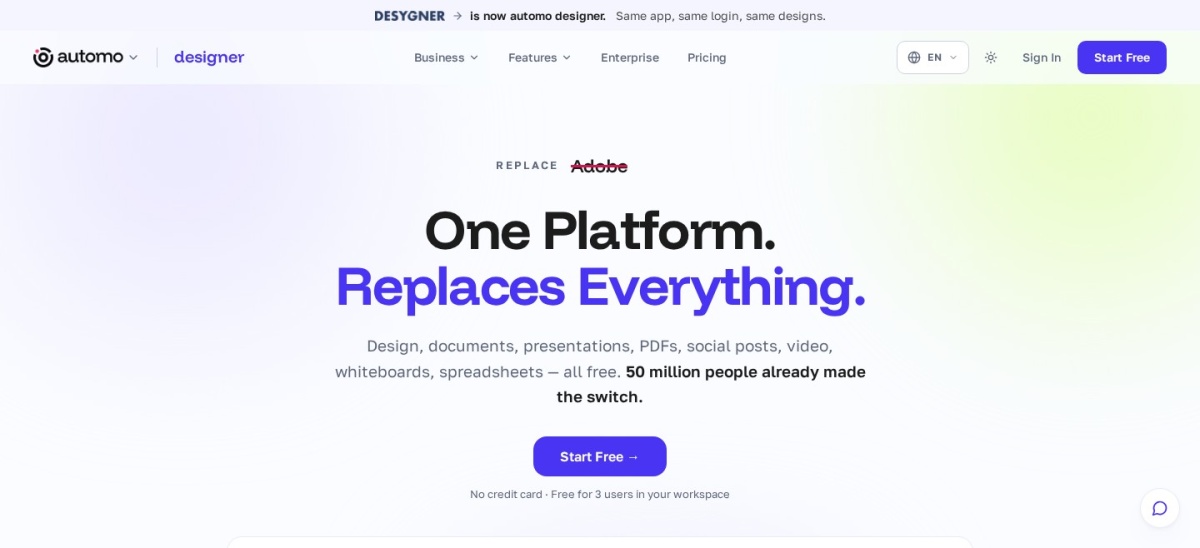
Desygner is a cloud design tool for small businesses and franchises that need consistent branding. The free plan includes thousands of templates, millions of free images and icons, and 300-plus design formats, while Pro+ at $4.95 a month billed yearly unlocks premium templates, brand kits and a large image library.
The trade off is polish. Reviewers call the interface dated next to Canva, AI features use credits that run out fast, and full team controls need the Business plan. It suits multi-location businesses that want local teams to use locked brand templates.
Free plans cover the basics well. Most include templates, stock photos and basic editing, which is enough for occasional social posts.
Paid plans mostly add resize, background removal and brand kits. Those three features are the ones that push most people to upgrade.
If you only make a few graphics a month, Snappa's free credits or VistaCreate's free Brand Kit may be enough. Our guide on cropping an image in WordPress covers the free editing WordPress already includes.
For a business posting every day, the first year of a paid plan here costs $23.88 to $168, so pick the tool whose paid tier matches how often you publish.
How we chose
We started from the design tools most often named as Canva alternatives, then kept the nine with a live pricing page, a public rating and a plan a solo buyer can buy without a sales call.
Prices come from each vendor's pricing page, checked on 29 November 2026, with annual billing used where it is cheaper. Ratings and review counts come from G2 on the same day, except where noted. Where a vendor shows a sale, the list shows the regular price.
We left out tools with no public rating and tools that need a sales call for pricing. No vendor paid for a place, and we do not claim to have used these tools ourselves.
How to choose a Canva alternative
Start with the work you do most often, then match the tool to that job.
List the graphics you make every week. Social posts, ads, infographics and print need different tools, so count which type you make most before you compare prices.
Check the free plan first. Make one real graphic on the free plan and export it. If the export is capped or watermarked, that cap decides whether you need to pay.
Compare the yearly price, not the monthly price. Yearly billing cuts most of these tools by a third or more, so compare the yearly totals in the price ladder above.
Test resize and background removal. Those two features are the main reason people pay. If your pick locks them behind a higher tier, add that tier to the price.
FAQ
What is the best Canva alternative?
Adobe Express is the best overall Canva alternative, with a free plan and Premium at $9.99 a month, rated 4.4 out of 5 on G2 from 1,110 reviews. VistaCreate is the best value, and Visme is the best pick for data visuals and reports.
What is the cheapest Canva alternative?
Pixlr is the cheapest paid option here, with Plus at $1.99 a month billed yearly, or $23.88 a year. Fotor Pro costs $3.99 a month billed yearly, and Desygner Pro+ costs $4.95 a month billed yearly.
Is there a free Canva alternative?
Yes. Eight of the nine tools here have a free plan, including Adobe Express, VistaCreate, Visme, Snappa, Piktochart, Fotor, Pixlr and Desygner. PicMonkey is the only one with no free plan, offering a trial instead.
Which Canva alternative is best for teams?
VistaCreate is the best team value, because one Pro subscription at $10 a month billed yearly covers up to 10 seats. Desygner is the best pick for franchises that need locked brand templates across locations.
Which Canva alternative is best for infographics?
Piktochart is the best pick for infographics, with chart tools and report templates, though Pro costs $14 a month billed yearly. Visme is a close second, with stronger data widgets and a lower Starter price of $12.25 a month.
Do Canva alternatives include stock photos?
Yes, most do. Adobe Express Premium includes 200M+ stock assets, VistaCreate Pro includes 170M+ items, and Snappa includes 5M+ stock photos on every plan, including the free plan.
Which Canva alternative is best for beginners or a small team?
VistaCreate is the best pick for a small team, because one Pro subscription at $10 a month billed yearly covers up to 10 seats and includes a Brand Kit on the free plan. Snappa is the easiest for beginners, with every template on its free plan and no learning curve.
Adobe Express or VistaCreate: which is better?
Adobe Express wins overall, with Firefly AI, 200M+ stock assets and a 4.4 out of 5 G2 rating from 1,110 reviews. VistaCreate wins on team value, because its $10 a month Pro plan covers up to 10 seats, while Adobe Express Premium at $9.99 a month is priced per person.
SaaS SEO and WordPress specialist with about 8 years of experience. Rakib compares WordPress plugins, themes, hosting and software using public pricing, documentation and user reviews. See how we rank.