AutoCAD is the best BricsCAD alternative for most drafters, with native DWG files, seven industry toolsets and a 4.4/5 G2 rating, at $2,095 a year. Pick ZWCAD or DraftSight from $299 a year for cheaper DWG drafting, or FreeCAD and LibreCAD free for 2D and 3D work on a $0 budget.
How we make this list: we compare pricing pages, product documentation and public user reviews, then re-check every price before each update. No product paid for a place. Disclosure.
AutoCAD is the only pick with the full DWG standard and seven industry toolsets, at $2,095 a year.
ZWCAD and DraftSight both start at $299 a year for native DWG drafting, with ZWCAD rated 4.6/5 on G2.
ARES Commander bundles desktop, cloud and mobile DWG editing for $350 a year, with a perpetual licence from $950.
nanoCAD Platform is the cheapest paid DWG subscription here at $289 a year, with a free legacy version for non-commercial use.
FreeCAD, LibreCAD and QCAD Community Edition cost $0, but only QCAD Professional ($48 once) reads and writes DWG natively.
How do you choose the best BricsCAD alternative?
DWG compatibility is the first filter. BricsCAD reads and writes native DWG, so a replacement that only imports DWG will slow every handover with clients and colleagues.
Licence cost is only part of the bill. Our guide on how much a WordPress site redesign costs makes the same point about design tools: the licence is only part of the cost, and training time matters too.
Perpetual licences still exist in this niche. ZWCAD, ARES Commander, TurboCAD and QCAD sell buy-once licences, while AutoCAD and DraftSight are subscription-only.
Free tools trade polish for price. FreeCAD and LibreCAD cost nothing and run on Windows, macOS and Linux, but expect a steeper learning curve and community-only support.
AutoCAD is the drafting standard most of the industry already runs on, and the closest match to BricsCAD's DWG workflow. The subscription costs $260 a month or $2,095 a year and includes seven industry-specific toolsets for architecture, mechanical, electrical, plant, MEP, mapping and raster work, plus web and mobile versions. It is rated 4.4 out of 5 on G2 from 2,010 reviews.
The trade off is the subscription. There is no perpetual licence and no free plan, only a 30-day trial, so a single seat is a $2,095 yearly commitment. It suits architects, engineers and drafters who need the industry-standard DWG workflow and share files with AutoCAD-based clients.
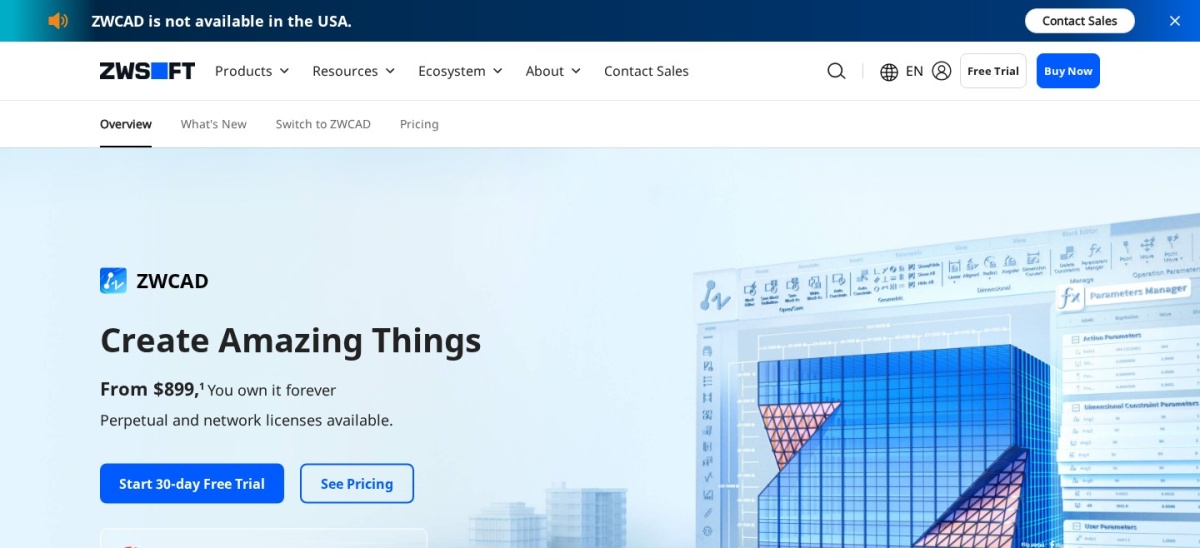
ZWCAD is a DWG-based CAD platform from ZWSOFT with a familiar ribbon interface and solid DWG fidelity. The Flex Standard subscription costs $299 a year, and a perpetual Standard licence lists at $899 where that model is sold. It is rated 4.6 out of 5 on G2 from 354 reviews, the highest rating in this list.
The trade off is platform and availability. ZWCAD runs on Windows only, and perpetual licences are not sold in the US and Canada, where the Flex subscription is the route in. It suits small firms that want low-cost DWG drafting with a familiar AutoCAD-like interface.
DraftSight is professional 2D drafting software from Dassault Systèmes, the maker of SOLIDWORKS. It offers DWG drafting with the commands AutoCAD users already know, including AutoLISP in the Professional edition, with commercial support behind it. Professional costs $299 a year, and it is rated 4.4 out of 5 on Capterra from 57 reviews.
The trade off is scope. DraftSight aims squarely at 2D, so 3D modelling is thin and needs the Premium edition at $599 a year, and the Capterra review base is only 57 ratings. It suits teams who want paid DWG drafting with support at the lowest price.
ARES Commander is Graebert's DWG-based CAD software for Windows, macOS and Linux, built on the ARES engine that also powered CorelCAD. The $350 annual Trinity plan bundles Commander with ARES Kudo for browser editing and ARES Touch for mobile, plus cloud collaboration. It is rated 4.8 out of 5 on G2 from 19 reviews.
The trade off is the review base. Nineteen G2 reviews is the smallest sample among the paid tools here, and reviewers note lag with large files full of solids and hatches. It suits drafters who want one licence covering desktop, browser and mobile DWG work.
What we like
One licence covers desktop, cloud and mobile
Highest G2 rating here at 4.8/5
Perpetual licence from $950
Runs on Windows, macOS and Linux
Watch out for
Only 19 G2 reviews
Reviewers note lag on large files
Trinity bundle may be more than 2D drafters need
Perpetual licence from $950, or 3 years of Trinity for $700Visit graebert.com
05
nanoCAD
4.2/5on G2 (23 reviews, checked Nov 2026)
Paid from$289/yr
Cheapest paid DWG subscription
Entry price$289/yr Platform
Free planYes, legacy v5
DWG supportNative
PlatformsWindows
nanocad.com
nanoCAD homepage, captured Nov 2026.
nanoCAD is a DWG-native CAD platform from Nanosoft with an AutoCAD-like interface and a free edition for non-commercial work. The current Platform costs $289 a year with a 30-day trial and full, up-to-date DWG support, plus optional modules for 3D solids, construction and mechanics. The free edition is rated 4.2 out of 5 on G2 from 23 reviews.
The trade off is the free version. It is the legacy version 5, free after registration but licensed for non-commercial use only and opening DWG files only up to the 2013 format, and the current Platform runs on Windows only. It suits small Windows firms that want native DWG at the lowest subscription price.
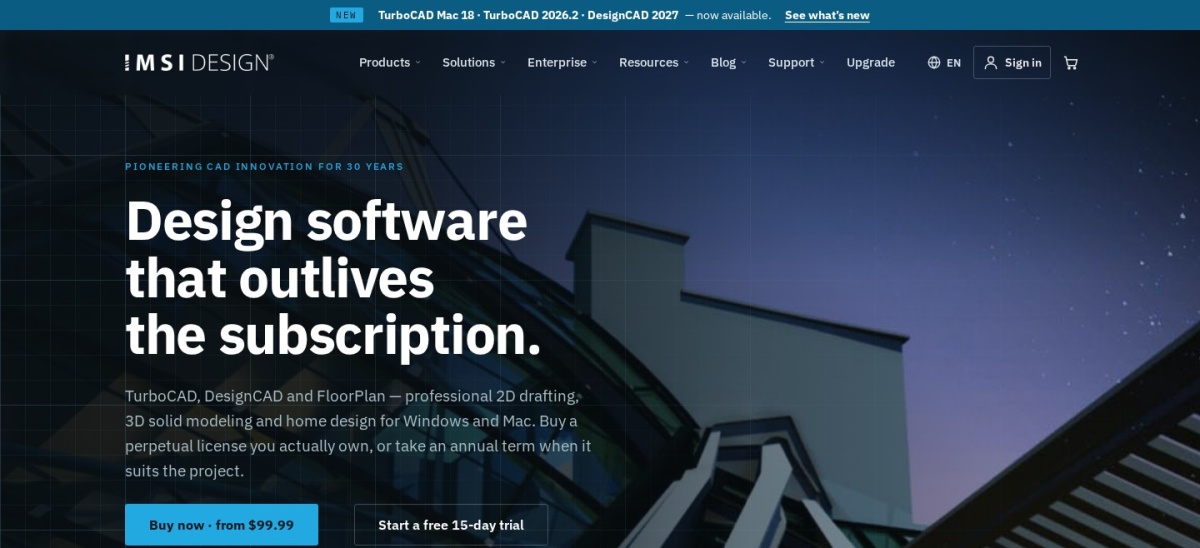
TurboCAD is a 2D and 3D CAD application from IMSI Design for drafting, mechanical design and architectural layouts. Designer costs $199.99 once for 2D drafting, Deluxe costs $399.99 once for entry-level 3D, and a one-year Deluxe term is $199.99. It is rated 4.3 out of 5 on G2 from 31 reviews.
The trade off is depth and support. ACIS solid modelling needs Professional at $999.99, and recent reviews criticise activation problems and pressure to repurchase upgrades. It suits buyers who want to own their CAD licence outright instead of renting one.
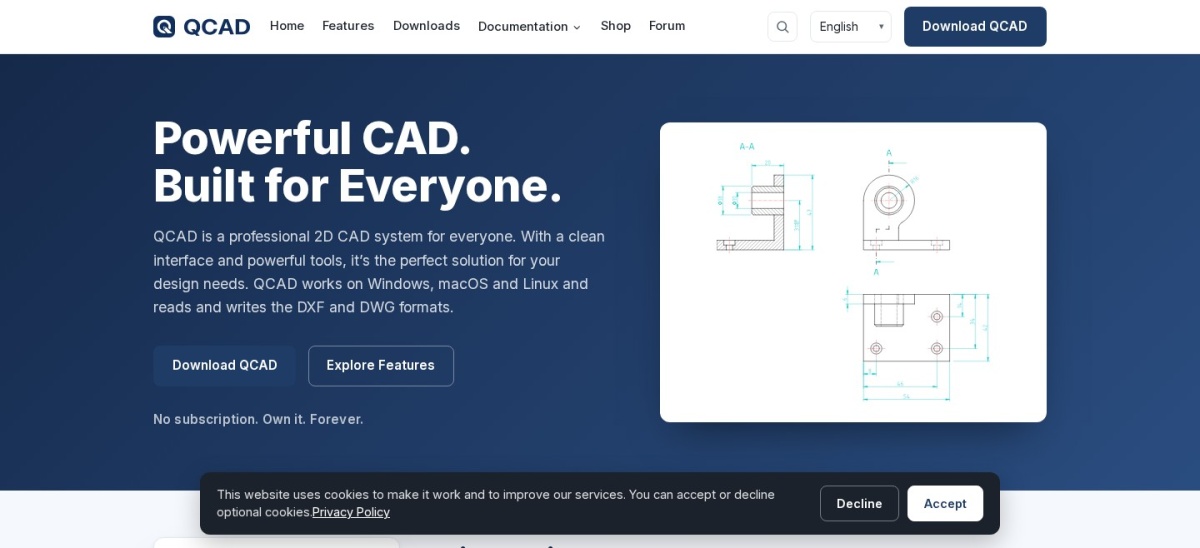
QCAD is a focused 2D CAD application from RibbonSoft for technical drawings, plans and schematics. The free Community Edition covers basic 2D drafting, and Professional costs $48 once with DWG read and write support, scripting and command-line conversion. It is rated 4.4 out of 5 on G2 from 13 reviews.
The trade off is scope. QCAD is 2D only, DWG support is a Professional feature rather than part of the free edition, and 13 G2 reviews is a thin base. It suits engineers and makers who need low-cost 2D drawings with proper DWG support.
FreeCAD is a free, open-source parametric 3D CAD application for real-world object design, 2D drawing, mechanical modelling and BIM work. The full toolset ships free with no signup or paywall, including sketcher constraints, assemblies, TechDraw sheets and Python scripting. It is rated 4.1 out of 5 on G2 from 62 reviews.
The trade off is the learning curve. The interface is dense and dated, DWG files need a converter rather than opening natively, and support comes from the community with no commercial SLA. It suits makers and engineers who want parametric CAD at no cost.
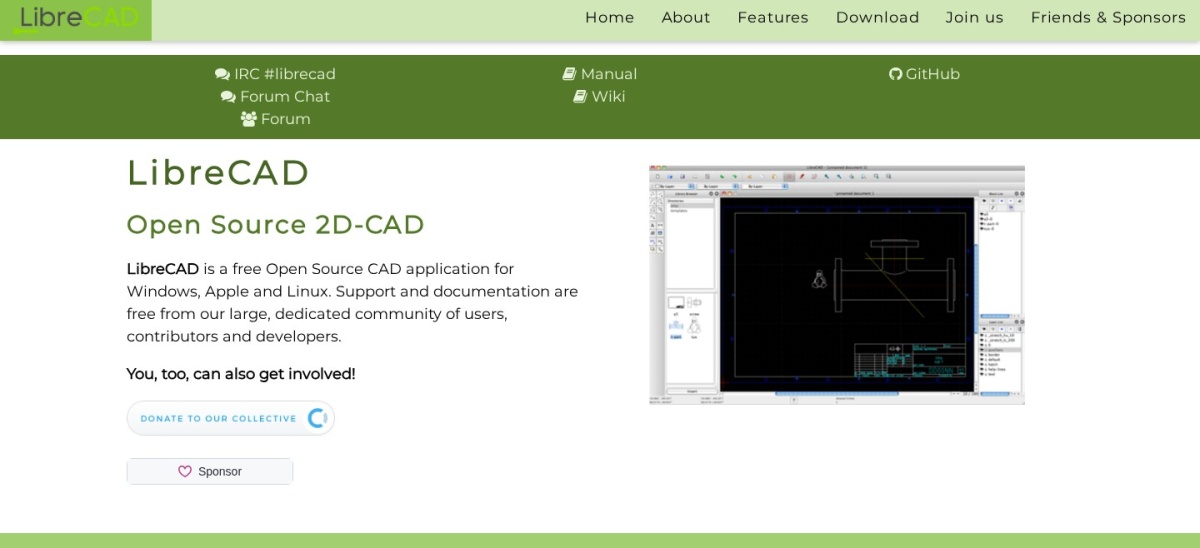
LibreCAD is a free, open-source 2D CAD application for technical drawings such as plans, schematics and mechanical parts. It covers lines, circles, arcs, layers, hatching and dimensioning, runs on Windows, macOS and Linux, and costs nothing. It is rated 3.8 out of 5 on G2 from 25 reviews.
The trade off is format and depth. LibreCAD works natively in DXF, opens DWG only through import, and has no 3D modelling, so complex drawings can feel limited. It suits beginners and hobbyists who need simple 2D plans for free.
Buy-once licences still exist here. ZWCAD Standard lists at $899 once, ARES Commander perpetual starts at $950, TurboCAD Designer is $199.99 once and QCAD Professional is $48 once.
Subscriptions trade ownership for updates. AutoCAD at $2,095 a year and DraftSight at $299 a year include new versions while you pay, and stop working when you stop.
Do the three-year maths before you pick. A $899 ZWCAD licence costs less than two years of DraftSight, but only if you can live without yearly upgrades.
Free tools have no licence maths at all. FreeCAD, LibreCAD and QCAD Community Edition cost $0, so the cost is your time learning them.
How we chose
We started from the DWG-based CAD tools most often named as BricsCAD replacements, then kept nine with published prices and public ratings.
Prices come from each vendor's pricing page or vendor-supplied G2 pricing, checked on 29 November 2026. Ratings come from G2 or Capterra on the same day. Where a vendor shows a sale, the list shows the regular price.
We left out CorelCAD, which is no longer sold as of 2025 and redirects buyers to ARES CAD; ARES Commander takes its place in this list. No vendor paid for a place, and we do not claim to have used these tools ourselves.
How to choose a BricsCAD alternative
Start with your DWG files, then match the licence to how often you draft.
Check how your DWG files move. If clients send DWG files daily, pick a native-DWG tool such as AutoCAD, ZWCAD, DraftSight, ARES Commander or nanoCAD.
Count your drafting days per year. Occasional drafters save money with QCAD at $48 once or a free tool; daily drafters get more from DraftSight or ZWCAD at $299 a year.
Decide between owning and renting. Perpetual licences from ZWCAD, ARES Commander, TurboCAD and QCAD suit stable firms, while subscriptions suit teams that always want the newest version.
Try before you switch. Every paid tool here offers a free trial, and the free tools cost nothing, so open a real project file before you pay.
FAQ
What is the best BricsCAD alternative in 2026?
AutoCAD is the best BricsCAD alternative for most drafters. It defines the DWG format, includes seven industry toolsets, and is rated 4.4 out of 5 on G2 from 2,010 reviews, at $2,095 a year.
What is the cheapest BricsCAD alternative?
LibreCAD and FreeCAD are the cheapest at $0, and QCAD Professional costs $48 once. For a paid DWG-native seat, nanoCAD Platform is cheapest at $289 a year, just under DraftSight and ZWCAD at $299.
Is there a free alternative to BricsCAD?
Yes. FreeCAD, LibreCAD and QCAD Community Edition are free and open source, and nanoCAD has a free legacy edition for non-commercial use. Only QCAD Professional, at $48 once, adds native DWG read and write.
Which BricsCAD alternative is best for beginners?
DraftSight is the easiest paid start, with familiar AutoCAD commands and commercial support at $299 a year. For a free start, QCAD Community Edition is simpler than FreeCAD, which has a steeper learning curve.
AutoCAD vs ZWCAD: which is better for BricsCAD users?
AutoCAD wins on capability and compatibility, with seven toolsets and the largest review base, but costs $2,095 a year. ZWCAD matches the core 2D DWG workflow for $299 a year or $899 once, and is rated higher at 4.6 out of 5 on G2.
Can I open my BricsCAD DWG files in these alternatives?
Yes, with the DWG-native tools: AutoCAD, ZWCAD, DraftSight, ARES Commander, nanoCAD and QCAD Professional all read and write DWG. FreeCAD and LibreCAD need a converter or import step, so check a sample file first.
SaaS SEO and WordPress specialist with about 8 years of experience. Rakib compares WordPress plugins, themes, hosting and software using public pricing, documentation and user reviews. See how we rank.