For the best writing platforms, Scrivener leads for long-form writers, with a one-time licence and a binder that keeps chapters, research and drafts in one project. Notion suits teams that mix notes and tasks, while Google Docs is the free pick for simple documents and easy sharing.
How we make this list: we compare pricing pages, product documentation and public user reviews, then re-check every price before each update. No product paid for a place. Disclosure.
Scrivener is the best pick for long books: a $59.99 one-time licence, a binder for chapters and research, and clean Word, PDF and EPUB export.
Notion is the best free starting point for teams, with notes, wikis and tasks in one workspace from $10 a member a month.
Google Docs is free and the easiest way to share drafts, with live comments and version history built in.
Grammarly Pro costs $12 a month billed annually and catches grammar, tone and plagiarism before anything is published.
One-time buys still win over time: Scrivener, iA Writer and Atticus never bill again, while Dabble at $19 a month passes them in year two.
How do you choose the best writing platforms?
Start with the length of what you write. Novelists need chapters, scenes and research in one project, while bloggers and note-takers need speed and search. Our guide to the best apps for writing a book compares the long-form tools in detail.
Price models split the list in two. Scrivener, iA Writer and Atticus charge once, while Notion, Grammarly and Dabble bill every month or year, so a cheap monthly plan can cost more than a one-time licence within two years.
Check where your files live before you commit. Plain-text tools such as iA Writer keep files you own, while cloud tools such as Notion and Dabble keep them on the vendor's servers, so check the export options first.
Ratings are thin for the small writing apps. Scrivener holds 4.7 out of 5 from 202 Capterra reviews, while Ulysses, iA Writer and Dabble each rest on 25 or fewer G2 reviews, so treat those scores as a hint rather than proof.
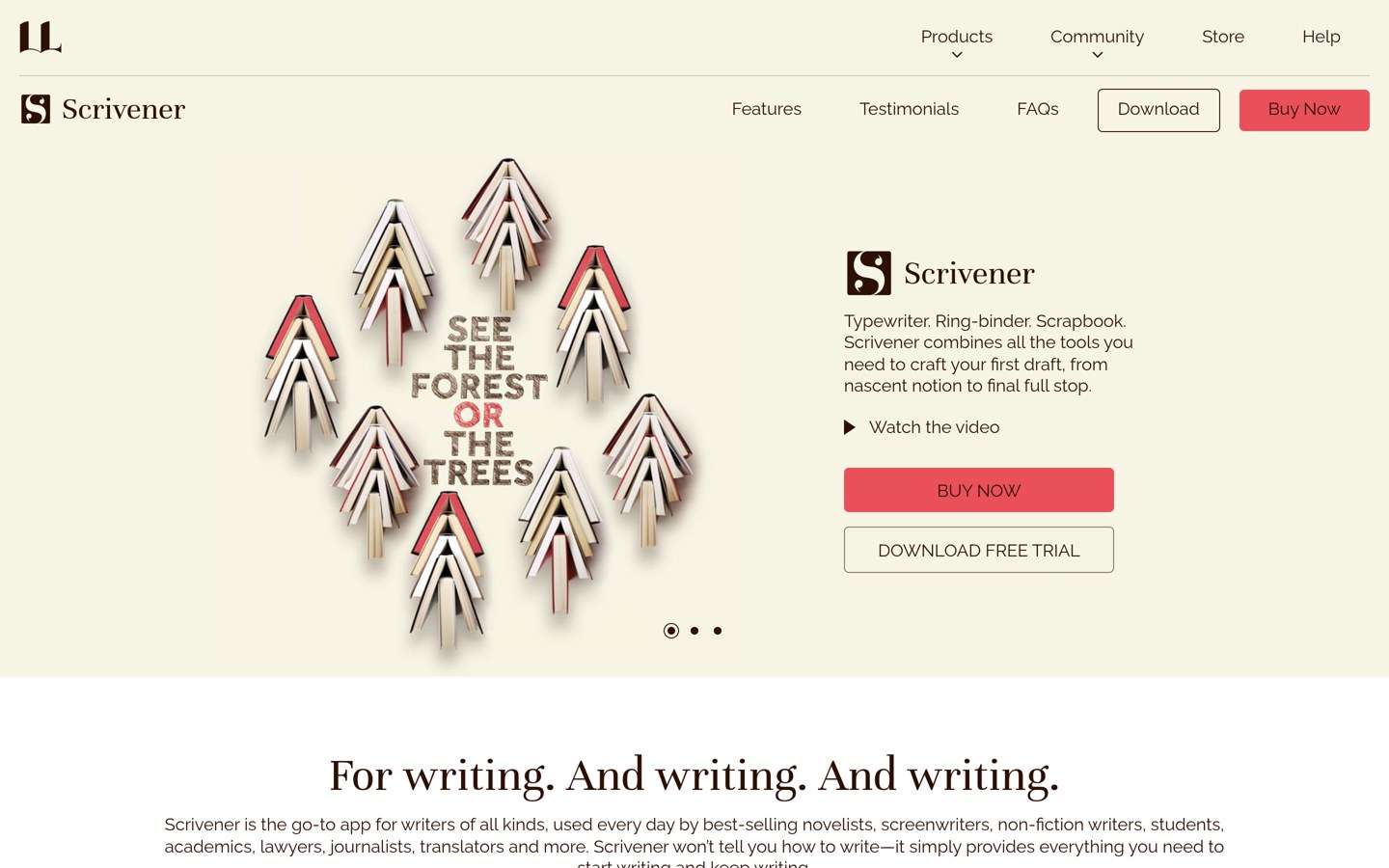
Scrivener is a long-form writing app from Literature and Latte that keeps chapters, scenes, research notes and drafts inside one project. The binder and corkboard let writers reorder scenes by dragging, while snapshots save a version before each rewrite and Compile exports Word, PDF and EPUB files.
The trade off is the learning curve. Compile takes an afternoon to learn, syncing between devices runs through Dropbox, and each desktop platform needs its own licence at $59.99. It suits novelists, thesis writers and anyone building a long manuscript from many small pieces.
Notion is a flexible workspace that combines notes, wikis, databases and tasks in one place. The free plan covers personal writing with databases, a calendar and basic sites, and it syncs across every device without an add-on.
The trade off is that the free plan caps team blocks and file uploads, and full AI features need the Business plan at $20 per member a month. It suits small teams that want notes, docs and light project tracking in one workspace.
What we like
Generous free plan for solo writers
Notes, wikis and tasks in one workspace
Strongest review base in this list
Watch out for
Free plan caps team blocks and uploads
Full AI needs the $20 Business plan
Plus adds unlimited blocks, 5 GB uploads and 30-day historyVisit notion.com
03
Grammarly
4.7/5on G2 (14,109 reviews, checked Nov 2026)
Paid from$12/mo
Best writing platform for error-free drafts
Free planYes, grammar and tone
Paid planPro, $12/member/mo
AI prompts100 free, 2,000 on Pro
Plagiarism checkPro only
grammarly.com
Grammarly homepage, captured Nov 2026.
Grammarly is an editing layer that checks grammar, spelling and tone wherever you type, in the browser, in Docs and in email. The free plan covers basic corrections and tone detection with 100 AI prompts a month.
The trade off is price. Pro costs $12 a member a month billed annually, or $30 billed monthly, and it checks English only. It suits writers who publish every day and want a final pass before anything goes out.
4.7/5on Capterra (29,251 reviews, checked Nov 2026)
Paid from$7/mo
Best free writing platform for sharing
Free planYes, personal accounts
Paid planWorkspace Starter, $7/user/mo
CollaborationLive comments and suggestions
Storage15 GB free with Google account
docs.google.com
Google Docs homepage, captured Nov 2026.
Google Docs is the free word processor most people already have, with live collaboration, comments and version history built in. It runs in the browser on any device, autosaves every change and exports Word, PDF and plain text.
The trade off is that business use needs Google Workspace, which starts at $7 per user a month, and offline work needs setup first. It suits students, freelancers and teams that share drafts and comment in the margins.
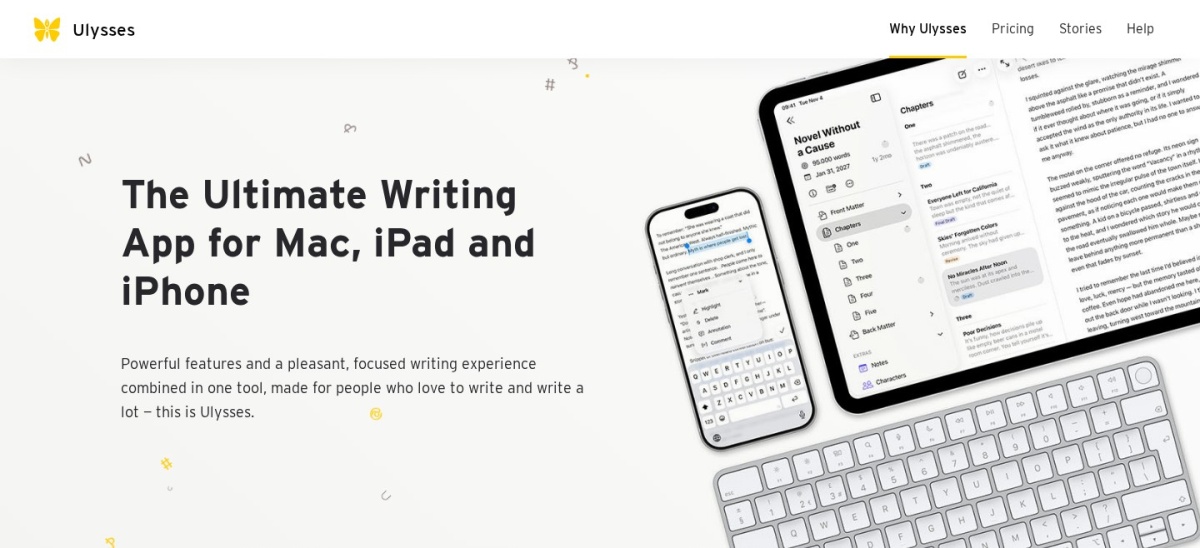
Ulysses is a distraction-free writing app for Mac, iPad and iPhone that keeps every project in one library and syncs through iCloud. Its Markdown editor, writing goals and direct publishing to WordPress or Ghost suit bloggers and authors who live on Apple devices.
The trade off is the platform lock-in. There is no Windows, Android or web version, and the subscription costs $39.99 a year after the trial. It suits Apple-only writers who want a calm editor and a single library for everything.
What we like
Calm, distraction-free editor
One library for every project
Cheapest paid plan in this list
Watch out for
Apple devices only, no Windows or web
Rating rests on only 25 G2 reviews
The subscription covers all your Macs, iPads and iPhonesVisit ulysses.app
06
Microsoft Word
4.7/5on G2 (2,077 reviews, checked Nov 2026)
Paid from$99.99/yr
Best writing platform for shared documents
Free planYes, web version
Paid planPersonal, $99.99/yr
Storage1 TB OneDrive on Personal
Tracked changesYes, the industry standard
microsoft.com
Microsoft Word homepage, captured Nov 2026.
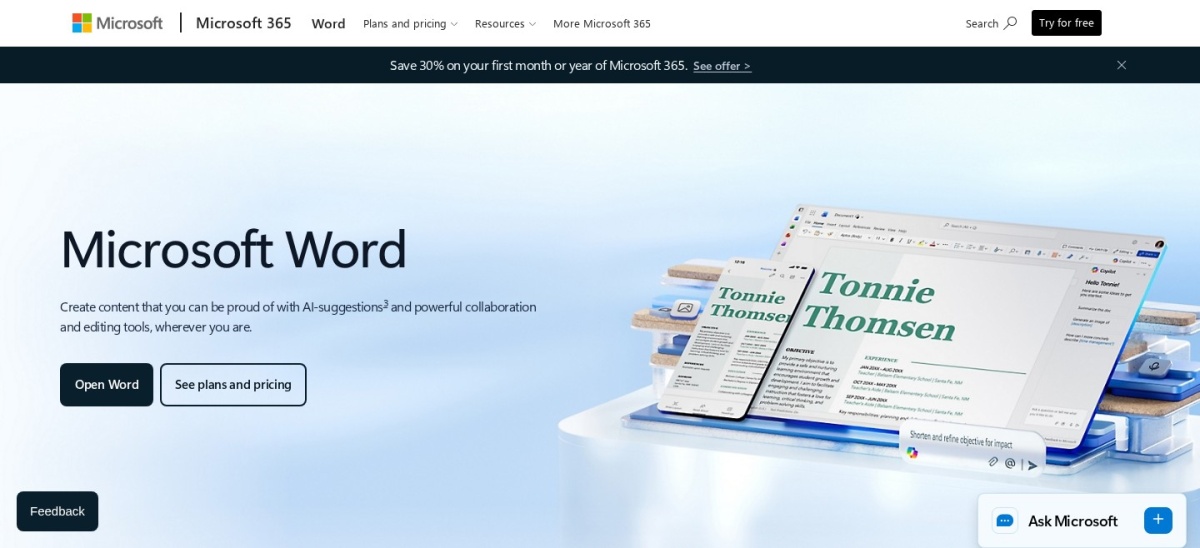
Microsoft Word is the word processor most workplaces treat as the default, and its .docx format is the file standard other tools aim to match. The desktop apps handle tracked changes, styles, mail merge and long documents, and Microsoft 365 Personal adds Excel, PowerPoint, Outlook and 1 TB of storage.
The trade off is the subscription. Personal costs $99.99 a year, or $9.99 a month, and the free web version lacks some desktop features. It suits anyone who shares documents with employers, clients or publishers who expect Word files.
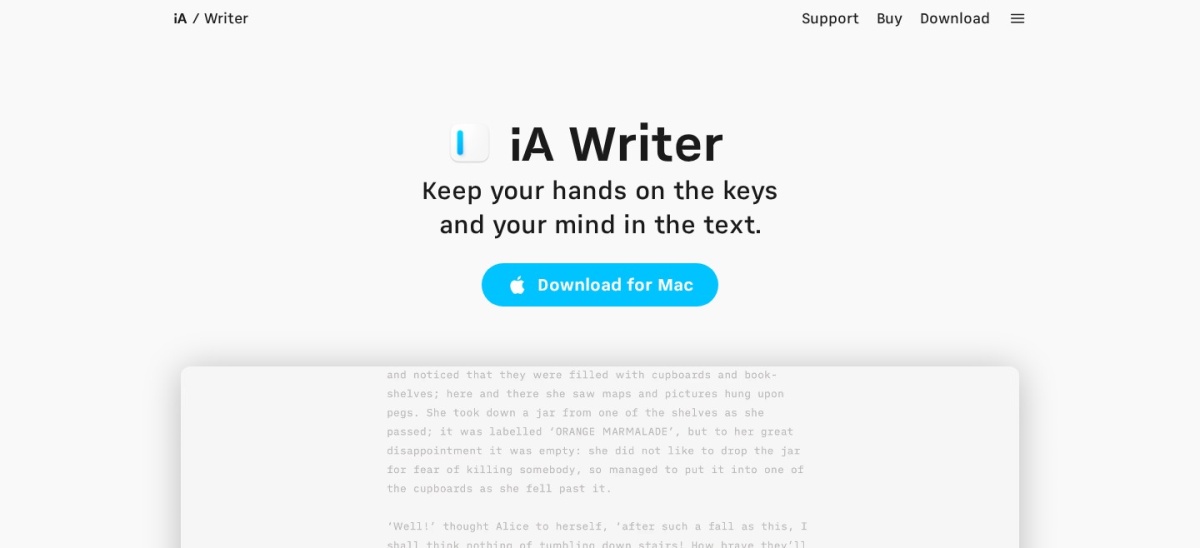
iA Writer is a minimalist writing app that keeps the focus on the text, using Markdown instead of menus and toolbars. Focus mode fades everything except the sentence being written, files stay as plain text, and it exports clean Word, PDF and HTML documents.
The trade off is simplicity. There is no free plan, only a 7-day trial, and page layout, tables and mail merge are beyond what it tries to do. It suits writers who want a calm screen, own their files and never want another subscription.
What we like
One-time price, no subscription
Plain-text files you own outright
Focus mode keeps the eye on one sentence
Watch out for
No free plan, only a 7-day trial
Rating rests on only 23 G2 reviews
The licence is per platform, with free minor updatesVisit ia.net
08
Atticus
4.5/5on Trustpilot (204 reviews, checked Nov 2026)
Starts at$147 (one-time)
Best writing platform for formatting books
Free trial30-day money-back guarantee
Paid plan$147 once, updates included
Ebook exportEPUB, print-ready PDF
Themes17-plus formatting themes
atticus.io
Atticus homepage, captured Nov 2026.
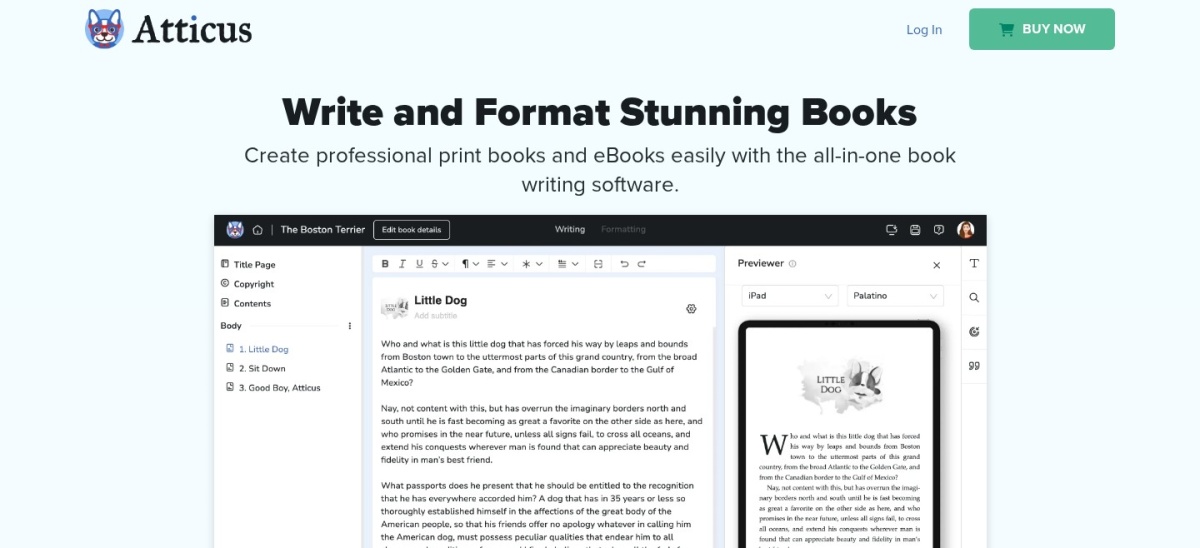
Atticus is a writing and formatting app in one, running in the browser on Windows, Mac, Linux and Chromebook. Its themes generate EPUB and print-ready PDFs with proper chapter headings, drop caps and front matter, so authors skip hiring a formatter.
The trade off is scope. Atticus is built for books, not for notes or team docs, and the $147 one-time price is steep if you publish once. It suits self-publishers who format their own ebooks and print books every year.
What we like
Drafting and formatting in one purchase
Runs in the browser on any device
One-time price with updates included
Watch out for
Built for books, not general writing
Steep at $147 if you publish rarely
The $147 licence covers writing plus formatting togetherVisit atticus.io
09
Dabble
4.5/5on G2 (25 reviews, checked Nov 2026)
Starts at$19/mo
Best writing platform for plotting novels
Free trial14 days, no card
Paid planWriter, $19/mo
Plot GridYes, scenes mapped to plotlines
SyncAutomatic cloud sync everywhere
dabblewriter.com
Dabble homepage, captured Nov 2026.
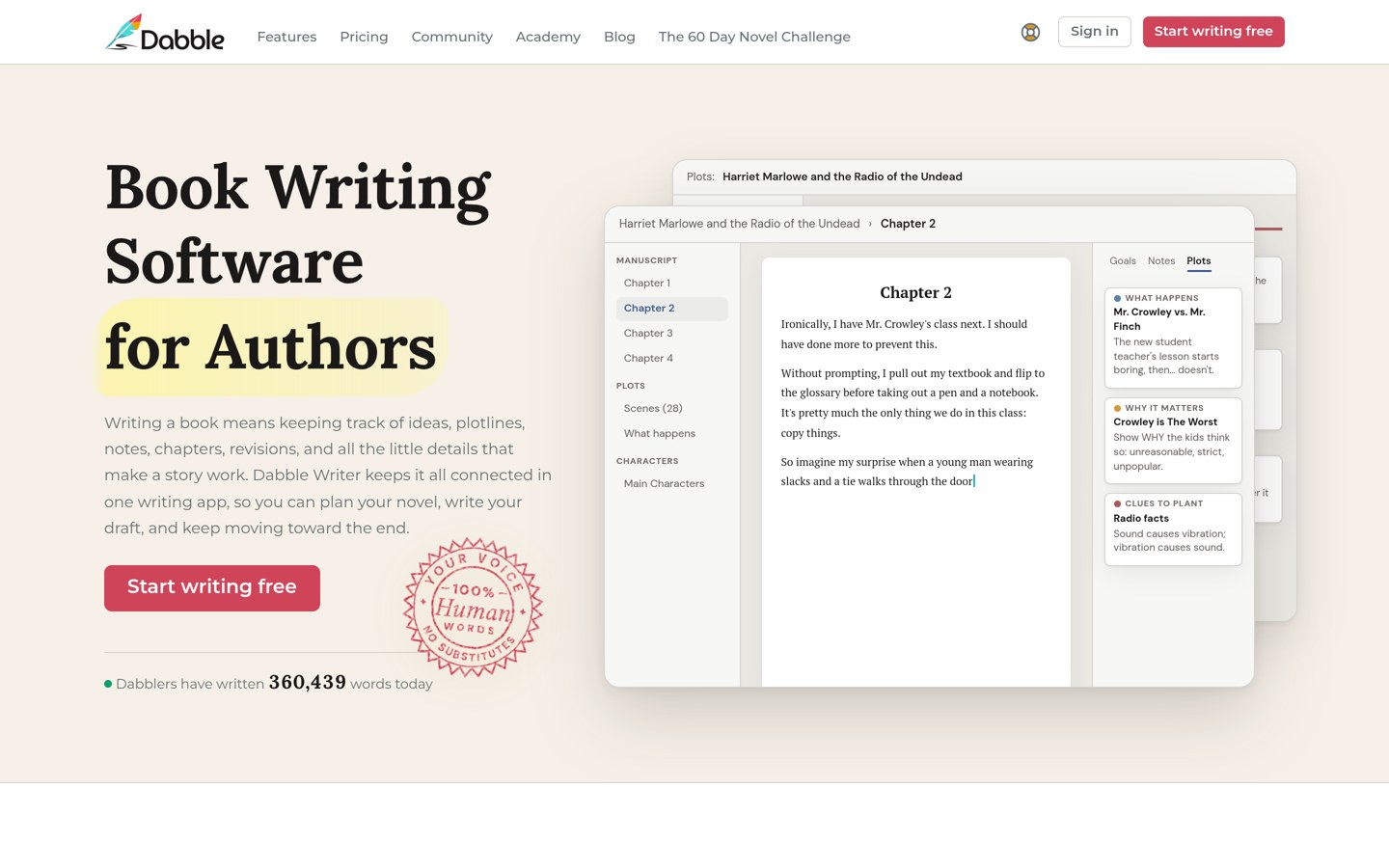
Dabble is a cloud novel writing app built around a colour-coded Plot Grid that maps scenes to plotlines beside the manuscript. Every plan includes writing goals, focus mode, versioning and co-authoring, and the draft syncs across browser, desktop, iOS and Android.
The trade off is price and export. Writer costs $19 a month, or $228 a year, and there is no EPUB export, so formatting needs another tool. It suits plot-first novelists who write on several devices and want the story structure visible while they draft.
Three tools here charge once and never again. Scrivener costs $59.99, iA Writer from $39.99 and Atticus $147, and all three keep working without another payment.
Subscriptions add up fast. Dabble at $19 a month costs $228 a year, which passes Scrivener and iA Writer combined in under five months, and Grammarly Pro at $12 a month billed annually costs $144 a year.
The break-even test is simple. If you will write in the tool for more than a year, a one-time licence usually wins. If you write for one project only, a monthly plan you can cancel wins instead.
How we chose
We started from the writing apps authors, bloggers and teams actually name in 2026, then kept those with a public rating on G2, Capterra or Trustpilot and a current product.
Prices come from each vendor's pricing page, checked on 29 November 2026. Ratings and review counts come from G2, Capterra and Trustpilot on the same day. Where a vendor shows a sale, the list shows the regular price.
We left out tools with no verifiable rating and apps that stopped updating. No vendor paid for a place, and we do not claim hands-on testing for this list.
How to choose the best writing platform
Start with the longest thing you write, then check the price model and where your files live.
Match the tool to the length you write. Novels need chapters and research in one project, so Scrivener or Dabble fit. Short docs and notes need speed, so Google Docs or Notion fit better.
Decide once-off or subscription. A $59.99 one-time licence beats a $19 monthly plan within a year. Add up three years of any subscription before you commit.
Check where your files live. Plain-text files in iA Writer stay yours and open anywhere. Cloud tools lock your work into their service, so check the export options first.
Try the free plan or trial first. Most tools here offer a free plan or a 14-day trial. Draft one real chapter in it before paying, and check the export works.
FAQ
What is the best writing platform in 2026?
Scrivener is the best writing platform for most long-form writers. Its $59.99 one-time licence covers the binder, corkboard and Compile export, and it holds a 4.7 out of 5 rating from 202 Capterra reviews. Notion suits teams, and Google Docs is the best free pick.
How much does the best writing platform cost?
Scrivener costs $59.99 once per desktop platform, with no subscription. The cheapest paid plan here is Ulysses at $39.99 a year, while Notion Plus and Grammarly Pro cost $10 and $12 a month, and Google Docs is free for personal use.
Is there a free writing platform?
Yes. Google Docs is free with a personal Google account and covers live collaboration, comments and version history. Notion and Grammarly also have useful free plans, and Word offers a free web version with fewer features than the desktop apps.
What is the best writing platform for beginners?
Google Docs is the easiest starting point, because most people already have an account and sharing takes one click. Notion is the next step up if you want notes, tasks and a wiki in one place, though its learning curve is steeper.
Which is better, Scrivener or Ulysses?
Scrivener fits long, complex books, with chapters, research and Compile export for a $59.99 one-time licence. Ulysses fits Apple-only writers who want a calm Markdown editor and iCloud sync, at $39.99 a year, but it has no Windows or web version.
Do I need a paid writing platform?
Not always. Google Docs and Notion's free plan cover most everyday writing, and Grammarly's free tier catches basic errors. Pay when you need long-form organisation, offline desktop apps or full AI checks, which is where Scrivener, Ulysses and Grammarly Pro earn their price.
SaaS SEO and WordPress specialist with about 8 years of experience. Rakib compares WordPress plugins, themes, hosting and software using public pricing, documentation and user reviews. See how we rank.