Scrivener is the best app for writing a book for most authors, with a one-time price and deep manuscript organization. Pick Reedsy Studio for free drafting and export, and Atticus when you want writing plus formatting in one purchase.
How we make this list: we compare pricing pages, product documentation and public user reviews, then re-check every price before each update. No product paid for a place. Disclosure.
Scrivener costs $59.99 once and remains the most complete manuscript organizer.
Reedsy Studio is the best free option, with free drafting and EPUB export.
Atticus at $147 once is the only tool here that writes and formats in one purchase.
Plottr is a planning tool, not a drafting tool, so pair it with Scrivener or Atticus.
Subscriptions add up: Dabble at $19 a month costs $228 a year, nearly four times Scrivener.
What a book writing app has to do
Writing a book needs three jobs done well: planning the story, drafting the manuscript and formatting it for readers. No single app wins all three, so the best pick depends on which job hurts most.
One-time purchases still exist here. Scrivener costs $59.99 once per platform and Atticus $147 once, while subscriptions like Dabble and Ulysses charge every month or year. Compare the three-year cost, not the monthly price.
Export decides the workflow. Scrivener, Atticus and Reedsy Studio export EPUB files you can publish, while Dabble and Plottr need a second tool for formatting.
AI drafting is now part of this category. NovelAI and Sudowrite generate text, while Scrivener, Dabble, Atticus and Reedsy Studio have no AI drafting at all.
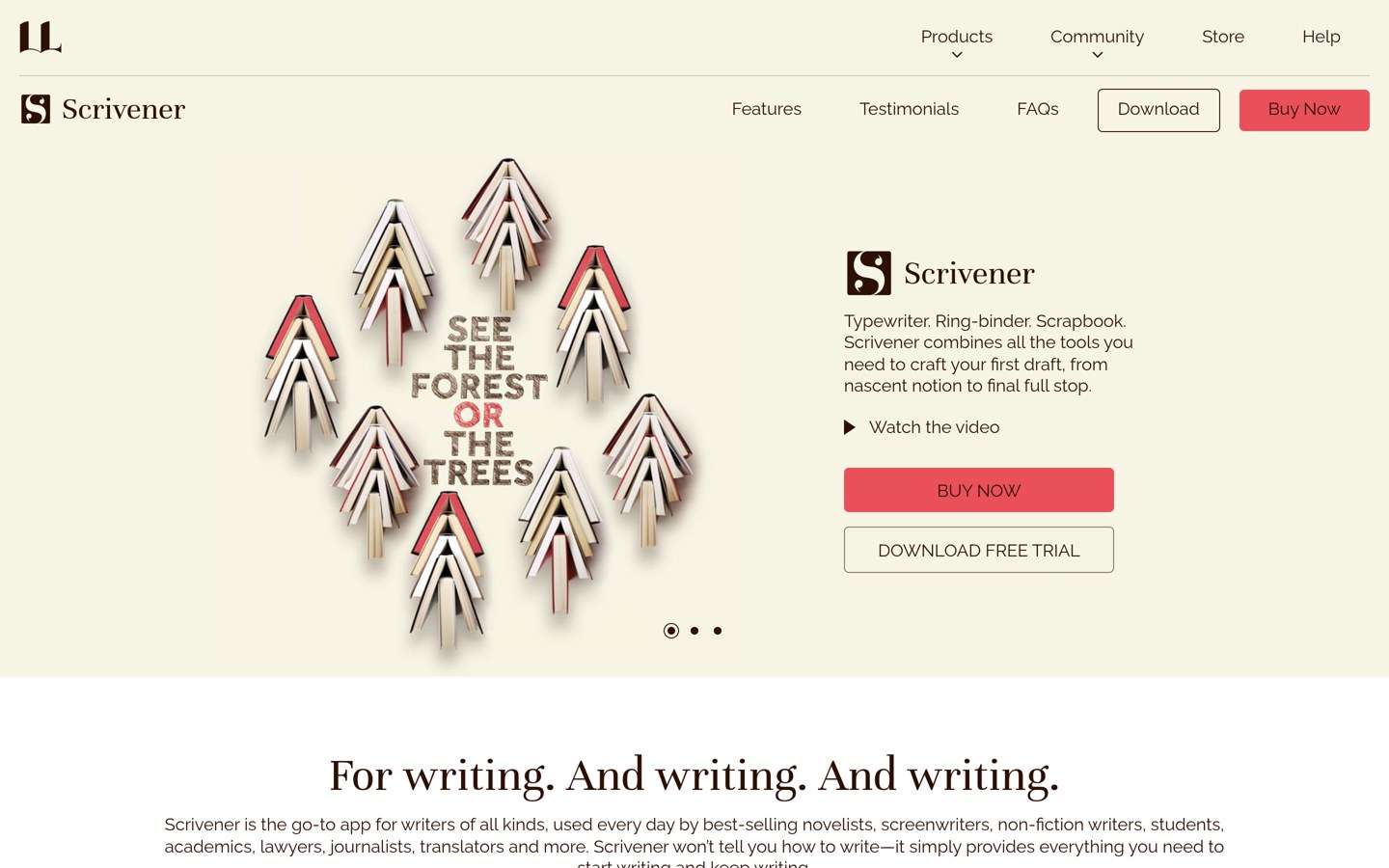
Scrivener is the standard app for drafting long books, breaking a manuscript into scenes you can drag around on a corkboard or in an outliner. Research files, images and notes live inside the same project, and Compile turns the finished draft into a manuscript, EPUB or print PDF.
The trade off is the learning curve. Scrivener takes time to learn, licenses Mac and Windows separately at $59.99 each, and sync is do-it-yourself via Dropbox. It suits authors who want one tool to hold research, drafts and formatting for years.
4.7/5on Trustpilot (2,039 reviews, checked Nov 2026)
Paid from$4.99/mo
Best free app for writing a book
Free planYes, drafting and export
Paid add-onsFrom $4.99/mo
EPUB exportYes, free
Plotting boardOne free
reedsy.com
Reedsy Studio homepage, captured Nov 2026.
Reedsy Studio is the best free app for writing a book, with free drafting and EPUB export at no cost. The editor is clean and focused, one plotting board is free, and the platform ties into the Reedsy marketplace for editors, designers and marketers when the book is ready.
The trade off is formatting depth. Collaboration and formatting are thinner than Atticus, and paid add-ons at $4.99 and $7.99 a month add history, stats and planning boards. It suits writers testing the waters or finishing a first book on a zero budget.
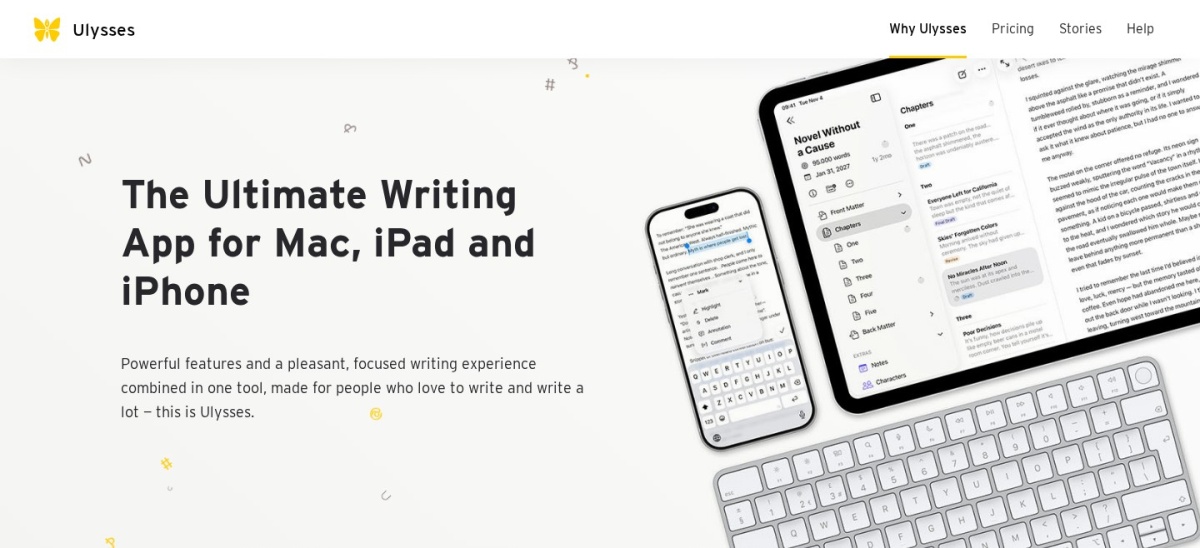
Ulysses is a clean, distraction-free writing app for Mac, iPad and iPhone, with a markup-based editor, a library that organizes sheets into groups and sync across Apple devices. It costs $39.99 a year or $5.99 a month and exports to EPUB, PDF and Word.
The trade off is Apple exclusivity and the subscription. Windows and Android writers get nothing, the price never stops, and manuscript organization is thinner than Scrivener. It suits Apple writers who value a calm editor over deep organization.
4.8/5on Capterra (7,225 reviews, checked Nov 2026)
PriceFree
Best free general word processor
Free planYes, fully free
PlatformsWeb, mobile, desktop
CollaborationComments and tracked changes
EPUB exportNo, via add-ons
docs.google.com
Google Docs homepage, captured Nov 2026.
Google Docs is the free general word processor many authors already use, with familiar editing, automatic saving and easy sharing with editors through comments and tracked changes. It runs in any browser, works on every device and costs nothing.
The trade off is novel tooling. Google Docs has no corkboard, outliner or scene organization, so long manuscripts become one huge file. It suits authors who share drafts with editors and want zero cost.
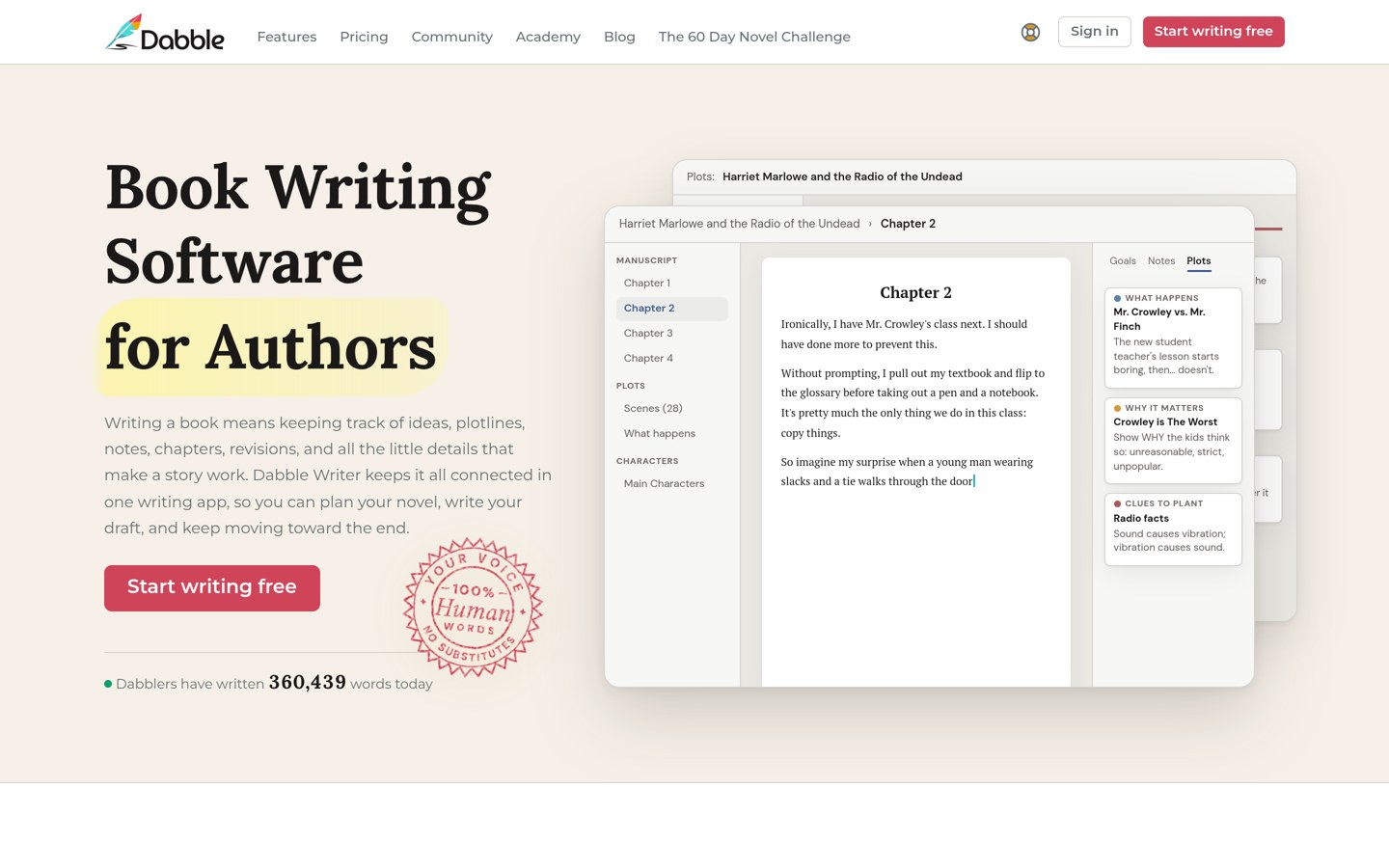
Dabble is a cloud-synced novel writing app with automatic syncing across browser, desktop, iOS and Android, a Plot Grid that maps scenes by plotlines and co-authoring on every plan. The learning curve is gentle compared with Scrivener, and versioning is included.
The trade off is price and export. Writer costs $19 a month or $228 a year, and there is no EPUB export, so formatting needs another tool. It suits cloud writers who want plotting and co-authoring in one place.
4.5/5on Trustpilot (204 reviews, checked Nov 2026)
Starts at$147 (one-time)
Best for writing plus formatting
Price modelOne-time, $147
Formatting themes17-plus
EPUB exportYes
Print PDFYes, print-ready
atticus.io
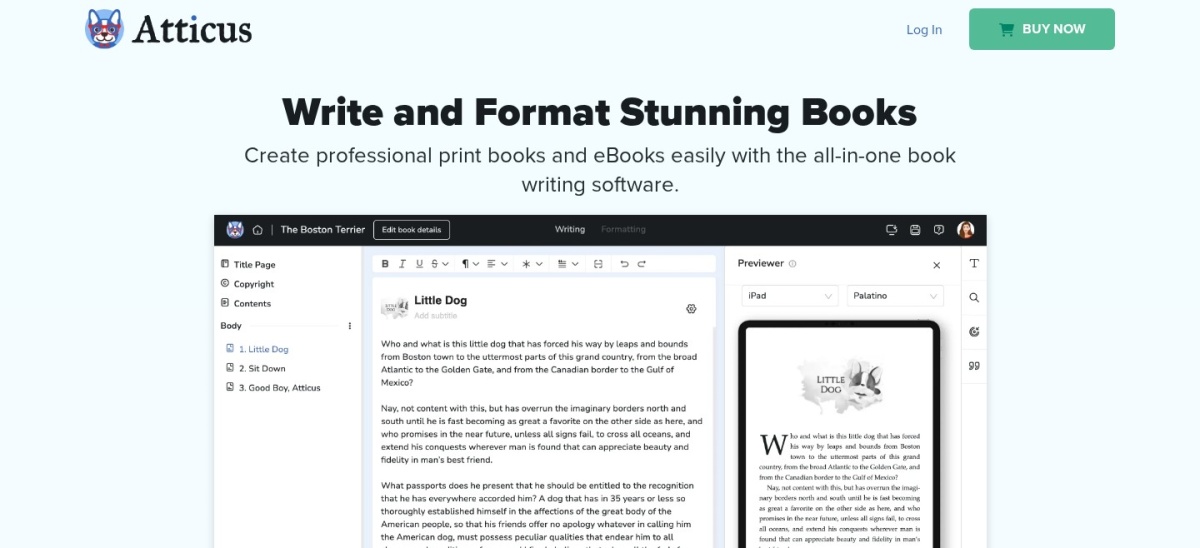
Atticus homepage, captured Nov 2026.
Atticus is the best app for writing plus formatting, combining drafting with professional ebook and print formatting in one purchase of $147. It offers 17-plus themes, front and back matter handling and print-ready PDF plus EPUB output, and it runs on Windows, Mac, Linux and Chromebook.
The trade off is drafting depth. Atticus has no visual plotting, so planners should pair it with Plottr, and its drafting tools are simpler than Scrivener. It suits self-publishers who want to write and format in one purchase.
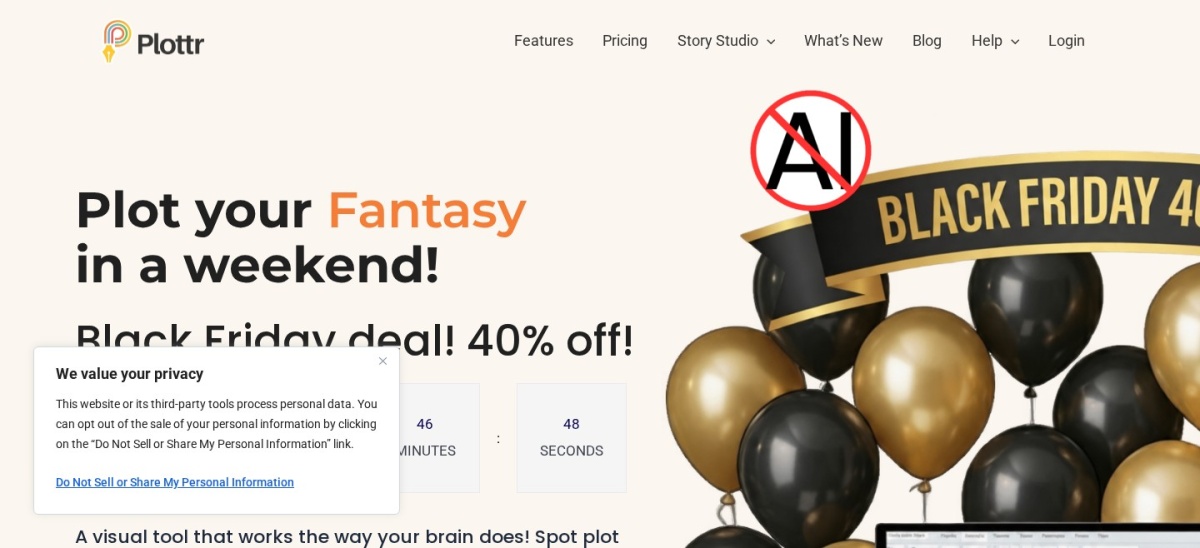
Plottr is the best plotting tool for writers who outline before drafting, with visual timelines, scene cards, structure templates and character and location tracking. It costs $60 a year or $150 lifetime, with a Pro tier at $99 a year, and runs on web, Mac and Windows.
The trade off is that Plottr is outline only, with no EPUB export, so drafting and formatting happen elsewhere. It suits outliners who plan before drafting and pair it with Scrivener, Atticus or Reedsy Studio.
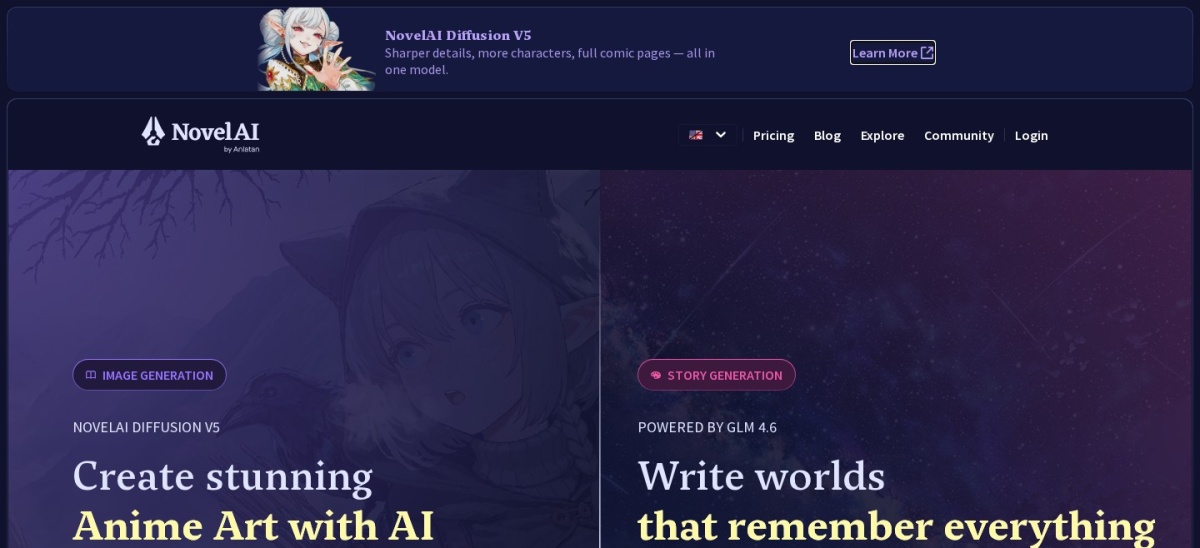
NovelAI is a flat-rate AI drafting tool for genre fiction, offering unlimited AI text from $10 a month with models tuned for stories. It suits writers who draft fast with AI help and want a predictable monthly price with no per-word billing.
The trade off is organization. NovelAI has no manuscript organizer or EPUB export, and the best models sit on the $25 Opus plan. It suits genre writers who want AI drafting without a word counter running.
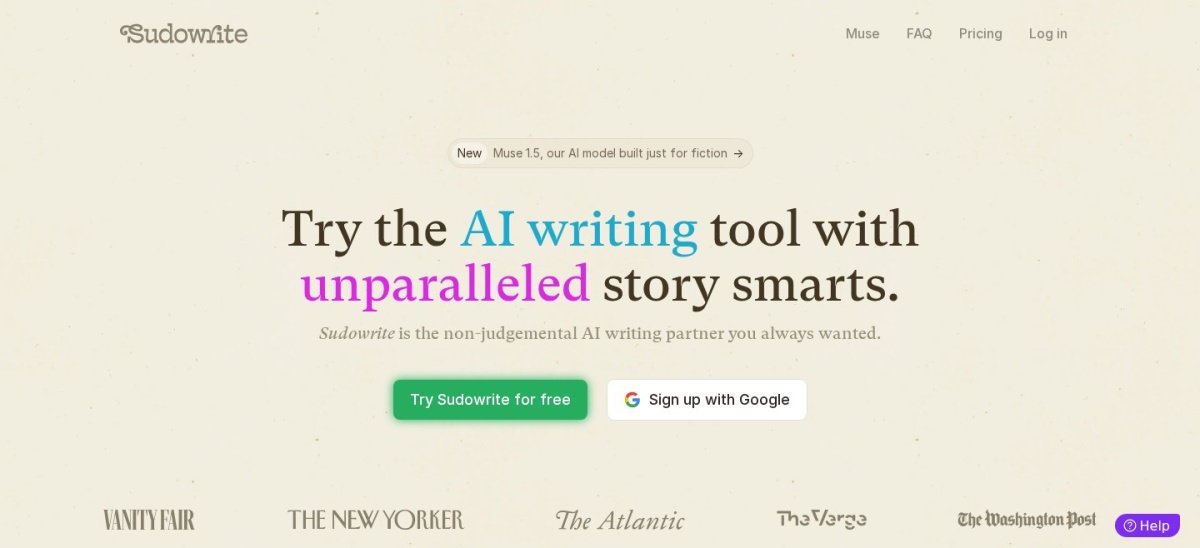
Sudowrite is the only tool here built solely for fiction, with a Story Bible that tracks characters, plot and world details while AI helps draft and revise scenes. Plans start at $19 a month, and it is designed for novelists rather than general writers.
The trade off is the Trustpilot score of 3.0 from 33 reviews, driven by billing complaints as much as by writing quality. It suits fiction writers who want an AI partner built around a story bible.
Scrivener at $59.99 once beats a $19 a month subscription by hundreds of dollars over three years, while Dabble lifetime at $699 only wins for writers who use it for many years.
Atticus at $147 once covers writing and formatting together. Compare that with Scrivener plus a separate formatter, which can cost more than $250 combined.
Subscriptions buy sync and updates. Dabble syncs across every device and Ulysses syncs across Apple devices, which one-time desktop apps do not do on their own.
How we chose
We started from the writing apps authors actually use to draft novels, keeping only tools with a verifiable rating on G2, Capterra or Trustpilot and a working official homepage. Nine made the list.
Prices come from each vendor's pricing page, checked on 25 November 2026. Ratings and review counts come from G2, Capterra and Trustpilot on the same day. Where a vendor shows a sale, the list shows the regular price.
We left out tools without a verifiable rating. No vendor paid for a place, and we do not claim hands-on testing for this list.
How to choose an app for writing a book
Compare the three-year cost, then check export before you buy.
Work out the three-year cost. A $19 a month subscription costs $684 over three years, while Scrivener costs $59.99 once. Do the math before you subscribe.
Check export formats first. If you publish yourself, you need EPUB or print PDF. Scrivener, Atticus and Reedsy Studio export both, while Dabble and Plottr do not.
Test the trial on your real manuscript. A large project reveals sync, organization and export problems that a short test hides. Use the trial on actual chapters.
Decide about AI drafting. NovelAI and Sudowrite generate text, while the other tools here do not. Choose based on whether you want AI in your workflow.
FAQ
What is the best app for writing a book?
Scrivener is the best app for writing a book for most authors. It costs $59.99 once per platform and organizes chapters, research and notes in one project, with a corkboard, outliner and EPUB export, and it is rated 4.7 out of 5 on Capterra.
What is the best free app for writing a book?
Reedsy Studio is the best free app for writing a book, with free drafting and EPUB export at no cost. Google Docs is the other strong free option, with familiar editing and easy sharing with editors, though it has no novel planning tools.
Is Scrivener worth it in 2026?
Yes for most novelists. Scrivener costs $59.99 once, organizes long manuscripts better than any other tool here and exports EPUB and Kindle files. The learning curve is steep, and sync is do-it-yourself via Dropbox rather than built in.
What is the best app for writing and formatting a book?
Atticus is the best app for writing plus formatting, at $147 once with free updates. It combines drafting with professional ebook and print formatting, so a self-publisher can finish a manuscript and produce a publish-ready file without a second tool.
Is Ulysses or Scrivener better?
Scrivener is better for long, research-heavy books with its binder, corkboard and compile tools. Ulysses is better for Apple-only writers who want a clean, distraction-free editor with sync across Mac, iPad and iPhone at $39.99 a year.
Do I need Plottr if I use Scrivener?
Plottr is a planning tool, not a drafting tool, so it pairs with Scrivener rather than replacing it. It adds visual timelines, structure templates and character tracking for outliners, at $60 a year or $150 lifetime.
SaaS SEO and WordPress specialist with about 8 years of experience. Rakib compares WordPress plugins, themes, hosting and software using public pricing, documentation and user reviews. See how we rank.