Google Workspace is the best document collaboration software for most teams, with Docs, Drive and Meet from $7 per user a month. Pick Notion for wikis and databases, and Microsoft 365 when clients demand Office files.
How we make this list: we compare pricing pages, product documentation and public user reviews, then re-check every price before each update. No product paid for a place. Disclosure.
Google Workspace leads at 4.6 out of 5 from 48,175 G2 reviews, with Docs, Drive and Meet for $7 per user a month.
Microsoft 365 matches that $7 price and wins wherever clients send Office files.
Notion is the best wiki-style option at $10 per member a month, rated 4.6 from 13,834 reviews.
Confluence is free for up to 10 users, then $5.78 per user a month billed annually.
Coda charges only Doc Makers at $12 a month, so editors and viewers cost nothing.
What good document collaboration looks like
Real collaboration means several people editing one document at the same time, with comments, suggestions and a version history that shows who changed what. If a tool only shares files, it is storage, not collaboration.
The suites dominate because everyone already has an account. Google Workspace and Microsoft 365 cover editing, storage, chat and meetings for $7 per user a month, which is hard to beat with separate tools.
Wikis such as Notion, Confluence and Coda suit teams whose documents live beside tasks and databases. They need more setup than a plain editor, but they replace three tools at once. Our guide on team collaboration software compares the wider workspace options.
Check the free plan limits before you commit. Notion limits team blocks on free, Confluence is free only to 10 users, and Google Docs is free only for personal accounts.
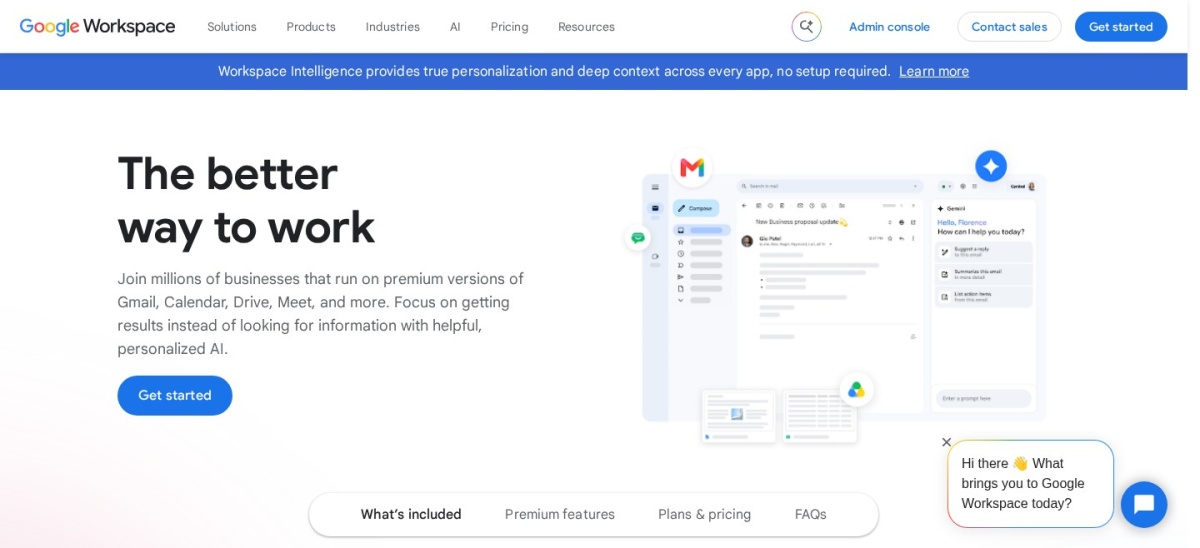
Google Workspace is the suite most teams already use: Docs for writing, Drive for storage and Meet for calls, all for $7 per user a month on Business Starter. Docs handles live co-editing, comments and suggestion mode better than any rival, and sharing is a link.
The trade off is depth. Docs lacks the advanced formatting and tracked-change controls of desktop Word, and offline work needs setup. It suits teams that draft, review and approve written content every week and want the lowest friction.
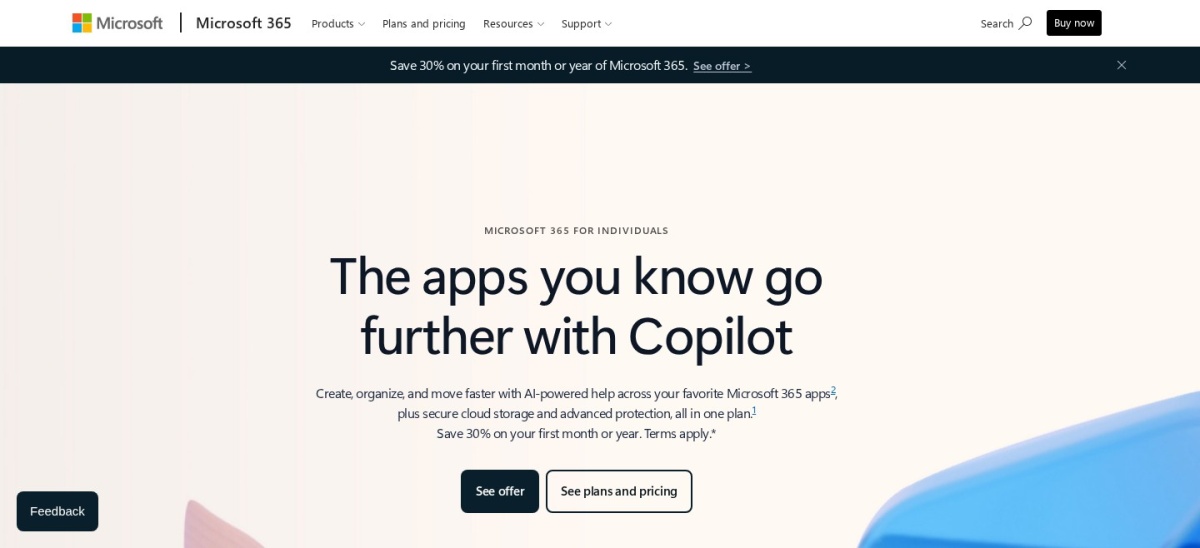
Microsoft 365 is the choice when documents must work everywhere, including in the hands of clients and auditors who live in Office. Business Basic costs $7 per user a month and covers web and mobile Office apps, Teams, Exchange email and 1 TB of OneDrive storage.
The trade off is that desktop Word, Excel and PowerPoint need Business Standard at $14 per user a month, and Microsoft raised Basic from $6 to $7 on 1 July 2026. It suits companies that trade Office files daily and need tracked changes that clients trust.
Notion is a workspace where documents, wikis, meeting notes and databases live side by side. Pages link to each other, real-time editing and comments work well for small groups, and the free plan gives individuals unlimited pages and blocks.
The trade off is setup. A blank Notion workspace does nothing until someone structures it, and the free plan limits team blocks once a second member joins. It suits startups and content teams that want one flexible home for docs and tracking.
Confluence is the structured wiki for teams that need governed documentation at scale. Spaces, page trees, templates, permissions and approval workflows keep product specs, runbooks and decision records organized, and Jira issues link directly to the pages that explain them.
The trade off is weight. Confluence feels heavy for a five-person team, and the editor is slower than Docs or Notion. Standard costs $5.78 per user a month billed annually, or $7.15 monthly. It suits engineering and IT teams already running Jira.
ClickUp is one app for tasks, docs, goals and chat, and its Docs live beside the work they describe. The Unlimited plan costs $7 per user a month and adds unlimited storage, guests and integrations, while the free plan covers small teams.
The trade off is complexity. ClickUp packs so many features that new teams need time to configure it, and the interface can feel busy. It suits teams that want meeting notes and specs attached to tasks instead of scattered across drives.
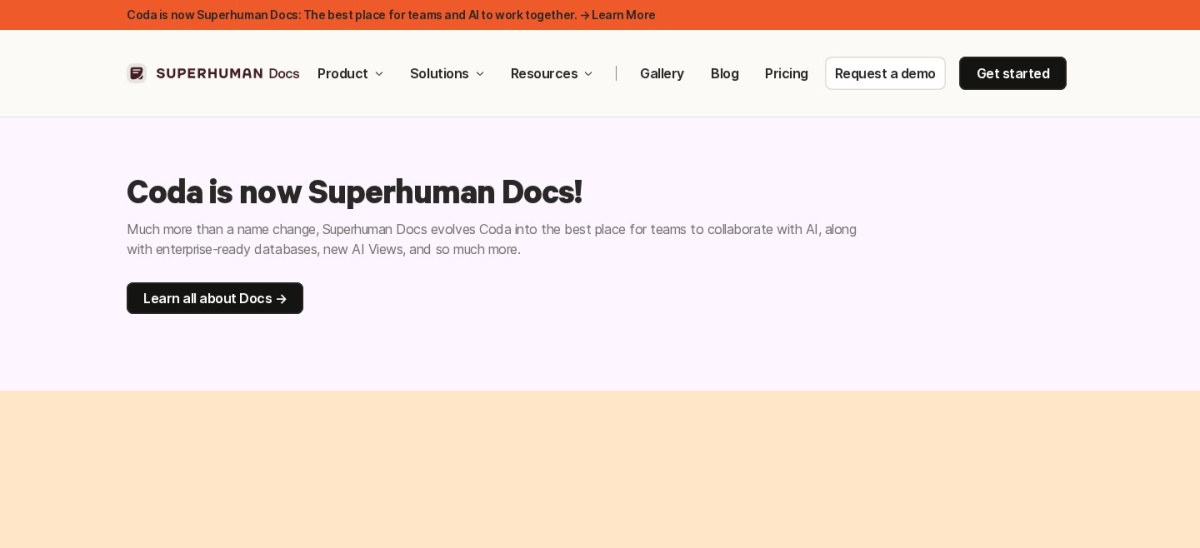
Coda is a document tool that turns pages into lightweight apps: tables, buttons, automations and packs that pull in data from other tools. Only Doc Makers are charged at $12 a month billed annually, while editors and viewers are free, which keeps the bill low for large teams.
The trade off is the learning curve. Building a tracker in Coda takes more thought than writing a page in Docs, and Coda was renamed Superhuman Docs in July 2026. It suits teams where a few makers build docs that the whole company uses.
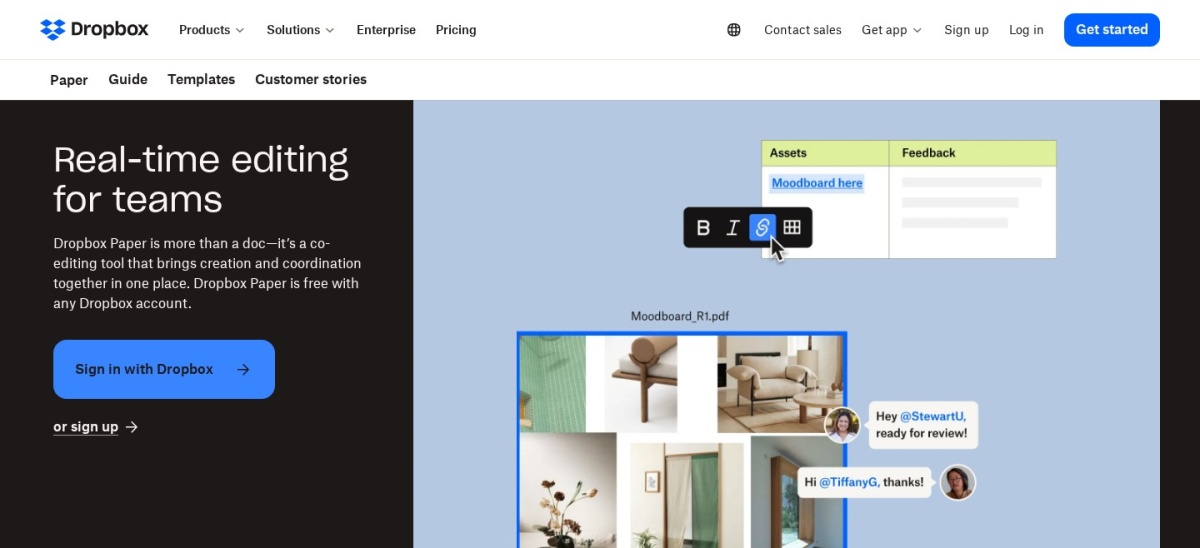
Dropbox Paper is a clean, minimal document editor that lives inside Dropbox. Several people can edit at once, add comments and to-do lists, and attach files from Dropbox without leaving the page, and Paper itself is free with any Dropbox account.
The trade off is that Paper is a side product, not a platform. It has no databases or wiki structure, and the cheapest business plan is Dropbox Standard at $15 per user a month. It suits teams already storing everything in Dropbox.
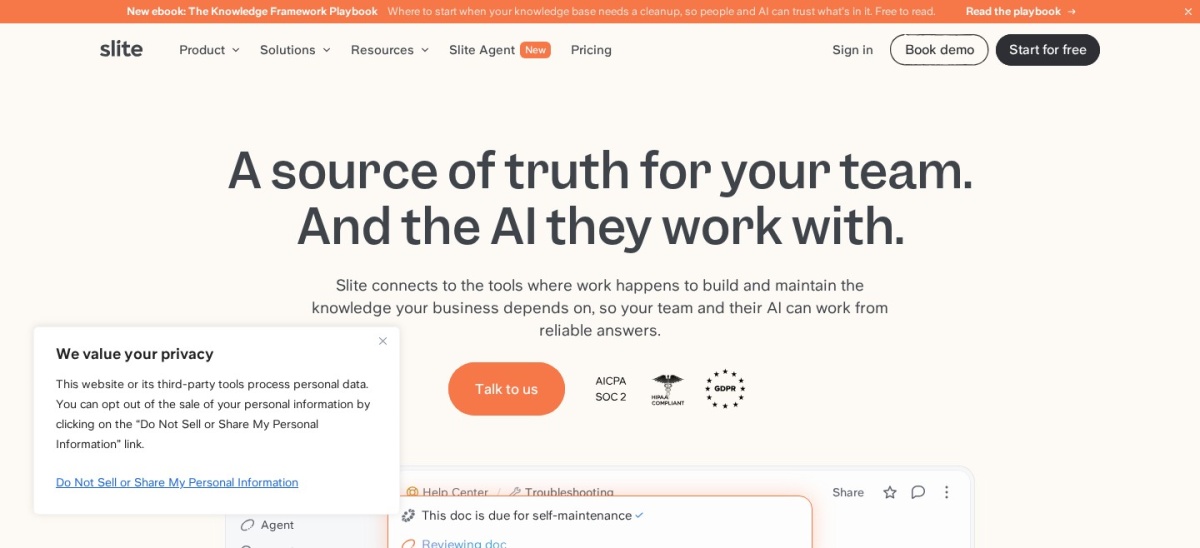
Slite is a fast, simple wiki for growing teams that want a self-maintaining knowledge base. Pages load quickly, AI search finds answers across docs, and the Standard plan costs $10 per user a month with a 14-day trial.
The trade off is a thin review base: Slite holds a 4.7 out of 5 G2 rating from only 29 reviews, so the score is less proven than Notion or Confluence. It suits teams that want a wiki without the setup overhead.
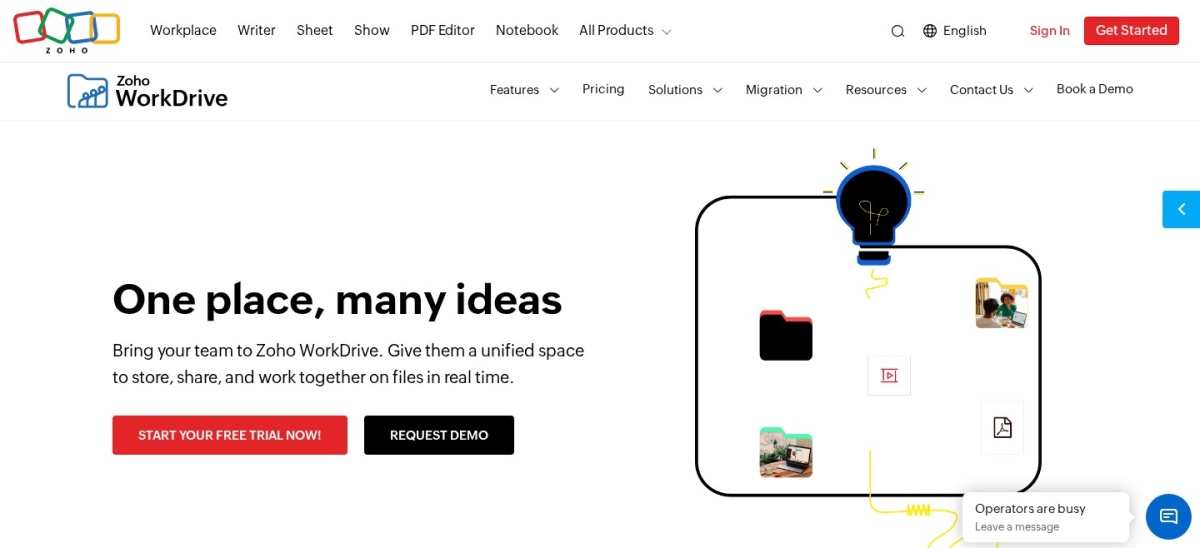
Zoho WorkDrive is the cheapest paid collaboration tool here at $3 per user a month, with team folders, version history and real-time editing in Zoho Writer, Sheet and Show. A free plan covers small teams, and Zia AI can summarise long documents.
The trade off is ecosystem. WorkDrive shines inside Zoho and feels ordinary outside it, and the cheapest plan shares 1 TB across the whole team. It suits Zoho users and budget-conscious teams that need solid file collaboration.
Suites win when most work is a document. Docs, Word and their storage are familiar, and guests need no training.
Wikis win when documents connect to other work. A meeting note that links to a task tracker and a project page is worth more than a standalone file.
Many teams run both: a suite for client-facing documents and a wiki for internal knowledge. That is fine as long as one place is the source of truth.
How we chose
We started from the established document collaboration tools with public ratings on G2, Capterra or Trustpilot, then kept those with a published price or a clear quote process and a real product behind them.
Prices come from each vendor's pricing page, checked on 25 November 2026, and ratings and review counts come from G2, Capterra or Trustpilot on the same day. Where a vendor shows a sale, the list shows the regular price.
We left out tools with no verifiable rating and tools that have been retired. No vendor paid for a place, and we do not claim hands-on testing for this list.
How to choose document collaboration software
Start with who edits, not just who reads, then match the tool to that team.
List who edits, not just who reads. Per-seat pricing punishes large teams. Coda charges only Doc Makers, and Confluence is free to 10 users.
Test live editing with your real files. Open a shared draft with three colleagues and watch cursors, comments and version history. Friction shows up fast.
Check the free plan limits. Free plans cap storage, blocks or users. A tool that is free for one person can cost $100 a month for a team of ten.
Decide where the truth lives. One wiki or one drive folder should be the source of truth. Two homes for the same document guarantees confusion.
FAQ
What is the best document collaboration software?
Google Workspace is the best document collaboration software for most teams. Docs, Drive and Meet cost $7 per user a month, and Workspace is rated 4.6 out of 5 on G2 from more than 48,000 reviews.
Is Google Docs free for teams?
Google Docs is free with a personal Google account, but business use needs Google Workspace, which starts at $7 per user a month. The free version has no admin controls, shared drives or business support.
Notion vs Confluence: which is better?
Notion suits smaller teams that want flexible pages, databases and wikis in one workspace at $10 per member a month. Confluence suits larger companies on Jira, with deeper permissions and governance from $5.78 per user a month.
Can I collaborate on Word documents online?
Yes. Microsoft 365 Business Basic at $7 per user a month includes Word on the web with real-time co-authoring, comments and tracked changes. Desktop Word needs Business Standard at $14 per user a month.
What is the cheapest document collaboration tool?
Zoho WorkDrive is the cheapest paid option here at $3 per user a month, with a free plan for small teams. Google Docs and Notion also have free plans, though both limit team features.
Does Coda charge for every user?
No. Coda charges only Doc Makers at $12 a month billed annually, while editors and viewers are free. That makes it cheap for teams where a few people build documents and many only read or comment.
SaaS SEO and WordPress specialist with about 8 years of experience. Rakib compares WordPress plugins, themes, hosting and software using public pricing, documentation and user reviews. See how we rank.