Notion is the best personal knowledge management software for most people, combining notes, wikis and databases in one workspace for ten dollars a member a month. Obsidian suits those who want local files they own, while Evernote is still the strongest clipper.
How we make this list: we compare pricing pages, product documentation and public user reviews, then re-check every price before each update. No product paid for a place. Disclosure.
Notion leads for most people, with notes, wikis and databases in one workspace at $10 a member a month.
Obsidian is the best local-first pick, with a free core app and Sync at $4 a user a month billed yearly.
Evernote still has the strongest clipper and search, but its free plan allows only 50 notes.
Roam Research is the priciest here at $165 a year, with no free plan and block-level linking.
Google Keep costs nothing and is the fastest way to capture an idea on the go.
How personal knowledge tools differ
Personal knowledge management is about keeping what you learn findable. The right tool stores notes, links ideas together and surfaces them when you need them.
The tools here split into three styles. Notion and Evernote are structured workspaces, Obsidian, Logseq and Roam link notes into a graph, and Workflowy and Google Keep capture fast.
Price is mostly per member, so a cheap solo plan can double for a household or team. Our guide on digital note taking covers the same tools from a note-taking angle.
Check where your notes live before you commit. Local-first tools keep files on your device, while cloud tools sync everywhere but lock you into one service.
Best personal knowledge management software overall
Free file uploadsUp to 5 MB
Plus file uploadsUp to 5 GB
Page history7 days free, 30 on Plus
Paid planPlus, $10/member/mo
notion.com
Notion homepage, captured Nov 2026.
Notion is a modular workspace combining notes, tasks, project trackers and databases in one place. Its free plan works for individual note-taking with 7-day page history and up to 5 MB per file upload, and it syncs across every device without an add-on.
The trade off is paying $10 per member per month billed annually on Plus for 5 GB file uploads and 30-day history, while full Notion AI sits on Business at $20 a member a month. It suits people who want notes, wikis and team pages in one workspace.
What we like
Notes, wikis, tasks and databases in one place
Free plan syncs across devices
Largest review base in this list
Watch out for
Plus is per member, so teams pay for every seat
Full AI features need the Business plan
Plus adds 5 GB uploads, 30-day history and more sharingVisit notion.com
02
Obsidian
4.5/5on G2 (14 reviews, checked Nov 2026)
Paid from$4/user/mo
Best for local-first Markdown and linked notes
Core appFree, personal and commercial
StorageLocal Markdown files
Graph viewYes, built in
Paid add-onSync, $4/user/mo
obsidian.md
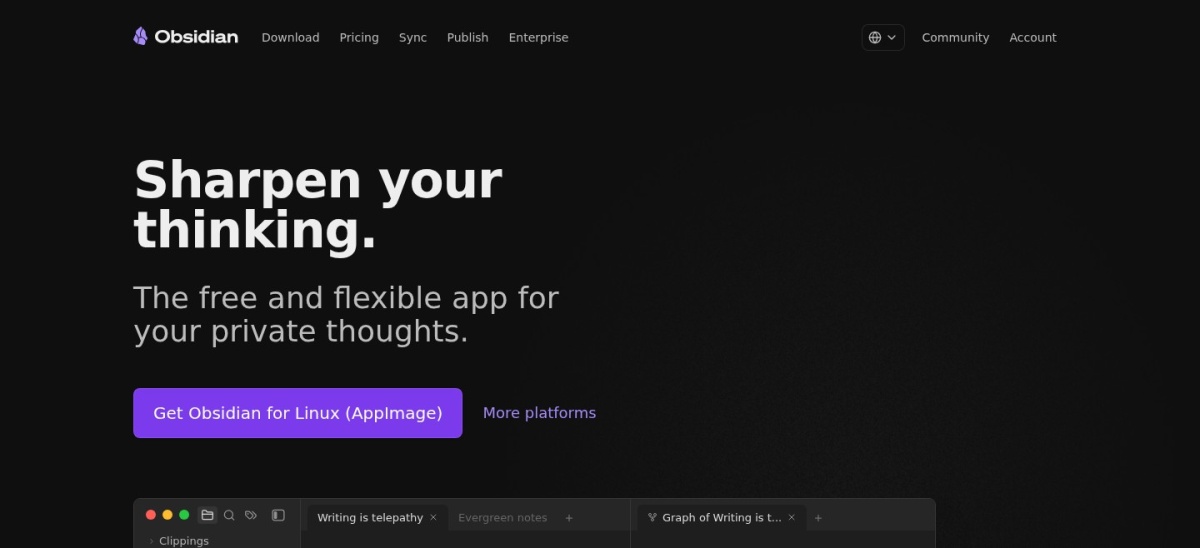
Obsidian homepage, captured Nov 2026.
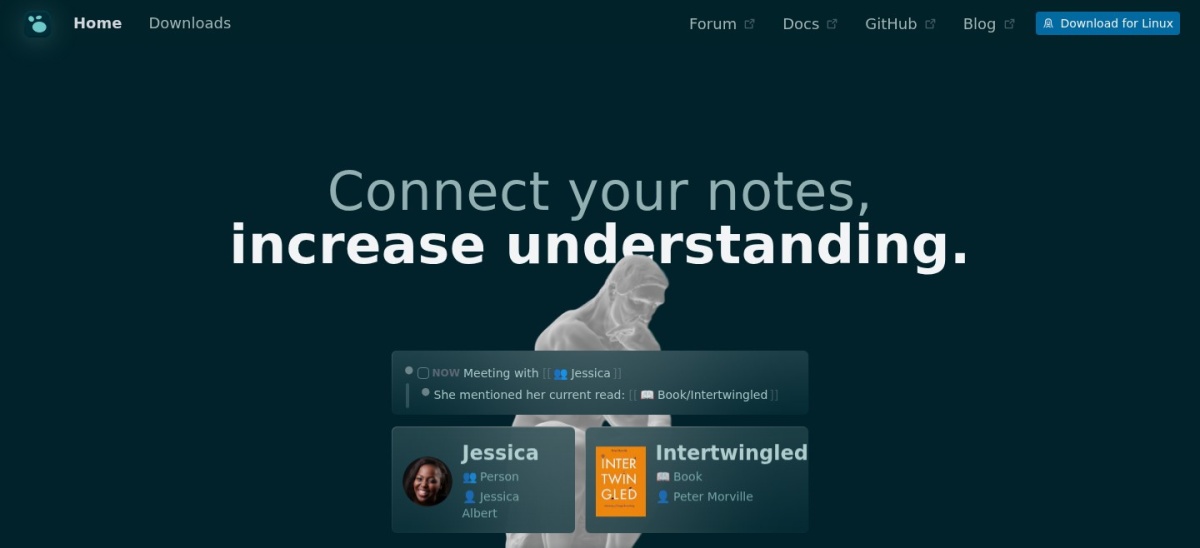
Obsidian is a local-first note editor that stores notes as plain Markdown files on your own device, with backlinks, a graph view and a large community plugin library. The core app is free for personal and commercial use with no account required.
The trade off is sync. Official Sync costs $4 per user per month billed annually and adds end-to-end encryption, version history and shared vaults. It suits writers and researchers who want to own their files and link ideas into a graph.
What we like
Your notes are plain files you control
Backlinks and graph view included free
Huge community plugin library
Watch out for
No built-in sync without the paid add-on
Plugin setup takes time for new users
Sync adds encrypted cross-device syncing and version historyVisit obsidian.md
03
Evernote
4.3/5on G2 (2,034 reviews, checked Nov 2026)
Paid from$99/yr
Best for clipping and searching everything
Free notes50 notes, 1 notebook
Starter notes1,000 notes, 20 notebooks
Storage5 GB on Starter
Paid planStarter, $99/yr
evernote.com
Evernote homepage, captured Nov 2026.
Evernote is a note app built for capture, with a web clipper, document scanning and search that reads text inside PDFs, photos and handwriting. The free plan allows 50 notes, one notebook and one synced device, while Starter at $99 a year adds 1,000 notes, 20 notebooks and three devices.
The trade off is value. Starter costs more than Notion Plus while doing less, and plan names and prices change often. It suits people with years of saved documents who need to find any of them again fast.
What we like
Strongest web clipper in this list
Search reads inside PDFs and photos
Offline notebooks on paid plans
Watch out for
Free plan is tight at 50 notes
Pricier than Notion Plus for fewer features
Advanced removes the limits on notes, notebooks and storageVisit evernote.com
04
Microsoft OneNote
4.5/5on G2 (1,873 reviews, checked Nov 2026)
Paid from$99.99/yr
Best free notebook for handwriting
Free planFull app, no note cap
HandwritingYes, with stylus support
Free storage5 GB on OneDrive
Paid planMicrosoft 365 Personal
microsoft.com
Microsoft OneNote homepage, captured Nov 2026.
Microsoft OneNote is a free-form digital notebook with sectioned notebooks, handwriting and drawing support, audio notes and deep Microsoft 365 integration. The app is free with a Microsoft account, with no cap on notes, and sync runs through OneDrive with 5 GB of free storage.
The trade off is search depth. OneNote does not read inside PDFs the way Evernote does, and Copilot features need Microsoft 365 Personal at $99.99 a year. It suits students and Microsoft households who want a free notebook on every device.
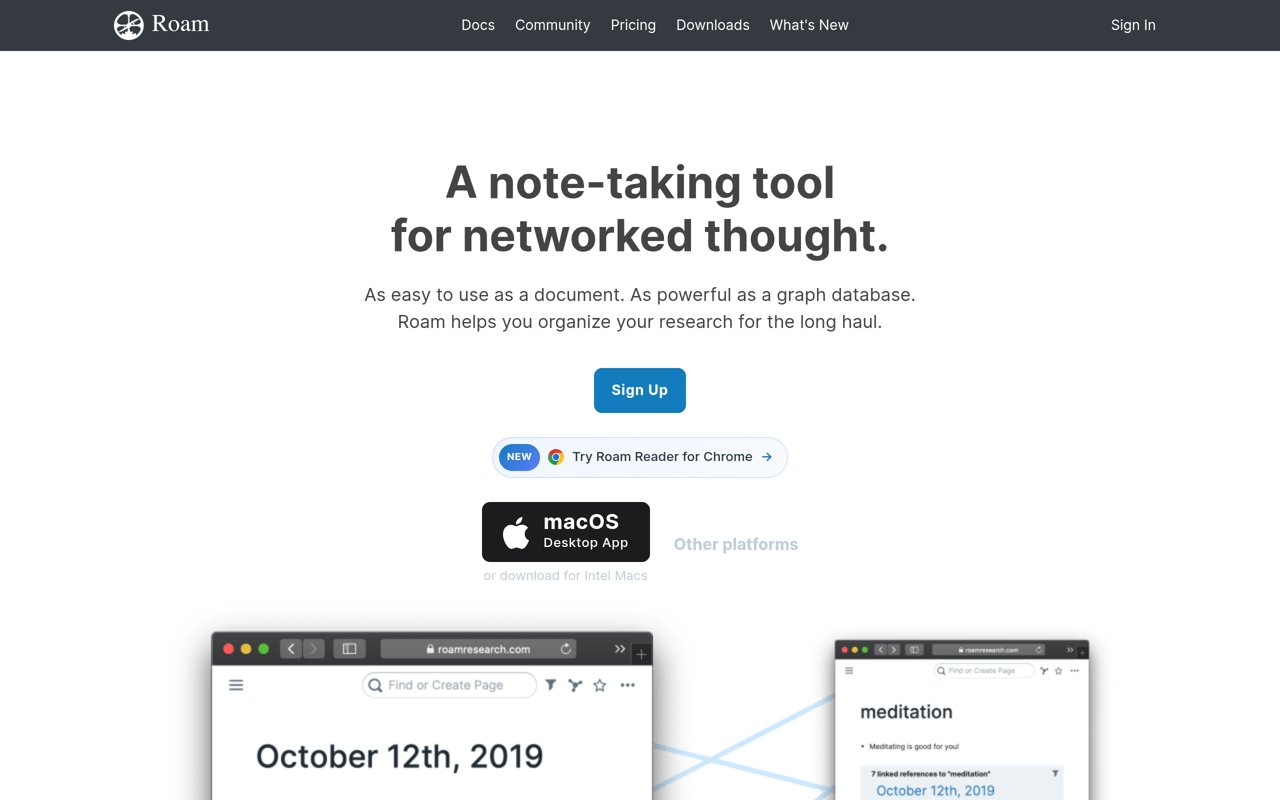
Roam Research is a cloud outliner for networked thought, built around daily notes, block-level references and a bidirectional backlink graph. It invented the modern networked note-taking style that Logseq later copied, and it suits researchers who build ideas from small linked blocks.
The trade off is price and access. There is no free plan, only a 31-day trial, and Pro costs $15 a month or $165 a year. It suits academics and writers who live in block references and want the original tool.
Logseq is a privacy-first, open-source knowledge base built around a block outliner, daily journals and a graph view. The core app is free, stores notes as local Markdown files and includes bidirectional linking, queries and PDF annotation without plugins.
The trade off is polish. Logseq can feel rougher than Notion or Obsidian, and official Sync costs $5 a month for cross-device use. It suits open-source fans and writers who want Roam-style linking without the subscription.
What we like
Free and open-source core app
Block-level links and daily journals
Local files you fully control
Watch out for
Less polished than Notion or Obsidian
Sync costs extra for multiple devices
Sync adds cross-device syncing for the local-first appVisit logseq.com
07
Workflowy
4.5/5on G2 (34 reviews, checked Nov 2026)
Paid from$6.99/mo
Best for simple expandable outlines
Free planBasic, limited bullets
OutliningNested bullets, zoom in
SharingYes, on Pro
Paid planPro, $6.99/mo
workflowy.com
Workflowy homepage, captured Nov 2026.
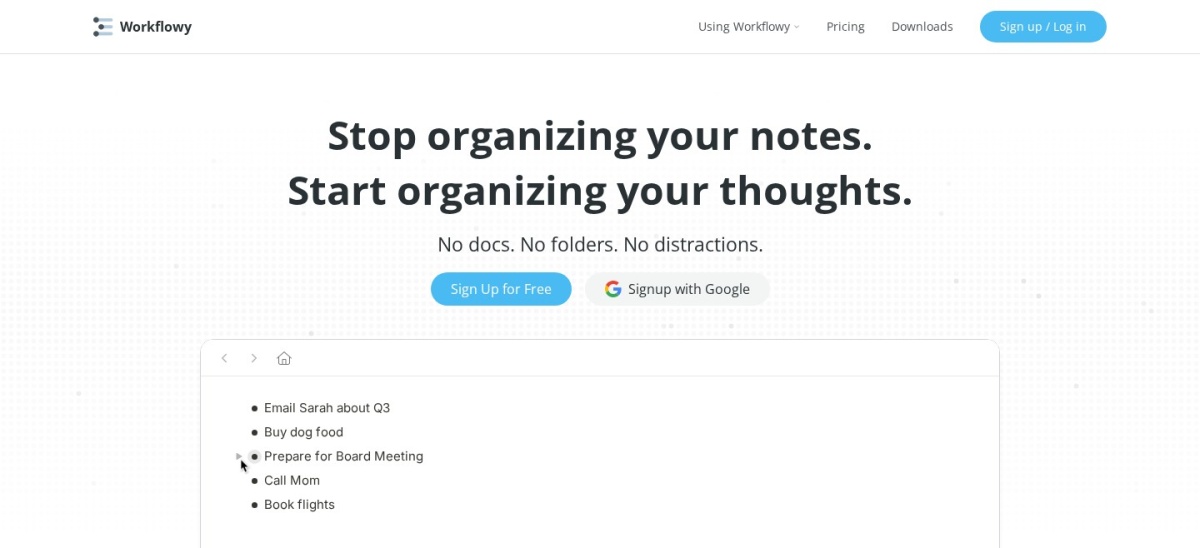
Workflowy is a note-taking app built around a single infinite document of nested bullets, with tagging, zoom-in navigation and sharing. The free Basic plan covers light use, while Pro at $6.99 a month billed yearly removes bullet and upload limits and adds backups and premium support.
The trade off is scope. Workflowy is an outliner first, so it lacks the databases of Notion and the graph of Obsidian. It suits people who think in lists and want one expandable outline for ideas, tasks and reference material.
4.7/5on G2 (Not published reviews, checked Nov 2026)
PriceFree
Best for fast capture on the go
PriceFree, no paid plan
CaptureNotes, lists, voice, photos
SyncGoogle account
Paid planNone
google.com
Google Keep homepage, captured Nov 2026.
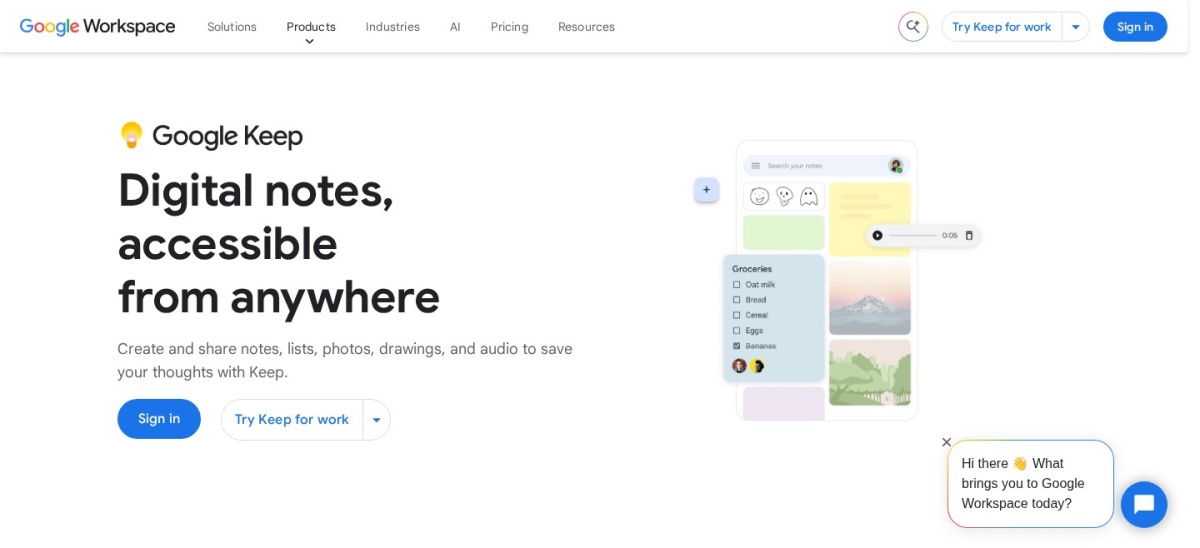
Google Keep is a free note app for quick capture, with colour-coded notes, checklists, voice notes and reminders synced to a Google account. It runs on the web, Android and iOS, and it is the fastest tool in this list for saving an idea before it disappears.
The trade off is depth. Keep has no backlinks, graph view or databases, so large knowledge bases outgrow it fast. It suits anyone who wants a free, instant capture inbox beside a heavier knowledge tool.
Local-first tools store notes as plain files on your device, so you can open them in any editor and keep them if the company shuts down.
Cloud tools sync instantly across devices and add live collaboration, but your notes live on someone else's servers.
If privacy and portability matter most, pick Obsidian or Logseq. If you switch devices often, a cloud workspace is easier.
How we chose
We started from the most established personal knowledge tools with a verifiable rating on G2 or Capterra, then kept those with a useful free plan or trial and a published price.
Prices come from each vendor pricing page or a November 2026 pricing check of that page, checked on 26 November 2026. Ratings and review counts come from G2 or Capterra on the same day. Where a vendor shows a sale, the list shows the regular price.
We left out tools with no verifiable rating on G2, Capterra or Trustpilot, including Mem and Anytype. No vendor paid for a place, and we do not claim hands-on testing for this list.
How to choose personal knowledge management software
Start with how you think, then check where your notes live and what sync costs.
Pick your style first. Graph thinkers suit Obsidian, Logseq or Roam. Structured planners suit Notion. Fast capturers suit Keep or Workflowy.
Check where notes live. Local files travel anywhere and survive a shutdown. Cloud notes sync faster but tie you to one vendor.
Price the sync, not just the app. Obsidian and Logseq are free until you pay for sync, while Notion and Evernote bundle it in.
Test with a real project. Move one real set of notes across first, then judge search, linking and export before migrating everything.
FAQ
What is the best personal knowledge management software?
Notion is the best personal knowledge management software for most people, with notes, wikis, tasks and databases in one workspace. Obsidian is better for local files, and Evernote still leads for clipping and searching saved documents.
Is Notion or Obsidian better for personal notes?
Notion suits people who want a shared workspace with databases and wikis, while Obsidian suits people who want local Markdown files they own. Notion syncs everywhere for free, while Obsidian charges for official sync.
Which knowledge management tool is free?
Notion, Obsidian, Logseq, Workflowy and Google Keep all have free plans, and OneNote is free with a Microsoft account. Roam Research has no free plan, only a 31-day trial before its paid plan starts.
Does Evernote still make sense in 2026?
Yes, if you clip web pages and search inside PDFs and photos. Its free plan is tight at 50 notes, but the Starter plan at $99 a year adds 1,000 notes, offline access and AI features.
What is the cheapest good knowledge tool?
Obsidian is the cheapest path to a serious system, since the core app is free and Sync costs $4 a user a month billed yearly. Logseq is free too, with Sync at $5 a month.
Can I move my notes between these tools?
Mostly yes. Obsidian and Logseq use plain Markdown files that move anywhere, and Notion exports pages as Markdown, HTML or PDF. Roam and Evernote exports need more cleanup.
SaaS SEO and WordPress specialist with about 8 years of experience. Rakib compares WordPress plugins, themes, hosting and software using public pricing, documentation and user reviews. See how we rank.