Clip Studio Paint is the best Corel Painter alternative for most painters, with a full brush, comic and animation studio for $26.99 a year and a 4.4 out of 5 G2 rating. Krita is the best free option, and Procreate is the best $12.99 one-time pick for iPad artists.
How we make this list: we compare pricing pages, product documentation and public user reviews, then re-check every price before each update. No product paid for a place. Disclosure.
Clip Studio Paint leads at $26.99 a year, with comic tools and animation Painter lacks at this price.
Three picks cost nothing: Krita, Adobe Fresco and Affinity Designer all have free versions.
Procreate is the cheapest paid pick at $12.99 once, but it runs on iPad only.
Rebelle is the highest-rated pick at 4.8 out of 5 from 94 G2 reviews, for realistic watercolor and oils.
Seven of the nine tools sell a one-time licence, so most picks never charge a monthly fee.
How do you pick the best Corel Painter alternative?
Corel Painter sells realistic traditional media at a premium price. Its full licence costs $429 once, and the subscription is $199 a year, so the first question is whether you need that realism or just a good painting app.
Most painters do not need 900 brushes. A strong alternative covers natural brushes, layers, pressure sensitivity and PSD export, and the best ones add the workflow Painter skips, such as comic panels or animation.
Price decides most switches. Three tools here are free, and the cheapest paid pick is $12.99 once, so you can leave Painter behind without starting a new subscription.
Platform matters as much as brushes. Procreate and Fresco are tablet-first, SAI is Windows-only, and only Clip Studio Paint, Krita and Sketchbook run almost everywhere. Pick the app that runs on the device you already draw on.
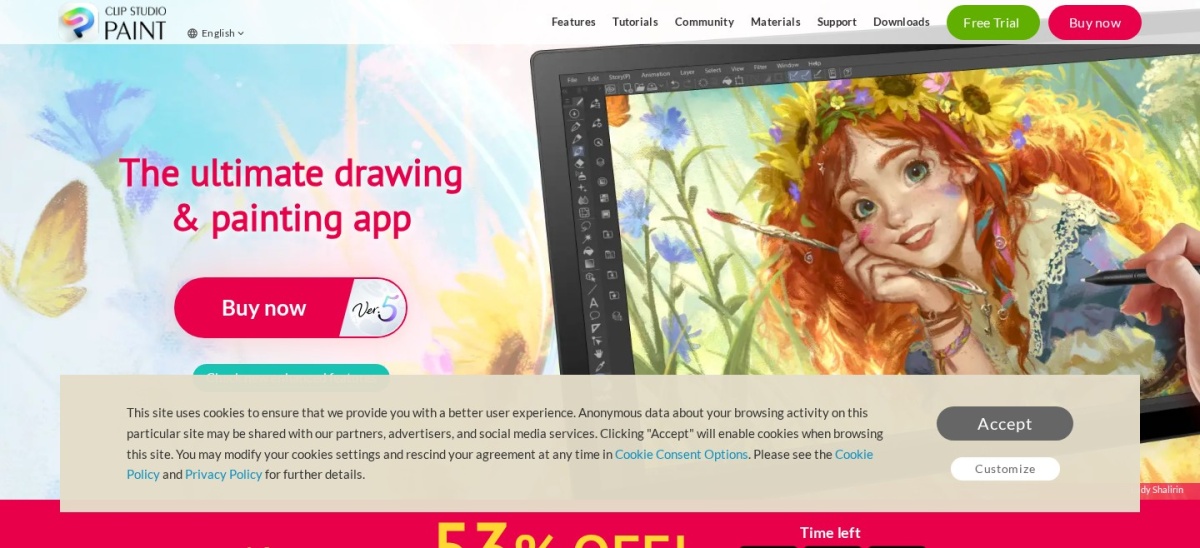
Clip Studio Paint is a desktop and tablet painting studio for illustration, comics and frame-by-frame animation, with natural brushes, 3D poseable figures and vector layers. The PRO plan costs $26.99 a year for one device, and a $63 one-time desktop licence covers Ver. 5.0.
The trade off is the licence split. The one-time licence locks to Ver. 5.0, so new features need a $10.99 a year Update Pass, and multi-page comics need EX at $76.99 a year. It suits illustrators and comic artists who want Painter's depth without a $429 licence or a monthly bill.
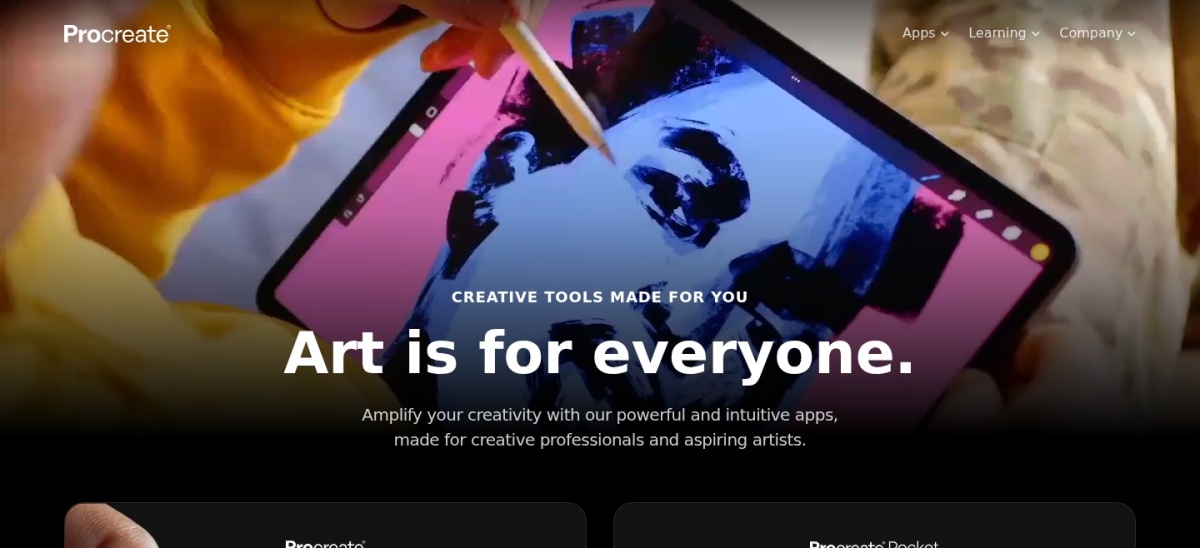
Procreate is a touch-first painting app for iPad and Apple Pencil, priced at $12.99 one-time with no subscription. It ships with more than 300 built-in brushes, layer blend modes, time-lapse recording and 3D model painting, all in one purchase.
The trade off is hardware. It runs only on iPadOS, so Windows, Mac and Android artists need a different app, and there is no vector or page-layout tool. It suits iPad illustrators who want the best-rated painting app here for the price of a lunch.
Krita is a free, open-source painting program for Windows, macOS and Linux, built by artists for illustration and concept art. It includes customizable brushes, stabilizers, layer management and a frame-by-frame animation timeline, all free.
The trade off is polish. The interface is dense, the learning curve is steeper than Procreate or Sketchbook, and support comes from the community rather than a help desk. It suits painters who want professional brushes for $0 and do not mind learning the layout.
What we like
Completely free, no paid tier at all
Strong brush engine and stabilizers
Animation timeline included
Runs on Windows, macOS and Linux
Watch out for
Dense interface with a learning curve
Community support only
Fewer tutorials than paid apps
Donations fund development; no paid version existsVisit krita.org
04
Rebelle
4.8/5on G2 (94 reviews, checked Nov 2026)
Starts at$89.99/once
Best for realistic watercolor and oils
PriceRebelle 8, $89.99 once
Pro versionRebelle 8 Pro, $149.99 once
MediaWatercolor, oil, acrylic, pastel
PlatformsWindows, macOS
escapemotions.com
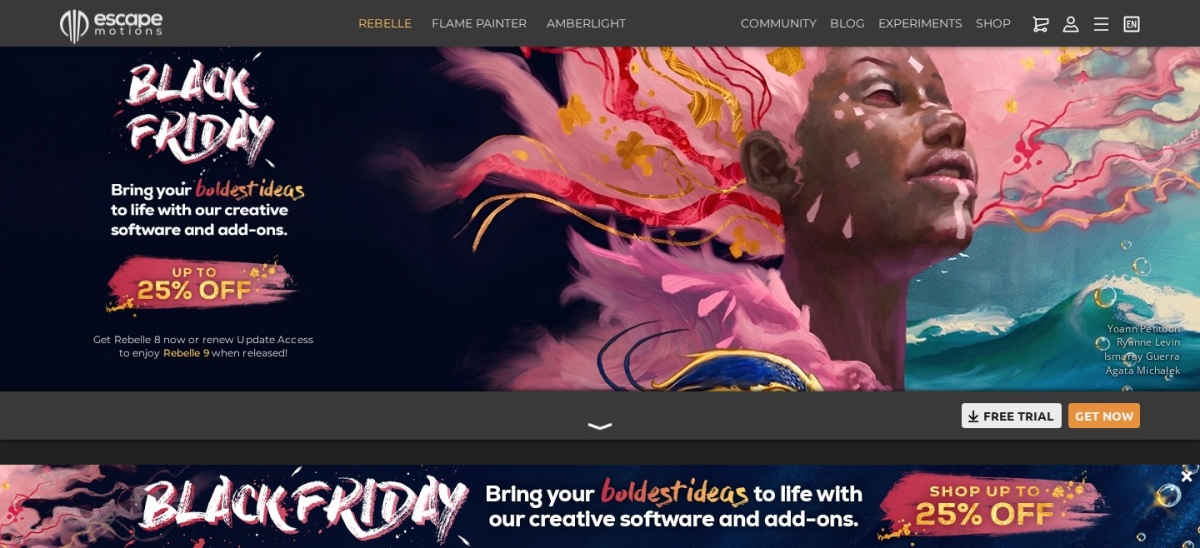
Rebelle homepage, captured Nov 2026.
Rebelle is a desktop painting app from Escape Motions that simulates wet watercolor, oil and acrylic on paper and canvas. Rebelle 8 costs $89.99 once, with realistic pigment mixing, drying and paper textures, plus a free trial.
The trade off is scope. Rebelle focuses on painting and has no comic panel tools, vector layers or mobile app, and Pro features such as pigment mixing on a palette need the $149.99 Pro version. It suits traditional-media painters who want the closest digital watercolor here.
Adobe Fresco is a drawing and painting app for iPad, iPhone and Windows, built around live brushes that bleed and blend like real watercolor and oil. Adobe cancelled the $9.99 a month Premium plan in October 2024, so the full app is now free.
The trade off is platform and depth. There is no Mac version, vector brushes are weaker than Illustrator, and the app works best inside Adobe Creative Cloud. It suits painters who want the most realistic digital paint for $0.
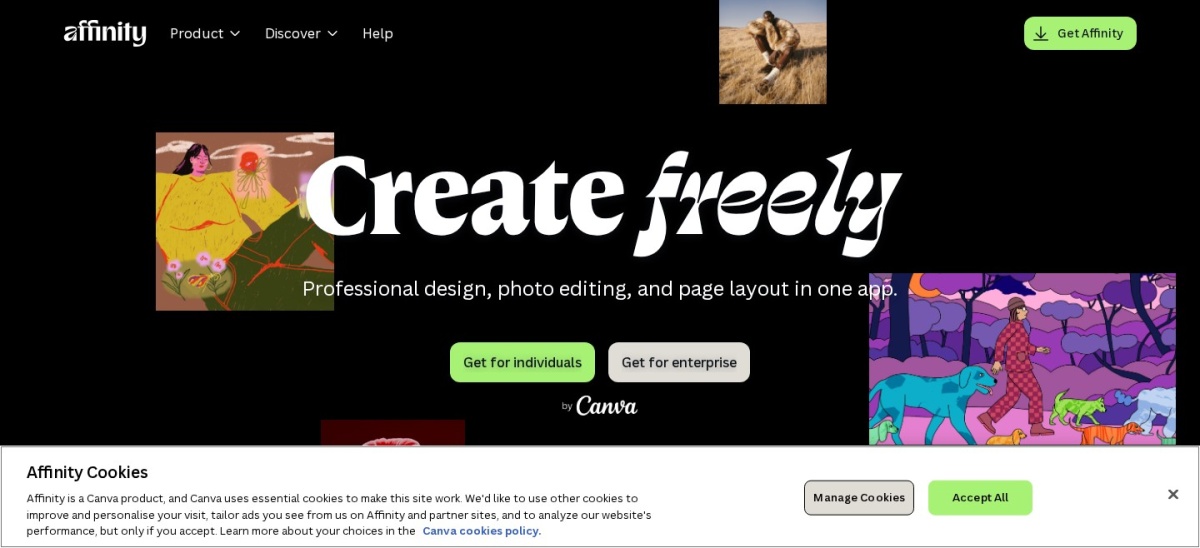
Affinity Designer is the vector studio inside the free Affinity app from Canva, covering vector drawing, pixel painting and page layout in one download. It draws precise logos, icons and illustrations with pen and shape tools, and opens PSD, AI and IDML files. The core app is free for individuals on Windows and macOS.
The trade off is the AI paywall. Generative features need a paid Canva plan, and the unified app has no iPad version yet. It suits illustrators who want professional vector tools without a subscription or a monthly bill.
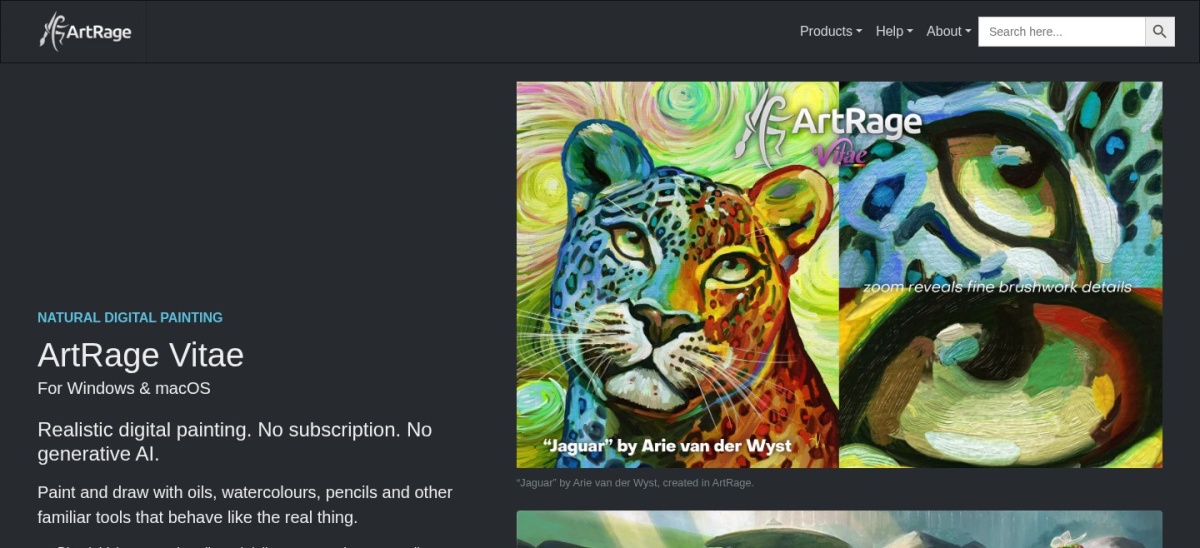
ArtRage Vitae is a friendly painting app for Windows and macOS that copies oils, watercolors, pencils and palette knives on a textured canvas. Vitae costs $80 once, Lite costs $29.90, and the mobile app costs $4.99.
The trade off is ambition. ArtRage will not replace a production illustration pipeline, and the tutorial and brush community is small. It suits beginners who want paint that behaves like paint without learning a studio app.
What we like
Intuitive interface beginners learn in minutes
Convincing oils, watercolors and palette knife
One-time purchase, no subscription
Mobile app costs only $4.99
Watch out for
No comic or animation tools
Small tutorial and brush community
No free trial of Vitae, demo of older version only
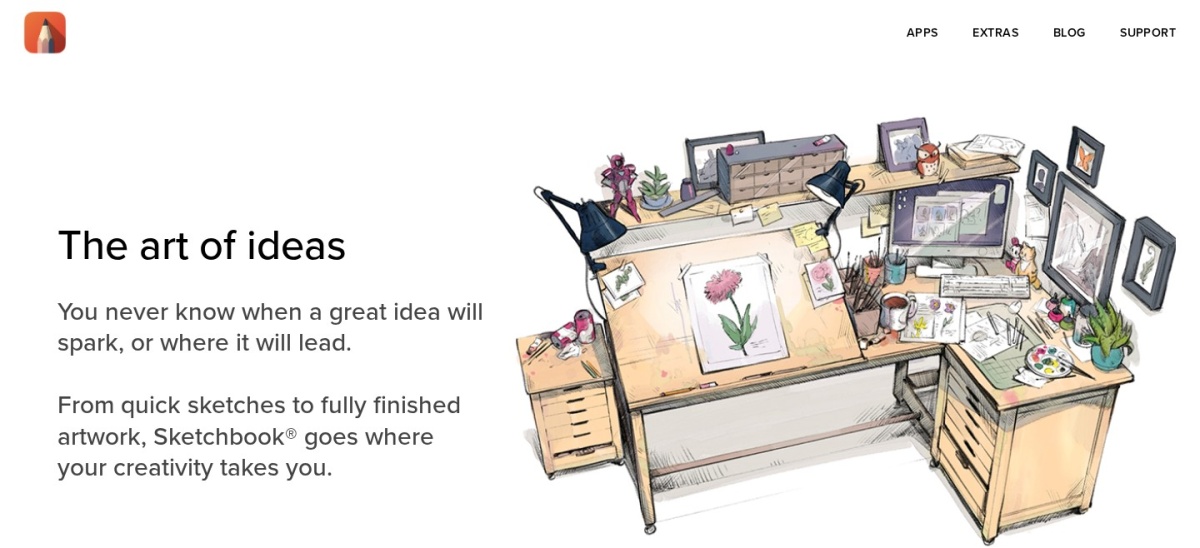
Sketchbook is a clean, lightweight drawing app for desktop and mobile, with predictive stroke smoothing, symmetry tools and a distraction-free canvas. The mobile app is free, and the desktop Pro version costs $24.99 one-time.
The trade off is depth. Sketchbook has fewer painting brushes and no animation or comic tools, so it suits sketching and line art more than finished paintings. It fits artists who want a fast sketch pad on every device.
PaintTool SAI is a lightweight Windows painting app built for smooth line art, with a pen stabilizer, precise pressure control and a simple interface. The licence costs 5,500 yen, about $37, as a one-time purchase, after a 31-day free trial.
The trade off is age and scope. SAI is Windows-only, the interface looks dated, and version 2 is still a technical preview, so Mac and tablet artists need another app. It suits anime and manga artists who want the smoothest inking for the lowest price here.
Seven of the nine tools here sell a one-time licence, which is the biggest saving against Corel Painter. A $429 Painter licence or a $199 a year subscription buys a lot of one-time apps instead.
One-time does not always mean forever. Clip Studio Paint's $63 licence freezes at Ver. 5.0, and new features need a $10.99 a year Update Pass, while Rebelle, ArtRage and Procreate include their version's updates with no extra charge.
Free tools have their own catch. Krita is free with no paid tier at all, while Fresco and Affinity are free because Adobe and Canva fund them, so their paid features sit behind a subscription or a Canva plan.
Match the licence to how often you paint. If you paint every week, a one-time licence pays for itself in months; if you paint twice a year, a free app such as Krita or Fresco costs nothing between sessions.
How we chose
We started from the painting apps artists name most often as Corel Painter replacements, then kept the nine with a verifiable G2 rating and a published price.
Prices and ratings were checked on 29 November 2026 against vendor pricing pages, official store listings and G2 product pages. Where a vendor shows a sale, the list shows the regular price, and one-time prices are shown as the amount paid once.
We left out apps with no public rating and apps that only edit photos. No vendor paid for a place, and we do not claim hands-on testing for this list.
How to choose a Corel Painter alternative
Start with the device you draw on, then match the app to the work you actually do.
List the devices you draw on. Procreate needs an iPad, SAI needs Windows, and Fresco has no Mac version. Clip Studio Paint, Krita and Sketchbook run almost everywhere.
Name the job: painting, comics or sketching. Rebelle and ArtRage win for traditional media, Clip Studio Paint wins for comics and animation, and Sketchbook wins for quick sketches.
Decide between free, one-time and subscription. Krita, Fresco and Affinity cost nothing, seven tools sell a one-time licence, and only Clip Studio Paint's mobile plans need a subscription.
Try before you pay. Krita and Fresco are free, SAI gives a 31-day full trial, and Rebelle, ArtRage Lite and Clip Studio Paint all offer a trial or a cheaper edition first.
FAQ
What is the best Corel Painter alternative in 2026?
Clip Studio Paint is the best Corel Painter alternative for most painters. It covers illustration, comics and animation for $26.99 a year, with a 4.4 out of 5 G2 rating, and a $63 one-time desktop licence is available.
Is there a free alternative to Corel Painter?
Yes. Krita is completely free with no paid tier, Adobe Fresco is free since Adobe cancelled its Premium plan, and Affinity Designer is free for individuals. Krita is the strongest free pick for desktop painters.
Which Corel Painter alternative is best for watercolor?
Rebelle is the best pick for watercolor. It simulates wet paint, pigment mixing and drying on paper, and it holds the highest rating in this list at 4.8 out of 5 from 94 G2 reviews. It costs $89.99 once.
What is the cheapest Corel Painter alternative?
Krita, Adobe Fresco and Affinity Designer cost nothing. The cheapest paid pick is Procreate at $12.99 once, followed by Sketchbook Pro at $24.99 once and Clip Studio Paint at $26.99 a year.
Clip Studio Paint vs Corel Painter: which is better for comics?
Clip Studio Paint is better for comics. It has panel frames, screentones, perspective rulers and multi-page management in EX, while Painter is built for traditional-media painting and has no comic workflow.
Can I use a Corel Painter alternative on iPad?
Yes. Procreate is iPad-only and costs $12.99 once, Adobe Fresco is free on iPad, and Clip Studio Paint runs on iPad with a subscription plan starting at $0.99 a month for first-time subscribers.
SaaS SEO and WordPress specialist with about 8 years of experience. Rakib compares WordPress plugins, themes, hosting and software using public pricing, documentation and user reviews. See how we rank.