Ableton Live is the best Cubase alternative for most producers, rated 4.7 out of 5 on G2 from 159 reviews, with Intro at $99 one-time. Logic Pro is the best Mac-only switch at $199.99, while REAPER costs just $60 for a full DAW with no track limits.
How we make this list: we compare pricing pages, product documentation and public user reviews, then re-check every price before each update. No product paid for a place. Disclosure.
Ableton Live leads at 4.7/5 on G2 from 159 reviews, with Intro at $99 one-time.
Logic Pro is the best Mac value: a full studio for $199.99 with no subscription.
FL Studio matches Ableton on entry price at $99 and adds lifetime free updates; recording needs Producer at $179.
REAPER is the cheapest full DAW here at $60, with no track limits.
GarageBand, Audacity and Pro Tools Intro cost nothing; paid plans run from $60 to $749 one-time, except Pro Tools Artist at $99 a year and Reason+ at $169 a year.
How do you choose the best Cubase alternative?
Cubase project files do not open in other DAWs. Plan to export stems and MIDI from Cubase before you switch, and keep Cubase installed until the move is done.
Workflow matters more than sound quality. A finished track sounds the same from any of these tools; what differs is how fast you can get ideas down, and whether the app fits your genre.
Price models split three ways. Ableton Live, FL Studio, Logic Pro, REAPER, Bitwig Studio and Reason sell one-time licences, Pro Tools and Reason+ charge yearly, and GarageBand and Audacity are free. Our guide on adding a podcast to WordPress covers recording spoken audio if your setup also serves a show.
Check your platform before you buy. Logic Pro and GarageBand run only on Mac, while REAPER, Bitwig Studio and Audacity also run on Linux.
Scoring and composing needs are the hardest to replace. Cubase has the strongest score editor of the DAWs here, so composers who score to picture should weigh Logic Pro and Studio-style MIDI editing before leaving.
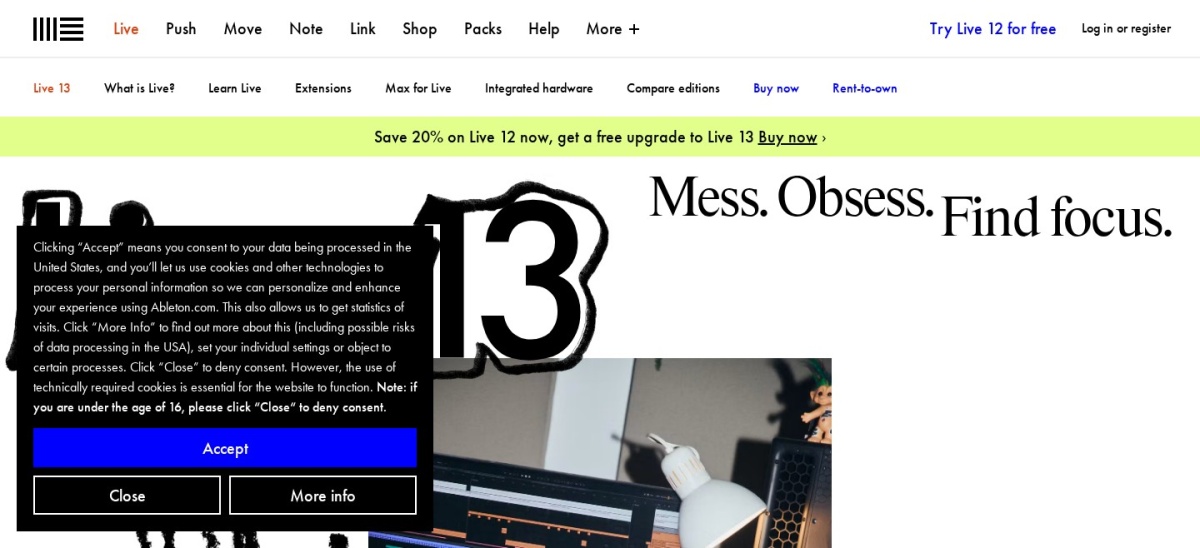
Ableton Live is a digital audio workstation built around two views: the linear Arrangement View for finishing songs and the Session View for launching clips and loops live. Intro costs $99 as a one-time licence, includes 16 tracks and 8 instruments, and a free trial is available.
The trade off is the price jump. Unlimited tracks start with Standard at $349, and Suite costs $749, so Intro can feel tight once projects grow. It suits electronic producers and performers who build tracks from loops and play them live.
What we like
Session View for live performance
One-time licences, no subscription
Strong sound design tools, including Meld and Roar
Watch out for
Intro caps at 16 tracks
Suite is costly at $749
Arrangement View takes time to learn
Standard adds unlimited tracks; Suite adds Max for LiveVisit ableton.com
02
Logic Pro
4.6/5on G2 (178 reviews, checked Nov 2026)
Starts at$199.99/yr
Best all-in-one studio for Mac
Price$199.99 one-time
PlatformsMac only
Trial90-day free trial
Sound libraryLarge, included
apple.com
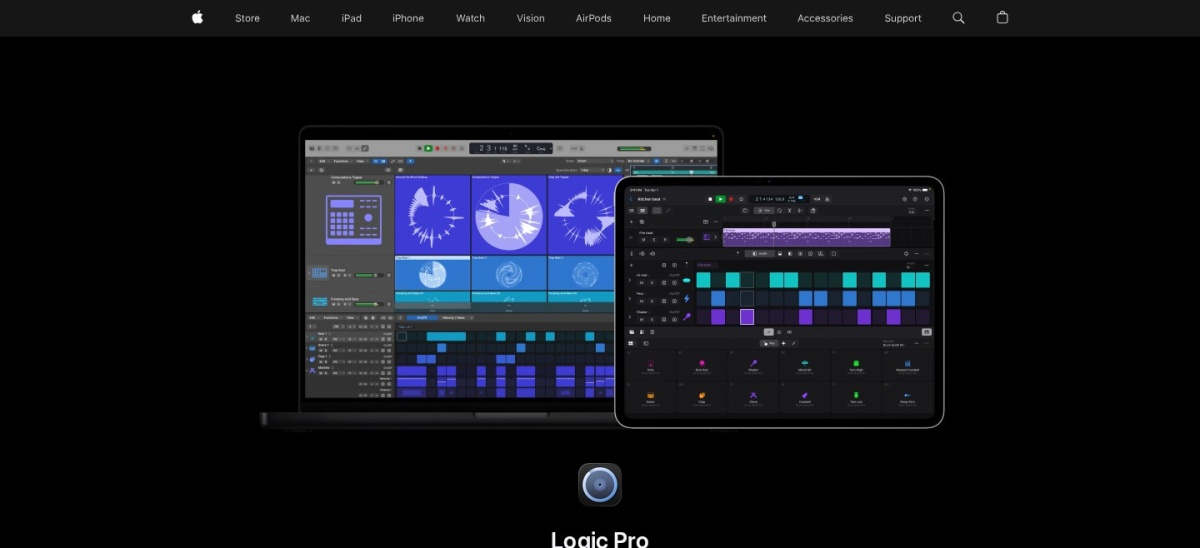
Logic Pro homepage, captured Nov 2026.
Logic Pro is Apple's professional workstation for Mac, with recording, MIDI editing, mixing and mastering in one app. It costs $199.99 as a one-time Mac App Store purchase and includes Alchemy, Stem Splitter, ChromaGlow and a large sound library.
The trade off is platform. Logic Pro runs only on Mac, so Windows producers cannot use it, and the iPad version is a separate subscription. It suits Mac owners who want a complete studio without a subscription.
FL Studio is a pattern-based workstation for composing, arranging, recording and mixing music on Windows and macOS. Fruity Edition costs $99 as a one-time purchase, includes 81 instruments and effects, and every edition gets lifetime free updates.
The trade off is audio recording. Fruity Edition has no audio recording and limits playlists to 8 audio clips, so vocal recording needs Producer Edition at $179 regular price. It suits beat-makers and hip-hop producers who work mainly with patterns and the piano roll.
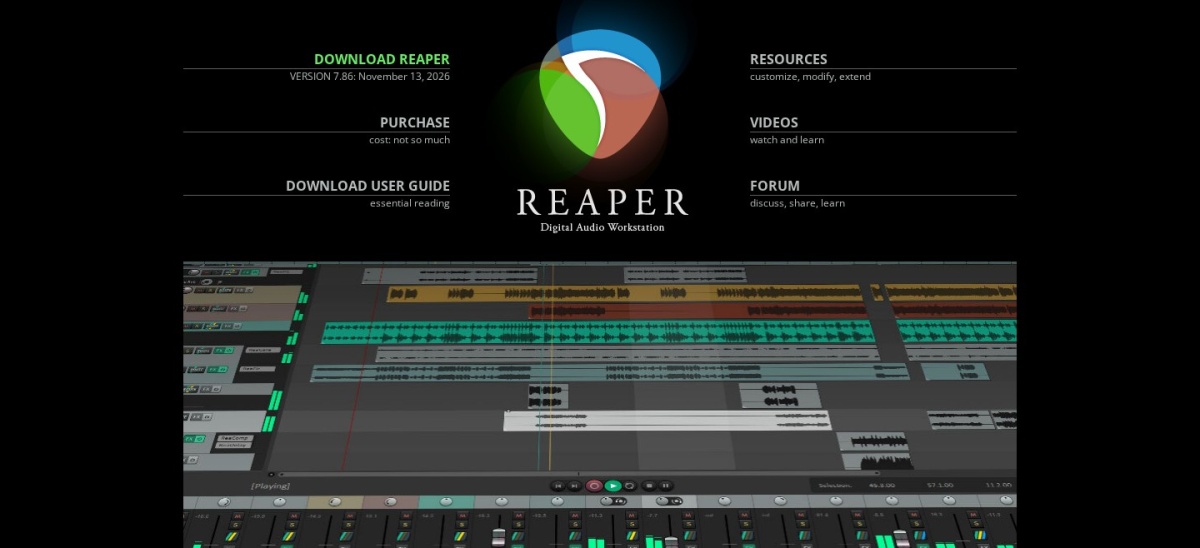
REAPER is a complete digital audio workstation from Cockos for recording, editing, mixing and mastering on Windows, macOS and Linux. The discounted licence costs $60 one-time, covers the full feature set with no track limits, and every user gets a 60-day full evaluation.
The trade off is polish. The interface is dense and takes setup time, and REAPER ships no virtual instruments, so producers need their own sound library. It suits budget-conscious producers and engineers who want a full DAW without a subscription.
Pro Tools is Avid's workstation for recording, editing and mixing, and the standard session format in professional studios. Intro is free with 8 audio and 8 MIDI tracks, and Artist costs $99 a year with 32 audio tracks and 110+ plugins.
The trade off is the subscription. Paid tiers are yearly subscriptions, and Studio at $299 a year and Ultimate at $599 a year add up over time. It suits producers who exchange sessions with commercial studios or work in post-production.
What we like
Session format every commercial studio reads
Free Intro tier to start
Strong editing and comping tools
Watch out for
Paid tiers are subscriptions only
Lowest G2 rating in this list at 4.3
Intro caps at 8 audio tracks
Studio at $299/yr adds 512 tracks and Atmos mixingVisit avid.com
06
Bitwig Studio
4.5/5on Capterra (6 reviews, checked Nov 2026)
Starts at$99/yr
Best for sound design and modulation
Entry editionEssentials, $99
Full editionStudio, $399
The GridStudio edition only
Upgrade window12 months included
bitwig.com
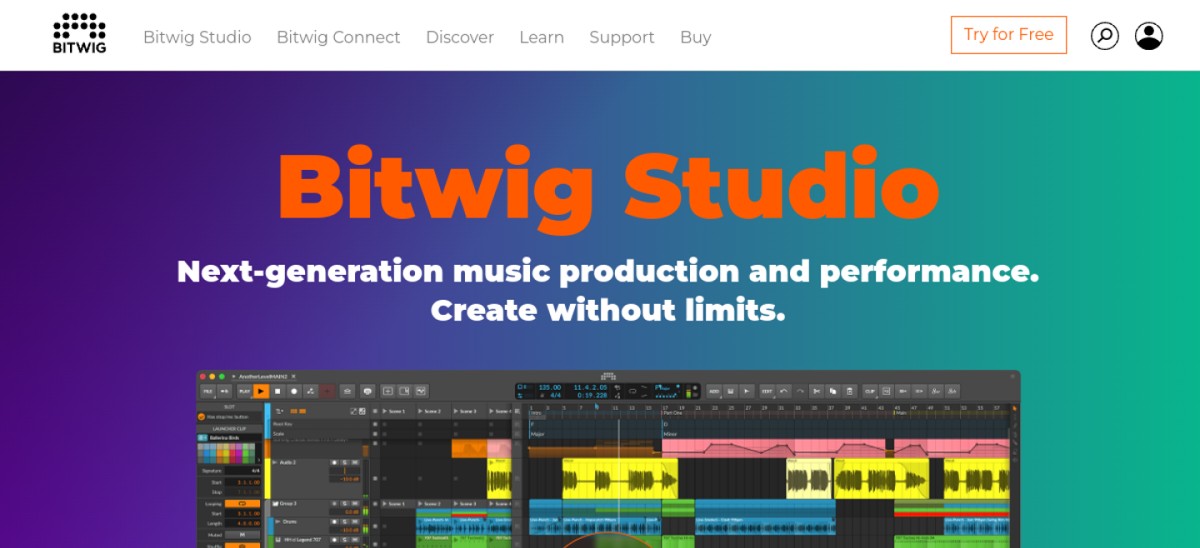
Bitwig Studio homepage, captured Nov 2026.
Bitwig Studio is a cross-platform workstation that pairs a linear arranger with a clip launcher and a deep modulation system. Essentials costs $99 as a one-time licence, every edition allows unlimited tracks, and the full Studio edition adds The Grid for building synths and effects.
The trade off is the learning curve. Modulation and The Grid take time to learn, and the bundled instrument library is thin next to Live Suite or Logic Pro. It suits sound designers and Linux users who want modular patching inside their DAW.
Reason is a digital audio workstation built around a virtual rack of instruments, effects and players that you wire together like hardware. Reason+ costs $169 a year and includes Reason 14, while a perpetual Reason 14 licence costs $299.
The trade off is flexibility. The rack workflow is unlike any other DAW here, and Reason has no Linux version. It suits producers who love building sounds from modules and want a self-contained studio.
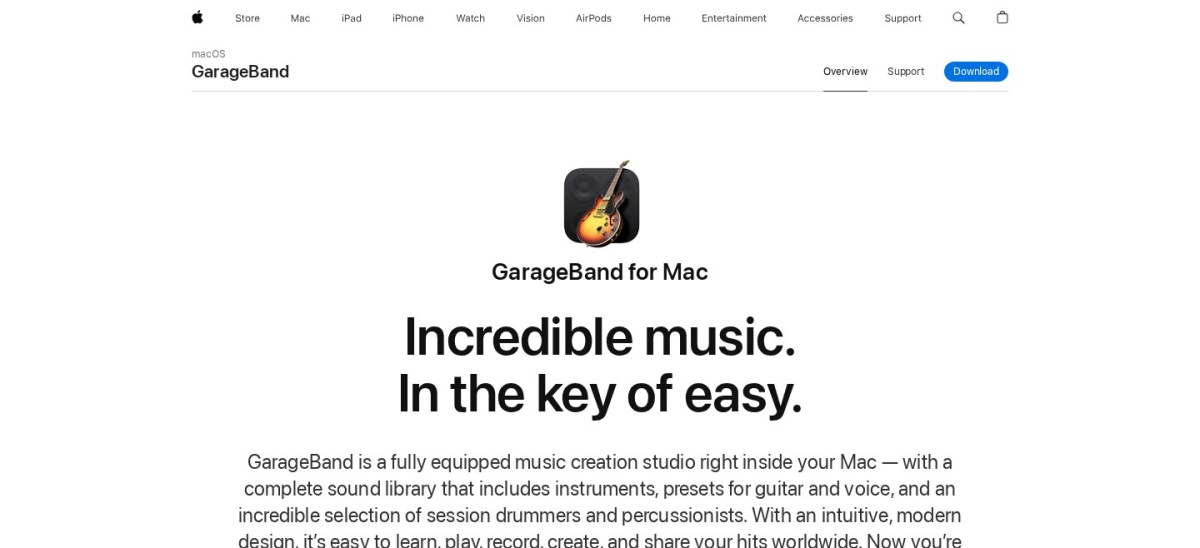
GarageBand is Apple's free workstation for Mac and iOS, with recording, Live Loops, Drummer tracks and a library of loops and instruments. It is free on Apple devices and projects open directly in Logic Pro when producers outgrow it.
The trade off is depth. Mixing, editing and plugin options are limited next to paid DAWs, and there is no Windows version. It suits beginners on a Mac who want to start producing without paying anything.
Audacity is a free, open-source audio editor for multitrack recording and editing on Windows, macOS and Linux. It records and edits audio with effects and plugin support, and it costs nothing with no paid tiers.
The trade off is scope. Audacity is an audio editor, not a full DAW: it has no virtual instruments or MIDI sequencing, so it cannot carry a full beat-making workflow alone. It suits producers who need free recording and editing beside a DAW.
Switching from Cubase: what transfers and what does not
Your audio transfers; your projects do not. Export each Cubase song as stems and MIDI files, and keep Cubase installed until every old project is moved.
MIDI editing is the biggest adjustment. Cubase has the deepest MIDI tools here, so composers should test the piano roll and expression handling in Logic Pro or Ableton Live before committing.
Plugins usually survive the move. Most VST3 plugins work in Ableton Live, FL Studio, REAPER, Bitwig Studio and Reason, so check your plugin folder before you buy a new DAW.
Start with a free tier when you can. Pro Tools Intro, GarageBand and Audacity cost nothing, and most paid DAWs here offer a trial, so the switch need not cost anything on day one.
How we chose
We started from the DAWs that appear most often in 2026 round-ups and on G2, then kept nine with a published user rating and a current release, excluding Cubase itself.
Prices come from each vendor's pricing page, checked on 29 November 2026. Ratings and review counts come from G2 on the same day, except Bitwig Studio, which uses Capterra. Where a vendor shows a sale, the list shows the regular price.
We left out Studio One, now sold as Fender Studio Pro, because its homepage capture fails with a bot-check page and no usable image exists. No vendor paid for a place, and we do not claim to have used these tools ourselves.
How to choose a Cubase alternative
Start with your platform and your genre, then match the DAW to the work you actually do.
Check your platform first. Logic Pro and GarageBand run only on Mac. Windows and Linux producers should start with Ableton Live, FL Studio, REAPER, Bitwig Studio or Audacity.
Match the DAW to your genre. Electronic producers fit Ableton Live or FL Studio, composers fit Logic Pro, and engineers who record bands fit REAPER or Pro Tools.
Count the cost over three years. A $99 one-time licence beats a $99 yearly subscription after the first year. See how the podcast guide treats recording costs before you commit.
Try before you switch. Use the free tier or trial, export a finished Cubase song as stems, and rebuild it in the new DAW before you move your whole catalogue.
FAQ
What is the best alternative to Cubase in 2026?
Ableton Live is the best Cubase alternative for most producers in 2026. It is rated 4.7 out of 5 on G2 from 159 reviews, Intro costs $99 one-time, and its Session View suits electronic producers and live performers.
What is the cheapest Cubase alternative?
REAPER is the cheapest full Cubase alternative at $60 one-time for a discounted licence, with no track limits. GarageBand and Audacity are free, but GarageBand runs only on Mac and Audacity is an editor, not a full DAW.
Is there a free alternative to Cubase?
Yes. GarageBand is free on Mac and iOS, Audacity is free on Windows, Mac and Linux, and Pro Tools Intro is free with 8 audio tracks. None of the three is a full Cubase replacement, so use them to start or to edit audio beside a paid DAW.
Which Cubase alternative is best for beginners?
GarageBand is the easiest start for Mac owners because it is free and its projects open in Logic Pro. On Windows, FL Studio is the friendliest paid start at $99, while REAPER is the cheapest full DAW at $60 once you accept its dense interface.
Should I switch from Cubase to Ableton Live or Logic Pro?
Choose Ableton Live if you make electronic music or play live, because its Session View and clip launching have no match in Cubase. Choose Logic Pro if you are on a Mac and want a complete studio for one $199.99 payment with a large sound library.
Can I open my Cubase projects in another DAW?
No. Cubase project files do not open in other DAWs, so export each song as audio stems and MIDI files first. Most VST3 plugins transfer, but mixer settings, expression maps and score layouts do not.
SaaS SEO and WordPress specialist with about 8 years of experience. Rakib compares WordPress plugins, themes, hosting and software using public pricing, documentation and user reviews. See how we rank.