Vizard is the best of the Crossclip alternatives for most streamers and creators, with a 4.7/5 G2 rating from 451 reviews and 600 source minutes a month on its $29 Creator plan. Pick OpusClip for the cheapest paid start at $15 a month, or Eklipse if your clips come from Twitch and Kick streams.
How we make this list: we compare pricing pages, product documentation and public user reviews, then re-check every price before each update. No product paid for a place. Disclosure.
Vizard leads the list at 4.7/5 on G2 from 451 reviews, with 600 source minutes a month on Creator at $29.
OpusClip is the cheapest paid start at $15 a month, with a free plan covering 60 minutes a month.
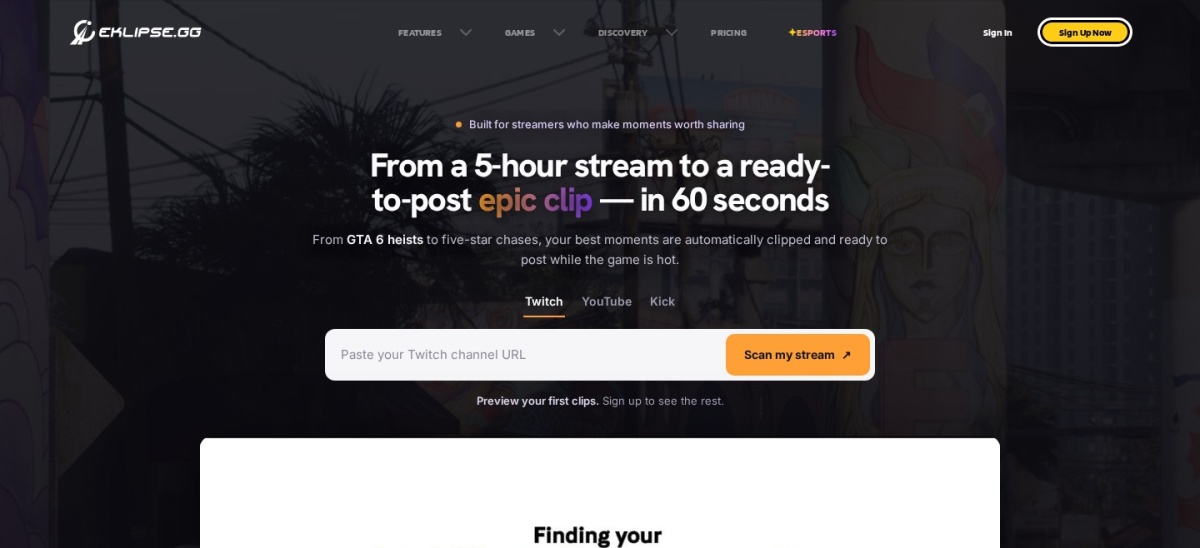
Eklipse is the only pick built for streamers, finding game moments in Twitch and Kick streams.
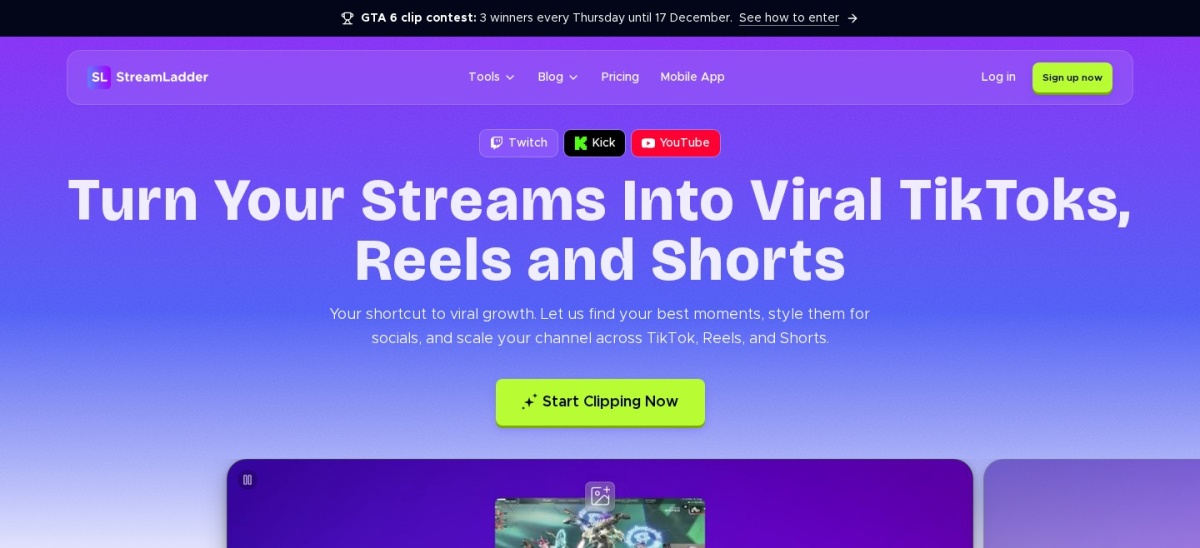
StreamLadder is the closest manual match to Crossclip, with a free 720p editor and no watermark on basic edits.
Paid plans run from $15 to $49 a month; only Eklipse, Submagic and Munch have no usable free plan.
What should you look for in Crossclip alternatives?
Crossclip does one narrow job well. It takes a Twitch or Kick clip you already picked and turns it into a vertical video for TikTok, Reels and Shorts. The alternatives below split into two camps: tools that find the moments for you, and editors that let you cut them by hand.
AI clip finders save the most time. Vizard, OpusClip and Eklipse scan a long video or a full stream, pick the moments most likely to hold attention, and return captioned vertical clips. They work best when your source is a long recording rather than a single moment.
Manual editors give you control instead. StreamLadder, VEED and Kapwing start from a clip you chose and let you set the layout, captions and framing yourself. That suits streamers who already know the exact second they want to share.
Price is mostly about minutes, not features. Most of these tools meter by uploaded minutes, credits or videos per month, so count your weekly long-form hours before choosing a plan. Our guide on posting a video on WordPress shows the same habit of checking limits before you publish.
Vizard is an AI video editor that turns long videos into short vertical clips with captions and reframing. The free plan gives 60 credits a month, equal to 60 minutes of uploaded video, with 720p exports and a watermark. Creator costs $29 a month and raises that to 600 credits, with 4K export, no watermark and scheduling to six social accounts.
The trade off is the credit meter. Every minute of video you upload spends one credit, so a long stream can use a month of allowance in one upload. It suits creators who repurpose podcasts, webinars and long YouTube videos every week.
What we like
Highest G2 rating in this list, 4.7/5 from 451 reviews
600 source minutes a month on Creator, the most here
4K export and scheduling included on Creator
Free plan with 60 credits a month
Watch out for
Credits are spent on upload minutes, not finished clips
Free exports carry a watermark and cap at 720p
Clips are kept only 3 days on the free plan
Creator adds 4K export, no watermark and schedulingVisit vizard.ai
02
OpusClip
4.6/5on G2 (124 reviews, checked Nov 2026)
Paid from$15/mo
Best cheap AI clipper
Free plan60 min/mo, watermarked
Starter$15/mo, 150 min
CaptionsAnimated, auto-reframe
Virality scoreYes, on Starter
opus.pro
OpusClip homepage, captured Nov 2026.
OpusClip is an AI clipping tool that finds moments in long videos and cuts them into vertical clips with animated captions. The free plan covers 60 minutes a month at 1080p with a watermark. Starter costs $15 a month for 150 minutes, removes the watermark and adds a virality score and a brand template.
The trade off is volume. Starter's 150 minutes covers only a few long videos a month, and heavier creators need Pro at $29 a month. It suits solo creators and podcasters who want quick first drafts of clips.
What we like
Cheapest paid plan in this list at $15 a month
Free plan at 1080p, not 720p
Virality score helps rank the clips
Rated 4.6/5 on G2 from 124 reviews
Watch out for
Starter covers only 150 minutes a month
Free clips carry a watermark and expire after 3 days
Some reviewers report billing trouble after cancelling
Pro adds scheduling, more templates and Premiere exportVisit opus.pro
03
VEED
4.6/5on G2 (1,725 reviews, checked Nov 2026)
Paid from$19/mo
Best all-round browser editor
Free plan10 min/mo, 720p
Lite$19/mo, 1080p
Auto-subtitles12 hrs/mo on Lite
WatermarkRemoved on Lite
veed.io
VEED homepage, captured Nov 2026.
VEED is a browser video editor that records, edits and captions video without installing software. The free plan gives 10 minutes of video a month at 720p with a watermark. Lite costs $19 a month, removes the watermark, unlocks 1080p exports and adds 12 hours of auto-subtitles a month.
The trade off is that VEED is an editor first, not an AI clip finder. It will not scan a long stream and pick moments for you, so you choose the clips yourself. It suits creators who want one browser tool for editing, captions and resizing.
What we like
Largest review base here, 4.6/5 on G2 from 1,725 reviews
4.1/5on Trustpilot (994 reviews, checked Nov 2026)
Starts at$24.99/mo
Best for Twitch and Kick streamers
Free accountPreview 1 stream
Premium$24.99/mo, 1080p
PlatformsTwitch, Kick, YouTube
ExportNo watermark on Premium
eklipse.gg
Eklipse homepage, captured Nov 2026.
Eklipse is an AI clipper built for streamers that connects a Twitch, Kick or YouTube channel and finds game moments in finished streams. A free account only previews one recent stream. Premium costs $24.99 a month and adds 1080p exports with no watermark, priority processing and the full studio editor.
The trade off is game coverage and price. Its AI works best on supported games, and exporting any clip needs the paid plan, so there is no usable free tier. It suits streamers who post game highlights to TikTok, Shorts and Reels every week.
What we like
Built for streamers, not general video
Connects Twitch, Kick and YouTube channels directly
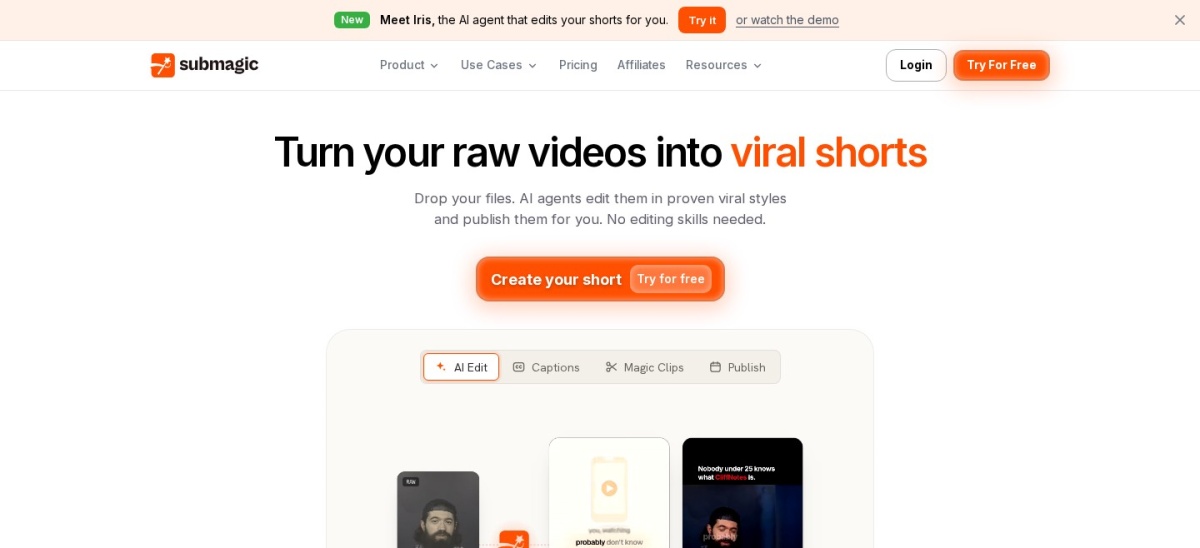
Submagic is a browser editor for short-form video that adds animated captions, cuts dead air and drops in stock B-roll. There is no free plan, only a trial that does not export. Starter costs $19 a month for 15 captioned videos up to two minutes each at 1080p with no watermark.
The trade off is the video cap. Starter stops at two minutes per video, and its Magic Clips add-on for long-to-short cutting costs extra credits. It suits creators who film face-to-camera shorts and want captions that look made for TikTok.
Descript is a text-based video and podcast editor: delete a word in the transcript and the clip is cut. The free plan gives one media hour a month with watermarked 720p exports. Hobbyist costs $24 a month for 10 media hours, 400 AI credits a month and 1080p exports with no watermark.
The trade off is the credit system. AI tools such as Studio Sound and filler-word removal spend credits, and Hobbyist has no top-ups, so heavy AI use runs out fast. It suits podcasters and talking-head creators who edit spoken video every week.
Kapwing is a browser video editor with templates, auto-captions, translation and resizing for vertical video. The free plan gives 10 credits in total and exports up to four minutes. Pro costs $24 a month for 1,000 credits a month, 4K exports with no watermark and projects up to two hours.
The trade off is its rating. Kapwing holds 3.9 out of 5 on G2 from 41 reviews, the lowest in this list, with some reviewers reporting failed exports. It suits creators who want a general browser editor rather than a dedicated clip finder.
What we like
General browser editor with templates and captions
StreamLadder is the closest manual replacement for Crossclip, built for streamers who already picked their moment. Its free editor turns a Twitch or Kick clip into a vertical video at 720p with no watermark on basic edits. Starter costs $15 a month and adds 1080p exports at 60fps, captions and posting to social accounts.
The trade off is AI clipping. Finding moments in a full stream needs Creator at $27 a month, and its Trustpilot rating rests on only two reviews. It suits streamers who clip one moment at a time and want full control of the layout.
Munch is an AI repurposing tool that pulls highlights from long videos and scores each clip against live search trends on TikTok, Reels and Shorts. There is no free plan, only a trial. Its entry plan costs $49 a month for 200 minutes of uploaded video, with auto-captions and platform-ready exports.
The trade off is price and change. At $49 a month it is the dearest tool here, and its homepage now leads with Munch Studio, a done-for-you service, so self-serve buyers should confirm the plan before paying. It suits marketing teams that repurpose webinars and interviews at volume.
Six of the nine tools have a free plan, but free rarely means finished clips. Vizard, OpusClip and VEED watermark free exports or cap them at 720p, and Kapwing's free plan is only 10 credits in total.
Eklipse, Submagic and Munch have no usable free plan. Eklipse only previews one stream, Submagic's trial does not export, and Munch asks for a paid plan after its trial.
Paying mostly buys minutes and removes the watermark. Starter plans from $15 to $19 a month cover a few long videos a week, while heavier posters need the $29 plans or Munch at $49.
How we chose
We started from the tools streamers and creators name most often as Crossclip replacements, then kept the nine with a public pricing page and a public rating.
Prices come from each vendor's pricing page, checked on 29 November 2026. Ratings and review counts come from G2 and Trustpilot on the same day. Where a vendor shows a sale or an annual discount, the list shows the regular monthly price.
We left out tools with no public rating and tools whose pricing sits behind a sign-up. No vendor paid for a place, and we do not claim to have used these tools ourselves.
How to choose a Crossclip alternative
Match the tool to where your clips start, then check the meter before you pay.
Decide whether you need AI to find moments. If you post whole streams, pick Vizard, OpusClip or Eklipse. If you already picked the moment, StreamLadder or VEED is enough.
Count your weekly source minutes. A two-hour stream a week needs about 480 minutes a month, which fits Vizard Creator but not OpusClip Starter.
Check the free plan's export limit. Watermarks, 720p caps and short clip storage make most free plans a trial, not a workflow. Upgrade only when the free export limit blocks a real post.
Try one tool on a real stream first. Run the same long video through two free plans and compare which clips need the least fixing before you pay for a year.
FAQ
What is the best Crossclip alternative in 2026?
Vizard is the best Crossclip alternative for most creators in 2026. It holds 4.7 out of 5 on G2 from 451 reviews, and its $29 Creator plan covers 600 source minutes a month with 4K exports and no watermark. OpusClip is the cheaper paid start at $15 a month.
How much do Crossclip alternatives cost?
Paid plans run from $15 to $49 a month. OpusClip and StreamLadder start at $15, Vizard, VEED and Submagic sit at $19 to $29, Eklipse is $24.99, and Munch starts at $49. Most tools also offer a free plan or trial with watermarked exports.
Is there a free Crossclip alternative?
Yes. StreamLadder has the most useful free plan, with a 720p editor and no watermark on basic edits. Vizard, OpusClip, VEED, Descript and Kapwing also have free plans, though exports are watermarked or capped. Eklipse, Submagic and Munch have no usable free plan.
Which Crossclip alternative is best for beginners?
StreamLadder is the easiest start for streamers, because it works like Crossclip: paste a clip, pick a layout and export. OpusClip is the simplest AI option, since it finds and captions clips with almost no editing. Both have free plans, so you can try them before paying.
Which Crossclip alternative is best for Twitch streamers?
Eklipse is built for Twitch and Kick streamers, connecting a channel and finding game moments in finished streams. StreamLadder is the closer manual match to Crossclip for one clip at a time. Vizard and OpusClip also accept stream recordings if you upload the video file.
Vizard vs OpusClip: which should I choose?
Choose Vizard if you clip a lot of long video: Creator gives 600 source minutes a month for $29, against 150 minutes on OpusClip Starter at $15. Choose OpusClip if you post only a few long videos a month and want the lowest paid price. Both are rated 4.6 or higher on G2.
SaaS SEO and WordPress specialist with about 8 years of experience. Rakib compares WordPress plugins, themes, hosting and software using public pricing, documentation and user reviews. See how we rank.