Best Auto Caption Software in 2026: 7 Tools Compared
WLWPLegible EditorsLast verified 22 Nov 2026How we rank8 min read
★ Short answer
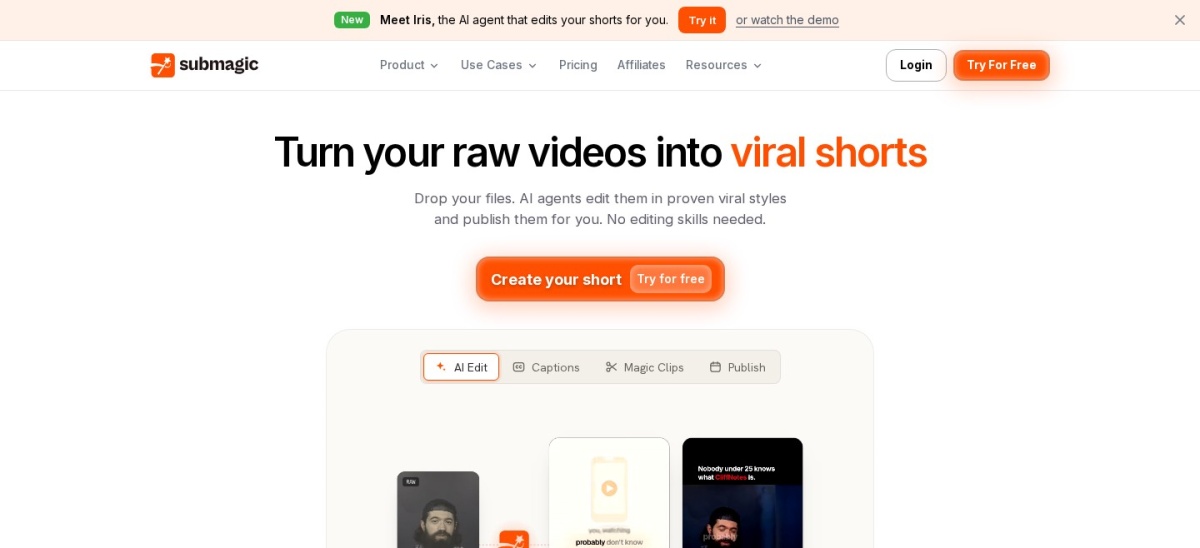
Submagic is a top pick for animated short-form captions with Starter at $19/month ($12/month billed yearly) and a 4.6/5 rating on G2. Choose HappyScribe for 150+ transcription languages and SRT/VTT/STL exports from $17/month ($8.50/month billed yearly), or Descript for transcript-based video editing from $24/month ($16/month billed yearly).
How we make this list: we compare pricing pages, product documentation and public user reviews, then re-check every price before each update. No product paid for a place. Disclosure.
Submagic Starter lists at $19/month ($144/year billed yearly) for 15 captioned videos up to 2 minutes each in 1080p.
HappyScribe Basic starts at $17/month ($8.50/month billed yearly) with 120 uploaded minutes per month and 150+ languages.
Descript Hobbyist starts at $24/month ($16/month billed yearly) with 10 media hours per month and 1080p watermark-free export.
Kapwing Pro lists at $16/month billed yearly with 1,000 auto-subtitling minutes per month and 4K exports.
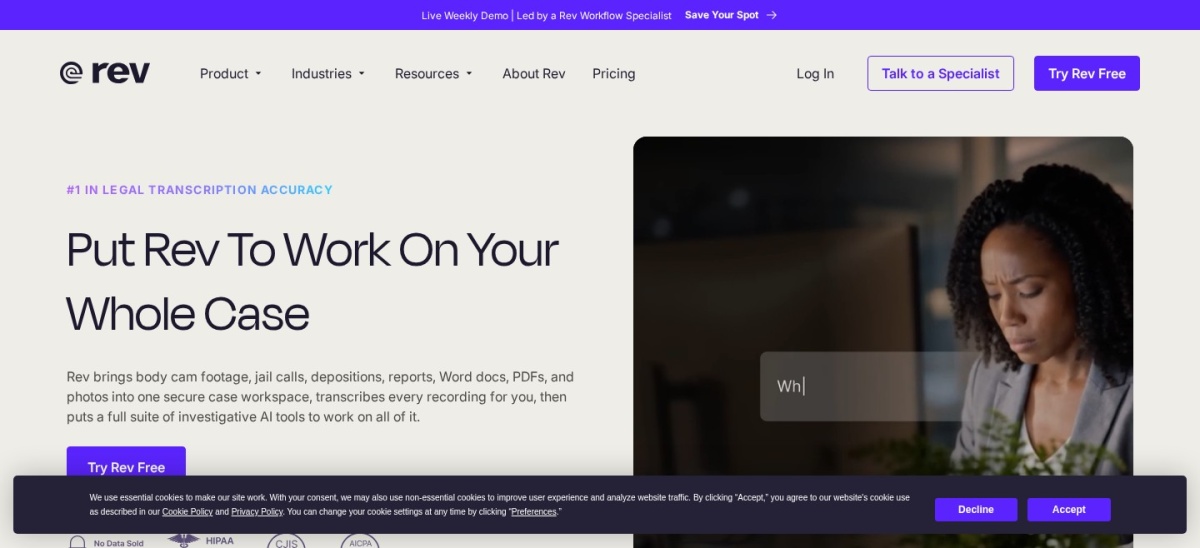
Rev offers 45 free English AI minutes per month, pay-as-you-go AI captions at $0.25/minute, and Essentials at $29.99/seat/month ($25.49/seat/month billed yearly).
What to look for in auto caption software
Auto caption tools turn speech into timed text, burned-in video overlays or subtitle files such as SRT and VTT. The right choice depends on whether you post short social clips, edit long interviews or need broadcast formats.
Check how a vendor meters usage before you buy. Some plans meter by monthly credits or video count, while others meter by uploaded media minutes or hours.
Watch free plan limits closely. Many tools cap free exports at 720p, add a watermark or limit free minutes to a short trial allowance.
Submagic is a browser editor focused on short-form social video, offering animated caption styles, auto-zooms, B-roll and captions across 123 listed languages. Starter is $19 a month, or $144 a year billed annually, for 15 captioned videos up to 2 minutes each at 1080p with no watermark.
The trade off is per-video limits and no free tier, with Pro at $39 a month or $276 a year billed annually. It suits creators making frequent Reels, Shorts and TikToks who want styled captions fast.
What we like
Fast animated caption templates built for short-form video
1080p watermark-free export on the Starter plan
Supports 123 listed caption languages
Watch out for
No free plan, and Starter caps videos at 2 minutes
Credit and video quotas tighten on long or frequent posts
HappyScribe is a transcription and subtitling platform covering 150+ languages, with a free plan that includes a 10-minute uploaded-file trial and watermarked MP4 exports. Basic costs $17 a month, or $8.50 a month billed annually, for 120 uploaded minutes per month and watermark-free video exports.
The trade off is minute limits on uploaded files, with extra credits at $0.20 a minute and Pro starting at $29 a month or $19 a month billed annually. It suits teams producing multilingual subtitles, SRT/VTT files or optional human proofreading.
What we like
Covers 150+ transcription languages and 80+ translation languages
Basic removes watermarks and includes 120 uploaded minutes/month
Optional human proofreading add-on available on the same platform
Watch out for
Free uploaded-file allowance is a 10-minute trial
Advanced subtitle formats like VTT and STL start on Pro
Best for transcript-based video and podcast editing
Free media allowance60 min/mo, 720p
Hobbyist monthly$24/mo (10 hrs)
Hobbyist yearly$16/mo billed yearly
Transcription25 languages
descript.com
Descript homepage, captured Nov 2026.
Descript is a transcript-first audio and video editor that generates dynamic captions and lets you cut media by editing text. Its Free plan includes 60 media minutes per month, 100 one-time AI credits and 720p watermarked exports, while Hobbyist is $24 a month or $16 a month billed annually for 10 media hours and 1080p watermark-free exports.
The trade off is a fuller editing workflow than a single-purpose captioner, with Creator at $35 a month or $24 a month billed annually. It suits podcasters, YouTubers and talking-head creators editing around speech.
What we like
Transcript editing pairs captions directly with cuts and filler removal
Hobbyist includes 10 media hours per month and 400 monthly AI credits
Large review footprint with 4.6/5 across 938 reviews on G2
Watch out for
Free plan exports at 720p with a watermark
Transcription supports 25 languages, fewer than subtitle specialists
Creator adds 30 media hours, 800 AI credits and 4K exportsVisit descript.com
04
Kapwing
3.9/5on G2 (41 reviews, checked Nov 2026)
Paid from$16/mo
Best for shared browser editing and 1,000-minute Pro caps
Free auto-subtitlesUp to 10 min
Pro yearly rate$16/mo billed yearly
Pro subtitle cap1,000 min/mo
Max export4K on Pro
kapwing.com
Kapwing homepage, captured Nov 2026.
Kapwing is a browser video editor with AI auto-subtitling, SRT/VTT downloads and shared team workspaces. The Free plan includes 10 credits (up to 10 minutes of auto-subtitling) and 720p watermarked exports up to 4 minutes, while Pro is $16 a month billed annually for 1,000 auto-subtitling minutes per month and 4K exports.
The trade off is watermarked free exports and lower review scores than top peers, with Business at $50 a month billed annually. It suits small teams collaborating in a browser on social and marketing videos.
What we like
Pro includes 1,000 auto-subtitling minutes per month and 4K exports
Supports SRT and VTT downloads plus Brand Kit tools
Shared folders and commenting for team workspaces
Watch out for
Free exports carry a watermark and cap duration at 4 minutes
3.9/5 rating on G2 with user complaints about export delays
Business raises the allowance to 4,000 credits and 4,000 subtitle minutesVisit kapwing.com
05
Maestra
4.8/5on G2 (19 reviews, checked Nov 2026)
Starts at$12 one-time
Best for pay-as-you-go credits across 125+ languages
Pay As You Go$12 / 60 credits
Subtitle allowance60 min or 30 min tr.
Basic yearly rate$39/mo billed yearly
Languages125+ languages
maestra.ai
Maestra homepage, captured Nov 2026.
Maestra is a cloud captioning, transcription and voiceover platform supporting 125+ languages. Its Pay As You Go option costs $12 for 60 credits, covering 60 minutes of subtitles or 30 minutes of translated subtitles without a recurring subscription.
The trade off is a higher step up to recurring plans, with Basic at $39 a month billed annually for 360 monthly subtitle minutes. It suits creators with irregular volume who want a $12 credit pack instead of a monthly bill.
What we like
$12 Pay As You Go pack avoids a monthly subscription commitment
Covers 125+ languages for captions, transcripts and voiceovers
4.8/5 rating on G2 across 19 reviews
Watch out for
Translated subtitles consume minutes at twice the rate of base subtitles
Recurring Basic plan starts at $39/month billed annually
Basic adds 360 monthly subtitle minutes, AI summary and custom dictionaryVisit maestra.ai
06
OpusClip
4.6/5on G2 (124 reviews, checked Nov 2026)
Paid from$15/mo
Best for turning long videos into captioned shorts
Free credits60 credits/mo
Starter monthly$15/mo (150 credits)
Pro yearly total$174/yr (3,600 cr.)
Languages20+ languages
opus.pro
OpusClip homepage, captured Nov 2026.
OpusClip extracts short vertical clips from longer videos and adds animated captions, keyword highlights and emojis. Its Free plan gives 60 monthly credits with watermarked clips that expire after 3 days, while Starter is $15 a month for 150 monthly credits, watermark-free exports and 1 brand kit.
The trade off is a smaller caption language list of 20+ languages and a 30-day clip export window on Starter. It suits podcasters and YouTubers turning long recordings into captioned social clips.
What we like
Free plan provides 60 monthly credits to test clipping and captions
Starter at $15/month removes watermarks and adds social publishing
4.6/5 rating on G2 across 124 reviews
Watch out for
Free clips include a watermark and stop being exportable after 3 days
Supports 20+ caption languages, fewer than global subtitlers
Pro adds 3,600 yearly credits, 2 seats, XML export and social schedulingVisit opus.pro
07
Rev
4.7/5on G2 (1,000+ reviews, checked Nov 2026)
Paid from$29.99/mo
Best for mixing AI captions with human captioning
Free AI allowance45 min/mo (English)
Pay-as-you-go AI$0.25/min (37+ lang.)
Essentials monthly$29.99/seat/mo
Human captionsFrom $1.99/min
rev.com
Rev homepage, captured Nov 2026.
Rev pairs automated captioning in 37+ languages with on-demand human captions starting at $1.99 a minute. Its Free plan gives 45 English AI minutes per month, pay-as-you-go AI captions cost $0.25 a minute, and Essentials starts at $29.99 per seat per month ($25.49 per seat per month billed annually) for 5,000 AI minutes per user per month.
The trade off is per-seat subscription pricing and higher costs for human-verified work. It suits teams that need occasional human-reviewed captions alongside bulk AI transcription.
What we like
Free tier includes 45 English AI minutes per month for 1 user
Pay-as-you-go AI captions at $0.25/minute and human captions at $1.99/minute
Essentials includes 5,000 AI minutes per seat per month
Watch out for
Free plan is English-only and caps multi-file analysis at 5 files
Paid plans are priced per seat rather than flat workspace tiers
Pro raises the cap to 10,000 AI minutes/seat/month and 50 files at onceVisit rev.com
Credits vs minutes: how pricing plans measure usage
Auto caption tools measure usage in different units. HappyScribe and Descript count uploaded media minutes or hours, while Submagic, Kapwing and OpusClip use monthly credits or video counts.
Credit systems can hide real cost when a feature spends multiple credits per minute or caps video length. Always check how many minutes or videos your baseline plan covers before signing up.
How we chose
We built this list from established video and transcription tools that offer automatic caption generation for creators, editors and teams.
Prices come from each vendor's pricing page, and ratings come from G2 on 22 November 2026. Where a plan lists a monthly rate and an annual rate, the entry plan shows the regular monthly rate and notes the annual rate.
We left out tools lacking clear public pricing or current G2 review figures on the pages we opened. No vendor paid for a place, and we do not claim testing for this list.
How to choose auto caption software
Match the tool to your export format and editing workflow first.
Decide between burned-in captions and subtitle files. Social editors like Submagic and OpusClip style captions directly on the video, while HappyScribe and Rev focus on subtitle files and transcripts.
Estimate your monthly video minutes and length. Check whether a tool limits per-video duration or caps monthly minutes, as Submagic Starter caps videos at 2 minutes.
Check free export rules before committing. Look for watermark and resolution limits on free tiers, such as 720p exports on Descript Free and Kapwing Free.
Verify language support for non-English content. If you caption outside English, compare language counts across HappyScribe (150+), Maestra (125+), Submagic (123) and Descript (25).
FAQ
What is the best auto caption software overall?
Submagic is a strong choice for animated short-form social captions, starting at $19/month ($12/month billed yearly) with a 4.6/5 rating on G2. For long-form editing or multilingual subtitle files, Descript and HappyScribe fit better.
Can I get free auto captions without a watermark?
Rev offers 45 free English AI minutes per month on its Free plan. HappyScribe, Descript, Kapwing and OpusClip offer free tiers with watermarks or strict limits on free exports.
When should I pick SRT or VTT over burned-in captions?
Download SRT or VTT files when publishing to platforms that support closed captions or when handing subtitles to another editor. Burned-in captions work best when you want fixed styling on social feeds.
Why do auto caption tools still need manual review?
Background noise, overlapping speech, technical terms and proper nouns can cause errors in automated speech recognition. Plan a quick pass to fix names, punctuation and line breaks before publishing.
Should I pick annual or monthly billing?
Annual billing lowers the effective monthly rate on plans like Submagic, HappyScribe, Descript and Kapwing. Start monthly or use a free or pay-as-you-go tier until you know your steady volume.