Best Audio Mixing Software in 2026: 7 Tools Compared
WLWPLegible EditorsLast verified 22 Nov 2026How we rank8 min read
★ Short answer
REAPER is the best audio mixing software for most creators, offering deep routing and a $60 discounted license across Windows, macOS and Linux. Logic Pro suits Mac users who want a $199.99 one-time buy, while Pro Tools fits studio session workflows.
How we make this list: we compare pricing pages, product documentation and public user reviews, then re-check every price before each update. No product paid for a place. Disclosure.
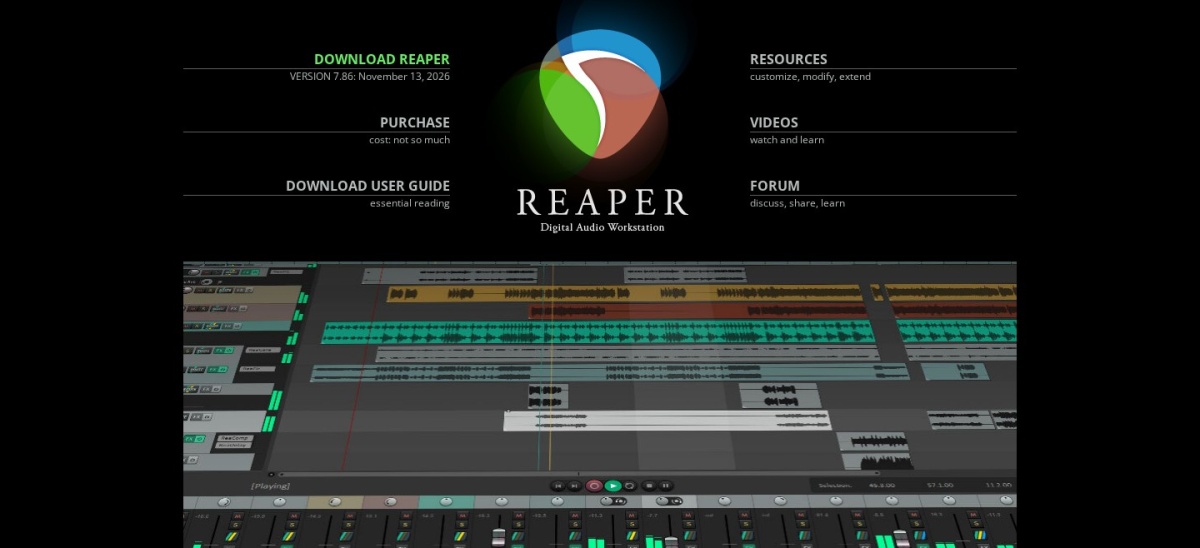
REAPER costs $60 for a discounted license or $225 commercial, with a 60-day evaluation and version 7.86 released in November 2026.
Logic Pro is a $199.99 one-time purchase on Mac (also included in Apple Creator Studio), adding Stem Splitter, Mastering Assistant and Spatial Audio.
Pro Tools offers a free Pro Tools Intro tier and paid plans starting at $99/year regular price for Artist (currently on sale for $79/year).
FL Studio includes free lifetime updates and starts at $99 regular price for Fruity Edition, with Producer Edition listed at $179 regular price ($139 on sale).
Ableton Live 12 starts at $99 regular price for Intro ($79 during its 20% off promo with a free upgrade to Live 13).
What to look for in audio mixing software
Mixing turns raw recorded tracks and virtual instruments into a balanced stereo or surround master. Look closely at bus routing, automation, plugin format support and how the mixer handles large track counts.
Operating system support narrows the field quickly. Logic Pro runs on macOS and iPadOS, whereas REAPER and Bitwig Studio also support Linux alongside Windows and macOS.
License models vary widely between one-time purchases, annual subscriptions and rent-to-own plans. Check whether a lower-priced entry tier restricts audio recording, track counts or plugin hosting.
REAPER is a digital audio workstation built for recording, editing, mixing and mastering with flexible routing and custom actions. It runs on Windows, macOS and Linux, and offers a 60-day free evaluation with full functionality.
The trade off is a steeper setup curve and a sparser stock sound library than larger suites. Its discounted license is $60 ($225 commercial) with free upgrades through version 8.99, suiting engineers who want control and low cost.
What we like
Low $60 discounted license and $225 commercial license
Runs on Windows, macOS and Linux with light resource use
Rated 4.5 out of 5 across 28 reviews on G2
Watch out for
Default interface and custom actions take time to learn
Fewer built-in sample libraries than flagship suites
4.5/5on PCMag (Editors' Choice reviews, checked Nov 2026)
Starts at$199.99 one-time
Best mixing suite for Mac users
PlatformsmacOS, iPadOS
Mac one-time price$199.99
Spatial AudioDolby Atmos & ADM
Mixing toolsMastering Assistant
apple.com
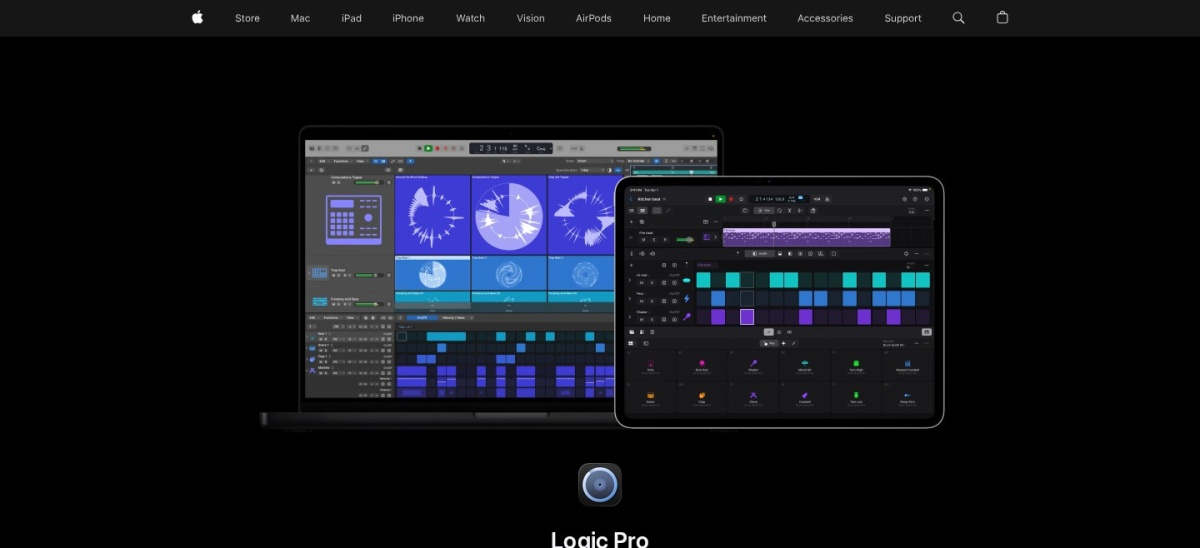
Logic Pro homepage, captured Nov 2026.
Logic Pro is Apple's music creation and mixing workstation for Mac and iPad, bundling instruments, effects, Stem Splitter, Mastering Assistant and Dolby Atmos tools. For Mac users, it sells as a $199.99 one-time purchase on the Mac App Store and is also part of Apple Creator Studio.
The trade off is platform lock-in and no Windows version. It suits Mac-based musicians, producers and mix engineers who want deep stock effects and Spatial Audio export without a recurring fee.
What we like
$199.99 one-time purchase on Mac with a large sound library
Includes Stem Splitter, Mastering Assistant and Spatial Audio
Tight integration with GarageBand and Logic Remote
Watch out for
Requires a Mac or iPad; no Windows build
Paid subscription options apply separately on iPad or via Creator Studio
Apple Creator Studio bundles Logic Pro with other creative appsVisit apple.com
03
Pro Tools
4.3/5on G2 (122 reviews, checked Nov 2026)
Paid from$99/yr
Best for professional studio session exchange
PlatformsWindows, macOS
Free tierPro Tools Intro
Entry paid planArtist, $99/yr regular
Audio resolution32-bit float, 192 kHz
avid.com
Pro Tools homepage, captured Nov 2026.
Pro Tools from Avid is a studio recording, editing and mixing DAW supporting up to 32-bit float / 192 kHz audio and AAF/OMF/MXF session exchange. It offers a free Pro Tools Intro tier capped at 8 audio tracks, 8 MIDI tracks and 40 plugins.
The trade off is higher pricing on Studio ($299/yr regular) and Ultimate ($599/yr regular) for larger track counts and video or surround post workflows. Artist lists at $99/year regular price (20% off at $79/year during a November 2026 promotion), suiting studio collaborators.
What we like
Widely used session format across recording and post studios
Free Pro Tools Intro tier available to get started
Rated 4.3 out of 5 across 122 reviews on G2
Watch out for
Artist limits audio tracks to 32 and lacks surround mixing
Studio and Ultimate tiers cost more for large post sessions
Studio and Ultimate add 512+ audio tracks, video and AtmosVisit avid.com
04
FL Studio
4.7/5on Image-Line (25,423 reviews, checked Nov 2026)
Starts at$99 one-time
Best for beat making and lifetime free updates
PlatformsWindows, macOS
Entry editionFruity, $99 regular
Producer edition$179 regular ($139 sale)
UpdatesFree lifetime updates
image-line.com
FL Studio homepage, captured Nov 2026.
FL Studio by Image-Line pairs a pattern-based playlist and mixer with VST2, VST3, Audio Unit and CLAP plugin support and free lifetime updates. Its entry Fruity Edition starts at $99 regular price with 81 instruments and effects.
The trade off is that Fruity Edition omits audio recording and stem separation and caps audio clips at 8, while Producer Edition is $179 regular price ($139 during the Black Friday sale). It suits electronic and hip-hop creators who want a one-time license.
What we like
Free lifetime updates included on purchased editions
Starts at $99 regular price for Fruity Edition
Rated 4.7 out of 5 across 25,423 ratings on Image-Line
Watch out for
No audio recording or stem separation in Fruity Edition
Pattern-centric workflow differs from linear console DAWs
Best for real-time clip mixing and electronic sets
PlatformsWindows, macOS
Intro edition$99 regular ($79 promo)
Standard edition$349 regular ($279 promo)
Suite edition$749 regular ($599 promo)
ableton.com
Ableton Live homepage, captured Nov 2026.
Ableton Live combines a real-time Session View and a linear Arrangement View with audio warping and MIDI tools. Live 12 Intro starts at $99 regular price with 16 audio and MIDI tracks, 8 software instruments and 5+ GB of sounds.
The trade off is track limits and higher prices on expanded editions: Standard is $349 regular price and Suite is $749 regular price (both 20% off during a November 2026 promotion with a free upgrade to Live 13). It suits electronic producers and live performers.
What we like
Fast real-time clip launching and audio warping workflow
Rated 4.7 out of 5 across 159 reviews on G2
Strong hardware integration with Push and Move
Watch out for
Intro edition is capped at 16 tracks
Standard and Suite editions are pricey at full list price
Standard and Suite unlock unlimited tracks and more devicesVisit ableton.com
06
Cubase
4.3/5on G2 (65 reviews, checked Nov 2026)
Starts at$99.99 one-time
Best for MIDI sequencing, scoring and studio mixing
PlatformsWindows, macOS
Elements 16$99.99
Artist 16$299.99
Pro 16$599.99
steinberg.net
Cubase homepage, captured Nov 2026.
Cubase from Steinberg is a music production and mixing DAW for Windows and macOS with built-in VST instruments, effects and a 30-day free trial. Cubase Elements 16 starts at $99.99 for core recording, arranging and mixing.
The trade off is that advanced surround mixing, deeper scoring tools and large-session hardware integration sit in Artist ($299.99) and Pro ($599.99). It suits composers, arrangers and engineers who work heavily with MIDI and VSTs.
What we like
Starts at $99.99 for Cubase Elements 16 with a 30-day trial
Deep MIDI editing and built-in VST instruments and effects
Rated 4.3 out of 5 across 65 reviews on G2
Watch out for
Surround mixing and full scoring tools require higher editions
Large feature set has a noticeable learning curve
Artist and Pro add deeper editing, scoring and surround toolsVisit steinberg.net
07
Audacity
4.5/5on G2 (G2 listing reviews, checked Nov 2026)
PriceFree
Best free audio editor for simple mixing and cleanup
PlatformsWindows, macOS, Linux
Core softwareFree
Voice & cleanupNoise reduction, EQ
TranscriptionLocal Whisper AI
audacityteam.org
Audacity homepage, captured Nov 2026.
Audacity is a free multi-track audio recording and editing app for Windows, macOS and Linux with compressor, reverb, delay, noise reduction and local Whisper AI transcription. It handles voice cleanup, multi-track fades and format conversion without a license fee.
The trade off is that it is a straightforward audio editor rather than a full multitrack mixing console with deep bus routing and real-time automation. It suits podcasters, voiceover artists and beginners doing light mixing.
What we like
Free across Windows, macOS and Linux with no license cost
Includes noise reduction, EQ, compression and local transcription
Fast to pick up for spoken-word and basic multi-track edits
Watch out for
Less suited to complex music mixes than full DAWs
Optional cloud storage and add-ons carry separate fees
Several audio software vendors run seasonal promotions in November, including discounted first-year or promotional license prices.
Always check both the current promotional price and the standard list price so you know what a future upgrade or tier jump will cost.
How we chose
We selected established audio mixing software and digital audio workstations actively maintained in 2026 across major desktop platforms.
Pricing and review figures were checked on 22 November 2026 from vendor pricing pages and third-party review directories, showing regular list prices alongside active sales where noted.
We excluded discontinued apps, unverified tools and products lacking clear public pricing or recent maintenance. No vendor paid for a place, and we do not claim testing for this list.
How to choose audio mixing software
Match the software to your operating system, project type and license preference before buying.
Confirm your operating system first. Logic Pro requires Apple hardware, while REAPER and Audacity run on Windows, macOS and Linux.
Match the workflow to your audio. Pick a full DAW like REAPER, Pro Tools or Cubase for multi-bus music and post mixing, or Audacity for basic voice and clip edits.
Check track and feature limits on entry tiers. Entry editions like Ableton Live Intro or FL Studio Fruity restrict track counts, audio recording or stem separation.
Use free trials and tiers before committing. Test timing, plugin hosting and mixer layout during a free trial or free tier before paying for a license.
FAQ
What is the best audio mixing software overall?
REAPER is a strong overall pick for value and flexibility, offering a $60 discounted license on Windows, macOS and Linux. Logic Pro is a top choice on Mac at $199.99 one-time, and Pro Tools remains common in studio workflows.
Is there free audio mixing software?
Audacity is free for multi-track recording, editing and basic mixing on Windows, macOS and Linux. Pro Tools also offers a free Pro Tools Intro tier with limited tracks and plugins.
Do I need a subscription to mix audio?
No. REAPER, Logic Pro for Mac, FL Studio, Ableton Live and Cubase all offer one-time license purchases, while some tools also offer subscription or rent-to-own options.
What is the difference between an audio editor and a DAW?
A basic audio editor like Audacity focuses on waveform editing, cleanup and simple multi-track fades. A full DAW adds deeper bus routing, automation, MIDI sequencing and broader mixing control.
Can I use third-party plugins in these tools?
Most modern DAWs support third-party formats such as VST3, Audio Unit or AAX depending on the host and operating system. Check plugin format compatibility before switching software.
Which software is best if I work with other studios?
Pro Tools is widely used in commercial studios and post-production, making session handoffs straightforward. Exporting stems or WAV files also lets you collaborate across any DAW.