Best Circuit Design Software in 2026: 8 Tools Compared
WLWPLegible EditorsLast verified 24 Nov 2026How we rank9 min read
★ Short answer
Altium Designer is the best circuit design software for professionals, because it combines schematic capture, PCB layout and simulation in one suite. KiCad is the best free option, while Fusion suits teams that also design enclosures.
How we make this list: we compare pricing pages, product documentation and public user reviews, then re-check every price before each update. No product paid for a place. Disclosure.
Altium Designer leads for professionals, with schematic, layout and simulation in one suite from $1,990 a year for the first Design Author.
KiCad is the best free option, with no limits on board size or layers and full Gerber and ODB++ export.
Fusion at $57 a month billed annually is the best choice when the PCB and the mechanical enclosure are designed together.
EasyEDA Pro at $7.99 a month is the cheapest paid path to browser-based design with direct ordering.
Proteus and NI Multisim are the strongest for simulation, with Proteus rated 5.0 from a single G2 review.
What circuit design software should cover
Circuit design software covers the path from a schematic to a manufactured board: drawing the circuit, laying out the PCB, simulating it, and exporting the files a factory needs. Some tools do one stage, others cover the whole path.
Schematic capture and PCB layout are the core, and simulation is the bonus. Altium, KiCad and Fusion cover all three, while EasyEDA and DipTrace focus on layout with lighter simulation. Our guide on CAD software compares the wider design category these tools sit in.
Licensing splits between free and paid. KiCad is free and open source, EasyEDA is free in the browser, and the professional suites cost from $684 to $1,990 a year.
If your board needs to be manufactured, check the export formats. Gerber, ODB++ and pick-and-place files are the standard, and every tool here exports them, though some lock advanced exports behind paid tiers.
Altium Designer is the professional PCB design standard, combining schematic capture, PCB layout, simulation and 3D board visualisation in one suite. It is the most widely reviewed tool in this list, with 954 G2 reviews, and it is used across electronics firms of every size.
The trade off is price. Altium Develop starts at $1,990 a year for the first Design Author, with older listings showing $325 a month, so small teams pay a professional price. It suits engineers and firms that design boards for a living.
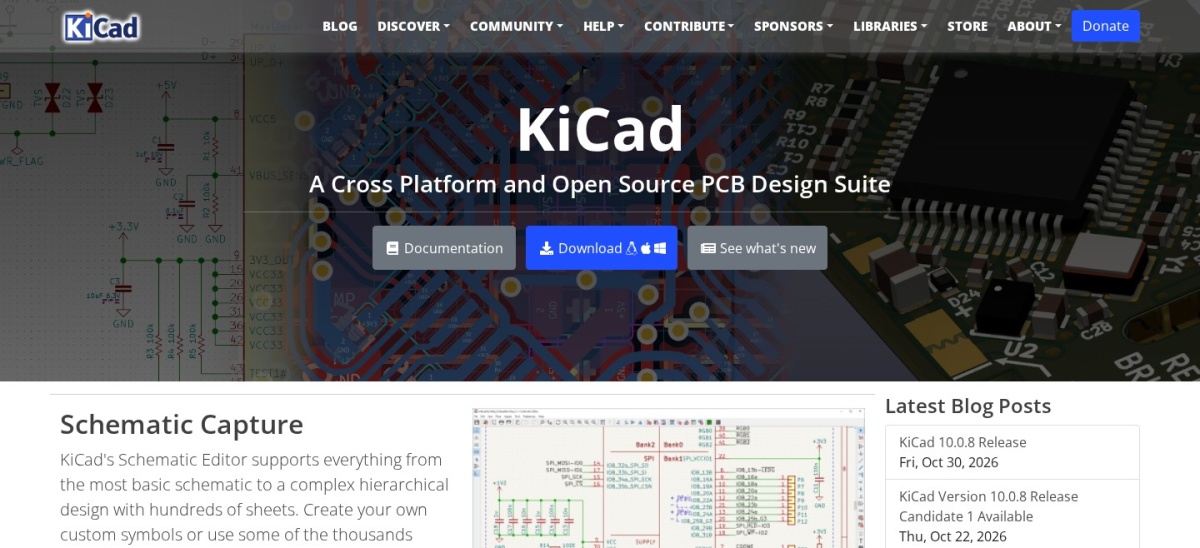
KiCad is a free, open-source electronics design suite covering schematic capture, PCB layout and simulation, with no limits on board size or layers. It is used in commercial products and by hobbyists alike, with a large community and a growing component library.
The trade off is a less polished interface than Altium, with a learning curve that new users find steep. It suits anyone who wants a professional-grade PCB tool at no cost.
Autodesk Fusion is a 3D design platform that includes Fusion Electronics, a PCB design tool that shares the same model as the mechanical enclosure. It costs $57 a month billed annually, and it replaces the old EAGLE, whose sales and support ended in June 2026.
The trade off is a PCB tool that is less deep than Altium or KiCad, with the strength concentrated in the mechanical link. It suits teams that design the board and the box together.
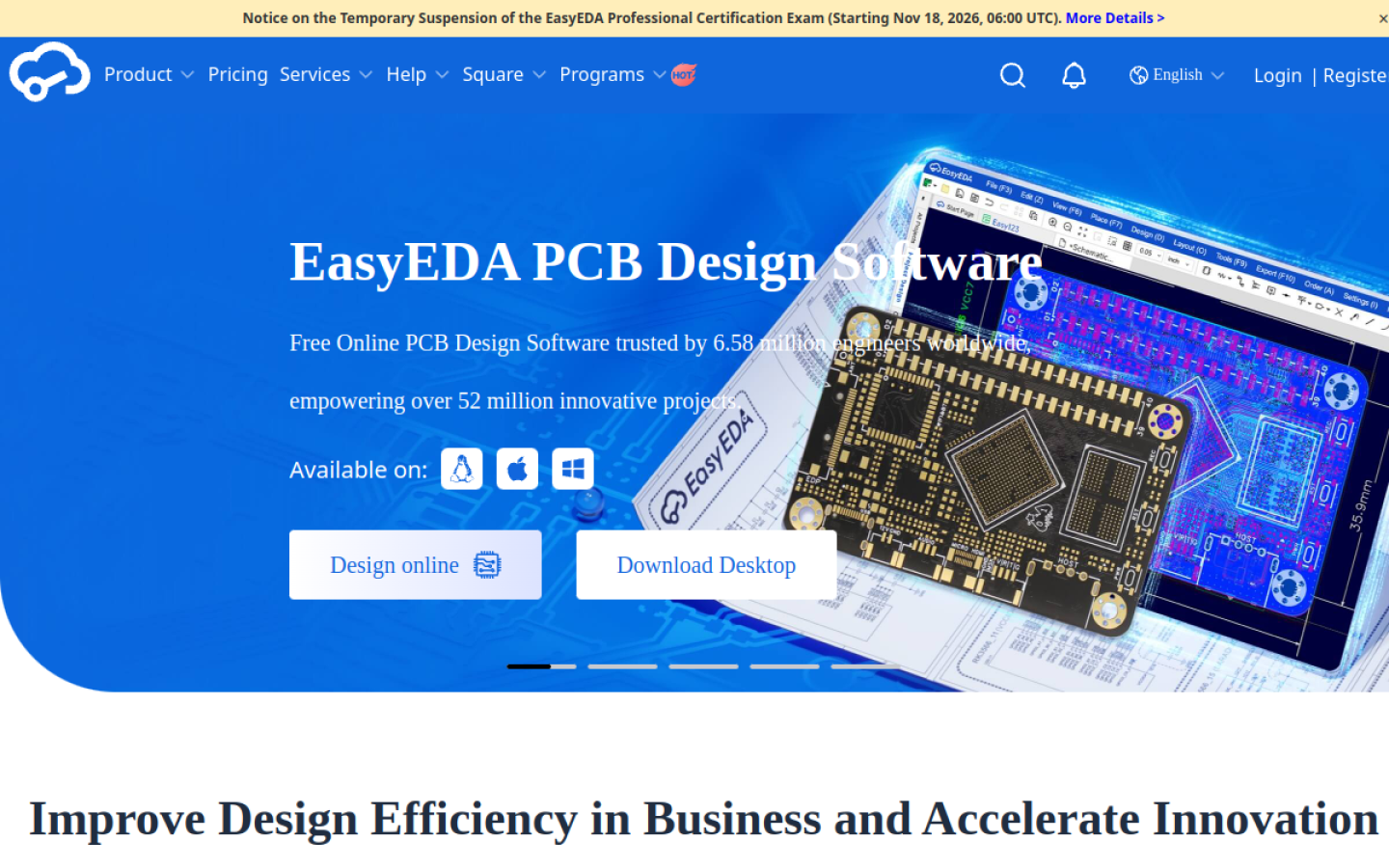
EasyEDA is a browser-based electronics design tool with schematic capture, PCB layout and direct ordering from JLCPCB. It is free for basic use, with a Pro plan from $7.99 a month for extra layers, private projects and team features.
The trade off is a browser tool that is less deep than a desktop suite, with some users reporting $19.90 a month for Pro in other regions. It suits hobbyists and small teams that want a quick board designed and ordered online.
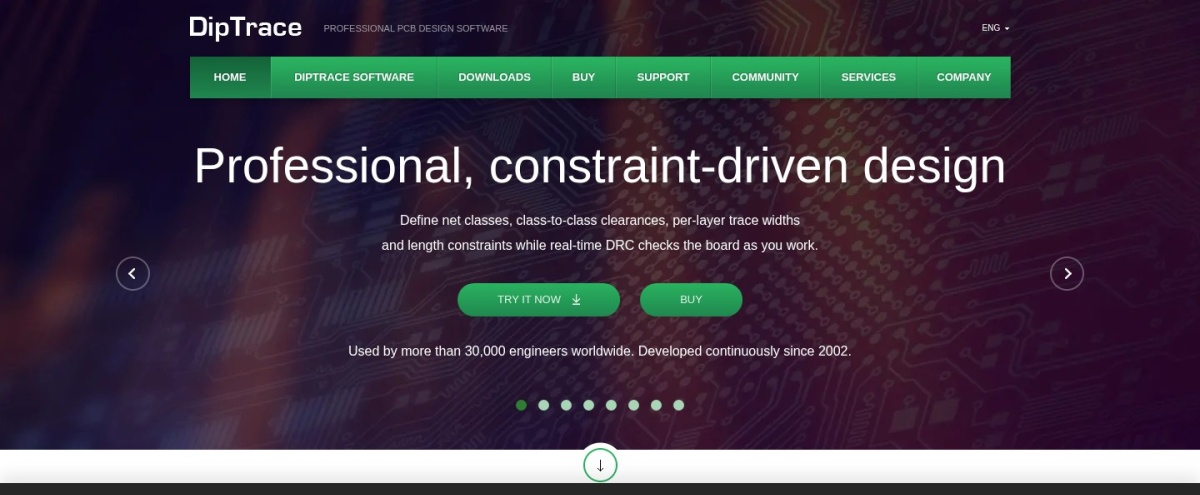
DipTrace is a desktop PCB design tool with schematic capture, layout and 3D visualisation, priced from $75 one-time for the Starter edition. It is a middle ground between the free tools and the professional suites, with a clean interface and a fair price.
The trade off is a smaller community and fewer component libraries than KiCad or Altium. It suits hobbyists and small teams that want a desktop tool they own outright.
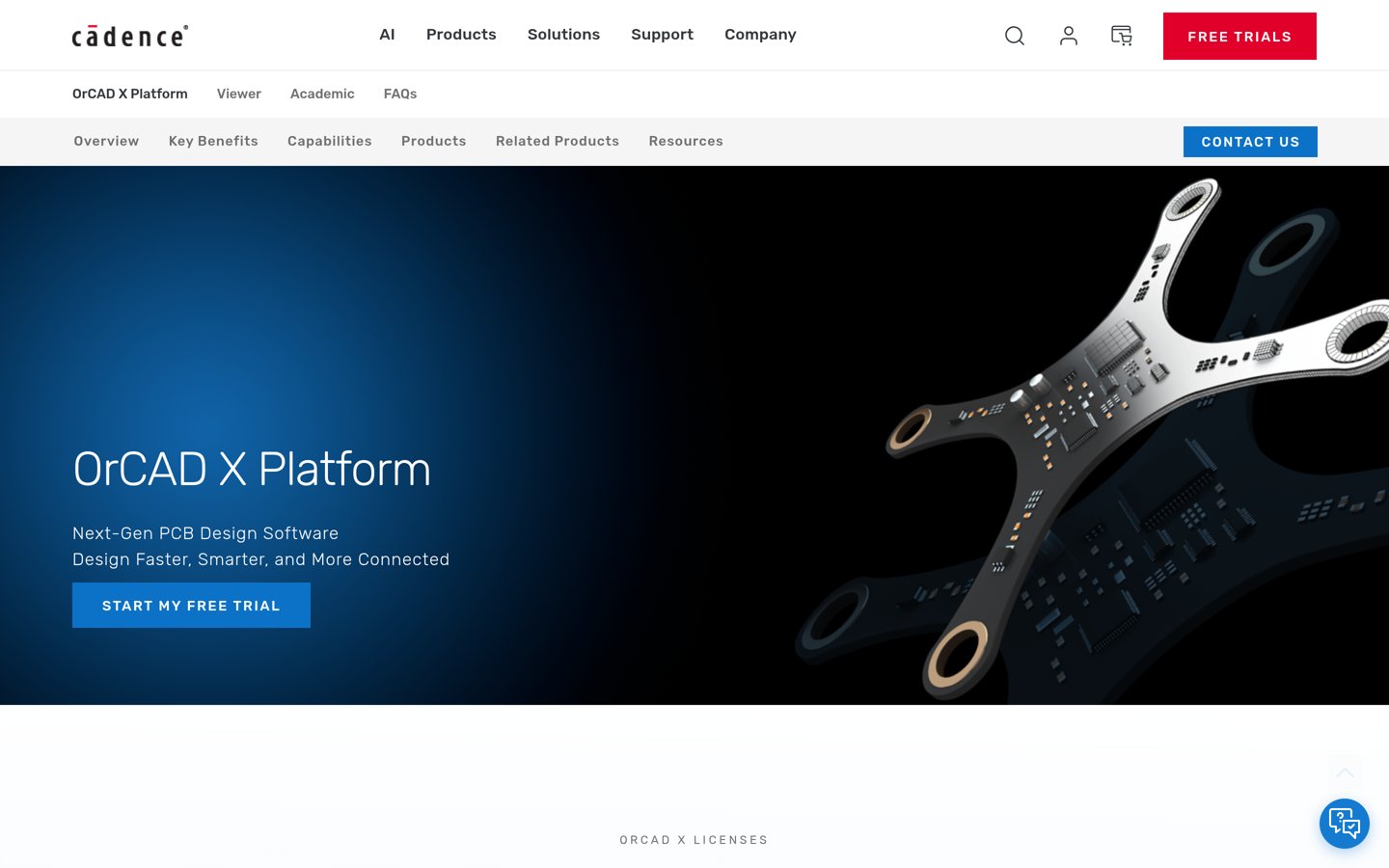
OrCAD is Cadence's enterprise PCB design platform, with schematic capture, layout and analysis tools built for large engineering teams. It is the most enterprise-focused tool in this list, with team workflows and deep analysis.
The trade off is custom pricing with no public figures, and a learning curve that suits engineers, not hobbyists. It suits large enterprises that design complex boards in teams.
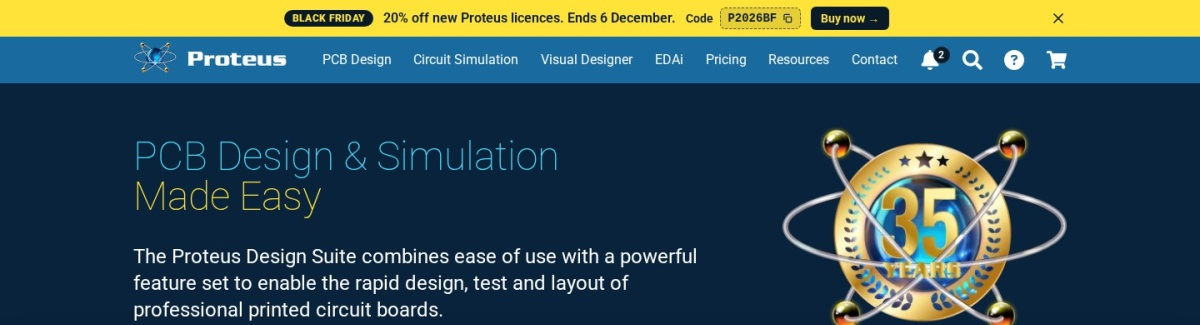
Proteus is a PCB design tool with a simulation engine that runs the microcontroller code alongside the circuit, so you can test a design before you build it. It is the strongest simulation tool in this list, with schematic, layout and 3D visualisation.
The trade off is a very thin review base, with a 5.0 rating from a single G2 review, and custom pricing with no public figures. It suits engineers that simulate embedded designs before manufacturing.
4.3/5on G2 (Not published reviews, checked Nov 2026)
PricingCustom/yr
Best for circuit simulation and teaching
Free planNo, trial
SimulationSPICE, strong
SchematicYes
Paid planCustom quote
ni.com
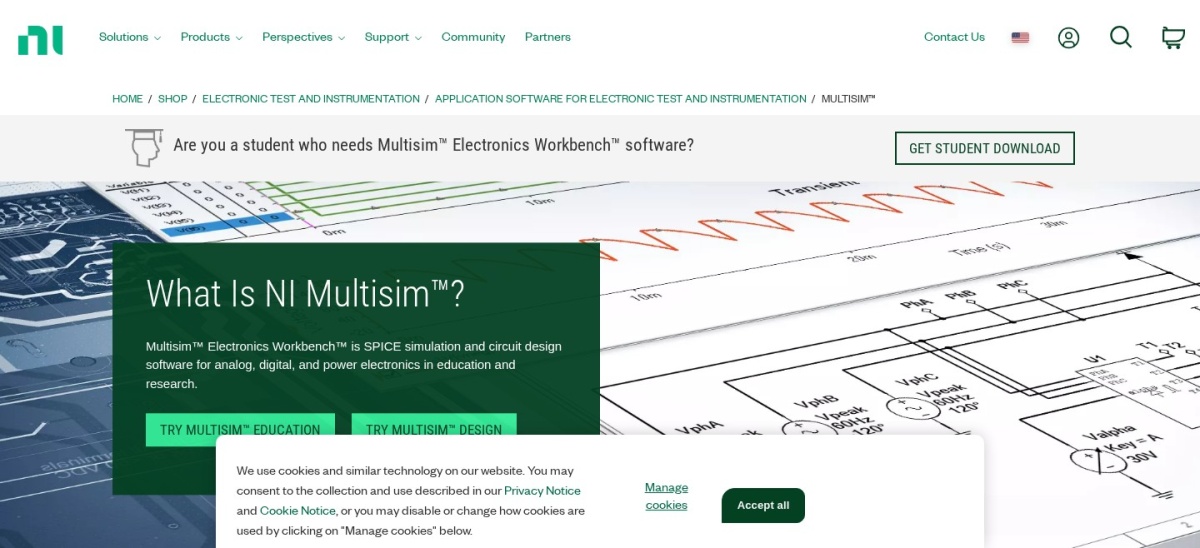
NI Multisim homepage, captured Nov 2026.
NI Multisim is a circuit simulation and teaching tool from National Instruments, with a large component library, SPICE simulation and virtual instruments. It is widely used in engineering courses and for analogue design work.
The trade off is custom pricing with no public figures, and a focus on simulation rather than full PCB layout. It suits educators and engineers that need a strong simulation and teaching tool.
Free tools cover the full path. KiCad draws schematics, lays out boards and simulates, with no limits on board size or layers, and EasyEDA designs in the browser for free.
Paid tools buy polish and support. Altium adds 3D board visualisation, advanced routing and a component library, while Fusion ties the PCB to the mechanical enclosure in one model.
The middle ground is DipTrace, a $75 one-time purchase for the Starter edition, and EasyEDA Pro at $7.99 a month for extra layers and private projects.
For most hobbyists and students, start free with KiCad and add a paid tool only when a commercial project demands it.
How we chose
We started from the circuit design tools with a live G2 or Capterra listing and real adoption among engineers and hobbyists, then kept the eight with the strongest fit for schematic capture and PCB layout.
Prices come from each vendor's pricing page, checked on 24 November 2026. Where a vendor publishes no number, the list shows custom pricing rather than a guessed figure. Ratings come from G2 or Capterra on the same day.
We left out tools with no verifiable rating on G2, Capterra or Trustpilot. No vendor paid for a place, and we do not claim hands-on testing for this list.
How to choose circuit design software
Start with your board and your budget, then match the tool to both.
Name the board first. A two-layer hobby board suits KiCad or EasyEDA, while a dense multi-layer board needs Altium or OrCAD.
Decide if you need simulation. If you simulate before you build, shortlist Proteus, Multisim or Altium before the layout-only tools.
Check the export formats. Confirm your tool exports Gerber, ODB++ and pick-and-place files that your factory accepts.
Trial with a real schematic. Draw a board you have built before and check the layout tools feel right before you commit.
FAQ
What is the best circuit design software?
Altium Designer is the best pick for professionals because it combines schematic capture, PCB layout and simulation in one suite, rated 4.5 out of 5 on G2. KiCad is the best free option, and Fusion suits teams that also design enclosures.
How much does circuit design software cost?
KiCad is free, EasyEDA Pro starts at $7.99 a month, DipTrace Starter is $75 one-time, Fusion costs $57 a month billed annually, and Altium Designer starts at $1,990 a year for the first Design Author.
Is KiCad good enough for professional work?
Yes. KiCad is used in commercial products, with no limits on board size or layers, and it exports standard Gerber and ODB++ files. It lacks Altium's 3D visualisation and advanced routing, but it covers the full design path for free.
What is the difference between Altium and OrCAD?
Altium Designer is a unified suite with schematic, layout and simulation in one interface, while OrCAD is Cadence's enterprise PCB design platform with deeper analysis and team workflows. Altium suits smaller teams, OrCAD suits large enterprises.
Can I design a PCB in my browser?
Yes. EasyEDA runs entirely in the browser with schematic capture, PCB layout and ordering from JLCPCB, with a free tier and a Pro plan at $7.99 a month for extra layers and private projects.
Which tool is best for circuit simulation?
Proteus and NI Multisim are the strongest for simulation, with Proteus simulating the microcontroller alongside the circuit and Multisim built for teaching and analysis. Altium and KiCad also simulate, but less deeply.