WLWPLegible EditorsLast verified 22 Nov 2026How we rank6 min read
★ Short answer
Blender is the top pick for most 3D designers because it is free and open-source across modeling, sculpting, animation, and rendering. SketchUp suits fast architectural modeling starting at $129 per year, while Autodesk Fusion fits parametric product design at $680 per year.
How we make this list: we compare pricing pages, product documentation and public user reviews, then re-check every price before each update. No product paid for a place. Disclosure.
Blender holds a 4.6 out of 5 rating across 319 G2 reviews with zero licensing cost for personal or commercial work.
SketchUp starts at $129 per year on Go and reaches $399 per year on Pro for desktop modeling and LayOut drawings.
Autodesk Fusion costs $680 per year (or $85 per month) for commercial CAD, CAM, and PCB workflows.
Shapr3D starts at $199.99 per year on Solo with cross-platform tablet and desktop support.
Houdini offers a free non-commercial Apprentice tier and starts at $299 per year on Indie for commercial projects.
What to look for in 3D design software
Picking 3D design software starts with matching the geometry engine to your work. Mesh and sculpting tools excel at organic characters, game assets, and motion scenes, while parametric and NURBS tools hold exact dimensions for parts, enclosures, and building layouts.
Rendering and simulation also change your total cost. Some suites include built-in renderers, while others charge extra for batch rendering, simulations, or third-party engines.
Licensing terms matter just as much as sticker price. Free tiers often restrict commercial work or cap exports, and annual subscriptions usually lower the cost compared with month-to-month billing.
Blender is a free, open-source 3D creation suite covering modeling, sculpting, rigging, animation, simulation, rendering, and compositing. It carries no paid tiers or commercial-use restrictions, with Cycles and EEVEE built in.
The trade off is a steep learning curve and occasional friction when moving large scenes or complex rigs into studio pipelines. It suits independent creators, animators, and small teams who want a complete 3D toolkit at no cost.
What we like
Free for personal and commercial projects with no seat fees
Covers modeling, sculpting, animation, compositing, and rendering in one app
Runs across Windows, macOS, and Linux with active community support
Strong procedural geometry nodes and Python scripting support
Watch out for
Steep learning curve for newcomers
Heavy scenes and complex rigs can slow down viewports
Exchange with some external studio pipelines takes extra setup
No paid tiers exist; Blender is free and open-source across all features.Visit blender.org
02
SketchUp
4.5/5on G2 (1,328 reviews, checked Nov 2026)
Starts at$129/yr
Best for fast architectural and interior modeling
Entry paid plan$129/yr (Go)
Desktop plan$399/yr (Pro)
Library3D Warehouse models
G2 rating4.5/5 (1,328 reviews)
sketchup.trimble.com
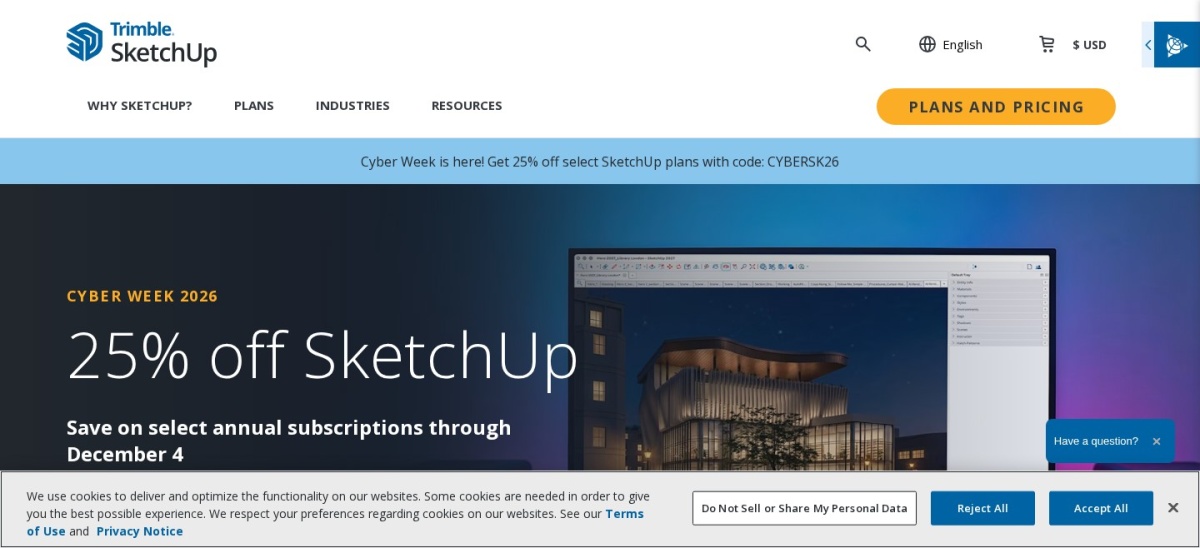
SketchUp homepage, captured Nov 2026.
SketchUp is a 3D modeling tool from Trimble built around fast push-pull geometry and a large component library. Paid plans start at $129 per year for Go on web and iPad, while Pro is $399 per year with desktop modeling and LayOut.
The trade off is weaker organic sculpting and viewport slowdown on large, high-detail models, with Go priced at $129 per year. It suits architects, interior designers, and woodworkers building straight-edged models and client presentations.
What we like
Push-pull workflow makes box and room modeling fast to learn
Large 3D Warehouse library speeds up furnishing and context models
Low entry cost at $129 per year for Go
Watch out for
Go lacks the desktop modeler and LayOut documentation tool
Organic and curved forms are harder to shape than in dedicated sculptors
Large, dense models can lag during navigation
Pro ($399/yr) adds the desktop application, LayOut drawings, and extensions, while Studio ($859/yr) bundles V-Ray and Scan Essentials.Visit sketchup.trimble.com
03
Shapr3D
4.8/5on G2 (173 reviews, checked Nov 2026)
Paid from$199.99/yr
Best for touch and desktop CAD on iPad and Mac
Entry paid plan$199.99/yr (Solo)
Free planUp to 2 projects
PlatformsiPad, Mac, Windows, Vision Pro
G2 rating4.8/5 (173 reviews)
shapr3d.com
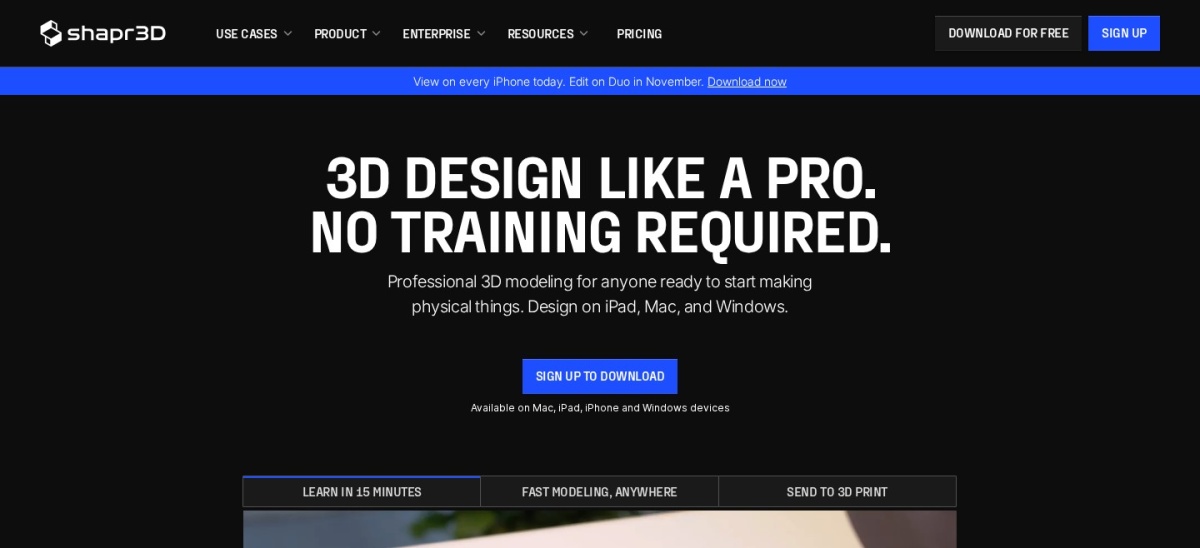
Shapr3D homepage, captured Nov 2026.
Shapr3D is a parametric CAD application built for tablet touch, stylus, and desktop workflows. It offers a free plan capped at two projects and starts at $199.99 per year on Solo for up to 100 projects.
The trade off is strict project and export limits on the free tier and ongoing subscription fees, with Solo starting at $199.99 per year. It suits industrial designers, makers, and engineers sketching CAD parts across iPad and desktop.
What we like
High 4.8 out of 5 rating across 173 G2 reviews
Intuitive sketching and solid modeling across iPad, Mac, and Windows
Includes technical drawings, AR preview, and real-time materials on Solo
Watch out for
Free plan is limited to two projects with restricted exports
Solo caps active projects at 100 and requires an annual subscription
Less suited to heavy character animation or VFX scenes
Studio ($449.99/yr per editor) adds unlimited projects, unlimited teamspaces, and higher generative render allowances.Visit shapr3d.com
04
Houdini
4.5/5on G2 (35 reviews, checked Nov 2026)
Paid from$299/yr
Best for procedural modeling, VFX, and simulations
Entry paid plan$299/yr (Indie)
Free tierApprentice (non-commercial)
Bundled rendererKarma (2 licenses on Indie)
G2 rating4.5/5 (35 reviews)
sidefx.com
Houdini homepage, captured Nov 2026.
Houdini is a node-based 3D and visual effects platform built around non-destructive procedural workflows. It offers a free watermarked Apprentice edition for learning and starts at $299 per year on Indie for commercial work.
The trade off is a steep learning curve and high system demands for complex simulations, with Indie priced at $299 per year. It suits technical artists, VFX studios, and game developers building repeatable environments and simulations.
What we like
Non-destructive node graphs make iteration and variations repeatable
Indie at $299 per year includes two Karma render licenses
Free Apprentice version lets learners practice most tools
Watch out for
Steep learning curve compared with direct polygon modelers
Apprentice is limited to non-commercial work and watermarked renders
Indie caps studio usage at three licenses
Core ($1,475/yr) and FX ($3,505/yr) raise studio license limits to five and bundle five Karma licenses.Visit sidefx.com
05
ZBrush
4.7/5on G2 (104 reviews, checked Nov 2026)
Starts at$399/yr
Best for high-detail organic and character sculpting
Entry paid plan$399/yr
Free optionZBrush for iPad free plan
PlatformsWindows, macOS, iPad
G2 rating4.7/5 (104 reviews)
maxon.net
ZBrush homepage, captured Nov 2026.
ZBrush is a digital sculpting and surface painting application for high-density organic forms and characters. Its desktop subscription starts at $399 per year and includes ZBrush for iPad, alongside a limited free iPad plan.
The trade off is an unconventional interface and a steep learning curve, with desktop access starting at $399 per year. It suits character artists, creature sculptors, and collectible designers working with high polygon counts.
What we like
Top score in this group at 4.7 out of 5 across 104 G2 reviews
Handles high-resolution sculpting and surface detail efficiently
Includes ZBrush for iPad on the desktop subscription
Watch out for
Menus and navigation feel unfamiliar to new users
Limited built-in rigging and full scene animation tools
Best paired with a pen tablet for fine brush control
Maxon One ($1,265/yr) bundles ZBrush with Cinema 4D, Redshift, and Red Giant.Visit maxon.net
06
Autodesk Fusion
4.5/5on G2 (552 reviews, checked Nov 2026)
Starts at$680/yr
Best for parametric CAD, CAM, and hardware design
Entry paid plan$680/yr ($85/mo)
Core workspacesCAD, CAM, CAE, PCB
Free optionPersonal use (non-commercial)
G2 rating4.5/5 (552 reviews)
autodesk.com
Autodesk Fusion homepage, captured Nov 2026.
Autodesk Fusion is a cloud-connected 3D product development tool combining CAD, CAM, simulation, and PCB layout. Commercial subscriptions start at $680 per year (or $85 per month), with a free non-commercial personal license.
The trade off is extra cost for advanced extensions and cloud-centric project limits, starting at $680 per year. It suits product designers, hardware makers, and small engineering teams moving from CAD to machining.
What we like
Combines parametric modeling, CAM toolpaths, and electronics layout in one workflow
Lower annual seat price than many competing engineering CAD suites
Broad adoption across small businesses and product teams
Watch out for
Advanced CAM, simulation, and PLM add-ons cost extra per year
Offline work and revision tracking have workflow constraints
Steep learning curve for multi-workspace features
Paid extensions such as Design ($595/yr), Manufacturing ($1,465/yr), and Simulation ($1,465/yr) add specialized tools.Visit autodesk.com
07
Cinema 4D
4.6/5on G2 (136 reviews, checked Nov 2026)
Starts at$839/yr
Best for motion graphics and fast 3D design
Entry paid plan$839/yr ($109/mo)
Bundled rendererRedshift included
PlatformsWindows, macOS
G2 rating4.6/5 (136 reviews)
maxon.net
Cinema 4D homepage, captured Nov 2026.
Cinema 4D is a 3D modeling, animation, and motion graphics application from Maxon with Redshift included on individual plans. Individual subscriptions start at $839 per year (or $109 per month) with a 14-day free trial.
The trade off is a higher annual subscription than generalist or CAD alternatives, at $839 per year. It suits motion designers, broadcast artists, and visual creatives working on tight production schedules.
What we like
4.6 out of 5 rating across 136 G2 reviews
Strong motion graphics tools and clear layout for faster onboarding
Includes Redshift on individual annual and monthly subscriptions
Watch out for
No permanent free commercial tier outside a 14-day trial
Higher yearly cost than Blender, SketchUp, or Shapr3D
Large scenes can become heavy on system resources
Maxon One ($1,265/yr) pairs Cinema 4D and Redshift with ZBrush, Red Giant, and Universe.Visit maxon.net
Mesh and sculpting vs. CAD workflows
Polygon and sculpting tools like Blender, Houdini, ZBrush, and Cinema 4D focus on surface meshes, animation, and visual rendering. They shine for games, film, motion graphics, and art direction.
CAD tools like Autodesk Fusion and Shapr3D build solid geometry with exact constraints, dimensions, and manufacturing or drawing outputs. SketchUp sits in between for fast architectural massing and interiors.
How we chose
We built this shortlist from established 3D modeling, sculpting, motion, and CAD tools with active development and public user ratings.
Prices, ratings, and review counts were checked on 22 Nov 2026 from vendor pricing pages and G2 listings, using regular annual list prices where available.
We excluded discontinued software such as Modo, single-purpose AI generators, and tools lacking confirmed pricing or review data. No vendor paid for a place, and we do not claim testing for this list.
How to choose the right 3D design software
Follow four steps to narrow down a 3D tool that fits your projects and budget.
Match the tool to your primary output. Pick a CAD tool for exact parts and assemblies, a sculpting tool for organic characters, or a generalist suite for full scenes.
Check free tiers for commercial limits. Confirm whether a free or personal edition allows client or revenue-generating work before building a workflow around it.
Factor in rendering and add-on costs. Check whether rendering, simulation, or manufacturing modules are included or billed separately.
Compare annual and monthly billing. If you use the software year-round, annual plans usually lower your cost per month compared with month-to-month billing.
FAQ
What is the best free 3D design software?
Blender is the strongest free option overall because it supports modeling, sculpting, animation, and rendering without licensing fees or commercial restrictions. FreeCAD and limited personal or educational tiers from other vendors also help, though terms vary by use case.
Is there a difference between 3D modeling and CAD software?
Yes. 3D modeling suites shape polygon meshes and surfaces for visuals, animation, and games, whereas CAD tools rely on exact dimensions, constraints, and solid geometry for engineering, manufacturing, and technical drawings.
Which software is easiest for beginners in 3D design?
SketchUp is widely praised for quick push-pull modeling in architecture and interiors, while Shapr3D offers an approachable touch and desktop CAD workflow. Blender is free to learn, though its interface takes longer to master.
Do paid 3D tools always include a renderer?
Not always. Cinema 4D includes Redshift on individual plans and Houdini bundles Karma licenses, while other tools rely on built-in viewports or separate third-party renderers.
Are student or education licenses available?
Yes, several vendors offer free or discounted education plans for verified students and educators. Those licenses are typically restricted to learning and non-commercial work.
Should I choose annual or monthly billing?
Annual billing usually lowers the effective monthly rate if you plan to use the software for most of the year. Monthly billing can make sense for short, single-project sprints when you do not need year-round access.