Best Text to Voice Software in 2026: 7 Tools Compared
WLWPLegible EditorsLast verified 22 Nov 2026How we rank6 min read
★ Short answer
ElevenLabs is the top text to voice platform for lifelike speech and voice cloning, offering a free tier with 10,000 monthly credits and a 4.5/5 G2 rating across 1,337 reviews. Choose Murf AI for video and slide voiceovers, or Speechify for cross-device reading and accessibility.
How we make this list: we compare pricing pages, product documentation and public user reviews, then re-check every price before each update. No product paid for a place. Disclosure.
ElevenLabs leads on voice realism and cloning, starting at $60/yr on annual billing ($5/mo equivalent) with 1,337 G2 reviews.
Murf AI suits slide and video voiceovers, with Creator at $228/yr ($19/mo billed annually) and 4.7/5 across 1,446 G2 reviews.
Speechify fits mobile and browser listening across 20M+ users, with Premium at $139/yr and 7,400+ Trustpilot reviews.
Descript combines transcript editing and voice tools, starting at $192/yr ($16/mo billed annually) with 4.6/5 across 938 G2 reviews.
Narakeet charges pay-as-you-go starting at $6 for 30 minutes of capacity instead of a recurring monthly subscription.
What to look for in text to voice software
Start by separating personal reading tools from commercial production studios. Many free or low-cost tiers restrict audio to private listening or watermarked exports and do not grant commercial publishing rights.
Check how a vendor meters usage before you commit. Some platforms cap monthly character credits, others count finished audio minutes or media hours, and retakes or regenerations often draw from the same balance.
Decide whether you need standalone voice files, a timeline editor, or slide-to-video assembly. Tools built around video or transcripts add helpful editing features, while dedicated voice generators keep focus on pacing, inflection, and voice cloning.
Confirm licensing and file formats early if you publish podcasts, courses, or client work. Checking MP3 or WAV export limits, commercial rights, and annual versus monthly billing prevents surprise renewals.
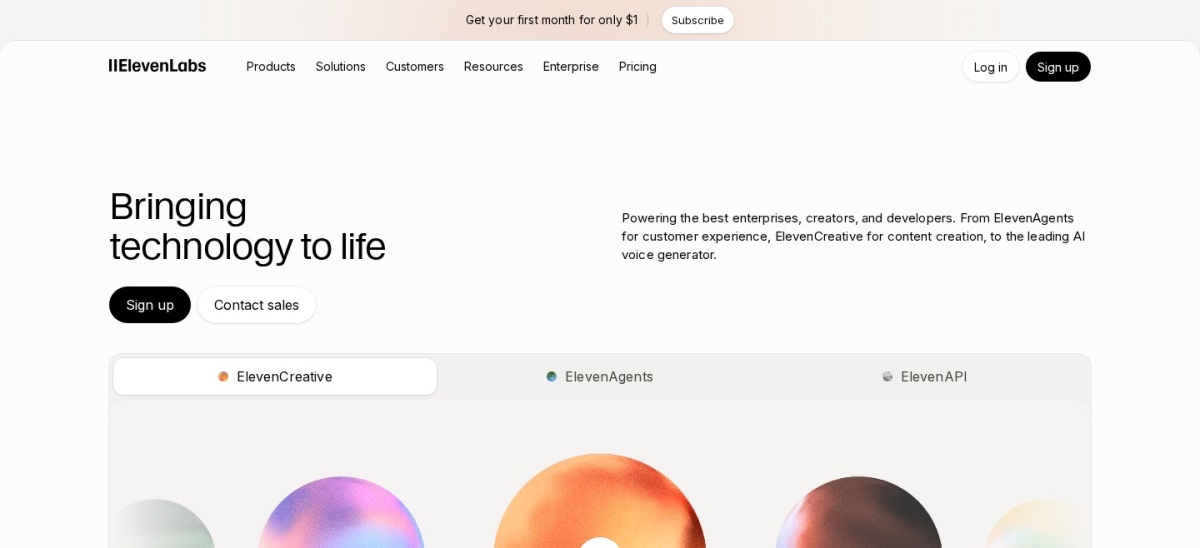
ElevenLabs is a speech synthesis platform known for expressive pacing, emotional delivery, and voice cloning across 70+ languages. Its free plan includes 10,000 monthly credits to test voices, while the annual Starter plan works out to $5 per month ($60 per year).
The trade off is credit consumption on long scripts and retakes, which can push heavy users into higher tiers at $60 per year or more. It suits creators, podcasters, and teams that prioritize natural voice quality and cloning.
What we like
Expressive voices with natural pauses and emotional range
Supports instant and professional voice cloning plus 70+ languages
Free plan available with 10,000 monthly credits
Low entry cost on annual billing compared to video studios
Watch out for
Credit usage can run out quickly during heavy editing or retakes
Commercial usage rights require a paid plan
Paid plans add commercial licensing, higher character allowances, and voice cloning features.Visit elevenlabs.io
02
Speechify
4.6/5on Trustpilot (7,400 reviews, checked Nov 2026)
Paid from$139/yr
Best for reading documents and mobile listening
Free tier10 basic voices
Annual price$139/yr
Monthly price$29/mo
User base20M+ users
speechify.com
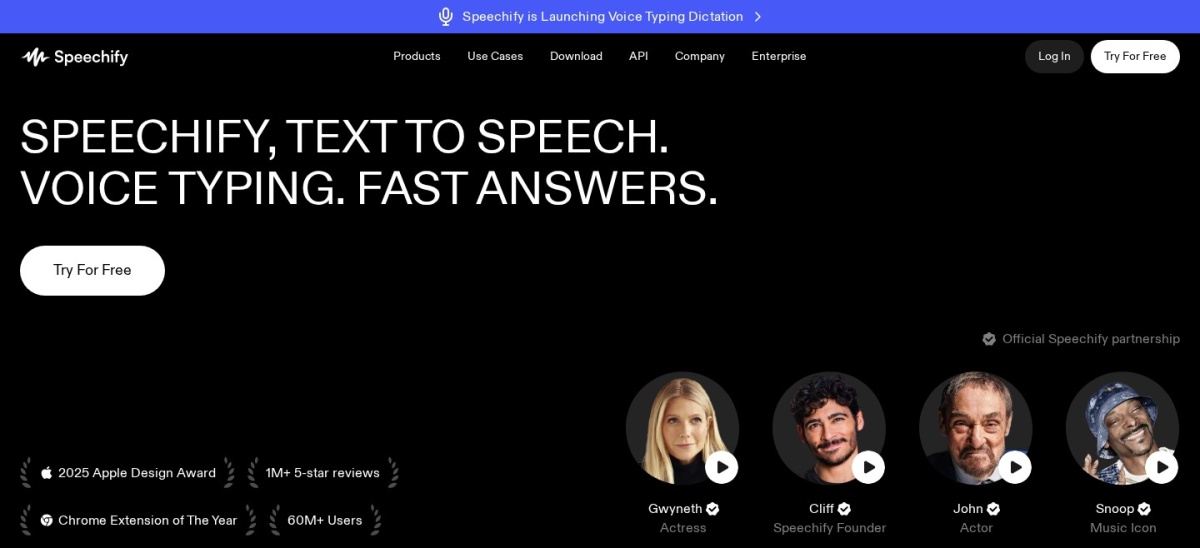
Speechify homepage, captured Nov 2026.
Speechify is a text to speech reader across web, desktop, browser extensions, and mobile apps, serving 20M+ users. Its free plan provides 10 basic voices at speeds up to 1.5x, while Premium is $139 per year or $29 per month.
The trade off is a higher annual subscription price than basic voice generators, with monthly billing at $139 per year or $29 per month. It suits students, busy readers, and accessibility users listening to articles and PDFs.
What we like
Works across web, mobile apps, desktop, and browser extensions
400+ natural voices across 60+ languages on Premium
Supports document reading, OCR scanning, and speed controls up to 5x
Free plan requires no credit card to get started
Watch out for
Free plan limits voice choices and listening speed
Higher yearly price if you only need occasional audio clips
Paid Premium unlocks 400+ natural voices, speeds up to 5x, OCR scanning, and cloud drive sync.Visit speechify.com
03
Descript
4.6/5on G2 (938 reviews, checked Nov 2026)
Paid from$192/yr
Best for transcript-based audio and video editing
Free tier60 media mins/mo
Annual price$16/mo ($192/yr)
Monthly price$24/mo
G2 rating4.6/5 (938)
descript.com
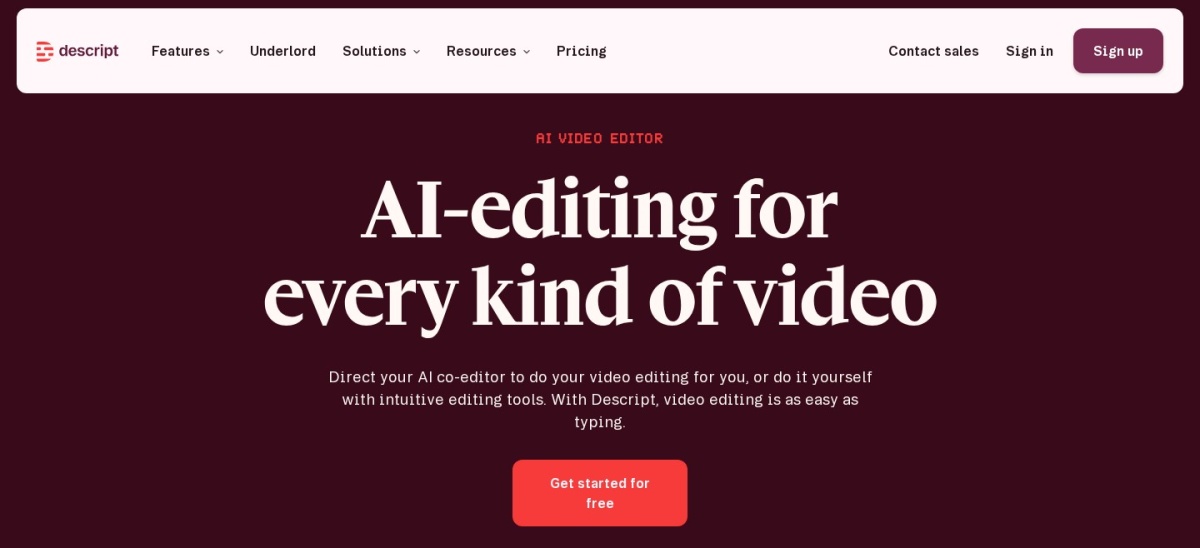
Descript homepage, captured Nov 2026.
Descript is an audio and video editor that pairs transcript editing with AI voice generation and voice cleanup tools. Its free plan includes 60 media minutes per month and 100 one-time AI credits, while Hobbyist starts at $16 per month billed yearly ($192 per year).
The trade off is separate monthly caps on media hours and AI credits, with Hobbyist at $192 per year and 720p watermarked exports on Free. It suits podcasters and video creators editing spoken content alongside voiceovers.
What we like
Combines text-based transcript editing with AI voice tools
Hobbyist plan removes watermarks and exports up to 1080p
Includes 10 media hours and 400 monthly AI credits on Hobbyist
Free plan lets you test transcript workflows before paying
Watch out for
Free exports are capped at 720p with a watermark
Unused monthly media hours and AI credits do not roll over
Paid plans add watermark-free exports, larger monthly media allowances, and recurring AI credits.Visit descript.com
04
Murf AI
4.7/5on G2 (1,446 reviews, checked Nov 2026)
Paid from$228/yr
Best for slide and video voiceovers
Free tier10 mins total
Annual price$19/mo ($228/yr)
Monthly price$29/mo
G2 rating4.7/5 (1,446)
murf.ai
Murf AI homepage, captured Nov 2026.
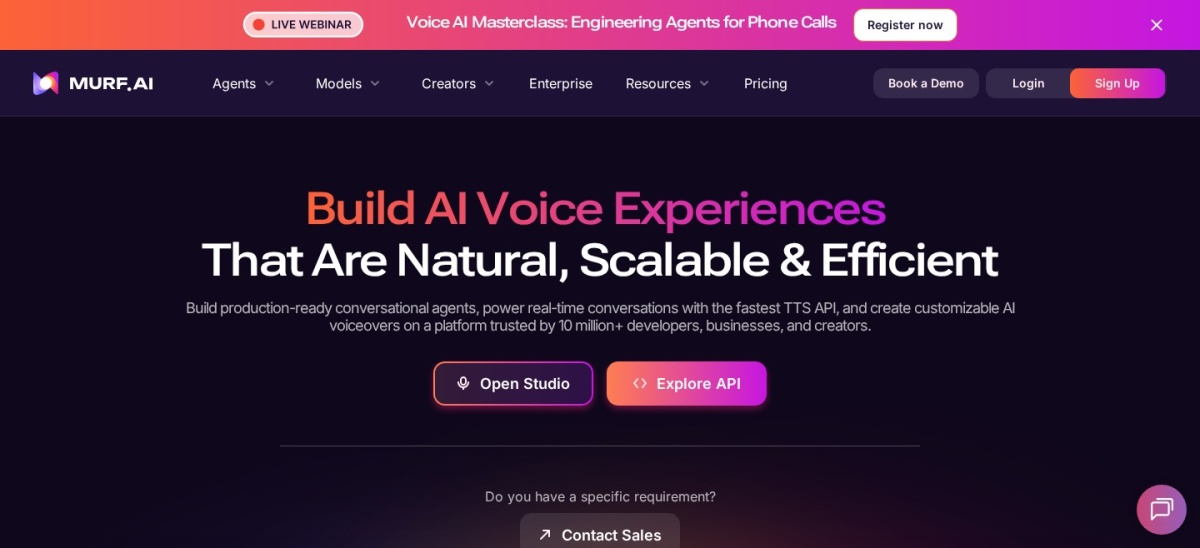
Murf AI is a browser voiceover studio with 200+ voices across 35+ languages for videos, presentations, and training modules. Its free plan gives 10 minutes of total generation without downloads, while Creator starts at $19 per month billed annually ($228 per year).
The trade off is a strict 10-minute lifetime cap with no exports on the free plan, and Creator at $228 per year includes 24 hours of generation per year. It suits marketers, educators, and teams syncing voice to slides or video.
What we like
High G2 rating of 4.7/5 across 1,446 user reviews
200+ voices across 35+ languages with pitch and emphasis controls
Creator plan includes downloads and personal commercial rights
Integrates with workflows like Canva and presentation tools
Watch out for
Free tier does not allow audio downloads or commercial use
Regenerating lines uses generation time from your annual allowance
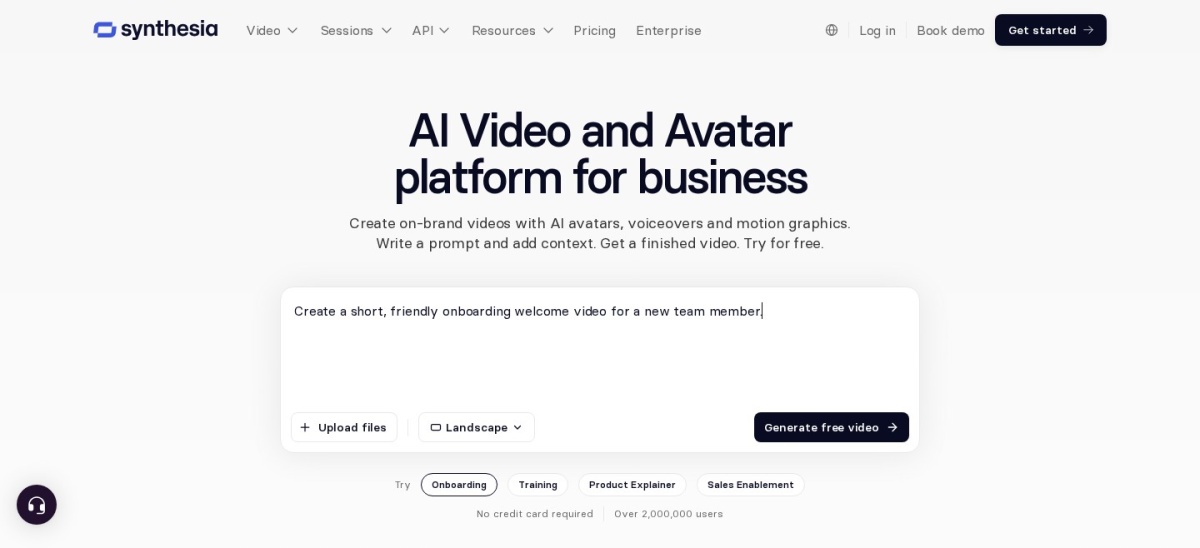
Synthesia turns written scripts into narrated videos with AI avatars, templates, and multilingual voiceovers in 140+ languages. Its free allowance includes 10 minutes of Studio video or dubbing with a watermark, while Starter is $14 per month billed yearly ($168 per year).
The trade off is a heavier video-first workflow than a standalone audio generator, with Starter at $168 per year and link-only sharing on Free. It suits training teams, educators, and businesses producing narrated video lessons.
What we like
2,863 G2 reviews with a 4.6/5 average rating
Starter plan removes the watermark and enables video downloads
Supports 140+ languages, templates, and script-to-video creation
Includes a free tier to test scripts and voices first
Watch out for
Free plan includes a watermark and blocks downloads
Credit usage across video, dubbing, and AI features varies by action
Fliki converts scripts, blog posts, and ideas into narrated audio and short videos using AI voices and stock media across 80+ languages. Its free plan provides 3 monthly credits with 720p watermarked exports, while Standard starts at $28 per month ($336 per year).
The trade off is a tight 3-credit monthly cap on the free plan and credit-based generation on paid plans starting at $28 per month. It suits social video creators and bloggers repurposing written posts into clips.
What we like
4.7/5 rating across 182 G2 reviews
Supports script-to-audio and script-to-video across 80+ languages
Standard plan adds 1080p exports, commercial rights, and 180 monthly credits
Includes a free tier with no credit card required
Watch out for
Free plan exports include a watermark and lack commercial rights
AI video and voice models consume credits at different rates
Narakeet is a text to speech and presentation narration service that sells one-time credit packs instead of monthly subscriptions. It offers free previews and experiments, while its entry commercial pack costs $6 for 30 minutes of audio or video capacity.
The trade off is a small public review footprint on G2 and credit deductions billed per build in 1-second increments starting at $6. It suits occasional creators and teams that want no recurring subscription bill.
Entry $6 pack covers 30 minutes at $0.20 per minute with no expiry noted
Supports turning text scripts and presentations into narrated media
Free previews let you test voices before spending credits
Watch out for
Builds deduct credits each time you generate the full output
Smaller public review count than larger studio platforms
Paid credit packs unlock commercial usage rights and longer script and slide limits.Visit narakeet.com
Subscriptions vs. credit packs
Most text to voice platforms meter usage through monthly or annual subscriptions tied to character credits, audio minutes, or media hours. If you publish weekly or iterate heavily on scripts, a predictable allowance can be easier to manage.
Pay-as-you-go and one-time credit models work better when your publishing schedule is sporadic. Always check whether regenerating a single line consumes extra credits or minutes before you pick a tier.
How we chose
We selected established text to voice tools actively maintained in 2026 across voice generation, document reading, transcript editing, and narrated video creation.
All pricing, free tier limits, and review ratings were checked on 22 Nov 2026 using official vendor pages and public review directories (G2 and Trustpilot).
We excluded tools without verifiable pricing or current 2026 plan details so every figure in the comparison reflects current public offers. No vendor paid for a place, and we do not claim testing for this list.
How to choose the right text to voice tool
Follow four practical steps to match a voice tool to how you publish.
Define your output format first. Decide whether you need standalone voiceover files, transcript-based audio and video editing, narrated slides, or personal document listening.
Check commercial rights and exports. Verify whether free or entry tiers allow MP3 or video downloads without watermarks and grant commercial usage rights for client or public work.
Estimate monthly volume including retakes. Factor in re-generations and edits so character credits, audio minutes, or media hours do not run out mid-project.
Compare annual savings against commitment. Check how much annual billing lowers the yearly cost compared to paying month-to-month before locking in a full year.
FAQ
Which text to voice tool has the most natural voices?
ElevenLabs is widely chosen for natural pacing and emotional expression across 70+ languages, supported by a 4.5/5 rating across 1,337 G2 reviews. Testing your exact script on a free tier is still the best way to judge tone for your audience.
Can I use free text to voice plans for commercial videos or podcasts?
Many free tiers restrict outputs to personal use, limit exports, or add watermarks, such as Murf AI's free plan and Synthesia's free allowance. Always check the vendor's commercial licensing terms before publishing monetized or client content.
Why do some tools charge per character while others charge per minute?
Character-based plans meter text length and model weight, while minute or media-hour plans meter generated or uploaded duration. Speaking pace, pauses, and model choice affect how fast you use either allowance.
Is annual billing always cheaper for text to voice software?
Annual billing usually lowers the effective monthly rate on subscription tools like ElevenLabs, Speechify, Descript, and Murf AI. However, if your projects are seasonal or your volume is uncertain, starting monthly or using one-time credits can avoid unused months.
What is the difference between a reading app and a voiceover studio?
Reading apps like Speechify focus on listening to articles, books, and PDFs across devices, while studios like Murf AI, Descript, and Synthesia focus on producing exported audio or video for audiences. Picking the right category saves you from paying for editing features you will not use.
Do unused credits or minutes roll over to the next month?
Rollover rules vary by vendor, and monthly allowances often reset each billing cycle, as noted on Descript's plans. One-time credit packs like Narakeet's work differently because you buy capacity upfront rather than paying a monthly subscription.