WLWPLegible EditorsLast verified 22 Nov 2026How we rank12 min read
★ Short answer
Audacity is the best audio software for most people: it is free, runs on Windows, Mac and Linux, and covers recording, editing and noise reduction, rated 4.5 out of 5 on G2. Pick Adobe Audition for professional restoration work and REAPER if you want a full DAW for a one-time $60.
How we make this list: we compare pricing pages, product documentation and public user reviews, then re-check every price before each update. No product paid for a place. Disclosure.
Audacity is free and covers recording, editing and noise reduction on Windows, Mac and Linux, rated 4.5/5 on G2.
Adobe Audition costs $22.99 a month and is the strongest pick for waveform editing, spectral repair and podcast cleanup.
REAPER costs $60 once for most users and is the cheapest full DAW here, with no track limit and a 60-day evaluation.
FL Studio, Ableton Live and Logic Pro are all one-time buys: from $99, from $99 and $199.99.
Pro Tools Intro is free, and Artist starts at $99 a year, but Studio and Ultimate climb to $299 and $599 a year.
Descript edits audio by editing text, from $16 a month, and GarageBand is free on every Mac.
What audio software should cover
Audio software splits into two kinds. Editors such as Audacity and Adobe Audition cut, clean and repair recorded sound, while DAWs such as REAPER, FL Studio and Ableton Live also record, arrange and mix full songs.
Start with the job, not the brand. Podcasters need noise removal and simple multitrack editing, beatmakers need patterns and instruments, and studios need session formats other engineers can open.
Check the price model before you buy. Some tools are free, some charge once, and some charge every month, so a cheap monthly plan can cost more than a one-time license within two years.
Platform matters too. Logic Pro and GarageBand run only on Apple devices, Audition has no Linux version, and only Audacity and REAPER run on Windows, Mac and Linux alike.
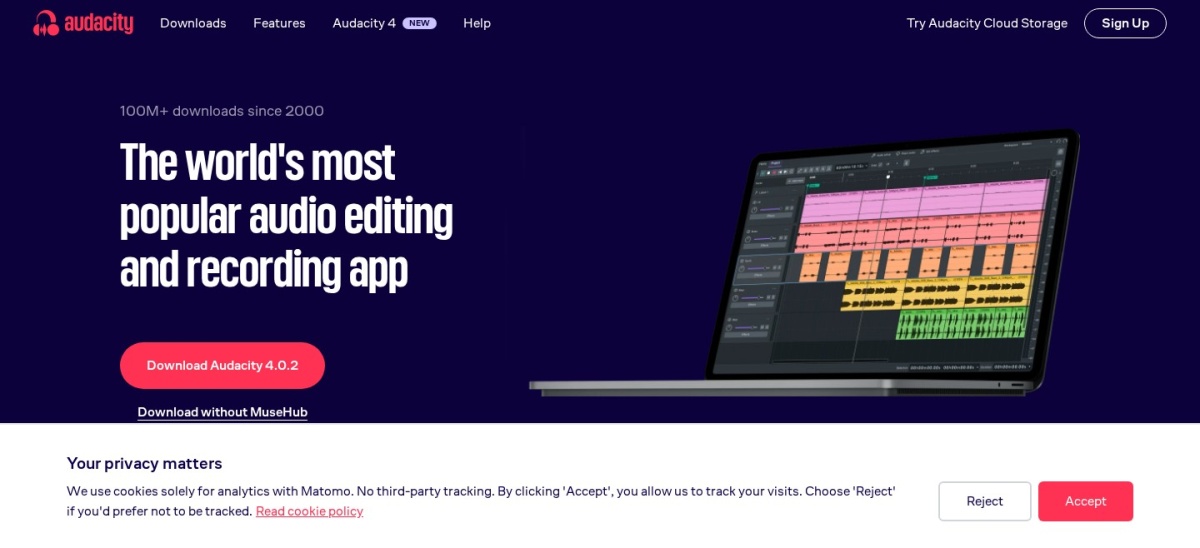
Audacity is a free, open-source audio editor and recorder for Windows, macOS and Linux. It records multiple tracks, cuts and mixes audio, removes background noise, and exports WAV, MP3 and FLAC files. Version 4.0 adds AI transcription and vocal removal, and it is rated 4.5 out of 5 on G2 from 459 reviews.
The trade off is scope. Audacity is an editor, not a full music studio: it has no built-in virtual instruments, no MIDI sequencing and no loop library, and its interface looks dated next to paid DAWs. It suits podcasters, voiceover work and anyone who wants solid editing without paying.
Adobe Audition is a professional audio workstation for recording, mixing, editing and restoring audio on Windows and macOS. It pairs a multitrack timeline with waveform and spectral views, plus noise reduction, de-clicking and loudness tools aimed at broadcast and podcast work. It costs $22.99 a month on an annual plan, with a 7-day free trial.
The trade off is the subscription. There is no one-time purchase, so the $22.99 a month keeps running as long as you use it, and there is no Linux version. It suits editors who already work with Premiere Pro and need strong repair tools for noisy recordings.
What we like
Spectral editing and noise repair tools
Multitrack, waveform and spectral views
Works closely with Premiere Pro
Watch out for
Subscription only, no one-time purchase
No Linux version
Steep learning curve for beginners
Creative Cloud plans add Premiere Pro and more appsVisit adobe.com
03
REAPER
4.5/5on G2 (28 reviews, checked Nov 2026)
Starts at$60/yr
Best value full DAW
Price$60 one-time, discounted
Free evaluation60 days, full features
PlatformsWindows, macOS, Linux
G2 rating4.5/5, 28 reviews
reaper.fm
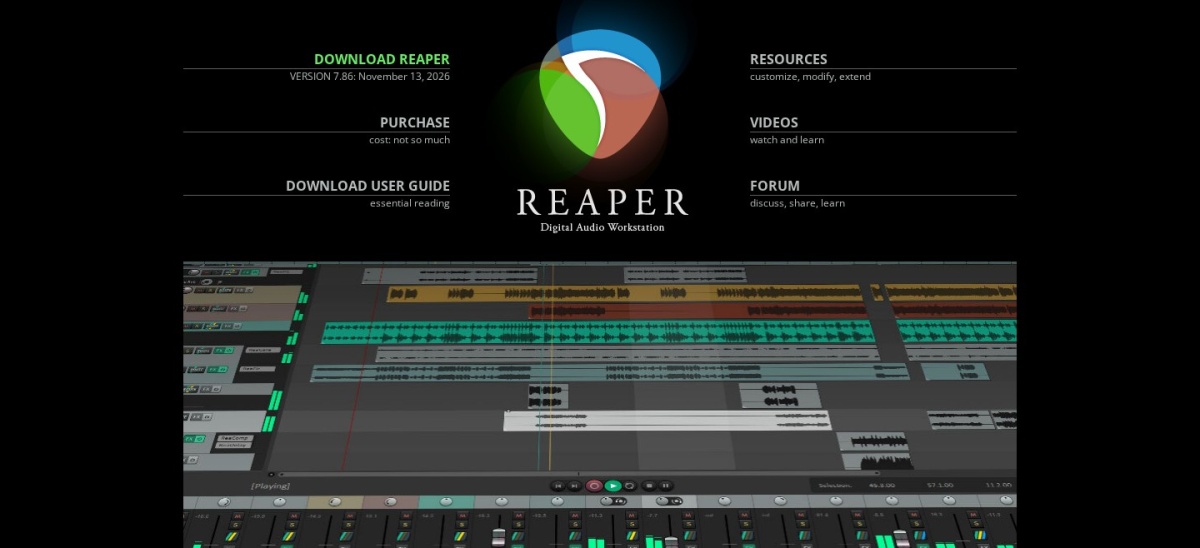
REAPER homepage, captured Nov 2026.
REAPER is a full digital audio workstation from Cockos for Windows, macOS and Linux. A discounted license costs $60 once for personal use and small businesses under $20,000 a year in revenue, and it includes updates through version 8.99. There is no track limit, and a 60-day evaluation runs with full features.
The trade off is polish. The interface is dense and dated, there is almost no bundled content such as loops or virtual instruments, and new users face a steep learning curve. It suits producers who want a cheap, fast DAW they can shape to their own workflow.
What we like
One-time $60 license for most users
No track limit and a 60-day evaluation
Light, fast and highly customizable
Runs on Windows, Mac and Linux
Watch out for
Dense, dated interface
Almost no bundled loops or instruments
Commercial license costs $225, not $60
Commercial license costs $225 once for larger businessesVisit reaper.fm
04
FL Studio
4.6/5on G2 (104 reviews, checked Nov 2026)
Starts at$99/yr
Best DAW for beat-making
PriceFrom $99 one-time
Free trialYes, full features
PlatformsWindows, macOS
G2 rating4.6/5, 104 reviews
image-line.com
FL Studio homepage, captured Nov 2026.
FL Studio is a pattern-based DAW from Image-Line for Windows and macOS, built around its step sequencer and piano roll. The Fruity Edition costs $99 once, every edition includes lifetime free updates, and the trial runs the full program. It is rated 4.6 out of 5 on G2 from 104 reviews.
The trade off is the entry edition. Fruity at $99 cannot record audio and caps projects at 8 audio clips, so most buyers need Producer at $179 for recording. It suits beatmakers and electronic producers who build tracks from patterns, loops and synths.
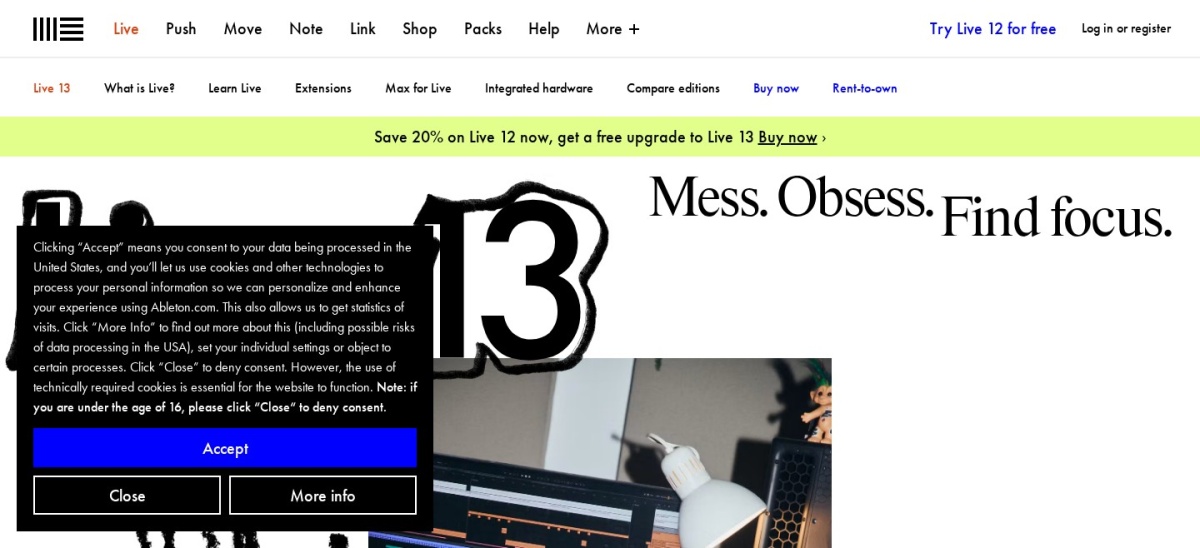
Ableton Live is a DAW for electronic music and live performance on Windows and macOS. Its Session View launches loops and clips in any order, while Arrangement View handles linear recording and mixing. Intro costs $99 once, Standard $349 and Suite $749, and the 30-day trial covers Suite.
The trade off is the ceiling on the cheap edition. Intro caps projects at 16 audio and MIDI tracks and leaves out MIDI Tools, and Max for Live is Suite-only. It suits producers who perform live or write with loops and want the clip workflow no other DAW copies.
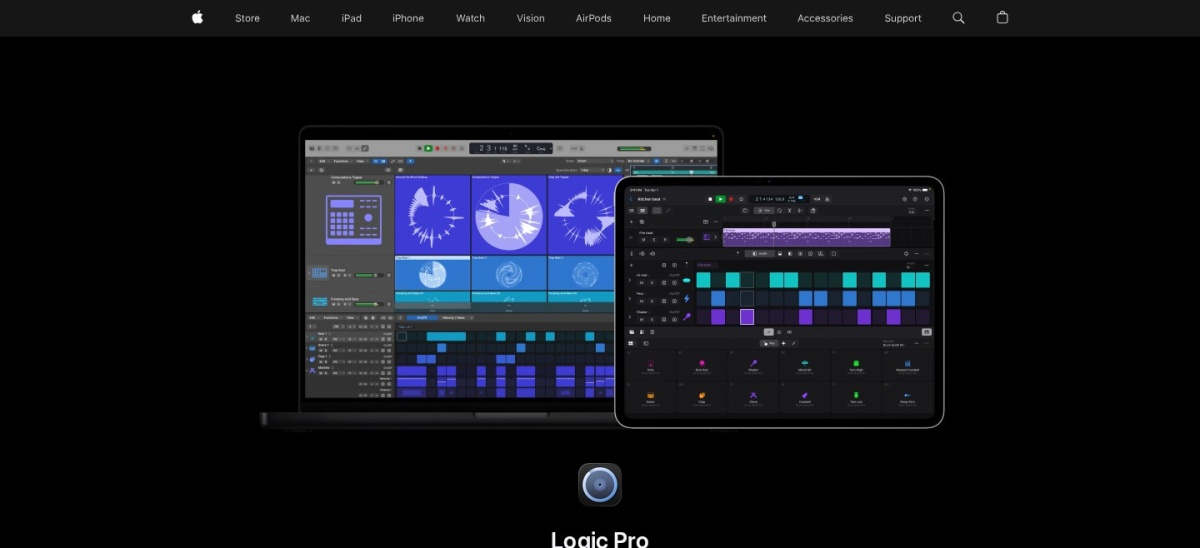
Logic Pro is Apple's full DAW for the Mac, sold as a $199.99 one-time purchase on the Mac App Store. It includes a large stock library of around 72 GB, the Alchemy synth, Session Players, a six-part Stem Splitter and Dolby Atmos mixing. It is rated 4.6 out of 5 on G2 from 177 reviews.
The trade off is the platform. Logic Pro runs only on Mac, needs Apple silicon and recent macOS, and its newest AI assistant needs a Creator Studio subscription instead of the one-time license. It suits Mac owners who want a complete studio with no subscription and no extra purchases.
What we like
One-time $199.99 with free updates
Large 72 GB stock library included
GarageBand projects open in Logic Pro
Watch out for
Mac only, no Windows version
Needs Apple silicon and recent macOS
Newest AI assistant needs a subscription
Also included in Apple Creator Studio at $12.99 a monthVisit apple.com
07
Pro Tools
4.3/5on G2 (122 reviews, checked Nov 2026)
Paid from$99/yr
Best studio-standard DAW
PriceArtist from $99/yr
Free planIntro, $0
PlatformsWindows, macOS
G2 rating4.3/5, 122 reviews
avid.com
Pro Tools homepage, captured Nov 2026.
Pro Tools is Avid's DAW for recording, editing and mixing on Windows and macOS, and the standard in professional studios. Intro is free, Artist costs $9.99 a month or $99 a year, Studio $34.99 a month or $299 a year, and Ultimate $99 a month or $599 a year. It is rated 4.3 out of 5 on G2 from 122 reviews.
The trade off is cost and complexity. The free Intro tier caps track counts, Studio is the tier most working engineers need, and the subscription keeps charging after the first year. It suits engineers who must share sessions with commercial studios or post-production houses.
What we like
Session format commercial studios expect
Free Intro tier for learning the workflow
Perpetual licenses still sold for Studio and Ultimate
Watch out for
Studio costs $299 a year, Ultimate $599
Lowest G2 rating in this list at 4.3/5
Free Intro tier caps track counts
Studio at $299 a year is the tier most engineers needVisit avid.com
08
Descript
4.6/5on G2 (915 reviews, checked Nov 2026)
Paid from$16/mo
Best for podcasters and text editing
PriceHobbyist from $16/mo
Free planYes, 1 media hour/mo
PlatformsWindows, macOS, web
G2 rating4.6/5, 915 reviews
descript.com
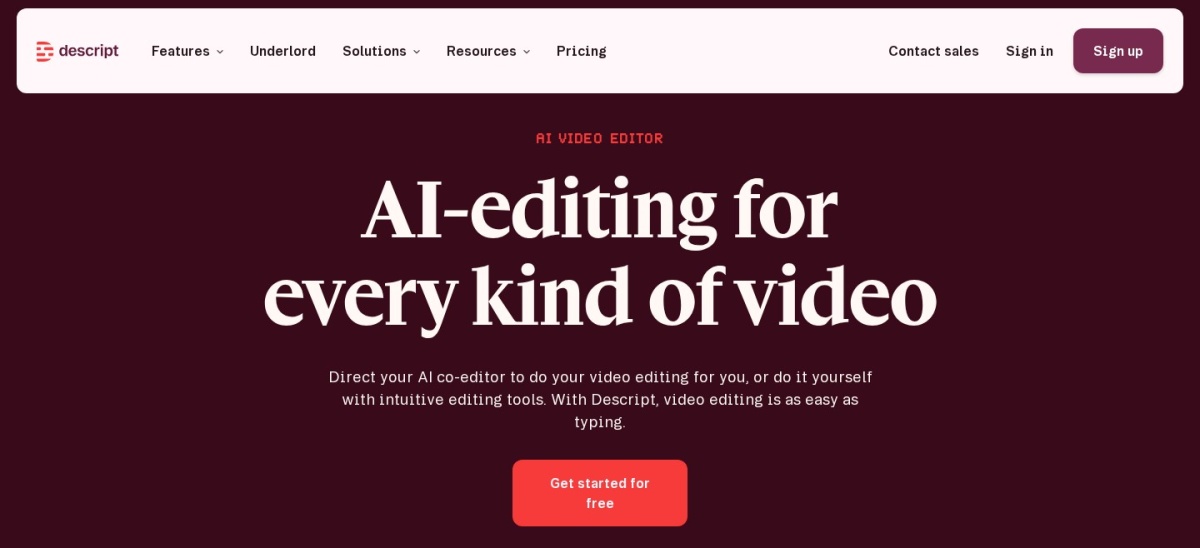
Descript homepage, captured Nov 2026.
Descript is an audio and video editor that lets you edit recordings by editing a transcript. Delete a sentence from the text and it disappears from the audio, and tools such as Studio Sound and Remove Filler Words clean up speech. The free plan covers 1 media hour a month, and Hobbyist costs $16 a month billed annually.
The trade off is the meter. Every plan caps media hours and AI credits per month, so heavy users pay more or top up, and the tool is built for speech rather than music. It suits podcasters and video creators who think in words and want fast transcript-based edits.
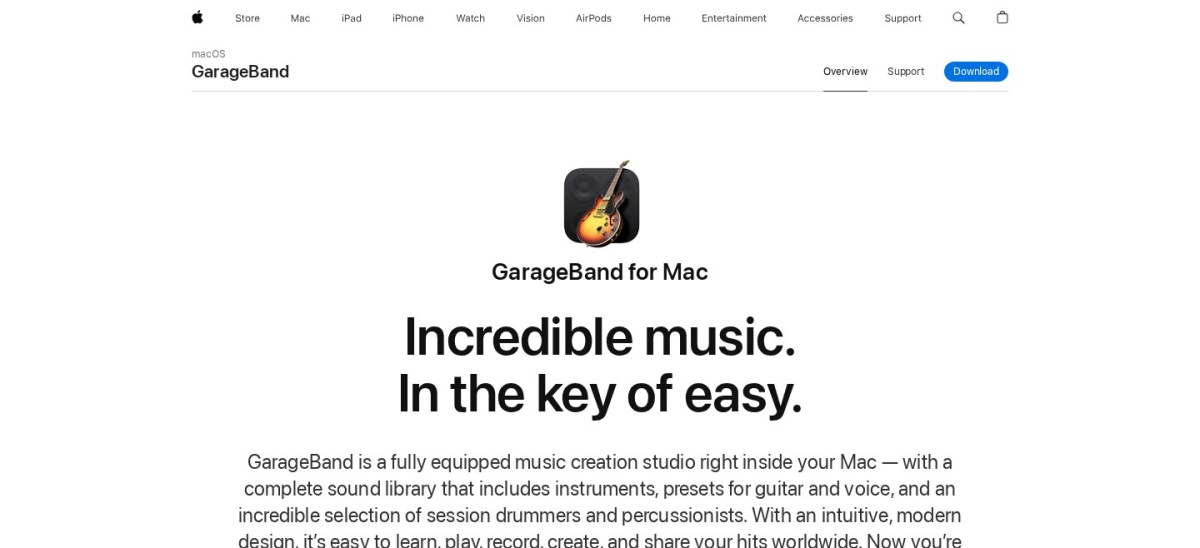
GarageBand is Apple's free music studio, included with every Mac, iPhone and iPad. It records multiple tracks, plays software instruments, models guitar amps, adds drummers that play along, and ships a large loop library. Projects open directly in Logic Pro when you outgrow it, and it is rated 4.3 out of 5 on G2 from 277 reviews.
The trade off is depth. GarageBand is Mac and iOS only, with no Windows version, and it lacks the mixing, mastering and routing controls of a full DAW. It suits beginners and songwriters who want to sketch ideas fast on hardware they already own.
Free tools cover the basics well. Audacity handles recording, editing and noise removal, GarageBand adds instruments and loops, and Pro Tools Intro opens the studio standard for free.
Paid tools mostly add depth and polish. You get more instruments, better repair tools, larger track counts and support, and DAWs such as FL Studio and Logic Pro include large sound libraries.
The line between free and premium is the same trade-off in every category. Our guide to free vs premium plugins explains how to weigh a free plan against a paid upgrade before you commit.
If audio earns you money, a paid tool usually pays for itself in saved time. If you record a hobby podcast or sketch songs, start free and upgrade only when you hit a real limit.
How we chose
We started from the audio tools most often named in 2026 comparisons, then kept 9 established products with published prices and a public review footprint on G2.
Prices come from each vendor's pricing page, checked on 22 November 2026, with the top 3 read on their official pages. Ratings are G2 scores from the same week. Where a vendor shows a sale, the list shows the regular price.
We left out tools with no published price and niche editors with too few reviews to judge. No vendor paid for a place, and we do not claim hands-on testing for this list.
How to choose audio software
Match the tool to the work you do most, then check price, platform and trial terms.
Decide editor or DAW. If you only cut and clean recordings, an editor is enough. If you arrange songs or mix many tracks, you need a DAW.
Check your platform first. Logic Pro and GarageBand need a Mac, Audition skips Linux, and only Audacity and REAPER cover all three desktop systems.
Try before you pay. REAPER gives 60 days with full features, Ableton gives 30 days of Suite, and Audacity and GarageBand cost nothing to start with.
Add up the real first-year cost. A $22.99 monthly plan costs $275.88 in a year, while a $60 or $99 one-time license stops there.
FAQ
What is the best audio software?
Audacity is the best pick for most people. It is free, runs on Windows, Mac and Linux, and covers recording, editing and noise removal, rated 4.5 out of 5 on G2 from 459 reviews.
What is the best free audio software?
Audacity is the best free editor for any platform, and GarageBand is the best free option on a Mac, with instruments, loops and drummers built in. Pro Tools Intro is free too, for learning the studio standard.
Is Audacity really free?
Yes. Audacity is free and open source, with no paid plan, no trial limit and no locked features. It is maintained by the Audacity Team under Muse Group, and downloads come from audacityteam.org.
How much does Adobe Audition cost?
Adobe Audition costs $22.99 a month on an annual plan billed monthly, which is $275.88 a year. There is no one-time purchase, and a 7-day free trial covers the full app.
Which DAW is best for beginners?
GarageBand is the easiest start on a Mac, and FL Studio is the friendliest paid DAW for beatmakers on Windows or Mac. REAPER is the cheapest full DAW, but its dense interface takes longer to learn.
Do I need Pro Tools to work in a studio?
Not always, but it helps. Pro Tools is the format most commercial studios share, so sessions move without conversion. If you only record at home, REAPER, Logic Pro or Audition cover the same jobs for less.