Best Audiobook Recording Software in 2026: 7 Tools Compared
WLWPLegible EditorsLast verified 22 Nov 2026How we rank6 min read
★ Short answer
Audacity is the top pick for audiobook recording because it is free, open source, and supports punch-and-roll recording across Windows, macOS, and Linux. For text-based editing and fast voice cleanup, Descript is a strong alternative, while REAPER suits budget-minded producers who want a low-cost one-time license.
How we make this list: we compare pricing pages, product documentation and public user reviews, then re-check every price before each update. No product paid for a place. Disclosure.
Audacity is free with no paid tier and holds a 4.5 out of 5 rating on G2 across 459 reviews.
Descript starts on a free plan and offers paid plans starting at $16/month billed annually ($192/yr).
REAPER offers a 60-day free evaluation and a $60 discounted one-time license for personal and qualifying small-revenue use.
Hindenburg Narrator targets audiobook production directly with ACX and Findaway validation and starts at $15.
Auphonic provides 2 free hours of processing per month and recurring plans starting at $11/month billed yearly ($132/yr).
What to look for in audiobook recording software
Narrating a full book takes dozens of hours of quiet recording, frequent retakes, and consistent chapter loudness. Software with reliable punch-and-roll recording makes fixing a misread word without re-recording a whole paragraph much faster.
Check how easily the tool handles noise reduction, room tone, and loudness targets required by audiobook distributors. Some editors require manual effect chains or third-party plugins, while spoken-word tools include automated levelers or compliance checks.
Pricing models vary sharply across audio tools. Free and one-time-license applications keep long-term costs low for solo narrators, whereas subscription and credit-based platforms charge monthly or per processed hour.
For fast single-file editing and real-time previews
Free
Free plan
4.3/5
Price ladder: cheapest paid plan per year
List prices, USD, checked Nov 2026
AudacityFree
ocenaudioFree
Hindenburg$15
REAPER$60
AuphonicFREE$132
DescriptFREE$192
Audition$276
The 7 best audiobook recording software
01
Audacity
4.5/5on G2 (459 reviews, checked Nov 2026)
PriceFree
Best for free cross-platform recording and editing
PlatformsWindows, macOS, Linux
LicenseFree, open source
WorkflowPunch-and-roll & effects
G2 Rating4.5 / 5 (459 reviews)
audacityteam.org
Audacity homepage, captured Nov 2026.
Audacity is a free, open-source audio recording and editing application with no paid upgrade tier to worry about. It supports punch-and-roll recording, noise reduction, equalization, and multi-format exports across Windows, macOS, and Linux.
The trade off is a dated interface and manual setup for mastering chains, with no built-in paid tier at $0/yr. It suits narrators on any budget who want dependable recording and editing without recurring fees.
What we like
Free and open source with no paid subscription
Runs on Windows, macOS, and Linux
Supports punch-and-roll recording and built-in cleanup effects
Watch out for
Interface feels dated compared with newer editors
Requires manual plugin or macro setup for strict mastering targets
Best for text-based editing and fast retake cleanup
Starting Paid$16/mo billed yearly
Free TierAvailable with limits
Key ToolTranscript edit & Studio Sound
G2 Rating4.6 / 5 (938 reviews)
descript.com
Descript homepage, captured Nov 2026.
Descript is a transcript-driven audio and video editor that lets you cut retakes, remove filler words, and clean up voice audio using Studio Sound. It includes a free entry tier and paid plans starting at $16/month billed annually ($192/yr).
The trade off is monthly media-minute and AI-credit allowances starting at $192/yr on annual billing. It suits authors and solo creators who prefer editing prose text over scrubbing waveforms.
What we like
Edit spoken recordings directly through text transcripts
One-click Studio Sound helps clean up noisy voice recordings
Free plan available to test the workflow before paying
Watch out for
Monthly media hours and AI credits are capped by plan tier
Ongoing subscription costs more over time than a one-time license
Paid plans start at $16/month billed annually ($192/yr) with higher media and credit limits.Visit descript.com
03
REAPER
4.5/5on G2 (28 reviews, checked Nov 2026)
Starts at$60 one-time
Best value for low-cost customizable DAW recording
Discounted License$60 one-time
Commercial License$225 one-time
Evaluation60-day free trial
G2 Rating4.5 / 5 (28 reviews)
reaper.fm
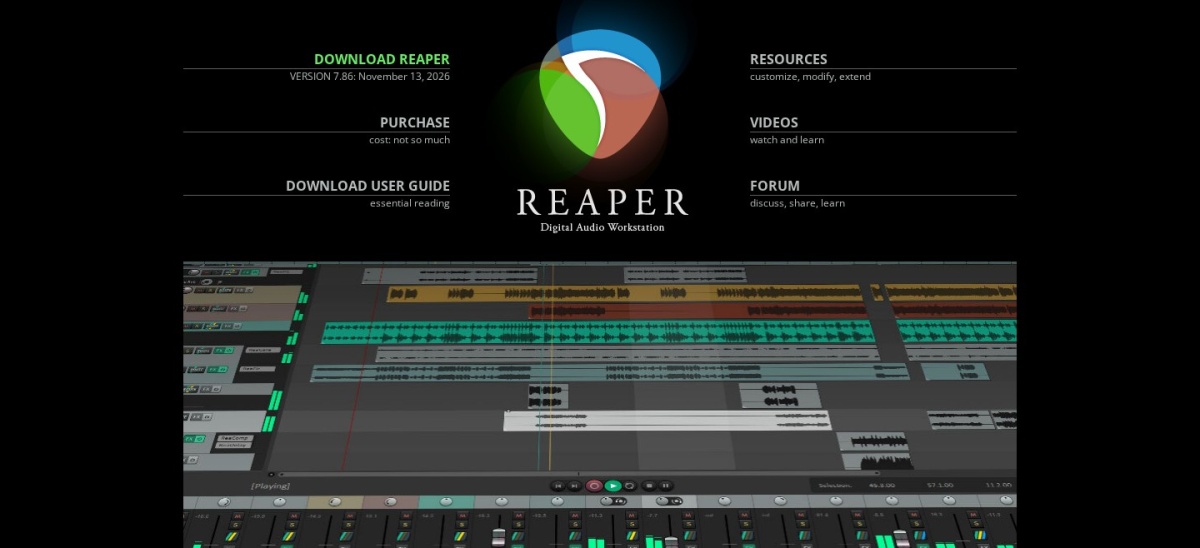
REAPER homepage, captured Nov 2026.
REAPER is a lightweight digital audio workstation that offers a 60-day free evaluation and a $60 discounted license for personal or qualifying low-revenue use. It supports custom actions, broad plugin formats, and detailed multitrack recording and rendering.
The trade off is a steeper learning curve and a $60 one-time discounted price ($225 commercial). It suits narrators comfortable configuring a full DAW who want low upfront cost.
What we like
Low $60 one-time discounted license with a 60-day free evaluation
Lightweight footprint with deep customization and plugin support
Commercial license is $225 one-time rather than a subscription
Watch out for
Steeper setup and learning curve than dedicated voice tools
Higher $225 license applies above the $20,000 gross revenue threshold
Paid licensing starts at $60 one-time for personal or qualifying small-revenue use ($225 commercial).Visit reaper.fm
04
Hindenburg Narrator
4.4/5on G2 (409 reviews, checked Nov 2026)
Starts at$15 one-time
Best for audiobook-specific punch-and-roll and compliance checks
Starting Price$15
Trial30-day free trial
Audiobook ToolsACX & Findaway validator
G2 Rating4.4 / 5 (409 reviews)
hindenburg.com
Hindenburg Narrator homepage, captured Nov 2026.
Hindenburg Narrator is built specifically for audiobook recording and production, including punch-and-roll editing, script and chapter handling, and an automatic validator for ACX and Findaway standards. Personal shop options start at $15 alongside a 30-day free trial.
The trade off is a narrower focus on spoken-word audiobook workflows and pricing starting at $15 depending on selected options. It suits narrators who want chapter assembly and retailer compliance checks in one place.
What we like
Built around audiobook workflows including ACX and Findaway validation
Less suited to general music production than full DAWs
Higher-tier or multi-user organization licenses require a quote
Personal shop options start at $15, with organizational licenses available by quote.Visit hindenburg.com
05
Auphonic
4.2/5on G2 (10 reviews, checked Nov 2026)
Paid from$132/yr
Best for automated leveling, noise cleanup, and mastering
Starting Paid$11/mo billed yearly
Free Tier2 hours/month
ProcessingAuto leveling & cleanup
G2 Rating4.2 / 5 (10 reviews)
auphonic.com
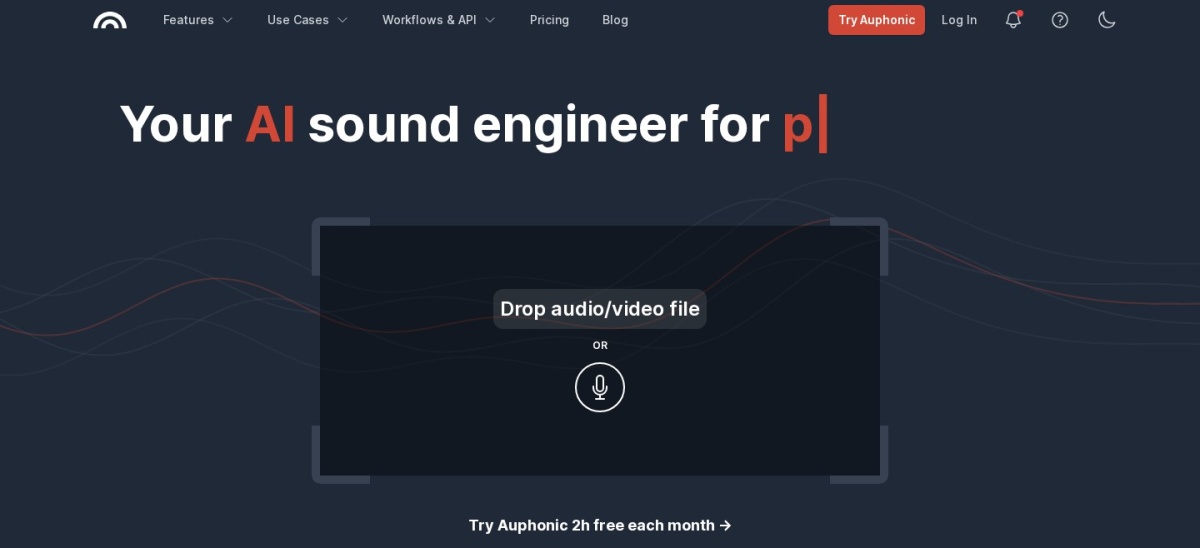
Auphonic homepage, captured Nov 2026.
Auphonic is an automated audio post-production service that handles leveling, noise reduction, and mastering across chapters, starting with 2 free hours of processed audio per month. Yearly recurring credit plans start at $11/month billed annually ($132/yr) for 9 hours per month.
The trade off is credit-based hour limits and $132/yr on the lowest annual recurring plan. It suits narrators who record elsewhere and want consistent loudness and cleanup without manual tuning.
What we like
Includes 2 free hours of processing every month
Automates loudness leveling, noise cleanup, and format encoding
Offers both recurring monthly credit plans and one-time credit packs
Watch out for
Free tier includes an Auphonic jingle and caps usage at 2 hours/month
Heavy multi-hour books consume credits quickly
Annual recurring plans start at $11/month ($132/yr) for 9 hours/month, plus one-time credit packs.Visit auphonic.com
06
Adobe Audition
4.4/5on G2 (420 reviews, checked Nov 2026)
Starts at$276/yr
Best for spectral restoration and Creative Cloud workflows
Starting Price$22.99/mo annual plan
TrialFree trial available
StrengthSpectral & multitrack edit
G2 Rating4.4 / 5 (420 reviews)
adobe.com
Adobe Audition homepage, captured Nov 2026.
Adobe Audition is a multitrack and waveform audio editor featuring punch-and-roll recording, noise reduction, and spectral cleanup tools. Its annual plan billed monthly is listed at $22.99/month ($276/yr), with a free trial available.
The trade off is ongoing subscription billing at $22.99/month ($276/yr) rather than a perpetual license. It suits narrators and producers already working inside Adobe Creative Cloud.
What we like
Dedicated punch-and-roll recording with pre-roll and visual countdown
Strong waveform, spectral, and multitrack editing tools
Integrates smoothly with other Adobe Creative Cloud apps
Watch out for
Subscription pricing adds up over multi-month book projects
Interface can feel dense for first-time voice recorders
Annual plan billed monthly is $22.99/month ($276/yr), with broader Creative Cloud bundles also available.Visit adobe.com
07
ocenaudio
4.3/5on G2 (277 reviews, checked Nov 2026)
PriceFree
Best for fast single-file editing and real-time previews
PlatformsWindows, macOS, Linux
LicenseFree ($0)
EditingReal-time effect preview
G2 Rating4.3 / 5 (277 reviews)
ocenaudio.com
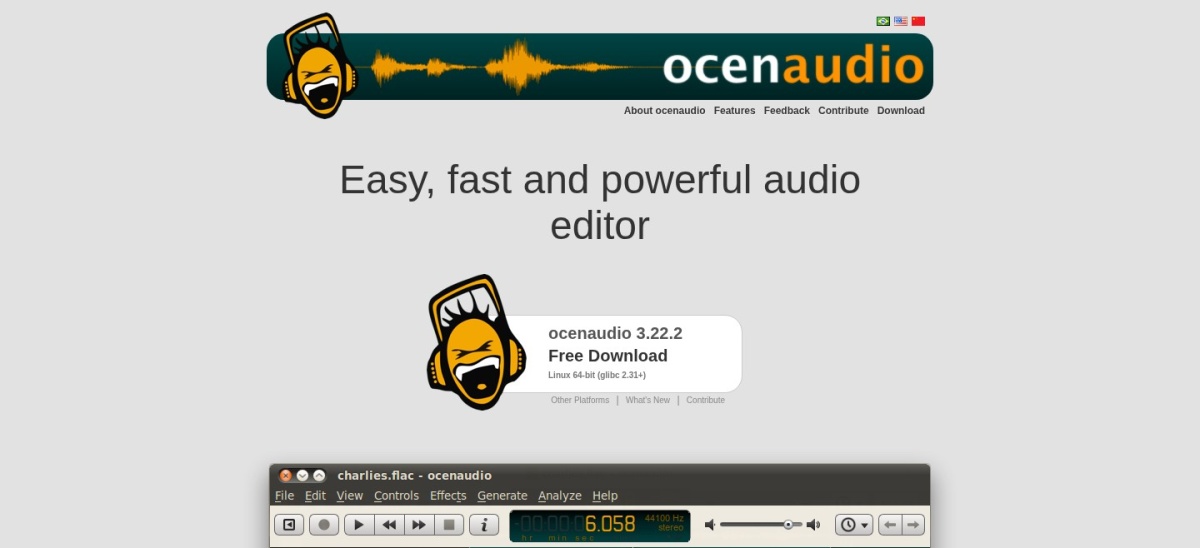
ocenaudio homepage, captured Nov 2026.
ocenaudio is a free cross-platform audio editor that captures audio, previews effects in real time, and supports VST plugins and multi-selection edits. It runs on Windows, macOS, and Linux with no paid upgrade tier.
The trade off is single-file editing without full multitrack arrangement and no paid tier at $0/yr. It suits solo narrators editing individual chapter files who want quick real-time previews.
What we like
Free to use with no paid tiers or trial lockouts
Real-time effect previews speed up EQ and cleanup adjustments
Handles large files efficiently across Windows, macOS, and Linux
Watch out for
Single-file editing lacks full multitrack session arrangement
Smaller tutorial and community library than Audacity
Why punch-and-roll recording matters for audiobooks
Audiobook scripts are long, and even careful readers stumble over names, punctuation, or pacing. Punch-and-roll lets you play back a few seconds of existing audio and jump straight into recording at the splice point.
Choosing software with smooth punch-and-roll and clear markers saves hours during pickup sessions when matching room tone and delivery.
How we chose
We built this list around established desktop and web audio tools commonly used for recording, editing, and mastering spoken-word audiobooks.
All pricing, free-tier terms, and public review figures were checked on 22 Nov 2026 from vendor pages and G2 listings.
We excluded tools lacking public pricing details or clear spoken-word recording and mastering relevance. No vendor paid for a place, and we do not claim testing for this list.
How to pick the right recording setup
Follow four practical steps to match software to your recording habits and budget.
Start with your budget and licensing preference. Decide whether a free tool like Audacity or ocenaudio, a one-time license like REAPER, or a subscription fits your schedule.
Check punch-and-roll and retake support. Make sure your editor lets you back up a few seconds, hear the lead-in, and patch mistakes cleanly without re-recording full chapters.
Verify cleanup and loudness controls. Look for noise reduction, EQ, and loudness leveling or validation so chapters meet distributor audio specs.
Test on a full chapter before committing. Use a free tier or trial on a realistic chapter length to confirm stability, export speed, and workflow comfort.
FAQ
Is free software enough to record a commercial audiobook?
Yes, many narrators record and edit full audiobooks using free software such as Audacity or ocenaudio. Your microphone, quiet recording space, and consistent mastering matter just as much as the editor.
What is punch-and-roll recording?
Punch-and-roll plays back a short lead-in from your existing recording and automatically switches to recording at your cursor. It helps you match tone and pace when fixing misread words.
Should I choose a one-time license or a monthly subscription?
A free or one-time license often costs less over a slow or multi-book schedule. Subscriptions or credit plans can make sense if specific editing or automation features save substantial time.
Can I edit audiobooks by reading a transcript?
Yes, tools like Descript transcribe speech so you can cut mistakes or filler words by editing text. You still need to listen carefully to confirm smooth transitions and natural phrasing.
Why check distributor loudness and cleanup rules early?
Audiobook platforms enforce specific audio standards for noise floor, peaks, and loudness. Checking these targets early prevents rework across dozens of finished chapter files.
Do I need multitrack software for solo narration?
Solo narration usually works fine on a single voice track, though multitrack editors help if you layer music beds, sound cues, or multiple speakers. Pick the simpler workflow unless you need extra tracks.