Yodeck is the best video wall software for most teams, starting at $8 per screen per month with a free single-screen plan and strong multi-zone layout tools. For packaged multi-output players, consider OptiSigns, while ScreenCloud fits mixed hardware setups and live dashboards.
How we make this list: we compare pricing pages, product documentation and public user reviews, then re-check every price before each update. No product paid for a place. Disclosure.
Yodeck starts at $8/screen/mo ($96/yr) on Basic and holds a 4.8 rating across 4,953 Capterra reviews.
OptiSigns offers a free plan up to 3 screens and starts at $9/screen/mo ($108/yr) billed annually, with a $25/mo video wall add-on.
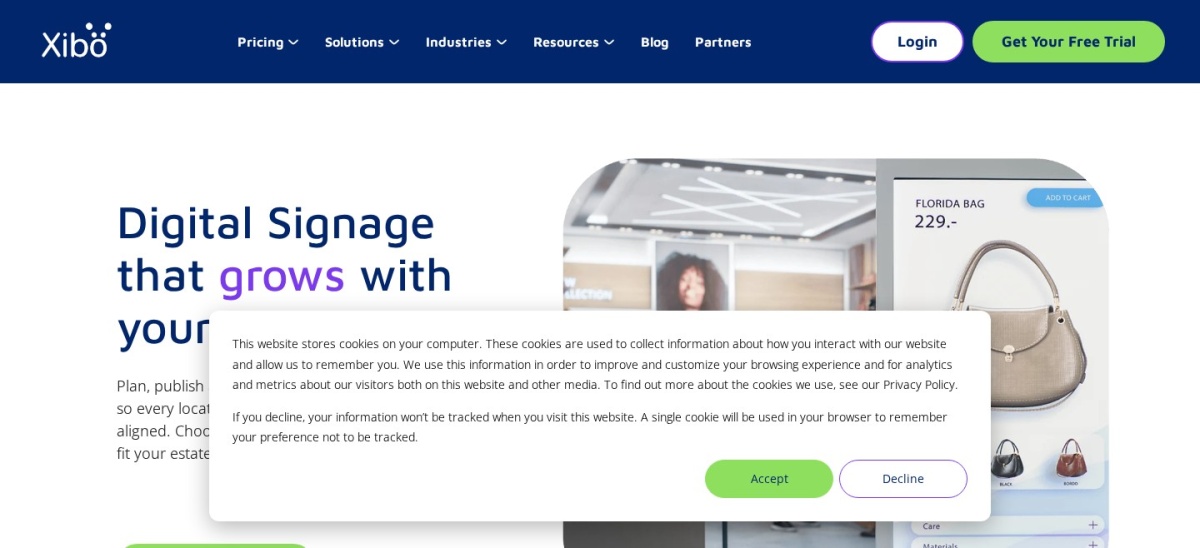
Xibo Cloud starts at $4.89/display/mo ($58.71/yr) with a self-hosted option and 4.6/5 across 239 Capterra reviews.
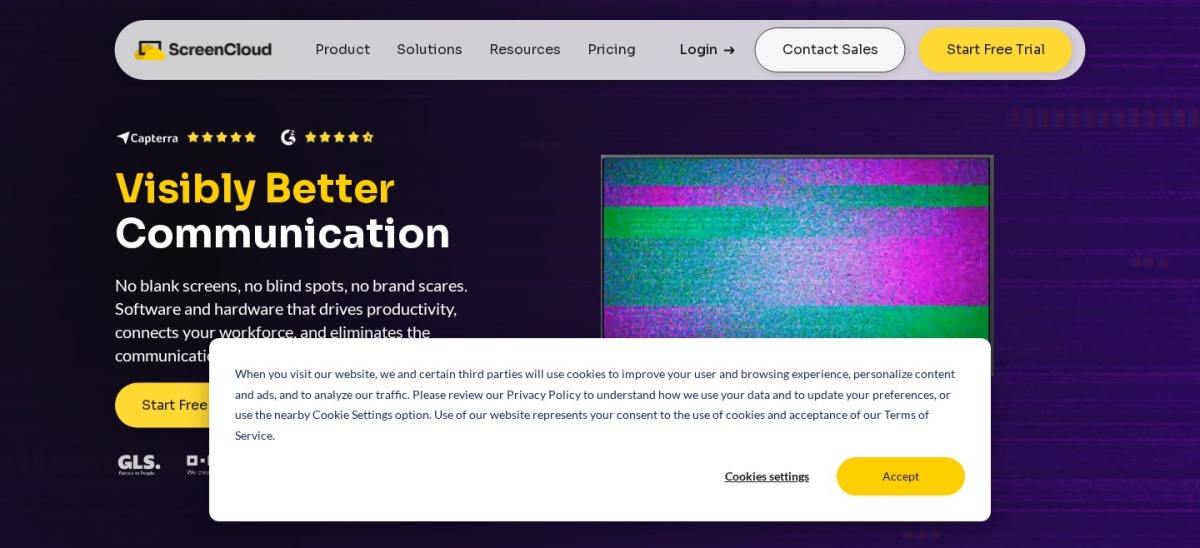
ScreenCloud starts at $20/screen/mo ($240/yr) on Core and holds 4.8/5 across 289 Capterra reviews.
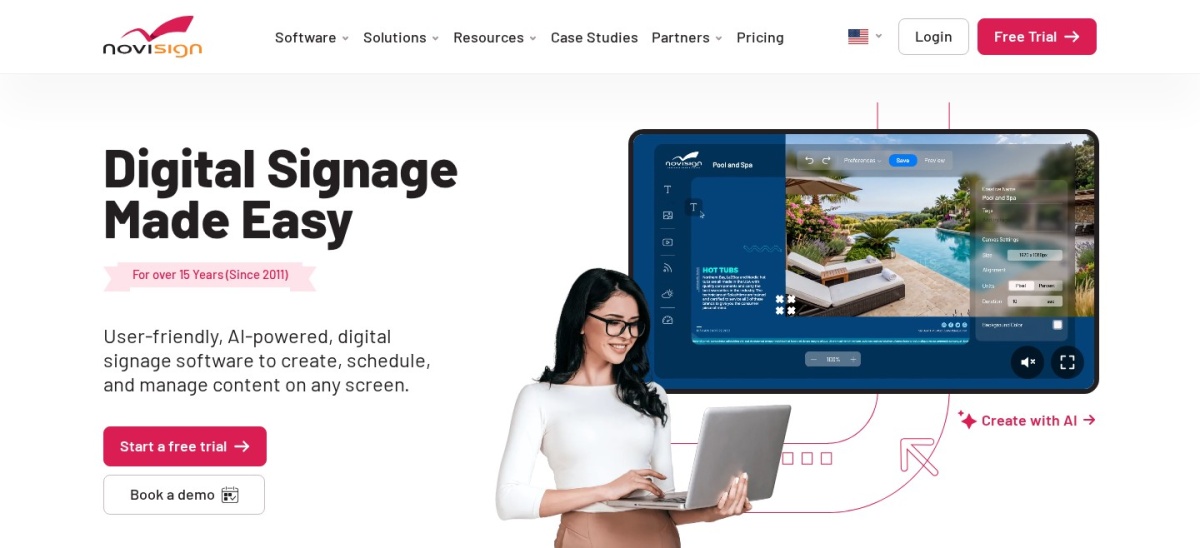
NoviSign starts at $14/screen/mo ($168/yr) on Business and rates 4.9/5 across 121 Capterra reviews.
How do you choose the best video wall software?
Per-screen software fees multiply quickly once a wall exceeds three or four displays. A four-panel array at $10 to $20 per screen per month costs $480 to $960 a year in base licenses before any wall add-ons.
Hardware layout determines whether one license drives a whole wall or each panel bills separately. Some platforms bill per connected display or player, while multi-output controllers and video wall add-ons change the real monthly total.
Data feeds and live widgets separate basic menu walls from operations screens. If you need live spreadsheets, analytics dashboards, or approval workflows, check whether those sit on the entry plan or a higher tier.
Network resilience and offline caching keep displays running during internet drops. Look for local media caching and remote device health checks before deploying in lobbies, retail stores, or control rooms.
For schools, offices, and emergency alert communications
$11/mo
No free plan
4.7/5
Price ladder: cheapest paid plan per year
List prices, USD, checked Nov 2026
Xibo$59
YodeckFREE$96
OptiSignsFREE$108
Rise Vision$132
NoviSign$168
Screenly$180
ScreenCloud$240
The 7 best video wall software
01
Yodeck
4.8/5on Capterra (4,953 reviews, checked Nov 2026)
Paid from$8/mo
Best for flexible multi-zone screen layouts and budget rollouts
Entry plan$8/screen/mo billed annually
Free tier1 screen forever
Templates500+ templates
Integrations80+ apps (147+ on Premium)
yodeck.com
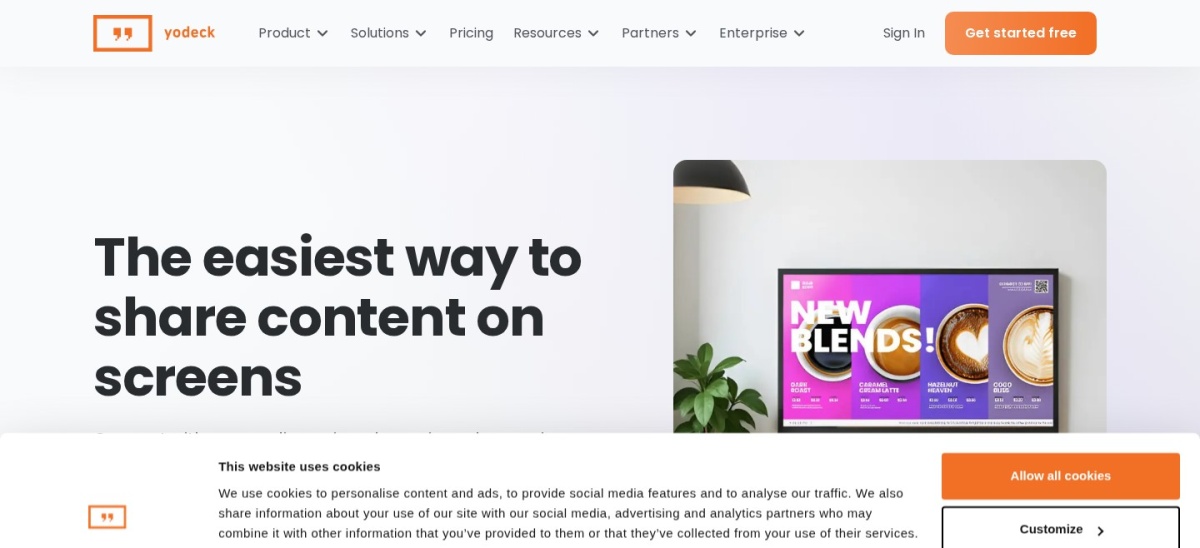
Yodeck homepage, captured Nov 2026.
Yodeck is a cloud digital signage platform for managing multi-zone screen layouts, playlists, and schedules remotely. It offers a free plan for a single screen and starts at $8 per screen per month ($96 per year) billed annually on Basic with 500+ templates.
The trade off is that per-screen fees add up as walls grow, and advanced scheduling, dashboards, and playback reports sit on higher tiers. It suits small businesses, offices, and venues building multi-screen layouts on a clear budget.
What we like
Free plan covers one screen with no credit card required
Large library of 500+ templates and multi-zone layout tools
High review volume with a 4.8/5 score across 4,953 Capterra reviews
Watch out for
Per-screen billing increases total cost as display counts climb
Power BI, Grafana, and playback reports require upgrading past Basic
Higher tiers add Power BI and Grafana dashboards, playback reports, and SSO.Visit yodeck.com
02
OptiSigns
4.8/5on Capterra (4,607 reviews, checked Nov 2026)
Paid from$9/mo
Best for mixed consumer hardware and a 3-screen free starter tier
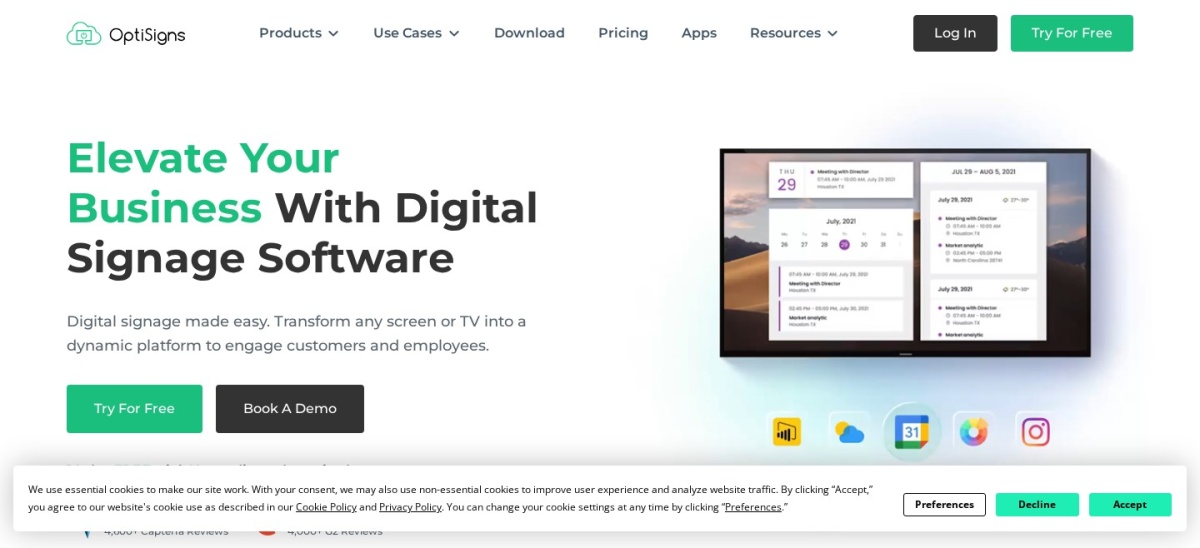
OptiSigns is a cloud signage platform that supports split-screen zones, scheduling, and 100+ apps across consumer and commercial players. It includes a free plan for up to three screens and starts at $9 per screen per month ($108 per year) billed annually on Standard.
The trade off is that dedicated video wall functionality costs an extra $25 per month, and proof of play requires higher tiers. It suits teams testing multi-screen layouts first or running mixed screens and media players.
What we like
Permanent free plan supports up to three screens
Standard plan includes split-screen zones, scheduling, and unlimited cloud storage
Rated 4.8/5 across 4,607 reviews on Capterra
Watch out for
Video wall feature requires an additional $25/month add-on
Approval workflows and proof-of-play reporting require higher plans
Higher tiers add proof of play, approval workflows, and live data dashboards.Visit optisigns.com
03
Xibo
4.6/5on Capterra (239 reviews, checked Nov 2026)
Starts at$4.89/mo
Best low-cost cloud and self-hosted signage for IT teams
Xibo is a signage platform available both as a hosted cloud CMS and a self-hosted option for organizations that manage their own servers. Cloud Essentials starts at $4.89 per display per month ($58.71 per year) billed annually and includes SAML single sign-on.
The trade off is a steeper setup learning curve and modest base cloud storage of 1 GB on Essentials. It suits IT-led teams that want low per-display pricing and control over hosting or deployment.
What we like
Lowest entry price on this list at $58.71 per year billed annually
Includes SAML single sign-on on the entry Essentials plan
Offers both Xibo Cloud and self-hosted deployment options
Watch out for
Initial setup and configuration take longer than plug-and-play tools
Essentials includes only 1 GB of cloud storage
Growth and Enterprise add higher storage limits, dashboards, and tighter support SLAs.Visit xibosignage.com
04
NoviSign
4.9/5on Capterra (121 reviews, checked Nov 2026)
Starts at$14/mo
Best for custom free-form layouts and offline playback reliability
NoviSign is a cloud signage platform built around a drag-and-drop studio, offline playback, and remote screen monitoring. Its Business plan starts at $14 per screen per month ($168 per year) billed annually and includes 500+ templates and 50+ widgets.
The trade off is a higher entry price than budget signage tools and no permanent free tier. It suits retail, hospitality, and corporate teams that want offline reliability and custom visual layouts.
What we like
Strong 4.9/5 rating across 121 Capterra reviews
Includes offline playback, remote monitoring, and 500+ templates
Offers setup assistance and training on the Business plan
Watch out for
No permanent free tier beyond a free trial
Higher starting rate per screen than Yodeck, OptiSigns, or Xibo
Business Plus and Premium add AI design tools, MDM, data feeds, and SSO.Visit novisign.com
05
Screenly
4.6/5on Capterra (32 reviews, checked Nov 2026)
Starts at$15/mo
Best for developer APIs, caching, and security-focused fleets
Screenly is a cloud signage platform focused on reliable playback caching, custom apps, and developer API access. Starter costs $15 per screen per month ($180 per year) billed annually for up to five screens and two users with dayparting and offline caching.
The trade off is that Starter caps resolution at 1080p and limits accounts to five screens and two users. It suits technical and operations teams that automate content via API and want cached playback.
What we like
Includes cloud API access, custom apps, and offline content caching on Starter
Unlimited playlists and content storage on paid plans
Clear progression to Business for 4K output and unlimited users
Watch out for
Starter plan is capped at 5 screens, 2 users, and 1080p resolution
4K support and custom user permissions require the Business plan
Business unlocks 4K output, unlimited screens and users, and custom permissions.Visit screenly.io
06
ScreenCloud
4.8/5on Capterra (289 reviews, checked Nov 2026)
Starts at$20/mo
Best for mixed hardware environments and workplace app integrations
ScreenCloud is a cloud digital signage platform built for teams combining multiple display types with workplace apps and live content. Core starts at $20 per screen per month ($240 per year) billed annually and includes 80+ integrations, multi-zone layouts, and unlimited storage.
The trade off is a higher per-screen price than entry signage tools and no permanent free plan. It suits companies running mixed hardware and office or retail screens that rely on third-party apps.
What we like
Strong 4.8/5 rating across 289 reviews on Capterra
Includes 80+ integrations, multi-zone layouts, and unlimited file storage on Core
Supports GraphQL API and remote device management
Watch out for
Higher starting price per screen than many SMB signage alternatives
No free tier beyond a 14-day trial
Pro adds advanced dashboards, premium integrations, and QR code metrics.Visit screencloud.com
07
Rise Vision
4.7/5on Capterra (304 reviews, checked Nov 2026)
Starts at$11/mo
Best for schools, offices, and emergency alert communications
Entry plan$11/display/mo ($132/yr) Basic business plan
Templates750+ animated templates
UsersUnlimited users on Basic
PlaybackOffline play and scheduling included
risevision.com
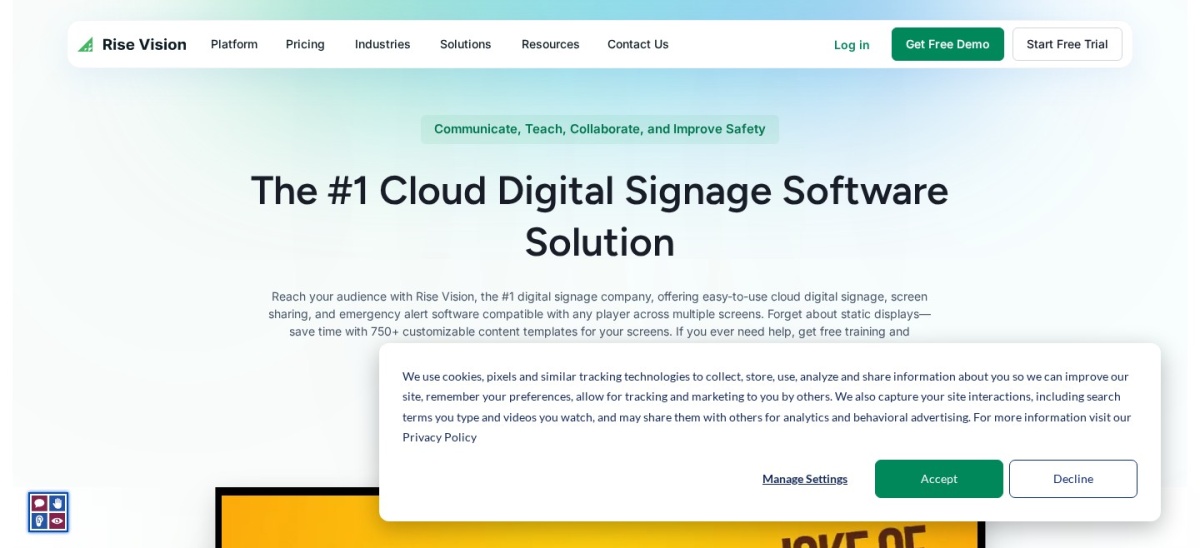
Rise Vision homepage, captured Nov 2026.
Rise Vision is a cloud signage platform with a large template library and school and workplace communication features. Business Basic starts at $11 per display per month ($132 per year) and includes 750+ templates, unlimited users, and offline play.
The trade off is that CAP-based emergency alerts, company-wide scheduling overrides, and SSO require upgrading above Basic. It suits schools, offices, and organizations that want unlimited user seats and ready-made templates.
What we like
Includes 750+ animated templates, unlimited users, and offline playback on Basic
Dedicated education and unlimited-display school licensing options
Rated 4.7/5 across 304 Capterra reviews
Watch out for
Emergency alerts and company-wide overrides sit on higher tiers
Template styles skew traditional and educational for some brands
Advanced and Enterprise add CAP emergency alerts, dashboards, approvals, and SSO.Visit risevision.com
How per-screen pricing affects multi-display walls
Most cloud signage tools charge per active screen or player license rather than per physical video wall. If each display in a 2x2 grid requires its own license, four displays cost four times the single-screen rate.
Check whether your hardware setup uses one player per display, a multi-output media player, or a dedicated video wall controller. Confirming license counting rules upfront avoids surprise renewals once screens go live.
How we chose
This list focuses on established, actively maintained software platforms that manage multi-screen layouts, playlists, schedules, and remote displays.
We checked pricing pages and Capterra ratings and review counts on 29 Nov 2026, using regular entry-level paid pricing converted to annual USD.
We excluded discontinued products, tools without public pricing or verified review counts, and hardware-only bundles where software pricing could not be confirmed separately. No vendor paid for a place, and we do not claim testing for this list.
How to choose video wall software
Follow four practical steps to match a platform to your screens and budget.
Count every active screen and player license first. Multiply the per-screen rate by your full display count and check whether a video wall add-on applies.
Verify compatibility with your displays and media players. Confirm whether your existing TVs, players, or controllers work natively so you do not buy unwanted hardware.
Check required integrations before picking a tier. Make sure live dashboards, calendar feeds, or single sign-on are included on the plan you intend to buy.
Test offline playback and user permissions. Confirm that screens cache content during network drops and that staff roles match who edits or approves updates.
FAQ
What is the best video wall software in 2026?
Yodeck is the best overall pick for most teams because it pairs a free single-screen plan with an $8/screen/mo Basic tier and flexible multi-zone layouts. OptiSigns and ScreenCloud are strong alternatives when you need mixed hardware support or workplace app integrations.
How much does video wall software usually cost?
Entry-level paid plans on this list run from $4.89 to $20 per screen per month ($58.71 to $240 per year), excluding add-ons and hardware. Total spend scales with how many screens you run and whether you need higher tiers for dashboards or SSO.
Is there free video wall software available?
Yes, Yodeck offers a free plan for one screen and OptiSigns offers a free plan for up to three screens. Larger multi-screen walls typically require a paid per-screen subscription or a dedicated wall add-on.
Which option is best for a small business or first-time setup?
Yodeck and OptiSigns work well for smaller setups because both offer free entry tiers to test layouts and schedules before paying per screen. Both provide straightforward templates and cloud management without heavy enterprise configuration.
Yodeck vs. OptiSigns: which should I pick?
Choose Yodeck if you want an $8/screen/mo Basic plan with 500+ templates and a single free screen to start. Choose OptiSigns if you want a three-screen free tier or need to pair screens with its $25/mo video wall add-on.
What happens if the internet connection drops?
Platforms like NoviSign, Screenly, and Rise Vision support offline playback or local media caching so scheduled content keeps playing during outages. Always verify how offline behavior works on your chosen tier and player hardware.
SaaS SEO and WordPress specialist with about 8 years of experience. Rakib compares WordPress plugins, themes, hosting and software using public pricing, documentation and user reviews. See how we rank.