Topaz Video is the best video upscaling software for commercial restoration and multi-model control, priced at $299/yr billed annually with a 4.7/5 rating on G2. For lower recurring costs or one-time licenses, consider DaVinci Resolve Studio at $295 one-time or VideoProc Converter AI at $34.95/yr.
How we make this list: we compare pricing pages, product documentation and public user reviews, then re-check every price before each update. No product paid for a place. Disclosure.
Topaz Video starts at $299/yr billed annually (with a sale price listed at $254/yr) and holds a 4.7/5 rating on G2.
DaVinci Resolve Studio includes upscaling and neural tools for a $295 one-time fee, alongside a free standard edition.
VideoProc Converter AI lists a $59.95 regular 1-year price (currently discounted to $34.95/yr) and holds a 4.1/5 rating across 21 reviews on Capterra.
HitPaw VikPea lists a $124.99 regular 1-year price (currently $69.99/yr on promotion) and holds a 4.5/5 rating across 21 reviews on Capterra.
Runway starts at $12/mo billed annually ($144/yr) or $15/mo monthly, holding a 4.2/5 rating across 176 reviews on G2.
How do you choose the best video upscaling software?
Licensing models split sharply between recurring subscriptions, pay-as-you-go credits, and one-time desktop keys. A subscription can cost less over a single short project, while a perpetual license can pay off if you upscale clips regularly over several years.
Local GPU processing avoids per-minute cloud fees and keeps footage on your own machine. Cloud-based or credit-metered tools remove hardware bottlenecks on thin laptops, though heavy batch jobs can consume credits quickly.
Upscaling quality depends heavily on the source defect—grain, motion blur, low-light noise, or soft faces—rather than resolution labels alone. Dedicated enhancement tools usually offer finer model controls than general video editors, while editors keep color grading and cutting in one place.
Free tiers and trials often cap export length, watermark output, or restrict batch rendering. Always test a short sample clip on your own footage before committing to an annual or perpetual plan.
Budget desktop utility for upscaling, converting, and frame boost
$59.95/yr
Free plan
4.1/5
Price ladder: cheapest paid plan per year
List prices, USD, checked Nov 2026
VideoProcFREE$60
UniFabFREE$100
AVCLabsFREE$120
HitPawFREE$125
RunwayFREE$144
ResolveFREE$295
Topaz Video$299
The 7 best video upscaling software
01
Topaz Video
4.7/5on G2 (6 reviews, checked Nov 2026)
Starts at$299/yr
Best for dedicated AI restoration and model depth
DeploymentDesktop (Mac, Windows) & cloud
Entry annual plan$299/yr ($254/yr on sale)
Monthly billing$59/mo month-to-month
Cloud credits200/mo on Video plan
topazlabs.com
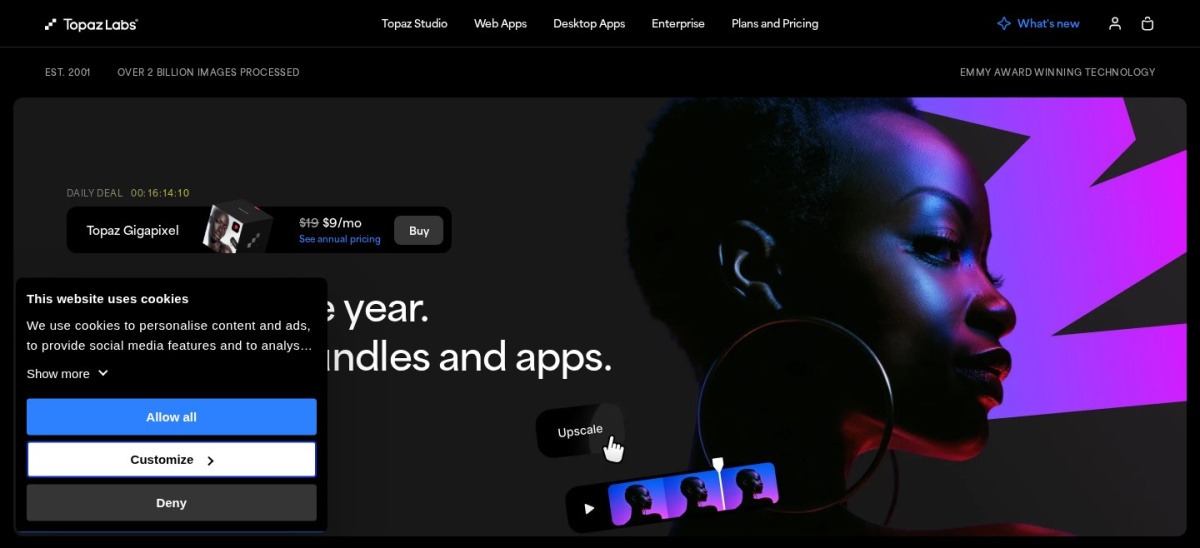
Topaz Video homepage, captured Nov 2026.
Topaz Video is a dedicated AI video enhancement and upscaling application offering specialized models for sharpening, noise reduction, and restoration. A watermarked trial lets you preview workflows, while paid plans include local rendering and monthly cloud video credits.
The trade off is the $299/yr regular subscription price and heavier GPU demand on local renders. It suits filmmakers, editors, and restoration teams who need granular model control.
What we like
Wide set of specialized AI models for noise, detail, and motion
Supports both local GPU rendering and cloud video credits
Integrates into broader post-production workflows
Watch out for
Recurring annual pricing rather than a perpetual license
Heavy models can take noticeable time to render locally
Paid plans unlock watermark-free exports, local rendering access, and monthly cloud video credits.Visit topazlabs.com
02
DaVinci Resolve Studio
4.8/5on Capterra (273 reviews, checked Nov 2026)
Paid from$295 one-time
Best for color grading and editing alongside upscaling
DeploymentDesktop (Mac, Windows, Linux)
Paid license$295 one-time
Free editionAvailable (up to UHD 60fps)
Studio ceilingUp to 32K, 120fps
blackmagicdesign.com
DaVinci Resolve Studio homepage, captured Nov 2026.
DaVinci Resolve Studio is a full editing, color grading, visual effects, and audio suite with a free standard edition capped at UHD 60fps. Stepping up to Studio adds the DaVinci Neural Engine, noise reduction, and higher resolution and frame-rate limits.
The trade off is a $295 one-time payment and a steeper learning curve than single-purpose upscalers. It suits video editors and colorists who want upscaling inside their main timeline.
What we like
One-time $295 purchase with no recurring subscription
Generous free standard edition for core editing and grading
Combines upscaling with color grading, VFX, and audio post
Watch out for
Steeper learning curve for beginners or casual users
Noise reduction and Neural Engine tools sit behind the Studio license
Studio adds the DaVinci Neural Engine, temporal and spatial noise reduction, and exports above UHD 60fps.Visit blackmagicdesign.com
03
UniFab Video Upscaler AI
4.3/5on Capterra (181 reviews, checked Nov 2026)
Paid from$99.99/yr
Best for one-time desktop upscaling with a free trial
DeploymentWindows & Mac desktop; FabCloud
Yearly plan$99.99/yr
Lifetime plan$129.99 one-time
Trial30-day trial, 3 tries per module
unifab.ai
UniFab Video Upscaler AI homepage, captured Nov 2026.
UniFab Video Upscaler AI is a desktop upscaling tool offering local GPU processing alongside cloud options and a 30-day free trial with three tries per module. It supports upscaling for live action, film, and animation footage.
The trade off is $99.99/yr ($129.99 one-time for lifetime) and separate licensing per platform. It suits users who prefer a dedicated upscaler with a lifetime license option.
What we like
Offers both yearly subscription and one-time lifetime license paths
Local GPU mode processes files on your machine without cloud credits
Includes a trial so you can check output before buying
Watch out for
Licenses are platform-specific rather than shared across Windows and Mac
Extra enhancement modules such as denoise or face tools cost extra
Paid plans remove module trial limits and unlock full upscaling output across local or cloud modes.Visit unifab.ai
04
AVCLabs Video Enhancer AI
4.8/5on G2 (2 reviews, checked Nov 2026)
Paid from$119.95/yr
Best for local face enhancement, colorizing, and blur tools
DeploymentDesktop (Windows, Mac)
Yearly list price$119.95/yr ($95.96/yr on sale)
Monthly / Lifetime$39.95/mo; $299.90 lifetime ($149.90–$199.90 on sale)
TrialFree trial with watermark and 30s limit
avclabs.com
AVCLabs Video Enhancer AI homepage, captured Nov 2026.
AVCLabs Video Enhancer AI is a desktop video enhancer that pairs upscaling with face refinement, colorization, stabilization, and blurring. A free trial lets you test features with a watermark and 30-second export cap.
The trade off is $119.95/yr at regular list price ($39.95/mo or $299.90 lifetime, with promotional discounts available). It suits users restoring old clips locally who also want colorize and privacy blur tools.
What we like
Bundles upscaling with face enhancement, colorization, and object/face blur
Available as monthly, yearly, or one-time lifetime licenses
Processes footage locally on your computer
Watch out for
Free trial caps exports at 30 seconds with a watermark
Render times can be slow without a strong GPU
Paid licenses remove the 30-second cap and watermark for full-length local exports.Visit avclabs.com
05
HitPaw VikPea
4.5/5on Capterra (21 reviews, checked Nov 2026)
Paid from$124.99/yr
Best for guided one-click enhancement models
DeploymentDesktop (Windows, Mac)
Yearly list price$124.99/yr ($69.99/yr on sale)
Monthly list price$53.99/mo ($43.19/mo on sale)
TrialFree preview without full export
hitpaw.com
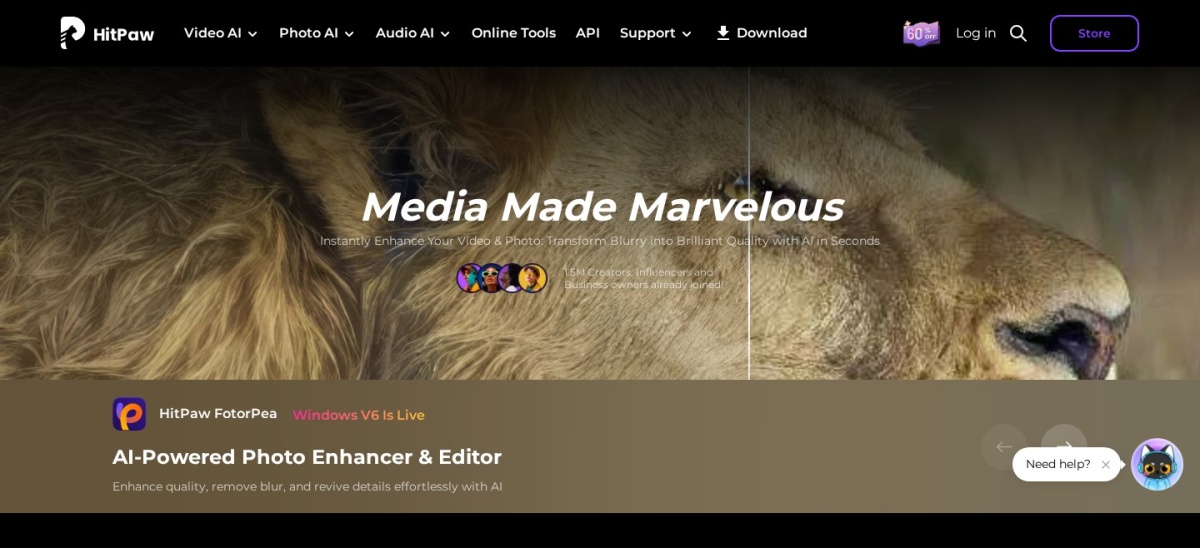
HitPaw VikPea homepage, captured Nov 2026.
HitPaw VikPea is a desktop video enhancement tool built around guided AI models for upscaling, sharpening, denoising, and video repair. Its free version lets you preview results before upgrading.
The trade off is $124.99/yr at list price ($69.99/yr on current promotion) and mixed feedback on refunds and credits. It suits everyday creators who want simple preset models over manual tuning.
What we like
Straightforward preset models for sharpening, noise removal, and repair
Supports batch processing on paid plans
Offers previewing before purchasing a license
Watch out for
Free tier restricts full exports
Some reviewers report frustration with credit rules and refund terms
Paid licenses unlock watermark-free exports, batch processing, and full model access.Visit hitpaw.com
06
Runway
4.2/5on G2 (176 reviews, checked Nov 2026)
Paid from$144/yr
Best for upscaling inside a browser AI video workspace
DeploymentWeb browser & cloud
Annual entry plan$12/mo billed annually ($144/yr)
Monthly entry plan$15/mo billed monthly
Free tier125 one-time trial credits
runwayml.com
Runway homepage, captured Nov 2026.
Runway is a browser-based creative platform that combines AI video generation and editing tools, including upscaling, on a shared credit system. It starts with a free plan granting 125 one-time credits to test the workspace.
The trade off is $144/yr ($12/mo billed annually, or $15/mo monthly) and credit consumption across generation and editing tasks. It suits creators already working in Runway who want upscaling in the same browser studio.
What we like
Runs in the browser with no local GPU required
Keeps upscaling alongside AI video creation and editing tools
Includes a free starting credit allowance
Watch out for
Credits are shared across multiple tools and can run out fast with retries
Less suited to heavy offline batch restoration of long files
Paid plans replenish monthly credits and expand output capacity across Runway's browser tools.Visit runwayml.com
07
VideoProc Converter AI
4.1/5on Capterra (21 reviews, checked Nov 2026)
Paid from$59.95/yr
Best budget desktop utility for upscaling, converting, and frame boost
DeploymentDesktop (Windows, Mac)
Yearly list price$59.95/yr ($34.95/yr on sale)
Lifetime options$89.95 1-PC ($54.95 on sale); $159.95 family ($79.95 on sale)
TrialFree trial available
videoproc.com
VideoProc Converter AI homepage, captured Nov 2026.
VideoProc Converter AI is a desktop media utility combining video format conversion, frame rate boosting, stabilization, and AI upscaling. A free trial lets you test the interface before buying a license.
The trade off is $59.95/yr at regular list price ($34.95/yr on sale, with lifetime options also listed) and a 4.1/5 Capterra rating. It suits budget-conscious Windows and Mac users who want conversion and basic enhancement in one app.
What we like
Low entry price compared with pro post-production suites
Bundles format conversion, stabilization, and frame interpolation with upscaling
Offers both annual and one-time lifetime license tiers
Watch out for
Lower review rating (4.1/5 on Capterra) than DaVinci Resolve
Less specialized restoration depth than dedicated AI upscalers
Paid licenses unlock full AI exports without trial limits across supported desktop devices.Visit videoproc.com
Should you upscale locally on your GPU or in the cloud?
Local desktop upscalers use your own graphics card and processor, which avoids ongoing cloud usage fees. They also keep sensitive or unreleased footage on your machine.
Cloud and credit-based tools run jobs on remote servers, making them practical on thin laptops or older hardware. However, recurring credit costs can add up if you process long clips or high frame rates often.
How we chose
We assembled this list from established video upscaling and enhancement tools with active 2026 releases, public pricing, and third-party review profiles.
All prices, promotional notes, and review figures were checked on 29 Nov 2026 from official vendor pages and review platforms such as G2 and Capterra.
We excluded tools lacking verified public pricing or established review tracks, and we list the cheapest paid tier at its regular price while noting current discounts. No vendor paid for a place, and we do not claim testing for this list.
How to pick the right video upscaler in 4 steps
Follow these four steps before paying for a plan:
Check your computer hardware first. Confirm whether your machine has a capable GPU for local rendering or whether a cloud or credit-based option fits better.
Match the tool to your footage type. Decide whether you need dedicated restoration for noisy or old clips, or upscaling built into an editor or browser workflow.
Compare yearly cost against one-time licenses. Weigh recurring annual subscriptions against one-time or lifetime options based on how often you upscale.
Test a short sample clip before buying. Use free trials or preview modes to check sharpness, motion smoothness, and artifacts on your real video.
FAQ
What is the best video upscaling software in 2026?
Topaz Video is our top pick for dedicated AI video upscaling and restoration, starting at $299/yr billed annually. If you want a full editing suite or a lower-cost desktop utility, DaVinci Resolve Studio ($295 one-time) and VideoProc Converter AI ($59.95/yr regular price) are strong alternatives.
How much does video upscaling software usually cost?
Prices vary widely by model, from $59.95/yr regular price for VideoProc Converter AI to $299/yr for Topaz Video or $295 one-time for DaVinci Resolve Studio. Several tools also run seasonal promotions or charge per credit.
Is there free video upscaling software?
Yes, several tools offer a free edition or free trial, including DaVinci Resolve's free version and trials from Topaz Video, UniFab Video Upscaler AI, AVCLabs Video Enhancer AI, HitPaw VikPea, Runway, and VideoProc Converter AI. Free tiers often watermark exports or cap length.
Which video upscaling software is best for beginners?
HitPaw VikPea and VideoProc Converter AI offer approachable interfaces and guided enhancement workflows without heavy timeline complexity. Runway is also easy to try in a browser without installing desktop software.
Topaz Video vs. DaVinci Resolve Studio: which should you pick?
Choose Topaz Video ($299/yr regular annual price) if dedicated AI restoration models and upscaling flexibility are your main priority. Choose DaVinci Resolve Studio ($295 one-time) if you want color grading, editing, and neural tools in a single one-time purchase.
Can AI upscaling turn low-resolution video into true 4K?
AI upscalers reconstruct plausible detail and reduce blur or noise, which can make lower-resolution video look much cleaner on 4K screens. However, they cannot recover real optical detail that was never captured in the original source.
SaaS SEO and WordPress specialist with about 8 years of experience. Rakib compares WordPress plugins, themes, hosting and software using public pricing, documentation and user reviews. See how we rank.