EaseUS Data Recovery Wizard is the best USB data recovery software for most users, offering up to 2GB of free recovery and a 4.8/5 G2 rating. Choose Disk Drill for disk imaging and cross-platform recovery or Stellar Data Recovery for an accessible annual license and guided file restoration.
How we make this list: we compare pricing pages, product documentation and public user reviews, then re-check every price before each update. No product paid for a place. Disclosure.
EaseUS earns 4.8/5 from 424 G2 reviews and offers up to 2GB of free file recovery.
Disk Drill PRO costs $89/year and supports up to 3 simultaneous activations for one user.
Stellar Data Recovery Standard lists at $69.99/year, with up to 1GB of free recovery.
DMDE Express costs $20 for a one-year license, and its free edition recovers up to 4,000 files per selected directory per request.
R-Studio FAT costs $49.99 as a one-time purchase and supports FAT and exFAT recovery.
MiniTool offers 1GB of free recovery, while its regular annual subscription costs $89.
How do you choose the best USB data recovery software?
The best USB recovery software retrieves files without writing new data to the affected drive. Deleted documents, photographs and videos may remain recoverable until their original storage locations are overwritten. Stop using the USB drive immediately after discovering data loss.
File system compatibility matters more than the number of advertised recovery features. USB flash drives commonly use FAT32, exFAT or NTFS, while external drives may use file systems associated with macOS or Linux. Check whether the specific software edition supports your drive's original format.
Free recovery and free scanning are different benefits. Some programs let you inspect recoverable files without saving them, while others provide a limited amount of actual recovery. Preview important files before purchasing a license to reduce the risk of paying for unusable results.
Physical damage requires a different recovery approach. Software can help with accidental deletion, formatting and logical corruption, but a damaged connector or failing memory controller may require professional equipment. Avoid repeatedly scanning an unstable USB drive containing irreplaceable files.
USB recoveryDeleted, formatted and inaccessible files
Entry paid planProfessional, $69.95/month
easeus.com
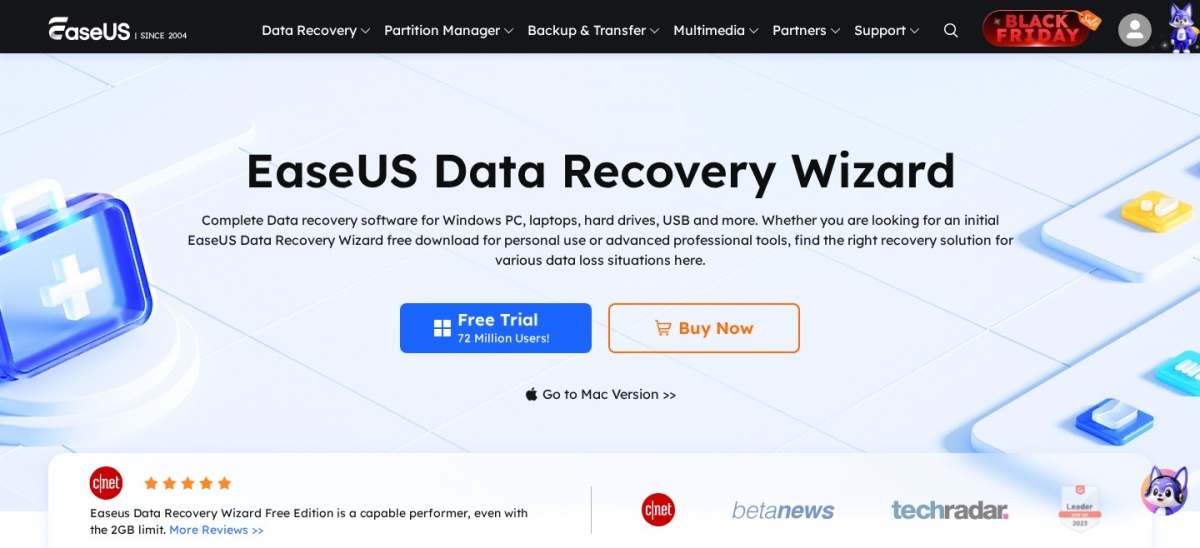
EaseUS Data Recovery Wizard homepage, captured Nov 2026.
EaseUS Data Recovery Wizard is a guided recovery application for retrieving deleted files from USB flash drives, external disks and other storage devices. Its free edition initially provides 500MB of recovery, with another 1.5GB available through social sharing.
The trade off is the cost of recovering larger collections of files, with Professional priced at $69.95 for monthly access or $99.95 for annual access. It suits beginners who want straightforward file selection, previews and recovery without learning advanced disk management techniques.
What we like
Up to 2GB of actual free recovery
Accessible interface for beginners
File previews before paid recovery
Established G2 review base
Supports accidentally formatted USB drives
Watch out for
Monthly access is relatively expensive
Full free allowance requires social sharing
Free edition and preview-only trial are separate downloads
Professional removes recovery limits and includes remote assistance.Visit easeus.com
02
Disk Drill
3.9/5on Capterra (13 reviews, checked Nov 2026)
Paid from$89/yr
Best for disk imaging and cross-platform recovery
Operating systemsWindows and macOS
Free recovery100MB on Windows
Disk imagingByte-to-byte backups
Entry paid planPRO, $89/year
cleverfiles.com
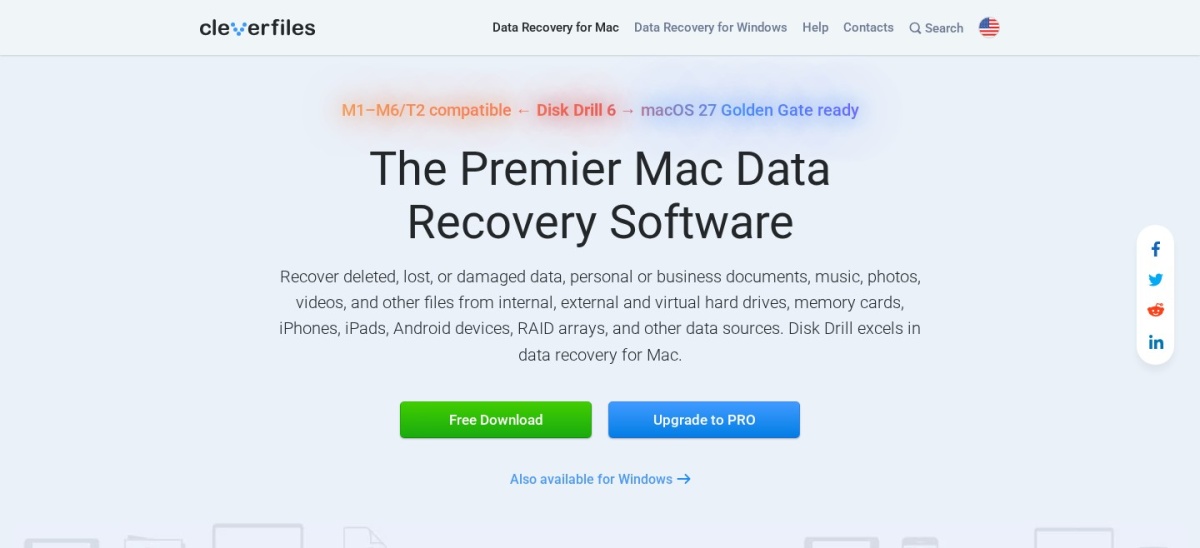
Disk Drill homepage, captured Nov 2026.
Disk Drill is a desktop recovery application combining file restoration, disk imaging and storage management utilities. Its Windows Basic edition includes 100MB of free recovery, while PRO allows unlimited recovery and up to 3 simultaneous activations for one user.
The trade off is the limited free recovery allowance, with PRO costing $89 annually or $149 for a lifetime license. Ordinary deleted-file recovery on macOS generally requires payment, although free scanning is available. It suits users who value imaging tools and regularly work across desktop operating systems.
What we like
Byte-to-byte disk backup tools
Supports Windows and macOS
File previews and recovery filters
Permanent license available
Multiple storage management utilities
Watch out for
Small Windows free recovery allowance
General macOS deleted-file recovery requires payment
Recoverable contentDocuments, photographs, videos and emails
Entry paid planStandard, $69.99/year
stellarinfo.com
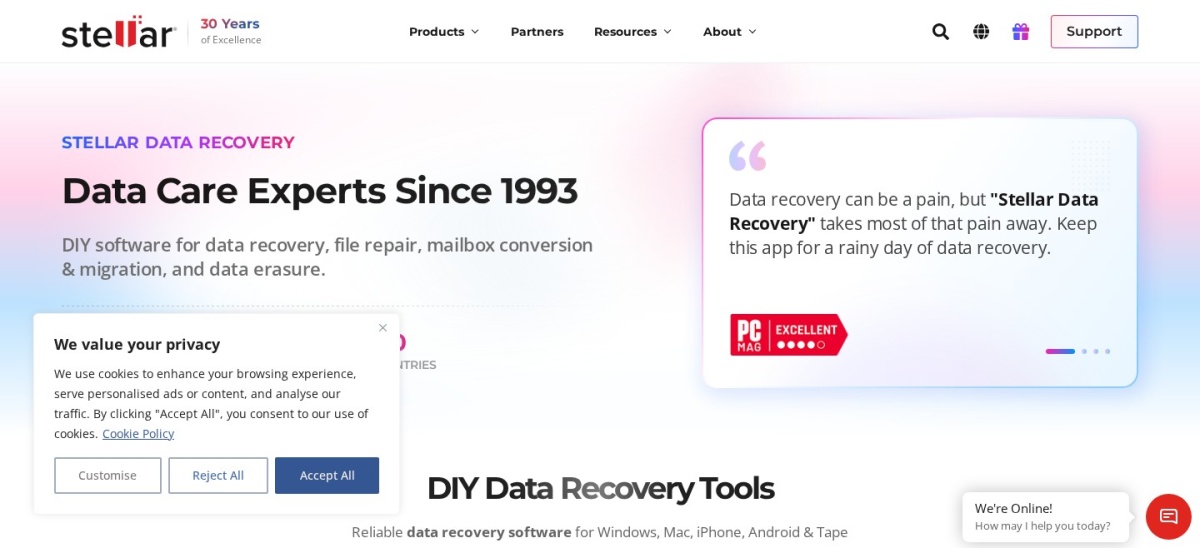
Stellar Data Recovery homepage, captured Nov 2026.
Stellar Data Recovery is a desktop recovery application for retrieving documents, photographs, videos and other files from removable or internal storage. Its free edition provides up to 1GB of recovery and lets users inspect files before saving them elsewhere.
The trade off is that advanced recovery and media repair require higher editions, while Standard regularly costs $69.99 per year and was advertised at $59.99 when checked. It suits home users and small businesses that want guided recovery at a moderate annual cost.
Standard removes the free recovery limit for supported storage devices.Visit stellarinfo.com
04
DMDE
3.8/5on Trustpilot (5 reviews, checked Nov 2026)
Paid from$20/yr
Best for inexpensive advanced recovery
Operating systemsWindows, macOS, Linux and DOS
Free recovery4,000 files per directory per request
Advanced functionalityDisk editing and directory reconstruction
Entry paid planExpress, $20 for one year
dmde.com
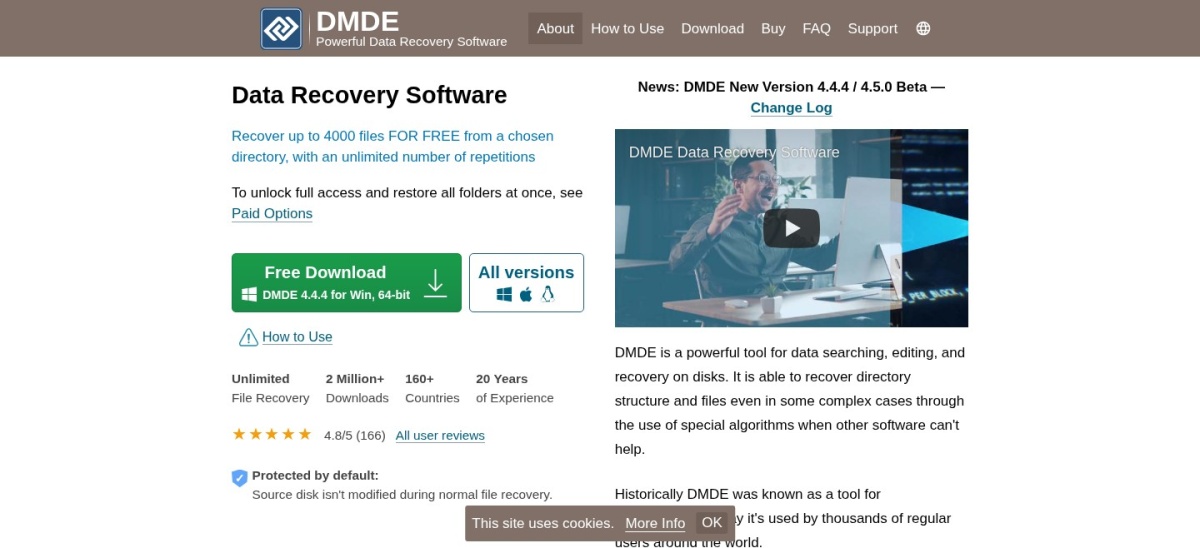
DMDE homepage, captured Nov 2026.
DMDE is a disk editor and recovery utility designed for retrieving files and reconstructing damaged directory structures. Its free edition allows recovery of up to 4,000 files from a selected directory per request, without limiting the number of requests.
The trade off is usability, because its technical interface requires more storage knowledge than consumer recovery applications. Express costs $20 for a one-year personal license, while Standard offers permanent access for $48. It suits experienced users who prioritize recovery flexibility and low licensing costs.
What we like
Generous file-count-based free recovery
Lowest entry paid price in this comparison
Advanced disk inspection capabilities
Permanent Standard license available
Supports multiple desktop operating systems
Watch out for
Steeper learning curve for beginners
Express is restricted to personal use
Limited independent review sample
Express adds bulk folder recovery for personal files.Visit dmde.com
05
R-Studio Data Recovery
4.5/5on Capterra (85 reviews, checked Nov 2026)
Starts at$49.99 one-time
Best for technical recovery of formatted drives
Operating systemsWindows, macOS and Linux editions
Free accessDemo version
Entry file systemsFAT and exFAT
Entry paid planR-Studio FAT, $49.99 one-time
r-studio.com
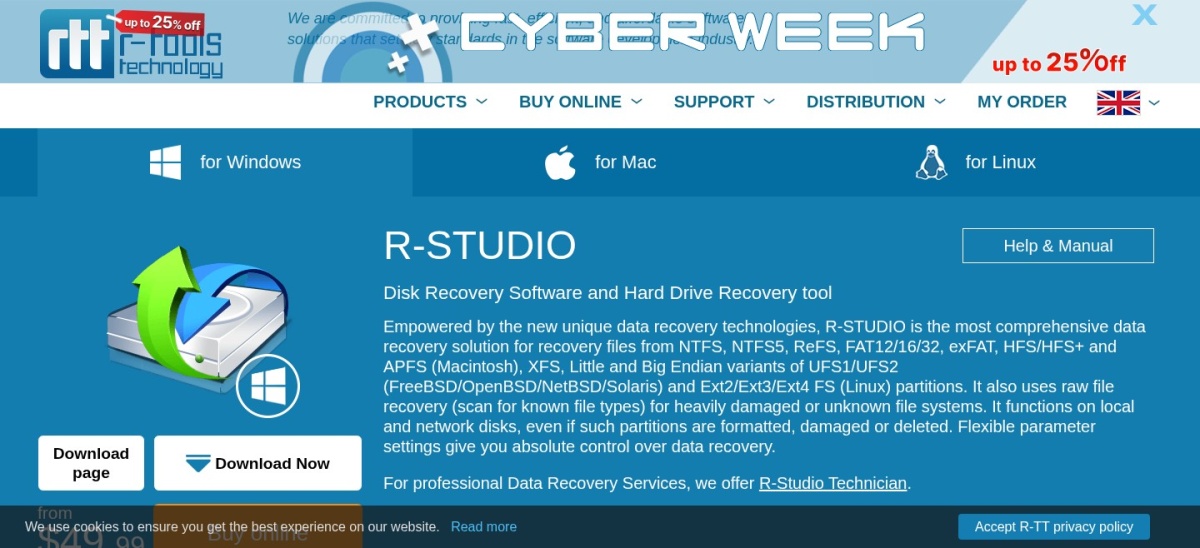
R-Studio Data Recovery homepage, captured Nov 2026.
R-Studio Data Recovery is an advanced application for restoring files from formatted drives, damaged partitions and other logically corrupted storage devices. Its $49.99 FAT edition supports FAT and exFAT recovery, making it relevant to many common USB flash drives.
The trade off is that file system support depends on the purchased edition, and the full R-Studio license costs $79.99. Its technical controls also require more familiarity with storage structures. It suits IT professionals and experienced users dealing with complicated recovery situations.
What we like
Permanent licenses instead of mandatory subscriptions
The FAT edition enables paid recovery from supported FAT and exFAT volumes.Visit r-studio.com
06
MiniTool Power Data Recovery
4.4/5on G2 (31 reviews, checked Nov 2026)
Paid from$69/mo
Best for Windows USB file recovery
Operating systemWindows
Free recovery1GB
Recovery scenariosDeleted files and damaged partitions
Entry paid planPersonal Monthly, $69/month
minitool.com
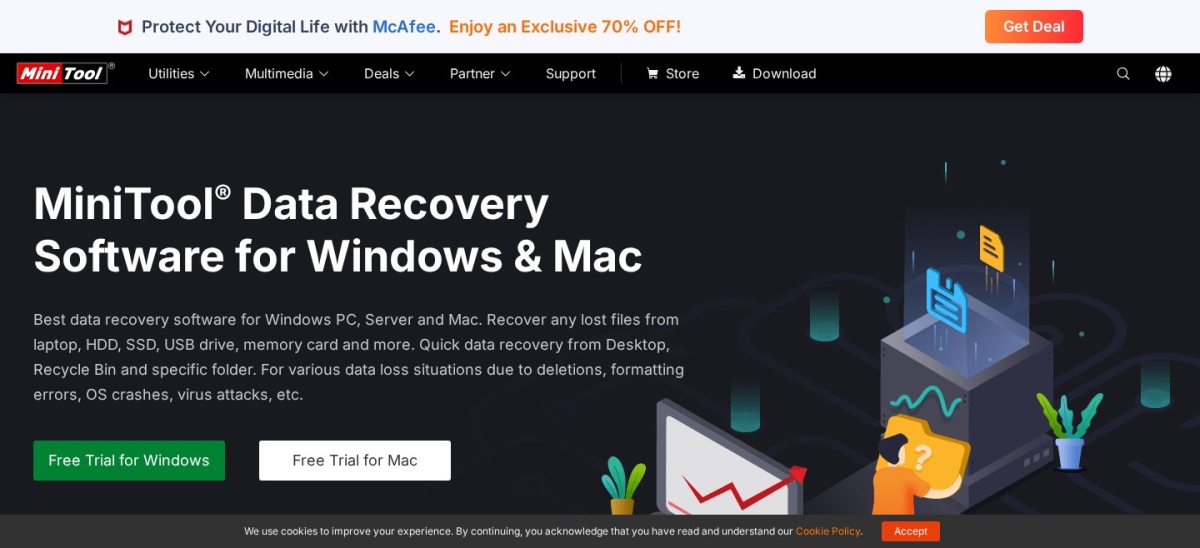
MiniTool Power Data Recovery homepage, captured Nov 2026.
MiniTool Power Data Recovery is a Windows application for retrieving files from USB flash drives, hard drives, memory cards and damaged partitions. Its free edition supports 1GB of recovery, while personal paid licenses remove the data recovery limit.
The trade off is that the $69 monthly plan is expensive relative to the $89 annual subscription, although monthly renewals receive a discount. The Personal Ultimate perpetual license costs $129. It suits Windows users who want clearly defined recovery options without advanced disk editing controls.
What we like
1GB of free file recovery
Clear Windows-focused interface
Supports external storage and damaged partitions
Annual and perpetual license choices
Paid editions include bootable media creation
Watch out for
Power Data Recovery is Windows-focused
Monthly plan offers limited long-term value
Personal licenses have usage restrictions
Personal Monthly adds unlimited recovery and bootable media creation.Visit minitool.com
07
Wondershare Recoverit
4.3/5on G2 (59 reviews, checked Nov 2026)
Paid from$59.99/mo
Best for recovering photographs and videos
Operating systemsWindows and macOS
Free recovery100MB on Windows
Media functionalityPhoto and video recovery
Entry paid planEssential, $59.99/month
recoverit.wondershare.com
Wondershare Recoverit homepage, captured Nov 2026.
Wondershare Recoverit is a visual data recovery application for retrieving deleted documents, photographs and videos from removable storage and computer drives. Its official Essential plan documentation specifies a 100MB Windows free recovery limit, allowing small files to be restored before purchasing.
The trade off is that Essential costs $59.99 monthly, while specialized video reconstruction, media repair and bootable recovery depend on higher editions. Free recovery is limited for large media files. It suits photographers and casual users who prefer visual previews and guided recovery workflows.
USB recovery software does not always require a subscription. DMDE offers a $20 time-limited personal license, while R-Studio FAT costs $49.99 as a permanent purchase. Both are worth considering when you understand the drive's file system and are comfortable with technical recovery interfaces.
Annual licenses can cost much less than maintaining monthly access. EaseUS lists annual access at $99.95 compared with $69.95 for monthly access. MiniTool similarly lists an $89 annual subscription compared with a $69 regular initial monthly charge.
The price ladder annualizes the lowest upfront paid plan for comparison, rather than automatically selecting the cheapest annual subscription. Permanent licenses are shown at their purchase cost, and annualized monthly prices are mathematical comparisons rather than predictions of actual renewal charges.
Paying for recovery software does not guarantee that deleted files remain recoverable. Check the available previews, confirm file integrity where possible and understand refund conditions before purchasing. A more expensive license cannot reconstruct original information that has already been overwritten.
How can you recover USB files without making data loss worse?
Stop writing to the affected USB drive as soon as files disappear. Do not install recovery software on it, copy new documents to it or save recovered files back to the same device. Use separate storage for the application and recovered data.
Avoid formatting a USB drive simply because your operating system asks you to format it. File system corruption may prevent normal access while leaving recoverable data behind. Scan the device or an appropriate disk image before attempting file system repairs.
Create a disk image when the device is readable and imaging is appropriate for its condition. Recovery tools can then work from that copy rather than repeatedly accessing the original storage. Disk Drill includes byte-to-byte backup functionality that can support this workflow.
Seek professional help if the USB drive disconnects repeatedly, becomes unusually hot or has visible physical damage. Continued scanning may worsen some hardware faults. Software recovery is most appropriate when the storage remains accessible and the problem is primarily logical.
How we chose
We selected desktop recovery applications that support removable storage and common USB data loss scenarios. We compared their documented recovery limits, operating system compatibility, file system coverage, licensing conditions and independent user reviews.
We checked official pricing documentation and ratings from G2, Capterra and Trustpilot on 29 Nov 2026. Prices reflect published regular entry prices, excluding identified promotional offers. Ratings from small review samples should be interpreted cautiously, and review scores are not direct measurements of recovery success.
We excluded products without independently verifiable numerical ratings or public pricing, backup-only applications and software intended exclusively for mobile device recovery. No vendor paid for a place, and we do not claim testing for this list.
How to choose USB data recovery software
Compare recovery allowances, file system compatibility, device condition and license terms before purchasing software to retrieve your missing USB files.
Identify the cause of your data loss. Determine whether files were deleted, the drive was formatted or the storage became inaccessible. Software is generally more appropriate for logical data loss than physical damage. Disconnect unstable or visibly damaged devices and consider professional recovery.
Check operating system and file system compatibility. Confirm whether your USB drive uses FAT32, exFAT, NTFS or another file system. Check the specific license edition rather than assuming every version of a product supports the same storage formats.
Scan and preview important files before paying. Use the free edition or demonstration mode to locate missing files. Where actual free recovery is available, restore representative files to a different storage device and confirm that they open correctly before purchasing.
Compare the total cost of the appropriate license. Consider whether you need recovery software for an isolated incident or recurring work. A short-term license may suit occasional recovery, while a permanent license can offer better value for ongoing technical support.
FAQ
What is the best USB data recovery software in 2026?
EaseUS Data Recovery Wizard is the best overall choice for most users because of its guided interface, up to 2GB of free recovery and 4.8/5 G2 rating. Disk Drill is an alternative for disk imaging, while DMDE offers inexpensive advanced recovery.
What is the best free USB data recovery software?
DMDE is a strong free option for experienced users because it supports recovery of up to 4,000 files per selected directory per request. EaseUS is more approachable for beginners and provides up to 2GB of free recovery, including its additional sharing allowance.
Can USB recovery software recover files after formatting?
Yes, USB recovery software may retrieve files after formatting if the original data remains readable and has not been overwritten or erased. Recovery prospects depend on the storage controller, formatting process, file system and subsequent drive activity. Avoid using the drive before scanning.
How much does USB data recovery software cost?
Paid USB recovery software in this comparison starts at $20 for DMDE Express with one year of access. R-Studio FAT costs $49.99 as a permanent purchase, while Stellar Standard costs $69.99 annually at its regular price.
Is EaseUS or Disk Drill better for USB data recovery?
EaseUS is better for beginners who need a larger free recovery allowance, while Disk Drill is better for users who value disk imaging and integrated storage utilities. EaseUS offers up to 2GB of free recovery, compared with Disk Drill's 100MB Windows allowance.
Can I recover files from a USB drive that is not recognized?
Sometimes, provided recovery software or the operating system can still access the underlying storage device. If the USB drive is completely undetected because of a damaged connector, failed controller or memory fault, professional hardware-level recovery may be necessary.
Is USB data recovery software safe to use?
USB recovery software is generally appropriate for readable storage when used carefully. Download applications from official sources, avoid writing to the affected device and restore files to separate storage. Stop using software if the drive shows signs of physical failure.
What is the best USB recovery software for small businesses?
Stellar Data Recovery is a practical option for small businesses that want guided file restoration and predictable annual pricing. R-Studio and DMDE offer more technical capabilities, but businesses should verify that their selected licenses permit the intended organizational or commercial use.
SaaS SEO and WordPress specialist with about 8 years of experience. Rakib compares WordPress plugins, themes, hosting and software using public pricing, documentation and user reviews. See how we rank.