Veeam Data Platform is the best VM backup software for most teams, combining a free Community Edition for up to 10 workloads with a 4.6/5 G2 rating across 752 reviews. NAKIVO Backup & Replication fits budget-minded mixed hypervisor setups, while Hornetsecurity VM Backup suits Hyper-V environments.
How we make this list: we compare pricing pages, product documentation and public user reviews, then re-check every price before each update. No product paid for a place. Disclosure.
Veeam Data Platform holds a 4.6/5 rating across 752 G2 reviews and offers a free Community Edition for up to 10 workloads.
NAKIVO Backup & Replication starts at $2.45 per workload/month or $229 per CPU socket perpetual, with a 4.7/5 rating on G2.
Hornetsecurity VM Backup includes a free tier for 2 VMs per host and scores 4.7/5 across 274 G2 reviews.
Comet Backup starts at $19/month for 1 self-hosted console license plus per-endpoint charges, rated 4.3/5 on G2.
MSP360 Backup offers image-based backup starting at $19.99/year for Linux/macOS and $379.99/year for VMware or Hyper-V editions, rated 4.5/5 on G2.
How do you choose the best VM backup software?
Licensing structure shapes your real bill more than list price per VM. Vendors charge per workload, per CPU socket, per host, or per protected data volume, and minimum pack sizes or support renewals change total cost quickly.
Hypervisor coverage determines whether one tool can protect your whole estate. Many platforms focus on VMware vSphere and Microsoft Hyper-V, while others add Nutanix AHV, Proxmox VE, or cloud instances.
Recovery speed and immutability matter more during an outage than backup speed alone. Instant VM recovery, application-aware restores, and immutable backup copies help teams recover cleanly after hardware failure or ransomware.
Storage architecture decides where your data lives and who manages it. Self-hosted repositories keep data on local or third-party object storage, while cloud-native SaaS removes hardware management in exchange for ongoing subscription fees.
Best overall for multi-platform recovery and scale
Entry paid tierFoundation ($1,550/yr per 10-instance pack)
Free optionCommunity Edition (up to 10 workloads)
Target workloadsVMs, physical servers, and cloud instances
Cloud storageVeeam Vault starting at $4.50/TB/month Archive
veeam.com
Veeam Data Platform homepage, captured Nov 2026.
Veeam Data Platform provides backup, replication, and instant recovery across virtual, physical, and cloud environments, with a free Community Edition covering up to 10 workloads. Paid Foundation packs start at $1,550 per year for 10 instances.
The trade off is paying $1,550 per year for a 10-instance pack once you pass the free limit, with monitoring and orchestrated recovery gated behind higher tiers. It suits IT teams that want mature recovery tools and portable workload licenses.
What we like
Free Community Edition supports up to 10 workloads without a time limit
Strong instant VM recovery and granular file or application restores
Portable universal licensing across VMs, physical servers, and cloud workloads
Paid Foundation entry pack starts at $1,550/year for 10 instances
Architecture and advanced options can carry a learning curve
Paid Foundation packs start at $1,550/yr per 10 instances and add vendor support beyond the 10-workload free tier.Visit veeam.com
02
NAKIVO Backup & Replication
4.7/5on G2 (387 reviews, checked Nov 2026)
Starts at$29.40/workload/yr
Best value for mixed virtual and cloud estates
Workload subscriptionFrom $2.45 per workload/month ($29.40/yr per workload)
Perpetual optionFrom $229 per CPU socket (Pro Essentials/Pro)
Supported platformsVMware, Hyper-V, Nutanix AHV, and cloud targets
DeploymentWindows, Linux, NAS, virtual appliance, or AWS AMI
nakivo.com
NAKIVO Backup & Replication homepage, captured Nov 2026.
NAKIVO Backup & Replication supports VMware, Hyper-V, and Nutanix AHV backups with flexible deployment on Windows, Linux, NAS, or cloud appliances. Subscription pricing starts at $2.45 per workload/month ($29.40 per year per workload), alongside perpetual socket licenses from $229.
The trade off is that S3 and cloud backup targets require the higher Enterprise Essentials/Enterprise tier starting at $3.20 per workload/month. It suits budget-conscious VMware and Hyper-V shops that want both subscription and perpetual options.
What we like
Low entry cost starting at $2.45 per workload/month
Offers both per-workload subscriptions and per-socket perpetual licenses
Flexible deployment across on-premises servers, NAS, and cloud instances
Watch out for
Cloud and S3 backup support sits in the higher $3.20/workload/month tier
No permanent free edition listed on G2, relying on a free trial
Higher tiers from $3.20/workload/month or $329/socket add cloud and S3 backup targets.Visit nakivo.com
03
Hornetsecurity VM Backup
4.7/5on G2 (274 reviews, checked Nov 2026)
Paid from$59.80/yr
Best for Hyper-V teams wanting simple setup
Free tierFree edition covers up to 2 VMs per host
Subscription rateStandard Edition listed at $59.80 per VM/year
Perpetual optionPer-host perpetual editions starting at $595
Key capabilitiesInline deduplication, offsite copies, and cloud targets
hornetsecurity.com
Hornetsecurity VM Backup homepage, captured Nov 2026.
Hornetsecurity VM Backup protects Hyper-V and VMware environments with a free edition for up to 2 VMs per host and a 30-day trial. Paid plans start at $59.80 per VM/year for Standard or $595 per host perpetual.
The trade off is paying $59.80 per VM/year or $595 per host as your VM count grows, with fewer enterprise hypervisors than larger suites. It suits small and mid-sized IT teams that value fast setup and responsive support.
What we like
Free tier covers up to 2 VMs per host
Widely praised by reviewers for easy setup and clear management UI
Supports both per-VM subscriptions and per-host perpetual licenses
Watch out for
Per-VM or per-host costs add up across larger virtualization clusters
Smaller hypervisor footprint than broad enterprise platforms
Unlimited and Unlimited Plus editions add higher-tier features and host or VM flexibility.Visit hornetsecurity.com
04
Comet Backup
4.3/5on G2 (115 reviews, checked Nov 2026)
Starts at$228/yr
Best for MSPs and IT teams managing multiple endpoints
Starter plan$19/month ($228/year) for 1 self-hosted console + per-endpoint fees
Higher tiersGrowth and Professional start at $49/month with $2/endpoint/month
Storage optionsBring your own storage or Comet Storage at $6.99/TB/month
Trial30-day free trial with no credit card required
cometbackup.com
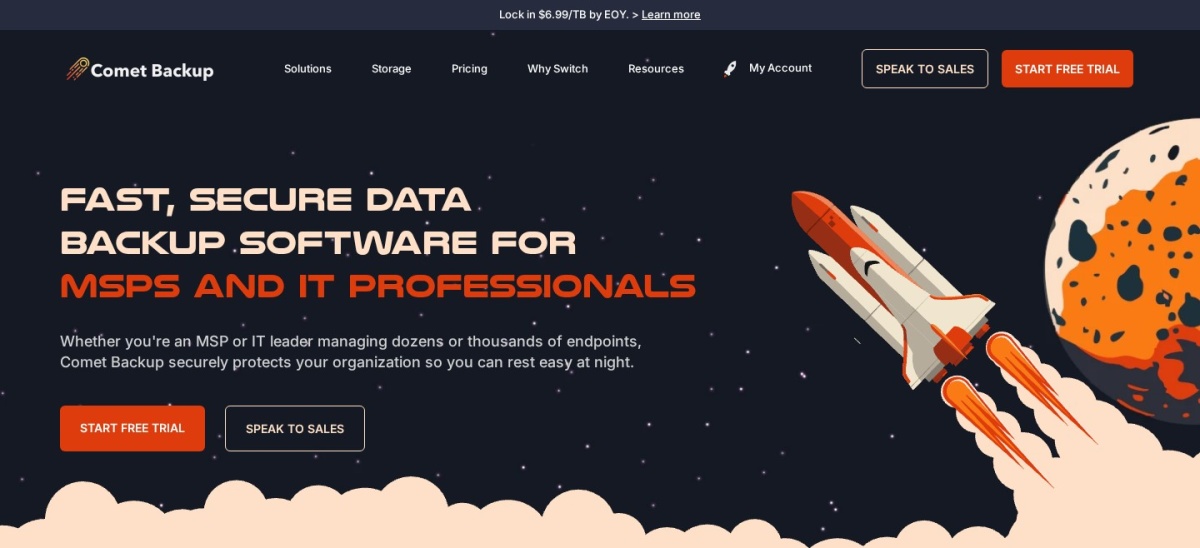
Comet Backup homepage, captured Nov 2026.
Comet Backup is a centralized backup platform built for MSPs and IT teams, starting at $19 per month ($228 per year) for one self-hosted console license plus per-endpoint charges. You can back up to your own storage or use Comet Storage at $6.99 per TB/month.
The trade off is stacking per-endpoint fees and storage costs on top of the $19/month base console fee, with no permanent free plan. It suits IT service providers and internal admins centralizing backups across many machines.
What we like
Low $19/month base console entry for small IT teams or consultants
Supports self-hosted consoles or Comet-hosted cloud management
Comet Storage includes no egress or API request fees
Watch out for
Per-endpoint and storage charges increase total cost as endpoints grow
No free plan beyond the 30-day trial
Growth ($49/month) and Professional ($49/month) lower per-endpoint rates to $2/month and add console seats.Visit cometbackup.com
05
MSP360 Backup
4.5/5on G2 (584 reviews, checked Nov 2026)
Starts at$19.99/yr
Best for bringing your own cloud storage on a budget
Entry annual planFrom $19.99/year (Linux/macOS); $29.99/year Windows Pro
Hypervisor editions$379.99/year each for VMware, Hyper-V, or Proxmox
Cloud storage targetsAWS, Wasabi, Backblaze B2, Azure, and Google Cloud
Trial15-day free trial with annual subscription options
msp360.com
MSP360 Backup homepage, captured Nov 2026.
MSP360 Backup offers image-based backup and cloud storage integrations starting at $19.99 per year for Linux and macOS, while dedicated VMware, Hyper-V, and Proxmox editions cost $379.99 per year. It connects directly to cloud providers such as AWS, Wasabi, Backblaze B2, Azure, and Google Cloud.
The trade off is paying $379.99 per year per hypervisor edition rather than bundling every hypervisor into the $19.99 entry plan. It suits small businesses that want direct backups to third-party cloud storage with object lock support.
What we like
Low entry pricing starting at $19.99/year for supported OS editions
Direct integration with major cloud storage providers and object lock
Supports image-based backup and bare-metal or cloud VM restores
Watch out for
VMware, Hyper-V, and Proxmox each require separate $379.99/year licenses
No permanent free tier beyond the 15-day trial
Dedicated VMware, Hyper-V, and Proxmox Pro licenses ($379.99/yr each) unlock full hypervisor backup support.Visit msp360.com
06
Acronis Cyber Protect
4.3/5on G2 (741 reviews, checked Nov 2026)
Starts at$85/yr
Best for combining VM backup with endpoint security
Starting planStandard from $85.00/year for up to five devices
Security featuresAnti-malware, exploit prevention, and URL filtering
Virtual platformsSupports VMware, Hyper-V, Nutanix, Proxmox, KVM, and more
Included cloud storage250GB per virtual host or server license (varies by tier)
acronis.com
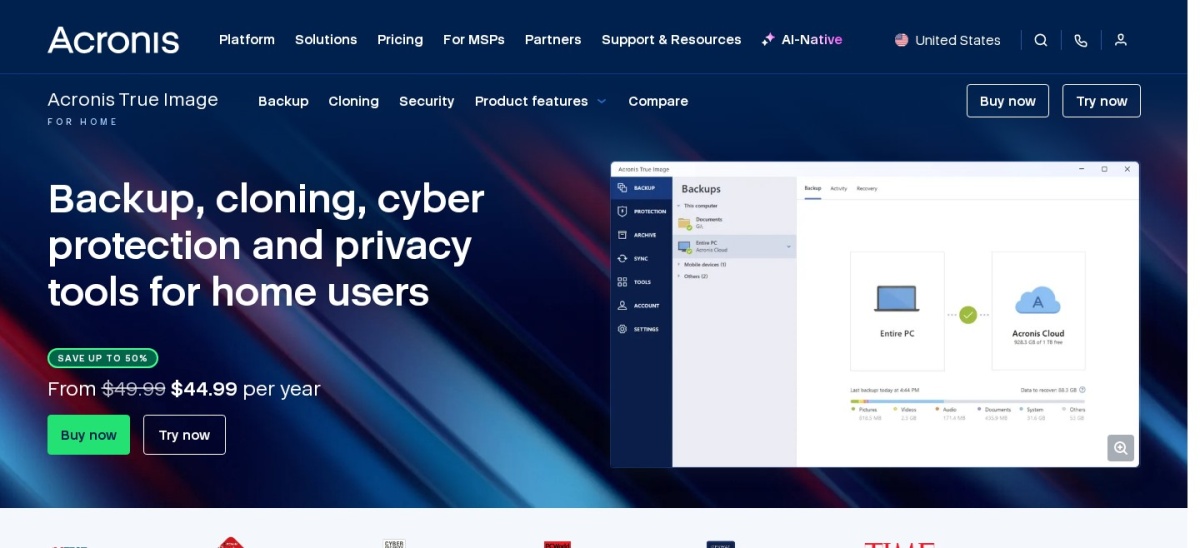
Acronis Cyber Protect homepage, captured Nov 2026.
Acronis Cyber Protect combines backup and recovery with anti-malware and security controls in one console, starting at $85.00 per year for up to five devices. It covers virtual environments alongside physical servers, workstations, and cloud workloads.
The trade off is a higher cost as you scale devices and storage beyond the $85/year starting tier, plus potential agent overhead on older systems. It suits teams that want backup and endpoint security managed under one vendor.
What we like
Unifies backup, disaster recovery, and anti-malware in a single agent and console
Broad virtualization support including VMware, Hyper-V, Proxmox, and KVM
Includes pooled cloud storage allowances by license type
Watch out for
Pricing can feel expensive as protected devices and storage expand
Security features and agents can add initial setup complexity
Advanced ($129/yr) and broader workload tiers expand device counts, hypervisor options, and pooled cloud storage.Visit acronis.com
07
Druva Data Security Cloud
4.7/5on G2 (750 reviews, checked Nov 2026)
PricingQuote (custom pricing)
Best SaaS platform for hands-off cloud VM backup
Pricing modelQuote-based subscription billed via Druva Credits
ArchitectureFully managed SaaS with no on-premises backup hardware
Primary VM focusCloud-native VMware protection alongside endpoints and SaaS
SecurityImmutable cloud storage and ransomware anomaly detection
druva.com
Druva Data Security Cloud homepage, captured Nov 2026.
Druva Data Security Cloud delivers cloud-native backup and recovery without requiring you to size or maintain on-premises backup servers, using quote-based credit licensing. It pairs VMware protection with immutable storage and ransomware resilience tools.
The trade off is quote-only SaaS pricing rather than published self-serve tiers, and ongoing subscription costs as stored data grows. It suits mid-market and enterprise IT teams that prefer managed SaaS over local backup hardware.
What we like
High 4.7/5 G2 score across 750 reviews for reliability and ease of use
Eliminates on-premises backup server and storage maintenance overhead
Built-in immutable backups and ransomware anomaly monitoring
Watch out for
Requires a sales quote rather than transparent self-serve pricing
Ongoing SaaS subscription costs scale with data volume and retention
Custom credit tiers scale capacity, retention periods, and ransomware recovery add-ons across hybrid estates.Visit druva.com
Per-workload vs. per-socket licensing
Per-workload pricing charges for each protected VM or instance, which often fits smaller VM counts or mixed cloud estates. Once a host runs dozens of dense VMs, per-workload fees can climb quickly.
Per-socket or per-host licensing charges based on physical host hardware rather than VM count. That structure rewards high VM density on a few hosts, though adding physical servers increases cost.
How we chose
This list focuses on established VM backup software with active vendor maintenance and verified public review profiles across G2.
We checked pricing details and review counts on 29 Nov 2026 using official vendor pages, G2 listings, and public pricing documentation.
We excluded discontinued tools, products without verifiable pricing details, and offerings that only back up individual files rather than full virtual machines. No vendor paid for a place, and we do not claim testing for this list.
How to choose VM backup software
Follow four practical checks before committing to a license.
Map your hypervisors and host density first. List every VMware, Hyper-V, or alternative hypervisor host you run so you can compare per-workload quotes against per-socket or per-host licenses.
Verify restore workflows, not just backup schedules. Confirm whether the plan supports instant VM recovery, single-file restores, and cross-host recovery to meet your recovery time goals.
Check immutable storage and ransomware protection. Ensure your backup targets support immutability or air-gapped copies so compromised credentials cannot delete recovery points.
Calculate total multi-year cost including storage. Factor in renewal rates, support tiers, and cloud storage or egress fees alongside base software licenses.
FAQ
What is the best VM backup software in 2026?
Veeam Data Platform is the top overall choice for most teams, pairing a free Community Edition for up to 10 workloads with strong recovery features and a 4.6/5 G2 rating. NAKIVO Backup & Replication and Hornetsecurity VM Backup are strong alternatives depending on budget and hypervisor mix.
Is there a free VM backup tool for small setups?
Yes. Veeam Data Platform offers a free Community Edition for up to 10 workloads, and Hornetsecurity VM Backup includes a free edition covering up to 2 VMs per host.
How much does VM backup software usually cost?
Entry options range from free tiers and $19.99/year plans up to $1,550/year for a 10-instance Veeam Foundation pack or custom SaaS quotes. Your final cost depends on workload count, socket count, support, and storage volume.
Veeam vs. NAKIVO: which should you pick?
Pick Veeam Data Platform if you want a 10-workload free tier, broad recovery tooling, and deep enterprise ecosystem support. Pick NAKIVO Backup & Replication if you want lower starting pricing from $2.45 per workload/month or perpetual socket options.
Do you need separate backup and antivirus tools for VMs?
Not always. Acronis Cyber Protect bundles backup and recovery with anti-malware and security controls in a single console, though standalone backup tools can still pair with your existing security stack.
SaaS SEO and WordPress specialist with about 8 years of experience. Rakib compares WordPress plugins, themes, hosting and software using public pricing, documentation and user reviews. See how we rank.