Supabase is the best value for money database software for most small development teams, offering managed PostgreSQL, authentication and daily backups from $25 per month. Choose MongoDB Atlas for flexible document storage starting at an estimated $8 monthly or Airtable for business databases that require minimal coding.
How we make this list: we compare pricing pages, product documentation and public user reviews, then re-check every price before each update. No product paid for a place. Disclosure.
Supabase starts at $25/month with 8 GB of database disk space per project and integrated authentication.
MongoDB Atlas Flex costs between $8 and $30 for 30 days of continuous usage, depending on database activity.
Airtable Team costs $20 per user monthly when billed annually, making team size a key pricing consideration.
PostgreSQL has no software licensing fee and earns 4.4/5 from 682 G2 reviews.
MySQL Standard Edition lists at $2,140 annually per eligible server, but Community Edition remains free.
SQLite provides a free embedded database engine, with optional professional maintenance starting at $1,500 annually.
How do you choose the best value for money database software?
Database value depends on total ownership costs rather than licensing fees alone. A free database engine still needs infrastructure, monitoring, backups and someone responsible for maintaining it. Managed services charge for these responsibilities but can reduce engineering overhead.
The right database model prevents expensive architectural changes. Relational databases suit structured records, financial transactions and connected business data. Document databases accommodate changing data structures, while embedded databases work well for applications that store information locally.
Entry-level cloud prices can hide additional expenses. Database providers may charge separately for storage, network transfers, additional projects or dedicated computing resources. Supabase starts at $25 monthly, but exceeding its included allowances increases the final bill.
Public ratings help identify usability and maintenance concerns. Airtable earns 4.6/5 from 3,309 G2 reviews, while MySQL earns 4.4/5 from 1,688 reviews. These products serve different workloads, so their ratings should complement rather than replace technical requirements.
The 7 best value for money database software options
01
Supabase
4.6/5on G2 (242 reviews, checked Nov 2026)
Paid from$25/mo
Best for affordable managed application databases
Database modelRelational PostgreSQL
Free database storage500 MB
Paid database storage8 GB disk per project included
Entry paid planPro, $25/month
supabase.com
Supabase homepage, captured Nov 2026.
Supabase is a PostgreSQL-based application backend combining relational storage, authentication, file storage and automatically generated APIs. Its free plan includes a 500 MB database, 50,000 monthly active users and 1 GB of file storage, making it suitable for prototypes and small applications.
The trade off is resource-based billing beyond the included allowances, with additional projects and larger computing instances increasing costs. Pro starts at $25 monthly and includes daily backups retained for seven days. It suits startups that want to reduce backend development and database administration expenses.
What we like
Combines database hosting with authentication and storage
Uses standard PostgreSQL technology
Free tier supports application development
Automated backups included with Pro
Open-source components support self-hosting
Watch out for
Inactive free projects pause after one week
Additional computing resources increase costs
Usage allowances require ongoing monitoring
Pro adds larger resource allowances, daily backups and email support.Visit supabase.com
02
MongoDB Atlas
4.5/5on G2 (910 reviews, checked Nov 2026)
Paid from$8/mo
Best for affordable document databases
Database modelDocument-oriented NoSQL
Free database storage512 MB
Flex storage5 GB
Entry paid planFlex, estimated $8–$30 per 30 days
mongodb.com
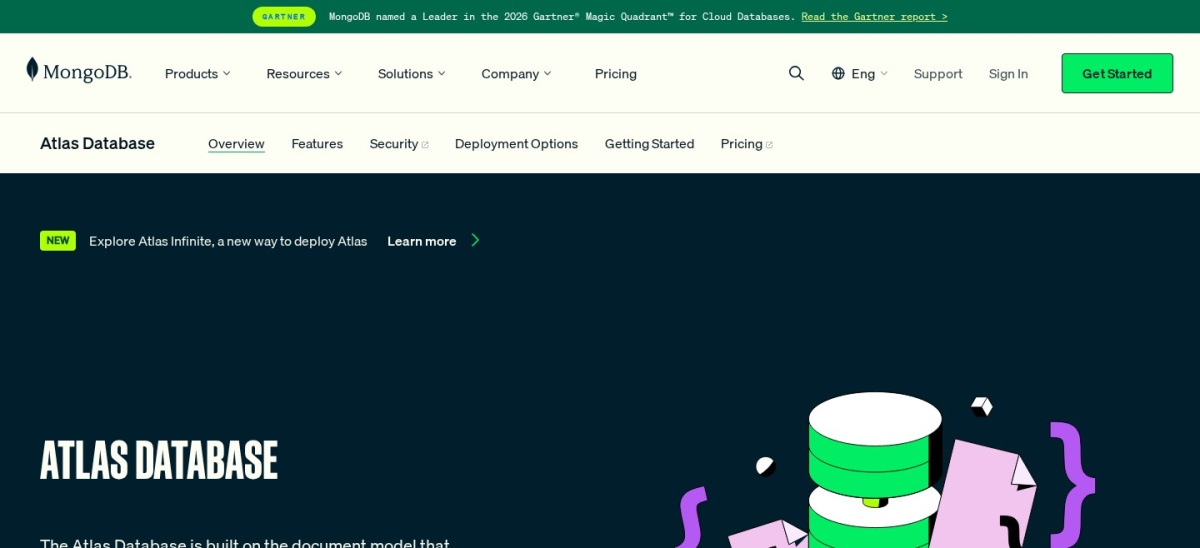
MongoDB Atlas homepage, captured Nov 2026.
MongoDB Atlas is a managed document database service for applications that store information in flexible document structures. Its free cluster provides 512 MB of storage, while Flex increases storage to 5 GB and accommodates development workloads with changing activity levels.
The trade off is variable pricing and feature restrictions on shared infrastructure. Flex starts at $0.011 per hour, with MongoDB estimating $8 to $30 for 30 days of continuous use across its usage tiers. It suits developers building applications that benefit from flexible schemas without maintaining database servers.
Airtable is a visual database platform combining spreadsheet-style editing, linked records, forms and workflow automation. Its free plan provides an accessible starting point for managing business information, and its 4.6/5 rating from 3,309 G2 reviews reflects an established user community.
The trade off is per-user billing, which becomes expensive as more collaborators require paid access. Team costs $20 per user monthly with annual billing, and plan limits restrict capacity. It suits smaller operations teams that value reduced development work more than direct database infrastructure control.
What we like
Accessible interface for nontechnical users
Linked records connect business information
Built-in forms and workflow automation
Free plan for basic databases
Multiple views for organizing records
Watch out for
Per-user pricing increases team costs
Record and automation limits vary by plan
Not a replacement for general-purpose SQL servers
Team adds greater database capacity and collaboration features.Visit airtable.com
04
PostgreSQL
4.4/5on G2 (682 reviews, checked Nov 2026)
PriceFree
Best for eliminating database licensing fees
Database modelObject-relational
LicensePostgreSQL License
DeploymentSelf-hosted or third-party hosting
Official software priceFree
postgresql.org
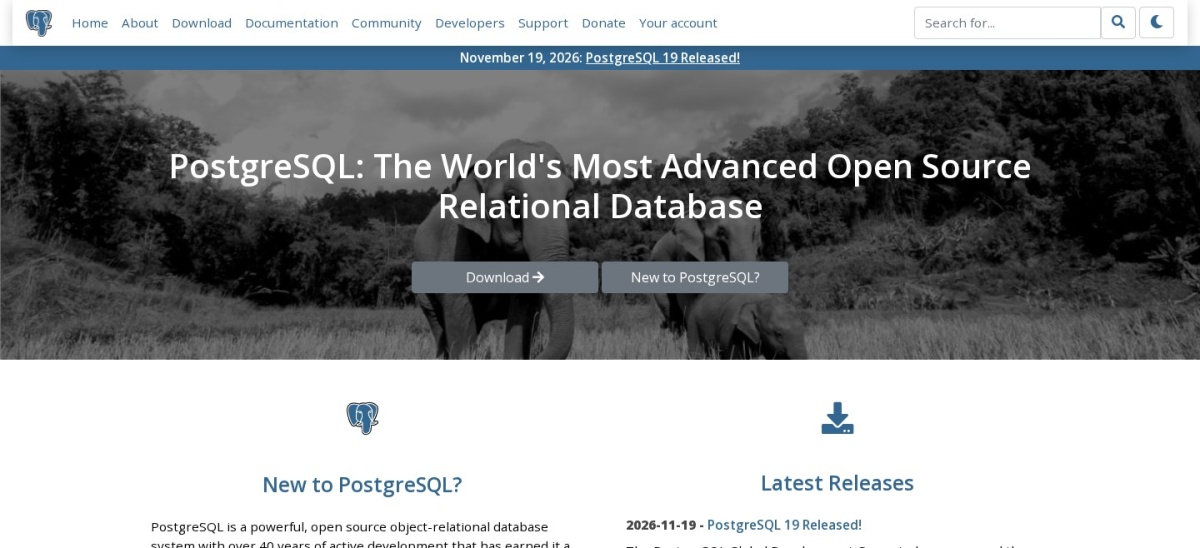
PostgreSQL homepage, captured Nov 2026.
PostgreSQL is an open-source relational database supporting SQL transactions, complex queries, JSON data and extensible database functionality. Its permissive license allows commercial use without licensing fees, and G2 records a 4.4/5 rating from 682 reviews.
The trade off is operational responsibility because the free database engine does not include managed infrastructure or commercial support. Hosting, backup systems and administration require separate budgets. It suits engineering teams with database management skills that want to avoid proprietary licensing expenses and retain control over deployment.
What we like
No database software licensing fees
Supports complex SQL and transactional workloads
Flexible indexing and extension ecosystem
Permissive commercial-use license
Broad compatibility with development frameworks
Watch out for
Self-hosting requires technical administration
Managed infrastructure costs are separate
Query optimization requires database knowledge
No official paid edition; third-party providers sell hosting and support.Visit postgresql.org
05
MySQL
4.4/5on G2 (1,688 reviews, checked Nov 2026)
Paid from$2,140/yr
Best for economical web application databases
Database modelRelational SQL
Free editionCommunity Edition
Storage enginesInnoDB and MyISAM
Entry commercial editionStandard, $2,140/server/year for 1–4 sockets
mysql.com
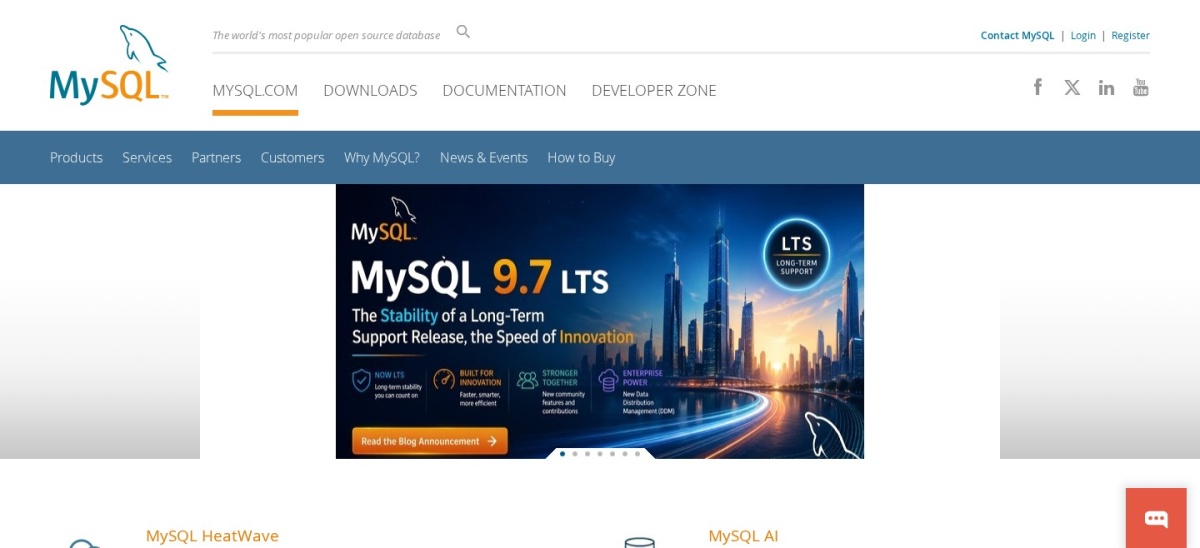
MySQL homepage, captured Nov 2026.
MySQL is a relational database engine commonly used for websites, content management systems and business applications. Community Edition is available without a software purchase, while its 4.4/5 G2 rating from 1,688 reviews provides a substantial base of public user feedback.
The trade off is that commercial licensing and vendor support cost considerably more than the free community edition. Oracle's published global price list places Standard Edition at $2,140 annually for an eligible server with one to four sockets. It suits teams running established web technology stacks with predictable relational data requirements.
What we like
Free community database engine
Broad support from website hosting providers
Established developer and administrator ecosystem
Compatible with common content management systems
Commercial support available when required
Watch out for
Commercial subscriptions can be expensive
Advanced commercial features require higher editions
Self-managed deployments require maintenance
Standard Edition includes commercial licensing and Oracle Premier Support.Visit mysql.com
06
SQLite
4.3/5on G2 (262 reviews, checked Nov 2026)
Paid from$1,500/yr
Best for embedded applications and local storage
Database modelEmbedded relational SQL
LicensePublic domain
DeploymentEmbedded database library
Cheapest paid maintenance$1,500/year
sqlite.org
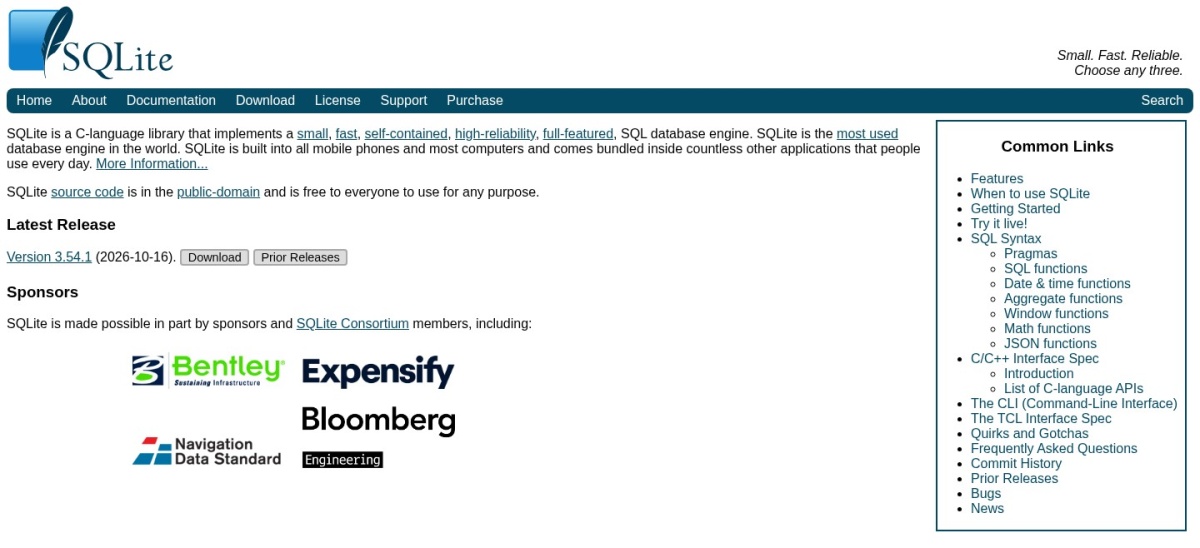
SQLite homepage, captured Nov 2026.
SQLite is an embedded SQL database library that stores application data without requiring a separate database server. Its core software is available without licensing fees, including commercial use, and it receives a 4.3/5 rating from 262 G2 reviews.
The trade off is limited suitability for applications requiring intensive concurrent writes and centralized database access. Optional annual maintenance costs $1,500 and provides private email advice rather than a different database engine. It suits mobile applications, desktop software and smaller projects that need inexpensive local data persistence.
Standard server license$989 plus required access licenses
Client access license$230 per required CAL
microsoft.com
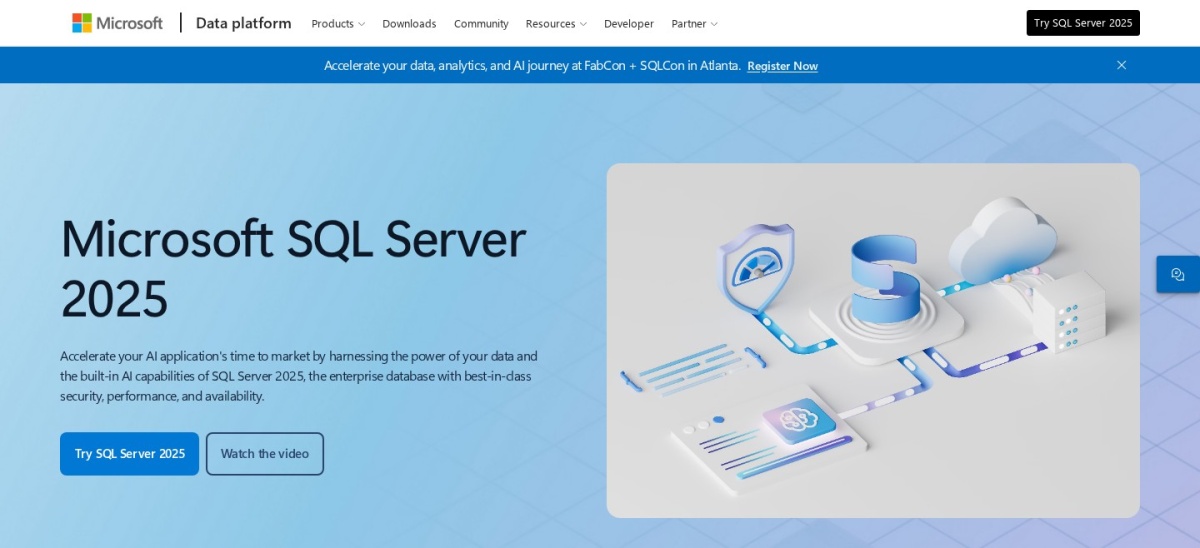
Microsoft SQL Server homepage, captured Nov 2026.
Microsoft SQL Server is a relational database platform designed for transactional applications, business reporting and integration with Microsoft development tools. Its free Express edition supports smaller deployments, while Developer editions support development and testing. G2 records a 4.4/5 rating from 2,289 reviews.
The trade off is licensing complexity as applications expand beyond free edition restrictions. SQL Server 2025 Standard lists at $989 for the server license, with required client access licenses priced separately at $230 each. It suits organizations already using Microsoft infrastructure that can justify commercial licensing through integration and administration benefits.
What we like
Free Express edition for smaller workloads
Integration with Microsoft development tools
Established transactional database functionality
Commercial administration and reporting ecosystem
Perpetual and subscription licensing options
Watch out for
Client access licenses increase total costs
Free Developer editions are not for production
Commercial licensing requires careful planning
Standard expands production database capabilities; required access licenses cost extra.Visit microsoft.com
When is free database software actually cheaper?
Free database software is generally cheaper when your team already has infrastructure and database administration skills. PostgreSQL and MySQL Community Edition can eliminate software licensing expenses, but your organization remains responsible for the reliability and security of the deployment.
Managed databases can offer better value when engineering time is limited. Supabase combines database hosting with application backend services from $25 monthly. Paying for integrated infrastructure may cost less than assembling and maintaining equivalent services independently.
Embedded databases offer another route to lower costs. SQLite operates inside an application without a dedicated database server, making it attractive for offline software and local storage. However, applications requiring centralized access and frequent simultaneous writes usually benefit from a server-based database.
Which database pricing model offers the most predictable costs?
Fixed subscriptions provide a clearer starting budget than unrestricted usage-based billing. Supabase Pro starts at $25 monthly, although additional resource consumption can increase the final invoice. Check included allowances before estimating long-term expenses.
Per-user pricing works differently from database infrastructure pricing. Airtable Team costs $240 annually per billable user, while MongoDB Atlas Flex has an estimated base cost of $96 annually using its lowest published monthly estimate. These figures represent different billing units rather than equivalent capacity.
The price ladder annualizes monthly starting prices and includes one-time licenses in first-year spending. PostgreSQL's zero represents its free core software, SQLite's price represents optional maintenance, and SQL Server's server license excludes additional required access licenses. None of these figures represents a guaranteed total deployment cost.
How we chose
We selected actively maintained database engines and managed platforms covering relational databases, document storage, embedded databases and visual business databases. Products were ranked according to licensing affordability, included features, deployment flexibility, maintenance responsibilities and suitability for budget-conscious buyers.
We checked official vendor pricing, licensing documents and public G2 ratings on 29 Nov 2026. Supabase's rating comes from G2's relational database category because its individual review page was inaccessible. Monthly starting prices were multiplied by twelve, while one-time licenses were recorded as first-year expenses. MongoDB's annualized price is a usage-based estimate.
We excluded products without sufficiently clear public pricing or usable numerical ratings, along with specialist tools that only provide database administration interfaces. The comparison distinguishes optional maintenance, per-user fees and commercial licenses from hosting subscriptions. No vendor paid for a place, and we do not claim testing for this list.
How to choose affordable database software for your workload
Compare database architecture, operational requirements and complete ownership costs before choosing the lowest advertised price.
Choose the appropriate database model. Use relational databases for structured records and transactions, document databases for flexible schemas, and embedded engines for local application storage. Selecting the wrong model can create development expenses that exceed any initial licensing savings.
Decide who will manage the infrastructure. Choose self-hosted PostgreSQL or MySQL if your team can handle backups, security and database availability. Consider Supabase or MongoDB Atlas when managed infrastructure would reduce your operational workload.
Calculate the complete first-year cost. Include hosting, storage, network traffic, commercial licenses, paid collaborators and professional support. Airtable charges per billable user, while managed application databases generally charge according to infrastructure consumption and selected service plans.
Review capacity limits before committing. Check database storage, concurrent connections, backup retention and scaling restrictions. Confirm that the entry-level plan can accommodate expected production workloads without requiring an immediate upgrade to a significantly more expensive configuration.
FAQ
What is the best value for money database software in 2026?
Supabase is the best overall value for most small application development teams. Its Pro plan starts at $25 monthly and combines managed PostgreSQL, authentication, storage and automated backups. PostgreSQL is a strong alternative for teams capable of managing their own infrastructure.
What is the best free database software for small businesses?
PostgreSQL is an excellent free database for small businesses needing structured records, transactional reliability and flexible querying. MySQL Community Edition is another suitable option for website databases. Businesses without technical staff may find Airtable's free visual database more accessible.
How much does affordable database software cost?
Affordable managed database software can start at an estimated $8 monthly with MongoDB Atlas Flex or $25 monthly with Supabase Pro. Actual costs depend on infrastructure usage, storage, computing resources and required features. Self-hosted open-source engines have no mandatory software licensing fees.
Is Supabase or MongoDB Atlas better value for money?
Supabase offers better value for applications requiring relational data, authentication and integrated backend functionality. MongoDB Atlas offers a lower entry price for document-oriented workloads. The better choice depends on application architecture, resource consumption and whether additional backend services are necessary.
Is PostgreSQL cheaper than MySQL?
PostgreSQL and MySQL Community Edition are both available without mandatory software licensing fees. PostgreSQL uses a permissive open-source license, while MySQL also offers commercial editions. Their actual ownership costs depend on infrastructure, technical administration, application requirements and any purchased support.
Which database software is easiest for beginners?
Airtable is the easiest option here for beginners who want to organize business information without writing SQL. Developers learning relational databases may prefer Supabase because it provides managed PostgreSQL and a visual administration interface without requiring a separately maintained database server.
Is SQLite a good database for production applications?
SQLite is suitable for production applications that need local storage, embedded databases or limited concurrent write activity. Its public-domain core has no mandatory licensing cost. Applications with intensive multi-user writes or centralized database access generally benefit from PostgreSQL or MySQL instead.
Can free database software be used commercially?
Yes, PostgreSQL and SQLite permit commercial use without mandatory software licensing fees under their respective licensing terms. MySQL Community Edition is available under open-source licensing, although businesses distributing software containing MySQL should review its license obligations before selecting a deployment model.
What hidden costs should I check when buying database software?
The main additional expenses are computing resources, storage, backups, network transfers, support and administration. Commercial products may also require per-user or client access licenses. Calculate these expenses using expected workloads rather than assuming the advertised entry price covers the entire deployment.
SaaS SEO and WordPress specialist with about 8 years of experience. Rakib compares WordPress plugins, themes, hosting and software using public pricing, documentation and user reviews. See how we rank.