Airtable is the best user friendly database software for most beginners, offering a familiar spreadsheet interface, linked records and visual workflows, with a 4.6/5 G2 rating. Baserow is better for open-source flexibility and affordable storage, while Notion suits individuals who want databases alongside documents and notes.
How we make this list: we compare pricing pages, product documentation and public user reviews, then re-check every price before each update. No product paid for a place. Disclosure.
Airtable combines spreadsheet-style editing with relational databases and costs $20 per user per month with annual billing.
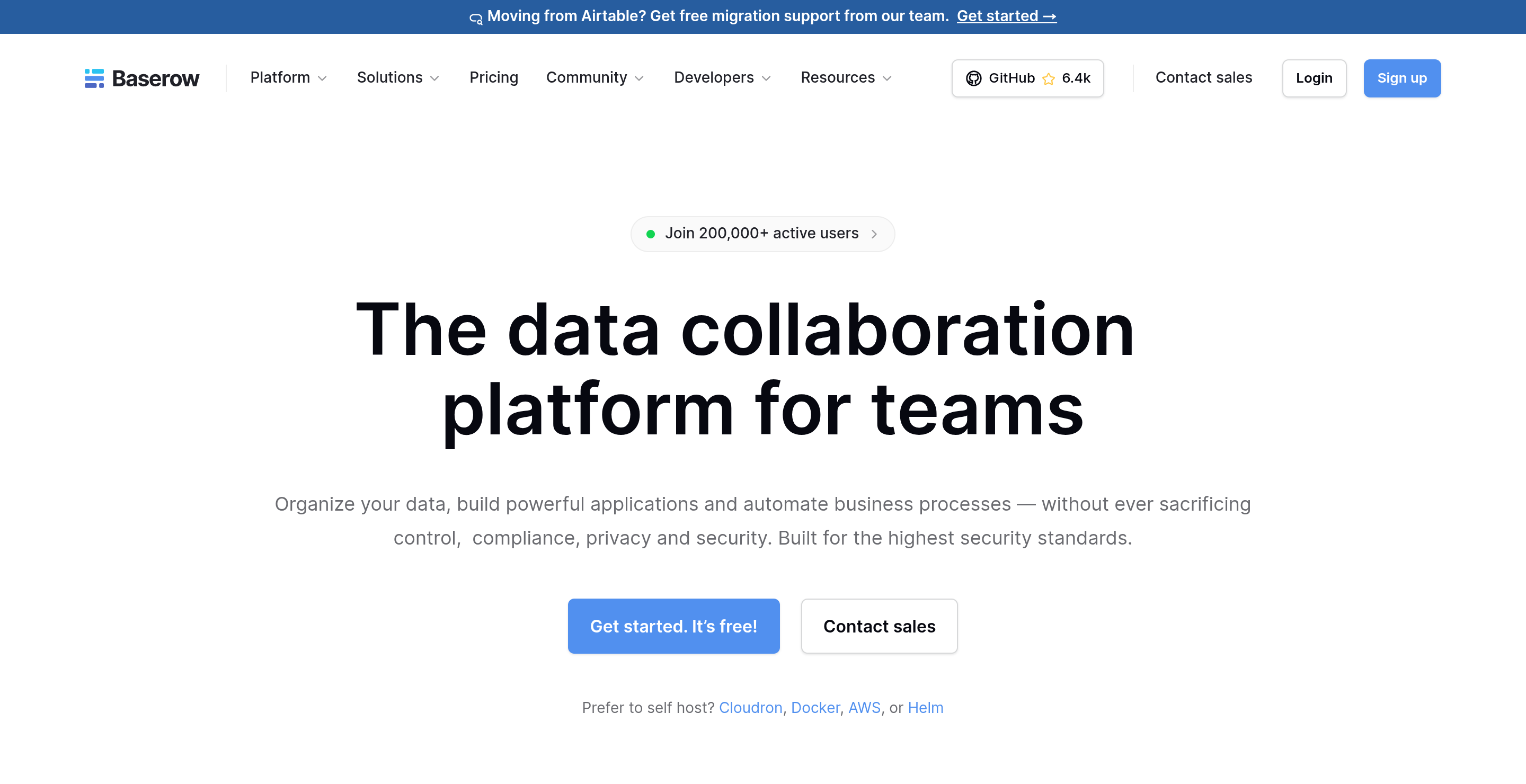
Baserow offers 3,000 rows per workspace for free and increases that limit to 50,000 on its $10 monthly Premium plan billed annually.
Notion combines documents and databases, with a 4.6/5 rating from 14,032 G2 reviews.
Knack includes unlimited application users and 20,000 database records on its $49 monthly Starter plan billed annually.
SmartSuite requires at least 3 paid users on its Team plan, making its minimum annual subscription $540.
Caspio provides unlimited application users but starts at $3,240 per year, making it more suitable for established organizations.
How do you choose the best user friendly database software?
A user-friendly database should let you organize structured information without writing SQL. Visual tables, configurable fields, filters and forms allow ordinary business users to manage information without relying on developers for routine changes.
Linked records are what separate a database from an ordinary spreadsheet. Instead of repeatedly entering customer information, you can connect customer records to orders, invoices and support requests. Updating the original customer record keeps related information easier to maintain.
Pricing models matter more than the advertised monthly rate. Airtable and Baserow charge by user, while Knack and Caspio accommodate unlimited application users within their subscription limits. A database serving many occasional users may benefit from a different pricing model than a small internal workspace.
The simplest interface is not always the best long-term choice. Consider record limits, access permissions, data exports and deployment options before committing. A tool that is easy to adopt should also support your requirements as your database grows.
Airtable is a visual database and application-building platform that combines spreadsheet-style editing with connected records, forms and configurable views. Its Free plan lets beginners organize business information before upgrading to the Team subscription at $20 per user per month with annual billing.
The trade off is that subscription costs increase as more billable collaborators join your workspace, with Team costing $240 per user annually. It suits marketing departments, operations teams and small businesses that want structured databases without learning SQL or maintaining their own servers.
What we like
Familiar spreadsheet-style editing
Linked records connect information across tables
Custom interfaces for different business workflows
Large public review sample and extensive learning resources
Free plan for getting started
Watch out for
Per-user pricing can become expensive for larger teams
Advanced capacity and administrative controls require higher plans
No self-hosted deployment option
Team adds database capacity and expanded collaboration features.Visit airtable.com
Baserow is an open-source visual database platform with spreadsheet-style tables, customizable fields and an application builder. Its free cloud subscription provides 3,000 rows, 2GB of storage per workspace and grid, form and gallery views, making it suitable for straightforward business databases.
The trade off is that advanced access controls and audit logs require a higher subscription than Premium, which costs $10 per user per month when billed annually. It suits teams seeking affordable database capacity, open-source flexibility and the option to manage their own hosting.
What we like
Open-source foundation
Cloud and self-hosted deployment choices
Generous entry-level database capacity
Free grid, form and gallery views
Lower entry subscription price than Airtable
Watch out for
Self-hosting introduces server maintenance responsibilities
Role-based permissions require the Advanced plan
Smaller public review sample than Airtable
Premium adds 50,000 rows, 20GB of storage and additional views.Visit baserow.io
03
Notion
4.6/5on G2 (14,032 reviews, checked Nov 2026)
Paid from$10/mo
Best for personal databases and knowledge management
Database propertiesCustom fields and relationships
Data collectionBuilt-in forms
Knowledge managementIntegrated documents and pages
Entry paid planPlus, $10/seat/mo billed annually
notion.com
Notion homepage, captured Nov 2026.
Notion is a connected workspace that combines documents, structured databases, task management and knowledge sharing. Its Free plan includes databases with custom properties, dependencies and subtasks, while the $10 monthly Plus subscription adds expanded collaboration, charts and customizable forms.
The trade off is that Notion is primarily a workspace rather than a dedicated database application platform, and Plus costs $120 per seat annually. It suits freelancers, content teams and small businesses that need straightforward databases alongside documentation, editorial calendars and internal knowledge bases.
What we like
Documents and databases share the same workspace
Flexible database properties and views
Free plan for personal information management
Suitable for content calendars and knowledge bases
Extensive public review history
Watch out for
Less suitable for complex transactional database applications
Workspace flexibility can encourage inconsistent data structures
Advanced administrative features require higher plans
Plus adds expanded file uploads, custom forms and database charts.Visit notion.com
04
Knack
4.3/5on G2 (118 reviews, checked Nov 2026)
Starts at$49/mo
Best for customer portals and custom database applications
Entry database capacity20,000 records
Application usersUnlimited
Application builderVisual web interface designer
Entry paid planStarter, $49/mo billed annually
knack.com
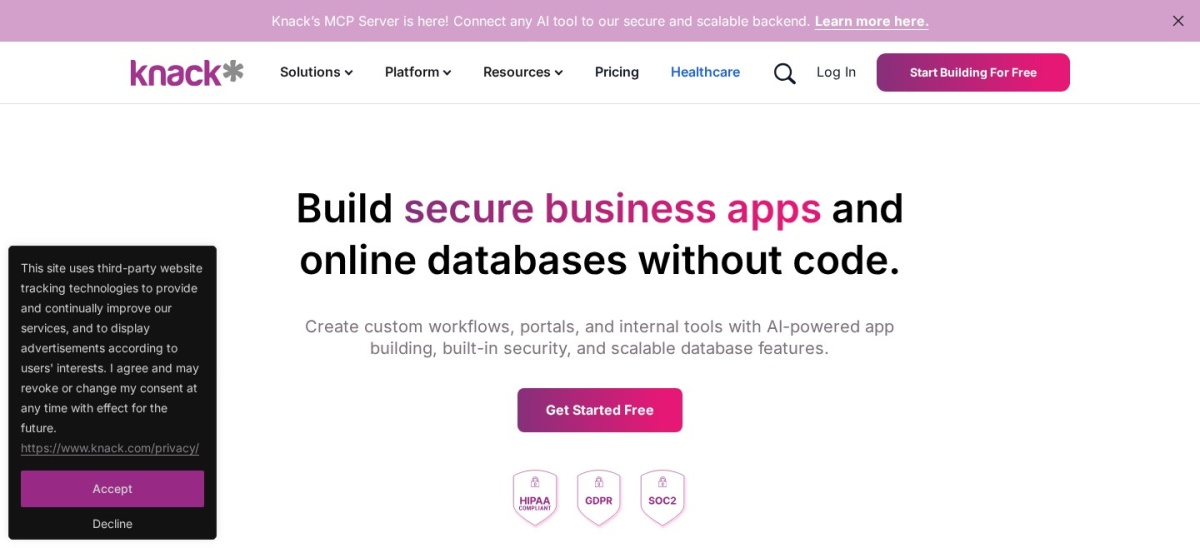
Knack homepage, captured Nov 2026.
Knack is a no-code online database platform for creating business applications, customer portals and structured data collection systems. Its Starter subscription supports 20,000 database records, unlimited application users and configurable web interfaces, forms, tables and fields.
The trade off is that building a complete application requires more planning than creating an ordinary spreadsheet, and Starter costs $49 per month with annual billing or $59 with monthly billing. It suits organizations that need customers, employees or partners to interact with database records through dedicated interfaces.
What we like
Unlimited application users on Starter
Custom web interfaces connected to database records
Flexible forms and database relationships
API and workflow integration capabilities
Watch out for
No permanent free subscription
Entry plan limits total database records
Application design takes more preparation than basic table editing
Starter includes visual application building and 20,000 database records.Visit knack.com
05
SmartSuite
4.4/5on G2 (241 reviews, checked Nov 2026)
Starts at$15/mo
Best for operational databases and business workflows
Team record capacity5,000 records per solution
File storage50GB
Minimum subscription3 billable users
Entry paid planTeam, $15/seat/mo billed annually
smartsuite.com
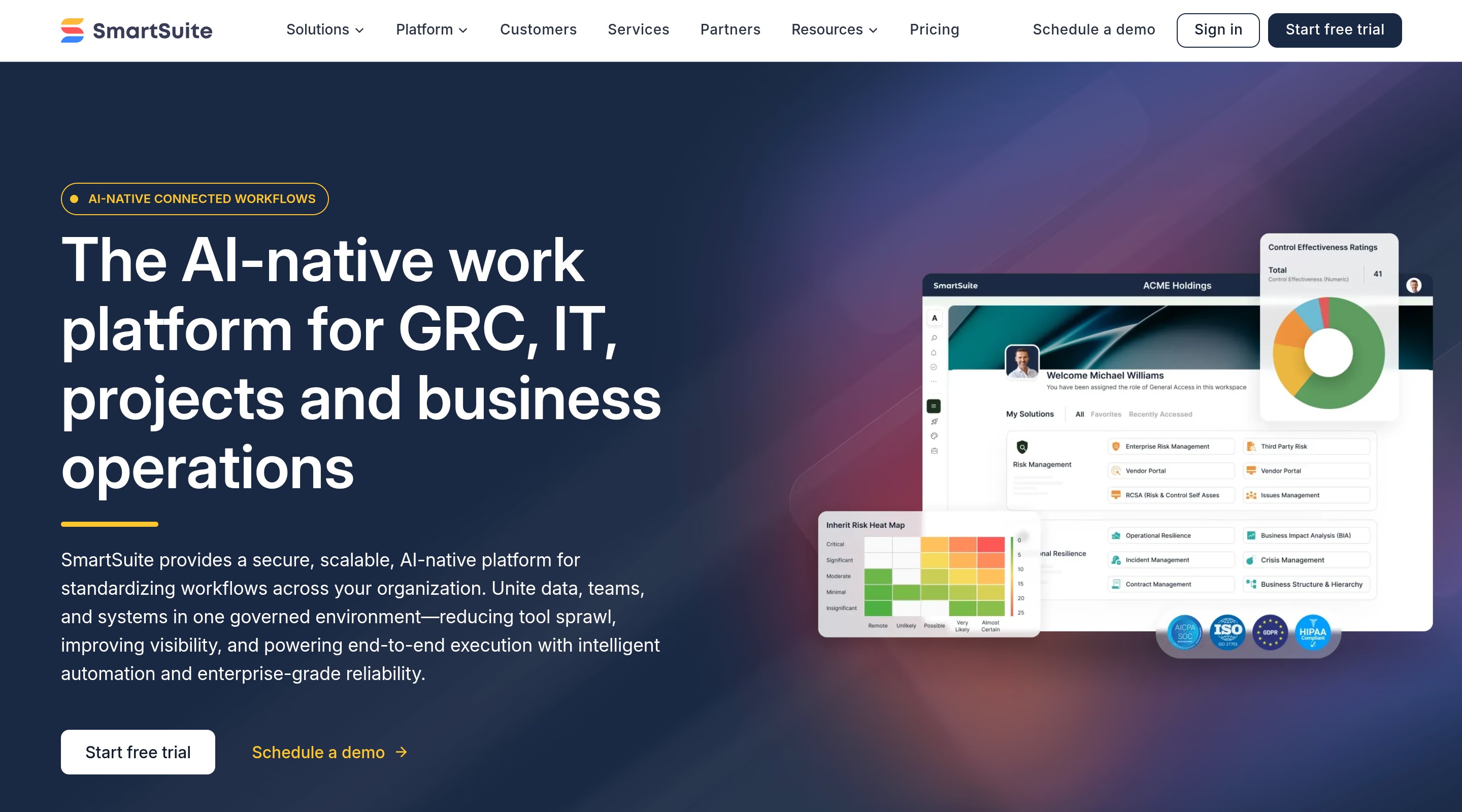
SmartSuite homepage, captured Nov 2026.
SmartSuite is a business operations and workflow platform that connects structured records with task management and process automation. Its Team subscription includes unlimited solutions, 5,000 records per solution, 50GB of file storage and a 30-day recycle bin.
The trade off is the minimum subscription requirement of three billable users, making Team cost at least $540 annually at its $15 per seat monthly rate. It suits established departments that want to manage operational databases and related business processes within a shared workspace.
What we like
Connected records support structured business processes
Unlimited solutions on the entry subscription
Combines database organization with workflow management
Free trial without automatic charges
Watch out for
Minimum three paid users
No permanent free subscription advertised
Advanced permissions require the Professional plan
Team includes unlimited solutions and 5,000 records per solution.Visit smartsuite.com
06
Kintone
4.6/5on G2 (292 reviews, checked Nov 2026)
Starts at$24/mo
Best for converting spreadsheets into departmental applications
Application creationDrag-and-drop builder
Spreadsheet conversionSupported
Minimum subscription5 users
Regular entry priceProfessional, $24/user/mo
kintone.com
Kintone homepage, captured Nov 2026.
Kintone is a no-code business application platform that helps teams replace disconnected spreadsheets with shared databases and approval workflows. Its Professional plan provides spreadsheet conversion, configurable record views, lookup fields, related records and collaboration tools, starting with a minimum of five users.
The trade off is the minimum seat commitment and regular Professional rate of $24 per user per month, resulting in a $1,440 annual minimum. A first-time subscriber offer advertises a lower $16 rate, but the comparison uses regular pricing. It suits departments replacing manual spreadsheet-based processes.
What we like
Visual application builder for non-technical staff
Spreadsheet conversion reduces manual setup
Built-in process management and approvals
Related records and lookup fields
Mobile application support
Watch out for
Minimum five-user subscription
No permanent free plan
Advanced customizations may require technical assistance
Professional includes database applications, approvals and collaboration tools.Visit kintone.com
07
Caspio
4.5/5on G2 (175 reviews, checked Nov 2026)
Starts at$270/mo
Best for database applications serving many users
Database foundationHosted SQL Server
Application usersUnlimited
Application builderVisual forms, reports and charts
Entry paid planTeam, $270/mo billed annually
caspio.com
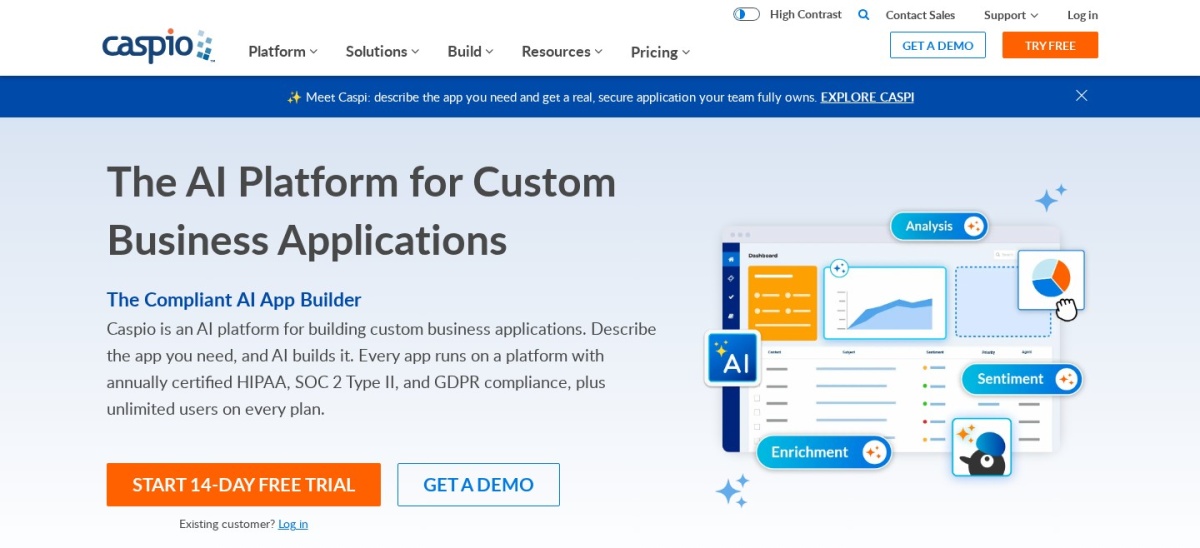
Caspio homepage, captured Nov 2026.
Caspio is a hosted database application platform that enables organizations to build custom forms, dashboards, reports and business applications without managing SQL Server directly. Its Team subscription starts at $270 per month with annual billing and supports unlimited application users.
The trade off is its higher starting subscription of $3,240 annually, compared with $300 per month on a monthly contract. It suits established businesses that need structured database applications for numerous employees, customers or external users and can justify a larger subscription budget.
What we like
Unlimited application users across paid plans
Hosted relational database foundation
Custom forms and reporting interfaces
Applications can be embedded into existing websites
No database server maintenance for customers
Watch out for
Highest published entry subscription in this comparison
More features than most personal database users need
Team includes hosted database applications and unlimited application users.Visit caspio.com
How much does easy-to-use database software really cost?
Per-user pricing works well for small internal teams. Airtable costs $240 per user annually, while Baserow Premium and Notion Plus each start at $120 per user annually. Your total subscription depends on how many collaborators require paid access.
Minimum seat requirements can change the affordability of a subscription. SmartSuite advertises $15 per seat per month with annual billing, but its three-seat requirement produces a $540 annual minimum. Kintone's regular five-user Professional subscription produces a $1,440 annual minimum.
Application-based pricing can be more economical when many people need access. Knack starts at $588 annually and includes unlimited application users. Caspio also includes unlimited application users, although its starting annual subscription is considerably higher at $3,240.
The price ladder compares advertised entry rates on an annualized basis, rather than identical team configurations. Per-seat subscriptions, minimum seat commitments and application-based subscriptions are not directly interchangeable. Calculate your total required subscription before making a purchasing decision.
When should beginners replace spreadsheets with database software?
A spreadsheet remains a sensible choice for simple calculations and independent lists. If you maintain a personal inventory or straightforward expense tracker, dedicated database software may introduce unnecessary setup and subscription costs.
A visual database becomes more useful when information is connected. Customer records can link to orders, products can link to suppliers, and employees can link to departments. These relationships reduce duplicate information and make updates easier to manage.
Dedicated database applications become valuable when people need different interfaces or access permissions. A customer might submit information through a form without viewing internal records, while an employee uses a dashboard to review the same information.
Start with the smallest workable database structure. Establish clear field names, unique record identifiers and consistent data entry rules before adding automations or application interfaces. Good organization makes a database easier to use regardless of which platform you select.
How we chose
We compared visual database platforms, spreadsheet-style databases and no-code application builders based on interface accessibility, linked records, data collection, collaboration, deployment options and subscription costs. Products received higher placement when they offered straightforward entry points for non-technical users.
We checked official pricing pages and public G2 or Capterra ratings on 29 Nov 2026. Annual prices reflect regular entry subscriptions, using standard annual billing rates where available. Review totals reflect the figures displayed on the review pages accessed, which may lag newly submitted reviews.
We excluded database engines that primarily require SQL, server administration or programming expertise. We also avoided unconfirmed pricing figures and distinguished free trials from permanent free subscriptions. No vendor paid for a place, and we do not claim testing for this list.
How to choose database software that is easy to use
Start by identifying the information your database must hold and the people who will manage it. Then evaluate each platform using these practical purchasing criteria.
Identify your records and relationships. List the information you need to store, such as customers, products, orders or projects. Determine which records must connect to each other. Choose a platform with linked records and suitable field types rather than relying entirely on independent spreadsheet-style tables.
Choose an interface your team already understands. Look for familiar grid editing, visual form builders, filters and configurable views. Airtable and Baserow are appropriate starting points for spreadsheet users. Notion works well when structured information needs to appear alongside written instructions or reference documents.
Calculate the actual subscription cost. Separate database editors from application users and check minimum seat requirements. Include record capacity, automation allowances and necessary permission features in your calculations. An affordable advertised rate may not cover the complete configuration your organization requires.
Check access controls and data portability. Confirm that users can access only the records and functions relevant to their responsibilities. Review export options, available integrations and hosting choices. Baserow deserves particular consideration when self-hosting is important, while Knack and Caspio suit dedicated user-facing applications.
FAQ
What is the best user friendly database software in 2026?
Airtable is the best user friendly database software for most beginners because it combines spreadsheet-style editing with linked records, forms and visual interfaces. It has a 4.6/5 G2 rating and offers a free subscription before users need to upgrade.
What is the easiest free database software for beginners?
Airtable and Baserow are excellent free database options for beginners. Airtable provides a familiar spreadsheet-style experience, while Baserow offers 3,000 rows and 2GB of storage per workspace. Notion is another suitable choice when databases need to sit alongside notes and documents.
Can I create a database without knowing SQL?
Yes, visual database platforms let you create tables, define fields, connect records and collect information without writing SQL. Airtable, Baserow and Knack provide interfaces designed for non-technical users. Understanding basic database relationships remains useful even when programming is unnecessary.
How much does user-friendly database software cost?
Paid subscriptions in this comparison start at $10 per user per month with annual billing. Baserow Premium and Notion Plus offer that entry rate, while Airtable Team costs $20 per user monthly. Application-based subscriptions such as Knack start at $49 monthly with annual billing.
Is Airtable or Baserow better for beginners?
Airtable is better for beginners who prioritize a familiar interface and established collaboration ecosystem. Baserow is better for buyers who prioritize affordability, open-source software or self-hosting. Baserow Premium starts at $10 per user monthly, compared with $20 for Airtable Team.
What is the best database software for a small business?
Airtable is a practical choice for small businesses managing customers, inventory, projects and internal records. Knack is more appropriate when a business needs customer-facing portals or dedicated database applications. Baserow offers a lower-cost option for straightforward internal databases.
Which database software is best for personal use?
Notion is particularly suitable for personal use because it combines databases with notes, documents and task organization. Its free subscription supports structured information management without requiring a separate application builder. Airtable and Baserow are better alternatives when table-based data management is the primary requirement.
Which easy database software allows unlimited users?
Knack and Caspio offer unlimited application users on their entry paid subscriptions. Knack starts at $49 per month with annual billing, while Caspio starts at $270. Check database record limits, application capacity and administrative access requirements separately before choosing either platform.
Is user-friendly database software better than Excel?
User-friendly database software is better than Excel when you need connected records, structured data entry, shared interfaces and controlled access. Excel remains appropriate for calculations, financial models and independent spreadsheets. The right choice depends on whether your information functions as a connected database.
SaaS SEO and WordPress specialist with about 8 years of experience. Rakib compares WordPress plugins, themes, hosting and software using public pricing, documentation and user reviews. See how we rank.