Lovable is the top vibe coding platform in 2026, pairing a 4.6/5 G2 rating across 503 reviews with full-stack web generation and two-way GitHub sync from $25/mo. Developers working inside existing repositories should pick Cursor ($8/mo) or Claude Code ($20/mo), while Bolt.new ($25/mo) suits rapid browser prototypes.
How we make this list: we compare pricing pages, product documentation and public user reviews, then re-check every price before each update. No product paid for a place. Disclosure.
Entry paid plans run from $8/mo for Cursor Plus up to $30/user/mo for v0 Plus, with most prompt-to-app builders clustered at $20/mo to $25/mo.
Lovable earns the highest user satisfaction among app builders at 4.6/5 on G2 (503 reviews) and includes unlimited workspace members on every tier.
Cursor holds a 4.6/5 G2 rating across 334 reviews and starts at $8/mo for its Plus tier, though third-party frontier models require its $30/mo Premium plan.
Replit ($20/mo) and Bolt.new ($25/mo) bundle hosting and databases into one tab, while Replit closed its free Starter tier to new builders in November 2026.
Credit and token burn during bug loops is the main hidden expense across every platform, making GitHub export essential before projects grow large.
What separates vibe coding platforms in 2026
Vibe coding tools split into two distinct camps: prompt-to-app builders that generate, host, and wire up databases from plain English, and AI-native editors or terminal agents built for developers editing local codebases. Choosing the wrong group wastes subscription credits fast because a browser app generator struggles with large multi-service repositories, while a local editor leaves deployment and database setup to you.
Sticker prices on pricing pages rarely reflect monthly spend. Most platforms meter work through credits, tokens, or compute quotas that drain faster as your codebase expands and the AI re-reads more files per prompt. A bug-fixing loop can burn a week of allowance in a single afternoon if you do not lock working files or export to Git.
Before committing to a paid tier, verify two practical safeguards: whether the tool supports two-way GitHub sync or clean code download so you never face vendor lock-in, and whether live app hosting draws from the same credit pool as building.
Best for non-technical founders shipping full-stack web apps
Free tier5 credits/day (30/mo cap)
Entry paid planPro at $25/mo ($250/yr)
Code exportTwo-way GitHub, GitLab & Bitbucket
Team seatsUnlimited workspace members
lovable.dev
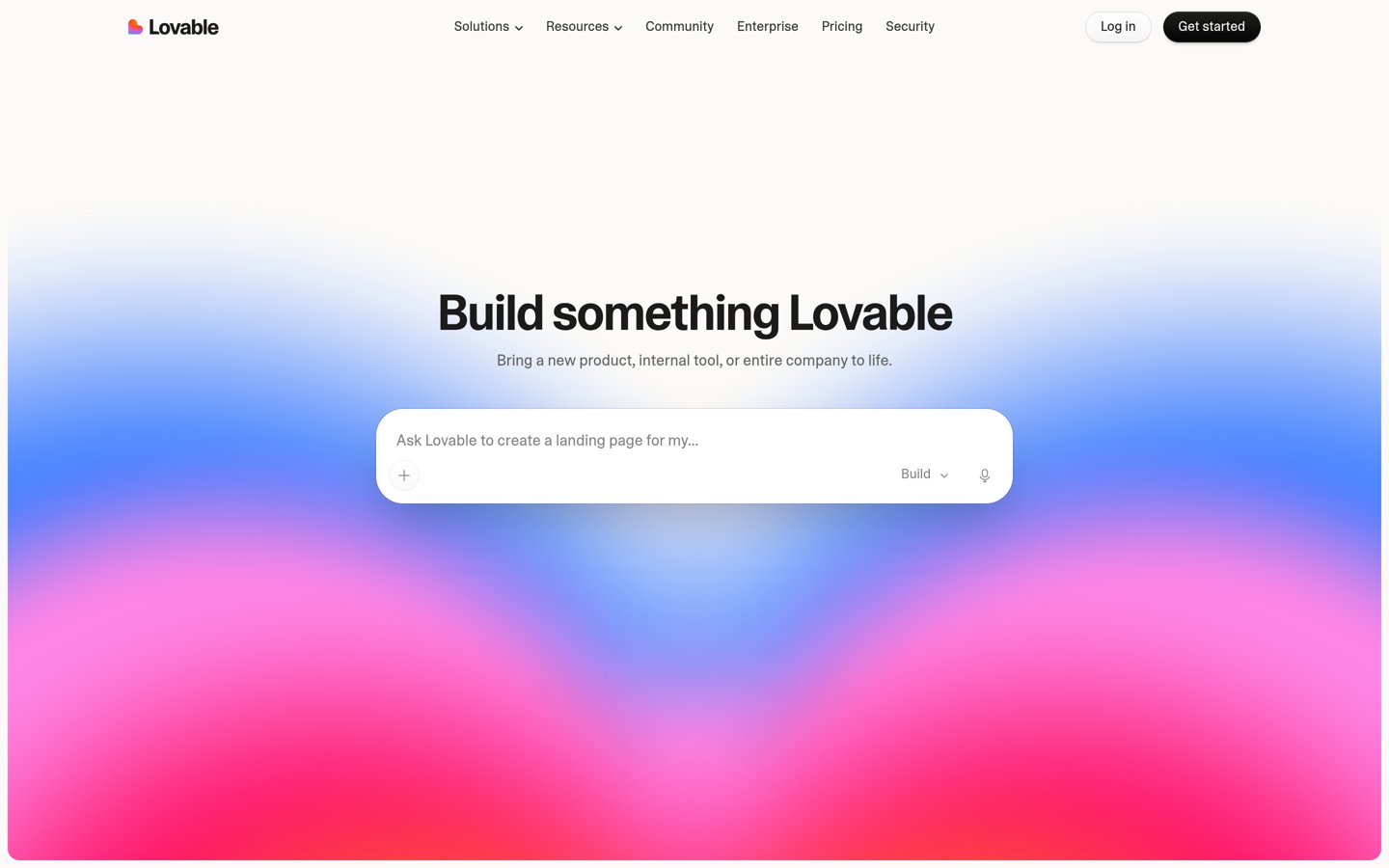
Lovable homepage, captured Nov 2026.
Lovable is a browser-based prompt-to-app builder that turns plain-English descriptions into full-stack web applications with built-in authentication, cloud hosting, and Git sync. Its Free plan includes 5 daily build credits capped at 30 per month plus 20 monthly Cloud credits, while the Pro plan starts at $25/mo ($250/yr billed annually) for 100 monthly credits, custom domains, and badge removal.
The trade off is that deployed app Cloud and AI gateway calls share your credit balance after monthly grants run out, so high-traffic apps or repetitive troubleshooting prompts can push costs into higher tiers. It suits solo founders and product teams who want clean UI output, unlimited collaborator seats, and full code ownership without managing local environments.
What we like
Unlimited workspace members on every plan with zero per-seat fees
Two-way sync with GitHub, GitLab, and Bitbucket plus code download on Pro
4.6/5 rating across 503 G2 reviews for UI quality and ease of use
Includes 5 daily build credits on top of monthly subscription credits
Watch out for
Free plan caps usage at 5 daily credits and 30 per calendar month
Fixing complex bugs can consume multiple credits in repetitive loops
Pro ($25/mo) adds 100 monthly credits, custom domains, code editing, and credit rollovers.Visit lovable.dev
02
Cursor
4.6/5on G2 (334 reviews, checked Nov 2026)
Paid from$8/mo
Best for developers vibe coding inside existing repositories
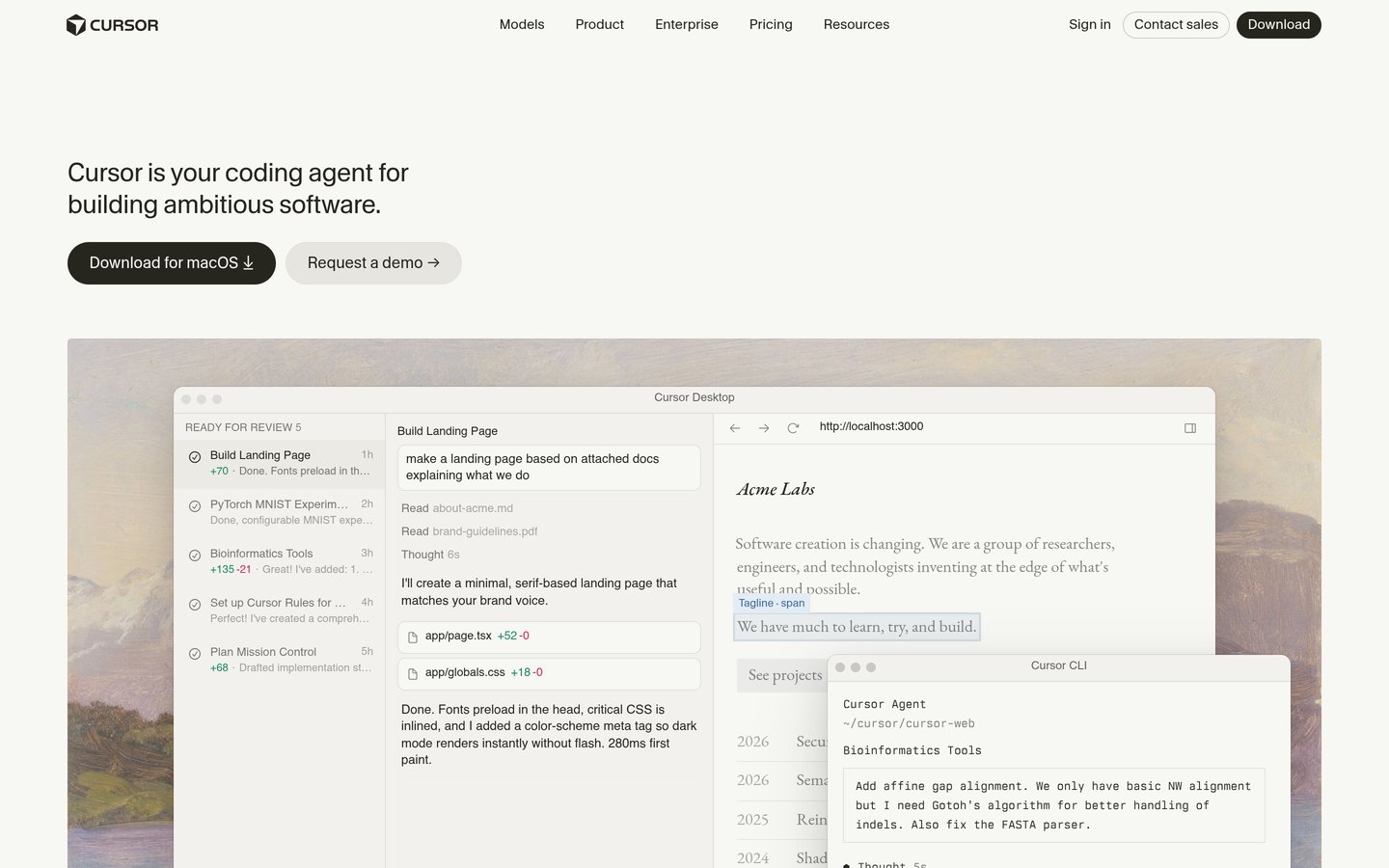
Cursor is an AI-native desktop code editor built on VS Code that indexes entire repositories for multi-file edits, inline completions, and autonomous agent runs. The Free tier offers a limited AI usage pool to evaluate the workflow, and the introductory Plus plan costs $8/mo for a shared AI usage pool.
The trade off is that Cursor generates and edits code locally without built-in hosting or databases, and accessing third-party frontier models plus cloud agents requires upgrading to the $30/mo Premium plan. It suits software engineers and technical builders who already use Git and want fast codebase-wide refactoring.
What we like
Lowest paid entry price at $8/mo with a 4.6/5 rating across 334 G2 reviews
Deep codebase indexing handles multi-file changes across real production repos
Familiar VS Code interface supports existing extensions, terminals, and MCP tools
Watch out for
Requires local installation and developer knowledge to deploy apps
Heavy agent sessions can exhaust usage allowances quickly on complex tasks
Plus ($8/mo) unlocks an introductory shared AI usage pool beyond the Free tier.Visit cursor.com
03
Claude Code
4.7/5on G2 (522 reviews, checked Nov 2026)
Starts at$20/mo
Best for complex multi-file reasoning in terminal or IDE
Free tierNot included in Claude Free
Entry paid planClaude Pro at $20/mo ($200/yr)
InterfacesTerminal CLI, IDE, desktop & web
WorkflowEdits files, runs tests & commits to Git
claude.com
Claude Code homepage, captured Nov 2026.
Claude Code is Anthropic's agentic coding tool that operates directly in your terminal, IDE, desktop app, or browser to explore repositories, edit multiple files, execute shell commands, and run test suites. Access is bundled into the Claude Pro subscription at $20/mo ($17/mo billed annually at $200 up front) with shared 5-hour and weekly usage limits.
The trade off is that Claude Code requires a paid plan or pay-as-you-go API key, and long agentic sessions on large codebases can hit the 5-hour session ceiling unless you upgrade to Max at $100/mo. It suits developers who want high-accuracy reasoning and terminal-native control over existing projects.
What we like
Highest G2 rating on this list at 4.7/5 across 522 reviews
Runs natively in your local environment with permission prompts before running commands
Bundled with a full Claude Pro subscription for research, docs, and coding
Watch out for
No free tier for Claude Code; requires at least a $20/mo Pro plan
5-hour rolling usage caps can pause long refactoring sessions mid-task
Claude Pro ($20/mo) includes Claude Code CLI and IDE access with shared 5-hour and weekly limits.Visit claude.com
04
Replit
4.4/5on G2 (421 reviews, checked Nov 2026)
Starts at$20/mo
Best all-in-one cloud workspace with database and hosting
Free tierClosed to new builders (3-day Core trial)
Entry paid planCore at $20/mo ($18/mo yearly)
Included credits$20/mo shared pool (no rollover)
DeploymentStatic, Autoscale & Reserved VMs
replit.com
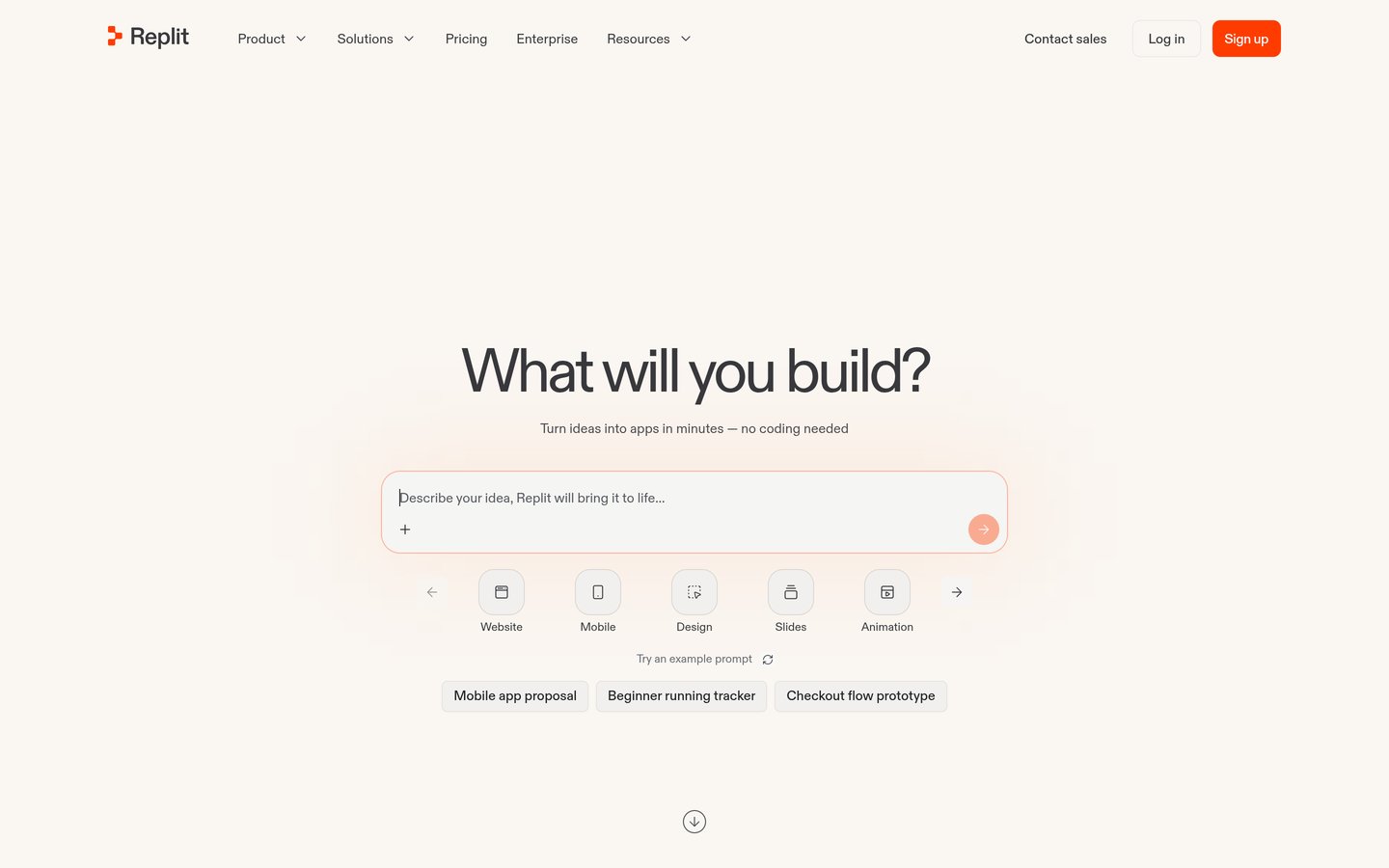
Replit homepage, captured Nov 2026.
Replit combines a cloud code editor, Replit Agent, PostgreSQL database, authentication, and instant deployment inside a single browser tab. Replit closed its free Starter tier to new builders in November 2026, leaving a 3-day trial before the Core plan at $20/mo ($18/mo billed annually), which includes $20 in monthly credits, up to 30 hours of Free Mode chat, and custom domains.
The trade off is that Agent prompts, AI integrations, database storage, and live app hosting all draw from the same $20 credit pool, and unused Core credits expire every billing cycle. It suits solo builders and small teams of up to five collaborators who want zero-setup backend infrastructure.
What we like
Complete full-stack environment with built-in PostgreSQL, auth, and one-click deploy
Supports up to 5 builders on the $20/mo Core plan with GitHub sync
Accessible from desktop or mobile browsers without local dependencies
Watch out for
Free Starter tier is closed to new signups and trial requires a payment method
Building and live hosting share one $20 credit pool with no monthly rollover on Core
Core ($20/mo) provides $20 in monthly credits, custom domains, and up to 5 workspace builders.Visit replit.com
05
Bolt.new
4.3/5on G2 (134 reviews, checked Nov 2026)
Paid from$25/mo
Best for instant browser prototypes and live demos
Free tier1M tokens/mo (300K daily limit)
Entry paid planPro at $25/mo ($216/yr)
Included allowance10M tokens/mo, no daily cap
HostingUp to 1M web requests/mo on Pro
bolt.new
Bolt.new homepage, captured Nov 2026.
Bolt.new by StackBlitz runs a full Node.js environment directly inside your browser via WebContainers so you can prompt, preview, and deploy web or Expo apps with zero local setup. Its Free plan provides 1 million tokens per month (capped at 300,000 per day), while the Pro plan costs $25/mo ($18/mo billed annually at $216/yr) for 10 million monthly tokens, custom domains, and token rollover.
The trade off is that Bolt meters usage by tokens read and written, meaning larger projects burn tokens faster on every prompt because the AI re-reads existing project files. It suits founders, marketers, and developers who need clickable prototypes and landing pages shipped in minutes.
What we like
Zero-setup in-browser Node.js runtime installs packages and previews changes live
Paid Pro tokens roll over for up to two months and remove daily caps
Built-in hosting, database options, Stripe/Figma integrations, and GitHub sync
Watch out for
Token burn accelerates as project file count grows or when debugging loops occur
Free plan sites display a Made in Bolt badge and cap daily usage at 300K tokens
Pro ($25/mo) unlocks 10M monthly tokens, custom domains, badge removal, and 1M web requests.Visit bolt.new
06
v0 by Vercel
4.5/5on G2 (150+ reviews, checked Nov 2026)
Paid from$30/mo
Best for React, Tailwind, and Next.js interface generation
Free tier$5 one-time credits, 7 messages/day
Entry paid planPlus at $30/user/mo
Stack focusNext.js, React, Tailwind & shadcn/ui
DeploymentNative Vercel preview & deploy
v0.app
v0 by Vercel homepage, captured Nov 2026.
v0 by Vercel is an agentic web builder specialized in generating clean React, Tailwind CSS, and Next.js interfaces alongside full-stack Vercel deployments. New users get a Free tier with $5 in starter credits, Design Mode visual editing, GitHub sync, and a 7-message daily limit, while the Plus plan costs $30/user/mo for $30 in monthly credits plus $2 in daily login credits.
The trade off is per-user seat pricing and tight lock-in to the React and Vercel ecosystem, as v0 defaults to Next.js even if you ask for Vue or Svelte. It suits frontend developers, designers, and teams already hosting on Vercel who want production-grade UI components.
What we like
Generates clean, modular React and Tailwind code with visual Design Mode tweaks
Native one-click Vercel deployment and GitHub repository sync
Plus tier adds $2 in free daily login credits on top of $30 monthly credits
Watch out for
Cheapest self-serve paid plan on the pricing page is $30/user/mo
Restricted to the React/Next.js stack; training opt-out starts at $100/user/mo
Plus ($30/user/mo) removes the 7-message daily cap and grants $30 monthly plus $2 daily credits.Visit v0.app
07
GitHub Copilot
4.4/5on G2 (403 reviews, checked Nov 2026)
Paid from$10/mo
Best budget coding agent integrated directly into GitHub
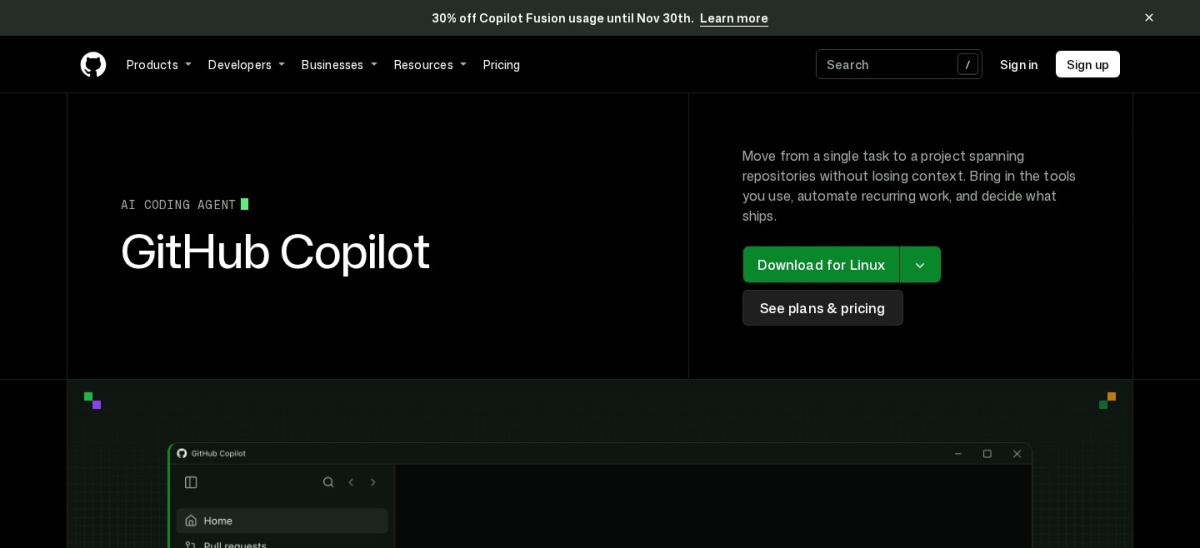
GitHub Copilot brings inline autocomplete, multi-file IDE agent mode, a terminal CLI, and cloud coding agents that open pull requests directly inside GitHub repositories. The Free plan includes 2,000 completions per month and limited agent usage, while Copilot Pro costs $10/user/mo for unlimited completions, $15 in monthly AI credits, and access to third-party agents.
The trade off is that premium frontier models like Opus and larger credit pools require upgrading to Copilot Pro+ at $39/user/mo, and Copilot does not provision hosting or databases for non-coders. It suits developers already living in GitHub who want an affordable agentic workflow across VS Code, JetBrains, and Xcode.
What we like
Affordable $10/mo Pro plan includes $15 in total monthly GitHub AI credits
Assigning a GitHub issue to Copilot automatically generates a draft pull request
Supports VS Code, JetBrains, Visual Studio, Xcode, Eclipse, and terminal CLI
Watch out for
No visual app builder, database, or hosting for non-technical users
Opus-class models and audit logs require the $39/mo Pro+ tier
Pro ($10/mo) unlocks unlimited completions, cloud PR agents, and $15 in monthly AI credits.Visit github.com
08
Base44
4/5on G2 (4 reviews, checked Nov 2026)
Paid from$20/mo
Best entry price for all-in-one prompt-to-app hosting
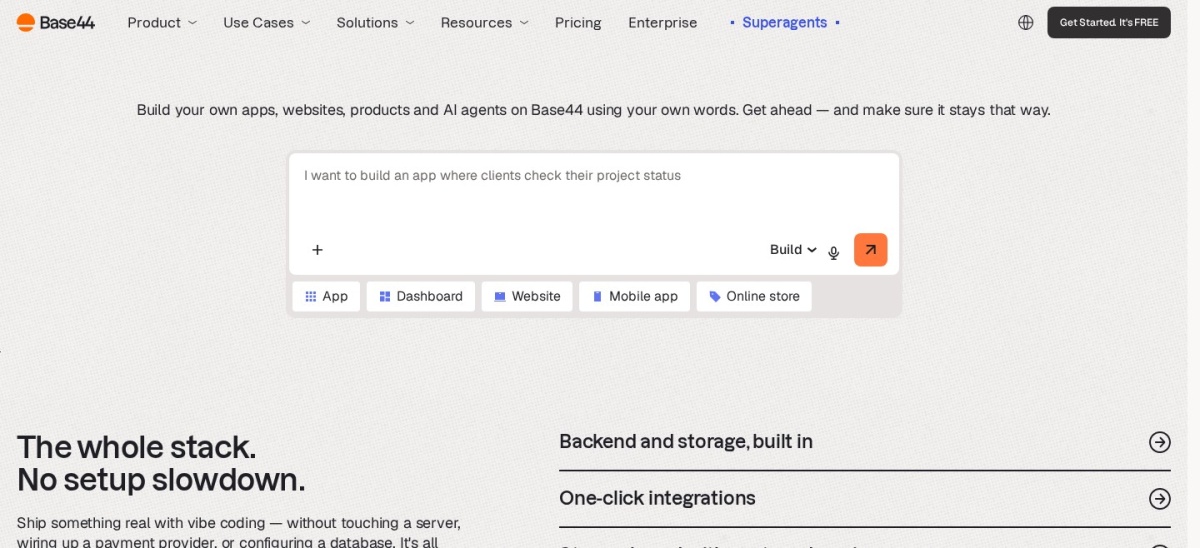
Base44 is an all-in-one AI app builder that generates web applications with built-in databases, user authentication, analytics, and hosting from conversational prompts. Its Free tier includes 25 message credits and 100 integration credits per month for up to 5 apps, while the Starter plan costs $20/mo ($16/mo billed annually) for unlimited apps, 100 message credits, 2,000 integration credits, and custom domains.
The trade off is that GitHub integration and backend functions are locked behind the Builder plan at $50/mo ($40/mo billed annually), and live app actions consume integration credits. It suits non-technical solo builders who want an inexpensive hosted internal tool or MVP without external backend setup.
What we like
Starter plan at $20/mo ($16/mo yearly) includes a free custom domain for year one
Built-in authentication, database, and analytics work out of the box
Free forever plan lets you test up to 5 functional apps before paying
Watch out for
GitHub sync requires upgrading to the $50/mo Builder plan
Mixed Trustpilot feedback (2.7/5 across 947 reviews) citing credit burn during bug fixes
Starter ($20/mo) removes the 5-app cap and adds 100 message credits, 2,000 integration credits, and custom domains.Visit base44.com
Why sticker prices rarely match your monthly bill
Every platform on this list translates natural-language prompts into underlying LLM token usage, but each packages that meter differently. Bolt.new bills raw tokens (10M on Pro), Lovable and Base44 count message or build credits, and Replit plus v0 deduct dollar-denominated credits for both AI generation and live cloud compute.
As an app grows from 5 files to 50 files, each prompt requires the agent to read more context before editing. Asking a builder to fix a vague visual bug without specifying the target file often triggers full-file rewrites that consume three to five times more allowance than the initial build.
How we chose
We evaluated leading vibe coding platforms across both prompt-to-app web builders and AI-native coding editors, verifying active maintenance, transparent public pricing, and real user review profiles on G2 and Trustpilot.
All prices, credit allowances, and ratings were verified on 29 Nov 2026 directly from official vendor pricing pages and documentation, listing each product's regular monthly entry price alongside any annual billing discount.
Tools without publicly verifiable pricing pages, abandoned forks, and platforms lacking clear code export or repository workflows were excluded. No vendor paid for a place, and we do not claim testing for this list.
How to pick the right vibe coding platform
Follow four practical checks before subscribing to a paid credit tier:
Match the tool to your deployment comfort. Pick Lovable, Replit, Bolt.new, or Base44 if you want hosting, authentication, and databases handled in one browser tab; pick Cursor, Claude Code, or GitHub Copilot if you already manage your own Git repository and hosting.
Confirm code export on your target tier. Verify whether two-way GitHub sync or zip download is included on the entry plan—Lovable and Bolt.new include GitHub sync early, whereas Base44 gates GitHub integration behind its $50/mo Builder tier.
Separate build credits from live hosting costs. Check whether live traffic and database queries draw from the same monthly pool as AI prompts, which happens on Replit and Lovable Cloud, so a popular app does not stall your editing budget.
Prototype on free tiers before upgrading. Run the exact same three-prompt app spec across two or three free plans to see which model structure needs fewer bug-fix loops before paying for monthly credits.
FAQ
What is the best vibe coding platform for beginners with no coding background?
Lovable is the strongest starting point for non-coders because it generates frontend UI, database logic, and authentication from plain English while letting you publish in one click. Its Free plan gives you 5 daily credits (up to 30/mo) to test ideas before moving to the $25/mo Pro plan.
Which vibe coding tool is cheapest for existing developers?
Cursor Plus starts at $8/mo for an introductory AI usage pool inside a VS Code-based editor, and GitHub Copilot Pro costs $10/mo with unlimited completions and $15 in monthly AI credits. Both work directly inside your existing local repositories without extra hosting fees.
Does Replit still have a free plan in 2026?
No, Replit closed its free Starter plan to new builders in November 2026. New accounts now start with a 3-day trial of Replit Core (requiring a payment method) before billing at $20/mo, or $18/mo when paid annually.
Can I export my code and leave a vibe coding platform later?
Yes, most major tools let you own and export your source code. Lovable, Bolt.new, Replit, and v0 all support GitHub repository syncing, while Cursor, Claude Code, and GitHub Copilot edit files directly inside your own local Git folder.
Why do vibe coding credits run out so fast during bug fixes?
Each follow-up prompt forces the AI agent to re-read your project files, diagnose errors, and rewrite code. Vague troubleshooting prompts often trigger repetitive loops that consume far more tokens or credits than generating the initial prototype.
SaaS SEO and WordPress specialist with about 8 years of experience. Rakib compares WordPress plugins, themes, hosting and software using public pricing, documentation and user reviews. See how we rank.