Qase is the best test management tool overall, offering unlimited projects, test runs and storage on its $35 per user monthly Teams plan with annual billing. Choose Testmo for centralized manual, exploratory and automated testing or Kualitee for affordable test management with integrated defect tracking.
How we make this list: we compare pricing pages, product documentation and public user reviews, then re-check every price before each update. No product paid for a place. Disclosure.
Qase earns 4.7/5 from 335 G2 reviews and supports 35+ integrations on its Teams plan.
Testmo lists its Team plan at $59 per month for five users, with a 15% annual billing discount.
Kualitee offers a free plan for three users and lists a regular paid rate of $15 per user per month.
PractiTest lists a 10-tester Team package at $5,640 annually.
BrowserStack Test Management starts at $99 per month for five users with annual billing.
TestCollab Premium costs $29 per user per month with annual billing and includes unlimited test cases and runs.
What to look for in test management tools
Test management tools help software teams organize test cases, plan releases, assign testing responsibilities and track execution results. They replace disconnected spreadsheets with centralized records of software quality.
Look for reusable test cases, configurable execution statuses, requirement traceability and historical results. These capabilities make regression testing easier and help QA managers identify untested requirements.
Automation integrations matter when teams use continuous integration pipelines. A suitable platform should import automated results and connect failures with existing issue-tracking workflows.
Pricing models differ between named-user subscriptions, team packages and concurrent-user licenses. Compare the actual annual cost for your team rather than assuming every advertised monthly price covers the same number of testers.
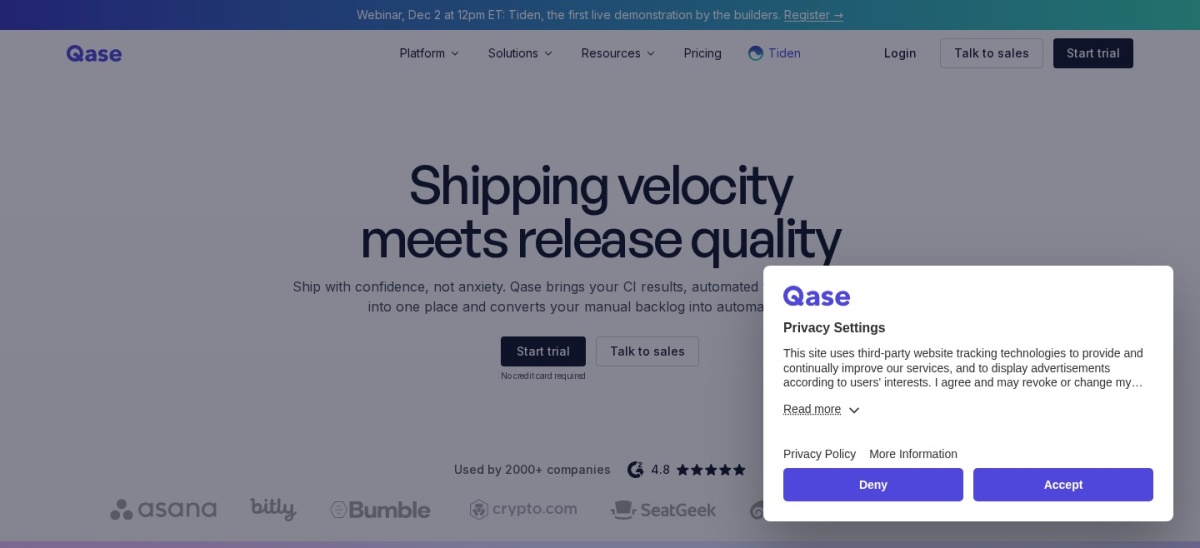
Qase is a test management platform that combines manual test cases, automated results and requirement coverage. Its free edition includes two projects, 500 MB of storage and 5,000 monthly API results, while Teams removes project and storage restrictions.
The trade off is that the free plan retains test history for only 30 days. Teams costs $35 per user per month with annual billing or $42 with monthly billing. It suits growing engineering teams connecting manual testing with automated delivery pipelines.
What we like
Centralized manual and automated results
Requirements traceability
Permanent free edition
Extensive integration options
Configurable access permissions
Watch out for
Limited free test history
Advanced features increase per-user costs
AI features have credit allowances
Teams adds unlimited projects, extended history, audit logs and advanced integrations.Visit qase.io
02
Testmo
4.6/5on G2 (27 reviews, checked Nov 2026)
Starts at$59/mo
Best for unified manual and automated testing
Entry planTeam
Included users5
Test casesUnlimited
Annual billing discount15%
testmo.com
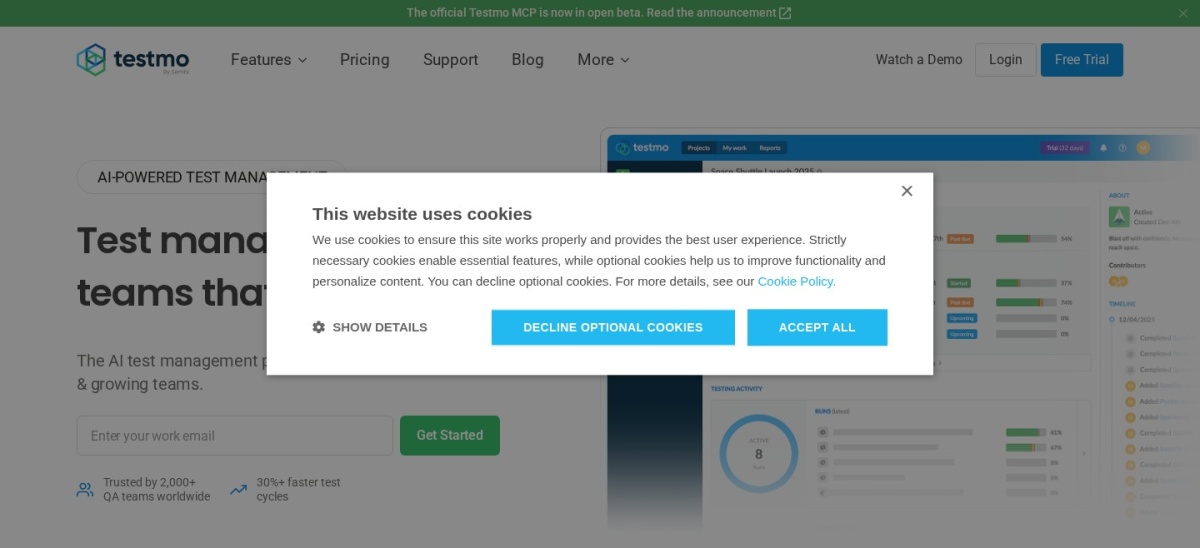
Testmo homepage, captured Nov 2026.
Testmo is a centralized QA platform supporting manual execution, exploratory sessions and automated test results. Its official Team pricing lists five users, unlimited projects, unrestricted test case creation and integrations with Jira, GitHub, GitLab and Linear.
The trade off is that advanced reporting and customizable permissions require Business. The vendor lists Team at $59 monthly, although G2 displays a different price of $99. It suits QA teams consolidating multiple testing approaches and should be priced again at checkout.
What we like
Dedicated exploratory testing workflows
Unlimited automated test results
Multiple issue-tracker integrations
Shared team subscription
Watch out for
No permanent free edition
Advanced reporting requires an upgrade
Conflicting pricing on independent listings
Team includes unlimited test records, automation results and Testmo AI.Visit testmo.com
03
Kualitee
4.6/5on G2 (243 reviews, checked Nov 2026)
Paid from$15/mo
Best for affordable integrated defect tracking
Paid planHypergrowth
Free users3
Free test cases500
Free defect records200
kualitee.com
Kualitee homepage, captured Nov 2026.
Kualitee is a test management platform combining test execution, defect reporting and QA analytics. Its free edition accommodates three users, one project, 500 test cases and 200 defect records, alongside integrations and customizable reports.
The trade off is that growing teams need a paid subscription, with the regular rate displayed as $15 per user monthly and a limited-time $12 offer. It suits smaller QA departments that want test management and defect tracking within the same application.
What we like
Affordable regular subscription
Integrated defect management
Permanent free edition
Support for automated testing integrations
Watch out for
Free edition limits projects and records
Promotional pricing complicates cost comparisons
Enterprise contract terms require a quotation
Hypergrowth expands test management capacity and paid AI allowances.Visit kualitee.com
04
PractiTest
4.3/5on G2 (237 reviews, checked Nov 2026)
Starts at$47/mo
Best for structured QA governance
Entry planTeam
Published package10 testers
Annual package cost$5,640
Comment users5 additional per license
practitest.com
PractiTest homepage, captured Nov 2026.
PractiTest is a test management platform designed around requirement coverage, release readiness and centralized QA reporting. Its Team package includes unlimited projects, configurable dashboards, test execution modules and five additional comment users per tester license.
The trade off is the higher entry cost of $47 per user monthly, with a published annual package of $5,640 for 10 testers. It suits established QA departments that need structured reporting, requirement traceability and visibility across several software projects.
What we like
Detailed requirement coverage reporting
Configurable dashboards
Additional stakeholder comment access
Integration with automation workflows
Watch out for
Higher starting cost
No permanent free edition
Advanced security features require Corporate
Team includes testing modules, data analytics and reporting capabilities.Visit practitest.com
05
TestCollab
4.4/5on G2 (37 reviews, checked Nov 2026)
Starts at$29/mo
Best for reusable test cases and versioning
Entry planPremium
Test cases and runsUnlimited
Test run historyUnlimited
BillingAnnual, per user
testcollab.com
TestCollab homepage, captured Nov 2026.
TestCollab is a cloud-based test management platform supporting reusable test steps, test case versioning and requirement coverage. Its Premium subscription costs $29 per user monthly with annual billing and includes unlimited test cases, runs and historical execution records.
The trade off is that parameterized test cases, AI-assisted automation and approval workflows require the $39 per user monthly Elite subscription. It suits teams maintaining extensive regression libraries that need reusable cases and clear historical records.
What we like
Unlimited test run history
Reusable test steps and suites
Test case versioning
Bidirectional Jira integration
Watch out for
No advertised permanent free plan
Parameterized tests require Elite
Advanced approval workflows require an upgrade
Premium includes unlimited cases, historical results, versioning and custom fields.Visit testcollab.com
06
BrowserStack
4.4/5on G2 (3,364 reviews, checked Nov 2026)
Paid from$99/mo
Best for connected software testing workflows
Entry planTeam
Included users5
Free test casesUnlimited
Annual Team cost$1,188
browserstack.com
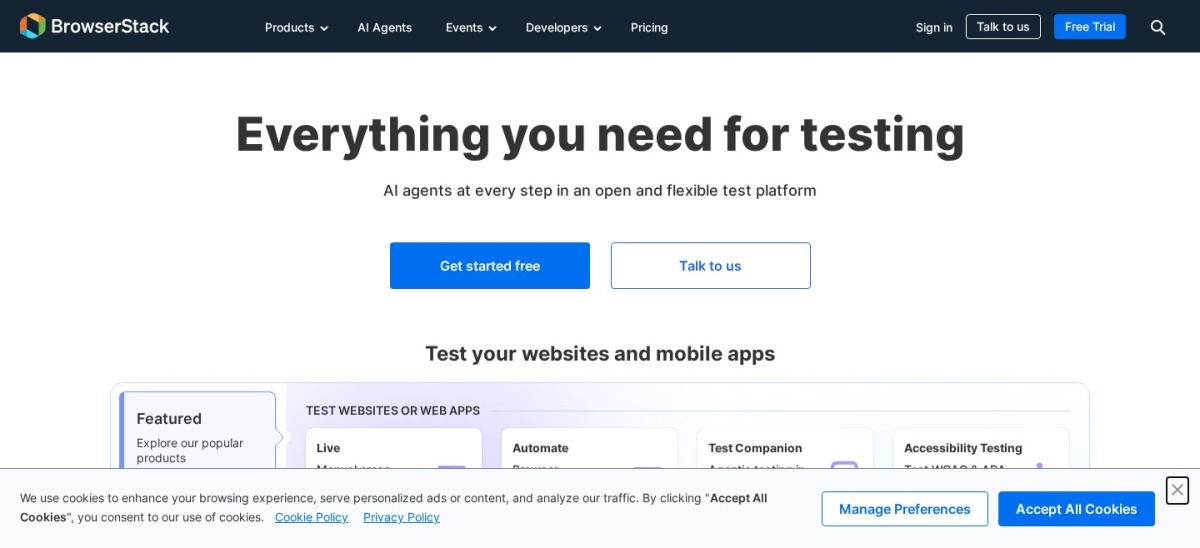
BrowserStack homepage, captured Nov 2026.
BrowserStack is a software testing platform that includes centralized test management alongside browser, device and automation testing products. Its free test management edition supports unlimited test cases, while Team costs $99 monthly for five users with annual billing.
The trade off is that broader device-testing products and advanced automation capabilities may require additional subscriptions. Team Pro costs $199 monthly with annual billing. It suits development teams already using BrowserStack or looking to consolidate testing infrastructure and QA records.
SpiraTest is Inflectra's test and quality management platform combining requirements, release planning, defect tracking and execution records. Its entry self-hosted license supports three concurrent users, with unlimited named users and projects.
The trade off is the $1,372.67 initial self-hosted license and matching annual renewal price, alongside infrastructure administration. Cloud hosting is available separately. It suits organizations that need deployment control or concurrent licensing instead of purchasing a dedicated seat for every occasional tester.
What we like
Concurrent-user licensing
Self-hosted deployment available
Integrated requirements and defect tracking
Unlimited named users and projects
Watch out for
High initial license cost
Self-hosting requires infrastructure management
Concurrent usage limited by purchased capacity
The entry license supports three simultaneous users and unlimited named accounts.Visit inflectra.com
Test management tools vs. test automation tools
Test management platforms organize testing activities, maintain test cases and consolidate execution results. They help teams understand requirement coverage, release progress and outstanding defects.
Test automation tools execute repeatable checks against software applications. Frameworks such as Playwright and Selenium focus on running tests rather than managing the entire QA lifecycle.
Many development teams use both categories together. Automated test results flow into a management platform where QA leads can compare outcomes against manual testing, requirements and release expectations.
How we chose
We shortlisted established platforms offering test case organization, execution tracking, requirement coverage and integrations with software development workflows. Rankings prioritize test management capabilities, pricing transparency and independent user feedback.
We checked official pricing pages and G2 ratings on 27 Nov 2026. Annual prices use published annual billing rates where available. The price ladder mixes per-user subscriptions and team licenses, so readers should compare billing units. Kualitee uses its displayed regular price rather than its temporary discount.
We excluded TestRail because its pricing page was blocked, Tuskr because its pricing page returned an error, and Testiny because its G2 review count was below the target. Testmo's official pricing conflicts with G2, and Kualitee's annual pricing statements are inconsistent; both limitations are disclosed. No vendor paid for a place, and we do not claim testing for this list.
How to choose the best test management tools
Evaluate your QA processes, automation requirements, team size and reporting responsibilities before selecting a test management platform.
Identify your testing workflows. Determine whether your team primarily performs manual regression testing, exploratory testing, automated execution or a combination of these approaches.
Check development tool integrations. Confirm compatibility with your issue tracker, source control platform, automation frameworks and continuous integration pipelines.
Evaluate traceability and reporting. Look for requirement coverage, historical execution records, configurable reports and defect associations that support your release approval process.
Calculate the complete annual cost. Compare named-user pricing, team packages and concurrent-user licenses. Include required upgrades, automation allowances, infrastructure expenses and additional stakeholder access.
FAQ
What is the best test management tool?
Qase is our top overall pick because it combines manual testing, automated results, requirement traceability and integrations within a centralized platform. Its Teams subscription costs $35 per user monthly with annual billing.
Are there free test management tools?
Yes. Qase, Kualitee and BrowserStack offer permanent free test management options. Kualitee supports three free users and 500 test cases, while Qase includes two projects and limited historical result retention.
What is the difference between test management and bug tracking?
Test management organizes test cases, execution plans, requirements and testing outcomes. Bug tracking focuses on recording, assigning and resolving defects. Integrated platforms connect failed test executions directly with defect records.
Which test management tool is best for automated testing?
Testmo is particularly suitable for combining automated results with manual and exploratory testing. Qase is another practical choice for engineering teams that need centralized results, framework integrations and requirement coverage.
How much do test management tools cost?
Pricing varies by licensing model. Kualitee displays a regular rate of $15 per user monthly, Qase costs $35 per user monthly with annual billing, and BrowserStack Team costs $99 monthly for five users.
SaaS SEO and WordPress specialist with about 8 years of experience. Rakib compares WordPress plugins, themes, hosting and software using public pricing, documentation and user reviews. See how we rank.