Disk Drill is the best SSD data recovery software for most users, offering Windows and macOS recovery, disk imaging and unlimited recovery on its $50 annual plan. Choose EaseUS for guided file recovery or R-Studio for technical recovery involving damaged partitions and complex file systems.
How we make this list: we compare pricing pages, product documentation and public user reviews, then re-check every price before each update. No product paid for a place. Disclosure.
Disk Drill costs $50 per year and supports both Windows and macOS under a license covering up to 3 devices.
EaseUS earns 4.8/5 from 424 G2 reviews and offers a $69.95 nonrenewing monthly license.
R-Studio starts at $49.99 for its permanent FAT recovery license, with broader file system support available separately.
Stellar Data Recovery for Windows earns 4.9/5 from 3,738 product reviews on Trustpilot.
MiniTool charges $69 for the initial monthly license, with subsequent monthly renewals costing $59.
4DDiG earns 4.8/5 from 267 G2 reviews, with monthly recovery software pricing listed at $45.95.
How do you choose the best SSD data recovery software?
SSD recovery depends on whether the original data remains accessible. Unlike traditional hard drives, solid-state drives use internal management processes that can permanently clear deleted data. Buying more expensive software does not necessarily improve your chances when those processes have already removed the underlying information.
TRIM is the biggest limitation when recovering deleted SSD files. It informs the storage controller that certain blocks are no longer needed. Subsequent garbage collection can erase their contents, leaving recovery applications unable to reconstruct the original files.
Free scanning is more valuable than a long feature list. A recovery application should let you inspect recognizable documents, images or videos before purchasing a license. A filename appearing in scan results does not necessarily mean its contents are recoverable.
Disk imaging helps protect the original storage device. If an SSD remains readable but behaves unpredictably, creating an image may allow subsequent recovery attempts without repeatedly accessing the original drive. Physically failing drives require professional assessment.
License duration matters for occasional recovery jobs. A monthly license may cost less upfront, while annual and permanent licenses can offer better value for repeated recovery work. Always check whether the advertised price is promotional or whether the subscription renews automatically.
For RAW drive recovery and encrypted storage options
$59.95/mo
No free plan
3.3/5
Price ladder: cheapest paid plan per year
List prices, USD, checked Nov 2026
R-Studio$50
Disk DrillFREE$50
StellarFREE$70
4DDiGFREE$551
iBoysoft$719
MiniToolFREE$828
EaseUSFREE$839
The 7 best SSD data recovery tools
01
Disk Drill
4/5on G2 (65 reviews, checked Nov 2026)
Paid from$50/yr
Best for everyday SSD data recovery
Operating systemsWindows and macOS
Free recovery100 MB on Windows
Disk imagingByte-to-byte backups
Paid planPRO, $50/yr
cleverfiles.com
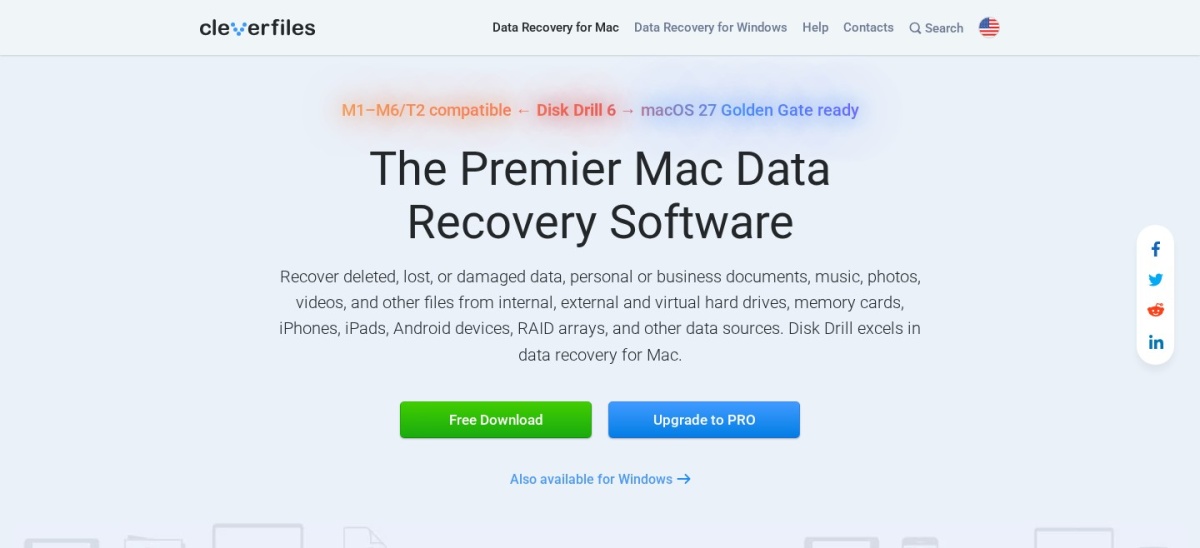
Disk Drill homepage, captured Nov 2026.
Disk Drill is a desktop recovery application that combines deleted file scanning, partition discovery, file previews and disk imaging. Its free Windows edition recovers up to 100 MB, while the PRO annual subscription covers unlimited recovery across Windows and macOS with up to 3 device activations.
The trade off is its limited free Windows recovery allowance and restrictive refund policy for activated licenses. PRO costs $50 annually at regular pricing, with promotional discounts available during the check. It suits home users, freelancers and small businesses that want accessible scanning and backup tools.
What we like
Single license covers Windows and macOS
Byte-to-byte disk imaging in the free edition
File previews before purchasing
Permanent license option available
Clear recovery interface for nontechnical users
Watch out for
Small free recovery allowance on Windows
Activated licenses generally have restricted refund eligibility
Cannot recover SSD blocks already erased by garbage collection
PRO removes recovery limits and supports up to 3 device activations.Visit cleverfiles.com
02
EaseUS Data Recovery
4.8/5on G2 (424 reviews, checked Nov 2026)
Paid from$69.95/mo
Best for beginners recovering deleted SSD files
Operating systemsWindows and macOS
Recovery scenariosDeletion, formatting and corruption
Entry licenseOne computer for one month
Paid planProfessional, $69.95/month
easeus.com
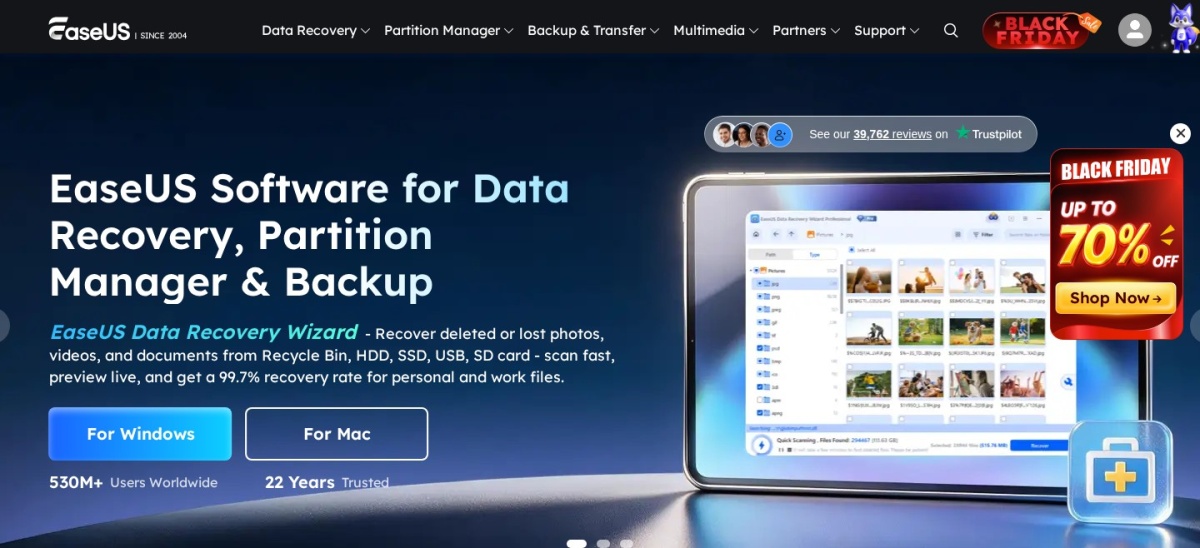
EaseUS Data Recovery homepage, captured Nov 2026.
EaseUS Data Recovery is a guided recovery application for deleted documents, photos, videos and files on formatted or inaccessible storage devices. Its $69.95 monthly Windows license covers one computer, includes remote assistance and allows users to restore files beyond the free edition's recovery allowance.
The trade off is the cost of repeated short-term purchases. The nonrenewing monthly license costs $69.95, while a nonrenewing annual license costs $99.95, making the latter more economical for ongoing use. It suits beginners who prefer a straightforward scanning process instead of advanced disk management controls.
What we like
Accessible recovery workflow for beginners
High G2 rating across hundreds of reviews
Nonrenewing license options available
Remote assistance included with paid licenses
Supports formatted and accidentally deleted storage
Watch out for
Monthly licensing is expensive for repeated use
Windows and Mac purchases are separate
Recovery results depend on the original SSD condition
Professional unlocks unlimited file recovery and remote assistance.Visit easeus.com
03
R-Studio
4.5/5on Capterra (85 reviews, checked Nov 2026)
Starts at$49.99 one-time
Best for advanced SSD partition recovery
Operating systemsWindows, macOS and Linux editions
Entry editionR-Studio FAT
Full edition$79.99
License typePermanent
r-studio.com
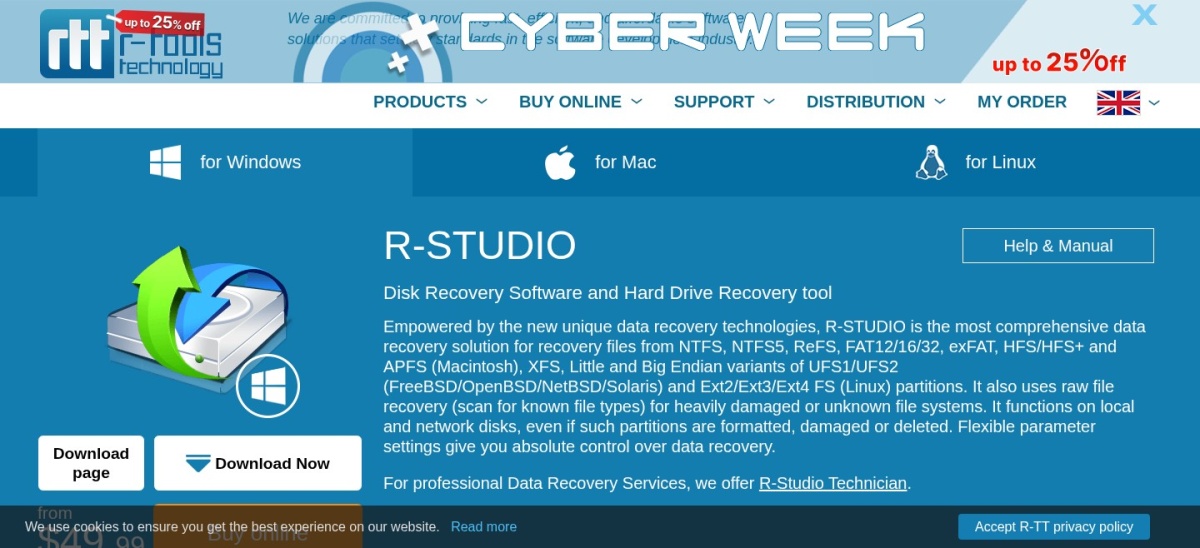
R-Studio homepage, captured Nov 2026.
R-Studio is a technical data recovery application designed for storage specialists and experienced computer users. Its $49.99 FAT edition provides an entry point for compatible file systems, while the broader $79.99 edition supports additional storage formats and advanced recovery scenarios.
The trade off is complexity and edition-specific file system compatibility. The $49.99 license is not appropriate for every SSD, particularly those using unsupported file systems, so check the edition comparison before purchasing. It suits technicians and experienced users who need detailed control over disk scans and partition reconstruction.
What we like
Permanent licenses rather than mandatory subscriptions
Advanced partition recovery capabilities
Support for numerous file systems in broader editions
Detailed storage analysis controls
Suitable for experienced recovery technicians
Watch out for
Entry edition has restricted file system compatibility
Steeper learning curve than consumer recovery applications
Separate licensing options for advanced commercial workflows
Paid editions unlock recovery for their supported file systems.Visit r-studio.com
04
Stellar Data Recovery
4.9/5on Trustpilot (3,738 reviews, checked Nov 2026)
Paid from$69.99/yr
Best for recovering documents and media files
Operating systemsWindows and macOS editions
Recovery targetsDocuments, photos, videos and emails
Advanced recoveryHigher editions
Paid planStandard, $69.99/yr
stellarinfo.com
Stellar Data Recovery homepage, captured Nov 2026.
Stellar Data Recovery is a consumer recovery application for retrieving lost documents, photographs, videos and emails from internal and external storage. Its Standard Windows edition has a regular price of $69.99 annually, and its interface supports selecting the types of files to recover.
The trade off is that nonbooting computer recovery and media repair require more advanced editions. Standard was discounted to $59.99 from its $69.99 regular price on the purchase page checked. It suits photographers, office workers and home users dealing with accessible SSDs and missing personal files.
What we like
File type selection helps narrow recovery scans
Strong product-specific Trustpilot rating
Free edition available for initial recovery
Annual license costs less than several monthly competitors
Watch out for
Advanced media repair requires an upgraded edition
Separate platform-specific products
Subscription required for continued licensed access
Standard expands file recovery beyond the free edition's limitations.Visit stellarinfo.com
05
4DDiG
4.8/5on G2 (267 reviews, checked Nov 2026)
Paid from$45.95/mo
Best for guided internal and external SSD recovery
Operating systemsWindows and macOS editions
Storage supportInternal and external drives
Recovery interfaceGuided scanning
Listed monthly price$45.95
4ddig.tenorshare.com
4DDiG homepage, captured Nov 2026.
4DDiG is a consumer data recovery application for lost files across internal storage, external drives and removable media. The vendor lists Windows data recovery at $45.95 per month on its purchase page, and the product earns 4.8/5 from 267 G2 reviews.
The trade off is subscription expense and changing promotional offers. The standalone monthly price displayed alongside the vendor's bundle options is $45.95, although buyers should confirm their final license terms at checkout. It suits users who prefer guided recovery rather than detailed file system configuration.
What we like
High G2 rating from an established review base
Supports internal and external storage recovery
Accessible scanning interface
Free recovery edition available
Watch out for
Monthly subscriptions become expensive over time
Promotional bundles can complicate price comparisons
Separate products and licenses for different operating systems
MiniTool Power Data Recovery homepage, captured Nov 2026.
MiniTool Power Data Recovery is a Windows recovery application for deleted files, formatted storage and inaccessible partitions. Its Personal Monthly license initially costs $69, with the vendor documenting a reduced $59 renewal price for customers who maintain their subscription.
The trade off is the high initial monthly price compared with annual licensing. The Personal Yearly subscription initially costs $89 and renews at $79, making it more suitable for repeated recovery jobs. It suits Windows users who need a dedicated application for file and partition recovery.
What we like
Supports formatted and inaccessible Windows storage
Free edition available for initial recovery
Clearly documented subscription renewal discounts
Annual and longer-term license alternatives available
Watch out for
Power Data Recovery is focused on Windows
Initial monthly license is comparatively expensive
Smaller G2 review base than EaseUS or 4DDiG
Personal paid licenses expand recovery beyond the free edition's allowance.Visit minitool.com
07
iBoysoft Data Recovery
3.3/5on Trustpilot (203 reviews, checked Nov 2026)
Starts at$59.95/mo
Best for RAW drive recovery and encrypted storage options
Operating systemsWindows and macOS editions
Free evaluationScanning and file previews
Encrypted drive recoveryProfessional edition with credentials
Paid planBasic, $59.95/month
iboysoft.com
iBoysoft Data Recovery homepage, captured Nov 2026.
iBoysoft Data Recovery is a storage recovery application with options for missing partitions, RAW drives and encrypted storage. Its Windows Basic edition costs $59.95 for a one-month license covering one computer, with unlimited recovery for supported scenarios.
The trade off is that advanced encrypted storage recovery requires a more expensive edition, and the company's Trustpilot rating is lower than several alternatives. Basic costs $59.95 monthly, while Professional is listed at $159 for a one-month license. It suits users investigating specialized storage problems after confirming file recoverability.
What we like
Options for recovering inaccessible RAW storage
File previews before purchasing
Separate recovery products for Windows and macOS
Advanced encrypted storage recovery options
Watch out for
Trustpilot rating covers the vendor rather than this individual product
Advanced encrypted storage recovery costs substantially more
Encrypted data recovery still requires valid credentials or recovery keys
Basic enables unlimited supported recovery, with encrypted storage features in higher editions.Visit iboysoft.com
Can SSD recovery software recover files after TRIM?
SSD recovery software cannot reconstruct original file contents once the relevant storage blocks have been permanently erased. TRIM marks blocks as no longer required, while the storage controller determines when to clear them. Recovery prospects vary according to drive behavior, operating system and connection type.
Deleted files may remain recoverable when their underlying contents have not yet been erased. Lost partitions, damaged file system structures and accidental formatting also present different recovery conditions. None of these situations guarantees that the original data remains accessible.
Stop using the affected SSD immediately after discovering data loss. Avoid installing recovery software on it, running repair utilities or saving recovered files back to it. These actions can reduce the remaining recovery opportunities.
An SSD that repeatedly disconnects, disappears from the operating system or becomes unusually unreliable needs additional caution. Professional recovery assessment may be more appropriate than repeated software scans, particularly when the missing information is valuable.
Should you buy a monthly, annual or permanent recovery license?
Monthly licenses make sense for isolated recovery jobs when the software confirms that your files remain accessible. EaseUS offers a nonrenewing monthly license for $69.95, while MiniTool charges $69 initially for its monthly subscription.
Annual licenses can offer better value when you manage several computers or perform recovery regularly. Disk Drill lists its annual PRO license at $50, and EaseUS offers a nonrenewing annual license for $99.95.
Permanent licenses reduce recurring subscription expenses. R-Studio starts at $49.99 for its FAT edition, while Disk Drill lists a $149 lifetime PRO license. Compare file system compatibility and future upgrade terms rather than purchasing solely on price.
The price ladder annualizes monthly entry prices for comparison. These figures are not necessarily the amount customers will spend because nonrenewing licenses, renewal discounts and separate annual subscriptions can change the actual cost. Permanent licenses are represented by their initial purchase price.
How we chose
We selected established desktop recovery applications that address deleted files, damaged partitions, formatted storage or inaccessible SSD volumes. We prioritized file previews, storage compatibility, disk imaging, licensing flexibility and independent public review histories over unsupported claims about recovery success rates.
We checked vendor pricing pages and public review sources on 29 Nov 2026. Ratings come from G2, Capterra and Trustpilot. We used regular entry prices where identifiable, annualized monthly prices and treated permanent licenses as first-year purchase costs. The 4DDiG price comes from its standalone recovery listing within the official bundle section; checkout promotions may differ.
We excluded products without sufficiently verifiable pricing, established public review histories or relevant storage recovery functionality. Stellar uses a product-specific Trustpilot rating, while iBoysoft uses a company-level rating because a comparable established product-specific listing was not confirmed. No vendor paid for a place, and we do not claim testing for this list.
How to choose SSD data recovery software
Identify the cause of data loss, confirm that your SSD remains accessible and compare recovery capabilities before paying for a software license.
Stop using the affected SSD. Disconnect the affected drive when safe and avoid unnecessary write operations. Do not install recovery applications or save restored files on the original SSD. Seek professional advice when the drive shows signs of physical or electronic failure.
Check operating system and file system support. Identify whether the affected SSD uses NTFS, APFS, exFAT or another file system. Verify that the exact software edition supports that format. R-Studio's entry FAT license, for example, does not provide the same compatibility as its broader edition.
Preview recoverable files before purchasing. Run an appropriate scan only when the drive is stable. Inspect representative documents, images and videos to determine whether their original contents remain accessible. Avoid buying a license based solely on the number of filenames displayed.
Compare license duration and recovery limits. Choose a nonrenewing monthly license for a confirmed one-time recovery job, or consider annual and permanent licenses for recurring needs. Check recovery allowances, device restrictions, cancellation requirements and refund terms before completing the purchase.
FAQ
What is the best SSD data recovery software in 2026?
Disk Drill is the best SSD data recovery software for most users because it combines accessible scanning, disk imaging and Windows and macOS licensing for $50 annually. EaseUS is a good alternative for beginners, while R-Studio suits experienced recovery specialists.
Can deleted files be recovered from an SSD?
Yes, deleted SSD files can sometimes be recovered if their underlying data has not been erased or overwritten. TRIM and garbage collection can make deleted information permanently inaccessible. The chances depend on the storage controller, operating system and circumstances of the deletion.
What is the best free SSD data recovery software?
Disk Drill is a useful free starting point because its Windows Basic edition includes file scanning, previews, disk imaging and up to 100 MB of recovery. EaseUS, Stellar and MiniTool also offer free editions worth considering before purchasing a recovery license.
How much does SSD data recovery software cost?
SSD data recovery software starts at $49.99 for R-Studio's permanent FAT edition among these recommendations. Disk Drill costs $50 annually, while EaseUS offers a $69.95 nonrenewing monthly license. Actual costs depend on file system compatibility, license duration and required recovery features.
Is Disk Drill better than EaseUS for SSD recovery?
Disk Drill is better for users who want disk imaging and a shared Windows and macOS license. EaseUS is attractive for beginners who prefer guided recovery and nonrenewing short-term licensing. Neither application can restore original file contents after the relevant SSD blocks have been permanently erased.
Can SSD recovery software recover files from a formatted drive?
Yes, recovery software may retrieve files after formatting if the underlying contents remain accessible. Formatting that triggers TRIM or removes encryption keys can prevent successful recovery. Stop using the formatted drive and assess recoverability through appropriate scanning before paying for software.
Can software recover data from a physically damaged SSD?
No, ordinary recovery software cannot repair failed SSD controllers, damaged memory chips or other physical hardware faults. It requires sufficient communication with the storage device to access data. A professional recovery laboratory is generally more appropriate when an SSD is physically damaged.
What is the best SSD recovery software for small businesses?
Disk Drill is a good choice for small businesses recovering files from their own computers because its $50 annual PRO license supports one user and up to 3 devices. Businesses providing recovery services to clients should investigate commercial licensing and advanced options such as R-Studio.
Should I install recovery software on the SSD with missing files?
No, install recovery software on a separate healthy storage device whenever possible. Writing new application files to the affected SSD can reduce recovery opportunities. Recovered documents, photos and other files should also be saved to a different storage device.
SaaS SEO and WordPress specialist with about 8 years of experience. Rakib compares WordPress plugins, themes, hosting and software using public pricing, documentation and user reviews. See how we rank.