Proxmox VE is the best virtual server software for most teams in 2026, combining KVM virtual machines and LXC containers with a 4.6 out of 5 rating on G2 and free core software. Consider XCP-ng for Xen-based host pools or Scale Computing Platform for turnkey edge clusters.
How we make this list: we compare pricing pages, product documentation and public user reviews, then re-check every price before each update. No product paid for a place. Disclosure.
#2 Runner-up
Scale Computing Platform
Integrated virtualization and storage for edge sites
Proxmox VE pairs KVM and LXC in one web interface with a 4.6/5 G2 rating across 39 reviews and subscriptions starting at €120/year per socket.
XCP-ng offers a Xen-based open-source hypervisor with paid Vates support starting at $2,000/year for up to 3 hosts.
Scale Computing Platform holds a 4.7/5 G2 rating across 333 reviews for integrated hyperconverged clusters, starting at $189/year per core on a 5-year term.
VMware vSphere holds a 4.5/5 G2 rating across 789 reviews for established enterprise estates, though licensing costs draw frequent pushback.
VirtualBox earns a 4.5/5 G2 rating across 294 reviews for free desktop and lab virtualization, but lacks clustered server failover.
How do you choose the best virtual server software?
Choosing the right hypervisor starts with separating production server consolidation from local testing. Bare-metal Type 1 platforms run directly on server hardware for clustering and live migration, while Type 2 desktop tools fit single-machine labs.
Licensing models shape long-term costs far more than headline features. Per-socket, per-core, per-host, and per-VM tiers behave very differently as servers gain cores or clusters expand across sites.
Storage and backup architecture often decide day-two reliability. Native support for ZFS or Ceph, snapshot scheduling, and clean migration paths from legacy hypervisors reduce operational overhead.
Support expectations should match your team's Linux or Windows depth. Open-source cores can cut license spend to zero, while commercial subscriptions buy guaranteed SLAs and tested enterprise repositories.
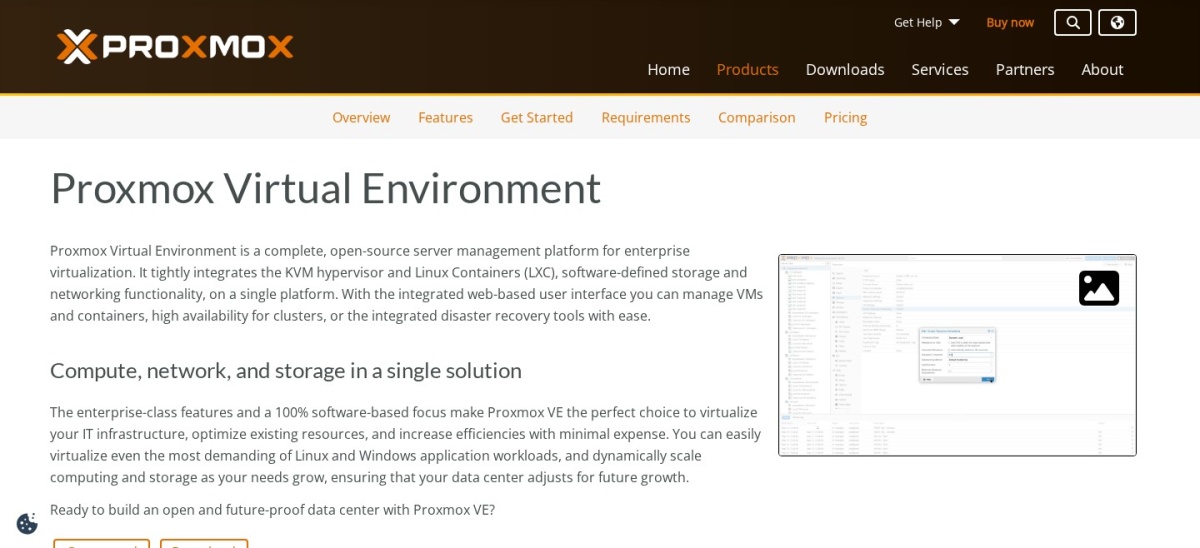
Proxmox VE is an open-source server virtualization platform that runs KVM virtual machines and LXC containers from a single web interface. The core software is free to download and use, and its Community subscription starts at €120 per year per CPU socket.
The trade off is a steeper learning curve for advanced clustering, networking, and Ceph storage setups compared with turnkey appliances. It suits IT teams and homelab or mid-market operators who want open-source flexibility without proprietary lock-in.
What we like
Manages KVM virtual machines and LXC containers in one interface
Supports high availability, live migration, Ceph, and ZFS
Free core download with predictable per-socket subscriptions
Includes REST API and automation support
Watch out for
Advanced Ceph and networking setups require manual tuning
All nodes in a cluster must use the same subscription level
Paid subscriptions add Enterprise Repository access and vendor support tiers.Visit proxmox.com
02
Scale Computing Platform
4.7/5on G2 (333 reviews, checked Nov 2026)
Starts at$189/yr/core
Best for turnkey hyperconverged and edge clusters
ArchitectureHyperconverged infrastructure
Target useEdge and multi-site clusters
Starting rate$189/yr/core (5-yr term)
G2 rating4.7/5 (333 reviews)
scalecomputing.com
Scale Computing Platform homepage, captured Nov 2026.
Scale Computing Platform is a virtualization and hyperconverged infrastructure suite built to simplify cluster deployment across data centers and distributed edge locations. Standard licensing starts at $189 per core per year on a 5-year term.
The trade off is higher total cost for very small single-node setups and multi-year term commitments for the lowest per-core rate. It suits mid-market IT teams and multi-location businesses that want compute and storage managed together.
What we like
Combines compute, storage, and cluster management in one platform
High G2 rating (4.7/5) with praise for fast cluster setup
Built for distributed edge and multi-site deployments
Watch out for
Per-core pricing can feel steep for small deployments
Best for open-source Xen virtualization and host pools
HypervisorXen-based bare-metal
ManagementXen Orchestra integration
Entry paid tierEssential ($2,000/yr, up to 3 hosts)
G2 rating4.5/5 (160+ reviews)
xcp-ng.org
XCP-ng homepage, captured Nov 2026.
XCP-ng is an open-source Xen-based server virtualization platform developed with Xen Orchestra management tools. You can download and run the software for free, while Vates Essential support starts at $2,000 per year for up to three hosts.
The trade off is a higher annual floor for official vendor support than per-socket hypervisors if you only run one or two hosts. It suits hosting providers, SMBs, and teams moving off legacy Xen or VMware setups.
What we like
Free open-source core with no paywalled feature lockouts
Supports live migration, high availability, and host pools
Pairs with Xen Orchestra for centralized management and backups
Watch out for
Entry support bundle starts at $2,000/year for up to three hosts
Smaller ecosystem than Linux KVM or Windows Hyper-V
Best for large enterprise VM estates and mature tooling
DeploymentEnterprise data center
Key capabilitiesvMotion, HA, DRS, centralized control
Pricing modelCustom enterprise quote
G2 rating4.5/5 (789 reviews)
vmware.com
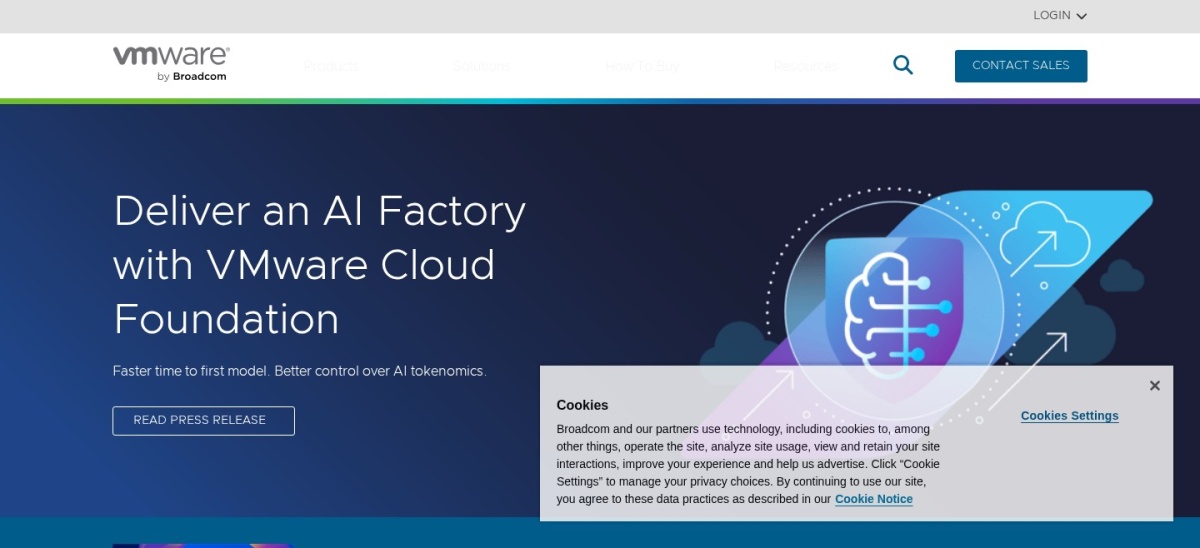
VMware vSphere homepage, captured Nov 2026.
VMware vSphere is a widely adopted enterprise server virtualization platform built around ESXi and centralized cluster management. It does not publish a fixed self-serve list price, requiring a custom quote from Broadcom or an authorized partner.
The trade off is high licensing cost and packaging complexity that frequently draw pushback from smaller organizations and budget-conscious teams. It suits large enterprises with existing VMware skills, strict SLAs, and complex multi-host clusters.
What we like
Mature clustering, live migration, and resource scheduling
Broad third-party backup, monitoring, and hardware support
Large review base (789 reviews on G2) in enterprise IT
Watch out for
No public self-serve pricing; requires sales quote
Licensing costs are a common complaint among buyers
Commercial licensing unlocks centralized management and enterprise cluster features.Visit vmware.com
05
Microsoft Hyper-V
4.4/5on G2 (733 reviews, checked Nov 2026)
PricingQuote (custom pricing)
Best for Windows Server environments and Azure hybrids
EcosystemWindows Server and Azure
ManagementPowerShell, Windows Admin Center
Pricing modelWindows Server licensing / quote
G2 rating4.4/5 (733 reviews)
microsoft.com
Microsoft Hyper-V homepage, captured Nov 2026.
Microsoft Hyper-V is a virtualization role built into Windows Server for running virtual machines, virtual switches, and failover clusters. Licensing is tied to Windows Server editions and resellers rather than a standalone flat web price.
The trade off is tighter alignment with Windows administration and Azure workflows than with Linux-first or open-source stacks. It suits IT teams already standardized on Windows Server and Active Directory.
What we like
Native fit with Windows Server, PowerShell, and Azure
Supports live migration, checkpoints, and failover clustering
Familiar tooling for Windows system administrators
Watch out for
Licensing depends on Windows Server editions and reseller quotes
Less natural fit for open-source-first or Linux-native shops
Windows Server editions govern guest VM rights and clustering capabilities.Visit microsoft.com
06
OpenNebula
4.4/5on G2 (10 reviews, checked Nov 2026)
PriceFree
Best for open-source private cloud and edge orchestration
ModelOpen-source core + subscriptions
FocusPrivate cloud, VMs, and Kubernetes
Paid pricingCustom quote for Enterprise tiers
G2 rating4.4/5 (10 reviews)
opennebula.io
OpenNebula homepage, captured Nov 2026.
OpenNebula is an open-source cloud and virtualization management platform for deploying virtual machines, edge nodes, and Kubernetes clusters. Its Community Edition is free and open source, while Enterprise subscriptions require a custom quote.
The trade off is a smaller public review footprint on G2 and quote-based pricing for commercial support and enterprise releases. It suits infrastructure teams building private or hybrid clouds without vendor lock-in.
What we like
Free open-source Community Edition with no software lock-in
Supports virtual machines, edge setups, and Kubernetes workloads
Multi-tenant controls and API-driven automation
Watch out for
Enterprise subscription pricing is quote-based
Smaller G2 review count compared with larger hypervisors
Enterprise subscriptions add SLA support, enterprise releases, and integrations.Visit opennebula.io
07
VirtualBox
4.5/5on G2 (294 reviews, checked Nov 2026)
PriceFree
Best for free desktop testing, labs, and local VMs
Host platformsWindows, macOS, Linux, Solaris
Primary useLocal testing, labs, and VMs
PriceFree open-source software
G2 rating4.5/5 (294 reviews)
virtualbox.org
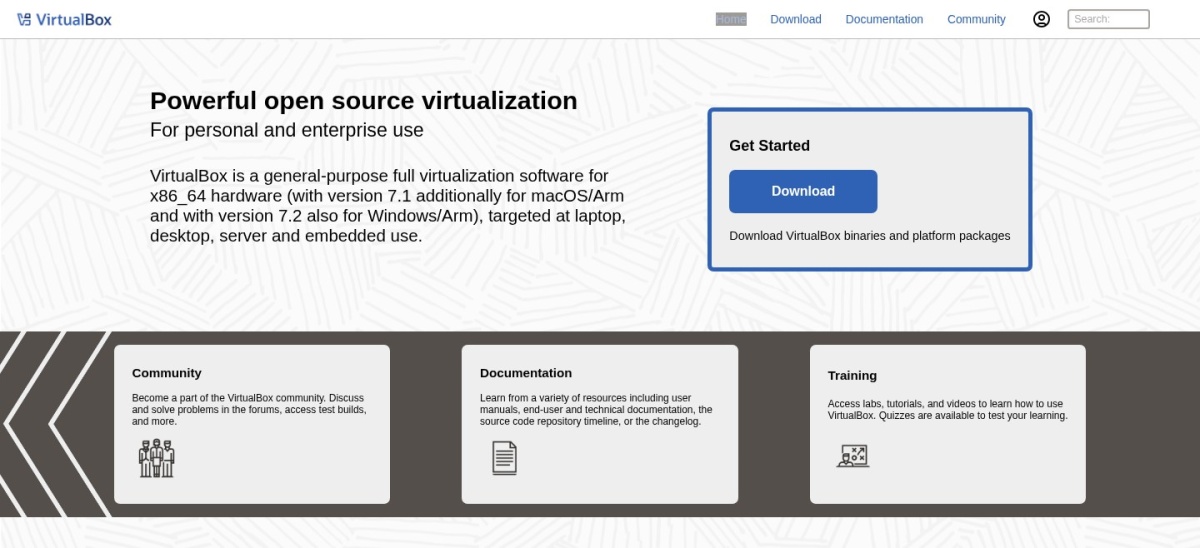
VirtualBox homepage, captured Nov 2026.
VirtualBox is a cross-platform virtualization tool for running guest operating systems on desktop or workstation machines. It is free and open source with no paid subscription tier required for core virtual machine creation.
The trade off is that it targets desktop and lab environments rather than high-availability server clusters or live host migration. It suits developers, students, and small teams spinning up local test servers and VMs.
What we like
Free with no paid tier required for standard VM use
Runs across Windows, macOS, Linux, and Solaris hosts
Fast setup with snapshots and broad guest OS support
Watch out for
Not built for clustered server high availability or live migration
Graphics acceleration and heavy server I/O lag dedicated hypervisors
Core virtual machine features are available free without a subscription.Visit virtualbox.org
How we chose
We built this list around established virtual server and hypervisor platforms used for server virtualization, cluster management, and virtual machine hosting, excluding closed or unmaintained projects.
We checked vendor pricing pages and G2 ratings and review counts on 29 Nov 2026, converting published subscription rates to annual figures where applicable and marking quote-only enterprise plans clearly.
We skipped tools without verifiable public pricing or active maintenance signals, and avoided guessing unlisted enterprise quotes. No vendor paid for a place, and we do not claim testing for this list.
How to choose virtual server software
Follow four practical checks before standardizing on a virtualization platform.
Match the hypervisor to your workload scale. Pick a bare-metal cluster platform like Proxmox VE or Scale Computing for production VMs, and keep VirtualBox for local testing.
Check how licensing scales with hardware. Compare per-socket, per-core, and per-host fees against your current server density and planned growth over three to five years.
Verify storage and backup compatibility. Confirm the platform supports your preferred storage layout, snapshots, and backup targets before migrating live workloads.
Decide how much vendor support you need. Pair free open-source builds with internal Linux skills, or buy a paid subscription when your team requires guaranteed response times.
FAQ
What is the best virtual server software in 2026?
Proxmox VE is the best overall choice for most teams in 2026, combining KVM virtual machines and LXC containers with free core software and a 4.6/5 G2 rating. Scale Computing Platform and XCP-ng are strong alternatives depending on cluster and support needs.
Is there free virtual server software?
Yes. Proxmox VE, XCP-ng, OpenNebula, and VirtualBox all offer free core software, though some commercial support tiers or enterprise editions carry paid subscriptions or quotes.
How much does virtual server software cost?
Costs range from free for open-source builds and VirtualBox to €120/year per socket for Proxmox VE Community subscriptions or $189/year per core for Scale Computing on a 5-year term. Enterprise platforms like VMware vSphere and Microsoft Hyper-V rely on quotes or server licensing.
Which virtual server software is best for small teams and labs?
VirtualBox is easy to set up on a workstation for local testing and labs at no cost, while Proxmox VE works well for small servers that need VMs and containers in one web interface.
Proxmox VE vs Scale Computing Platform: which should you pick?
Choose Proxmox VE if you want open-source flexibility, LXC containers, and per-socket pricing starting at €120/year. Choose Scale Computing Platform if you want integrated hyperconverged management for edge or multi-site clusters and prefer a 4.7/5 G2-rated turnkey stack.
SaaS SEO and WordPress specialist with about 8 years of experience. Rakib compares WordPress plugins, themes, hosting and software using public pricing, documentation and user reviews. See how we rank.