Insightful is the best user activity monitoring software for most businesses, offering application usage reports, activity timelines and workforce analytics from $8 per employee monthly with annual billing. ActivTrak is better for productivity trend analysis, while Time Doctor suits businesses that need project-based time tracking and remote workforce reporting.
How we make this list: we compare pricing pages, product documentation and public user reviews, then re-check every price before each update. No product paid for a place. Disclosure.
Insightful earns 4.6/5 from 509 G2 reviews and starts at $96 per employee annually.
ActivTrak offers a free plan for 3 users with 30 days of activity history.
Time Doctor costs $8 per user monthly on its regular month-to-month Basic subscription.
WebWork starts at $3.99 per user monthly with yearly billing and holds a 4.6/5 G2 rating.
Teramind supports security investigations and has a 4.6/5 rating from 185 G2 reviews.
Clockify offers free time tracking, with paid subscriptions starting at $47.88 per seat annually.
How do you choose the best user activity monitoring software?
User activity monitoring software helps organizations understand how employees use business applications, devices and working hours. It supports workforce planning, operational reporting, compliance and authorized security investigations.
Productivity monitoring and security monitoring serve different purposes. Productivity platforms summarize working patterns and application usage, while security platforms help authorized IT teams investigate suspicious behavior and protect company information.
Activity does not automatically equal productivity. An employee attending meetings, reading documentation or planning a project may generate fewer computer interactions than someone performing repetitive administrative tasks.
Transparent monitoring should be the default. Explain what information is collected, restrict access to authorized personnel, establish appropriate retention periods and avoid collecting sensitive personal information.
Subscription costs generally increase with employee headcount. Compare the annual cost of every required seat, including optional reporting features, implementation services and security modules.
The 7 best user activity monitoring software tools
01
Insightful
4.6/5on G2 (509 reviews, checked Nov 2026)
Starts at$8/mo
Best for overall workforce activity analytics
Entry planAnalytics
Application usageIncluded
Activity reportingTimelines and productivity reports
Billing$8/seat/month, billed annually
insightful.io
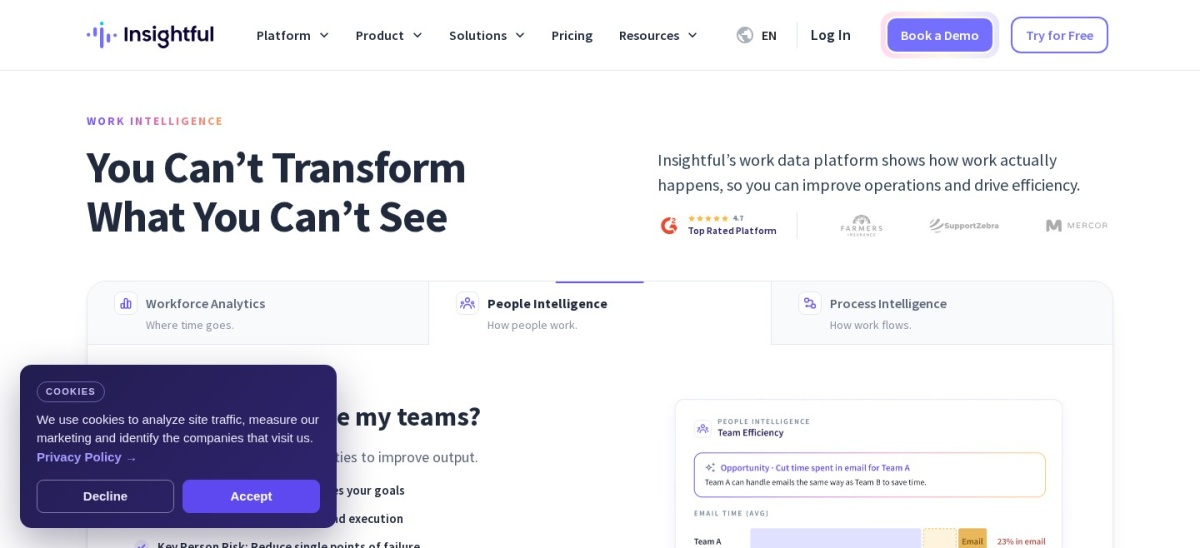
Insightful homepage, captured Nov 2026.
Insightful is a workforce intelligence platform that combines attendance, application usage and employee activity reporting. Its Analytics plan starts at $8 per seat monthly with annual billing and includes information about active time, idle time and software utilization. Managers can use these reports to identify workload and operational issues.
The trade off is that deeper organizational analysis requires more expensive subscriptions, with the Insights plan listed at $24 per seat monthly under an annual agreement. There is no permanent free subscription. It suits businesses that want structured activity reporting alongside workforce planning.
What we like
Detailed application and website usage reports
Attendance and workforce reporting in one platform
Analytics includes attendance, activity reporting and workforce insights.Visit insightful.io
02
ActivTrak
4.3/5on G2 (342 reviews, checked Nov 2026)
Paid from$10/mo
Best for productivity trends and workforce planning
Free plan3 users
Free data history30 days
Paid entry planWork Activity Tracking
Paid data history6 months
activtrak.com
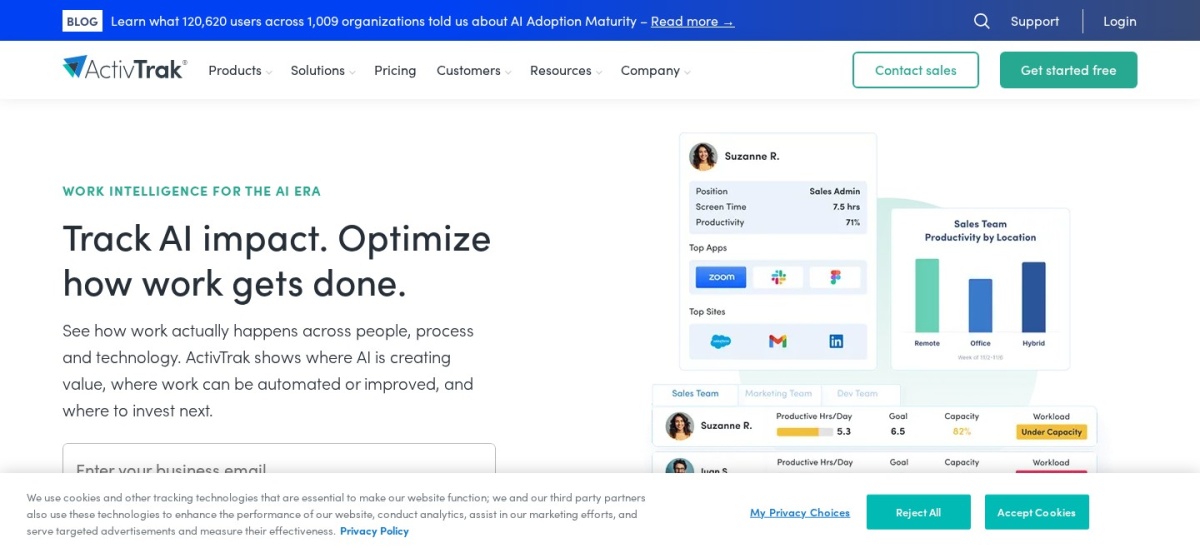
ActivTrak homepage, captured Nov 2026.
ActivTrak is a workforce analytics platform that helps businesses understand productivity trends, technology usage and working patterns. Its free subscription supports 3 people and retains 30 days of activity history. Both free and paid plans include automated time tracking and activity summaries.
The trade off is that historical reporting and broader workforce management capabilities require paid subscriptions starting at $10 per worker monthly. The Work Activity Tracking plan extends data history to 6 months. It suits managers who want evidence for workload planning rather than judging employees solely by computer interactions.
What we like
Permanent free subscription for small teams
Individual and team productivity summaries
Useful historical workforce comparisons
Automated working-time reporting
Supports capacity planning
Watch out for
Free subscription has limited historical data
Advanced productivity optimization costs more
Larger deployments require a bigger subscription budget
Work Activity Tracking extends historical reporting and activity visibility.Visit activtrak.com
03
Time Doctor
4.4/5on G2 (503 reviews, checked Nov 2026)
Starts at$6.67/mo
Best for remote teams and project time tracking
Entry planBasic
Project trackingIncluded
Activity timelineIncluded
Free trial14 days
timedoctor.com
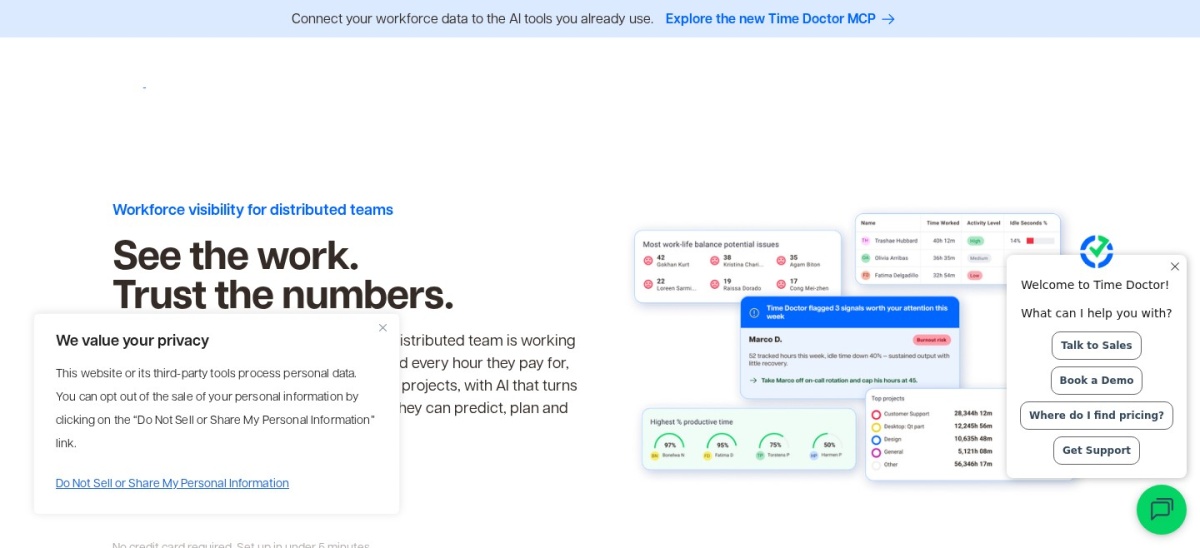
Time Doctor homepage, captured Nov 2026.
Time Doctor is a time tracking and workforce productivity platform designed for distributed businesses. Its Basic subscription starts at $6.67 per user monthly with annual billing and includes automated time tracking, project organization and timeline reports. Businesses can connect working hours with assigned responsibilities.
The trade off is that more detailed productivity reporting requires a higher subscription tier, and the regular monthly Basic subscription costs $8 per user. Time Doctor does not provide a permanent free plan. It suits remote businesses and agencies that need to understand how employees allocate working hours across projects.
What we like
Project and task-based time reports
Automatic working-time tracking
Supports online and offline work records
Suitable for distributed organizations
Free trial for evaluating reporting needs
Watch out for
No permanent free subscription
Granular productivity reports require an upgrade
Activity data needs context when evaluating performance
Basic includes automated tracking, project records and activity timelines.Visit timedoctor.com
04
WebWork
4.6/5on G2 (517 reviews, checked Nov 2026)
Starts at$3.99/mo
Best for affordable project activity reporting
Entry planPro
Time trackingUnlimited
Projects and tasksUnlimited
Free trial14 days
webwork-tracker.com
WebWork homepage, captured Nov 2026.
WebWork is a time tracking and workforce management platform that combines project organization, timesheets and employee activity reporting. Its Pro plan starts at $3.99 per user monthly with yearly billing. Unlimited time tracking and project records make the subscription appealing to businesses managing ongoing client assignments.
The trade off is that additional workforce management capabilities can increase the subscription cost, with payroll functionality available as a paid addition to Pro. The entry subscription works out to $47.88 per user annually. It suits smaller agencies and service businesses that need affordable activity reporting and project time records.
What we like
Low starting subscription price
Unlimited project and task records
Combines activity reporting with timesheets
Supports client billing workflows
High customer rating on G2
Watch out for
No permanent free subscription
Some payroll and administrative capabilities cost extra
Lower tiers have fewer workforce management features
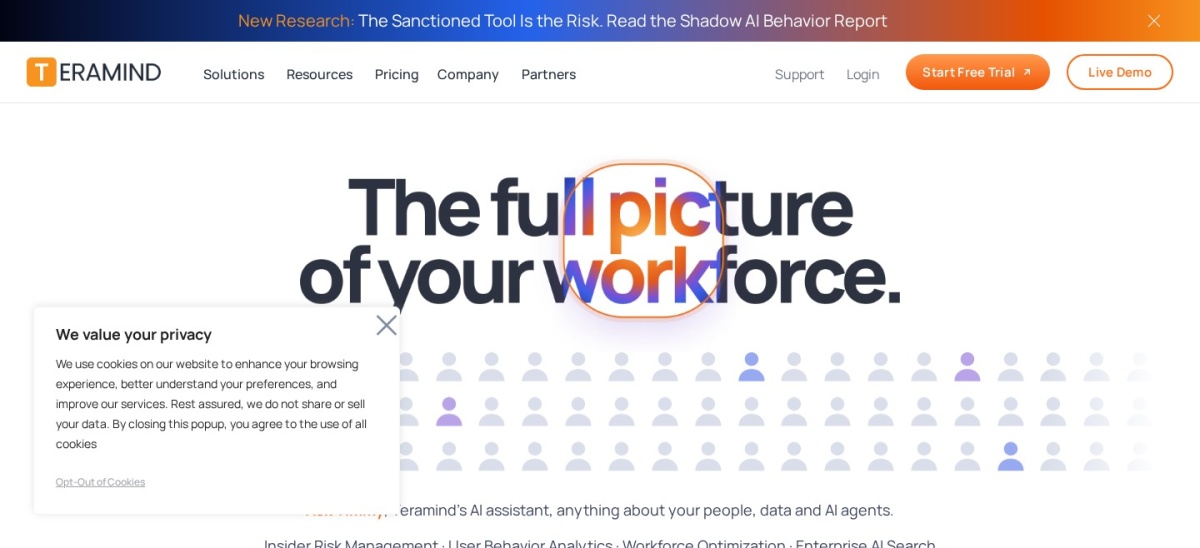
Teramind is an enterprise user activity monitoring and insider risk management platform. Its Starter subscription provides activity analysis, configurable reporting and limited security investigation capabilities. Organizations can select more advanced subscriptions for security auditing and data protection.
The trade off is that subscription pricing requires contacting sales, making immediate budget comparisons difficult. Its broader collection capabilities also require careful privacy governance and restricted administrative access. It suits authorized enterprise security teams that need documented investigation processes rather than ordinary employee time tracking.
Provides dedicated data protection subscription options
Watch out for
No confirmed public entry-level price
Requires careful privacy and access governance
More complex than standard time tracking platforms
Higher subscriptions add advanced investigation and data protection capabilities.Visit teramind.co
06
Clockify
4.5/5on G2 (206 reviews, checked Nov 2026)
Paid from$3.99/mo
Best for transparent time tracking on a budget
Free planAvailable
Entry paid planBasic
Monthly billing$4.99/seat
Primary purposeTime tracking and reporting
clockify.me
Clockify homepage, captured Nov 2026.
Clockify is a time tracking and timesheet platform that helps organizations understand how working hours are distributed across projects. Its free subscription covers basic time tracking, while Basic costs $3.99 per seat monthly with annual billing. Businesses can use project records to support billing and resource planning.
The trade off is that Clockify focuses primarily on time management rather than comprehensive security auditing. The $4.99 month-to-month Basic subscription adds administrative controls and time auditing, while other capabilities require higher tiers. It suits small businesses that prefer transparent timesheet reporting over extensive employee monitoring.
What we like
Permanent free time tracking subscription
Affordable paid administrative features
Useful project and timesheet records
Suitable for client-facing service businesses
Lower-complexity alternative to enterprise security tools
Watch out for
Not a dedicated insider threat detection platform
Advanced administrative controls require payment
Time records alone cannot measure work quality
Basic adds time auditing, administrative controls and customized exports.Visit clockify.me
07
Time Champ
4.8/5on G2 (129 reviews, checked Nov 2026)
PricingCustom pricing
Best for attendance and workforce activity summaries
Entry planStarter
Attendance trackingAutomatic
Application usageIncluded
PricingContact sales
timechamp.io
Time Champ homepage, captured Nov 2026.
Time Champ is a workforce management platform that combines attendance records, activity summaries and productivity classifications. Its Starter subscription includes application usage reporting, timesheets and attendance management. Businesses can use these capabilities to understand working patterns and identify scheduling issues.
The trade off is that the official subscription table directs buyers to contact sales without displaying a confirmed entry-level price. Businesses should request a written quote and review privacy controls before deployment. It suits organizations that need attendance and workforce reporting together.
What we like
High G2 customer rating
Automatic attendance management
Combines timesheets with workforce activity summaries
Smaller public review sample than leading alternatives
Professional adds more detailed workforce and productivity reporting.Visit timechamp.io
What is the difference between productivity monitoring and security monitoring?
Productivity monitoring helps businesses understand working hours, software usage and resource allocation. Insightful, ActivTrak and Time Doctor focus primarily on workforce reporting and operational performance.
Security monitoring serves a different organizational need. Platforms such as Teramind help authorized security personnel investigate incidents, document policy violations and protect sensitive business information.
Choose the least intrusive platform that meets your legitimate business requirements. A company that only needs project timesheets generally does not need extensive device-level security monitoring.
How can businesses monitor user activity responsibly?
Establish a written monitoring policy before collecting employee activity information. Explain the business purpose, what information is collected, when collection occurs and who can access the records.
Limit collection to relevant business activity and authorized work environments. Avoid unnecessary collection of personal messages, passwords, financial information and other sensitive records.
Evaluate employee performance using completed work, service quality and agreed objectives alongside activity information. Computer activity metrics should never be the sole basis for employment decisions.
How we chose
We identified relevant platforms through G2's employee monitoring software category and reviewed official vendor subscription pages. The ranking considers reporting capabilities, suitability for legitimate business use, pricing transparency and public customer feedback.
We checked official pricing pages and G2 ratings on 29 Nov 2026. Annual costs represent the cheapest confirmed paid subscription per user or seat, before optional extras and taxes. Teramind and Time Champ are marked as custom pricing because their opened subscription tables require contacting sales without displaying a confirmed entry price.
We excluded products without sufficient pricing confirmation or an appropriate sales inquiry option, along with tools primarily intended for unauthorized surveillance. Products are ranked by their suitability for typical organizational requirements rather than customer ratings alone. No vendor paid for a place, and we do not claim testing for this list.
How to choose user activity monitoring software
Identify your business objective before comparing subscription prices, reporting capabilities and employee privacy controls.
Define the business purpose. Decide whether you need workforce planning, accurate timesheets, attendance management or authorized security investigations. Avoid purchasing extensive monitoring capabilities when basic reporting meets your requirements.
Compare the actual subscription cost. Calculate the annual cost for every required user and administrator. Include optional features, minimum subscription commitments, implementation expenses and applicable storage charges.
Review privacy and governance controls. Check access permissions, data retention settings, employee notification options and the ability to exclude sensitive information. Establish an appropriate lawful basis and transparent monitoring policy before collecting data.
Evaluate the usefulness of reports. Use available trials to determine whether reports answer your business questions. Involve employees, managers and authorized IT personnel when reviewing accuracy, accessibility and operational value.
FAQ
What is the best user activity monitoring software in 2026?
Insightful is the best overall option for businesses that need detailed workforce activity analytics. Its Analytics subscription starts at $8 per seat monthly with annual billing, and it holds a 4.6/5 G2 rating. ActivTrak is another good choice for productivity trends and workforce planning.
What is the best free user activity monitoring software?
ActivTrak is a good free user activity monitoring platform for small teams because its free subscription supports 3 people and retains 30 days of activity history. Clockify is preferable when the main objective is transparent project time tracking rather than detailed workforce analytics.
How much does user activity monitoring software cost?
Public entry-level prices in this comparison range from $3.99 to $10 per user monthly, depending on the product and billing arrangement. Enterprise security tools may require a custom quote. Calculate the complete cost using your workforce size and necessary features.
Is Insightful better than ActivTrak?
Insightful is better for organizations seeking detailed activity timelines and workforce reporting within its entry subscription. ActivTrak is preferable for small teams evaluating workforce analytics through a permanent free plan. Both platforms support productivity analysis, but their subscription structures and historical reporting limits differ.
What is the best user activity monitoring software for small businesses?
WebWork is a suitable paid option for small businesses because its Pro subscription starts at $3.99 per employee monthly with yearly billing. Clockify is a practical free alternative for organizations that primarily need timesheets, project time records and straightforward administrative reporting.
What is the best user activity monitoring software for IT security?
Teramind is a suitable option for authorized enterprise IT security teams that need activity auditing, insider risk management and investigation capabilities. Its pricing requires contacting sales. Organizations should establish appropriate access controls, retention policies and privacy safeguards before deploying security monitoring.
Can user activity monitoring software measure employee productivity accurately?
User activity monitoring software can describe working patterns, but it cannot independently measure overall employee productivity. Reading, planning, meetings and creative work may generate limited computer interactions. Combine activity information with completed assignments, work quality, customer outcomes and established performance objectives.
Is employee activity monitoring legal?
Employee activity monitoring may be lawful when organizations have an appropriate legal basis, a legitimate business purpose and suitable privacy safeguards. Requirements vary by jurisdiction and employment arrangement. Businesses should provide clear notice, minimize data collection and obtain qualified legal advice before implementation.
Can user activity monitoring software support remote teams?
Yes. Platforms such as Time Doctor, Insightful and WebWork provide activity reports and working-time records for distributed teams. These tools are most useful when employees understand the monitoring policy and managers use reports to support workload planning rather than treating computer activity as a complete performance measure.
SaaS SEO and WordPress specialist with about 8 years of experience. Rakib compares WordPress plugins, themes, hosting and software using public pricing, documentation and user reviews. See how we rank.