IDrive is the best backup software for churches, covering every office computer and phone on one account with 5 TB for one yearly price. CrashPlan suits small staff teams with unlimited storage per user, while Backblaze is the simplest unlimited backup for a single computer.
How we make this list: we compare pricing pages, product documentation and public user reviews, then re-check every price before each update. No product paid for a place. Disclosure.
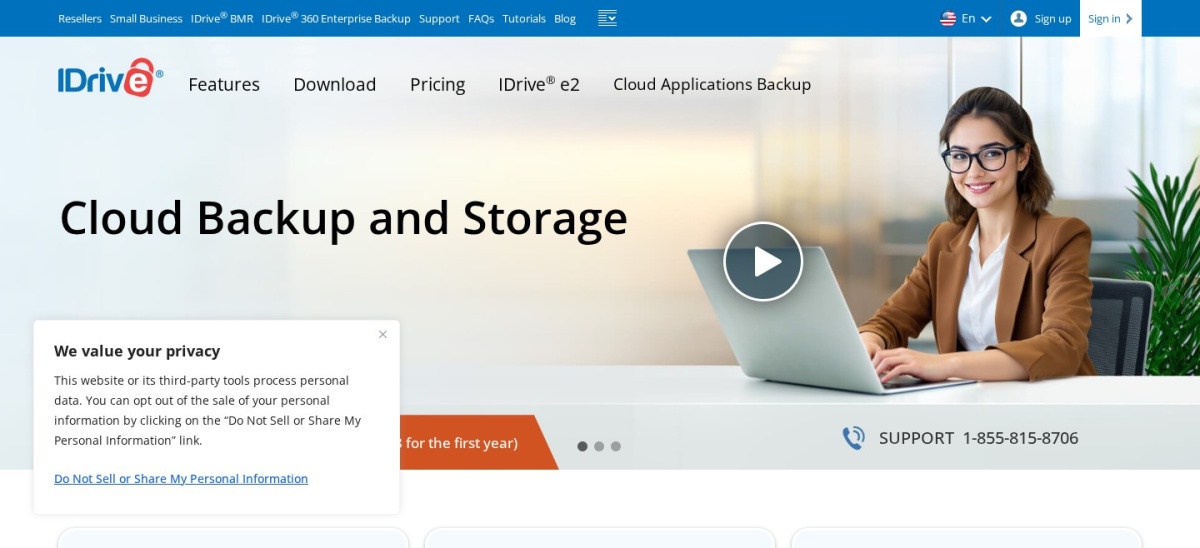
IDrive covers every church computer and phone on one 5 TB account for $119.99 a year, with a 10 GB free plan.
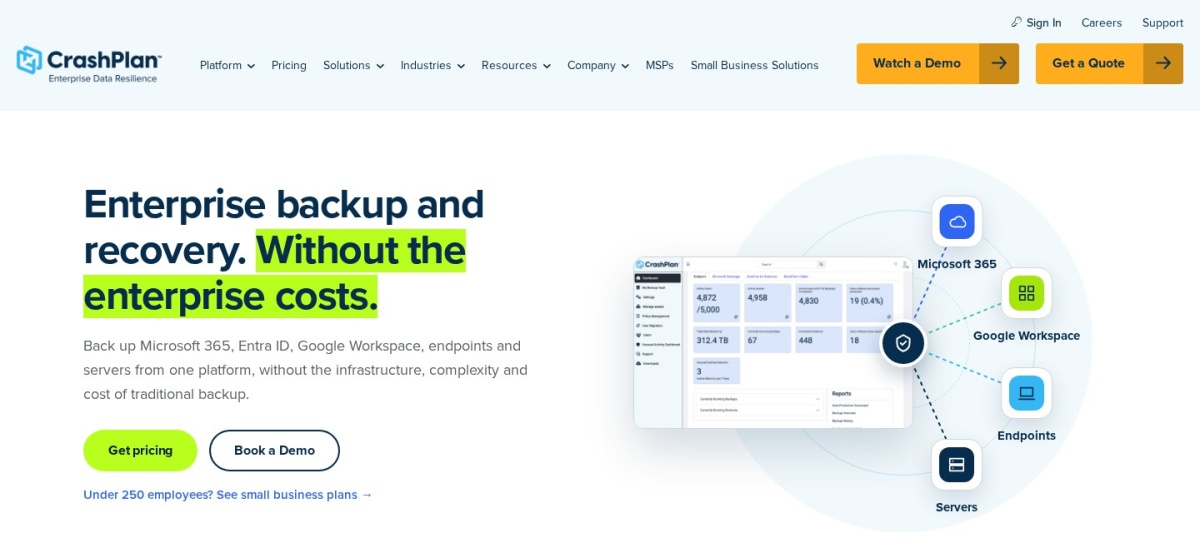
CrashPlan has the highest G2 rating here at 4.9, with unlimited storage per user for $88 a year.
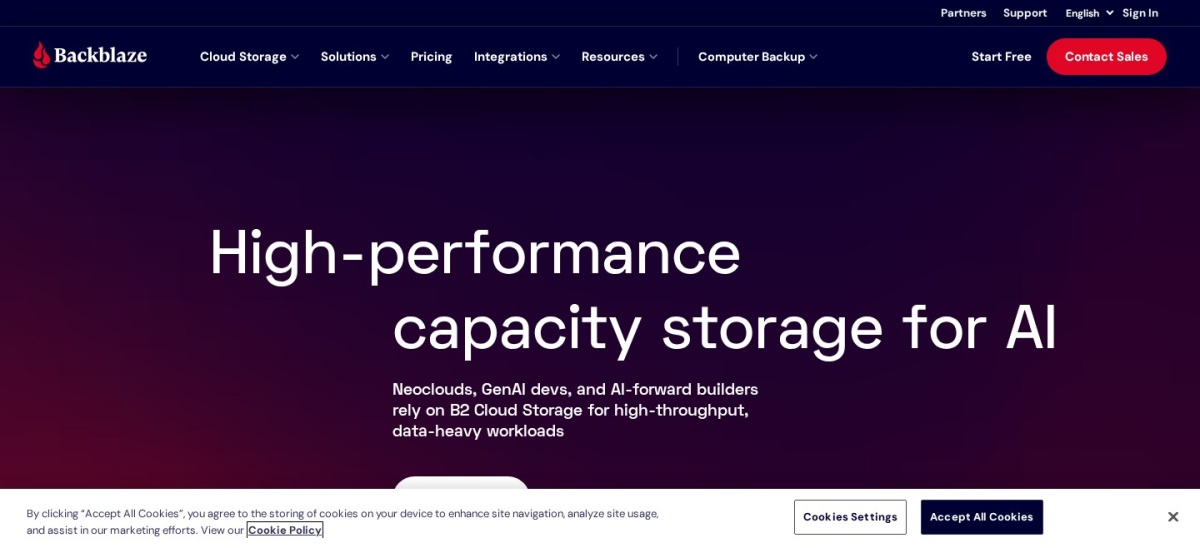
Backblaze is the simplest unlimited backup for one computer at $99 a year, with external drives included.
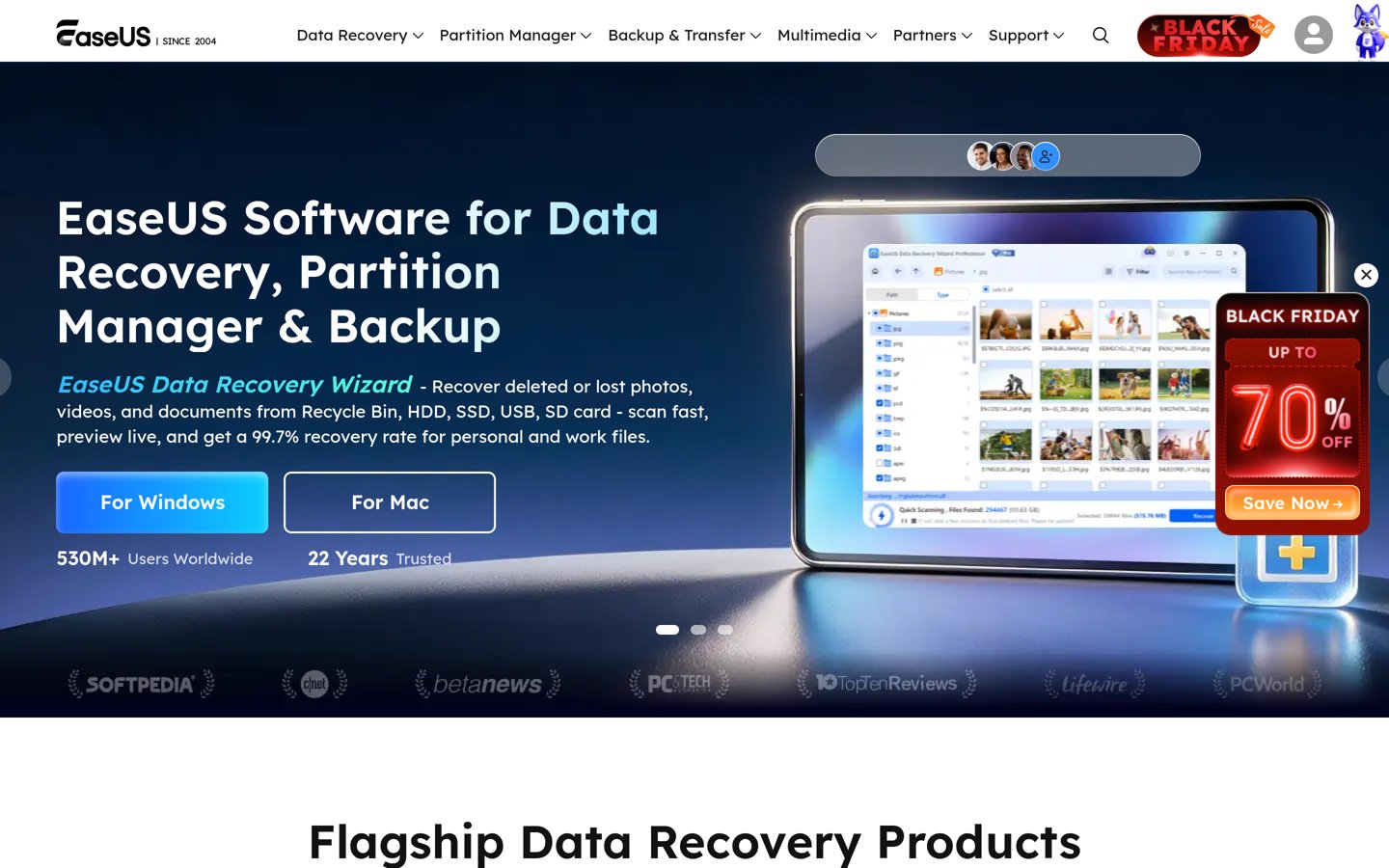
EaseUS is the budget imaging pick at $39.95 a year with a free edition, but it runs on Windows only.
Veeam's free Community Edition covers 10 workloads, the best free option for churches with a server.
How do you choose backup software for churches?
Start with what the church would lose. Donor records, membership lists, financial spreadsheets, sermon media and service photos are hard to rebuild, so the backup must cover every office computer, not just the newest one.
Count computers before comparing prices. Per-computer tools like Backblaze charge $99 a year for each machine, while IDrive covers unlimited devices on one 5 TB plan, so a church with five computers pays far less with one account. Our personal backup guide compares the same per-computer tools head to head.
Churches rarely have IT staff, so simple wins. Set-and-forget tools like Backblaze and Carbonite need no configuration, while server tools like NAKIVO and Veeam need someone technical to run them.
Keep one copy off site. The 3-2-1 rule means three copies of important files, on two different media, with one off site, and every cloud tool here covers the off-site copy automatically.
IDrive is a cloud backup service that covers every computer, phone and tablet on one account from a shared storage pool. The Personal plan gives 5 TB for $119.99 a year, with a 10 GB free plan, unlimited versioning and private-key encryption.
The trade off is the renewal price. The first year is discounted to about $84, then the plan renews at $119.99 a year, and going over 5 TB adds $0.25 per GB a month. It suits churches that want one account for the office, the pastor's laptop and the media computer.
CrashPlan is an endpoint backup tool that keeps every staff laptop and workstation backed up continuously. Backups run every 15 minutes with unlimited storage and no file size limits, and restores are self-service so staff recover their own files. It costs $88 per user a year.
The trade off is scope. CrashPlan covers endpoints and some Microsoft 365 and Google Workspace data, not full server infrastructure, so pair it with a server tool if the church runs its own servers. It suits small staff teams whose data lives on laptops.
Backblaze is a set-and-forget cloud backup service for one Mac or Windows computer, with unlimited storage and no limits on file type or size. It backs up all user files plus attached external drives continuously, for $99 a year or $9 a month.
The trade off is the per-computer price. Each computer needs its own $99-a-year licence, version history is 30 days by default, and there is no native Linux client. It suits a church office that wants one computer backed up with no storage math.
What we like
Unlimited storage for one computer at a flat price
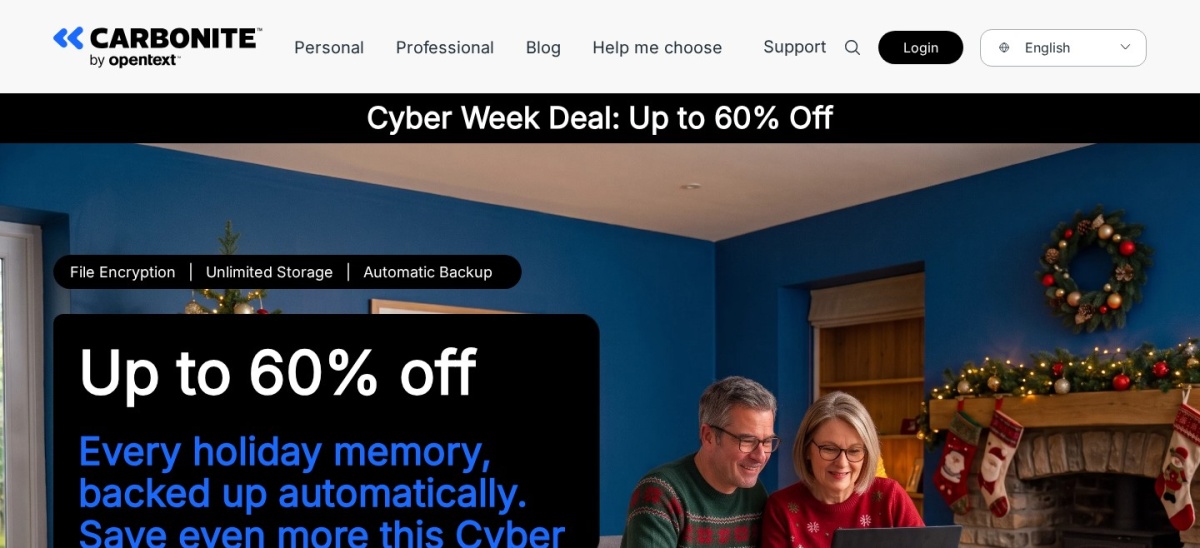
Carbonite Safe is a cloud backup service that backs up one computer automatically and continuously, with unlimited storage and no file-size limit on the Basic plan. It costs $95.99 a year after a cheaper first year, and its support team is known for walking non-technical users through restores.
The trade off is the fine print. Video files need manual selection on the Basic plan, external drive backup costs extra, and the G2 rating of 3.9 is the lowest in this list. It suits a church office that wants simple backup with patient phone support.
EaseUS Todo Backup is a Windows backup tool that covers system images, disk images, file backup and cloning in one program. The free edition handles system, file and disk backup, and the Home plan costs $39.95 a year for one PC, with a perpetual licence at $59.95.
The trade off is the cloud storage. Off-site backup is a separate option with 1 TB at $59.95 a year, so the cheapest plan keeps backups local, and the tool runs on Windows only. It suits a church office PC that needs full-disk images on a budget.
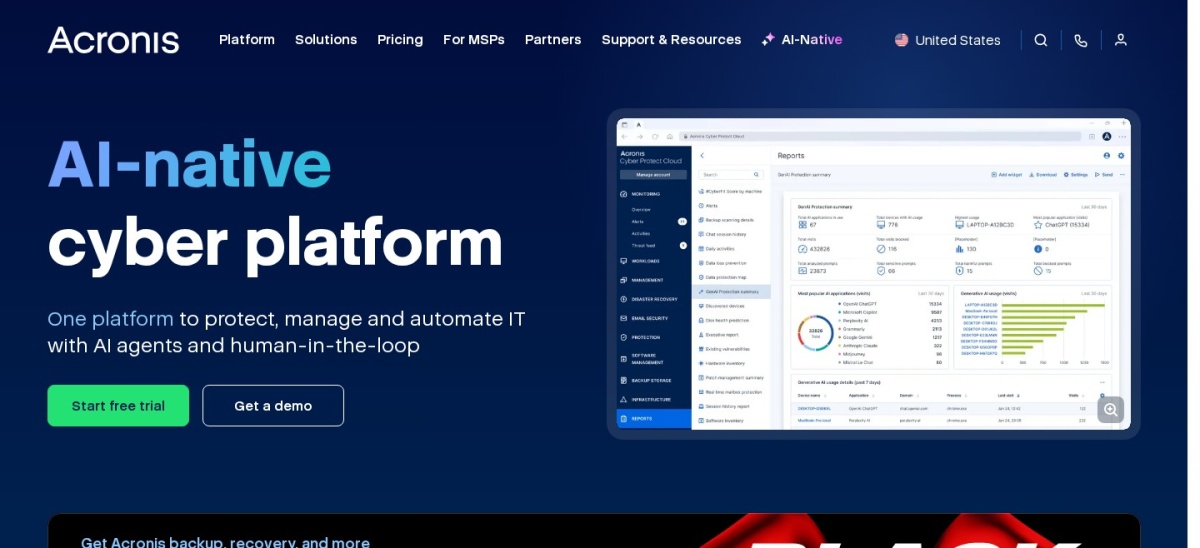
Acronis Cyber Protect homepage, captured Nov 2026.
Acronis Cyber Protect is a backup and security platform that combines backup with anti-malware and endpoint management in one agent. It covers full-image and file backup for Windows, Mac and Linux, plus Microsoft 365 backup, and the Standard edition starts at $85 a year per device.
The trade off is complexity and cost. The per-device price is quoted by workload and term, reviewers call it resource-hungry on older machines, and the full feature set can be more than a small church office needs. It suits churches that want backup and security under one console.
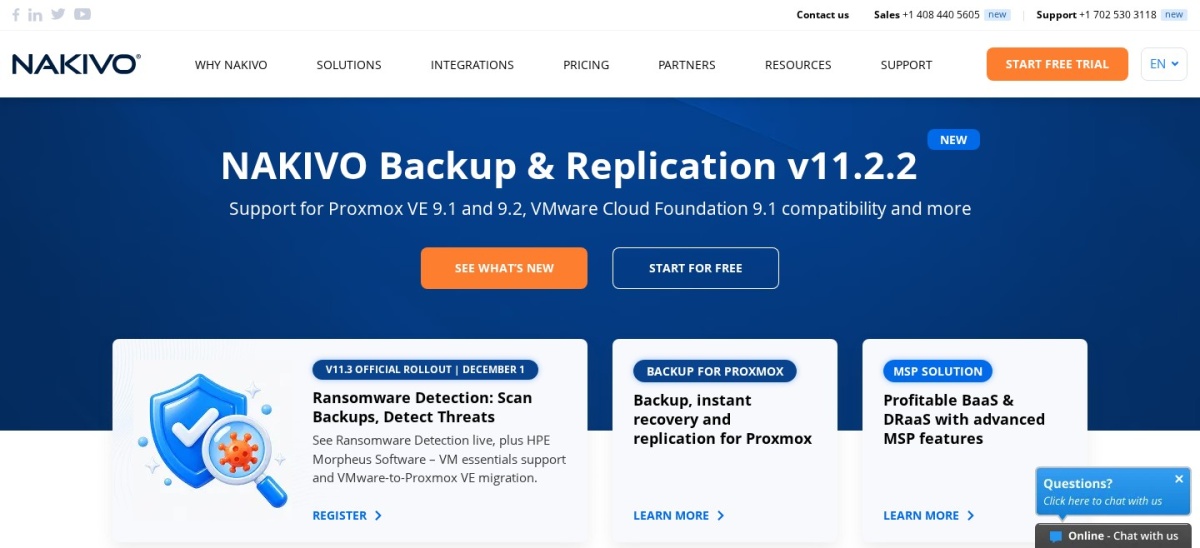
NAKIVO Backup & Replication homepage, captured Nov 2026.
NAKIVO Backup & Replication is a server backup tool for virtual machines, physical servers, workstations, NAS shares and Microsoft 365. Subscriptions start at $2.45 per workload a month on a one-year term, with deduplication, immutability and instant recovery.
The trade off is expertise. NAKIVO assumes server knowledge, and the cheapest plans cover only the basics, with cloud backup and site recovery in higher tiers. It suits churches that run a file server or NAS for donor and media files.
MSP360 Backup is a backup tool for Windows, Mac and Linux that lets a church store backups in the cloud storage of its choice, including Backblaze B2, AWS and Wasabi. The free Windows edition covers file and image backup, and the Desktop plan costs $29.99 a year per computer.
The trade off is that storage costs extra. MSP360 sells the software only, so the church pays separately for cloud storage, and the free edition caps protected data at 5 TB. It suits churches that already pay for cloud storage or want to control where backups live.
Veeam Data Platform is an enterprise data resilience platform that protects virtual machines, physical servers and cloud workloads. The free Community Edition covers up to 10 workloads, which is enough for a small church server room, and paid editions are priced by quote.
The trade off is complexity. Veeam is built for IT professionals, its licensing is famously hard to follow, and paid editions are quote-only. It suits larger churches with virtualised servers and someone technical to run it.
Free plans cover the basics. IDrive gives 10 GB free, MSP360 backs up a Windows PC free, EaseUS images a disk free, and Veeam covers 10 workloads free.
Paid plans add storage, devices and support. A church office with several computers and years of media will outgrow every free plan here.
For most churches, one paid plan beats several free tools. A single IDrive or CrashPlan account is easier for a volunteer to check than four separate free installs.
How we chose
We started from the backup tools most often recommended for churches and small nonprofits, then kept the nine with published prices or free editions and a public review base.
Prices come from each vendor's pricing page, checked on 30 November 2026. Ratings and review counts come from G2 on the same day. Where a vendor publishes no price, the list shows Custom.
We left out backup tools without a usable free or low-cost plan for small teams. No vendor paid for a place, and we do not claim hands-on testing for this list.
How to choose backup software for churches
Start with the computers and files the church cannot lose, then match the tool to that list.
Count every computer and server. List the office PCs, the pastor's laptop, the media computer and any server or NAS. Per-computer pricing multiplies fast.
Check what the free plan covers. IDrive, MSP360, EaseUS and Veeam all have free tiers. Test one with real church files before paying.
Confirm the restore works. A backup that cannot restore is worthless. Test a file restore and a full-disk restore before the church depends on it.
Put one volunteer in charge. Backups fail quietly. Assign one person to check the backup status every week and after every big event.
FAQ
What is the best backup software for churches?
IDrive is the best pick for most churches. One Personal plan covers every office computer and phone with 5 TB of shared storage for $119.99 a year, with unlimited version history and a 10 GB free plan.
How much does backup software for churches cost?
From free for Veeam Community Edition and the MSP360 and EaseUS free editions, to $29.99 a year for MSP360 Desktop and $39.95 for EaseUS Home. IDrive costs $119.99 a year and Backblaze $99 a year per computer.
Is there free backup software for churches?
Yes. Veeam Community Edition covers 10 workloads free, MSP360 backs up a Windows PC free, EaseUS has a free edition, and IDrive gives 10 GB free. Free tiers suit one computer or a small server, not a whole office.
What is the best backup for a small church office?
Backblaze is the simplest choice for one computer at $99 a year with unlimited storage. For several computers, IDrive's single 5 TB account is cheaper than a Backblaze licence per machine.
IDrive vs Backblaze for churches: which is better?
IDrive wins for churches with several computers, since one account covers unlimited devices with 5 TB shared. Backblaze wins for a single computer, with unlimited storage and no storage cap to track.
Do churches need server backup software?
Only if the church runs its own server or NAS. NAKIVO from $2.45 per workload a month covers VMs and NAS shares, and Veeam Community Edition backs up 10 workloads free. Most small churches only need computer backup.
SaaS SEO and WordPress specialist with about 8 years of experience. Rakib compares WordPress plugins, themes, hosting and software using public pricing, documentation and user reviews. See how we rank.