IDrive is the best remote backup software for most people, with 5 TB across unlimited computers, phones and tablets and a 10 GB free plan. Pick Backblaze for unlimited backup on one computer, or CrashPlan for business endpoints with unlimited versioning.
How we make this list: we compare pricing pages, product documentation and public user reviews, then re-check every price before each update. No product paid for a place. Disclosure.
IDrive gives the most for multi-device households: 5 TB across unlimited devices for $119.99 a year, with a 10 GB free plan.
Backblaze is the simplest unlimited option at $99 a year, but each computer needs its own licence.
CrashPlan has the highest G2 rating here at 4.9 out of 5, with unlimited storage and versioning for $88 a user a year.
MSP360 is the cheapest paid plan at $19.99 a year, but you pay your cloud provider separately for storage.
Carbonite keeps only the 12 most recent versions of a file, the weakest versioning in this list.
What remote backup software should cover
Remote backup means a copy of your files lives somewhere else: on a vendor's servers, in cloud storage you rent, or on a drive at another location. If a laptop is stolen, a drive fails or ransomware locks your files, the remote copy is the one that saves you.
Three things matter most. Storage: unlimited plans suit heavy users, while capped plans suit households that know their size. Versioning: unlimited version history protects you when corruption is found weeks later. Restore: check how you get files back, by download, web or a mailed drive.
A single cloud backup is not a full plan on its own. Our guide on how to back up WordPress shows the same 3-2-1 thinking: three copies, two media types, one offsite.
Prices below are regular yearly prices, checked on 26 November 2026. First-year discounts are common, so budget on the renewal price, not the intro offer.
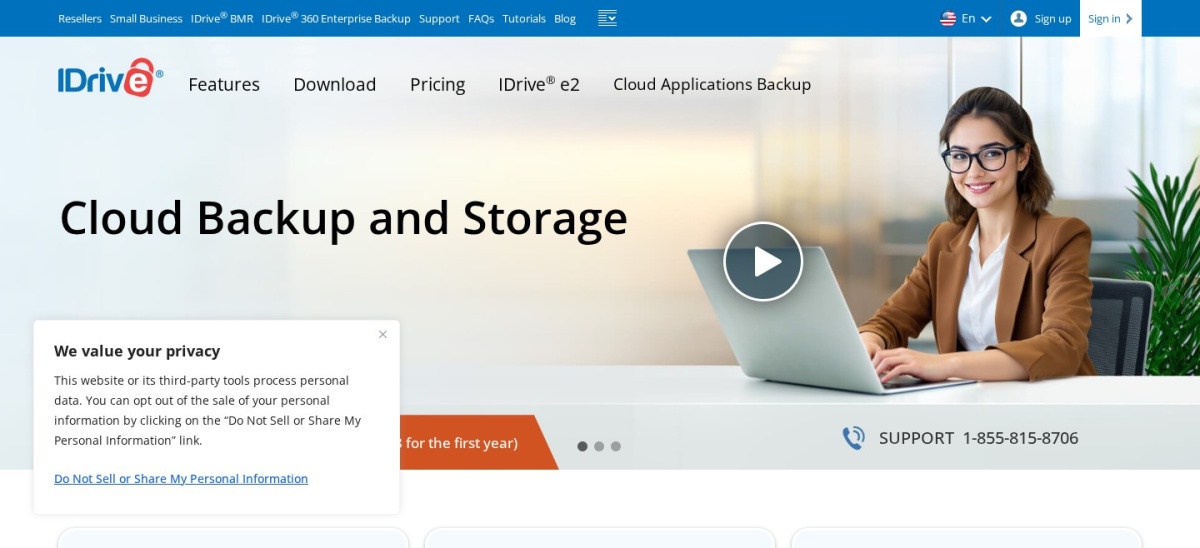
IDrive is a cloud backup service that covers every computer, phone and tablet on one account from a shared storage pool. The Personal plan gives 5 TB for $119.99 a year, with a 10 GB free plan, unlimited versioning and private-key encryption.
The trade off is the renewal price. The first year costs $83.99, then the plan renews at $119.99 a year, and going over 5 TB adds $0.25 per GB a month. It suits households and small offices with several devices to protect under one plan.
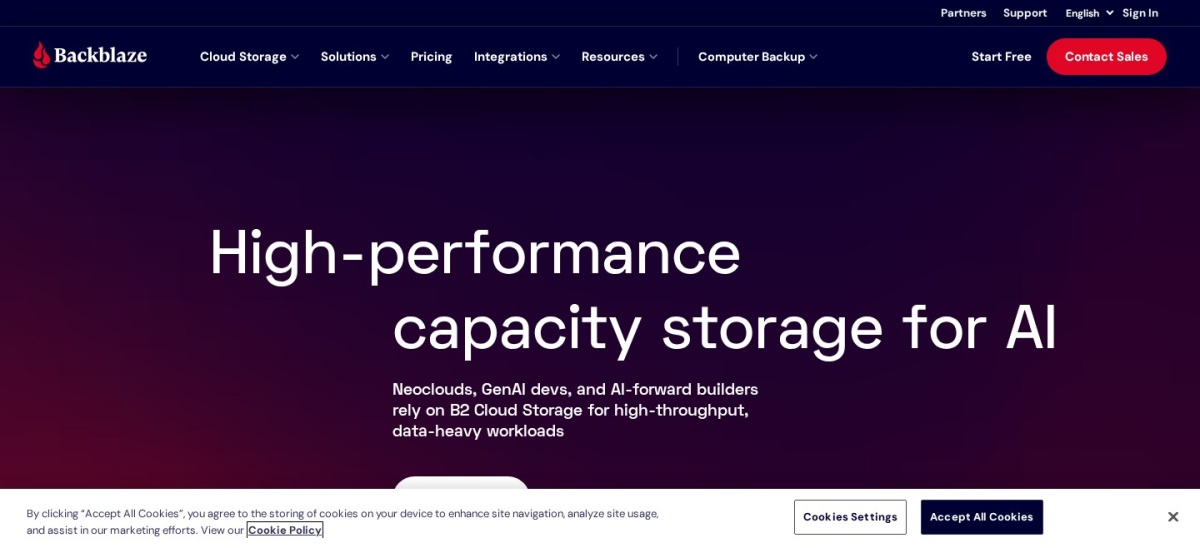
Backblaze is a set-and-forget backup service for one Mac or Windows computer, with unlimited storage and no limits on file type or size. It backs up all user files plus attached external drives continuously, for $99 a year or $9 a month.
The trade off is the per-computer price. Each computer needs its own $99-a-year licence, version history is 30 days by default, and there is no native Linux client. It suits anyone with one main computer and a lot of data to protect.
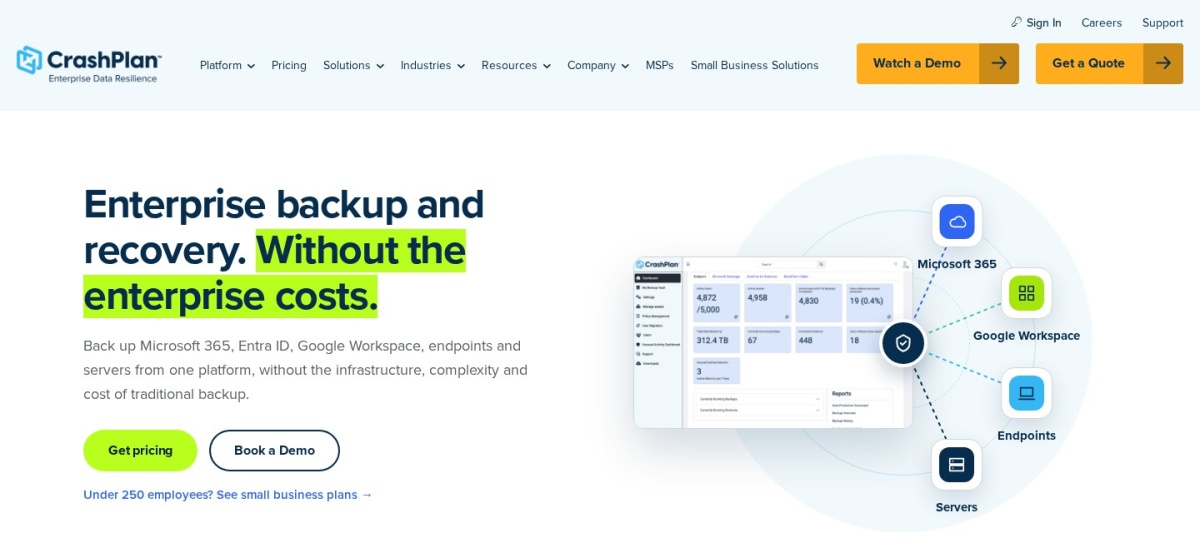
CrashPlan is a business backup service that protects laptops and desktops with unlimited cloud storage and unlimited versioning. The Endpoint plan costs $88 per user a year, covers Windows, macOS and Linux, and lets users restore files themselves without an IT ticket.
The trade off is that it is business-only. There is no personal plan or free tier, the 14-day trial needs a card, and servers and Microsoft 365 backup are separate plans. It suits small teams that want long retention and admin control over every endpoint.
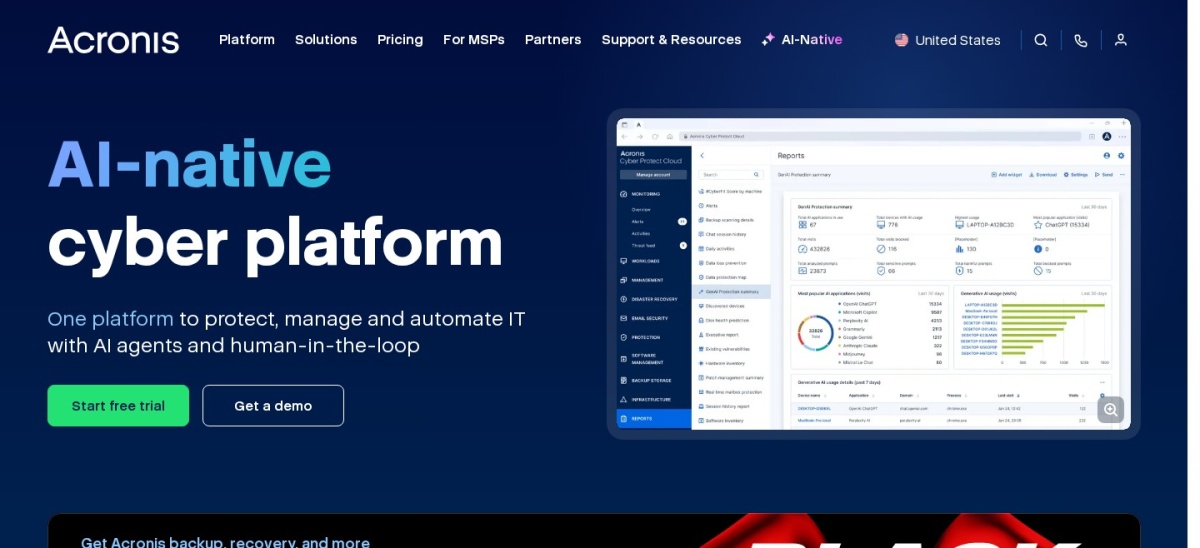
Acronis True Image is a backup and security suite that makes full-disk images, clones drives and stores copies in the cloud. The Advanced plan costs $57.99 a year for one computer, with 50 GB of cloud storage, anti-malware and Microsoft 365 backup.
The trade off is the entry plan. Essentials costs $49.99 a year but has no cloud storage, so remote backup starts at Advanced, and cloud space above 50 GB costs extra. It suits home users who want imaging, cloning and security in one subscription.
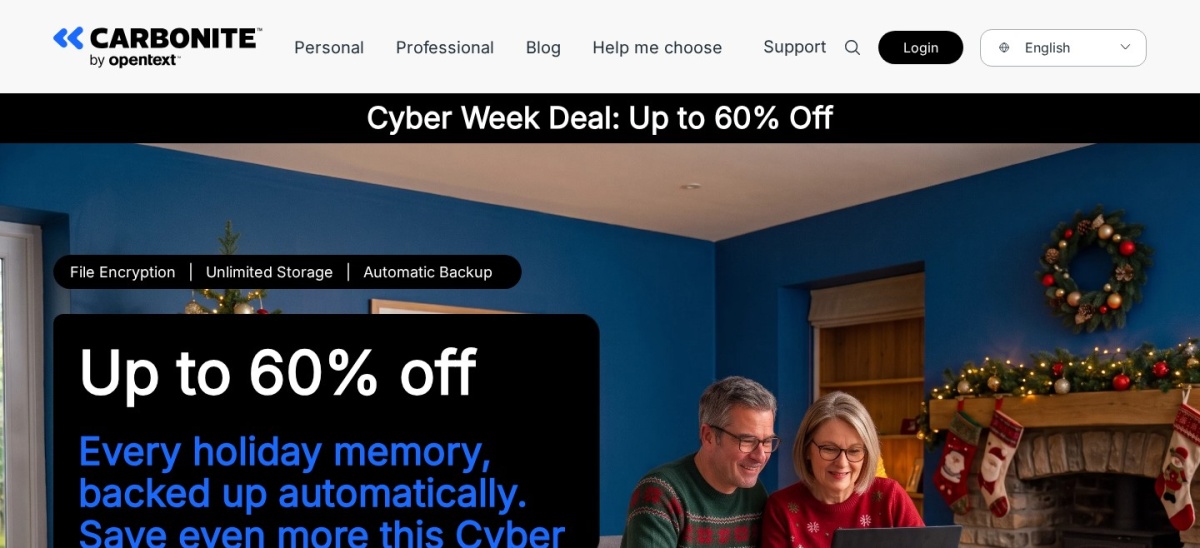
Carbonite Safe is an automatic cloud backup service for one Windows or Mac computer, with unlimited storage on personal plans. It runs in the background, encrypts files and keeps a web dashboard for restores, with a 30-day money-back guarantee instead of a trial.
The trade off is versioning. Only the 12 most recent versions of a file are kept, and the $95.99 regular price is often shown on sale at $71.99, so the renewal price is the one to budget for. It suits anyone who wants backup to run itself and never think about it.
MSP360 Backup is a backup tool that sends files and disk images to cloud storage you already own, such as Amazon S3, Wasabi or Backblaze B2. Licences start at $19.99 a year, with a free plan for basic file backup, image backup and bare-metal restore on paid plans.
The trade off is the second bill. Storage is charged separately by your cloud provider, and the Windows desktop licence costs $29.99 a year rather than $19.99. It suits IT teams and technical users who want to pick the cheapest storage for each job.
What we like
Use any S3-compatible storage you like
Lowest paid price in this list
Covers Windows, Mac and Linux
Image backup and bare-metal restore
Watch out for
Storage costs are a separate bill
Console looks dated next to newer tools
Pricing varies by workload and adds up
Server plans cost $109.99/yr; the top tier costs $179.99/yrVisit msp360.com
07
Arq Backup
4.4/5on G2 (16 reviews, checked Nov 2026)
Starts at$69.99/yr
Best for encrypted backup to any storage
Storage1 TB included
DevicesUp to 5 computers
Free plan30-day trial
Paid planPremium, $69.99/yr
arqbackup.com
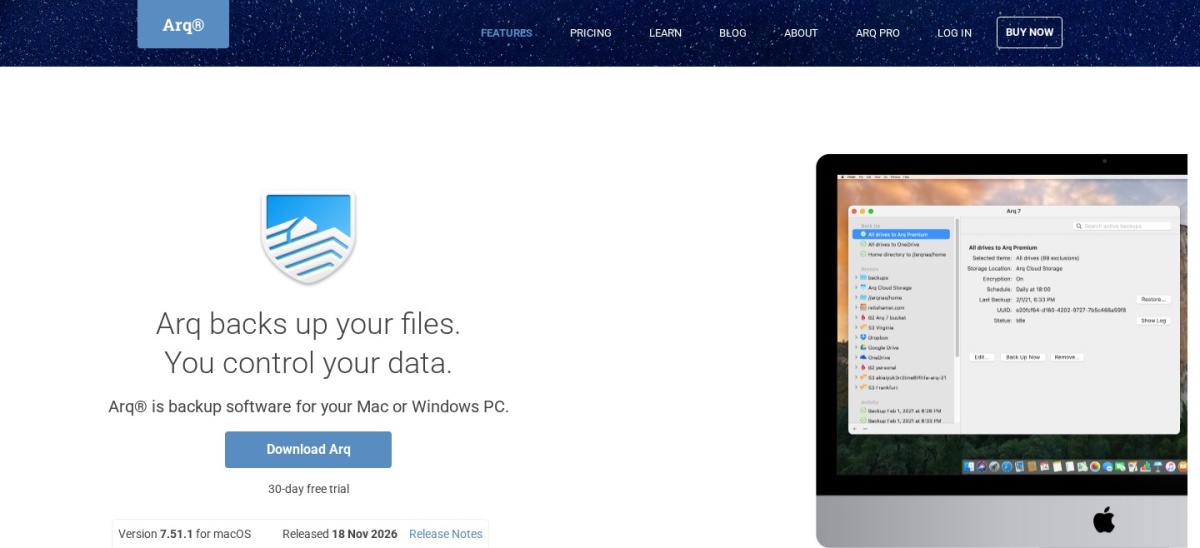
Arq Backup homepage, captured Nov 2026.
Arq Backup is a Mac and Windows backup app that encrypts files on your computer before sending them to storage you choose. Arq Premium costs $69.99 a year for up to 5 computers with 1 TB of storage included, plus web access to your backups.
The trade off is that the cheapest licence has no storage. Arq 7 costs $59.99 once per computer but you pay your own cloud provider, and updates after the first year cost $25 per computer. It suits privacy-minded users who want client-side encryption and full control.
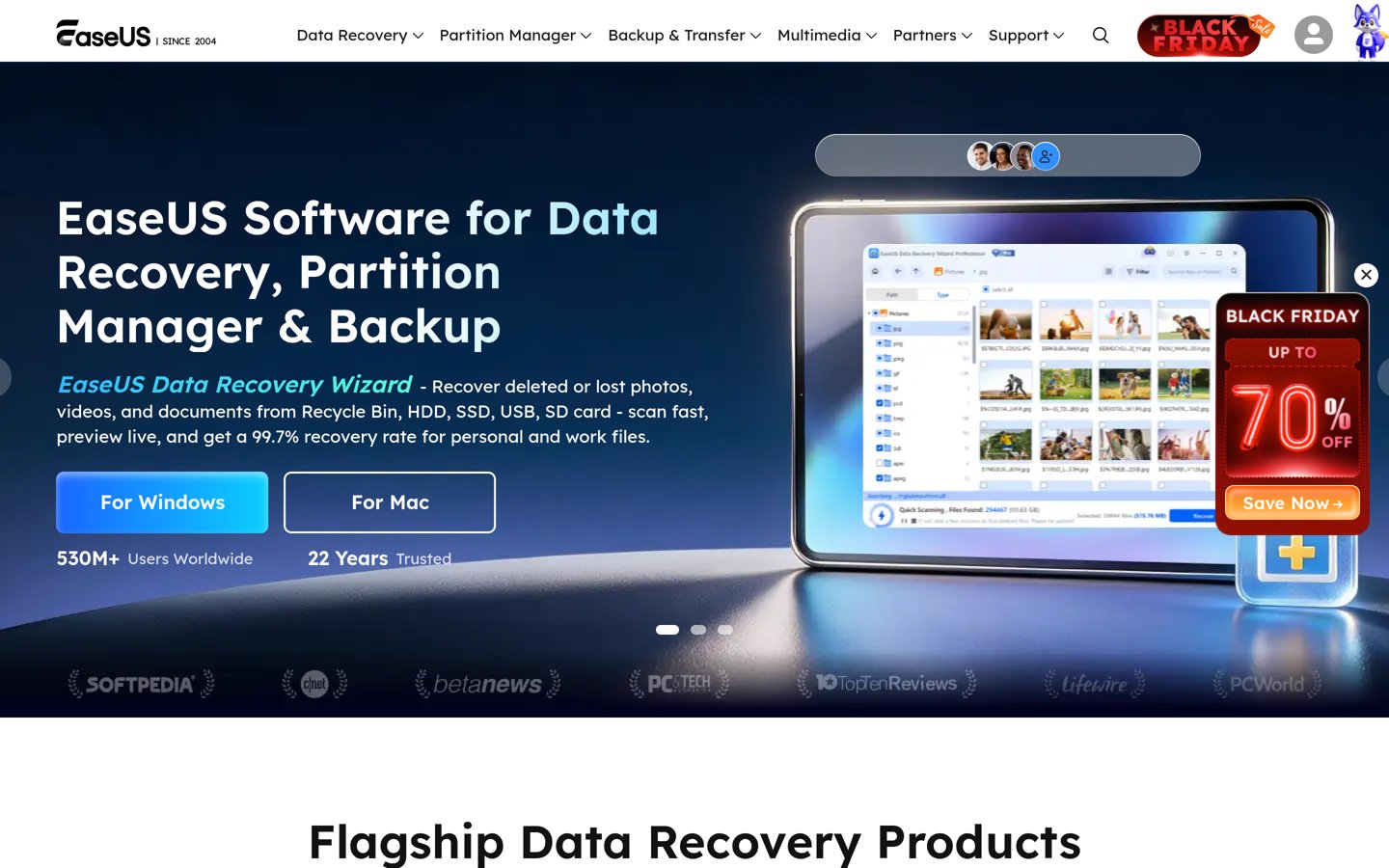
EaseUS Todo Backup is a Windows imaging tool that makes full system images, file backups and disk clones from a plain dashboard. The free edition covers system and file backup with rescue media, and Home costs $39.95 a year with cloning, universal restore and offsite copy to cloud drives.
The trade off is that remote backup is an add-on, not the core. Cloud storage is optional and billed separately, and there is no Mac version. It suits Windows households that want a friendly imager first and an offsite copy second.
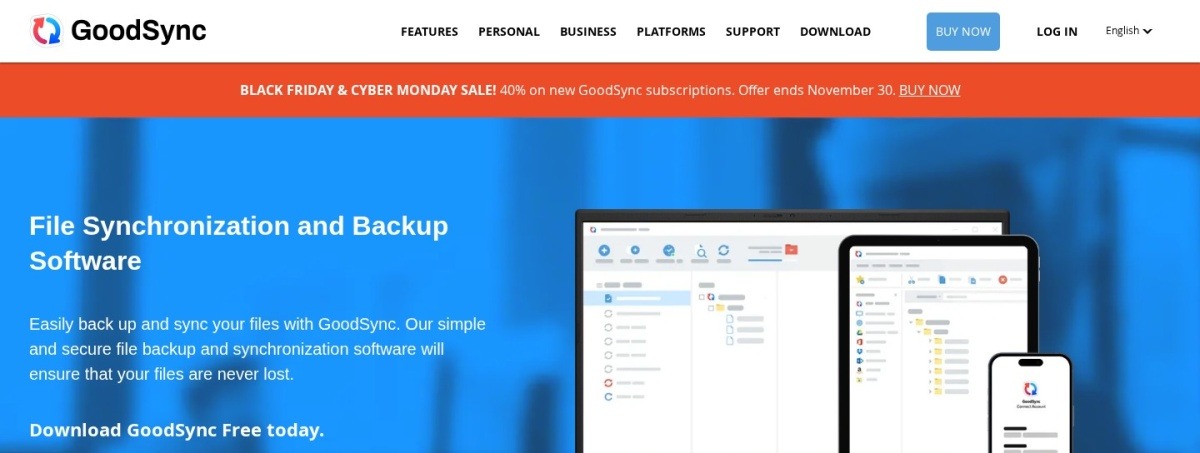
GoodSync is a backup and sync tool that copies files to remote destinations such as Amazon S3, Google Drive, OneDrive, SFTP servers and NAS drives. The Personal plan costs $29.95 a year for up to 5 devices, with version history, ransomware detection and locked-file copying.
The trade off is that it sells no storage of its own. You supply every destination and pay for it separately, the free version is limited to 3 jobs and 100 files, and business licences cost more. It suits users who already have cloud storage and want scheduled, verified copies.
Bundled plans include storage in the price. IDrive, Backblaze, CrashPlan, Carbonite and Arq Premium all work this way, so the yearly fee is the whole cost.
Bring-your-own-storage tools sell the software only. MSP360, Arq 7, EaseUS and GoodSync charge for the app, and you pay a cloud provider separately for the space you use.
Bundled is simpler to budget. Bring-your-own is cheaper when you already pay for storage, or when you want the data in a region or account you control. Our 3-2-1 backup rule guide explains why the offsite copy matters either way.
How we chose
We started from the backup tools that appear most often in buyer guides and review sites, then kept those with a published price, a public rating and a real remote or offsite option.
Prices come from each vendor's pricing page, checked on 26 November 2026. Ratings and review counts come from G2 on the same day. Where a vendor shows a sale, the list shows the regular price.
We left out tools with quote-only pricing and free tools with no paid plan to compare. No vendor paid for a place, and we do not claim to have used these tools ourselves.
How to choose remote backup software
Start with how many devices you protect and how much data they hold, then match the plan to that shape.
Count your devices and data. One computer with 2 TB of photos fits Backblaze. A household with five devices fits IDrive's shared 5 TB pool.
Check version history, not just storage. Unlimited versioning, as IDrive and CrashPlan offer, protects you when damage is found weeks later. Carbonite keeps only 12 versions.
Decide who supplies the storage. Bundled plans are simpler to budget. If you already rent S3 or B2 space, MSP360 or Arq 7 costs less. See the 3-2-1 backup rule for why the offsite copy matters.
Run a restore before you trust it. Back up a folder, delete the local copy, then restore it. If the restore is slow or confusing, try another tool while the trial lasts.
FAQ
What is the best remote backup software?
IDrive is the best remote backup software for most people. Its Personal plan covers unlimited computers, phones and tablets from a shared 5 TB pool for $119.99 a year, with a 10 GB free plan and unlimited versioning.
What is the cheapest remote backup software?
MSP360 Backup is the cheapest paid plan in this list at $19.99 a year, but storage is billed separately by your cloud provider. If you want storage included, CrashPlan costs $88 a user a year with unlimited storage, and Backblaze costs $99 a year for one computer.
Is Backblaze or IDrive better?
IDrive is better for households with several devices, because one 5 TB plan covers them all. Backblaze is better for one computer with a lot of data, because its $99-a-year plan has no storage cap. Both are rated 4.4 out of 5 on G2.
Do I need remote backup if I already back up to an external drive?
Yes. A local drive protects against a failed disk, but not against theft, fire or flood, which can take the drive too. A remote copy in another location covers those cases, which is the point of the 3-2-1 rule.
How much storage do I need for remote backup?
Add up the files you cannot replace: photos, documents and work files, not apps you can reinstall. Most households fit in 1 to 5 TB. If you hold more than 5 TB, an unlimited plan such as Backblaze or CrashPlan is usually cheaper.
Can remote backup protect against ransomware?
It helps, but only with version history. If the backup overwrites clean files with encrypted ones, only older versions save you. Pick a tool with unlimited versioning, such as IDrive or CrashPlan, and keep a separate offline copy too.
SaaS SEO and WordPress specialist with about 8 years of experience. Rakib compares WordPress plugins, themes, hosting and software using public pricing, documentation and user reviews. See how we rank.