IDrive is the best file backup software for most people, with 5TB for $99.50 a year across unlimited devices and a 4.4 out of 5 G2 rating from 2,084 reviews. Pick Backblaze for unlimited backup of one computer, or Duplicati if you want free software with your own storage.
How we make this list: we compare pricing pages, product documentation and public user reviews, then re-check every price before each update. No product paid for a place. Disclosure.
IDrive gives the most storage for the money: 5TB for $99.50 a year across unlimited devices, with a free 10GB plan.
Backblaze is the simplest unlimited option at $99 a year per computer, with a 15-day free trial and no storage cap.
Acronis True Image is the cheapest paid start at $49.99 a year, and it adds full disk imaging and cloning.
CrashPlan has the highest G2 rating here at 4.9 out of 5, with unlimited storage and unlimited version history for teams.
Duplicati is free and open source, but you supply the storage and set it up yourself.
What to look for in file backup software
A backup tool has one job: give you back a file you lost, even if the loss happened weeks ago. Storage size, version history and restore options matter more than the number of features on the box.
First, count your devices. Per-computer pricing is cheap for one laptop and costly for a household, while a shared storage pool covers many devices under one plan.
Second, check version history. A backup that keeps only 30 days of old versions cannot save a file that was damaged two months ago, so unlimited versioning is worth paying for.
Third, follow the 3-2-1 rule: three copies, two kinds of storage, one off-site. Our guide to the 3-2-1 backup rule for websites explains how the rule works and why one copy should sit away from the others.
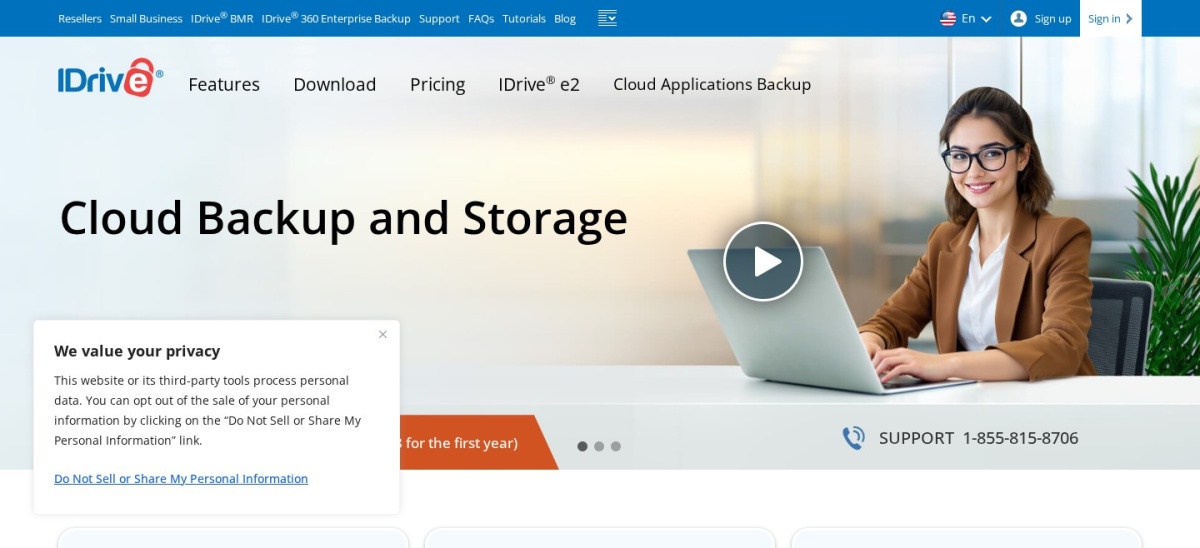
IDrive is a cloud backup service that covers Windows, Mac, Linux, phones and NAS devices under one account. The Personal plan gives 5TB for $99.50 a year, and one account backs up every device in the household instead of charging per computer.
The trade off is the first-year discount. The Personal plan is often sold below $99.50 for the first year, then renews at the regular $99.50, so budget for the renewal price. It suits households and small teams that back up many devices on one storage pool.
What we like
5TB shared across unlimited devices for $99.50 a year
Unlimited version history at no extra cost
Free 10GB plan to try it out
Physical Express shipment for large first backups
Watch out for
First-year price is lower than the renewal price
Interface looks dated next to newer rivals
Extra storage beyond 5TB costs more
Paid plans add more storage and Microsoft 365 backupVisit idrive.com
02
Backblaze
4.4/5on G2 (57 reviews, checked Nov 2026)
Starts at$99/yr
Best for unlimited backup of one computer
StorageUnlimited per computer
Devices1 per licence
Version history30 days by default
Free trial15 days
backblaze.com
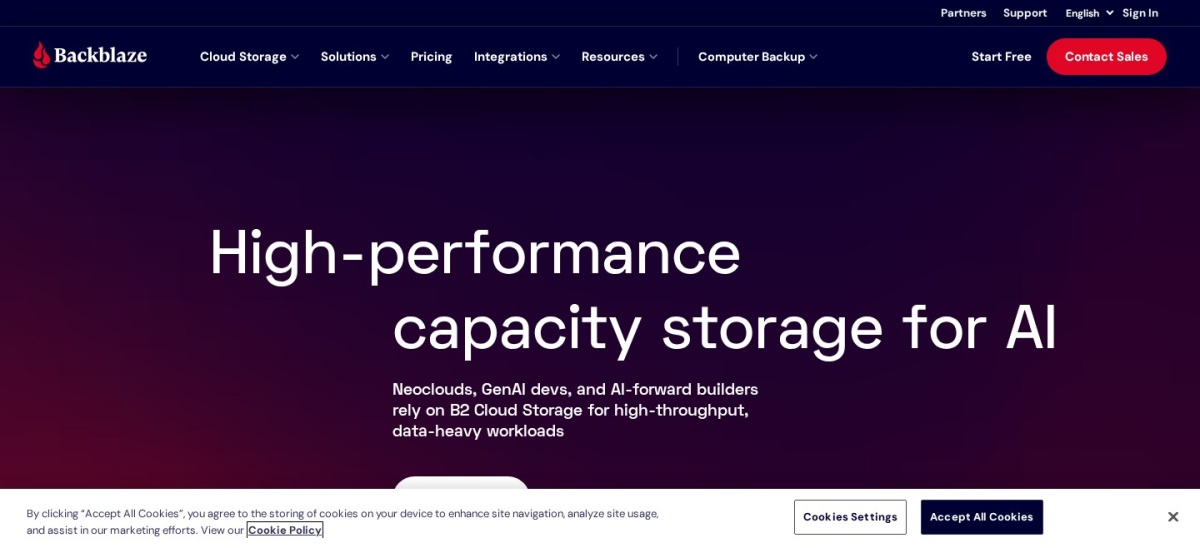
Backblaze homepage, captured Nov 2026.
Backblaze is a set-and-forget cloud backup service for one Mac or Windows computer. It backs up files automatically and continuously for $99 a year, or $9 a month, with no storage limit and no file size limit.
The trade off is version history. Deleted files and old versions are kept for 30 days by default, and keeping them for a year costs $2 a month extra. It suits people with one main computer and a lot of data who want backup to run without thinking about it.
What we like
Unlimited storage for one computer at a flat price
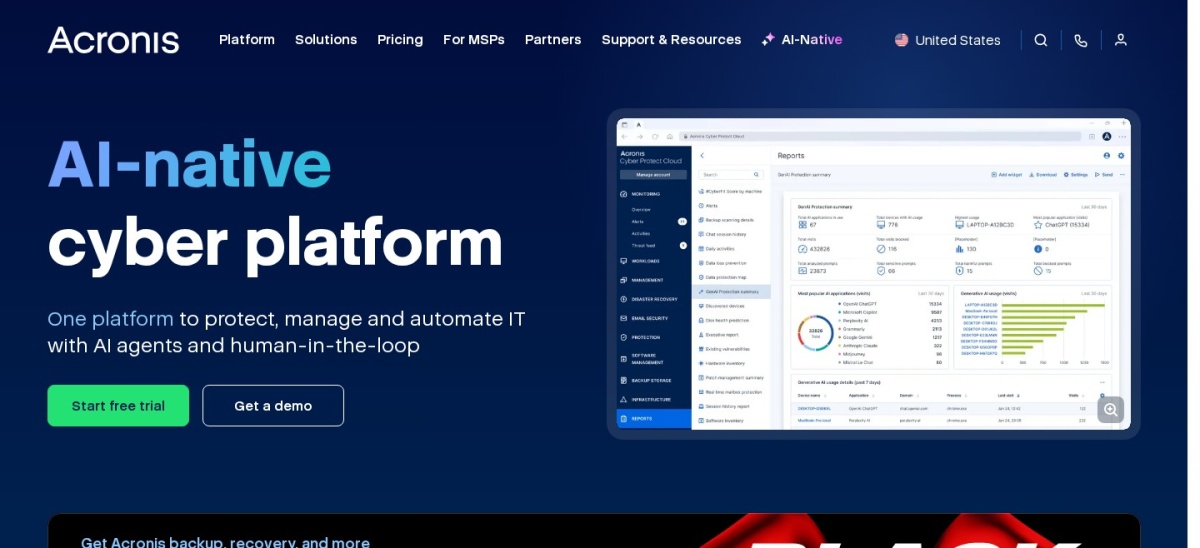
Acronis True Image is backup software for Windows and Mac that copies whole disks, not just files. The Essentials plan costs $49.99 a year for one computer and includes full image backup, active cloning and ransomware detection for local backups.
The trade off is cloud storage. Essentials has no cloud storage and no real-time anti-malware, so an off-site copy needs the Advanced plan at $57.99 a year with 50GB of cloud storage. It suits people who want a full system image they can restore to a new drive.
What we like
Lowest paid starting price in this list
Full disk imaging and cloning included
Universal restore to different hardware
Anti-ransomware protection on local backups
Watch out for
No cloud storage on the cheapest plan
Real-time anti-malware needs the Advanced plan
Each licence covers one computer
Advanced adds 50GB cloud storage and Microsoft 365 backupVisit acronis.com
04
CrashPlan
4.9/5on G2 (260 reviews, checked Nov 2026)
Starts at$88/yr
Best for small business endpoint backup
StorageUnlimited per user
Version historyUnlimited
Admin consoleYes
Free trial14 days
crashplan.com
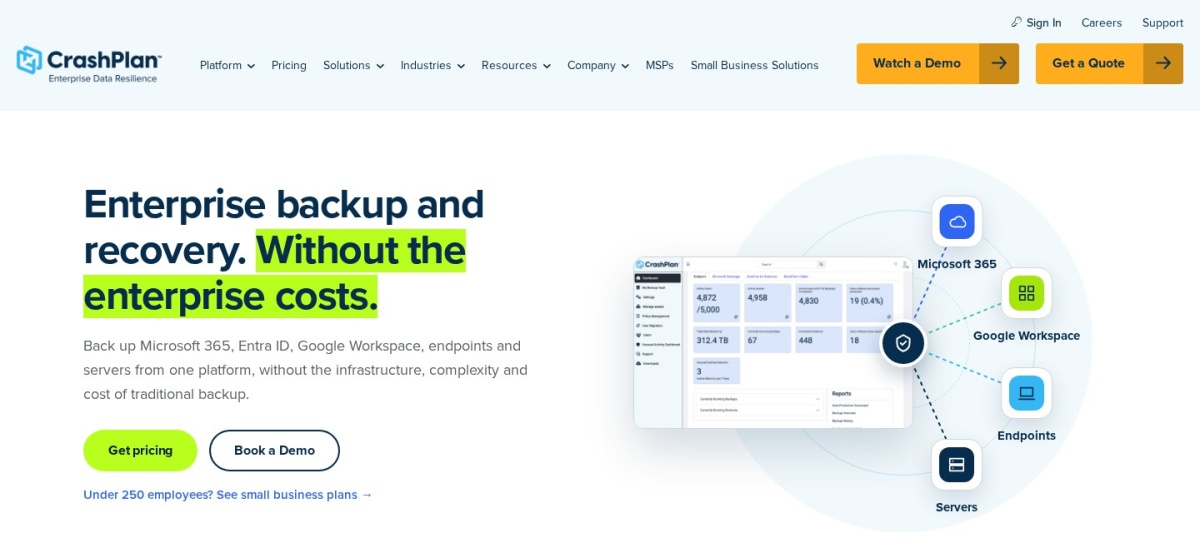
CrashPlan homepage, captured Nov 2026.
CrashPlan is a business backup service that protects endpoints, servers and Microsoft 365 from one platform. The Endpoint plan costs $88 a year per user when billed annually, with unlimited storage and unlimited version history.
The trade off is that there is no personal plan. CrashPlan stopped selling home backup in 2018, so households should look at IDrive or Backblaze instead. It suits small businesses that need an admin console, legal hold and compliance reporting for employee devices.
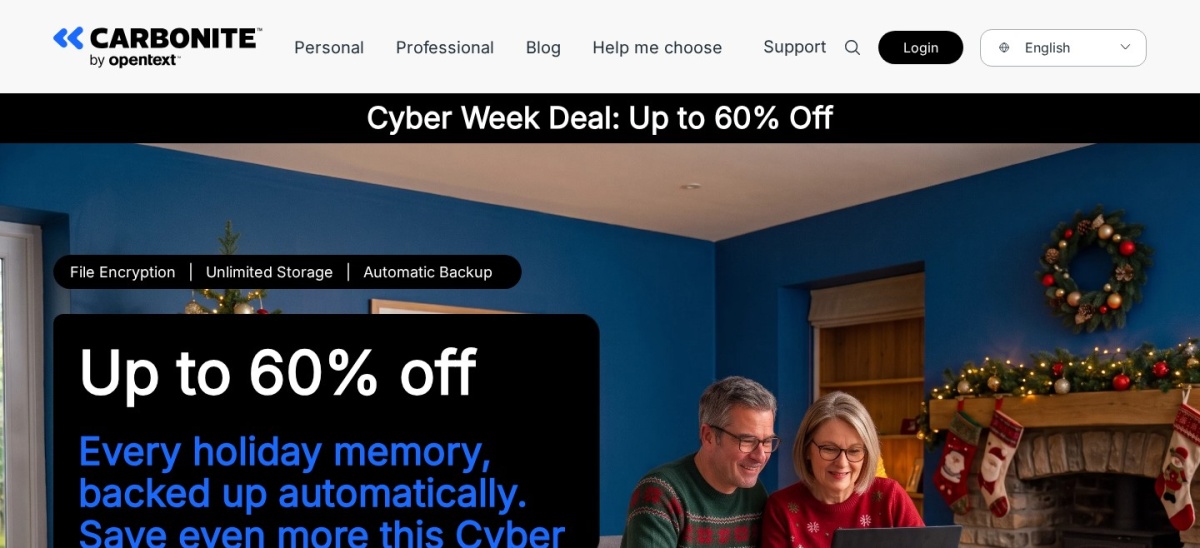
Carbonite is a cloud backup service from OpenText that copies a computer to encrypted cloud storage in the background. The Basic plan costs $95.99 a year for one computer with unlimited storage, automatic backup and file access from any device.
The trade off is the first-year promotion. New customers often pay $71.99 for the first year, then renew at the regular $95.99, so the second year costs more. It suits people who want unlimited backup of one computer with almost no settings to manage.
What we like
Unlimited storage for one computer
Automatic backup that runs in the background
256-bit encryption on stored files
30-day money-back guarantee
Watch out for
One subscription covers only one computer
External drive backup needs the Plus plan
Lowest G2 rating in this list at 4.0 out of 5
Plus and Prime add external drive backup and courier recoveryVisit carbonite.com
06
GoodSync
4.6/5on G2 (74 reviews, checked Nov 2026)
Paid from$29.95/yr
Best for syncing files across many devices
StorageYour own drives and clouds
Devices5 on Personal
Sync or backupBoth, one-way or two-way
Free version3 jobs, 100 files each
goodsync.com
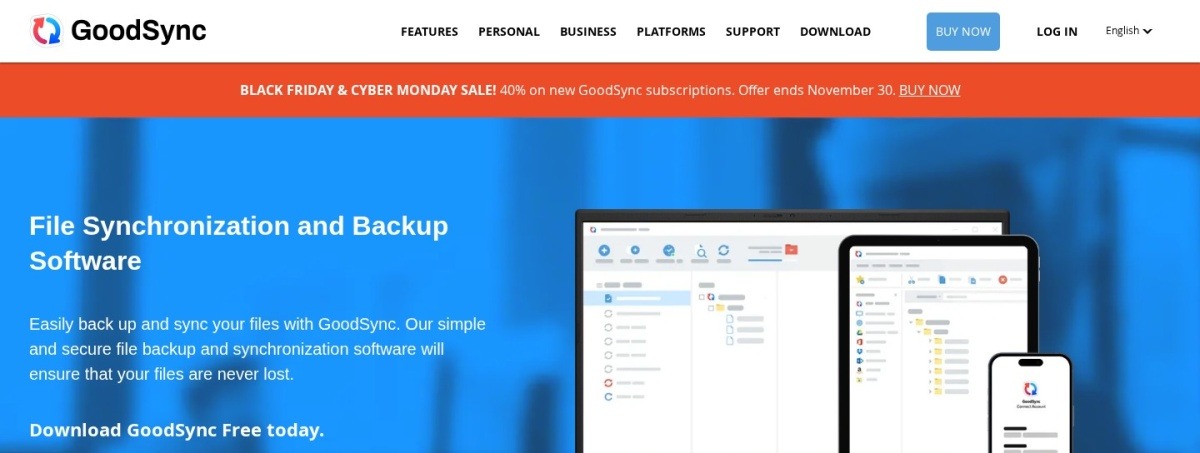
GoodSync homepage, captured Nov 2026.
GoodSync is a file sync and backup tool for Windows, Mac, Linux, Android and NAS devices. The Personal plan costs $29.95 a year for up to 5 devices, and it syncs folders between computers, drives and cloud accounts with block-level transfers.
The trade off is that GoodSync sells software, not storage. You supply the destination, so the $29.95 buys the app and you pay a cloud provider separately if you want off-site copies. It suits people who keep the same files on several machines and want them mirrored and backed up.
What we like
One low price covers sync and backup for 5 devices
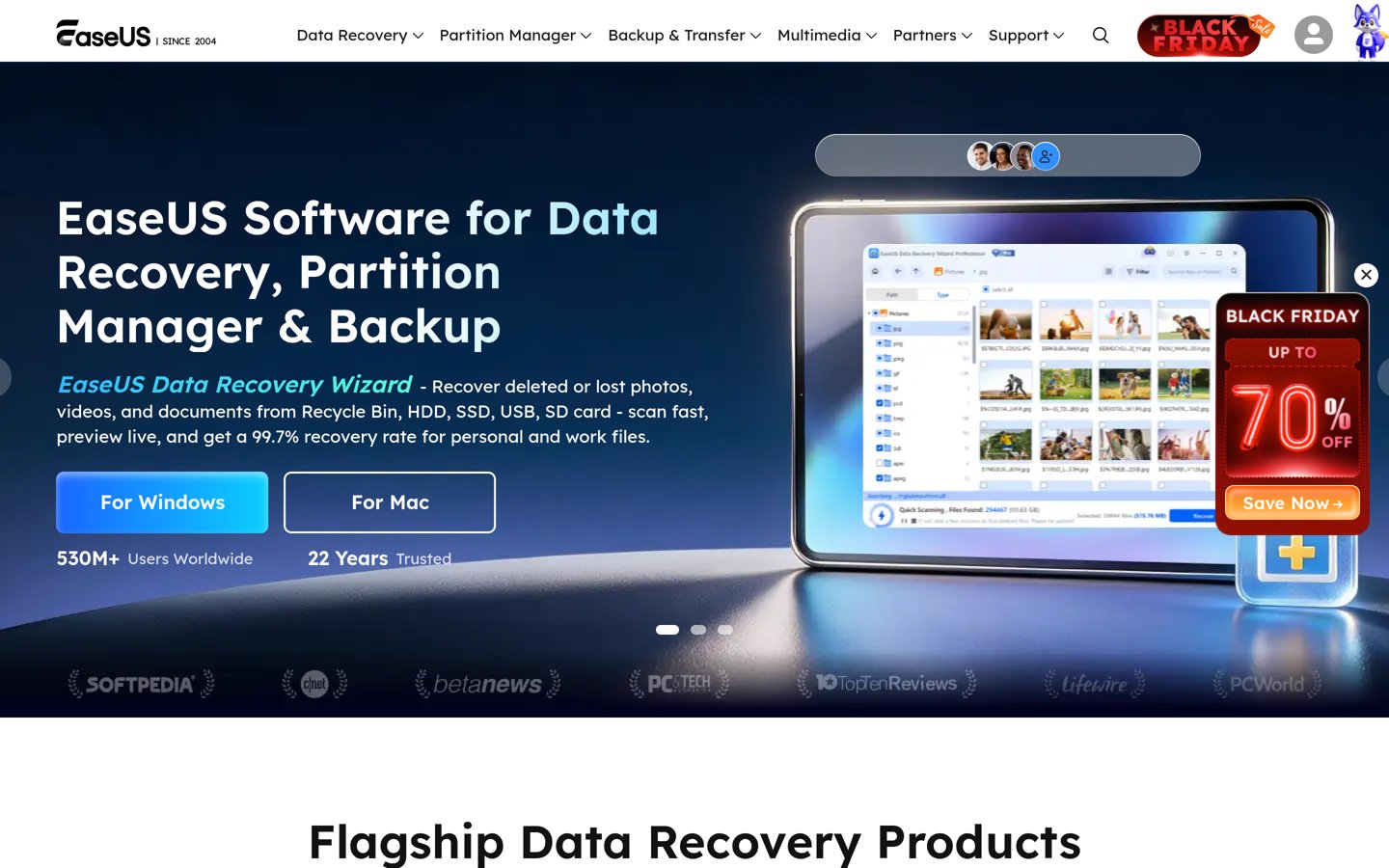
EaseUS Todo Backup is a Windows backup tool that copies the system, whole disks, partitions and individual files. The Home edition costs $29.95 a year for one computer, with a lifetime upgrade option at $59, and it can clone a drive when you move to a larger SSD.
The trade off is cloud backup. The Home plan includes only a 30-day trial of 250GB of cloud storage, so off-site copies need your own drive or another service. It suits Windows users who want a cheap way to image a PC and restore it when Windows will not start.
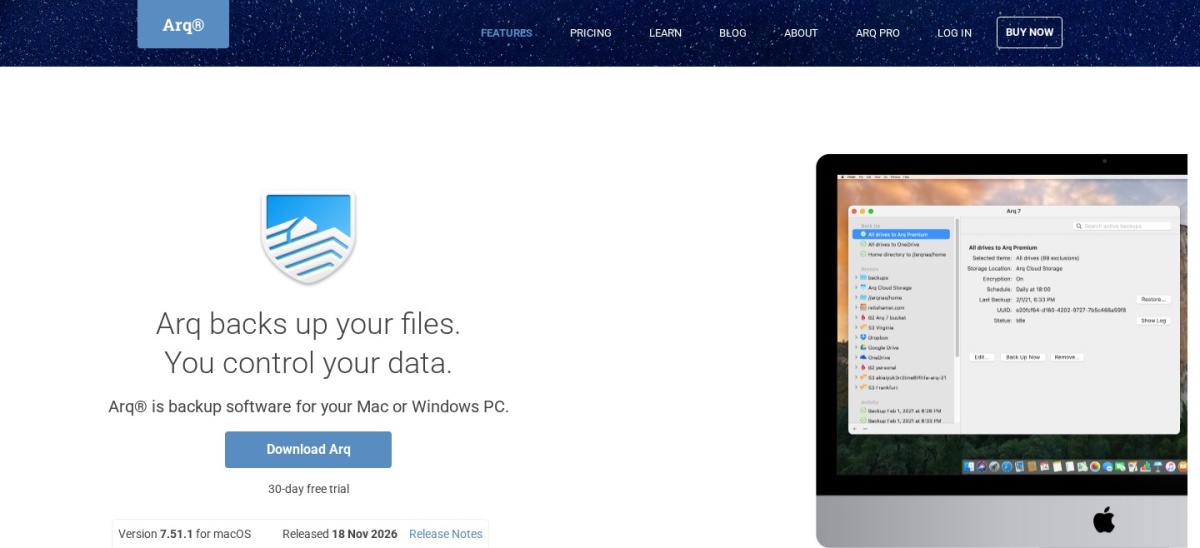
Arq is backup software for Mac and Windows that sends encrypted, versioned backups to storage you already own. Arq 7 costs $49.99 per computer for the first year, then $25 a year after that, and it works with Amazon S3, Backblaze B2, Google Drive, Dropbox, NAS devices and SFTP servers.
The trade off is that Arq includes no storage. You pay the storage provider separately, and you set up each backup job yourself, so it takes more effort than a hosted service. It suits technical users who want to hold their own encryption keys and pick where their backups live.
Duplicati is a free, open-source backup client that encrypts files before sending them to storage you choose. It works with Amazon S3, Backblaze B2, Google Drive, OneDrive, SFTP and local drives, with scheduled, deduplicated, incremental backups through a web interface.
The trade off is support and polish. There is no phone support, setup takes more steps than a hosted service, and very large backup sets can run slowly. It suits technical users who want a free backup engine and are happy to pay only for the storage they use.
Unlimited vs fixed storage: which saves you money?
Unlimited plans win when one computer holds a lot of data. Backblaze, Carbonite and CrashPlan charge a flat price per computer or user, so a 4TB photo library costs the same as a 400GB one.
Fixed storage wins when many devices share one account. IDrive gives 5TB for $99.50 a year across unlimited devices, which beats five per-computer licences at almost any rival price.
Bring-your-own-storage tools win over several years if you already pay for cloud storage. Arq and Duplicati cost little on their own, but you pay the storage provider by the gigabyte, so check that bill before you commit.
How we chose
We started from the best-known file backup tools with a public G2 or Capterra rating, then kept nine that cover hosted cloud backup, disk imaging and bring-your-own-storage software.
Prices come from each vendor's pricing page or a published price check, checked on 25 November 2026. Ratings and review counts come from G2 or Capterra on the same day. Where a vendor shows a first-year sale, the list shows the regular renewal price.
We left out tools with no public rating and tools that only sync files without keeping backup versions. No vendor paid for a place, and we do not claim hands-on testing for this list.
How to choose file backup software
Start by counting your devices and your data, then match the pricing model to both.
Count your devices and your data. One computer with terabytes of photos fits a flat unlimited plan, while a household with many devices fits one shared storage pool.
Check version history before you pay. Look for how long old versions and deleted files are kept, because a short window cannot save a file damaged months ago.
Make sure one copy sits off-site. A local drive alone does not survive fire or theft, so pair it with a cloud copy or a drive kept elsewhere.
Restore one file before you trust it. Our guide on how to back up a WordPress site shows the same test for a website: pick a file, restore it, and confirm it opens.
FAQ
What is the best file backup software?
IDrive is the best pick for most people. Its Personal plan gives 5TB for $99.50 a year across unlimited devices, with unlimited version history and a free 10GB plan. Backblaze is better for unlimited backup of a single computer.
How much does file backup software cost?
Most paid plans in this list cost $29.95 to $99.50 a year. Duplicati is free if you supply your own storage, while Arq costs $49.99 per computer for the first year plus storage.
Is free backup software safe to use?
Yes, if it encrypts before upload and you keep the storage somewhere reliable. Duplicati is free and open source with encryption built in, but you set it up yourself and there is no phone support.
What is the difference between backup and sync?
Sync keeps the same files on every device, so a deleted or encrypted file is copied everywhere at once. Backup keeps separate copies with version history, so you can bring back an older version after a mistake or an attack.
How much storage do I need for backup?
Add up the files on every device you want to protect, then add room for growth and old versions. A 5TB plan covers most households, while a single computer with a large photo or video library may need an unlimited plan.
Do I still need a local backup if I use the cloud?
A local copy restores large files faster than a download, and a cloud copy survives fire or theft. The 3-2-1 rule works best with both, plus a tested restore now and then.
SaaS SEO and WordPress specialist with about 8 years of experience. Rakib compares WordPress plugins, themes, hosting and software using public pricing, documentation and user reviews. See how we rank.