EaseUS Todo Backup is the best rated Windows backup software for most people, at 4.8 out of 5 on G2 and $39.95 a year for one PC. Pick Macrium Reflect X for the most trusted imaging engine, or Backblaze for unlimited cloud backup of a single computer.
How we make this list: we compare pricing pages, product documentation and public user reviews, then re-check every price before each update. No product paid for a place. Disclosure.
EaseUS Todo Backup has the highest G2 rating here at 4.8/5 from 133 reviews, and the joint-lowest price at $39.95 a year.
Macrium Reflect X is the imaging specialist at 4.7/5 from 94 reviews, but its free edition is gone and the $49.99 a year licence is subscription only.
NovaBACKUP is the only tool here that bundles 1,000 GB of cloud storage with local imaging, but at $149.95 a year it is the priciest pick.
Backblaze, IDrive and Carbonite back up to the cloud with no storage cap on their main plans, and IDrive is the only one that covers unlimited devices on one plan.
Three tools have a usable free edition: EaseUS, AOMEI and IDrive, with 10 GB of free cloud backup on IDrive.
Paid plans run from $39.95 to $149.95 a year. Every sale price in this list is a first-year discount, not the regular price.
What to look for in rated Windows backup software
Windows backup software falls into two kinds: disk imaging tools that copy the whole system, and cloud backup services that copy your files off-site. The best setup pairs one of each, so a dead drive and a house fire are both covered.
Ratings matter because a backup tool is only useful if the restore works. This list orders tools by their public G2 rating, then by review count, so a 4.8 from 133 reviews ranks above a 4.7 from 11.
Check the renewal price, not the first-year price. Our guide to the 3-2-1 backup rule explains why one local copy and one off-site copy beat any single backup, however good the tool.
Free editions cover the basics well. EaseUS and AOMEI image a whole system for free, while IDrive gives 10 GB of cloud backup at no cost.
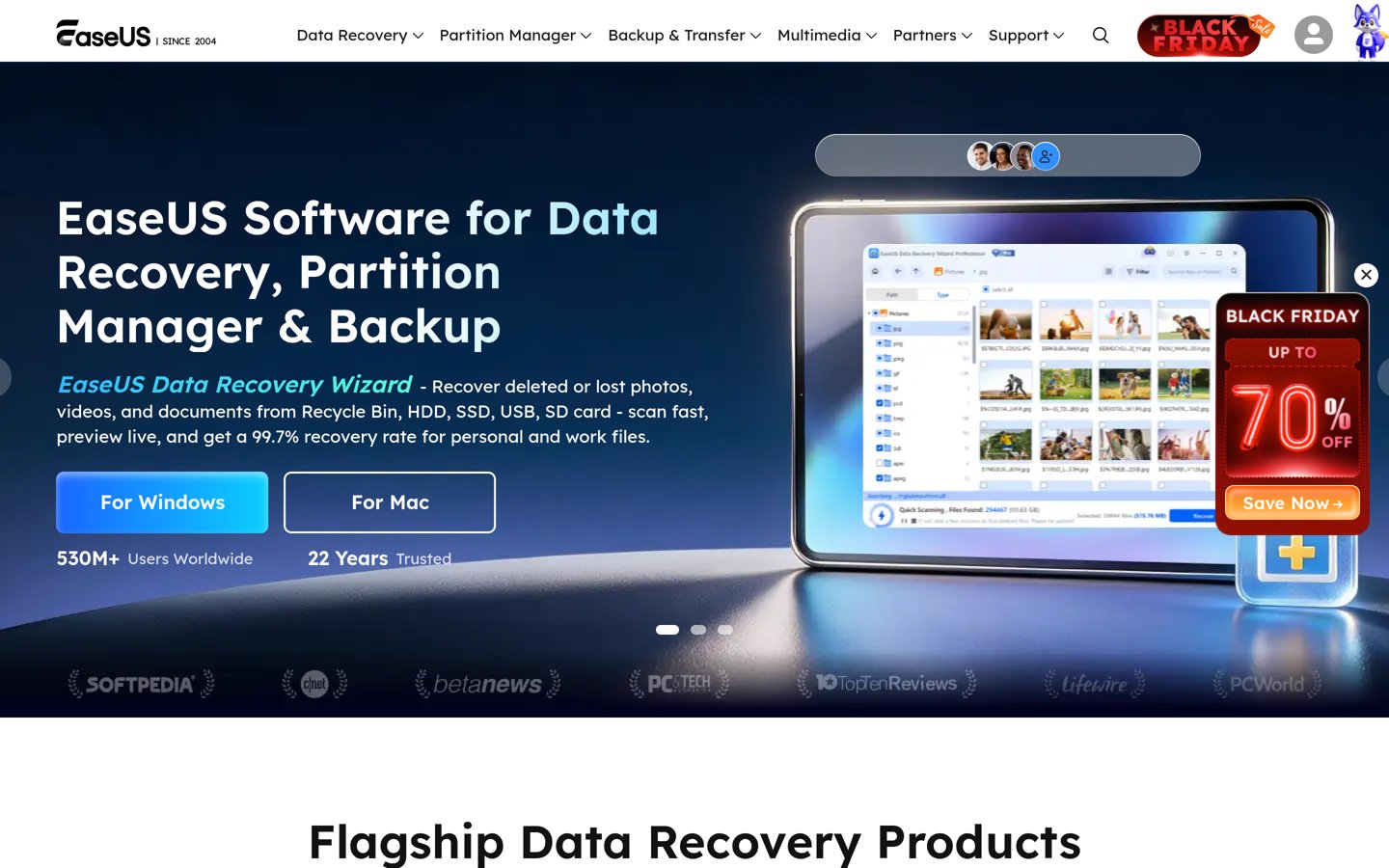
EaseUS Todo Backup is a Windows backup tool that covers system images, disk and partition images, file backup and cloning. The free edition handles system and file backup, and the Home plan costs $39.95 a year for one PC, with a perpetual licence at $59.95 for buyers who want no subscription.
The trade off is the cloud storage. The buy page lists 1 TB of cloud storage with the yearly plan, while other November 2026 checks price the cloud option at $59.95 a year, so confirm what your plan includes before you pay. It suits Windows users who want the highest-rated tool in this list at the lowest price.
What we like
Highest G2 rating in this list
Capable free edition with system backup
Perpetual licence for buyers who dislike subscriptions
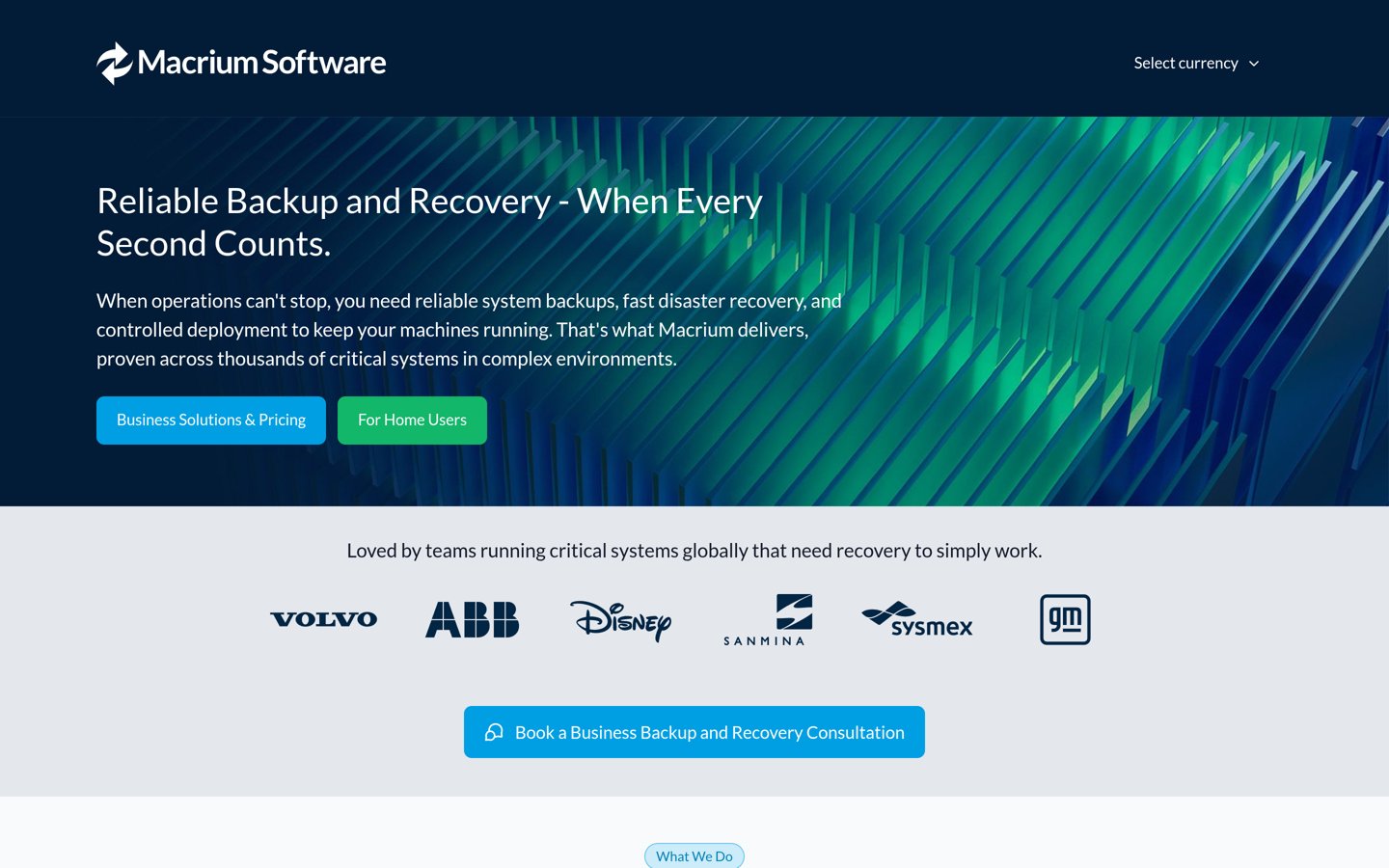
Macrium Reflect X is the imaging specialist in this list, making byte-for-byte copies of whole Windows disks and updating them with incremental images. The Home licence costs $49.99 a year for one PC and includes Rapid Delta Restore, which restores only the blocks that changed, plus bootable WinPE rescue media.
The trade off is the subscription. The free edition ended with Reflect 8, so there is no no-cost way in, and a 50% off sale was running when we checked, with the regular price at $49.99 a year. It suits Windows users who want the fastest, most trusted imaging engine.
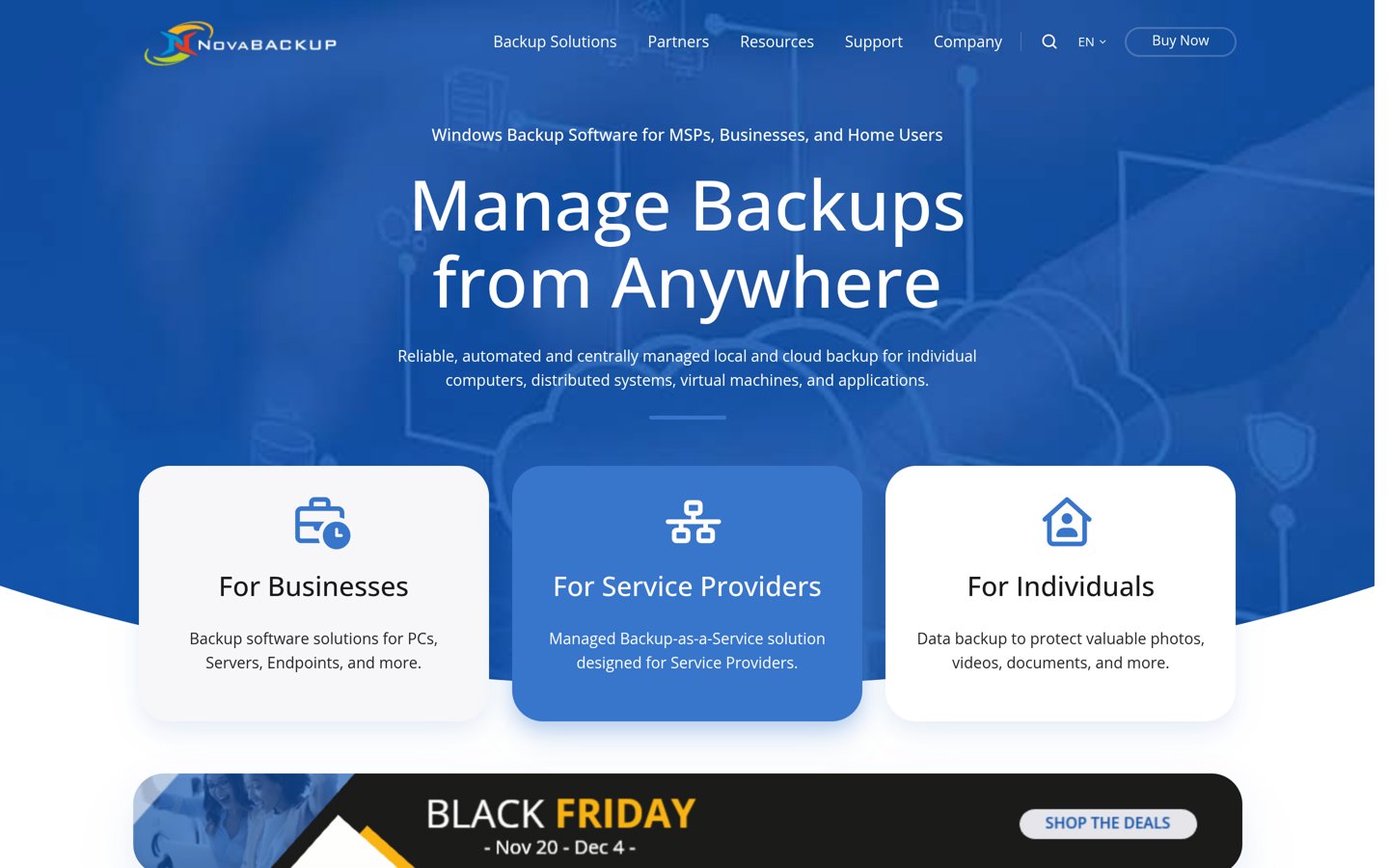
NovaBACKUP is a Windows backup tool for home users and small businesses that pairs local imaging with cloud backup. The PC Agent plan costs $149.95 a year and includes 1,000 GB of cloud storage, scheduled backups and central management from a web console.
The trade off is price. At $149.95 a year it costs about three times the cheapest tools here, and its G2 rating of 4.7 out of 5 comes from only 11 reviews. It suits small businesses that want one console for every PC and a cloud copy included.
Backblaze is a cloud backup service that backs up every file on one Windows PC or Mac, with no storage cap and no file-size limit. The plan costs $9 a month, $99 a year, covers the computer and its attached external drives, encrypts files before they leave the machine and offers a 15-day free trial.
The trade off is the per-computer price. A second computer needs a second $99 a year licence, so households with several machines pay more than with a pooled plan. It suits one-computer owners who want unlimited backup without counting gigabytes.
IDrive is a cloud backup service that covers every computer, phone and tablet on one account from a shared storage pool. The Personal plan gives 5 TB for $79.50 a year, with a 10 GB free plan, private-key encryption and backup for servers and NAS drives on higher plans.
The trade off is the renewal price. The list price is $79.50 a year, and the first year is often sold at a discount, while two November 2026 checks put the renewal at $119.88 a year, so check the renewal terms before you buy. It suits households and small offices with several devices to protect under one plan.
CrashPlan is a business backup service that protects laptops, desktops and servers from one admin console. The endpoint plan costs $88 per user a year, with unlimited storage, unlimited file versions and a 14-day free trial.
The trade off is the audience. CrashPlan no longer sells a personal plan, so home users pay the business rate, and the per-user price adds up across a team. It suits small businesses that need central control and unlimited version history.
Acronis True Image is a backup and security suite for home users, formerly sold as Acronis Cyber Protect Home Office. The Essentials plan costs $49.99 a year for one computer and covers full disk imaging, cloning, file backup and ransomware protection for backup files.
The trade off is that cloud backup and antivirus start on the higher Advanced plan, so the entry plan is local backup only. It suits buyers who want imaging and security from one product and are happy to store backups on their own drive.
AOMEI Backupper is a Windows backup tool that covers system images, disk images, file backup, sync and cloning. The free Standard edition handles basic backup, and the Professional plan costs $39.95 a year for one PC, with a $69.95 perpetual licence for buyers who dislike subscriptions.
The trade off is the review base. Its G2 rating of 4.3 out of 5 comes from only 18 reviews, the thinnest in this list, and support gets mixed reports. It suits Windows users who want a capable free edition and a one-time licence.
Carbonite Safe is a cloud backup service that backs up one computer automatically, with unlimited storage and no file-size limits. The Basic plan costs $95.99 a year, encrypts files in transit and at rest, and restores files after a virus or hardware failure.
The trade off is versioning. Carbonite keeps only the 12 most recent versions of a file, and a sale was running when we checked, with Basic listed at $57.59 for the first year. It suits buyers who want automatic backup with no storage maths.
Disk imaging copies everything, including Windows itself, so you can restore a dead PC to a new drive in one step. Imaging tools in this list include EaseUS, Macrium, Acronis, AOMEI and NovaBACKUP.
Cloud backup copies your files to a data centre, so they survive theft or fire at home. Backblaze, IDrive, Carbonite and CrashPlan do this, and NovaBACKUP bundles 1,000 GB of cloud storage with its imaging plan.
If you can only pay for one, pick imaging first and add a free cloud plan such as the 10 GB free tier on IDrive for your most important files.
How we chose
We started from the best-known Windows backup tools for home users and small businesses, covering cloud backup and disk imaging, then kept the nine with a current product, a public price and a public rating.
Prices come from each vendor's pricing page, checked on 26 November 2026. Ratings and review counts come from G2 on the same day. Where a vendor shows a sale, the list shows the regular price.
We left out tools with no public price and tools aimed only at large enterprises. No vendor paid for a place, and we do not claim to have used these tools ourselves.
How to choose Windows backup software
Start with what you need to restore, then match the tool to it.
Decide what a restore must bring back. A full system image restores Windows, apps and files in one step, while file backup only restores documents. Pick imaging if a dead drive must not cost you a day of setup.
Count your computers. Backblaze, Carbonite and Acronis charge per computer, while IDrive covers unlimited devices on one 5 TB plan. Two or more PCs usually make a pooled plan cheaper.
Check the renewal price. First-year discounts of 40 to 60 percent are common in this market. Read the renewal terms before you buy, and confirm the price on the vendor's own pricing page.
Test the restore before you need it. Install the tool, back up, then restore one file and one folder to a different location. A backup you have never restored is a guess, not a plan.
FAQ
What is the best rated Windows backup software?
EaseUS Todo Backup is the highest rated here, at 4.8 out of 5 on G2 from 133 reviews, and it costs $39.95 a year for one PC. Macrium Reflect X is the runner-up at 4.7 out of 5 from 94 reviews, and is the pick for buyers who care most about restore reliability.
Is there free Windows backup software?
Yes. EaseUS Todo Backup and AOMEI Backupper both have free editions that cover system images and file backup, and IDrive gives 10 GB of cloud backup free. Free editions lack scheduling extras, cloud storage and priority support, which start on the paid plans.
Do I need cloud backup or a disk image?
Ideally both. A disk image restores your whole PC, including Windows, after a drive failure. Cloud backup protects your files if the PC is stolen or the house floods. If you pay for one, take imaging first and add a free cloud plan for key files.
How much should Windows backup software cost?
The tools in this list run from $39.95 to $149.95 a year for one computer. Imaging tools cluster near $40 to $50 a year, while cloud backup with unlimited storage costs $88 to $99 a year. First-year discounts are common, so check the renewal price.
Can I back up several computers on one plan?
IDrive covers unlimited devices on one 5 TB plan for $79.50 a year, which makes it the cheapest option for households with more than one PC. Backblaze, Carbonite and Acronis charge per computer, so two machines need two licences.
Does Windows have backup built in?
Windows includes File History for file copies and a system image tool, but both are basic and Microsoft has stopped developing the image tool. A dedicated tool adds scheduling, incremental images, cloud copies and bootable rescue media.
SaaS SEO and WordPress specialist with about 8 years of experience. Rakib compares WordPress plugins, themes, hosting and software using public pricing, documentation and user reviews. See how we rank.