Backblaze is the best personal backup software for most people, with unlimited storage for one computer at $9 a month and no folders to pick. IDrive suits households with several devices under one account, and EaseUS Todo Backup suits Windows users who want disk imaging on a budget.
How we make this list: we compare pricing pages, product documentation and public user reviews, then re-check every price before each update. No product paid for a place. Disclosure.
Backblaze is the best overall pick, with unlimited storage for one computer at $9 a month.
IDrive is the best household pick, with 5 TB across unlimited devices for $9.99 a month.
EaseUS Todo Backup holds the highest G2 rating here at 4.8 out of 5 and costs $39.95 a year.
CrashPlan is now business-only, after ending its personal plan, at $88 a user a year.
pCloud is the only lifetime option here, with 500 GB for $219 once or 2 TB for $399 once.
Cloud backup or disk imaging: which do you need
Personal backup splits into two kinds: cloud backup that copies files to a server, and disk imaging that saves a whole system image you can restore after a crash. Cloud backup protects against theft and fire, while imaging protects against a dead drive.
Unlimited storage is the feature that decides the price. Backblaze, Carbonite and CrashPlan charge per computer with no storage cap, while IDrive and pCloud charge for a fixed amount of space across every device.
Version history matters when ransomware strikes. A backup that keeps old versions lets you roll back to before the attack, so check how long deleted files and old versions are kept. Our guide on best data recovery software covers what happens when the backup itself fails.
First-year discounts are the trap in this category. IDrive and Carbonite both show a lower first-year figure and a higher renewal price, so budget on the standard rate, not the headline.
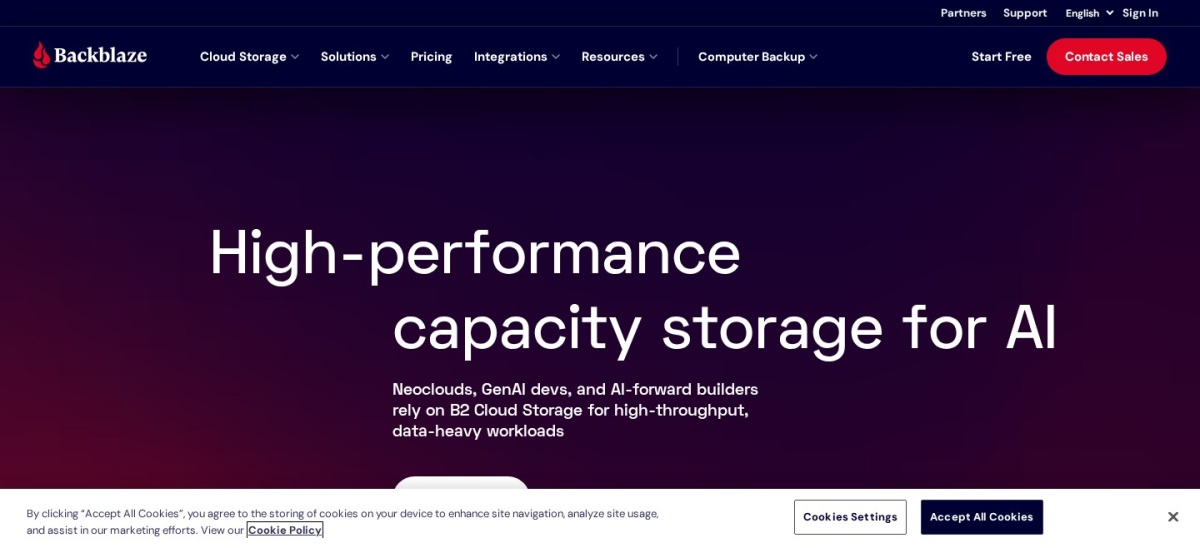
Backblaze is the simplest backup on this list. Install it, forget it: unlimited storage per computer, external drives included, continuous backup with no configuration, and no file size limit. It costs $9 per computer per month, $99 per year, or $189 for two years, with a 15-day free trial.
The trade off is the per-computer price and the thin review base. A household with three machines needs three subscriptions at $297 a year, there is no Linux client, and only 38 G2 reviews sit behind its rating. It suits one-computer owners who want unlimited backup with no storage math.
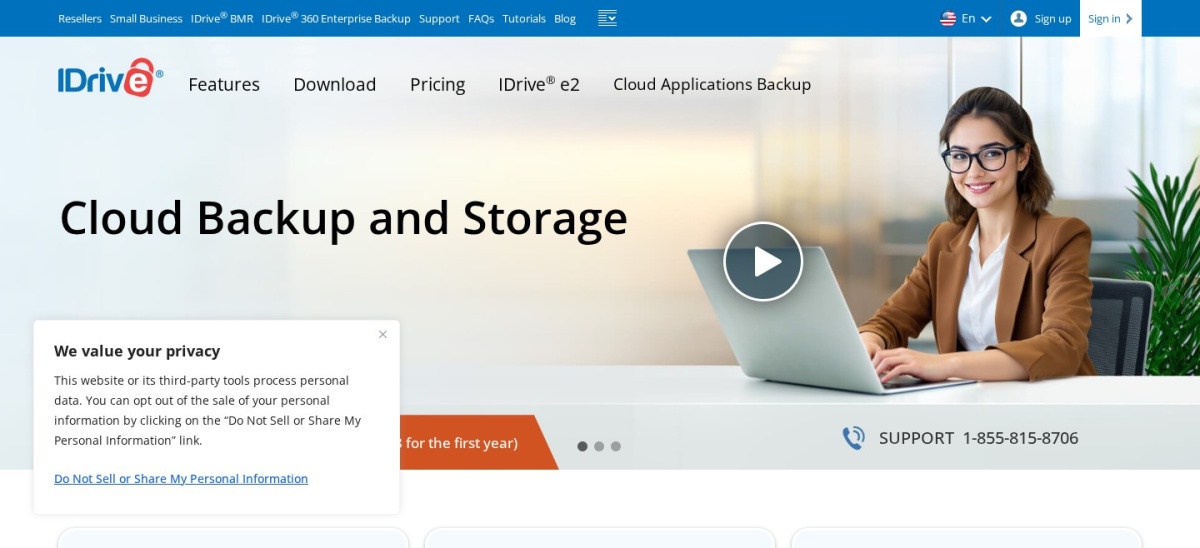
IDrive is the value pick for a household with several computers. One Personal 5 TB account covers unlimited devices, Windows PCs, Macs, phones, tablets and NAS units, for $9.99 a month billed annually at the standard rate, after a first year at $6.99 a month, with a free 10 GB plan to start.
The trade off is the storage cap and the renewal jump. The 5 TB cap bites on large media libraries, going over costs $0.25 per GB per month, and the first-year discount ends. It suits multi-device households that want one account for everything.
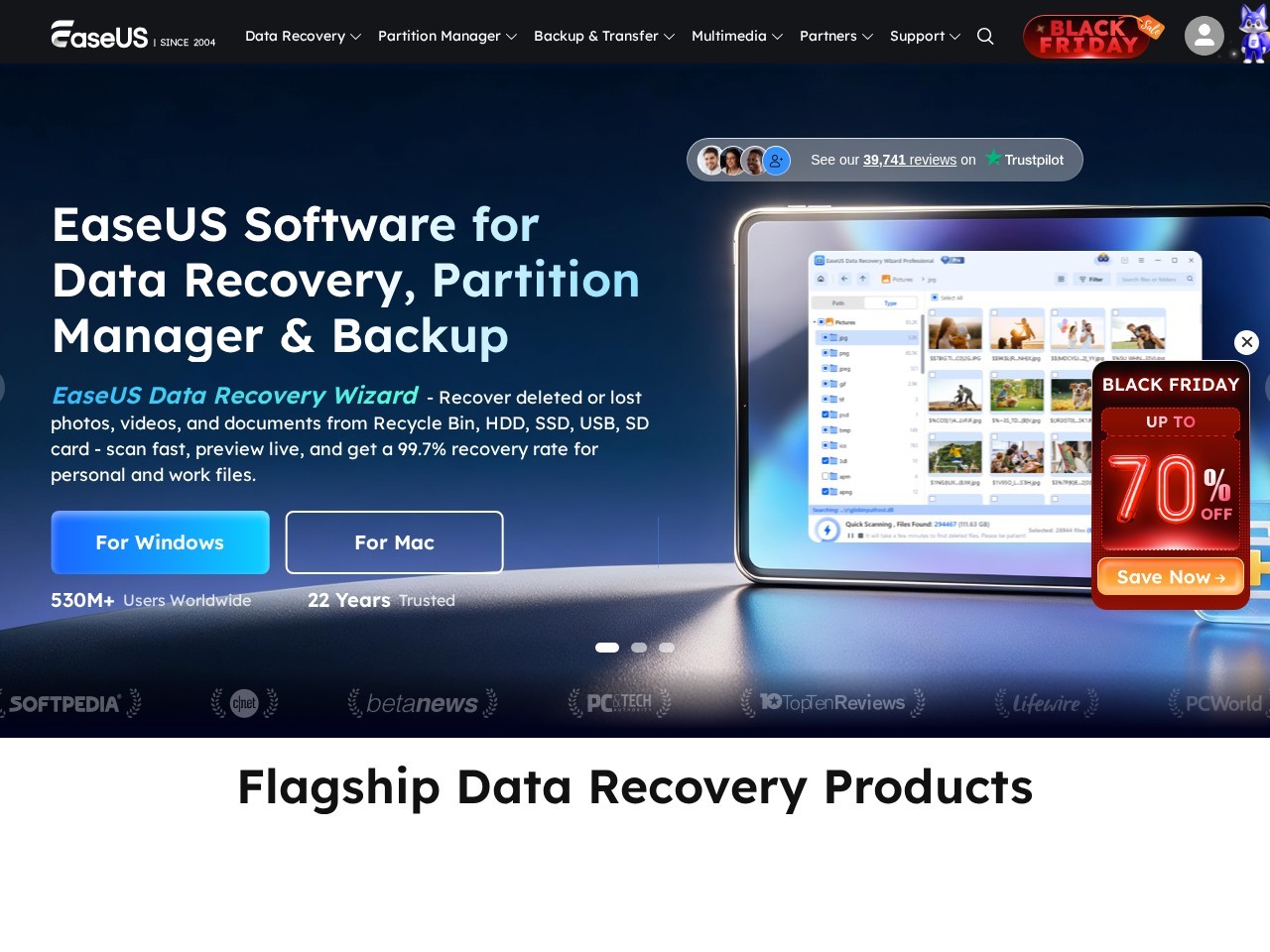
EaseUS Todo Backup is the recommendation for the ordinary household PC. Home at $39.95 a year covers system, disk, file and app-data backup with cloning, scheduling and a free edition, and a perpetual licence at $59.99 suits buyers who refuse subscriptions.
The trade off is platform and depth. It runs on Windows only, and the G2 base is modest at 133 reviews, though it holds the highest rating in this list. It suits Windows households that want guided backup, cloning and recovery tools in one program.
What we like
Highest G2 rating in this list at 4.8 out of 5
Free edition with system and disk backup
Perpetual licence available, no subscription needed
Macrium Reflect is the imaging specialist reviewers trust most for restores that work. Its images mount, browse and bare-metal restore with a dependability that made it the recommendation of IT technicians for their own machines, and Reflect X Home adds Rapid Delta Restore, resumable imaging and rescue media.
The trade off is price clarity. Home edition figures near $49.99 a year circulate in comparisons, while the G2 business listing shows $65 a device, and the free edition is retired. It suits power users and IT pros who want best-in-class disk imaging.
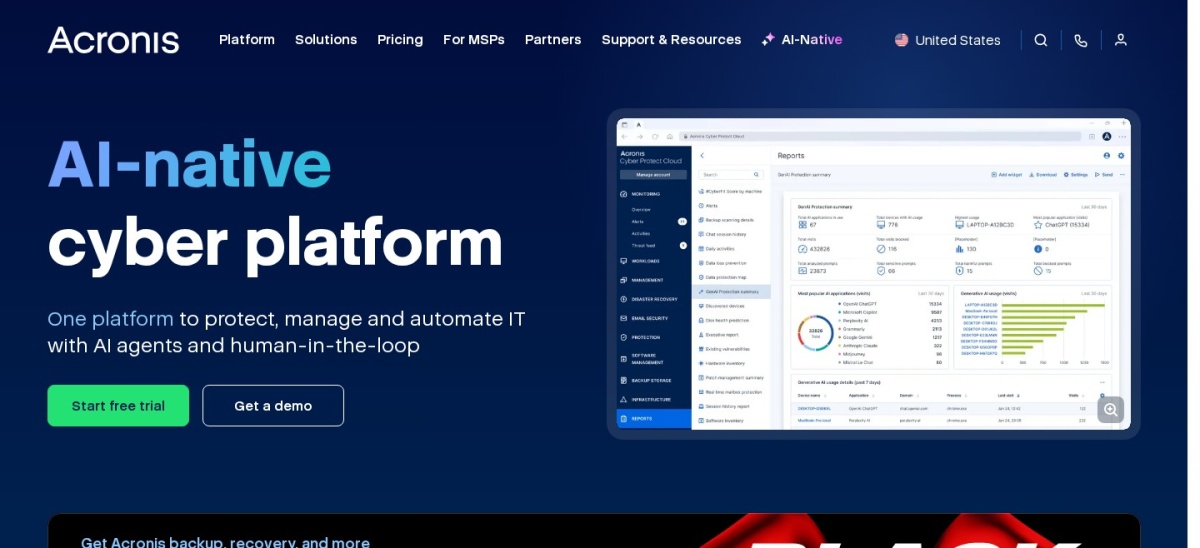
Acronis Cyber Protect Home Office homepage, captured Nov 2026.
Acronis Cyber Protect Home Office is the successor to True Image, bundling disk imaging backup with antivirus, ransomware protection and vulnerability assessments in one console. Essentials at $49.99 a year covers local backup, disk cloning and basic anti-ransomware protection, with Advanced at $72.99 and Premium at $124.99 adding cloud storage.
The trade off is the cloud storage. Essentials includes no cloud storage, so online backup needs a higher tier or an add-on, and the price climbs fast with storage. It suits home users who want backup and security from one agent.
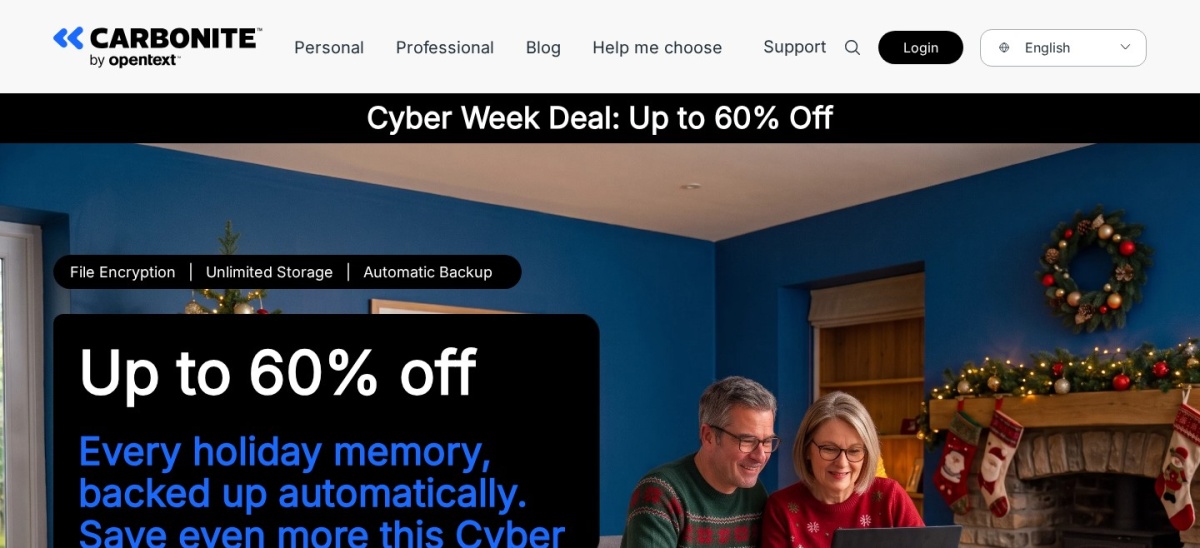
Carbonite Safe is the long-running Windows backup service for owners who want automatic backup with no storage math. Basic at $95.99 a year gives unlimited storage for one computer with automatic encrypted backup, while Plus at $131.99 and Prime at $161.99 add external drive backup and courier restore.
The trade off is the Basic tier limits. Basic skips video files in automatic selection and does not back up external drives, so a household with a large video library must step up to Plus. It suits one-computer owners who want backup that runs itself.
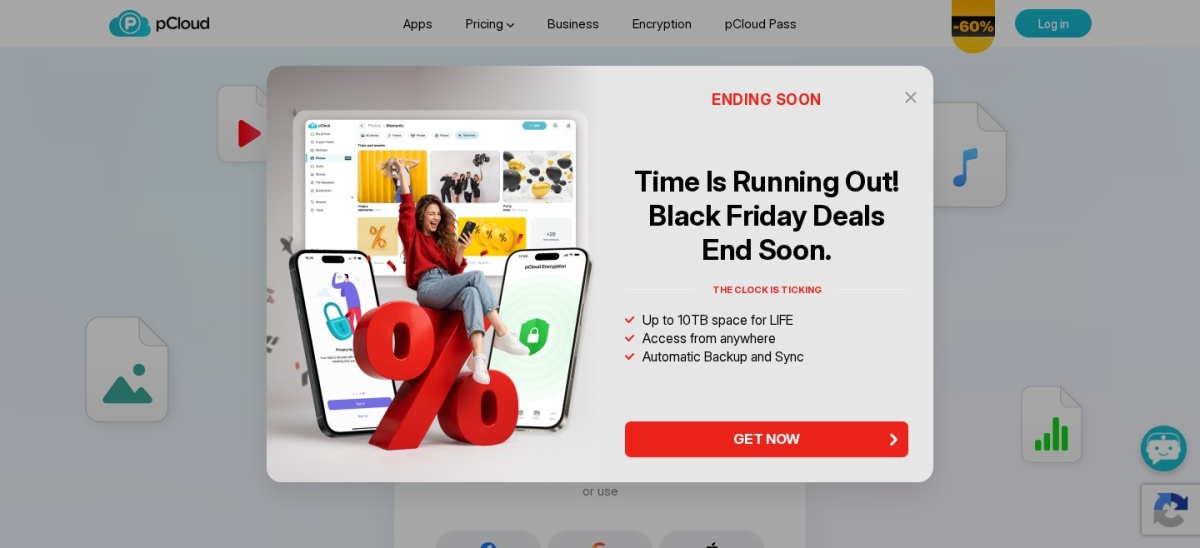
pCloud is the storage service for buyers who hate subscriptions. Premium 500 GB costs $4.99 a month, or $49.99 a year, while lifetime plans cost $219 once for 500 GB or $399 once for 2 TB, defined as the account holder lifetime or 99 years, whichever is shorter, with a free 10 GB plan to start.
The trade off is that pCloud is storage first and backup second. It syncs chosen folders rather than imaging a whole system, and the Crypto encryption folder costs extra at $49.99 a year or $150 lifetime. It suits buyers who want one-time storage for files and photos.
What we like
Lifetime plans from $219 once
Free 10 GB plan to start
Fast uploads and easy file sharing
Watch out for
Storage first, not a full system backup
Encryption costs extra as a Crypto add-on
Lifetime is the account holder lifetime or 99 years
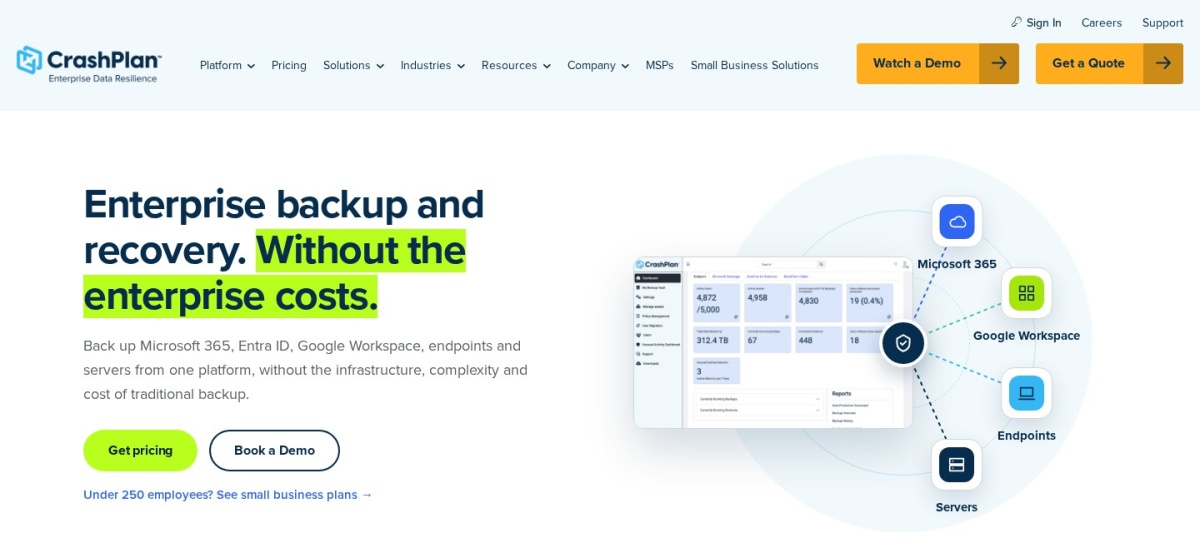
CrashPlan is the endpoint backup for small businesses that need unlimited versions and a Linux client. Endpoint costs $7.33 per user per month billed annually, or $88 per user per year, with unlimited storage per endpoint, unlimited version retention and 90-day deleted file retention.
The trade off is that CrashPlan now sells to businesses only, after ending its personal plan, so home users need another pick. It suits small businesses with under 250 staff that need unlimited endpoint backup with strong retention.
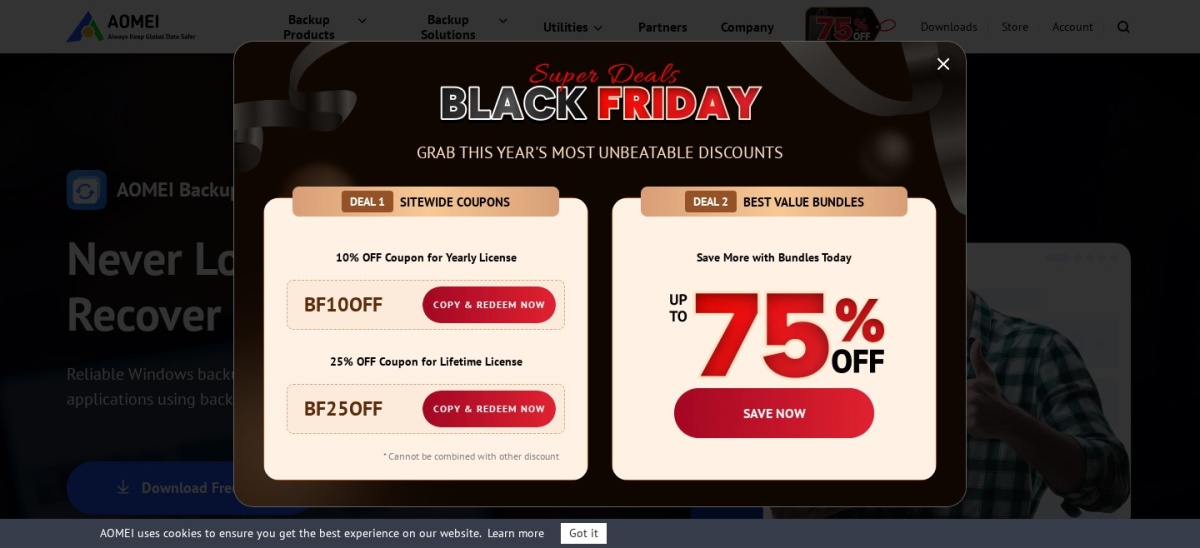
AOMEI Backupper is the budget workhorse of Windows imaging, with a free Standard edition that handles system backup, disk and partition backup, file backup and cloning. The Pro edition starts at $39.95 a year and adds scheduled backups with more triggers, image merging and universal restore to different hardware, with a Pro Lifetime licence at $69.95 for one PC.
The trade off is the thin evidence and the interface. The G2 review base is only 18 reviews, and the interface looks dated next to EaseUS, though a PCWorld review in November 2026 rated it 4 out of 5. It suits Windows home users who want free imaging or a cheap one-time licence.
Free plans cover the basics well. IDrive gives 10 GB free, pCloud gives 10 GB free, and EaseUS and AOMEI both ship free editions with system, file and disk backup.
Paid plans mostly add space and automation. Unlimited storage, continuous backup and version history sit behind the paywall.
If the household has more than one computer, a free plan rarely fits. One IDrive account covers every device, while Backblaze and Carbonite charge per computer.
For a home user, the first year of a paid plan often costs less than one professional data recovery job.
How we chose
We started from the personal backup tools most often compared for home users, then kept those with a verifiable G2 rating, published US pricing and a real backup feature set.
Prices come from each vendor's pricing page as read in November 2026 by several independent guides, checked on 26 November 2026. Ratings and review counts come from G2 on the same day. Where a vendor shows a sale, the list shows the regular price.
We left out tools with no verifiable rating and business-only platforms without a personal plan. No vendor paid for a place, and we do not claim hands-on testing for this list.
How to choose personal backup software
Start with how many computers you protect, then match the storage model to that count.
Count the computers and phones to protect. One computer suits a per-computer plan, while several devices suit one pooled account.
Check the storage model. Unlimited per-computer plans suit big photo libraries, while fixed storage suits light users.
Test the restore, not just the backup. Restore one file and one folder during the trial, before you trust the tool with everything.
Confirm version history and retention. Check how long old versions and deleted files are kept, since that decides ransomware recovery.
FAQ
What is the best personal backup software?
Backblaze is the best overall pick for most people. It backs up one computer with unlimited storage at $9 a month, or $99 a year, including external drives, with no folders to pick and no storage cap to track.
Is there free personal backup software?
Yes. IDrive gives 10 GB free, pCloud gives 10 GB free, and EaseUS Todo Backup and AOMEI Backupper both ship free editions with system, file and disk backup for Windows.
How much does IDrive cost after the first year?
IDrive Personal 5 TB costs $9.99 a month billed annually at the standard rate, or $119.88 a year, after a first year at $6.99 a month. One account covers unlimited devices, phones, tablets and NAS units.
Which backup software has unlimited storage?
Backblaze, Carbonite Safe and CrashPlan all offer unlimited storage. Backblaze charges $9 a month per computer, Carbonite Safe Basic costs $95.99 a year per computer, and CrashPlan costs $88 a user a year.
Does backup software protect against ransomware?
It helps if versions are kept. Acronis bundles anti-ransomware protection with backup, and CrashPlan keeps unlimited versions, so you can roll back to before the attack. A backup with no version history will not help.
What is the cheapest backup software here?
EaseUS Todo Backup Home and AOMEI Backupper Pro both cost $39.95 a year, with free editions available. pCloud Premium costs $4.99 a month, or $49.99 a year, for 500 GB of storage.
SaaS SEO and WordPress specialist with about 8 years of experience. Rakib compares WordPress plugins, themes, hosting and software using public pricing, documentation and user reviews. See how we rank.