EaseUS Data Recovery Wizard is the best data recovery software for most people, with the highest G2 rating in this list and the most generous free tier at 2GB. R-Studio is the pick for RAID work, and Recuva is the free option for simple deletions.
How we make this list: we compare pricing pages, product documentation and public user reviews, then re-check every price before each update. No product paid for a place. Disclosure.
EaseUS leads with a 4.8/5 G2 rating from 424 reviews and the most generous free tier at 2GB.
Recuva is genuinely free with unlimited recovery for personal use.
DMDE is the cheapest professional-grade option at $20 a year.
R-Studio is the only tool here built for full RAID reconstruction.
UFS Explorer's 5.0/5 G2 rating rests on an unknown review count.
What data recovery software should cover
Data recovery software finds files you deleted, formatted or lost to a damaged drive. It works by scanning the raw disk for file signatures and directory entries, so the sooner you run it, the more it finds.
Stop using the drive the moment you lose data. Every new file, every install and every scan that writes logs risks overwriting what you want back, so install the recovery tool on a different drive and recover to a different drive.
Free tiers vary wildly. Recuva recovers unlimited data free, EaseUS gives 2GB, MiniTool and Stellar give 1GB, and Recoverit gives only 100MB, so check the limit before you scan.
Pricing splits three ways: subscriptions such as Disk Drill at $89 a year, one-time licences such as R-Studio at $79.99, and free tools such as Recuva and PhotoRec. RAID and forensic work needs the professional tools.
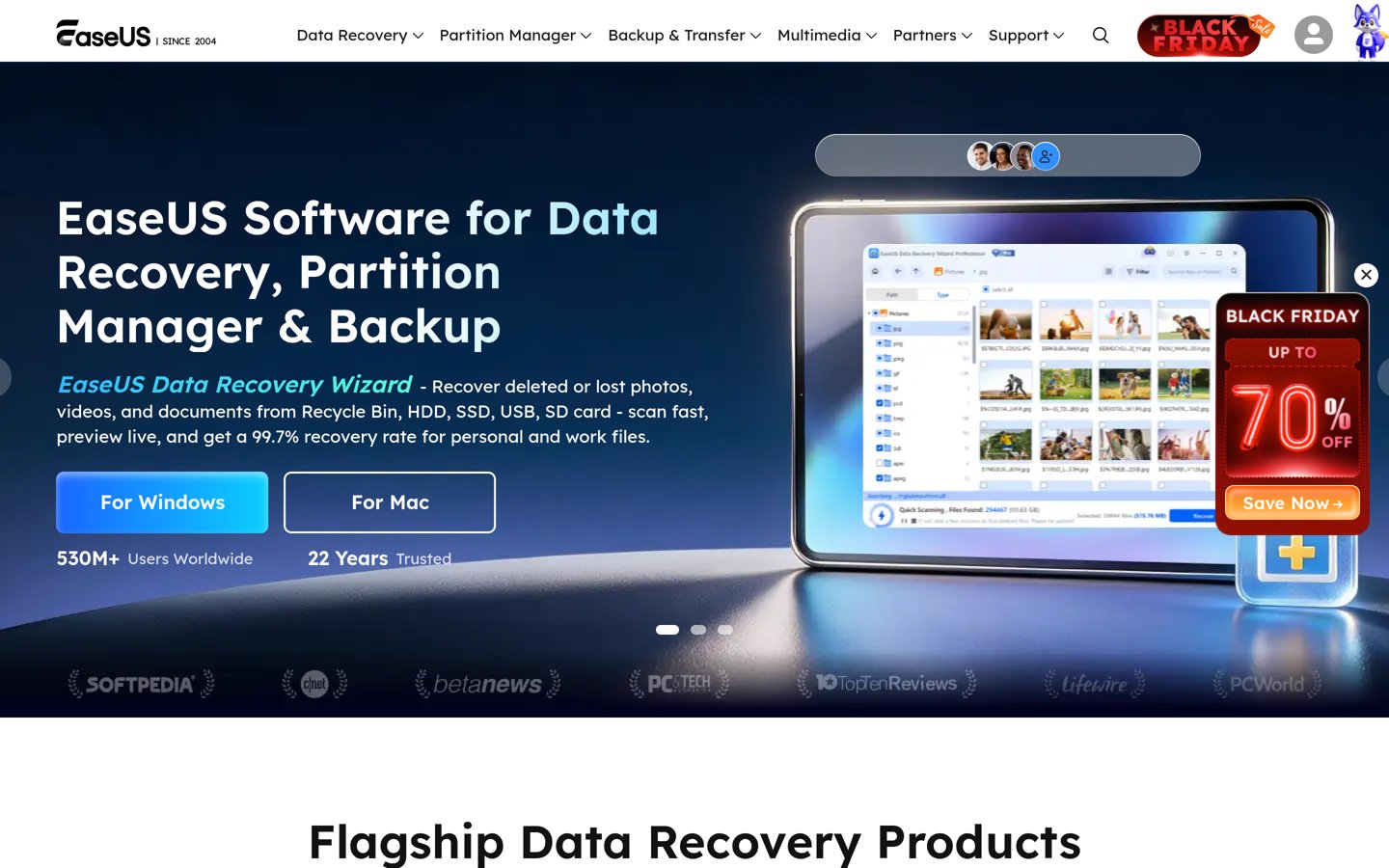
EaseUS Data Recovery Wizard homepage, captured Nov 2026.
EaseUS Data Recovery Wizard is a guided recovery tool that walks beginners through three steps: scan, preview, recover. It handles deleted files, formatted drives, lost partitions and crashed PCs, and its free tier recovers 2GB, the most generous of any commercial tool here.
The trade off is price. A single month costs $69.95, more than Disk Drill charges for a year, so buy the $99.95 yearly plan or the $149.95 lifetime plan if you expect to need it more than once.
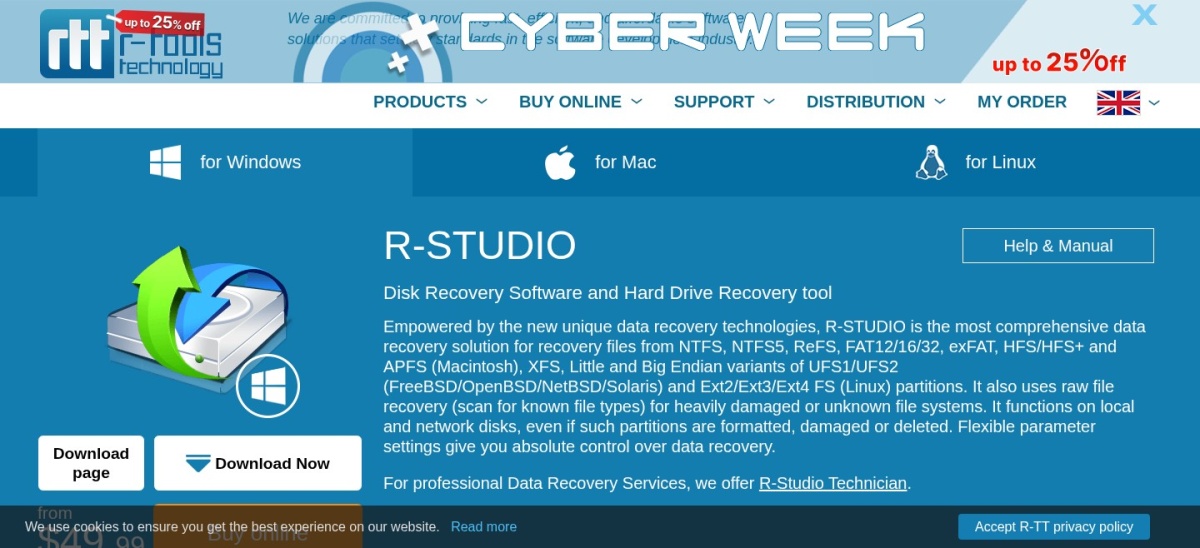
R-Studio is a professional recovery suite with full RAID reconstruction, a hex editor, network recovery and forensic audit logs. When consumer tools fail on damaged partitions or complex RAID arrays, technicians reach for R-Studio.
The trade off is the learning curve. The interface assumes you know what a partition table is, the demo recovers only files under 1MB, and the licence is tied to one motherboard. It suits IT professionals, not first-time users.
MiniTool Power Data Recovery homepage, captured Nov 2026.
MiniTool Power Data Recovery is a Windows recovery tool with honest value: 1GB of free recovery, a $69 monthly, $89 yearly or $99 lifetime plan covering up to 3 PCs, and a WinPE bootable builder on every tier.
The trade off is polish and platform. The interface trails Disk Drill and EaseUS, Mac users get a thinner deal, and video repair needs a separate MiniTool product. It suits Windows users on a fixed budget.
4.4/5on G2 (Not published reviews, checked Nov 2026)
Paid from$20/yr
Best budget pick for technicians
Price$20/yr Express, $48 perpetual
Free tier4,000 files per folder
RAIDReconstruction included
PlatformsWindows, Mac, Linux
dmde.com
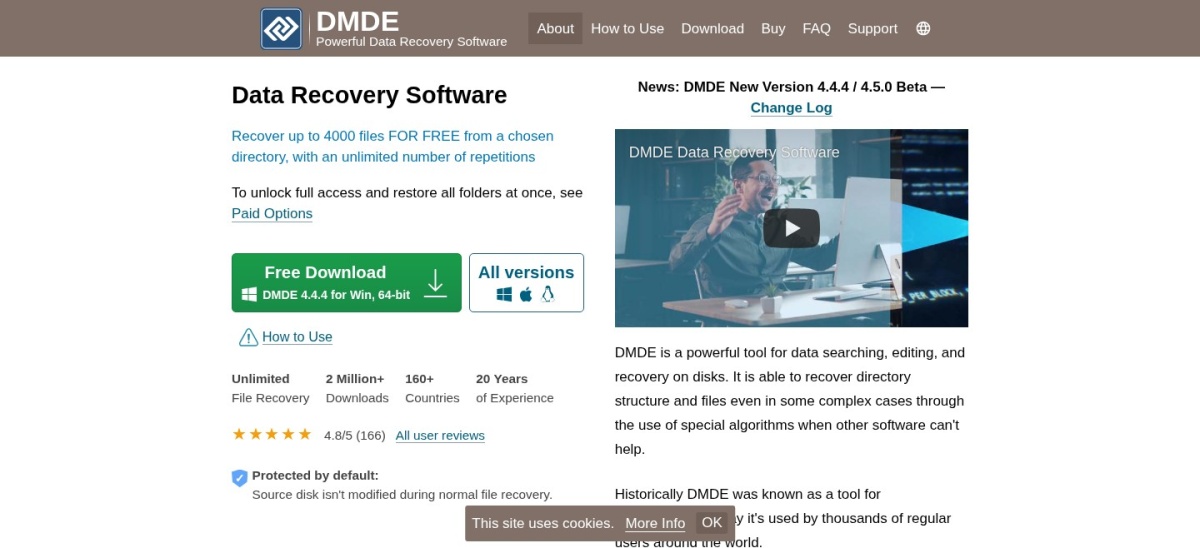
DMDE homepage, captured Nov 2026.
DMDE is a low-cost disk editor and recovery tool that delivers near-professional results for $20 a year, with RAID reconstruction, partition management and a hex editor. The free tier recovers up to 4,000 files from one folder, with unlimited repetitions.
The trade off is usability. The interface assumes technical confidence, editions are tied to OS families, and one source says it has no G2 rating at all, so the 4.4 figure rests on a single listing. It suits technicians on a budget.
4.3/5on G2 (Not published reviews, checked Nov 2026)
Paid from$59.99/yr
Best for photo and video recovery
Standard$59.99/yr
Free recovery1GB
RepairPhoto and video repair
PlatformsWindows, Mac
stellarinfo.com
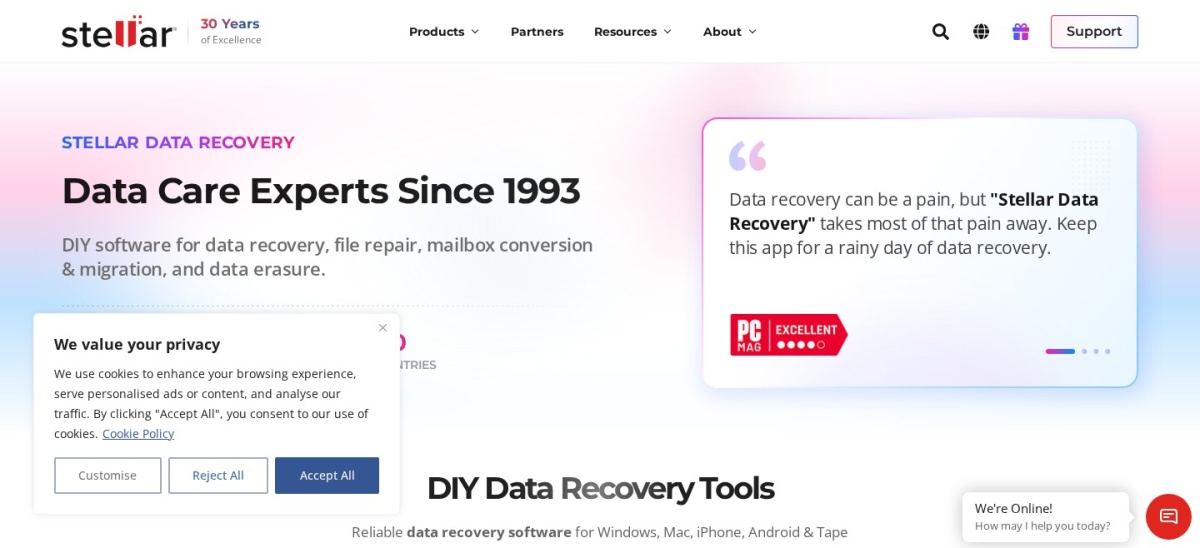
Stellar Data Recovery homepage, captured Nov 2026.
Stellar Data Recovery is a polished recovery tool with a media-first edge: the Standard edition recovers photos, videos and documents, and adds repair tools for corrupted JPEGs and video files, which matters because recovered media often needs repair to open.
The trade off is speed and price. Deep scans lag on large drives, the $89.99 Pro and $149 lifetime tiers climb fast, and RAID support needs expensive tiers. It suits photographers and anyone recovering lots of media.
4.3/5on Trustpilot (Not published reviews, checked Nov 2026)
Paid from$69.99/yr
Best for video recovery
Formats1,000+
Yearly$69.99
Lifetime$119.99
Free recovery100MB
recoverit.wondershare.com
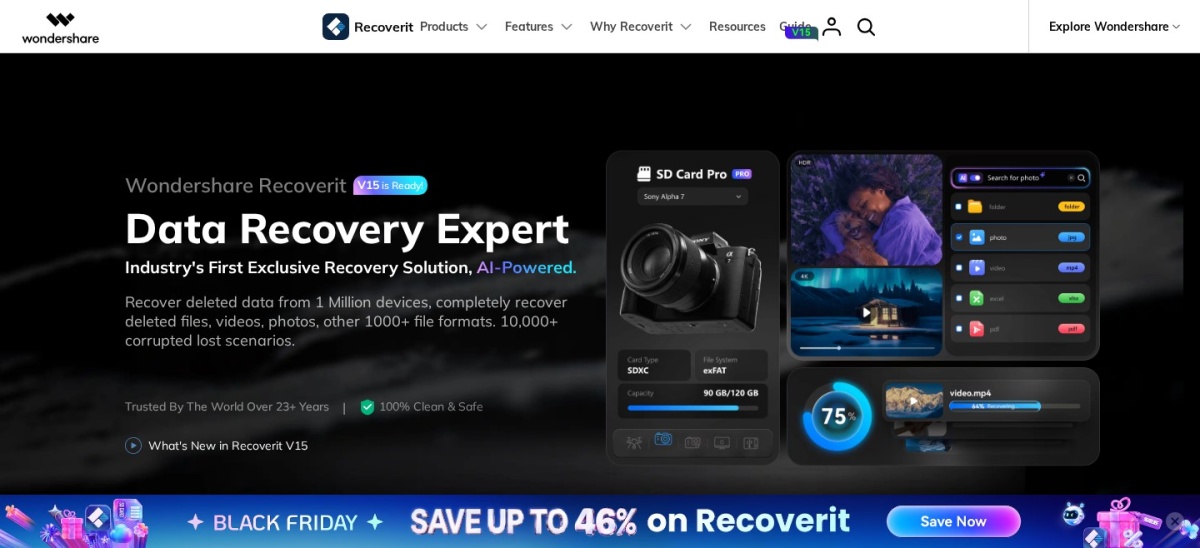
Wondershare Recoverit homepage, captured Nov 2026.
Wondershare Recoverit is a media recovery specialist with advanced video recovery, corrupted video repair and support for over a thousand file formats, in a polished interface. Plans run $59.99 a month, $69.99 a year or $119.99 lifetime for Windows.
The trade off is the free tier and the monthly price. Only 100MB is free, barely a test, and the monthly plan rivals EaseUS for excess. It suits videographers recovering footage from SD cards.
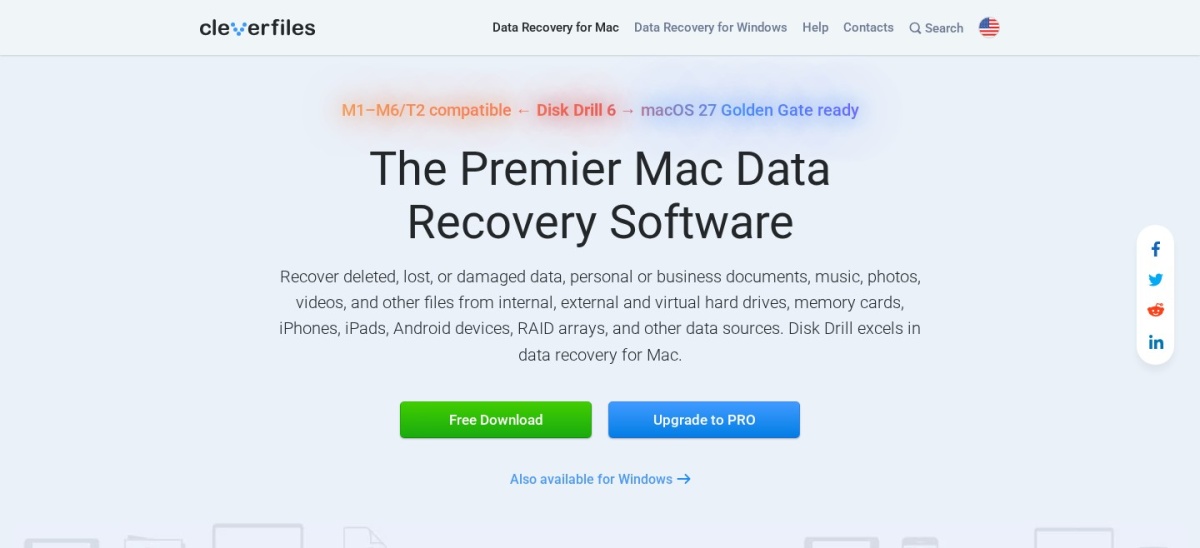
Disk Drill is an easy recovery tool for Mac and Windows that scans over 400 file formats, previews recoverable files before you pay, and bundles disk health monitoring and byte-to-byte backup tools. It is one of the few tools that recovers fragmented video as playable files.
The trade off is the free tier. Around 100MB on Windows in current builds is enough to verify the tool sees your files and little more, and Mac and Windows features differ slightly. It suits home users who want one simple purchase.
4/5on Capterra (Not published reviews, checked Nov 2026)
Paid from$24.95/yr
Best free recovery tool
PriceFree
Pro$24.95/yr
PlatformsWindows only
Free recoveryUnlimited
ccleaner.com
Recuva homepage, captured Nov 2026.
Recuva is a free Windows recovery tool from the makers of CCleaner that undeletes files from hard drives, USB sticks, memory cards and media players. The free version recovers unlimited data for personal use, which no other commercial tool here matches.
The trade off is depth. The engine handles recently deleted files well and badly damaged drives poorly, it is Windows-only, and the interface looks like another era. It suits quick recovery of recently deleted files at zero cost.
5/5on G2 (Not published reviews, checked Nov 2026)
Starts at$69.95 (one-time)
Best for enterprise and NAS recovery
LicenceFrom $69.95 perpetual
RAIDYes, including NAS
ForensicYes
PlatformsWindows, Mac, Linux
ufsexplorer.com
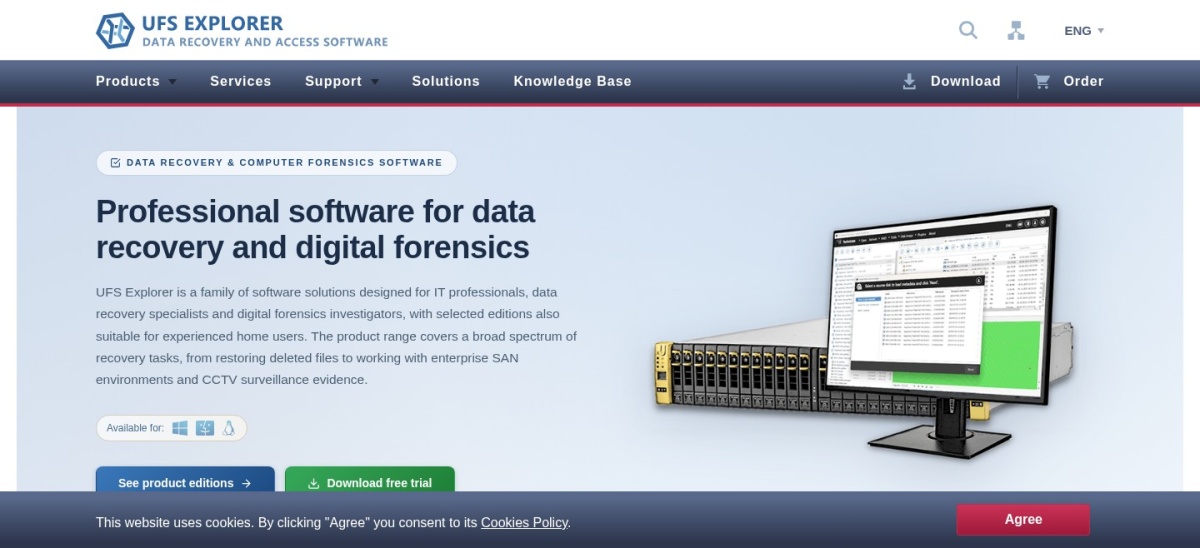
UFS Explorer homepage, captured Nov 2026.
UFS Explorer is a professional recovery tool for demanding storage: single disks, RAID, NAS and forensic recovery, with a perpetual licence from $69.95. It suits technicians and enterprises facing complex storage, not simple deletions.
The trade off is evidence. The 5.0 out of 5 G2 rating rests on an unknown review count, so treat it as a weak signal, and the interface is built for professionals. It suits storage specialists who already know RAID.
The single most important step is not a tool choice. Power down the affected machine or stop using the drive, then install recovery software on a different drive and recover files to a different drive.
Every write risks overwriting deleted data permanently. That is why the portable version of a tool, or a bootable USB, matters: it lets you work without installing anything on the damaged drive.
If the drive clicks, grinds or is not detected at all, stop. That is a hardware failure, and a clean-room lab is the only safe next step.
How we chose
We started from the data recovery tools with the largest review bases, then kept nine that cover beginners, technicians, RAID work and free options.
Prices come from each vendor's pricing page, checked on 25 November 2026. Ratings and review counts come from G2, Capterra or Trustpilot on the same day. Where a vendor sells by quote or a rating has no published review count, the list says so.
We left out tools with no verifiable G2, Capterra or Trustpilot rating, including PhotoRec and GetDataBack Pro. No vendor paid for a place, and we do not claim hands-on testing for this list.
How to choose data recovery software
Start with the free scan, then match the tool to the damage and your budget.
Stop using the affected drive. Every write risks overwriting the data you want back.
Run the free scan first. Only pay when you can see your files in the scan results.
Match the tool to the damage. Recuva for simple deletions, EaseUS or Disk Drill for formats, R-Studio for RAID.
Recover to a different drive. Never write recovered files back onto the source media.
FAQ
What is the best data recovery software?
EaseUS Data Recovery Wizard is the best overall pick for most people, rated 4.8 out of 5 by 424 G2 reviewers. It walks beginners through scan, preview and recover, and its free tier recovers 2GB, the most generous of any commercial tool here.
Is there really free data recovery software?
Yes. Recuva recovers unlimited data free for personal use on Windows, and PhotoRec is free and open source on every major platform. EaseUS, MiniTool and Stellar also offer free tiers of 2GB, 1GB and 1GB.
How much does Disk Drill cost?
Disk Drill costs 89 dollars a year on subscription or 149 dollars for a lifetime licence, covering one user on up to three devices across Mac and Windows. The free version scans and previews, with about 100MB of recovery on Windows.
Can data recovery software recover formatted drives?
Usually, yes, if nothing has overwritten the data since the format. A deep scan reads raw sectors for file signatures, which is how tools recover files after a quick format. A full format or heavy reuse makes recovery much less likely.
What should I do right after losing data?
Stop using the drive immediately. Install the recovery tool on a different drive, run a scan, preview what it finds, and recover to a different drive. Never recover files back onto the source media.
Which recovery tool is best for RAID?
R-Studio is the best pick for RAID recovery, with full reconstruction of RAID 0, 1, 4, 5, 6 and 10, a hex editor and network recovery. It costs 79 dollars 99 as a one-time licence per operating system.
SaaS SEO and WordPress specialist with about 8 years of experience. Rakib compares WordPress plugins, themes, hosting and software using public pricing, documentation and user reviews. See how we rank.