Best Disk Imaging Software in 2026: 9 Tools Compared
WLWPLegible EditorsLast verified 23 Nov 2026How we rank14 min read
★ Short answer
Macrium Reflect X leads for fast, reliable Windows imaging, and Acronis Cyber Protect Home Office adds antivirus and cloud storage to the same job. EaseUS and AOMEI cover beginners and budget buyers, Clonezilla and Paragon are free, and R-Drive Image, NovaBACKUP, and Iperius Backup serve one-time buyers and small businesses.
How we make this list: we compare pricing pages, product documentation and public user reviews, then re-check every price before each update. No product paid for a place. Disclosure.
Macrium Reflect X leads for speed and reliability, at $49.99 a year for Home.
Acronis adds antivirus and cloud storage to imaging, also from $49.99 a year.
EaseUS and AOMEI start at $39.95 a year and both offer capable free editions.
Clonezilla and Paragon image disks for free, with a steeper learning curve.
R-Drive Image sells a $44.95 one-time licence; Iperius starts at €29 one-time.
What disk imaging software should cover
Disk imaging software copies a whole drive, partition, or system into a single image file, so a failed drive or a ransomware attack can be undone by restoring the image to a new disk. Unlike file backup, an image captures the operating system, applications, settings, and boot sector together, which is what makes bare-metal recovery possible.
The tools here split into three shapes. Home imaging tools such as Macrium, Acronis, EaseUS, and AOMEI focus on one PC at a time, with rescue media and scheduled images. Free tools such as Clonezilla and Paragon suit technical users and personal use. Server tools such as Iperius and NovaBACKUP cover Windows servers, VMs, and databases.
Price models vary more than in most software categories. Home tools cost $39.95 to $49.99 a year, R-Drive Image and Iperius sell one-time licences, and Clonezilla and Paragon are free. Check whether the price covers one PC or several, and whether cloud storage is included or extra, before comparing.
Whatever tool you pick, test a restore before you need one. An image that has never been restored is a hope, not a plan, so boot the rescue media and restore to a spare drive during evaluation. The software matters less than the discipline, but fast restore speeds make the discipline easier.
List prices in each vendor's currency, checked Nov 2026
ClonezillaFree
ParagonFree
IperiusFREE€29
EaseUSFREE$40
AOMEIFREE$40
R-Drive$45
Macrium$50
Acronis$50
NovaBACKUP$100
The 9 best disk imaging software tools
01
Macrium Reflect X
4.7/5on G2 (94 reviews, checked Nov 2026)
Starts at$49.99/yr
Fastest imaging engine
Cheapest planReflect X Home, $49.99/yr
Free planNo, 30-day trial only
RestoreRapid delta restore, ViBoot VM boot
PlatformsWindows only
macrium.com
Macrium Reflect X homepage, captured Nov 2026.
Macrium Reflect X is the imaging specialist's pick, making byte-for-byte copies of whole disks or partitions and updating them with full, incremental, and differential backups in a single job. In PCWorld's June 2025 review a 240 GB SSD-to-SSD image took two and a half minutes, and Rapid Delta Restore restores only the blocks that differ. The Home licence costs $49.99 a year for one PC.
The trade off is that Reflect X is subscription-only at $49.99 a year, with no perpetual licence for home users, and the free edition ended with Reflect 8. There is no built-in cloud storage, so off-site copies need a second tool, and the interface assumes more technical confidence than EaseUS or AOMEI.
Cloud storage50 GB on Essentials; more on higher tiers
Free planNo, 30-day trial
SecurityAnti-malware and ransomware protection
acronis.com
Acronis Cyber Protect Home Office homepage, captured Nov 2026.
Acronis Cyber Protect Home Office is a backup and security product in one agent, combining full disk imaging with anti-malware, ransomware protection, and cloud storage. Essentials starts at $49.99 a year and includes 50 GB of cloud storage, while Advanced and Premium add 500 GB to 5 TB. For home users who want one product to cover both jobs, that consolidation has real value.
The trade off is that the security features make Acronis heavier than a pure imaging tool, and the entry tier's 50 GB of cloud storage fills fast on a large drive. There is no free plan, only a 30-day trial, and buyers who only need imaging will find Macrium or AOMEI cheaper and simpler.
EaseUS Todo Backup is the simplest imaging tool here for a first-time user, opening on a clean dashboard with big buttons for system backup, disk backup, and cloning. The free edition covers system images, scheduled backups, encryption, and WinPE recovery media. Home costs $39.95 a year for one PC and adds disk cloning, universal restore, and 1 TB of cloud storage.
The trade off is that the buy page shows many prices as limited-time discounts, so the second-year cost needs confirming before purchase. Power users will miss Macrium's restore speed and granular scheduling, and the perpetual licence at $59.95 excludes cloud storage. For straightforward home imaging, though, EaseUS is the easiest start.
AOMEI Backupper is the budget workhorse of Windows imaging, with a free Standard edition that handles system backup, disk and partition backup, file backup, and cloning. The Pro edition starts at $39.95 a year and adds scheduled backups with more triggers, image merging, and universal restore to different hardware. A Pro Lifetime licence costs $69.95 for one PC.
The trade off is that the interface looks dated next to EaseUS, and the G2 review base is only 18 reviews, so the 4.3 rating is thin evidence. Some scheduled backup triggers need Pro, and the free edition lacks the image merging and dynamic volume backup that heavier users want. For free imaging, though, it is the strongest pick.
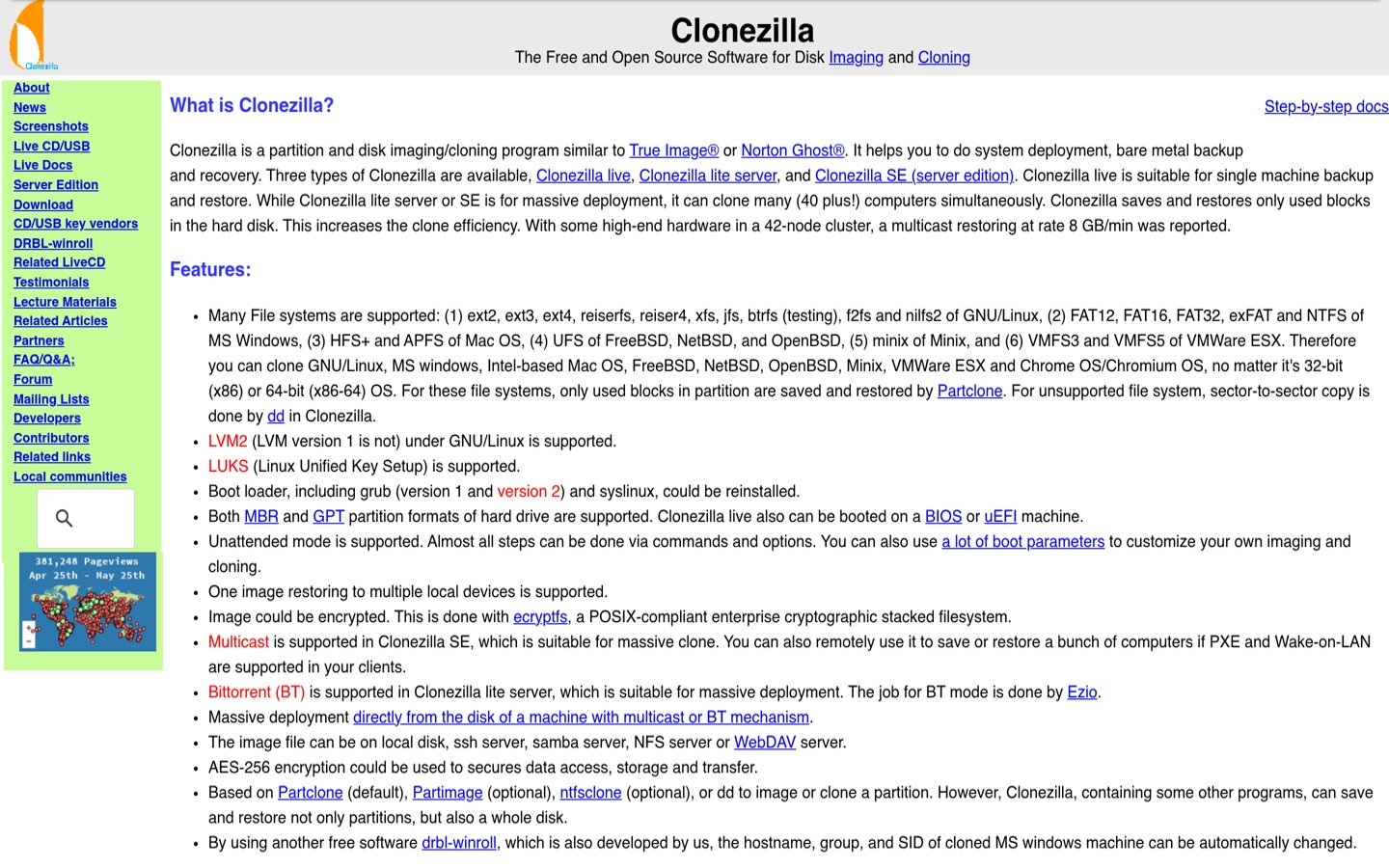
Clonezilla is a free, open-source imaging tool that boots from USB and copies whole disks or partitions, with multicast restores that can image many machines at once. It costs nothing, has no paid tier, and is trusted by IT professionals for lab and classroom deployments. For a one-off image or a fleet of identical PCs, it is hard to beat on value.
The trade off is the text interface, which greets new users with menus instead of a dashboard, and there is no scheduler, so backups do not run automatically. Restoring to different hardware is not its strength, and beginners will find EaseUS or AOMEI far easier. Technical users who want free imaging will not mind.
Iperius Backup is a Windows backup tool that creates full drive images with bare-metal restore, alongside Hyper-V and VMware backup, SQL Server and MySQL backup, Microsoft 365 backup, and offsite backup to Amazon S3, Google Drive, Azure, FTP, or NAS. Basic starts at €29 as a one-time licence, with a free edition available, which makes it the value pick for technical users.
The trade off is that prices are in euros, so dollar buyers should check the conversion, and the interface is utilitarian rather than polished. Iperius is less known than Acronis or Macrium, so community help is thinner. For small businesses imaging servers and VMs on a budget, though, it covers a lot for €29.
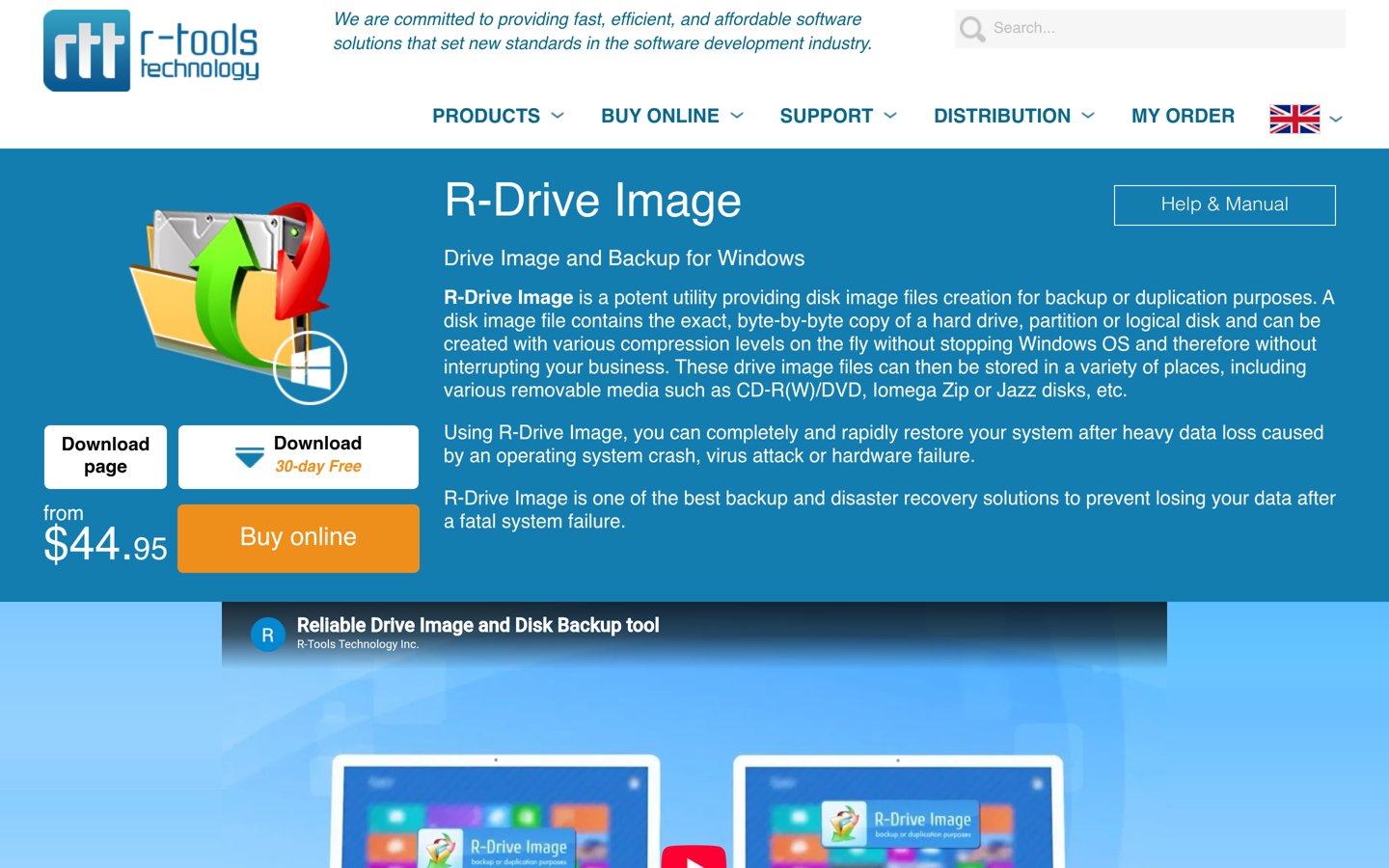
R-Drive Image is a focused disk imaging tool from R-Tools Technology that creates byte-by-byte images of whole disks or partitions and restores them to the same or different hardware. The licence costs $44.95 once, with no subscription, and a 30-day trial covers a full image and restore test. For buyers who want to own their imaging tool outright, it is the cheapest one-time option here.
The trade off is that the G2 review base is only 12 reviews, so the 4.7 rating rests on thin evidence, and there is no cloud storage or scheduling depth to match the bigger tools. It is Windows only and the interface is plain. For a single PC that needs occasional imaging, though, $44.95 once is hard to argue with.
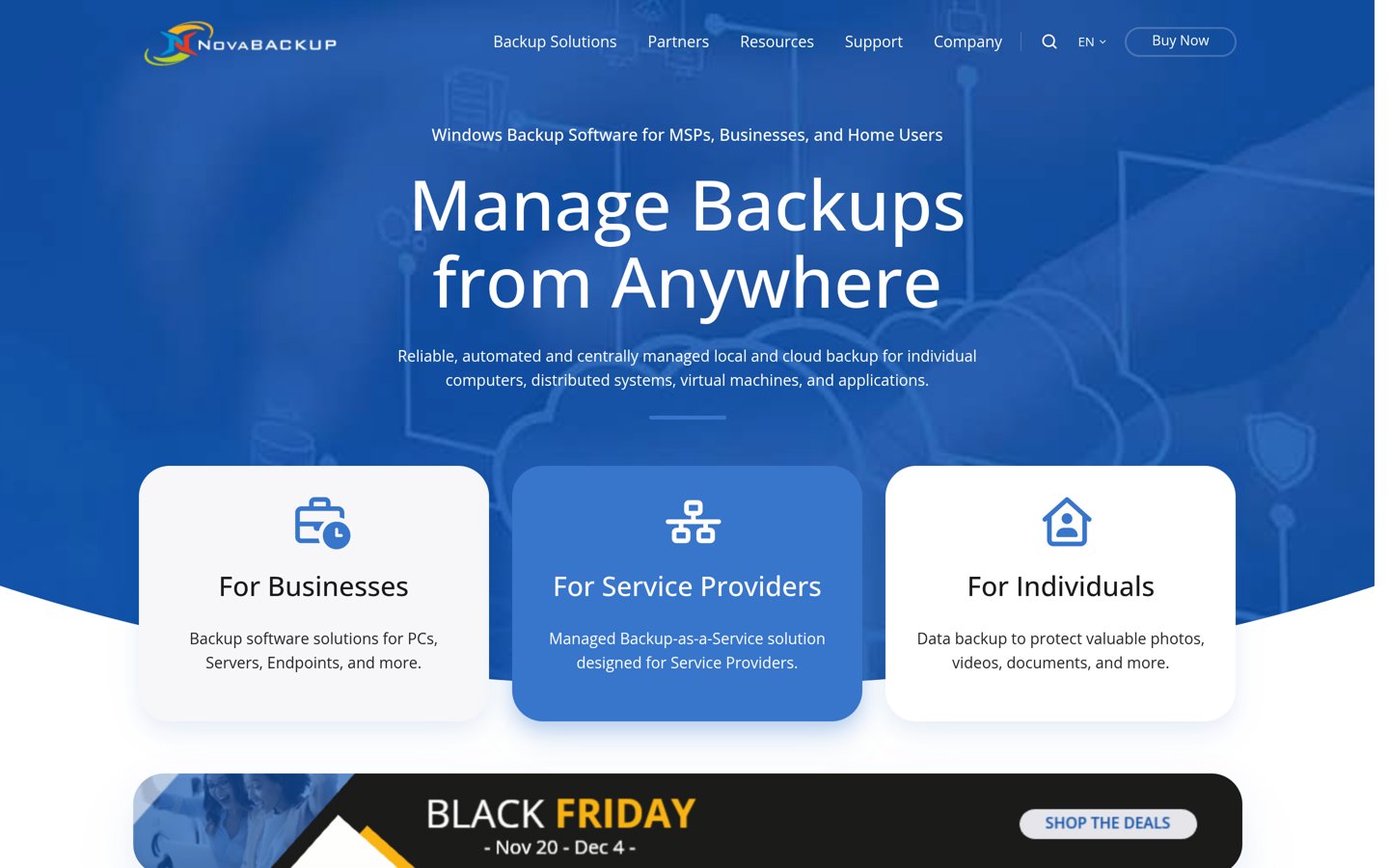
NovaBACKUP is made for the small business with Windows servers and no full-time backup specialist, covering local backup and imaging for servers and endpoints with central management. The PC edition starts at $99.95 a year and the Server edition at $399.95 a year. For SMBs that want local imaging without enterprise complexity, it is a straightforward fit.
The trade off is that the G2 review base is only 11 reviews, so the 4.7 rating is thin evidence, and the entry price is higher than the home tools above. There is no free edition, only a trial, and cloud-first buyers will find the local focus limiting. Small businesses with servers on site should trial it against Iperius.
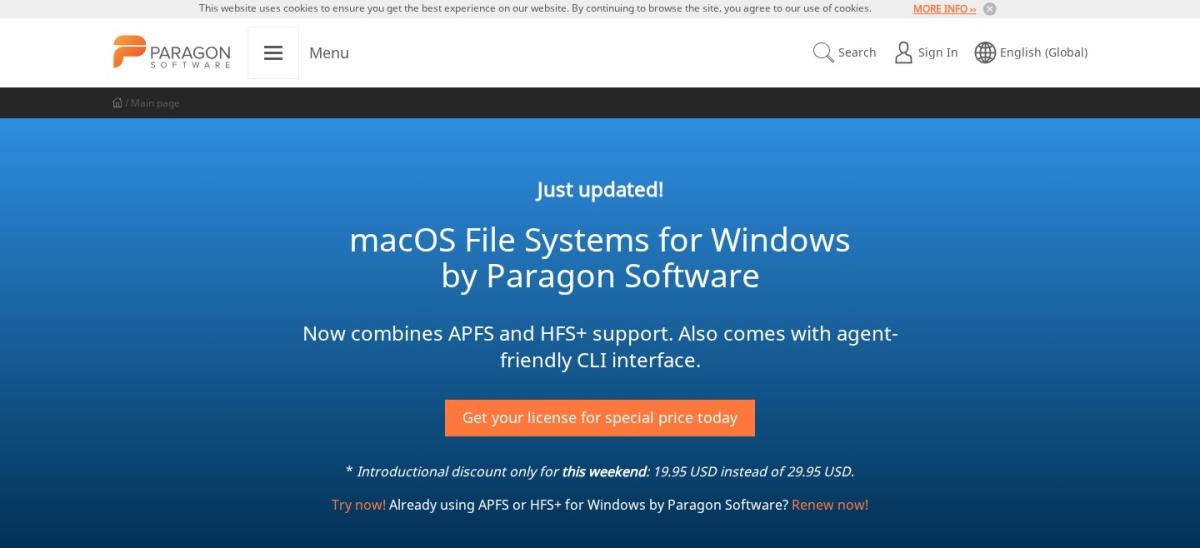
Paragon Backup & Recovery homepage, captured Nov 2026.
Paragon Backup & Recovery is a free Community Edition for personal use that images whole disks and partitions alongside partition management and migration tools from the same vendor. Paragon has sold disk tools for decades, and the free edition covers home imaging without a subscription. Advanced functionality lives in Hard Disk Manager, from $79.95.
The trade off is that the G2 base is only 3 reviews, so the 4.7 rating is the thinnest evidence in this list, and the Community Edition is for personal use only. Businesses need the paid Hard Disk Manager, and the free edition lacks the scheduling depth of AOMEI or EaseUS. For free personal imaging, though, it is a solid option.
Create rescue media on a USB stick as soon as you install the tool, and confirm the machine boots from it. If the rescue media fails, the image is useless, so this five-minute check is the most important step in the whole setup.
Restore the image to a spare drive at least once, and time it. Macrium's Rapid Delta Restore and Clonezilla's multicast restore exist because restore speed matters when a machine is down, and the fastest imaging engine is worth little if the restore takes all day.
How we chose
We evaluated disk imaging tools actively sold in 2026, from home imaging to server backup, covering Windows system imaging, cloning, and bare-metal recovery. Research covered vendor sites and product pages, G2 user reviews, and independent comparison guides published in November 2026. We weighted imaging speed, restore reliability, rescue media, scheduling, and fit for different buyers.
Prices come from vendor pages and November 2026 reads of them. Macrium Reflect X Home at $49.99 a year, Acronis Essentials at $49.99 a year, and EaseUS Home at $39.95 a year are confirmed by multiple November 2026 reads of the vendors' own pricing pages, and AOMEI Pro at $39.95 appears on the vendor's own product page. Conflicts are flagged in our notes.
No vendor paid for a place, and we do not claim hands-on testing for this list. Ratings come from G2, with the date we checked them, and every price in this list was checked on 23 November 2026.
How to choose disk imaging software
Start with what you need to recover, then match the tool to your budget and skill.
Decide what to image. System images for full recovery, disk images for whole drives, or file backup if only documents matter. Imaging is the right choice when a dead drive must come back as a working machine.
Pick the price model. Subscriptions cost $39.95 to $49.99 a year for home tools, one-time licences suit buyers who hate renewals, and free tools cover personal use. Check how many PCs the licence covers.
Check restore options. Look for rescue media, bare-metal restore, dissimilar hardware restore, and incremental images. A tool that images fast but restores slowly is a bad trade.
Test before you commit. Install the trial or free edition, image the machine, and restore to a spare drive. Time the restore and confirm the machine boots before paying.
FAQ
What is the best disk imaging software?
Macrium Reflect X leads for speed and reliability, and Acronis Cyber Protect Home Office suits buyers who want imaging plus security and cloud storage. EaseUS is the easiest for beginners, while Clonezilla and Paragon image disks for free.
How much does disk imaging software cost?
Home tools cost $39.95 to $49.99 a year, with free editions from EaseUS, AOMEI, Clonezilla, and Paragon. R-Drive Image costs $44.95 once and Iperius Backup starts at €29 once, while server tools like NovaBACKUP start at $99.95 a year.
Is there free disk imaging software?
Yes. Clonezilla is fully free and open source, Paragon Backup & Recovery has a free Community Edition for personal use, and EaseUS and AOMEI both offer free editions. Free tools usually lack scheduling depth and polished interfaces, but they image reliably.
What is the difference between disk imaging and file backup?
Disk imaging copies a whole drive, including the operating system, applications, and boot sector, so a failed drive can be restored as a working machine. File backup copies only selected files and folders, which is enough for documents but not for bare-metal recovery.
Can I restore an image to a different computer?
It depends on the tool. Macrium, Acronis, EaseUS, and AOMEI offer universal or dissimilar hardware restore, which adjusts drivers for new hardware. Clonezilla and basic free tools are best for restoring to identical hardware.
Do I still need disk imaging if I use cloud backup?
Cloud backup protects files, but only an image restores a whole system quickly after a drive failure. Many people use both: imaging for fast system recovery and cloud backup for off-site file copies. The image is what gets the machine booting again.