Veeam is the best backup software for dental practices that run a server, with a free Community Edition for up to ten workloads. Pick CrashPlan for unlimited endpoint backup or IDrive when one low yearly price must cover every computer in the office.
How we make this list: we compare pricing pages, product documentation and public user reviews, then re-check every price before each update. No product paid for a place. Disclosure.
Veeam is the standard for virtualized practice servers, with a free Community Edition for up to 10 workloads.
CrashPlan has the highest G2 rating here at 4.9 out of 5, with unlimited storage and versioning for $88 a user a year.
NAKIVO is the affordable Veeam alternative, with VM backup from $2.45 per workload a month and a BAA on request.
MSP360 is the cheapest paid plan at $19.99 a year, but you pay your cloud provider separately for storage.
No tool here makes a practice HIPAA compliant on its own; a signed BAA and documented recovery procedures are still required.
What should backup software for dental practices cover?
A dental practice cannot treat backup as an afterthought. Patient records, imaging files and practice management data sit on a server and several workstations, and a ransomware attack or a failed drive can close the office for days.
The tools here cover that whole estate. Veeam and NAKIVO protect the practice server and virtual machines, while CrashPlan, Backblaze and Carbonite protect the front-desk and operatory computers.
HIPAA shapes the choice. No backup product by itself makes a practice HIPAA compliant, but a vendor should sign a business associate agreement, encrypt data and keep immutable copies that ransomware cannot change.
Price is the easy part. Most picks here cost under $100 a year per computer or workload, so a small practice can protect its server and every workstation for a few hundred dollars a year.
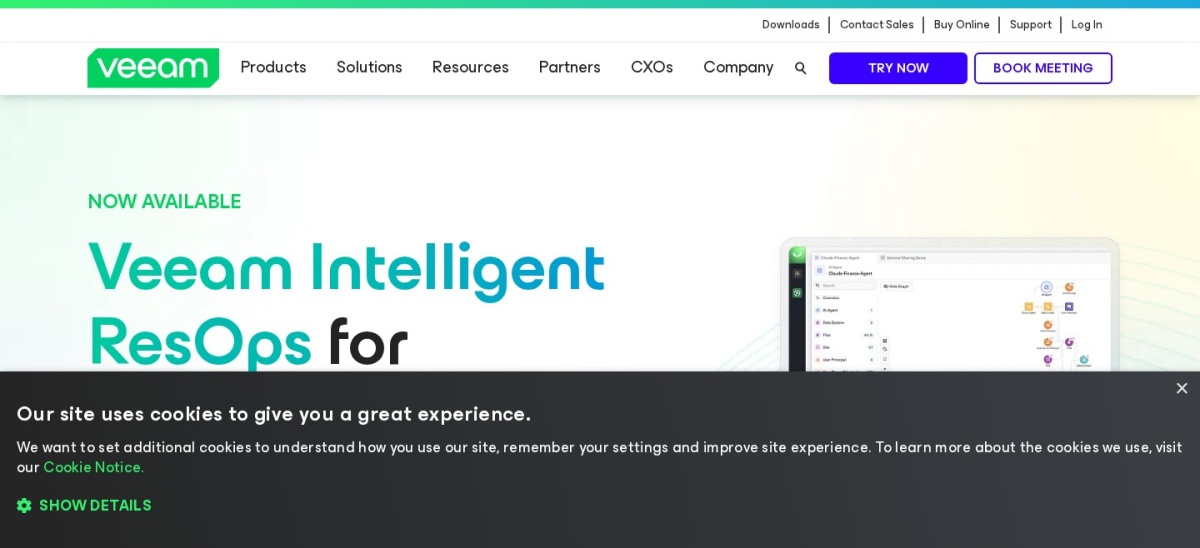
Veeam Data Platform is the backup standard most other tools are compared against. It covers virtual machines, physical servers, NAS and cloud workloads, with immutable backups, disaster recovery orchestration and recovery verification, and a free Community Edition protects up to 10 workloads.
The trade off is price and complexity. The full platform is sold by quote, and it needs more setup than the simple endpoint tools here. It suits a practice that runs its management software on a virtual server and wants the strongest recovery options.
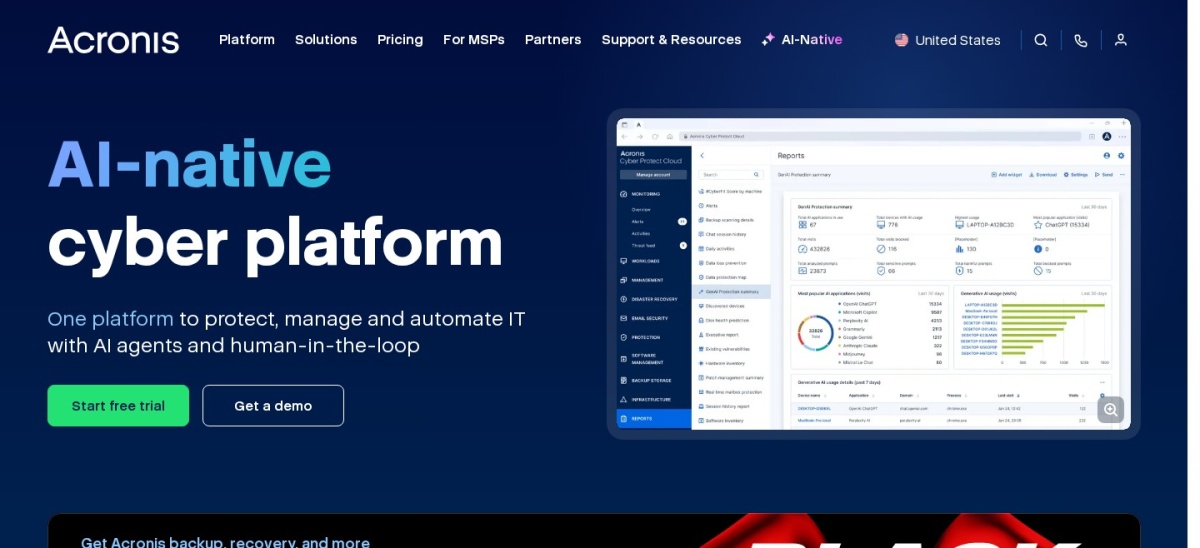
Acronis Cyber Protect homepage, captured Nov 2026.
Acronis Cyber Protect is a backup tool that also handles endpoint security, combining backup with antivirus, anti-ransomware and patch management in one agent. It costs about $85 a year per workstation, and it holds a 4.7 out of 5 G2 rating from more than 1,400 reviews.
The trade off is that it is one agent doing two jobs. The security layer is a bonus, not a replacement for a dedicated security product, and the Home Office tier lacks some business features. It suits a small practice that wants one agent per computer covering backup and malware protection.
What we like
Backup plus antivirus in one agent
Largest review base in this list
Anti-ransomware protection built in
Watch out for
Security layer is basic next to dedicated products
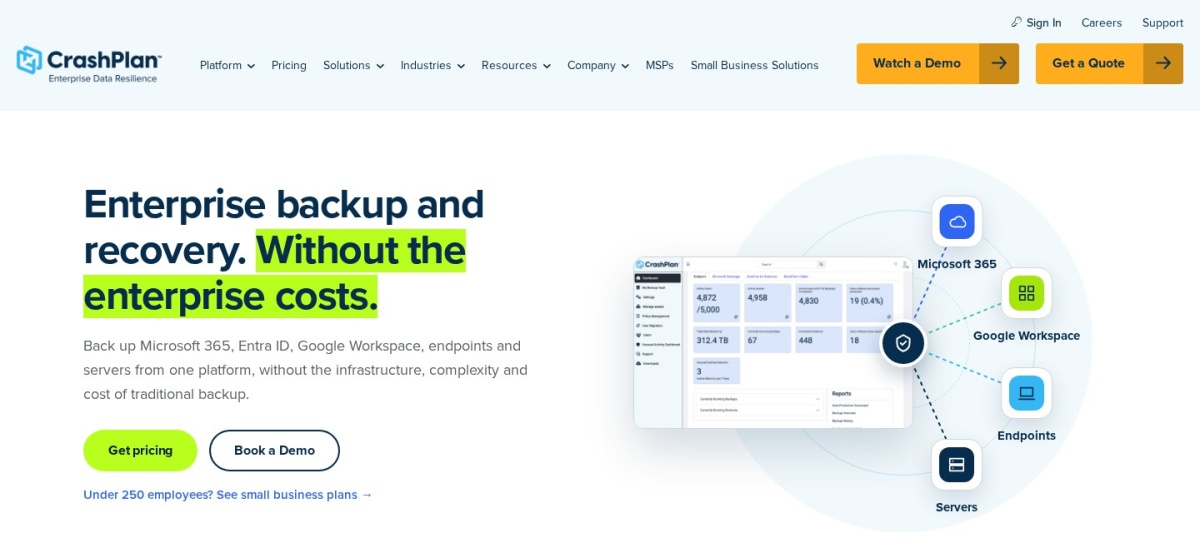
CrashPlan is a cloud backup service for business data on employee computers, with unlimited storage per device and unlimited version retention. Endpoint backup costs $88 a user a year for organisations under 250 employees, and it holds the highest G2 rating here at 4.9 out of 5.
The trade off is server coverage. It is built for endpoints, not for a practice management server, so a practice still needs a server tool beside it. It suits offices that want every workstation backed up continuously with no storage cap.
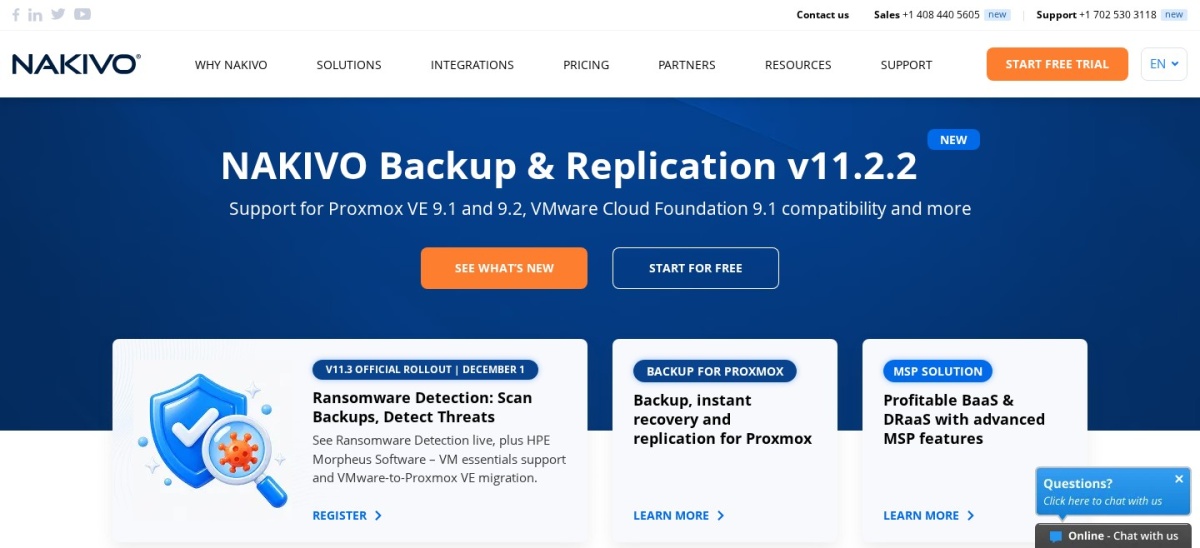
NAKIVO Backup & Replication homepage, captured Nov 2026.
NAKIVO Backup & Replication is an all-in-one backup tool for virtual, physical and cloud workloads, with image-based incremental backups and instant recovery. Pro plans start at $2.45 per workload a month, and a free edition covers small environments.
The trade off is breadth. Physical servers and SaaS apps get less attention than virtual machines, so a practice with physical workstations needs a second tool for those. NAKIVO offers a business associate agreement for HIPAA-covered customers, which a practice should request before storing patient data.
IDrive is a cloud backup service that covers every computer, phone and tablet on one account from a shared storage pool. The Business Team plan costs $99.50 a year for 5 users sharing 250 GB, with a 10 GB free plan, unlimited versioning and private-key encryption.
The trade off is capacity. The Team plan is small for an imaging-heavy practice, and larger plans climb steeply, with 5 TB costing far more. It suits a small practice that wants one shared pool across every device rather than a licence per computer.
Backblaze Computer Backup homepage, captured Nov 2026.
Backblaze Computer Backup is a set-and-forget backup service for one Mac or Windows computer, with unlimited storage and no limits on file type or size. Computer Backup costs $99 a year per computer, with a 15-day free trial, and it holds a 4.4 out of 5 G2 rating.
The trade off is scope. There is no server edition in this plan, so the practice server needs a separate tool, and each computer needs its own licence. It suits a practice that wants the simplest possible backup for its front-desk and operatory computers.
Carbonite Safe is a straightforward automatic backup service for Windows and Mac computers, with continuous backup and encrypted storage in SOC 2 Type II certified data centers. Basic costs $95.99 a year with unlimited storage, and it holds a 4.0 out of 5 G2 rating.
The trade off is versioning. Carbonite keeps only the 12 most recent versions of a file, the weakest versioning in this list, so an older file version may be gone. It suits a practice that wants automatic backup it never has to think about.
MSP360 Backup is a backup tool that separates the backup software from the storage: you license the agent, then set it to write to your own cloud storage such as AWS, Wasabi or Backblaze B2. Backup Pro starts at $19.99 a year per computer, with a free plan for one computer and 200 GB.
The trade off is that storage is extra. The yearly fee covers the app only, so the real cost depends on how much data the practice stores and what the cloud provider charges. It suits a practice with an IT person who wants control over where patient data lives.
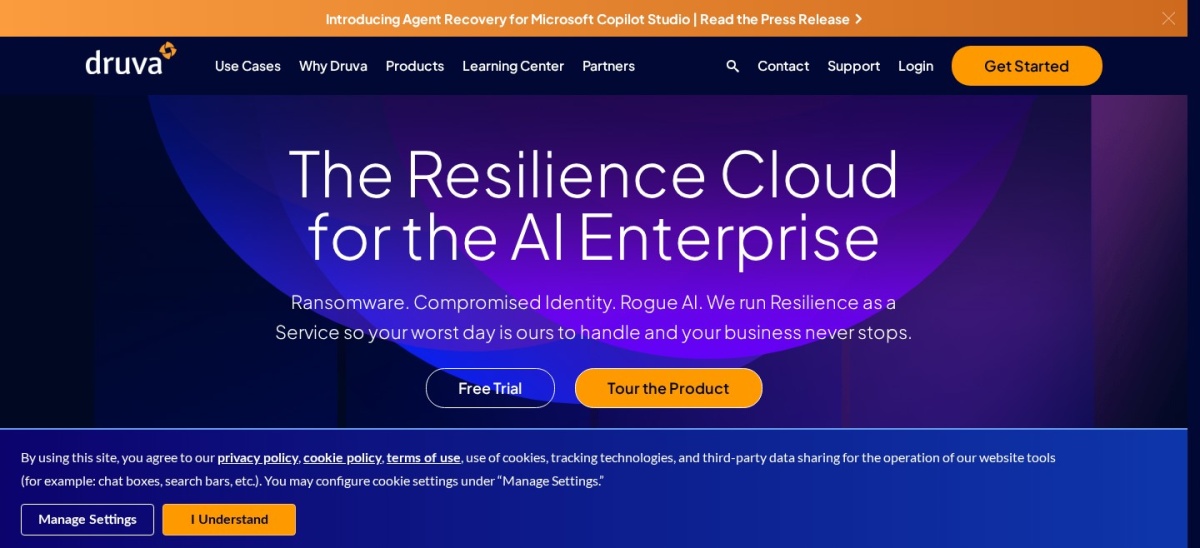
Druva Data Security Cloud homepage, captured Nov 2026.
Druva Data Security Cloud is a fully cloud-native backup platform, so no backup hardware is needed. It covers endpoints, Microsoft 365, Google Workspace and cloud workloads, with built-in immutability and automated recovery, and it holds a 4.7 out of 5 G2 rating.
The trade off is price transparency. Pricing is by quote, so a small practice must talk to sales before it knows the cost, and the platform is built for larger organisations. It suits a dental group with several offices that wants one cloud platform for everything.
Keep three copies of patient data, on two different media, with one copy off site. Every tool here can do the off-site half, and several can also write a local copy for fast restores.
Test a restore, not just a backup. A backup that has never been restored is a guess, so pick a tool with restore verification or schedule a test restore each quarter.
Ask for the business associate agreement before you store patient data. NAKIVO, for example, offers a BAA for HIPAA-covered customers, and the same question belongs on every vendor shortlist.
How we chose
We started from the backup tools that appear most often in November 2026 dental and healthcare backup comparisons, then kept nine with public G2 ratings and published pricing.
Prices come from each vendor's pricing page, checked on 30 November 2026, with several figures cross-checked against our own November 2026 backup guides. Ratings and review counts come from G2 on the same day.
We left out quote-only enterprise platforms and managed services that a small practice cannot buy directly, such as Datto SIRIS. No vendor paid for a place, and we do not claim hands-on testing for this list.
How to choose backup software for a dental practice
Start with where patient data lives, then match the tool to the server, the workstations and the budget.
Map where patient data lives. List the practice management server, the imaging workstation, front-desk computers and any cloud apps, so nothing is left unprotected.
Ask each vendor for a business associate agreement. A BAA is required before patient data goes to a cloud backup vendor. If the vendor will not sign one, remove it from the shortlist.
Check the restore, not just the backup. Confirm how fast a full server restore runs and whether the tool verifies restores automatically. A slow restore closes the practice.
Budget per workload, not per practice. Most tools charge per computer or workload, so count every machine first, then compare the yearly total across your shortlist.
FAQ
What is the best backup software for dental practices in 2026?
Veeam is the best backup software for dental practices that run a server, with a free Community Edition for up to ten workloads. For endpoints, CrashPlan leads with unlimited storage and versioning at $88 a user a year.
Does backup software make a dental practice HIPAA compliant?
No. No backup product by itself makes a practice HIPAA compliant. Compliance needs a signed business associate agreement, encryption, access controls and documented recovery procedures, and the backup tool is one part of that system.
How much does backup software for a dental practice cost?
Most picks here cost under $100 a year per computer or workload. A small practice can protect a server with NAKIVO from about $29 a year per workload and every workstation with CrashPlan at $88 a user a year.
Is there free backup software for dental practices?
Yes. Veeam protects up to 10 workloads free, NAKIVO has a free edition for small environments, IDrive gives 10 GB free and MSP360 is free for one computer with 200 GB. Free tiers suit a single machine, not a whole practice.
Veeam vs Acronis for a dental practice: which is better?
Pick Veeam if the practice runs its management software on a virtual server, since it is the standard for virtualized infrastructure. Pick Acronis if you want backup plus antivirus and patching in one agent, from about $85 a year per workstation.
What is the cheapest backup software for a dental practice?
MSP360 is the cheapest paid plan at $19.99 a year per computer, but you pay your cloud provider separately for storage. NAKIVO is next at $2.45 per workload a month, with storage included in the price.
SaaS SEO and WordPress specialist with about 8 years of experience. Rakib compares WordPress plugins, themes, hosting and software using public pricing, documentation and user reviews. See how we rank.