Best Business Backup Software in 2026: 9 Tools Compared
WLWPLegible EditorsLast verified 24 Nov 2026How we rank13 min read
★ Short answer
Veeam is the best business backup software for virtualized infrastructure, with a free Community Edition for up to 10 workloads. Acronis suits SMBs that want backup plus security for about $85 a year per workstation, while CrashPlan is the best pick for laptop fleets at $88 a user a year.
How we make this list: we compare pricing pages, product documentation and public user reviews, then re-check every price before each update. No product paid for a place. Disclosure.
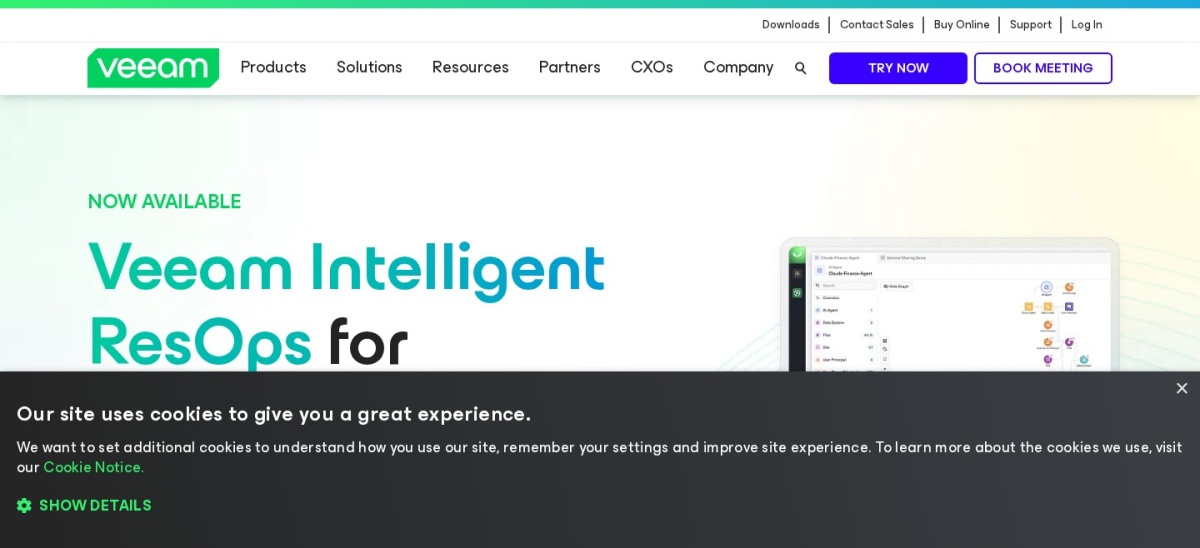
Veeam is the standard for virtualized infrastructure, with a free Community Edition for up to 10 workloads.
Acronis combines backup with antivirus and patching in one agent, from about $85 a year per workstation.
CrashPlan has the highest G2 rating here at 4.9, with unlimited storage and versions for $88 a user a year.
NAKIVO is the affordable Veeam alternative, with VM backup from $2.45 per workload a month.
Backblaze is the simplest pick: unlimited backup for $99 a year per computer, with business admin at the same price.
What to look for in business backup software
Business backup is about recovery, not storage. The question is not where files sit, but how fast you can restore them after ransomware, a failed drive or a deleted mailbox, and whether the backup itself survives the attack.
Immutability matters most for ransomware. Backups that cannot be changed or deleted by an attacker are the difference between a bad day and a closed business, so check that any tool you buy offers it.
Pricing models differ wildly. Some tools charge per workload, some per user, some per computer and some by storage, so the cheapest option flips with team size and data volume. Always price the bill for your own fleet, not the headline.
Free editions are real here. Veeam protects 10 workloads at no cost and IDrive gives 10 GB free, which covers a small shop. Our guide to disaster recovery software covers the wider recovery plan around these tools.
Veeam Data Platform is the backup standard most other tools are compared against. It covers VMs, physical servers, NAS and cloud workloads, with immutable backups, disaster recovery orchestration and recovery verification. The free Community Edition protects up to 10 workloads.
The trade off is total cost. Paid editions run roughly $155 to $227.50 per workload per year according to third-party reports, and Veeam sells through partners rather than listing prices. It suits businesses with virtualized infrastructure and in-house IT or an MSP.
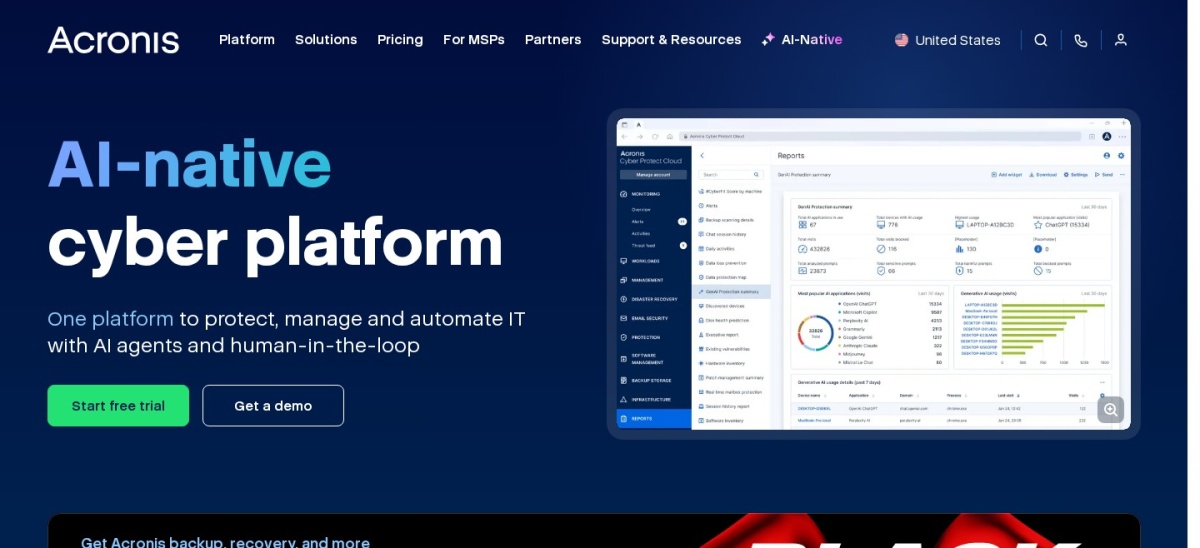
Acronis Cyber Protect homepage, captured Nov 2026.
Acronis Cyber Protect is a backup tool that also handles endpoint security, combining backup with antivirus, anti-ransomware and patch management in one agent. The Standard plan costs about $85 a year per workstation, and Microsoft 365 and Google Workspace backup options are available.
The trade off is price for backup alone. It is worth it if it replaces your endpoint security, and overpriced if it does not. It suits SMBs and MSPs that want backup and security in one agent.
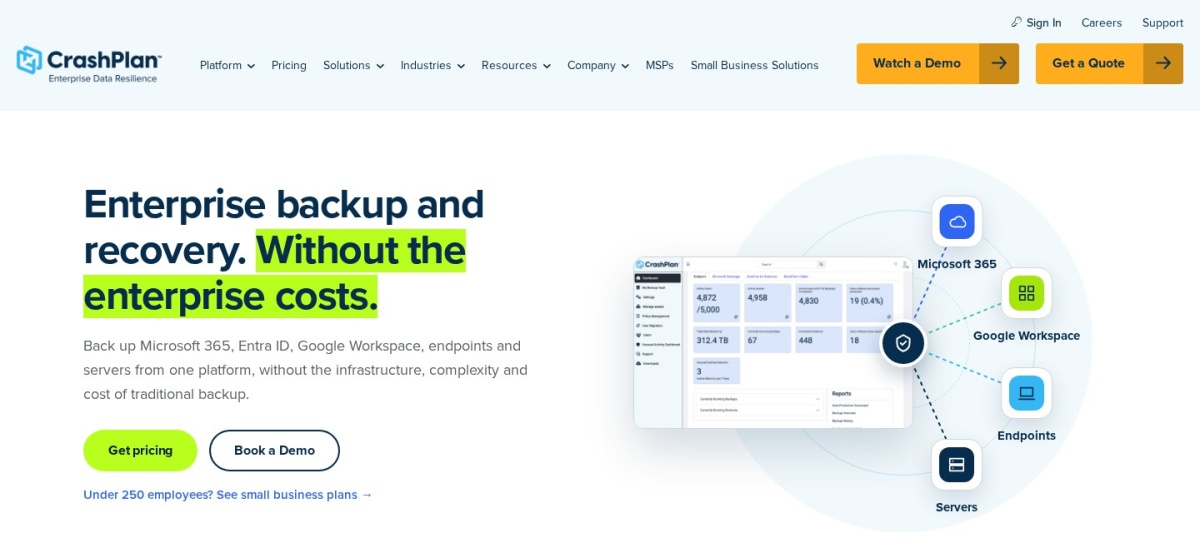
CrashPlan is a cloud backup service for business data on employee computers, with unlimited storage per device and unlimited version retention. Endpoint backup costs $88 a user a year, billed annually, for organisations under 250 employees. Servers cost $189 a server a year.
The trade off is the per-user bill. A 25-person team pays $2,200 a year for endpoints, and Microsoft 365 backup is a separate $30 a user a year. It suits small businesses protecting laptop fleets with long version history.
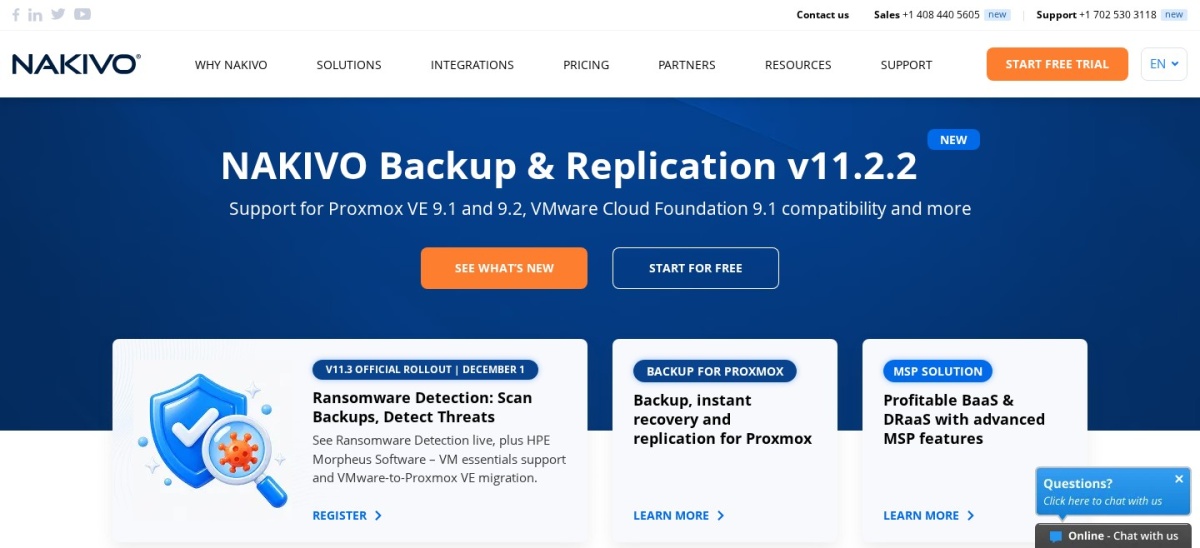
NAKIVO Backup & Replication homepage, captured Nov 2026.
NAKIVO Backup & Replication is an all-in-one backup tool for virtual, physical and cloud workloads, with image-based incremental backups and instant recovery. Pro plans start at $2.45 per workload a month, and a free edition covers small environments.
The trade off is scale. Minimum bundles can exceed the needs of very small environments, and it lacks the ecosystem of Veeam. It suits SMBs with VMs looking for an affordable Veeam alternative.
What we like
Strong value for VM backup
High support scores on G2
Fast recovery with deduplication
Watch out for
Minimum bundles can be too big
Smaller partner ecosystem
Enterprise features cost more
Enterprise plans start at $3.20 per workload a monthVisit nakivo.com
05
Druva Data Security Cloud
4.7/5on G2 (746 reviews, checked Nov 2026)
PricingCustom/yr
Best cloud-native enterprise backup
Deployment100% cloud, no hardware
WorkloadsEndpoints, SaaS, cloud
ImmutabilityBuilt in
Free trial30 days
druva.com
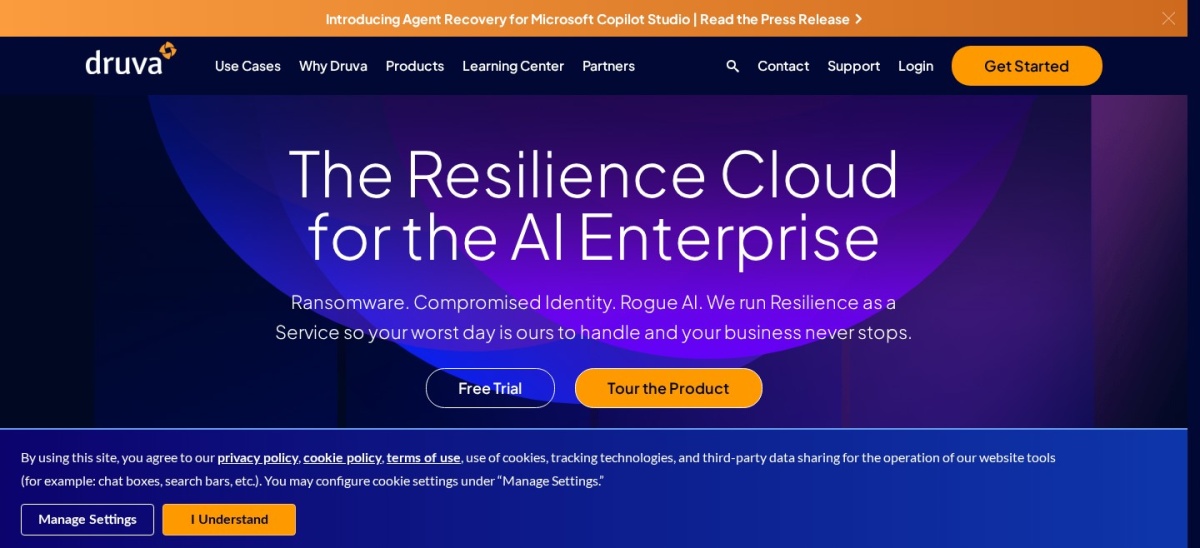
Druva Data Security Cloud homepage, captured Nov 2026.
Druva Data Security Cloud is a fully cloud-native backup platform, so no backup hardware is needed. It covers endpoints, Microsoft 365, Google Workspace and cloud workloads, with built-in immutability and automated recovery. Pricing is by quote.
The trade off is cost and opacity. There is no public price, and reviewers call it more expensive than rivals. It suits enterprises and mid-market teams that want infrastructure-free backup with strong ransomware recovery.
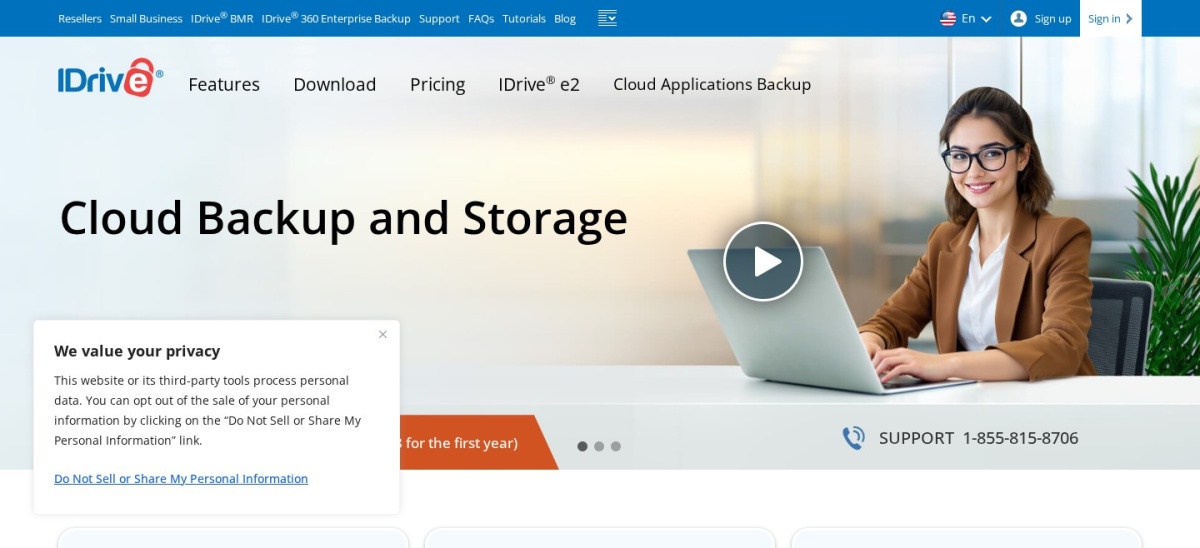
IDrive is a cloud backup service that prices by storage instead of per machine, so one account backs up computers, phones, servers and NAS units. The Business plan costs about $239.88 a year for 500 GB with unlimited users, and a free 10 GB Basic plan needs no card.
The trade off is the storage cap. Business starts at 500 GB, and overage costs $0.50 per GB a month, so data-heavy teams pay more. It suits small businesses that want many devices on one storage-based plan.
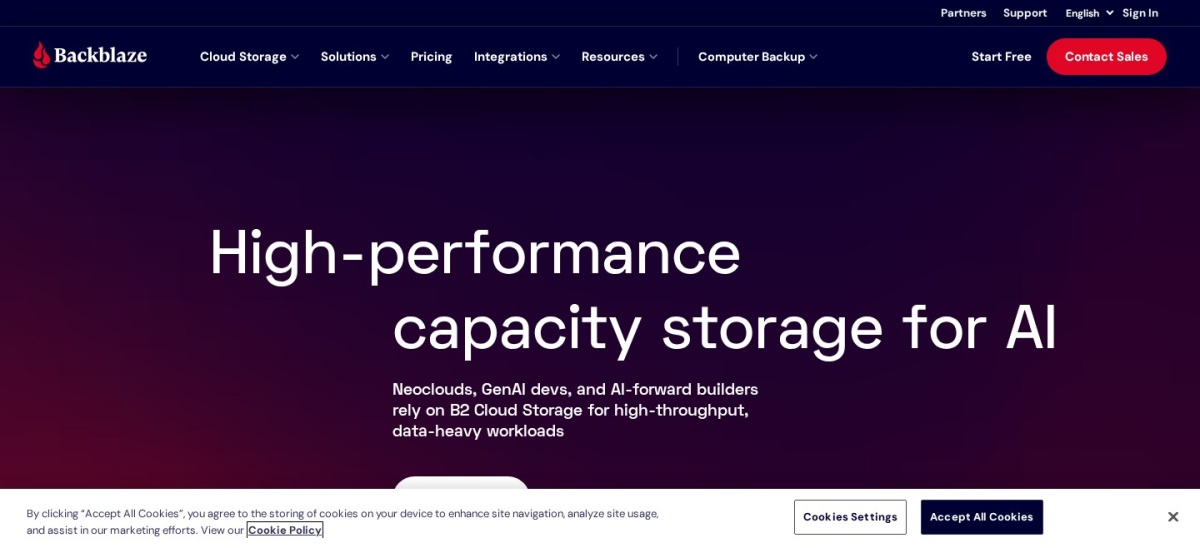
Backblaze is the simplest cloud backup here: install it and it backs up everything on the computer by default, with external USB drives included at no extra charge. Computer Backup costs $99 a year per computer with unlimited storage, and Business adds a Groups admin console at the same price.
The trade off is per-computer pricing. Six machines cost six times as much, and there is no SaaS app backup. It suits freelancers, small teams and agencies with heavy disk usage on few machines.
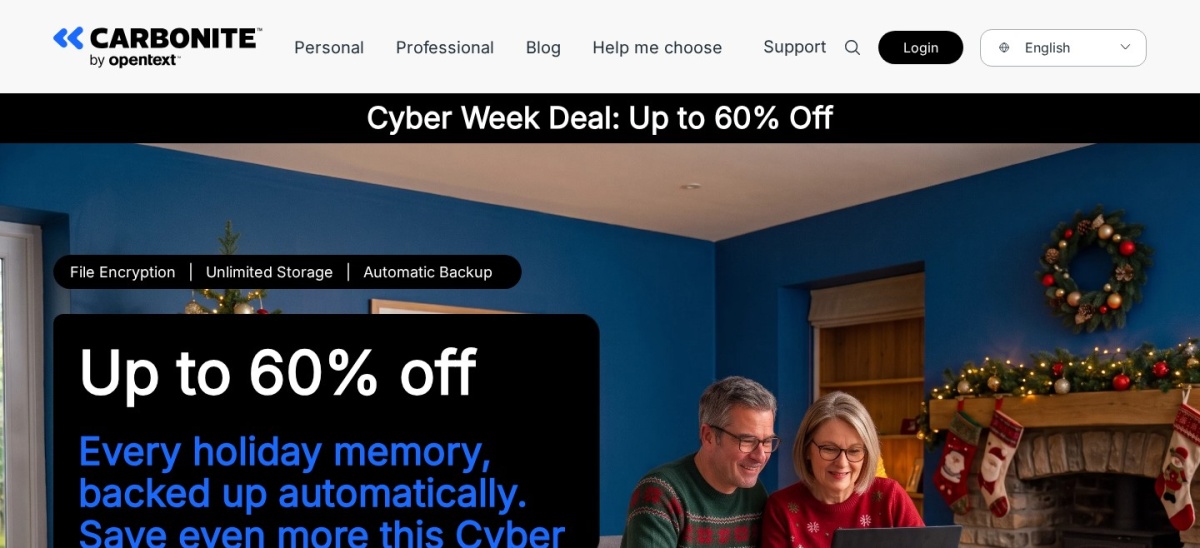
Carbonite is an automatic endpoint backup service that backs up PCs and Macs continuously with unlimited encrypted storage on its Basic plan. Basic costs $95.99 a year, and a 15-day free trial is available. It is built for owners who want backup to run without attention.
The trade off is depth. It covers endpoints well but lacks the server, VM and SaaS coverage of Veeam or Acronis, and its G2 rating is the lowest here at 4.0. It suits small businesses that want set-and-forget backup for office computers.
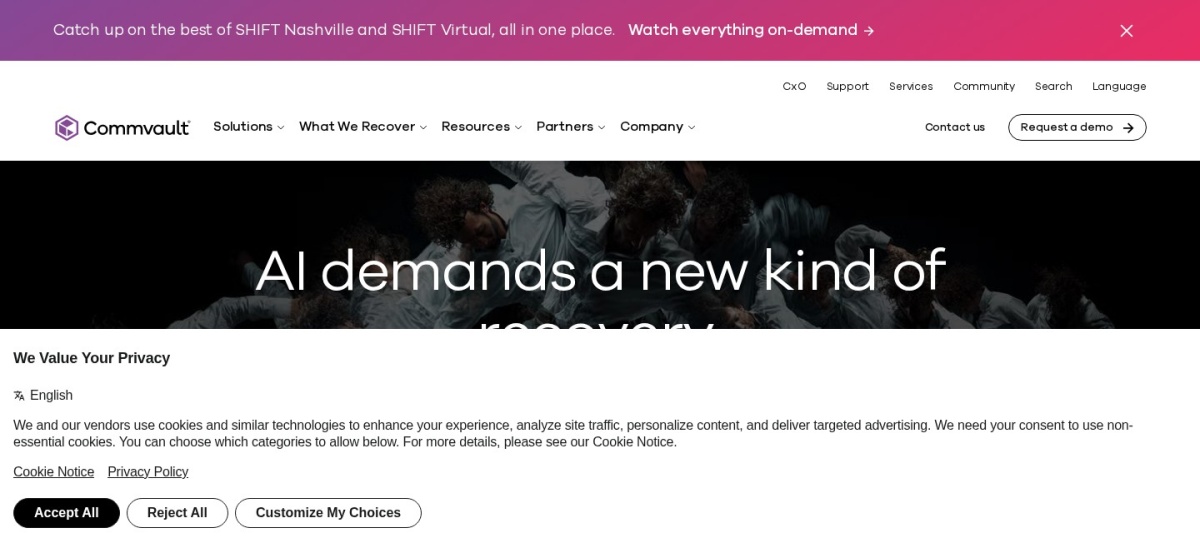
Commvault Cloud is an enterprise backup platform covering on-premises, cloud, SaaS and virtual workloads from one console. It includes ransomware recovery, compliance controls and broad workload coverage for large estates. Pricing is by quote.
The trade off is complexity and cost. It needs skilled admins, there is no public price, and small teams will find it oversized. It suits large enterprises with mixed infrastructure and strict compliance needs.
The classic rule is 3 copies of data, on 2 different media, with 1 copy off site. Ransomware added a fourth copy that is immutable, and a zero-error recovery test.
Most tools here can meet the rule, but only if you set them up that way. A single cloud copy with no local copy and no immutability is not a 3-2-1 backup.
Test restores regularly. A backup that has never been restored is a guess, not a plan. Pick a tool with self-serve restore so a test does not need an IT ticket.
For Microsoft 365 and Google Workspace, remember the vendor does not back up your data for you. CrashPlan, IDrive and Acronis all sell SaaS backup as a separate add-on.
How we chose
We started from the backup tools most often recommended in 2026 roundups, then kept those with a verifiable rating on G2 or Capterra and a price or quote model we could confirm.
Prices come from each vendor's pricing page, checked on 24 November 2026. CrashPlan Endpoint lists $7.33 a user a month billed annually at $88, confirmed today. Veeam, Druva and Commvault sell by quote through partners, and their prices are shown as Custom. Other prices come from November 2026 reads of vendor pages and are flagged in our notes. Ratings and review counts come from G2 or Capterra on the same day.
We left out tools whose prices exist only as partner quotes with no published starting point, and Duplicati, which is free and open source but ships no storage. No vendor paid for a place, and we do not claim hands-on testing for this list.
How to choose business backup software
Start with what you must protect, then match the pricing model to your fleet.
List every workload to protect. Count VMs, servers, laptops, NAS units and SaaS apps such as Microsoft 365. A tool that covers laptops but not VMs leaves a gap.
Check recovery, not just backup. Ask how fast a full restore runs, whether restores are self-serve, and whether backups are immutable against ransomware.
Price the bill for your fleet. Per-user, per-computer and per-workload pricing give very different totals. Work out the annual cost for your actual counts.
Test a restore before you commit. Use the free trial or free edition to back up one machine and restore it. If the restore is slow or confusing, pick another tool.
FAQ
What is the best business backup software?
Veeam is the best pick for businesses with virtualized infrastructure, with the broadest workload coverage and a free Community Edition for 10 workloads. Acronis is the best all-rounder for SMBs, and CrashPlan leads for laptop fleets.
How much does business backup cost?
Entry prices here run from $2.45 per workload a month at NAKIVO to $239.88 a year for IDrive Business. CrashPlan costs $88 a user a year, Backblaze costs $99 a computer a year, and Veeam, Druva and Commvault are priced by quote.
Is there free business backup software?
Yes, in limited form. Veeam Community Edition protects up to 10 workloads free, NAKIVO has a free edition, and IDrive gives 10 GB free. Full business backup with central management is paid on every tool here.
What is the difference between Veeam and Acronis?
Veeam focuses on backup and recovery for VMs, servers and cloud workloads, and sells through partners by quote. Acronis adds antivirus, anti-ransomware and patching to backup in one agent, from about $85 a year per workstation.
Does backup software protect against ransomware?
It helps, but only with immutability. Backups that attackers can encrypt or delete are useless, so look for immutable copies and air-gapped or off-site storage. Backup is one layer; endpoint security and patching are others.
Do I need to back up Microsoft 365?
Yes. Microsoft does not back up your mailboxes, SharePoint or OneDrive data for you beyond short retention. CrashPlan charges $30 a user a year for Microsoft 365 backup, and IDrive charges $20 a seat a year.