Best Remote Monitoring Software in 2026: 9 Tools Compared
WLWPLegible EditorsLast verified 23 Nov 2026How we rank9 min read
★ Short answer
NinjaOne is the best remote monitoring software for most teams, rated 4.7 out of 5 on G2 from more than 5,800 reviews. Pick Syncro for RMM and PSA on one per-user price, or PRTG for free network monitoring up to 100 sensors.
How we make this list: we compare pricing pages, product documentation and public user reviews, then re-check every price before each update. No product paid for a place. Disclosure.
NinjaOne is the top pick: 4.7 out of 5 on G2 from 5,862 reviews, but pricing is quote-only.
Syncro puts RMM and PSA on one $129 per user a month price with unlimited endpoints.
SuperOps is the cheapest RMM here at $99 per user a month, with a 150-endpoint cap per technician.
PRTG gives the most capable free network monitor: 100 sensors, about 10 devices, no time limit.
OpManager is the cheapest paid plan at $95 a year for 10 devices, priced per device.
Zabbix and Checkmk Community are free and open source, with no licence fees at all.
What remote monitoring software should cover
Remote monitoring software watches servers, networks and endpoints and alerts you when something breaks. Some tools are RMM platforms built for MSPs, with patching, remote access and ticketing. Others are network monitors that track device health, traffic and uptime.
The billing unit decides the real cost. RMM tools charge per device or per technician, network monitors charge per sensor, per device or per site, and open-source tools charge nothing for the software itself. Count your endpoints, servers and sites before you compare prices.
Free plans are useful but narrow. PRTG covers 100 sensors, OpManager covers 3 devices, and the open-source tools have no licence cap at all. Our guide on how to monitor a WordPress site shows what a small setup needs from monitoring.
Ratings in this list come from G2, checked on 23 November 2026, and prices come from each vendor's pricing page or vendor-provided listing on the same day. Where a vendor does not publish a price, the list says so instead of guessing.
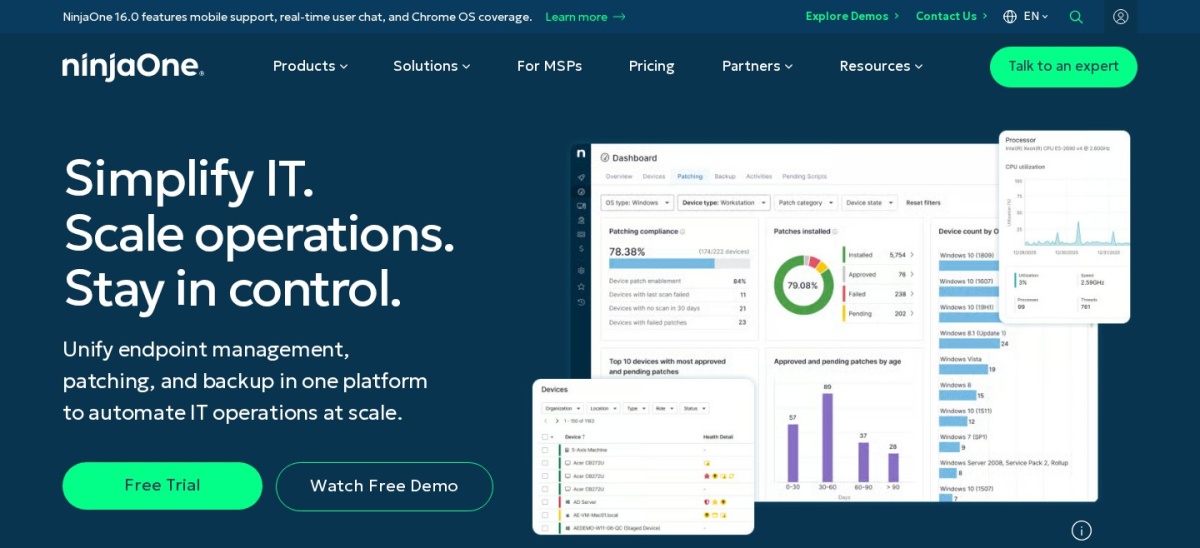
NinjaOne is a cloud RMM platform for IT teams and MSPs that covers endpoint management, patching, remote access and automation from one console. It holds a 4.7 out of 5 rating on G2 from more than 5,800 reviews, the highest review count in this list, and reviewers praise its ease of use most often.
The trade off is price. NinjaOne does not publish a price list, so the cost is a per-device quote that depends on endpoint count, and add-ons such as backup are priced separately. It suits teams that want one polished RMM and are ready to get a quote before they commit.
What we like
Rated 4.7 out of 5 on G2 from 5,800+ reviews
Patching, remote access and automation in one console
Fast to set up, about 1 month to implement on G2
Works for MSPs and in-house IT teams alike
Watch out for
No published price, quote only
Backup and other extras cost more
Some reviewers note gaps in reporting
Paid plans add backup, endpoint security and ticketing optionsVisit ninjaone.com
02
Syncro
4.5/5on G2 (571 reviews, checked Nov 2026)
Starts at$129/mo
Best RMM and PSA on one price
TypeRMM + PSA
Free planNo, 14-day trial
EndpointsUnlimited on every plan
Paid planCore, $129/user/mo
syncromsp.com
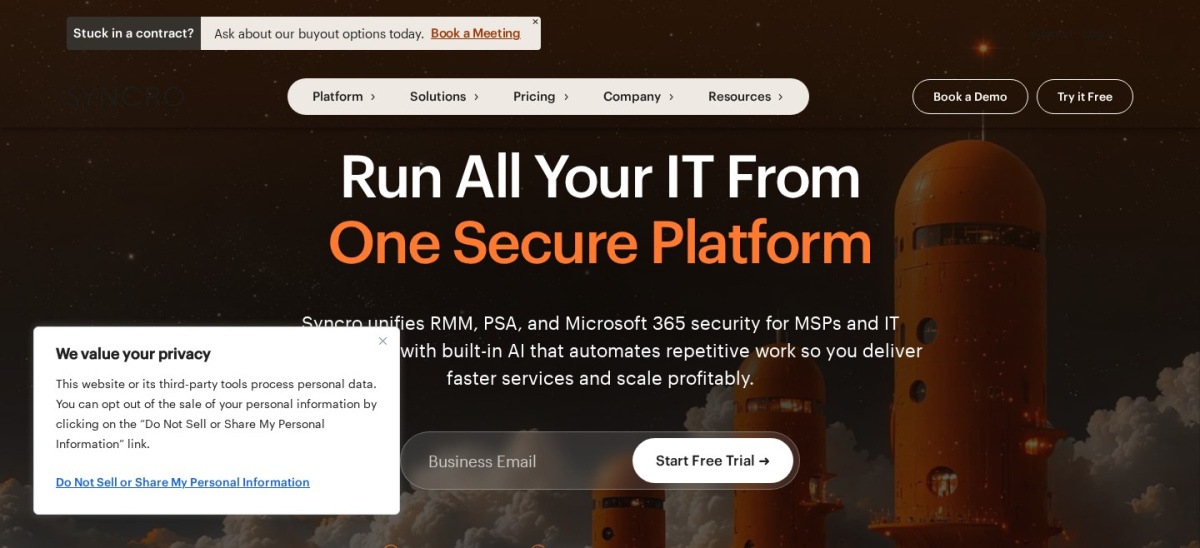
Syncro homepage, captured Nov 2026.
Syncro is an RMM and PSA platform that puts ticketing, billing and endpoint management on one published per-user price. The Core plan costs $129 a user a month billed annually and covers unlimited endpoints, so the bill follows headcount rather than device count. It holds a 4.5 out of 5 G2 rating from 571 reviews.
The trade off is scale. Syncro fits small and mid-sized MSPs best, and reviewers note slower support and limited role controls on larger teams. Team at $179 a user a month adds more automation and reporting. It suits new and small MSPs that want RMM and PSA from one vendor.
What we like
Published per-user price, unlimited endpoints
RMM and PSA in every plan
14-day free trial
Microsoft 365 management built in
Watch out for
Support can be slow
Role-based access is limited
Less suited to very large fleets
Team adds automation, reporting and deeper Microsoft 365 tools at $179Visit syncromsp.com
03
SuperOps
4.4/5on G2 (207 reviews, checked Nov 2026)
Starts at$99/mo
Best-priced RMM for small MSPs
TypeRMM + PSA
Free planNo, trial only
Endpoints150 per technician
Paid planStandard RMM, $99/user/mo
superops.ai
SuperOps homepage, captured Nov 2026.
SuperOps is a newer RMM and PSA platform aimed at small MSPs, with a modern interface and an AI assistant called Monica. Its Standard RMM plan costs $99 a user a month and covers up to 150 endpoints per technician. It holds a 4.4 out of 5 G2 rating from 207 reviews.
The trade off is maturity. SuperOps has fewer reviews than the established RMM tools here, and the per-technician plans cap endpoints at 150, so large fleets pay for extra capacity. It suits small MSPs that want a clean interface and a low starting price.
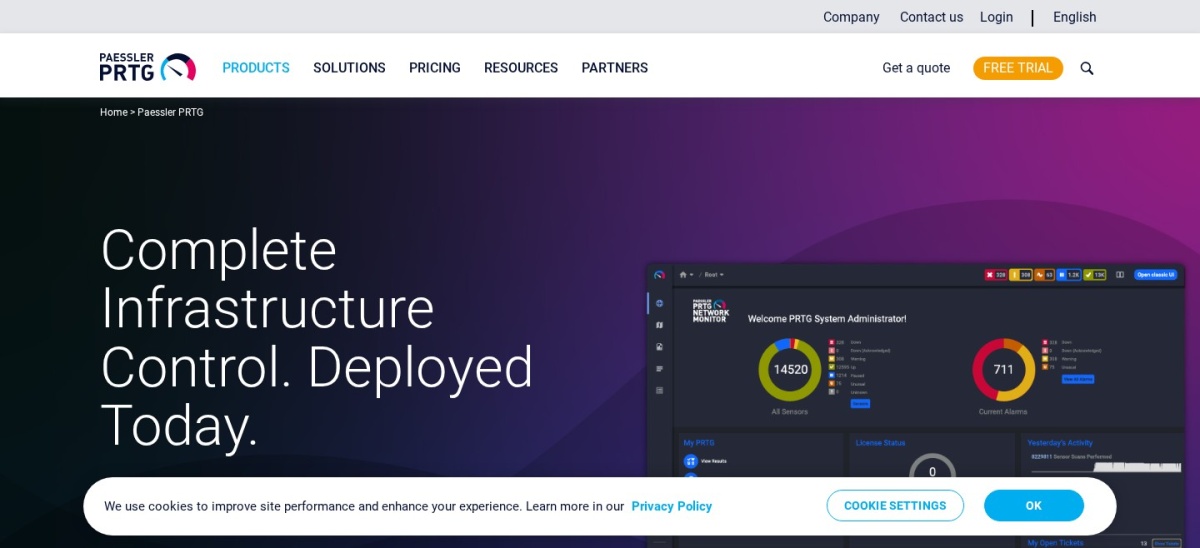
Paessler PRTG is a network monitor built around sensors, where one sensor tracks one metric on one device. The free edition covers 100 sensors, about 10 devices, with full core features and no time limit. It holds a 4.7 out of 5 G2 rating from 212 reviews.
The trade off is cost at scale. The first paid tier, PRTG 500, costs $200 a month billed annually, and the bill grows with every sensor, so a server with many metrics gets expensive fast. It suits Windows teams with a known sensor count and a fixed network.
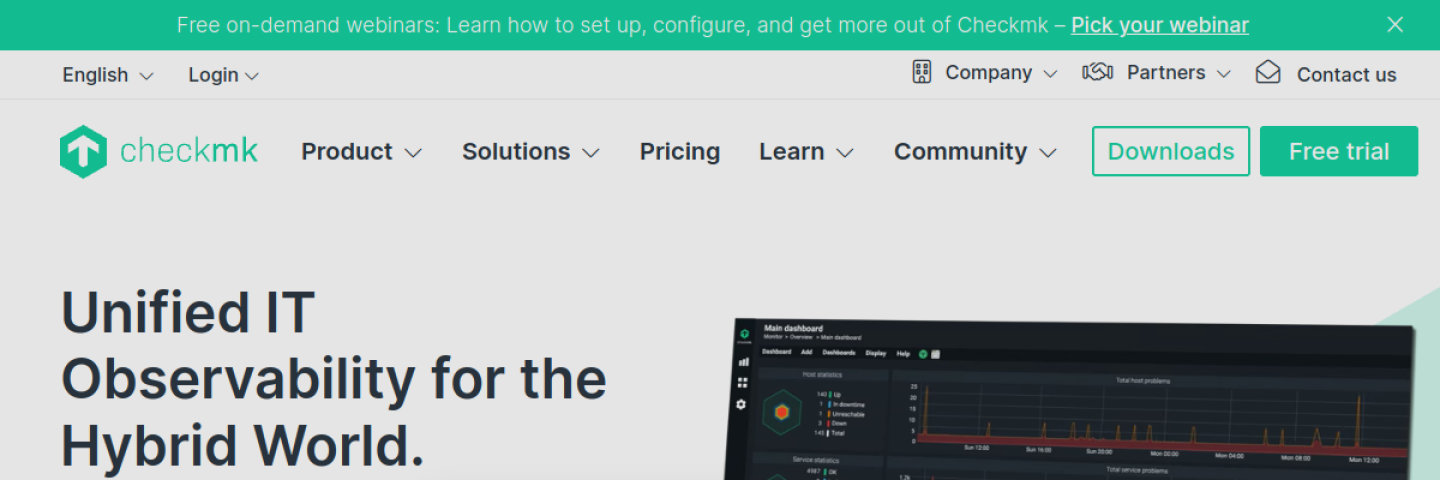
Checkmk is a monitoring platform for servers, networks, cloud and containers, built around auto-discovery and more than 2,000 check plugins. The Community edition is free and open source under GPLv2 and suits estates of about 100 hosts. It holds a 4.7 out of 5 G2 rating from 306 reviews.
The trade off is pricing by service. Pro starts at $275 a month billed annually for about 3,000 services, so the bill follows how many checks the estate needs rather than host count. It suits teams that want rule-based monitoring at enterprise scale.
What we like
Free open-source edition with no host limit
Auto-discovery fills in services without hand-written config
Rule-based setup scales to thousands of hosts
SaaS Cloud edition available
Watch out for
Paid pricing is per service, not per host
Setup takes skill to tune
Enterprise features need Pro or higher
Pro adds reporting, high availability and automated agent updatesVisit checkmk.com
06
ManageEngine OpManager
4.5/5on G2 (192 reviews, checked Nov 2026)
Paid from$95/yr
Best value device-based monitoring
TypeNetwork monitoring
Free planYes, 3 devices
Billing unitPer device
Paid planStandard, $95/yr
manageengine.com
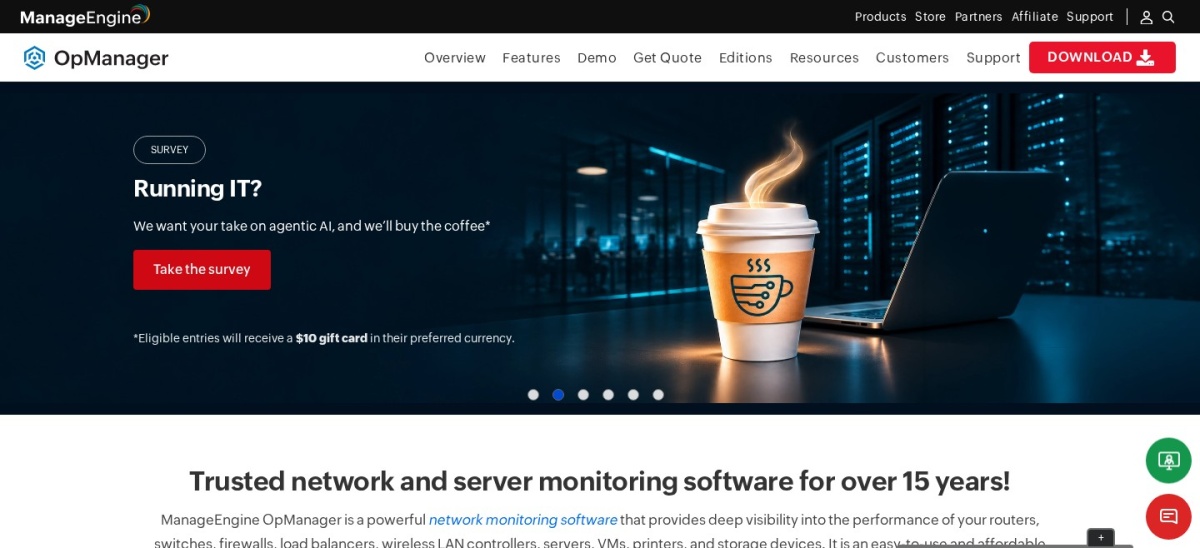
ManageEngine OpManager homepage, captured Nov 2026.
ManageEngine OpManager is a network monitor that prices by device, not by sensor, so a switch with 48 ports costs the same as one with 8. Standard starts at $95 a year for 10 devices, and the free edition monitors 3 devices with 2 users. It holds a 4.5 out of 5 G2 rating from 192 reviews.
The trade off is scale on one server. Standard and Professional are capped at 1,000 devices on a single server, and distributed multi-site monitoring needs Enterprise at $4,595 a year for 250 devices. It suits Windows-centred teams that want device-based pricing.
What we like
Cheapest paid plan in this list
Per-device pricing with unlimited sensors
Free edition for 3 devices
Strong value-for-money scores
Watch out for
Single-server cap of 1,000 devices on Standard and Professional
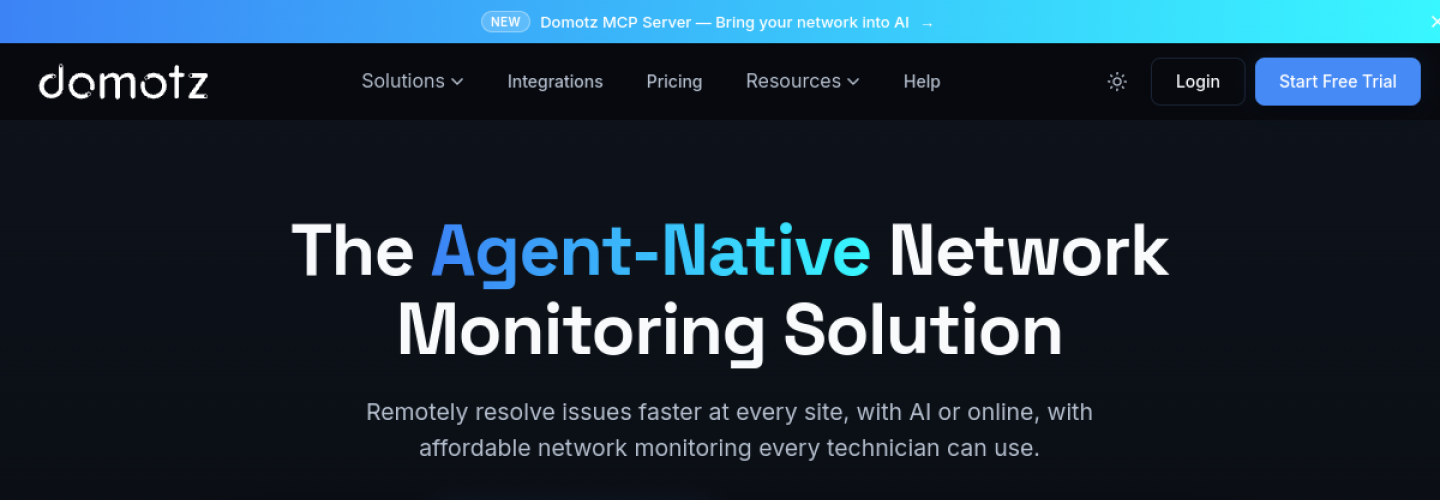
Domotz is a cloud network monitoring platform that charges per site, not per device. One collector monitors a whole site with unlimited devices for $35 a month, and every feature is included at that price. It holds a 4.8 out of 5 G2 rating from 105 reviews.
The trade off is scope. Domotz covers networks, devices and remote access well, but it is not a full RMM, so patching and ticketing need another tool. It suits MSPs and IT teams that look after many small sites and want flat pricing.
What we like
Flat per-site price with no feature tiers
Remote access and power management built in
14-day free trial, no card needed
Highest G2 rating in this list
Watch out for
Not a full RMM, no patching or ticketing
Vendor pricing page lists the price in euros
One collector per site
Volume pricing drops the per-site rate for large MSPsVisit domotz.com
08
Nagios XI
4.5/5on G2 (58 reviews, checked Nov 2026)
Starts at$2,595/yr
Best self-hosted monitor for Nagios teams
TypeInfrastructure monitoring
Free planNo, 30-day trial
HostingSelf-hosted
Paid planFrom $2,595, one-time
nagios.com
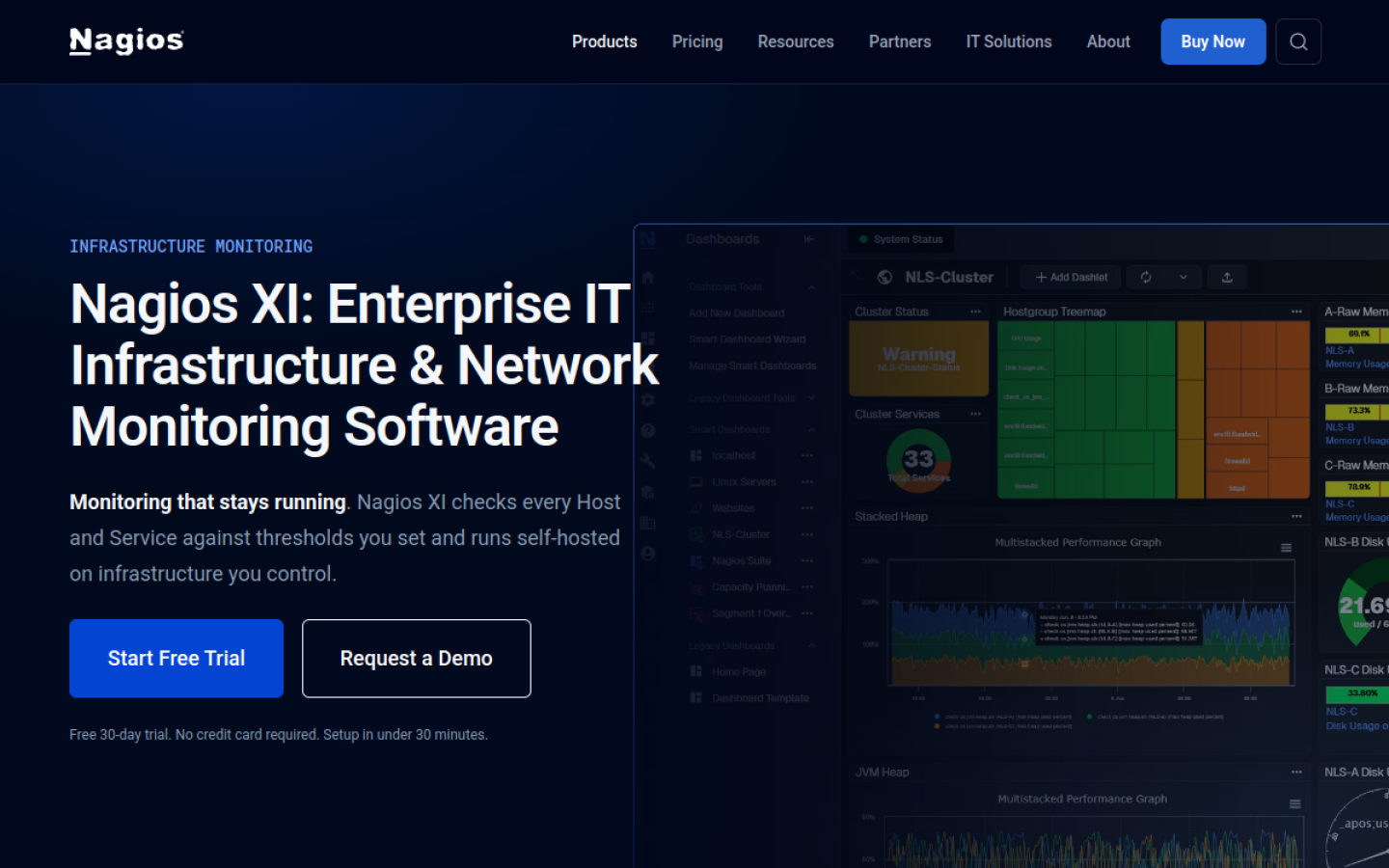
Nagios XI homepage, captured Nov 2026.
Nagios XI is the commercial edition of Nagios, the long-running open-source monitor, with dashboards, wizards and reporting added on top. It checks every host and service against thresholds you set and runs self-hosted on infrastructure you control. It holds a 4.5 out of 5 G2 rating from 58 reviews.
The trade off is price and setup. The entry licence starts at $2,595, and Nagios XI needs more hand-tuning than the cloud tools here. It suits teams that already know Nagios and want a self-hosted monitor with no per-device billing.
What we like
Trusted by 10,000+ teams, per the vendor
Self-hosted, no per-device fees
Deep configuration for unusual checks
30-day free trial, no card needed
Watch out for
Highest starting price in this list
Setup takes more work than cloud tools
Interface feels older than newer rivals
Paid licence adds wizards, dashboards and reporting over Nagios CoreVisit nagios.com
09
Zabbix
4.3/5on G2 (225 reviews, checked Nov 2026)
PriceFree
Best free open-source monitor
TypeInfrastructure monitoring
Free planYes, open source
LicenceGPL, no fees
Paid optionZabbix Cloud, $50/mo
zabbix.com
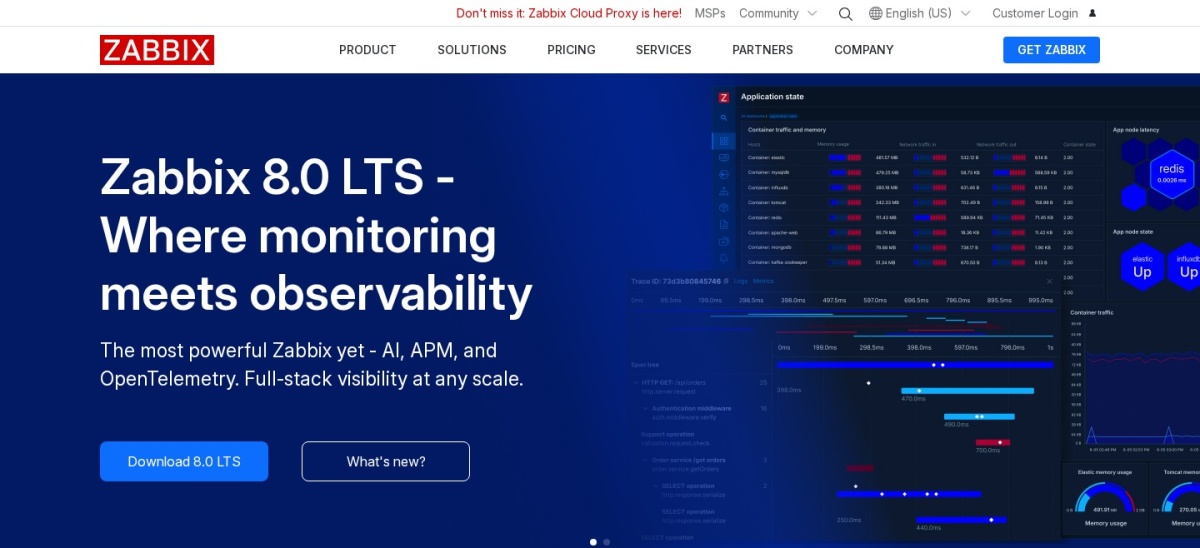
Zabbix homepage, captured Nov 2026.
Zabbix is a free, open-source monitor for servers, networks, virtual machines and services, with no licence fee and no host limit. It ships with templates that save setup time and scales from a few devices to thousands of servers. It holds a 4.3 out of 5 G2 rating from 225 reviews.
The trade off is effort. Zabbix has a steep learning curve and complex initial setup, and paid support costs extra, so teams need in-house skill to run it well. It suits teams that want enterprise monitoring without licence fees.
What we like
Free with no host or licence limits
Scales to thousands of servers
Templates cover common devices
Large community and long track record
Watch out for
Steep learning curve and complex setup
Paid support costs extra
Interface is less polished than commercial rivals
Zabbix Cloud from $50 a month adds hosted monitoringVisit zabbix.com
RMM vs network monitoring: which do you need?
Pick an RMM tool such as NinjaOne, Syncro or SuperOps when you manage endpoints for clients or staff. RMM covers patching, remote access, scripting and ticketing in one console.
Pick a network monitor such as PRTG, Checkmk or OpManager when the network itself is the job. These tools track switches, servers and traffic, and alert on thresholds.
Small teams often need both, but start with the pain that costs most. If endpoints go unpatched, start with RMM. If outages go unnoticed, start with network monitoring.
How we chose
We started from the established remote monitoring and RMM tools with public G2 ratings, then kept nine that cover both MSP endpoint management and network monitoring, from NinjaOne to Zabbix.
Prices come from each vendor's pricing page or vendor-provided G2 listing, checked on 23 November 2026. Ratings and review counts come from G2 on the same day. Where a vendor does not publish a price, the list says Custom instead of guessing.
We left out tools with no public rating and tools that only monitor websites. No vendor paid for a place, and we do not claim hands-on testing for this list.
How to choose remote monitoring software
Start with an inventory of your endpoints, servers and sites, then match the billing model to it.
Count what you monitor. List endpoints, servers, network devices and sites first. The count decides whether per-device, per-technician, per-sensor or per-site pricing is cheapest.
Decide RMM or network monitoring. Choose an RMM tool for patching and remote support, or a network monitor for device health and uptime. Do not buy both until one proves too narrow.
Use the free tier or trial first. PRTG, OpManager, Checkmk and Zabbix cost nothing to start, and the RMM tools offer free trials. Run one against real devices before paying.
Check the cap that will bite first. Sensor limits, endpoint caps and single-server device limits all force an upgrade. Read the cap on the plan you would actually buy.
FAQ
What is the best remote monitoring software?
NinjaOne is the best pick for most teams. It is rated 4.7 out of 5 on G2 from more than 5,800 reviews and covers endpoint management, patching and remote access in one console. Its pricing is quote-only, so ask for a per-device quote before you commit.
What is the cheapest remote monitoring software?
Zabbix costs nothing: it is free and open source with no licence fee or host limit. Of the paid tools, ManageEngine OpManager Standard is cheapest at $95 a year for 10 devices, and PRTG is free for up to 100 sensors.
Is there a free remote monitoring tool?
Yes. Zabbix and Checkmk Community are free and open source, PRTG is free for 100 sensors, and OpManager is free for 3 devices. The RMM tools in this list offer free trials instead of free plans.
What is the difference between RMM and network monitoring?
RMM tools manage endpoints: patching, remote access, scripting and ticketing for MSPs and IT teams. Network monitors watch device health, traffic and uptime on servers, switches and routers. Some teams need both.
Do I need an RMM tool for a small business?
Not always. A small network with a few servers is often covered by a free network monitor such as PRTG or Zabbix. RMM pays off when you manage many endpoints across staff or clients and need patching and remote support.
Can I monitor servers without paying per device?
Yes. Domotz charges per site with unlimited devices, OpManager charges per device with unlimited sensors, and Zabbix charges nothing for the software. Per-sensor tools such as PRTG get expensive when one server carries many metrics.