Best Disaster Recovery Software in 2026: 9 Tools Compared
WLWPLegible EditorsLast verified 23 Nov 2026How we rank15 min read
★ Short answer
Veeam leads for virtualized environments and Acronis suits SMBs that want backup and security in one agent, while Datto and Axcient are built for MSPs delivering backup as a service. Druva and Commvault fit enterprises with cloud-first or hybrid strategies, and NAKIVO, Unitrends, and Arcserve offer strong value for mid-size companies.
How we make this list: we compare pricing pages, product documentation and public user reviews, then re-check every price before each update. No product paid for a place. Disclosure.
Veeam leads for virtualized environments with the broadest backup and replication feature set.
Acronis is the only tool here with a published price: Standard from $85 a year per workstation.
Datto and Axcient are built for MSPs delivering backup as a managed service.
Druva and Commvault fit enterprises with cloud-first or hybrid data protection strategies.
NAKIVO, Unitrends, and Arcserve offer strong value for mid-size companies with simpler needs.
What disaster recovery software should cover
Disaster recovery software is backup plus the plan to use it. Backup copies data; disaster recovery restores operations, with the runbooks, replication, failover systems and tested procedures that get the business running again. A vendor that only talks about storage is selling backup, not recovery.
Every DR conversation comes down to two numbers. Recovery Point Objective (RPO) is how much data you can afford to lose, measured in time between backups. Recovery Time Objective (RTO) is how long you can afford to be down. Define these per system before shopping, because they decide whether you need continuous replication or nightly backups.
The tools here fall into three shapes. Platform tools such as Veeam and Commvault cover the whole stack, from VMs to SaaS. MSP tools such as Datto, Axcient and Unitrends deliver backup as a managed service through partners. Cloud-native tools such as Druva run entirely as SaaS, with no infrastructure to manage.
Pricing is mostly unpublished. Only Acronis publishes a starting price, $85 a year per workstation, and Veeam and NAKIVO offer free editions for small environments. Most vendors quote by workload, device or socket, so always get the full quote including storage and support before comparing.
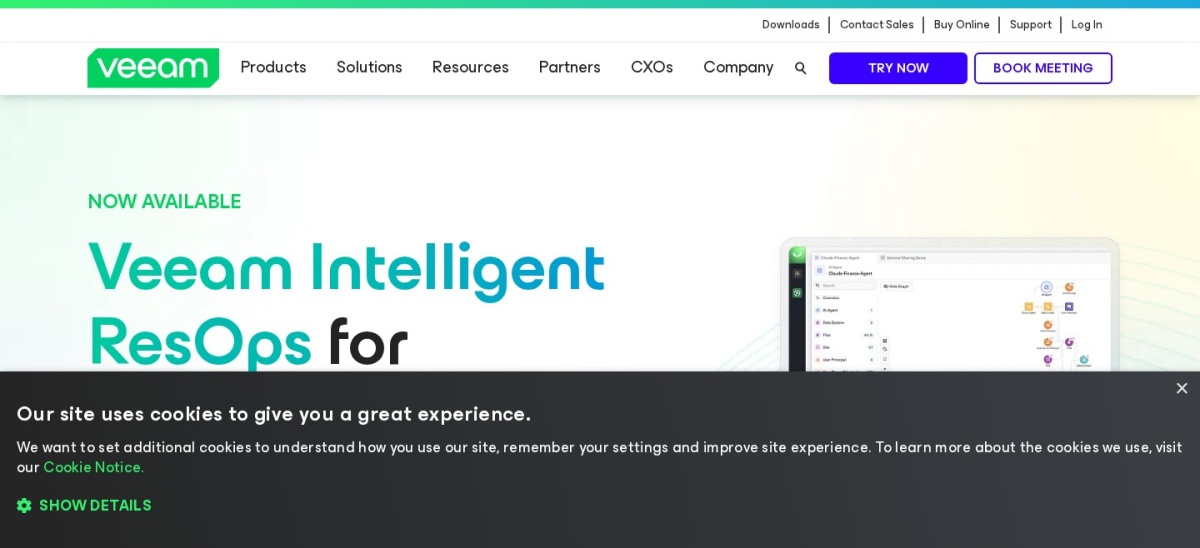
Veeam is the default answer for virtualized backup, covering backup, replication, continuous data protection and cloud tiering across VMware, Hyper-V, physical servers, cloud VMs and SaaS apps like Microsoft 365. Recovery ranges from instant VM recovery to granular item restore, which is what actually matters at 3 AM. The free Community Edition protects up to 10 workloads at no cost, so small shops can run real Veeam before buying.
The trade off is that paid editions are quote-priced and the licensing portfolio takes study, with per-workload licensing by socket or by instance and Microsoft 365, Salesforce and Kasten backup sold as standalone products. The full platform can be complex to license, and smaller teams may find the breadth more than they need. For virtualized environments of any size, though, Veeam is the benchmark.
What we like
Broadest backup and replication features
Excellent VMware and Hyper-V support
Free Community Edition
Instant VM recovery and granular item restore
Watch out for
Quote-based pricing for paid editions
Full platform can be complex to license
Microsoft 365 and Kasten backup are separate products
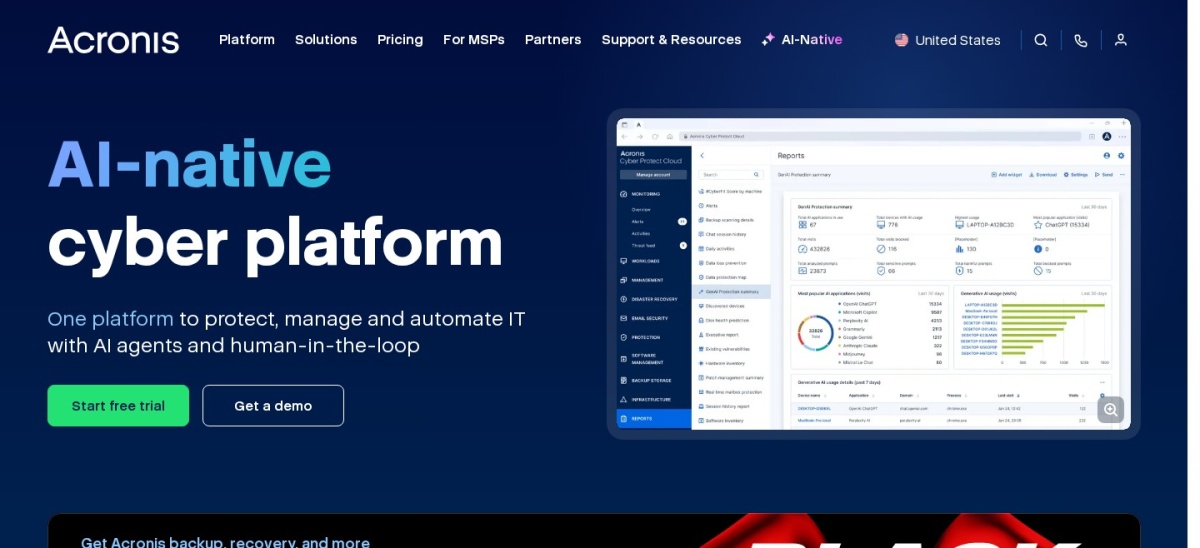
Acronis is a backup and cybersecurity platform that merges the two in one agent, so anti-malware, URL filtering and vulnerability assessment run alongside the backup. For SMBs without a security team, that consolidation has real value, and the MSP program is mature, with multi-tenant management built for service providers. Standard starts at $85 a year per workstation, with servers at $595 and virtual hosts at $705.
The trade off is that Acronis is a jack-of-all-trades, so enterprise DR specialists will find the pure recovery orchestration thinner than Veeam or Zerto. Standard includes only 50 GB of cloud storage per workstation, so larger laptops need a storage add-on or a local target, and there is no free plan, only a 30-day trial.
What we like
Backup and anti-malware in one agent
Strong MSP program
Easy for small teams to run
Publishes its prices, unlike most tools here
Watch out for
Jack-of-all-trades means less depth in pure enterprise DR
Only 50 GB cloud storage per workstation on Standard
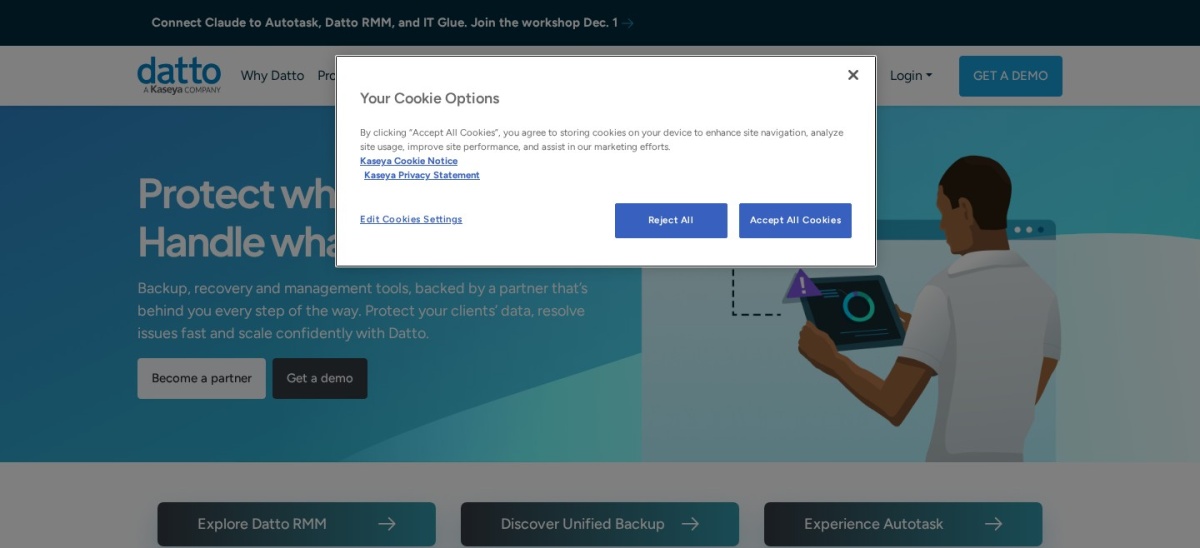
Datto SIRIS is business continuity designed for the MSP channel, with local appliances that take image-based backups and can virtualize a failed server instantly, on the box or in the Datto cloud. That keeps clients running during outages, and MSPs manage fleets of clients from one portal. SIRIS is the most widely deployed BDR solution in the MSP channel.
The trade off is that most businesses buy Datto through their MSP rather than direct, so pricing comes from the partner and there is no published price to compare. If you work with an MSP, ask whether they standardize on Datto. If you buy direct, look elsewhere on this list.
What we like
Purpose-built for MSPs with the SIRIS continuity platform
CoverageEndpoints, M365, Google Workspace, Salesforce
DeduplicationGlobal, across the customer base
Free planNo
druva.com
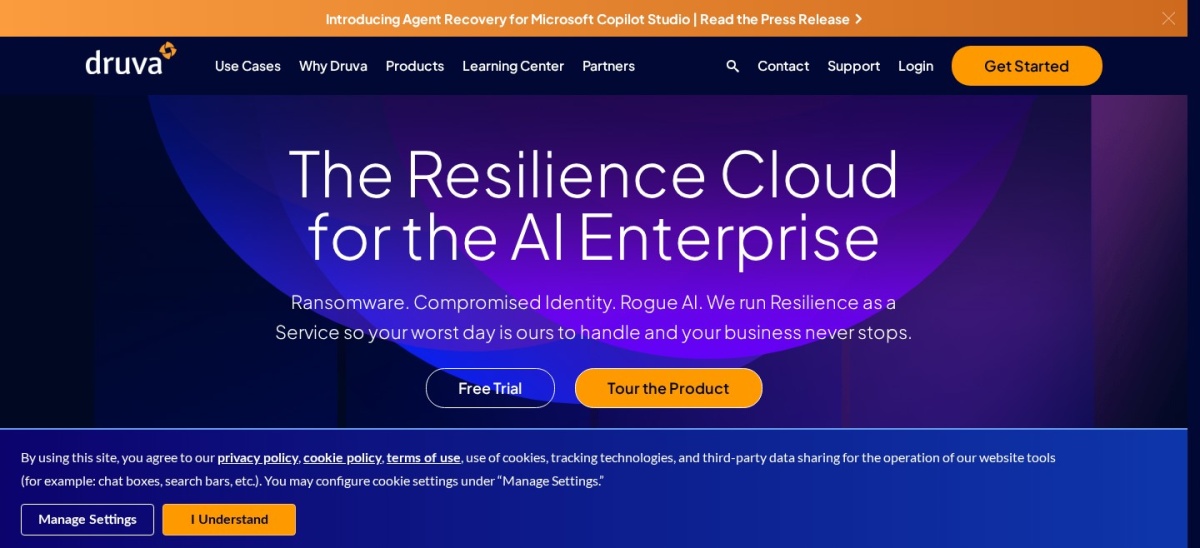
Druva homepage, captured Nov 2026.
Druva is backup as pure SaaS, with no servers, no appliances and no storage to manage. Data flows to the Druva cloud with global deduplication across the whole customer base, and coverage spans endpoints, Microsoft 365, Google Workspace, Salesforce and cloud workloads. That fits distributed companies and remote workforces best.
The trade off is that organizations wanting local backup copies or air-gapped appliances will find the cloud-only model limiting, and pricing is not published. Druva's G2 base of 746 reviews is one of the deepest here, and its 4.7 rating is the joint highest in this list.
What we like
True SaaS with no infrastructure to manage
Strong Microsoft 365, Salesforce and endpoint coverage
NAKIVO is a virtualized backup platform that gives shops Veeam-like backup at a lower price, with VM backup and replication for VMware, Hyper-V and cloud, plus instant recovery and a clean web interface. A free edition covers small environments, which makes evaluation genuinely free. The pricing page uses a calculator, so the exact bill depends on workloads and edition.
The trade off is that physical server and SaaS backup coverage is thinner than the leaders, and the company is smaller, with a smaller support organization. Third-party roundups cite around $1,498 a year as a starting point, but NAKIVO's own pricing page shows no dollar figures, so get a quote before budgeting.
What we like
Affordable pricing positioning
Free edition for small environments
Fast and lightweight
Watch out for
Less depth for physical and SaaS workloads
Smaller support organization
No published price on the vendor page
Free edition for small environments; paid by calculatorVisit nakivo.com
06
Axcient
4.6/5on G2 (132 reviews, checked Nov 2026)
PricingCustom/yr
MSP backup with chain-free technology
ArchitectureChain-free backup
ChannelBuilt for MSP multi-tenancy
OptionsDirect-to-cloud or appliance
OwnerPart of ConnectWise
axcient.com
Axcient homepage, captured Nov 2026.
Axcient is an MSP backup platform whose x360Recover uses chain-free backup architecture, which means no more broken incremental chains corrupting restores. The platform is built for MSPs managing many clients, with the ConnectWise acquisition deepening the PSA and RMM integration. Direct-to-cloud and appliance options cover different client needs.
The trade off is that direct enterprise buyers get less attention than the MSP channel, and pricing is quoted, so there is no number to compare without a sales conversation. MSPs standardizing their backup stack should compare Axcient against Datto, because the chain-free architecture is a genuine technical differentiator.
What we like
Chain-free backup eliminates broken backup chains
Built for MSP multi-tenancy
Now part of ConnectWise
Watch out for
MSP-focused, less suited to direct enterprise buyers
Unitrends is a backup platform sold as an integrated appliance, physical or virtual, with the software pre-tuned. For IT teams that want backup working without assembly, the appliance model removes decisions, and ransomware detection watches backups for encryption anomalies while recovery automation speeds restores. Unitrends is now part of Kaseya, which strengthens the MSP angle.
The trade off is that the appliance approach trades flexibility for simplicity, so software-only shops may prefer Veeam or NAKIVO, and pricing is not published. Mid-size companies wanting backup as a box rather than a project should evaluate it, but check the appliance sizing before committing.
Commvault is the enterprise heavyweight, protecting virtually everything: VMs, databases, NAS, cloud, containers and SaaS apps, with granular policy control and strong ransomware recovery workflows. Large organizations with compliance requirements and heterogeneous infrastructure choose it for breadth. Everything about Commvault is enterprise, including pricing and implementation effort.
The trade off is that smaller companies will drown in it: enterprise pricing, enterprise complexity, and an implementation that needs real effort. If your environment spans data centers and multiple clouds with strict recovery objectives, Commvault earns its place. Otherwise, start simpler.
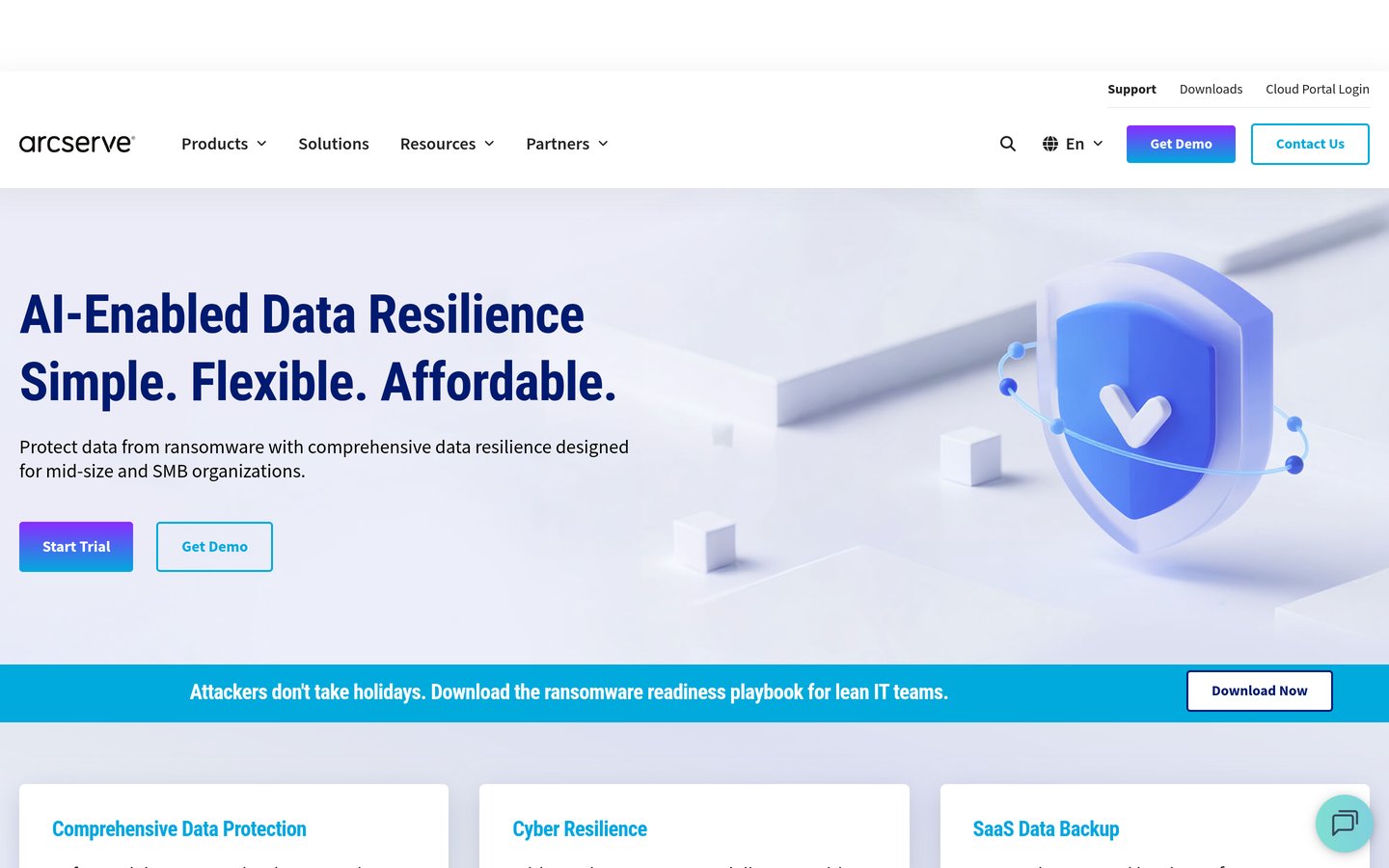
Arcserve is a unified data protection platform that combines its own backup with StorageCraft's well-regarded backup engine, covering image-based backup, replication and cloud DR for mid-size companies without enterprise complexity. Licensing is more straightforward than some competitors, and the platform suits IT teams that want solid backup without the enterprise sales process.
The trade off is that brand visibility lags Veeam and Acronis, which matters for hiring admins who know the tool, and pricing is not published. The G2 base is only 19 reviews, so the 4.4 rating is thin evidence, and mid-size teams should trial it against NAKIVO before deciding.
Keep three copies of your data, on two different media, with one offsite. Ransomware made this old rule urgent again: attackers encrypt backups first, so the offsite copy must be immutable or air-gapped. Every tool here supports some form of immutable or isolated backup; confirm the specifics during evaluation.
Test restores regularly, not just backups. A backup that has never been restored is a hope, not a plan. Schedule quarterly restore tests for critical systems and annual full DR drills, and document the results. The software matters less than the discipline, but good software makes the discipline easier.
How we chose
We evaluated disaster recovery and backup software actively sold in 2026, from SMB tools to enterprise platforms. Research covered vendor sites and documentation, IT administrator reviews on G2, Capterra and Spiceworks, and MSP community discussion. We weighted recovery speed and reliability, ransomware protection, platform coverage, pricing transparency and fit for different organization sizes.
Prices come from vendor pages where published. Only Acronis publishes a starting price, $85 a year per workstation, confirmed on its own purchasing page on 23 November 2026. Veeam and NAKIVO offer free editions for small environments. Every other tool here sells by quote, so they show Custom rather than a guessed figure.
No vendor paid for a place, and we do not claim hands-on testing for this list. Ratings come from G2, Capterra, or Trustpilot, with the date we checked them, and every price in this list was checked on 23 November 2026.
How to choose disaster recovery software
Start with your RPO and RTO, then match the tool to who will run it.
Define RPO and RTO first. Work out how much data you can afford to lose and how long you can afford to be down, per system. Those two numbers decide whether you need continuous replication or nightly backups.
Match the tool to the buyer. Virtualized shops start with Veeam or NAKIVO, SMBs with Acronis, MSPs with Datto or Axcient, and cloud-first companies with Druva. The wrong shape is the expensive mistake.
Check what the quote actually includes. Most vendors quote by workload, device or socket, and storage and support are often extra. Get the full quote, including storage, before comparing.
Test a restore before you commit. A backup that has never been restored is a hope, not a plan. Run a trial restore of a critical system during evaluation and time it against your RTO.
FAQ
What is the best disaster recovery software?
Veeam leads for virtualized environments. Acronis suits SMBs wanting backup plus security. MSPs typically choose Datto or Axcient. Enterprises with complex hybrid infrastructure look at Commvault, while cloud-first companies prefer Druva.
What is the difference between backup and disaster recovery?
Backup copies data; disaster recovery restores operations. DR includes the runbooks, replication, failover systems and tested procedures that get the business running again. The tools here span both, but confirm recovery orchestration features, not just backup, when evaluating.
How much does disaster recovery software cost?
Most vendors do not publish pricing. SMB tools can run a few hundred dollars annually; mid-size deployments typically reach low five figures; enterprise DR runs into six figures. Veeam and NAKIVO offer free editions for small environments. Always get the full quote including storage and support.
Can I use cloud backup instead of disaster recovery software?
Cloud backup protects data, but DR requires recovery orchestration: spinning up servers, failing over networks and meeting RTO targets. Tools like Veeam, Datto and Druva provide both. Pure cloud backup without a recovery plan leaves you with data and no way to use it quickly.
How do I protect backups from ransomware?
Use immutable backups that cannot be altered for a retention period, keep an offline or air-gapped copy, and monitor backup jobs for anomalies. Most tools here offer immutability and ransomware detection; verify these features specifically rather than assuming them. Also protect the backup credentials themselves.
What is RPO and RTO?
RPO (Recovery Point Objective) is the maximum data loss you can tolerate, measured in time between backups. RTO (Recovery Time Objective) is the maximum downtime you can tolerate. Together they determine whether you need continuous replication or simple nightly backups, and they should be defined per system before buying anything.