Todoist leads the Anydo alternatives for most people, with fast task capture and a Pro plan at five dollars a month billed yearly. TickTick suits budget buyers with a cheaper yearly plan, while Microsoft To Do is the best free option for Outlook users.
How we make this list: we compare pricing pages, product documentation and public user reviews, then re-check every price before each update. No product paid for a place. Disclosure.
Todoist Pro costs five dollars a month billed yearly and adds 300 projects, reminders and calendar views.
TickTick Premium costs $49.99 a year and adds a Pomodoro timer, habit tracking and calendar views.
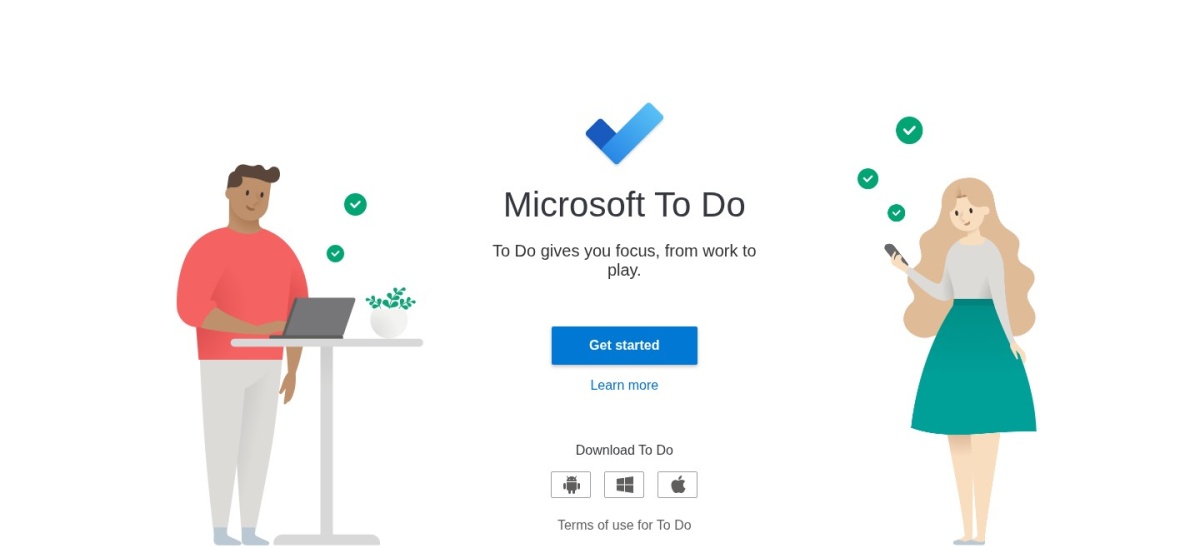
Microsoft To Do is completely free, with lists, reminders and Outlook sync at no cost.
ClickUp Unlimited costs seven dollars a user a month billed yearly and adds unlimited storage and Gantt charts.
TickTick Premium and Remember The Milk Pro tie for the lowest yearly price here at $49.99 a year, against $60 a year for Todoist Pro and Trello Standard.
How do you choose among the Anydo alternatives?
Anydo users usually leave for one of three reasons: price, reminders or team sharing. The free Personal plan covers basic lists, but recurring tasks, colour tags and WhatsApp reminders all sit behind Premium.
Price is the first filter. Premium costs 4.99 dollars a month billed yearly, or 7.99 dollars a month on monthly billing, so the yearly plan saves about a third. TickTick Premium undercuts it at 49.99 dollars a year, while Microsoft To Do costs nothing at all.
Reminders decide the daily experience. Anydo Premium gates recurring tasks and location reminders, so check whether those features sit on the free or entry plan of the tool you move to, not on a higher tier.
Team sharing is where simple lists break. Shared lists, assignments and one central bill differ widely, so share one real list with your household or team before paying for a team plan.
Todoist is a task app built around quick entry: type a task in plain language, add a date and a project, and move on. The free Beginner plan allows 5 personal projects, and Pro at 5 dollars a month billed yearly adds 300 projects, calendar and table layouts, deadlines and custom reminders.
The trade off is price. Pro rose from 4 dollars to 5 dollars a month billed yearly in December 2025, and team workspaces need Business at 8 dollars a user a month. It suits people who capture tasks all day and want the fastest list available.
TickTick is a to-do list, calendar, Pomodoro timer and habit tracker in one app. The free plan covers 9 lists with 99 tasks each, and Premium at 49.99 dollars a year lifts the caps to 299 lists with 999 tasks each, plus calendar views, task duration and email reminders.
The trade off is polish. Reviewers praise the value but note occasional glitches and a dated interface, and the cheapest monthly route is the annual plan. It suits time-blockers who want a timer and habits beside their tasks.
Microsoft To Do is a free task app from Microsoft that syncs with Outlook and Microsoft 365. It offers lists, due dates, reminders and a My Day planner that turns each morning into a short planning session, and it runs on Windows, Mac, iOS, Android and the web.
The trade off is depth. It covers the basics well but lacks the custom filters, calendar views and automation of paid rivals, and sharing between personal accounts stopped taking new members in late 2026. It suits Outlook users who want a simple free list.
ClickUp is an all-in-one work platform that bundles tasks, docs, whiteboards, chat, goals and time tracking in one workspace. The free plan allows unlimited tasks and members, and Unlimited at 7 dollars a user a month billed yearly adds unlimited storage, Gantt charts, dashboards and custom fields.
The trade off is complexity. The breadth that makes ClickUp powerful also makes it slower to learn, and reviewers flag a steep learning curve and occasional slow performance. It suits small teams that want one tool instead of several.
Trello is a visual Kanban board tool where tasks live as cards that move across lists. The free plan covers 10 boards with unlimited cards, and Standard at 5 dollars a user a month billed yearly adds unlimited boards, custom fields, advanced checklists and more automation runs.
The trade off is depth. Trello stays simple on purpose, so heavy project tracking, dependencies and reporting need Premium or another tool. It suits freelancers and small teams that think in boards, not lists.
Notion is a block-based workspace that combines docs, wikis, databases and projects in one place. The free plan covers individuals and small teams, and Plus at 10 dollars a user a month billed yearly adds unlimited file uploads, 30-day page history, custom forms and database automations.
The trade off is focus. Notion is a workspace first and a task list second, so quick capture and reminders take more setup than Todoist or TickTick. It suits teams that already live in documents and want tasks beside them.
Asana is a work management platform with list, board, timeline and calendar views for coordinating team projects. The free Personal plan covers up to 10 users with unlimited tasks, and Starter at 10.99 dollars a user a month billed yearly adds timeline, dashboards, forms and workflow automations.
The trade off is cost at scale. Starter is the priciest entry plan here per seat, and seats are sold in bands above five users, so a seven-person team pays for ten. It suits teams that need timelines and approvals on shared work.
monday.com is a visual work platform where tasks live on colour-coded boards with automations that move items and send alerts. The free plan covers up to 2 seats, and Basic at 9 dollars a seat a month billed yearly adds unlimited items, unlimited free viewers and 1,000 AI credits a month.
The trade off is seat rules. Every paid plan has a three-seat minimum, so a solo user still pays 27 dollars a month on Basic billed annually, and Basic has no automations or integrations. It suits teams that want the most visual board available.
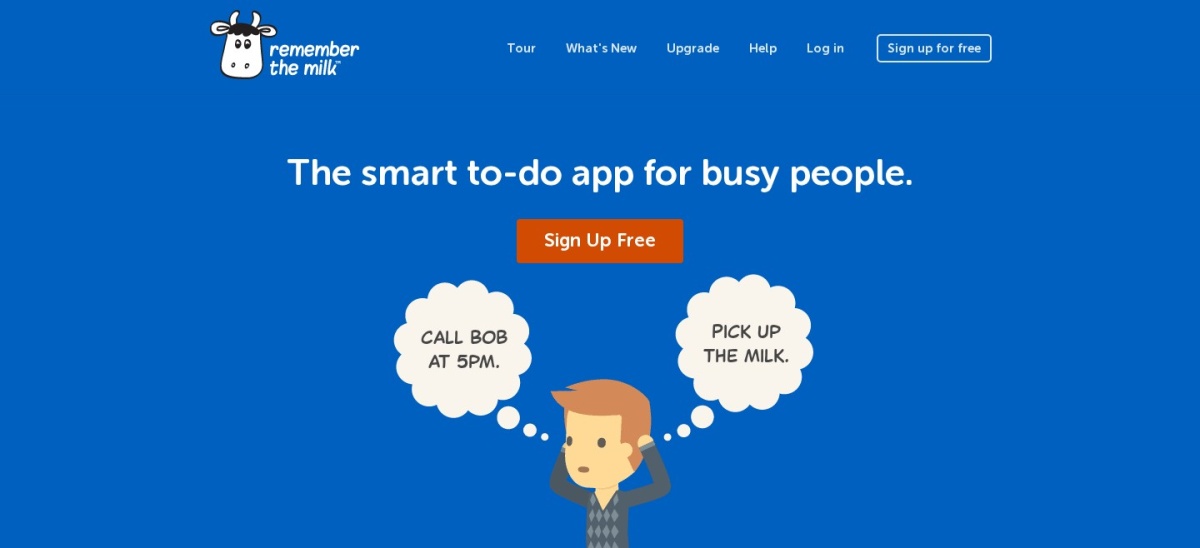
Remember The Milk is a long-running to-do app built around typing tasks on one line and slicing them with a powerful search syntax. The free Basic plan syncs across web and phones, and Pro at 49.99 dollars a year adds subtasks, phone reminders, widgets, Outlook sync and integrations with Gmail and Google Calendar.
The trade off is age. The interface looks dated beside newer rivals, and reviewers report slow support and a 14-day refund window on web purchases. It suits keyboard-first users who love smart lists and saved searches.
Free plans cover the basics well. Most include lists, due dates and reminders, and Microsoft To Do charges nothing at all.
Paid plans mostly add reminders and views. Recurring tasks, custom reminders, calendar views and automations sit behind the paywall on most tools here.
For a solo user, the cheapest paid routes are TickTick Premium and Remember The Milk Pro at 49.99 dollars a year each. Compare the reminder and sharing limits before the price.
How we chose
We started from the task apps most often recommended as Anydo alternatives, then kept the nine with a public rating on G2 or Capterra and a published price or free plan.
Prices come from each vendor's pricing page, checked on 29 November 2026, with regular prices shown and sale prices left out. Ratings and review counts come from G2 and Capterra on the same day.
We left out tools with no verifiable rating on G2, Capterra or Trustpilot. No vendor paid for a place, and we do not claim hands-on testing for this list.
How to choose an Anydo alternative
Start with how you capture tasks, then check reminders and sharing.
Count what you capture each day. If you add dozens of tasks, Todoist or TickTick capture fastest, while a few tasks a day fit Microsoft To Do or Remember The Milk.
Check reminders and recurring tasks. Anydo Premium gates recurring tasks and location reminders, so confirm those features sit on the free or entry plan you will actually buy.
Test sharing with your household or team. Shared lists, assignments and one central bill differ widely, so share one real list before paying for a team plan.
Compare the yearly price, not the monthly one. Annual billing cuts most entry prices by about a fifth, so a five-dollar monthly plan costs 60 dollars a year and TickTick costs 49.99 dollars a year.
FAQ
What is the best Anydo alternative in 2026?
Todoist is the best Anydo alternative for most people, with fast natural-language capture and Pro at five dollars a month billed yearly. TickTick is the cheaper pick, and Microsoft To Do is the best free option for Outlook users.
Is there a free alternative to Anydo?
Yes. Microsoft To Do is completely free with no paid tier, and Todoist, TickTick, Trello, Notion, Asana and monday.com all offer free plans. Free plans limit projects, boards or seats, so check the cap before you move your lists.
What is the cheapest Anydo alternative?
TickTick Premium and Remember The Milk Pro tie as the cheapest paid plans here at 49.99 dollars a year each, against 60 dollars a year for Todoist Pro and Trello Standard. Microsoft To Do costs nothing at all, but it has fewer features than the paid tools.
Which Anydo alternative is best for teams?
ClickUp is the best team pick, with unlimited tasks and members free and Unlimited at seven dollars a user a month. Asana suits structured projects with timelines, while monday.com suits teams that want visual boards and automations.
Todoist vs TickTick: which is better?
Todoist is better for fast capture and deep integrations, with 300 projects on Pro. TickTick is better for value, adding a Pomodoro timer, habit tracking and calendar views for 49.99 dollars a year. Both hold a 4.5 rating on G2.
Does Anydo have a free plan?
Yes. Anydo offers a free Personal plan for basic task management, while Premium costs 4.99 dollars a month billed yearly and adds recurring tasks, themes and WhatsApp reminders. Monthly billing costs 7.99 dollars a month instead.
SaaS SEO and WordPress specialist with about 8 years of experience. Rakib compares WordPress plugins, themes, hosting and software using public pricing, documentation and user reviews. See how we rank.