Google Workspace is the strongest of the alternatives to Microsoft Office, with real-time co-editing, Gmail and Meet in one subscription and a large review base behind it. Apple iWork suits Apple households for free, while WPS Office is the closest paid match for Windows users.
How we make this list: we compare pricing pages, product documentation and public user reviews, then re-check every price before each update. No product paid for a place. Disclosure.
Google Workspace is the top pick for teams: 4.6 out of 5 from 48,171 G2 reviews, with Docs, Gmail and Meet in one subscription.
Apple iWork, LibreOffice and Apache OpenOffice are completely free, and FreeOffice is free even for business use.
Zoho Workplace has the cheapest paid plan at $3 a user a month, while WPS Office Pro+ costs $69.99 a year.
ONLYOFFICE is the best choice for teams that want to self-host their office suite on their own server.
Every tool here opens Microsoft Office files, but LibreOffice and ONLYOFFICE handle the formats best.
What should you look for in alternatives to Microsoft Office?
Microsoft Office is the standard, but it is not the only way to write documents, build spreadsheets and make slides. The alternatives in this list cover the same jobs, and most of them cost less or nothing at all, so the right pick depends on your devices, your budget and who you share files with.
File compatibility is the first thing to check. Every tool here opens Word, Excel and PowerPoint files, but the quality of that support varies, so a suite that mangles your formatting will cost more time than it saves. Our guide on best office software compares the wider field.
Price is the second thing to weigh. Free suites like LibreOffice and OpenOffice cost nothing, Google Workspace and Zoho Workplace charge per user per month, and WPS Office sits in between with a cheap yearly plan. The price ladder below shows the cheapest paid plan for each tool.
The third thing is where you work. Browser suites suit teams that collaborate live, desktop suites suit people who work offline, and mobile apps matter if you edit on a phone. Pick the suite that matches your devices first, then check the price.
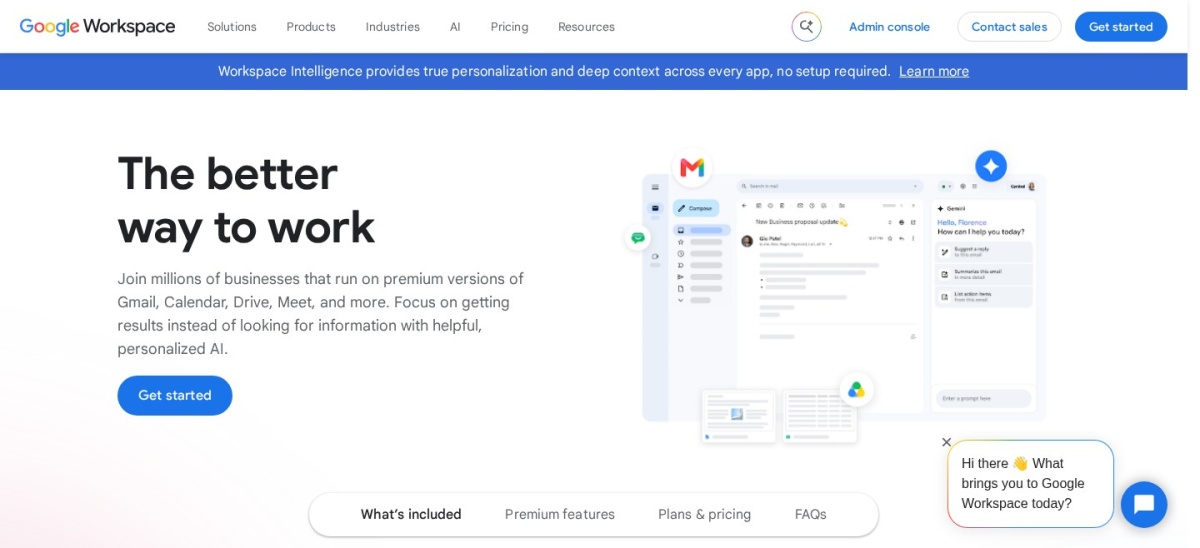
Google Workspace is the closest thing to a direct Microsoft Office replacement for teams that live in a browser. Docs, Sheets and Slides cover word processing, spreadsheets and slides, while Gmail, Meet and Drive sit in the same subscription, so files, mail and meetings stay in one place.
The trade off is the price per person. Business Starter costs $7 a user a month on annual billing, so a team of ten pays $840 a year before tax, and the cheapest plan caps storage at 30 GB pooled per user. It suits teams that already use Gmail and want real-time co-editing.
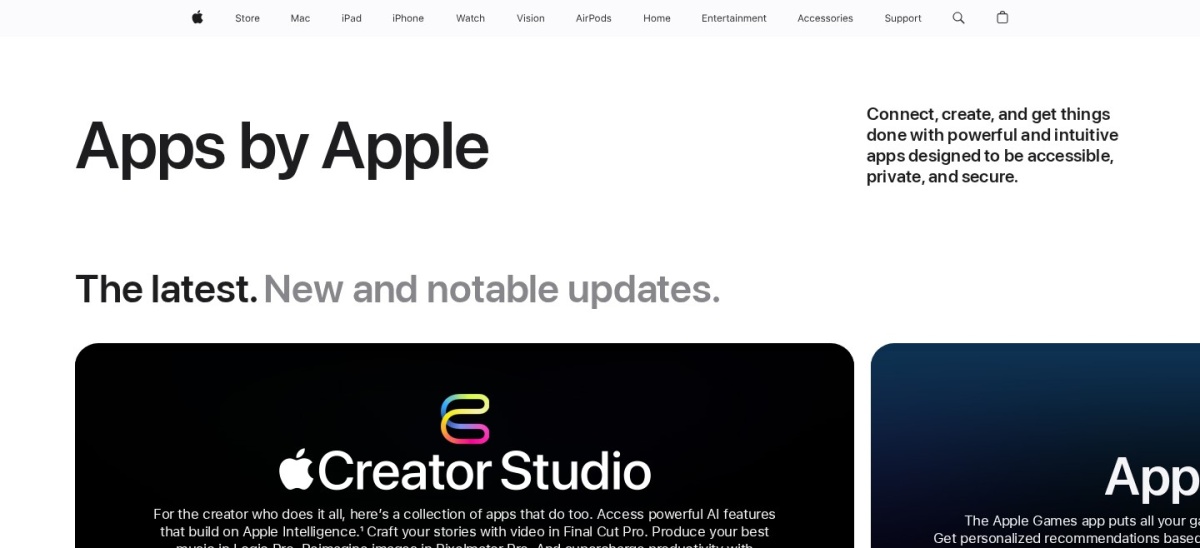
Apple iWork is the free office suite that ships with every Mac, iPhone and iPad. Pages, Numbers and Keynote handle documents, spreadsheets and slides, open Microsoft Office files, and sync through iCloud, so most Apple owners never need to pay for an office suite at all.
The trade off is the Apple-only world. The Mac and iPad apps are the real thing, while the web version on iCloud.com is thinner, and Windows users have no desktop app. It suits households and students who already live on Apple hardware.
What we like
Completely free on Apple devices
Clean, simple apps that are easy to learn
Opens and exports Word, Excel and PowerPoint files
Real-time collaboration through iCloud
Watch out for
No desktop app for Windows or Linux
Web version is weaker than the Mac apps
Fewer advanced features than Office or Workspace
Free with every Apple device, including web accessVisit apple.com
03
WPS Office
4.5/5on Capterra (1,539 reviews, checked Nov 2026)
Paid from$69.99/yr
Closest paid match for Windows users
Free planYes, with ads and 1 GB cloud
Cheapest paid planPro+ at $69.99 a year
InterfaceVery close to Microsoft Office
PlatformsWindows, Mac, Linux, Android, iOS
wps.com
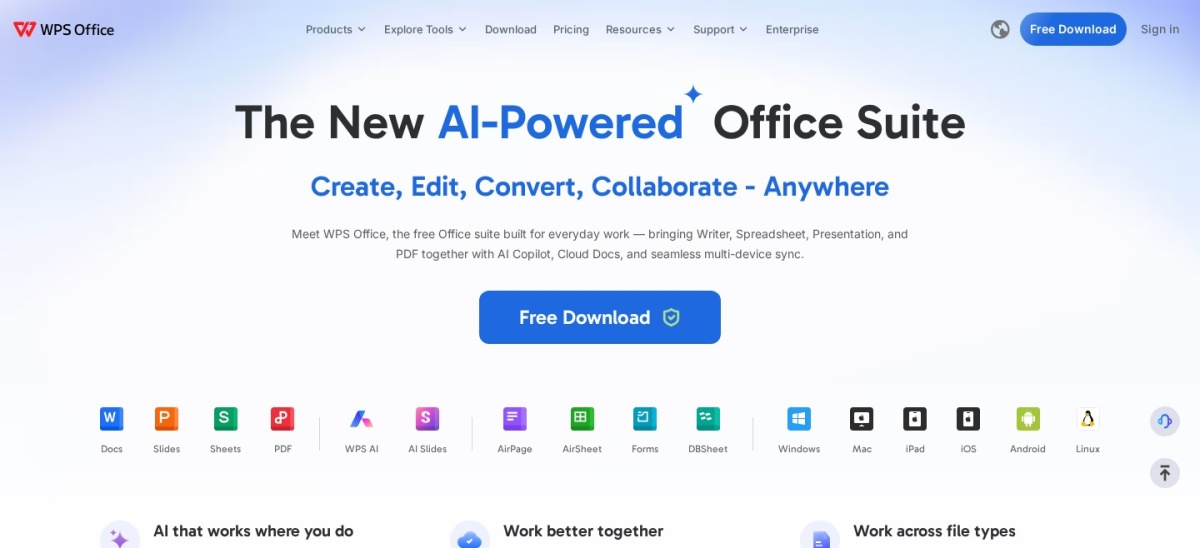
WPS Office homepage, captured Nov 2026.
WPS Office is the closest lookalike to Microsoft Office on this list, with Writer, Spreadsheet and Presentation apps that mirror the Office ribbon. The free plan covers everyday documents, and Pro+ removes ads, adds PDF tools and cloud storage for $69.99 a year.
The trade off is the free plan itself. Ads appear in the free version, cloud storage is only 1 GB, and some features sit behind the paid plan. Older prices still circulate online, so check the WPS pricing page for the current figure. It suits Windows users who want Office without the Office price.
What we like
Interface feels familiar to Office users
Runs on Windows, Mac, Linux and mobile
Free plan covers everyday documents
Pro+ is cheaper than a Microsoft 365 subscription
Watch out for
Free plan shows ads
Only 1 GB of cloud storage free
Some tools need the paid plan
Pro+ costs $69.99 a year, with a cheaper sharing planVisit wps.com
04
Apache OpenOffice
4.4/5on Capterra (502 reviews, checked Nov 2026)
PriceFree
Best completely free desktop suite
Free planYes, fully free, no paid plan
Apps includedWriter, Calc, Impress, Draw, Base
File formatsOpens Office files, saves ODF
PlatformsWindows, Mac and Linux
openoffice.org
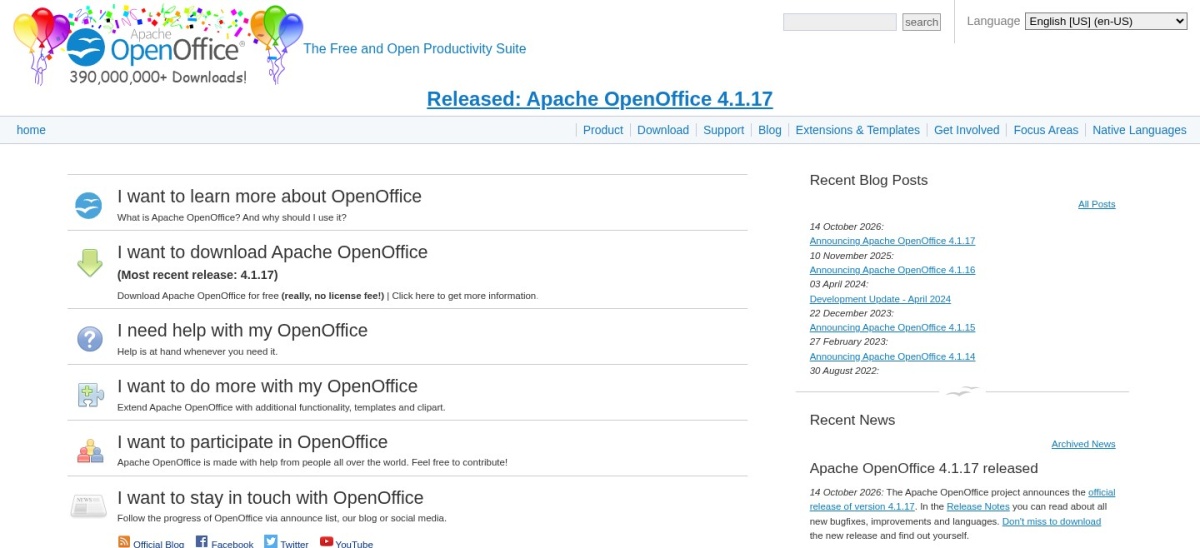
Apache OpenOffice homepage, captured Nov 2026.
Apache OpenOffice is a free, open-source office suite with no ads, no account and no paid tier at all. Writer, Calc and Impress cover documents, spreadsheets and slides, and the project reports more than 300 million downloads, so it is a proven choice for anyone who wants Office-style apps for nothing.
The trade off is the pace of development. New releases are rare, the interface looks dated, and compatibility with newer Office files is weaker than in LibreOffice. It suits people who want a simple free suite and do not need the latest formats.
Free planYes, desktop editors and Community Edition
Cheapest paid planHome plan, $149 a year per server
Office formatsVery strong DOCX, XLSX and PPTX support
HostingCloud or self-hosted on your own server
onlyoffice.com
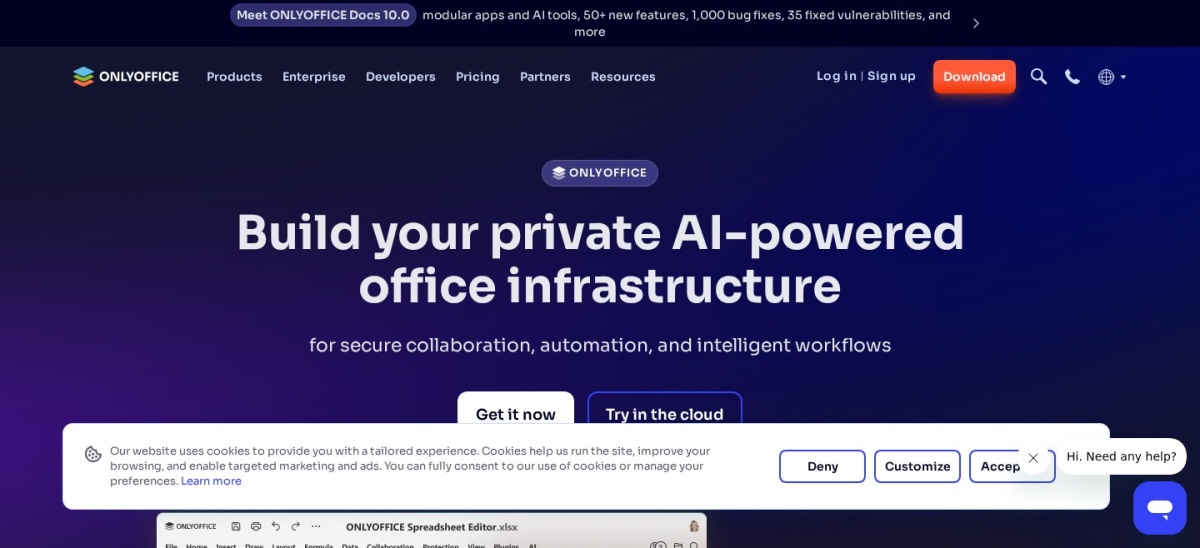
ONLYOFFICE homepage, captured Nov 2026.
ONLYOFFICE is the best pick for teams that want to run their office suite on their own server. The document, spreadsheet and presentation editors keep Microsoft Office formats intact, and the free desktop editors and Community Edition cover small teams without a subscription.
The trade off is the pricing model. The Home plan costs $149 a year per server for ten users, business plans charge per connection, and self-hosting needs someone to maintain the server. It suits privacy-minded teams and businesses with their own infrastructure.
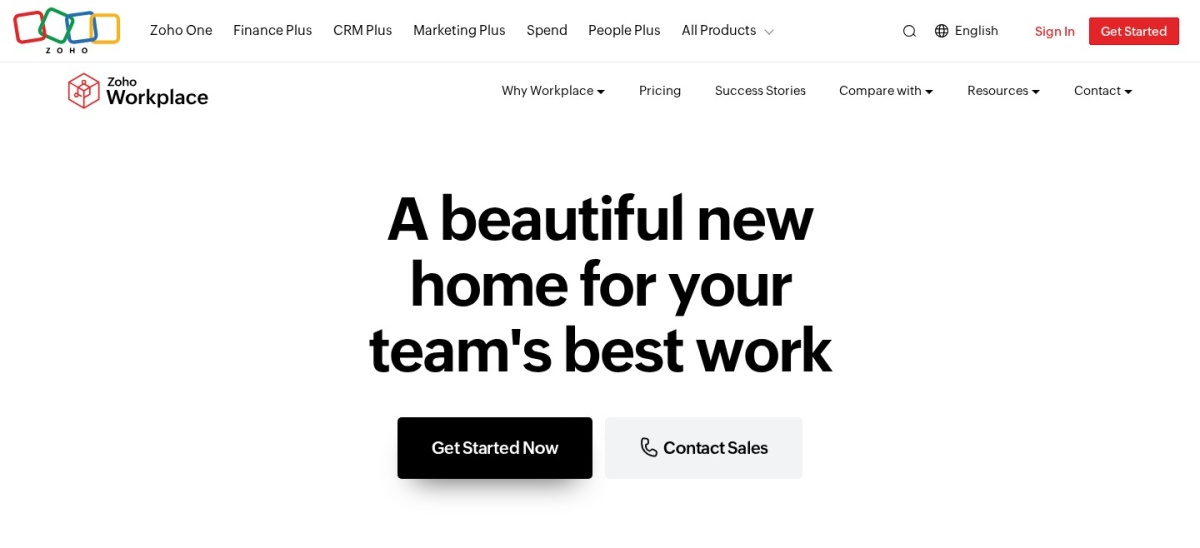
Zoho Workplace is the cheapest paid office suite here, with Standard at $3 a user a month on annual billing. Writer, Sheet and Show cover documents, spreadsheets and slides, and the plan adds business email and 30 GB of storage per user, which makes it a complete small-business package.
The trade off is the small review base. Only 27 Capterra reviews back the 4.5 rating, so there is less public feedback than for the bigger suites, and the apps are simpler than Microsoft Office. It suits small teams that want mail and office apps in one cheap bundle.
What we like
Cheapest paid plan in this list
Business email included in every paid plan
Free Mail plan for up to five users
Clean, simple apps that are quick to learn
Watch out for
Only 27 reviews on Capterra
Simpler apps than Microsoft Office
Fewer third-party integrations
Standard is $3 a user a month on annual billingVisit zoho.com
07
LibreOffice
4.3/5on G2 (271 reviews, checked Nov 2026)
PriceFree
Best free open-source suite
Free planYes, fully free, no paid plan
Apps includedWriter, Calc, Impress, Draw, Base, Math
File formatsStrong Office file compatibility
PlatformsWindows, Mac and Linux
libreoffice.org
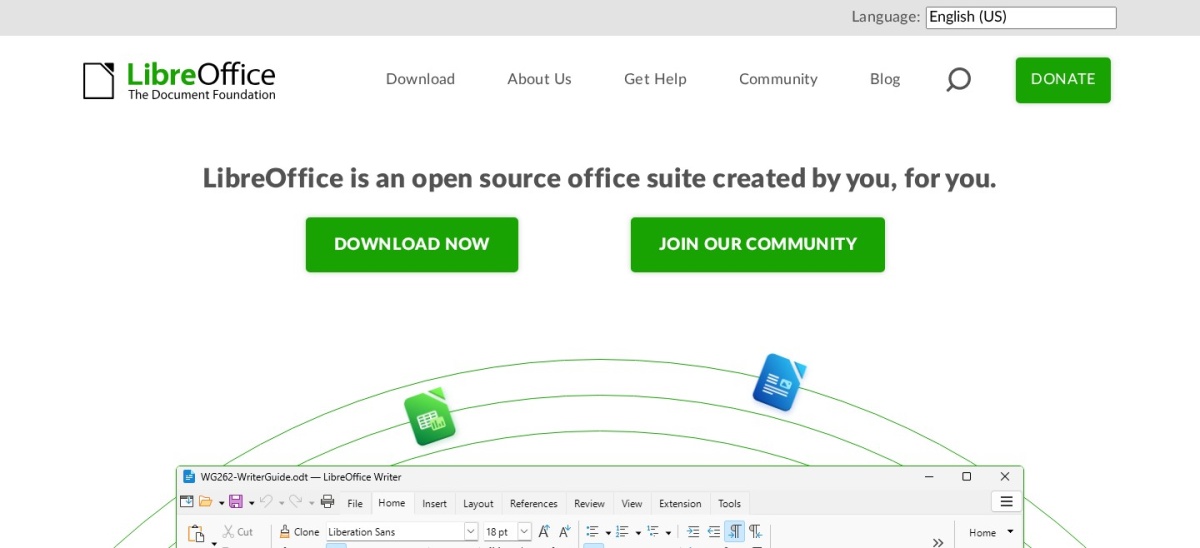
LibreOffice homepage, captured Nov 2026.
LibreOffice is the most actively developed free office suite, with Writer, Calc and Impress covering documents, spreadsheets and slides. It opens and saves Microsoft Office files well, has no ads and no paid tier, and The Document Foundation reports more than 200 million users.
The trade off is the learning curve. The interface packs in more options than the big commercial suites, the design feels utilitarian, and there is no official cloud storage or mobile app of the same quality. It suits anyone who wants a powerful free suite on a desktop.
Polaris Office is a solid pick for people who switch between phone, tablet and computer. One account syncs documents, spreadsheets and slides across Windows, Mac, Android and iOS, and the Smart plan costs $39.99 a year for the full feature set.
The trade off is the small review base. Only 22 G2 reviews back the 4.3 rating, and the free plan is basic, so heavy users will need the paid plan. It suits mobile-first users who want their files on every device.
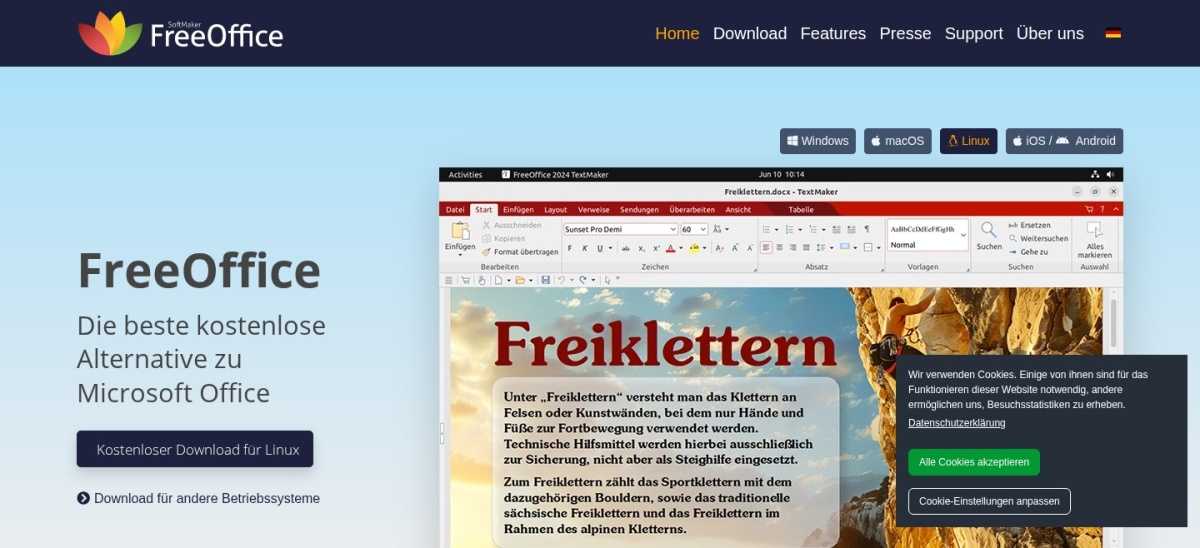
FreeOffice is a free office suite from SoftMaker that is free for personal and business use, which is rare among free suites. TextMaker, PlanMaker and Presentations open and save Microsoft Office formats, and the paid NX Home upgrade costs $29.90 a year.
The trade off is the thin review base. The 4.3 rating comes from SoftMaker Office, the paid edition of the same suite, with only 12 G2 reviews, so public feedback is limited. It suits small businesses that want a free suite they can legally use at work.
Free suites cover the core job well. LibreOffice, Apache OpenOffice and Apple iWork handle documents, spreadsheets and slides without charging anything, and FreeOffice is free even for business use.
Paid plans mostly add cloud storage, collaboration and support. Google Workspace adds Gmail and Meet, Zoho Workplace adds business email, and WPS Office Pro+ removes ads and adds PDF tools.
The cheapest paid plans are genuinely cheap. Zoho Workplace Standard is $3 a user a month, FreeOffice NX Home is $29.90 a year, and WPS Office Pro+ is $69.99 a year, all well below a Microsoft 365 subscription.
For a team that shares files every day, one paid plan often costs less than the time lost fixing formatting problems in a free suite. Try the free version first, then pay only if a real gap appears.
How we chose
We started from the office suites people actually use as Microsoft Office replacements: browser suites, desktop suites and free open-source options. Each tool had to open Word, Excel and PowerPoint files and carry a rating on G2 or Capterra.
Prices come from each vendor's pricing page, checked on 29 November 2026. Ratings and review counts come from G2 or Capterra on the same day, and the cheapest paid plan is shown as a yearly figure so the tools compare fairly.
We left out suites with no verifiable rating and tools that only edit one file type. No vendor paid for a place, and we do not claim hands-on testing for this list.
How to choose among the alternatives to Microsoft Office
Start with your devices and who you share files with, then check the free version before you pay.
List the file types you use most. Word documents, Excel spreadsheets and PowerPoint slides all need good compatibility. Pick a suite that handles your most-used format well.
Check your devices. Apple owners get iWork free, Windows users get the most from WPS Office or LibreOffice, and teams that collaborate live need a browser suite.
Try the free version first. Most tools here have a free plan. Use it for a week on real files before paying, so you see the formatting problems early.
Check the per-user price, not just the headline. Google Workspace and Zoho Workplace charge per user per month, so multiply by your team size and by twelve before you commit.
FAQ
What are the best alternatives to Microsoft Office?
Google Workspace is the best overall alternative to Microsoft Office for most people, with Docs, Sheets and Slides plus Gmail and Meet in one subscription. Apple iWork is the best free option for Apple users, and WPS Office is the closest paid match for Windows users.
Is there a free alternative to Microsoft Office?
Yes, several. LibreOffice and Apache OpenOffice are completely free with no paid tier, Apple iWork is free on Apple devices, and FreeOffice is free even for business use. WPS Office and ONLYOFFICE also have useful free plans.
Which alternative to Microsoft Office is cheapest?
Zoho Workplace has the cheapest paid plan at $3 a user a month on annual billing, which works out to $36 a year per user. FreeOffice costs $29.90 a year for its paid upgrade, and WPS Office Pro+ costs $69.99 a year.
Can these alternatives open Microsoft Office files?
Yes, every tool in this list opens Word, Excel and PowerPoint files, and most can save in those formats too. LibreOffice and ONLYOFFICE handle the formats best, while free suites can struggle with complex formatting in newer Office files.
Are free office suites safe for business use?
Yes, but check the licence. FreeOffice is free for business use, and LibreOffice and Apache OpenOffice are open source with no licence fees. Google Workspace and Zoho Workplace need a paid plan for business email and admin controls.
Which alternative is best for small teams?
Google Workspace suits small teams that collaborate live, because Docs, Gmail and Meet sit in one subscription. Zoho Workplace is the cheapest paid option for a small team, and ONLYOFFICE suits teams that want to host their own documents.
SaaS SEO and WordPress specialist with about 8 years of experience. Rakib compares WordPress plugins, themes, hosting and software using public pricing, documentation and user reviews. See how we rank.