WLWPLegible EditorsLast verified 23 Nov 2026How we rank12 min read
★ Short answer
Microsoft 365 is the best office software for most people, with the full desktop Word, Excel and PowerPoint plus 1 TB of OneDrive storage per user for $9.99 a month. Google Workspace is the best cloud-first alternative at $7 per user a month, and LibreOffice is the best free suite at $0.
How we make this list: we compare pricing pages, product documentation and public user reviews, then re-check every price before each update. No product paid for a place. Disclosure.
#2 Best cloud-first suite
Google Workspace
Docs, Sheets and Gmail with the best real-time collaboration.
Microsoft 365 wins overall: desktop apps and 1 TB of storage for $9.99 a month.
Google Workspace matches Microsoft at $7 per user a month and adds Gemini on every plan.
LibreOffice is the best free option, rated 4.3 out of 5 on Capterra from 2,245 reviews.
Zoho Workplace is the cheapest paid suite at $4 per user a month.
ONLYOFFICE is the best self-hosted choice, with only admins billed at $20 a month.
iWork is free and the best-looking suite, but only if your team is all Apple.
What to look for in office software
Office software means the apps you use every day to write documents, build spreadsheets and make presentations. The best suites now bundle email, cloud storage and AI help, so the choice is about how your team works, not just which word processor looks best.
If your team already lives in Microsoft files, Microsoft 365 is the safe pick: desktop Word and Excel handle large files better than any browser app. For teams that collaborate in real time, Google Workspace is just as strong, and its entry price matches Microsoft's at $7 per user a month.
Free suites have closed the gap: LibreOffice covers the same ground as Word and Excel for $0, and WPS Office adds a modern interface and a PDF editor. For document-heavy work, see our Best Document Apps list.
Small businesses on a budget should look at Zoho Workplace at $4 per user a month, which bundles email with its document apps, while teams that want to keep files on their own servers should consider ONLYOFFICE. For spreadsheet-heavy work, our Best Spreadsheet Software comparison covers the strongest options.
This list is based on pricing, docs and reviews, not on using the tools ourselves. Every rating comes from G2 or Capterra pages opened on 23 November 2026, and every price is the regular list price checked in November 2026.
AppsWord, Excel, PowerPoint, Outlook, OneNote, Teams
Storage1 TB OneDrive per user
PlatformsWindows, Mac, web, iOS, Android
AICopilot in Business Standard and Premium
microsoft.com
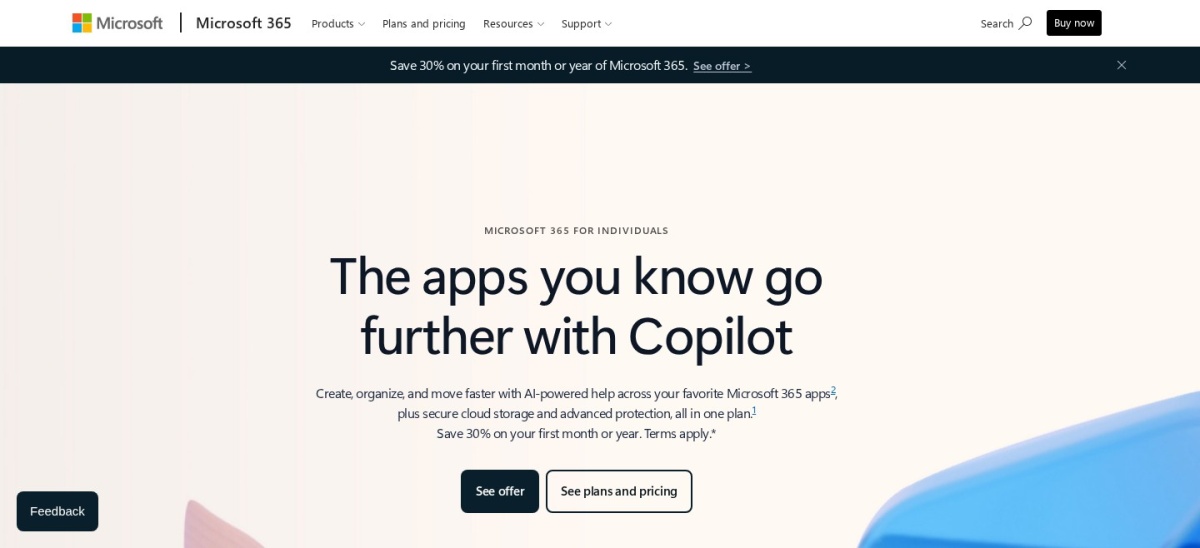
Microsoft 365 homepage, captured Nov 2026.
Microsoft 365 is the office suite most workplaces already run on, pairing the full desktop versions of Word, Excel and PowerPoint with Outlook, Teams and 1 TB of OneDrive storage per user. The Personal plan costs $9.99 a month or $99.99 a year, and business plans start at $7 per user a month after a July 2026 price rise.
The trade off is the price: it is the most expensive suite here, and the desktop apps only arrive on the $14 Business Standard plan or higher. If your team lives in a browser, Google Workspace gives the same collaboration for the same $7 entry price.
What we like
Full desktop Word, Excel and PowerPoint
1 TB OneDrive storage per user
Outlook and Teams included
Strongest Excel for heavy workbooks
Watch out for
Most expensive suite here
Desktop apps need the $14 plan or higher
Business prices rose in July 2026
Personal costs $9.99 a month; business plans start at $7 per user a month.Visit microsoft.com
02
Google Workspace
4.6/5on G2 (48169 reviews, checked Nov 2026)
Starts at$7/user/mo
Best cloud-first office suite
AppsDocs, Sheets, Slides, Gmail, Meet, Drive
Storage30 GB pooled per user on Starter
PlatformsWeb, iOS, Android
AIGemini included on every paid plan
google.com
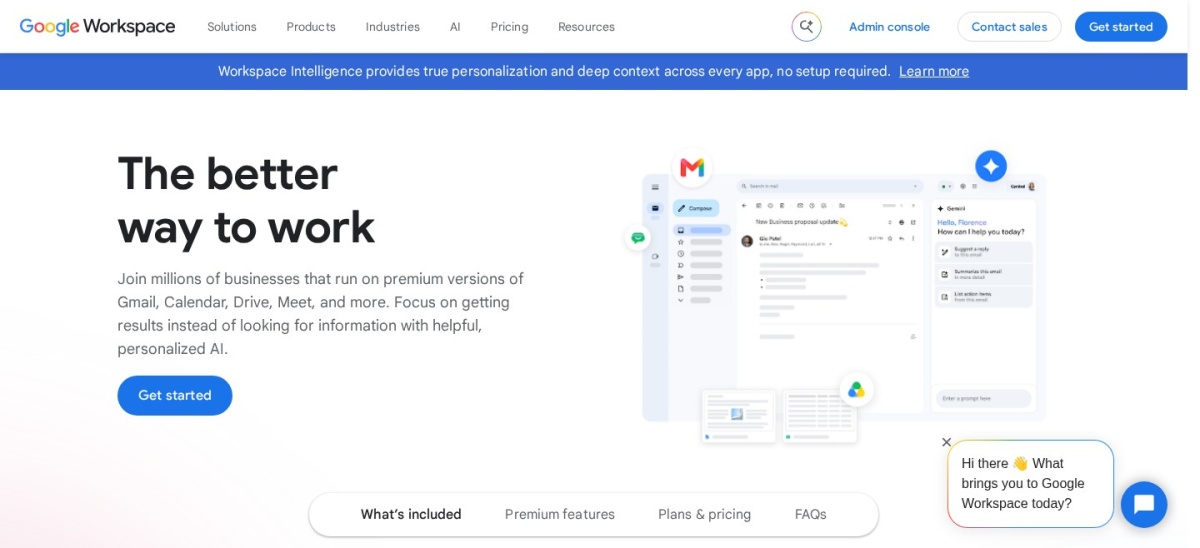
Google Workspace homepage, captured Nov 2026.
Google Workspace is the cloud-first suite built around Docs, Sheets, Slides, Gmail and Meet, with real-time collaboration that still sets the standard for shared editing. Business Starter costs $7 per user a month with 30 GB of pooled storage, and Gemini is included on every paid plan at no extra charge.
The trade off is the lack of full desktop apps: Docs and Sheets run in the browser, so heavy Excel workbooks and offline use are weaker than in Microsoft 365. Power users who live in spreadsheets will feel the difference.
What we like
Best real-time collaboration
Gemini included on every paid plan
Simple admin and 30 GB pooled storage on Starter
Works anywhere with a browser
Watch out for
No full desktop apps
Weak on very large spreadsheets
Storage is pooled, so heavy users eat into the shared pool
Business Starter costs $7 per user a month, with Gemini included.Visit google.com
03
LibreOffice
4.3/5on Capterra (2245 reviews, checked Nov 2026)
PriceFree
Best free office software
AppsWriter, Calc, Impress, Draw, Base, Math
StorageLocal files; no cloud storage
PlatformsWindows, Mac, Linux
PriceFree, open source
libreoffice.org
LibreOffice homepage, captured Nov 2026.
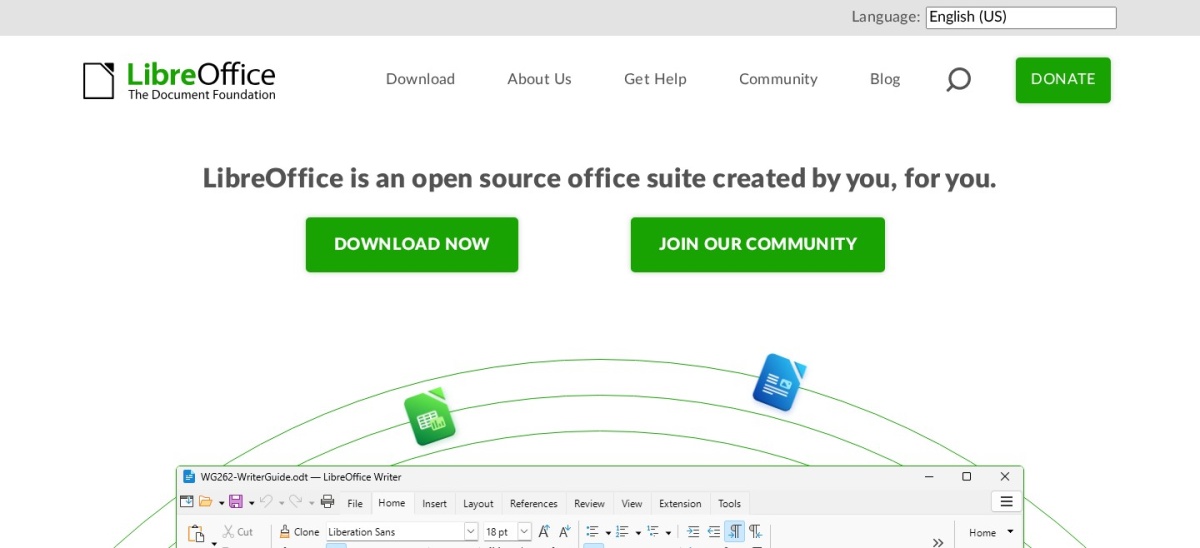
LibreOffice is the free, open-source office suite, with Writer, Calc and Impress covering the same ground as Word, Excel and PowerPoint. It reads and writes Microsoft formats, runs on Windows, Mac and Linux, and costs nothing, with no account and no ads.
The trade off is polish and collaboration: there is no built-in cloud storage or real-time co-editing, and the interface looks dated next to the paid suites. It suits solo users and small teams that keep files locally.
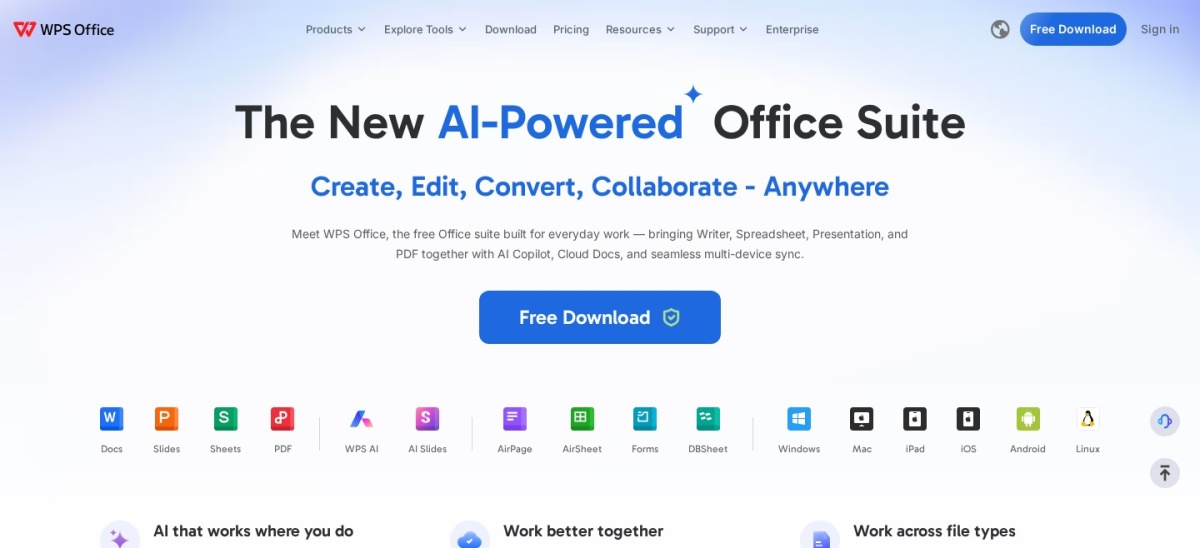
WPS Office is a free suite with Writer, Spreadsheet, Presentation and a PDF editor, in a modern interface that closely follows Microsoft Office. The free tier covers everyday documents, and Premium costs $29.99 a year for extra cloud storage, PDF tools and WPS AI.
The trade off is the advertising: the free version shows ads, and some advanced features sit behind the paid plan. Privacy-minded users may also prefer a suite that does not route files through a vendor cloud.
What we like
Free tier covers the basics
Familiar Microsoft-style interface
Built-in PDF editor
Works on desktop and mobile
Watch out for
Free version shows ads
Advanced features need Premium
Cloud storage is limited on the free tier
Free with ads; Premium costs $29.99 a year.Visit wps.com
05
ONLYOFFICE Workspace
4.4/5on G2 (66 reviews, checked Nov 2026)
PriceFree
Best self-hosted office suite
AppsDocs, Sheets, Slides, Forms, Mail
DeploymentSelf-hosted or cloud
PlatformsWindows, Mac, Linux, web, mobile
CollaborationReal-time co-editing
onlyoffice.com
ONLYOFFICE Workspace homepage, captured Nov 2026.
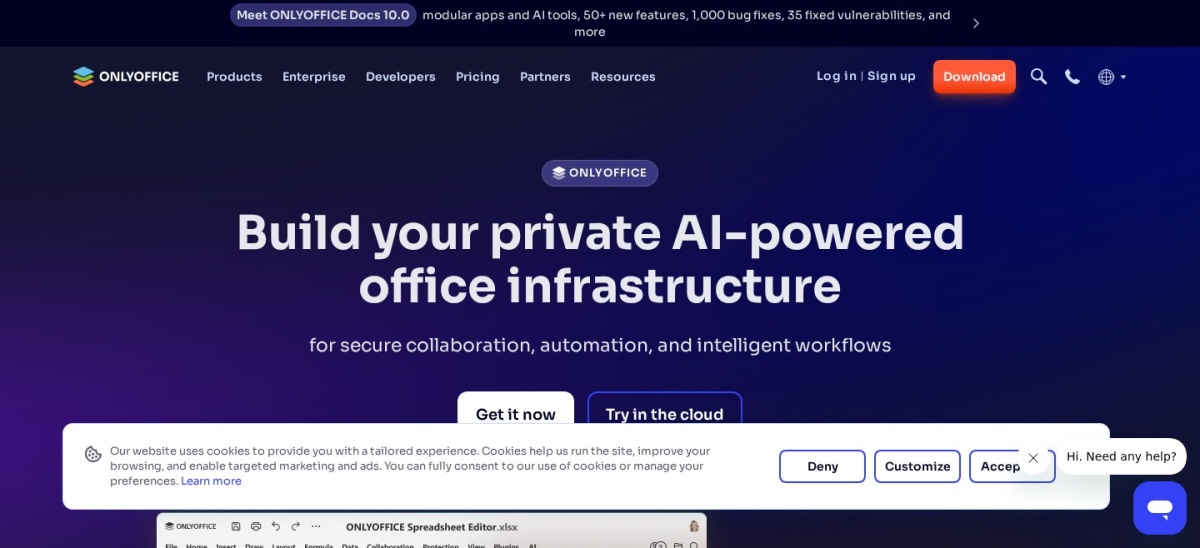
ONLYOFFICE Workspace is an open-source suite with Docs, Sheets, Slides and Forms, known for keeping Microsoft file formatting intact when documents move between apps. The self-hosted Community Edition is free, and DocSpace Business cloud costs $20 per admin a month, with other users free.
The trade off is setup effort: the free version needs a server to run on, and the interface is plainer than Microsoft 365 or Google Workspace. It suits teams that want control over where their documents live.
What we like
Keeps Microsoft formatting intact
Free self-hosted edition
Only admins are billed on DocSpace Business
Real-time co-editing included
Watch out for
Free version needs a server
Plainer interface than the big two
Smaller community and fewer templates
DocSpace Business costs $20 per admin a month; other users are free.Visit onlyoffice.com
06
Zoho Workplace
4.5/5on Capterra (27 reviews, checked Nov 2026)
Paid from$4/user/mo
Best budget paid office suite
AppsWriter, Sheet, Show, Mail, Cliq, WorkDrive
EmailCustom-domain email included
PlatformsWeb, iOS, Android, desktop
AIZia AI assistant
zoho.com
Zoho Workplace homepage, captured Nov 2026.
Zoho Workplace is a bundle of Writer, Sheet, Show and custom-domain email in one $4-per-user-a-month plan, with chat and cloud storage included. It is the cheapest paid suite here, and it works well for small businesses that want email and documents from a single vendor.
The trade off is scale and polish: its review base is small, and its apps are less familiar than Word or Google Docs, so teams used to Microsoft formats may need time to adjust. Migration tools help, but expect a learning curve.
What we like
Cheapest paid suite here at $4 per user a month
Email and documents from one vendor
Includes chat and cloud storage
Free version available
Watch out for
Small review base (27 Capterra reviews)
Less familiar than Word or Google Docs
Migration takes some adjustment
Starts at $4 per user a month, with a free version available.Visit zoho.com
07
Apple iWork
4.6/5on G2 (22 reviews, checked Nov 2026)
PriceFree
Best office suite for Apple users
AppsPages, Numbers, Keynote
Storage5 GB iCloud free
PlatformsMac, iPhone, iPad, web
PriceFree with an Apple device
apple.com
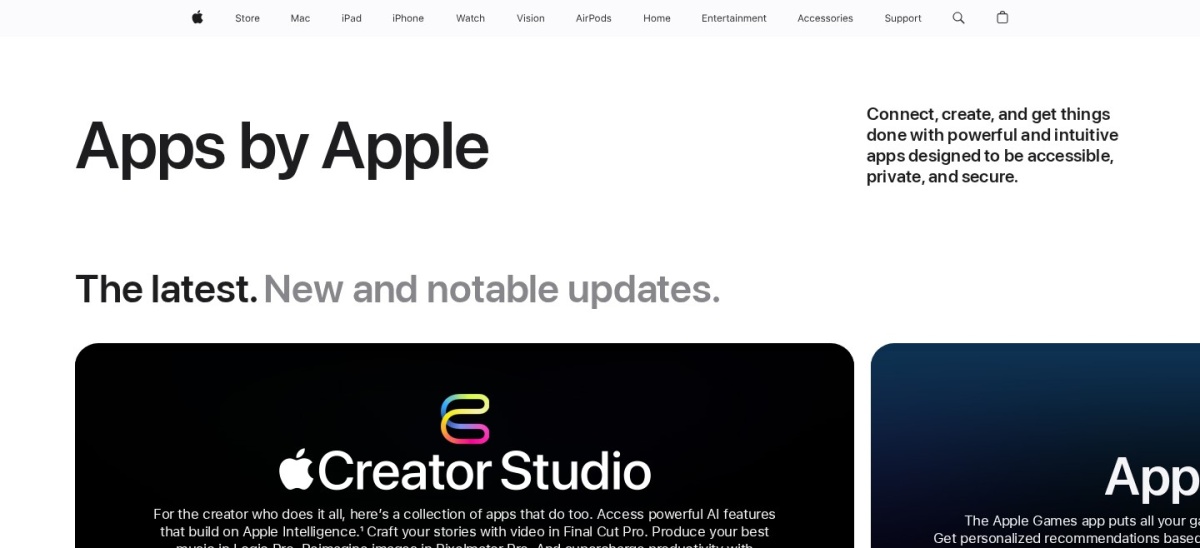
Apple iWork homepage, captured Nov 2026.
Apple iWork is Apple's free suite of Pages, Numbers and Keynote, included on every Mac, iPhone and iPad, with a web version for other devices. It is the best-looking suite here, with strong templates and smooth real-time collaboration through iCloud.
The trade off is Microsoft compatibility: documents exported to Word or Excel formats can lose formatting, and there is no Windows or Android app. It fits Apple-only households and small teams, not mixed-device offices.
Polaris Office is a lightweight suite with Word, Sheet, Slide and PDF tools that runs on Windows, Mac, iOS and Android and syncs with Google Drive and Dropbox. The free tier covers basic editing, and the Basic plan costs $3.99 a month per feature.
The trade off is depth: its spreadsheet and presentation tools are thinner than Microsoft's or Google's, and its review base is small. It works best as a light, mobile-friendly second suite rather than a primary office.
Microsoft raised its business prices on 1 July 2026: Business Basic rose from $6 to $7 per user a month, and Business Standard from $12.50 to $14. Google Workspace now matches those prices at $7, $14 and $22 at every tier.
The difference is AI: Google includes Gemini on every paid plan at no extra charge, while Microsoft bundles Copilot only into Business Standard at $23.50 and Business Premium at $32 per user a month. Business Basic has no Copilot.
Personal plans did not change in the same way: Microsoft 365 Personal still costs $9.99 a month, and Google has no equivalent personal suite, so families usually pick Microsoft 365 or a free suite such as LibreOffice.
How we chose
We started from the office suites most often recommended in 2026, then kept the ones with a live plan, published pricing and a review base on G2 or Capterra. Apache OpenOffice was left out: it has no reviews on G2. Quip was left out too: it was folded into Slack, and its G2 page now redirects to a Slack product page.
Prices come from vendor pricing pages and pricing checks dated November 2026, and ratings come from G2 and Capterra pages opened on 23 November 2026. Where sources disagreed, the list shows the current regular price: Microsoft 365 business plans rose on 1 July 2026, so Business Basic is $7 per user a month, not the old $6, and Zoho Workplace starts at $4, not the old $3.
Three ratings rest on small review bases and should be read with that in mind: Apple iWork at 4.6 from 22 G2 reviews, Zoho Workplace at 4.5 from 27 Capterra reviews, and Polaris Office at 4.3 from 22 G2 reviews. This list is based on pricing, docs and reviews, not on using the tools ourselves.
How to choose office software
Start with the devices your team uses, then match the suite to how you work.
Match the devices your team already uses. Apple-only teams can use iWork free, while mixed Windows and Mac teams need Microsoft 365, LibreOffice or WPS Office. Check mobile apps too if people work from phones.
Decide between cloud and desktop. Browser-first teams do best with Google Workspace or Zoho Workplace. Teams with heavy Excel workbooks or offline work need the desktop apps in Microsoft 365.
Count the real cost per person. Compare per-user monthly prices, not headline prices: $7 a user a month means $84 a year per seat. Free suites cover solo use well, and Zoho Workplace is the cheapest paid option at $4.
Check file compatibility before you commit. If you share files with Microsoft users, test a round-trip of a real document in .docx and .xlsx formats. ONLYOFFICE keeps Microsoft formatting most intact among the free options.
FAQ
What is the best office software?
Microsoft 365 is the best pick for most people. It has the full desktop versions of Word, Excel and PowerPoint, 1 TB of OneDrive storage per user, and a G2 rating of 4.6 from 5,857 reviews. Personal costs $9.99 a month.
Is there a free alternative to Microsoft Office?
Yes. LibreOffice is free and open source, with Writer, Calc and Impress covering the same ground as Word, Excel and PowerPoint. It is rated 4.3 out of 5 on Capterra from 2,245 reviews. WPS Office and Apple iWork are also free.
Is Google Workspace cheaper than Microsoft 365?
For businesses, no: both charge $7, $14 and $22 per user a month after Microsoft raised its prices on 1 July 2026. Google includes Gemini on every plan, while Microsoft charges extra for Copilot on the entry plan. For personal use, Microsoft 365 Personal costs $9.99 a month.
What office software works on Mac and Windows?
Microsoft 365, LibreOffice, WPS Office, ONLYOFFICE and Polaris Office all run on Mac and Windows. Google Workspace and Zoho Workplace run in the browser on both. Apple iWork is the only suite here limited to Apple devices and the web.
Can I use Microsoft 365 for free?
The web versions of Word, Excel and PowerPoint are free with a Microsoft account, with limited features and 5 GB of OneDrive storage. The desktop apps, 1 TB of storage and Outlook need a paid plan, which starts at $9.99 a month for Personal.
Which office suite is best for a small business?
Google Workspace is the best all-round pick at $7 per user a month, with Gmail, Docs and Gemini included. Zoho Workplace is cheaper at $4 per user a month and bundles email too. Microsoft 365 fits businesses that need desktop Excel and Outlook.
Does LibreOffice open Microsoft Word files?
Yes. LibreOffice opens and saves .docx, .xlsx and .pptx files, and most documents round-trip well. Complex formatting, macros and tracked changes can shift slightly, so check a real document before you switch a whole team.