Foxit PDF Editor is the best of the alternatives to Adobe Acrobat for most people, with full editing, OCR and redaction for about half the price of Acrobat Pro. Pick iLovePDF for quick browser jobs and PDFelement if you want a cheaper desktop editor with a one-time license option.
How we make this list: we compare pricing pages, product documentation and public user reviews, then re-check every price before each update. No product paid for a place. Disclosure.
Foxit PDF Editor is the closest Acrobat replacement at $129.99 a year, with OCR, redaction and Bates numbering included.
iLovePDF Premium costs $48 a year, the cheapest paid plan here, and needs no install.
PDFelement undercuts Foxit at $79.99 a year on auto-renew, with a $129.99 perpetual license.
PDF-XChange Editor costs $62 once for Windows users who never want a subscription.
PDFgear is completely free and holds the highest G2 rating here at 4.8 out of 5.
How do you pick from the alternatives to Adobe Acrobat?
Acrobat Pro costs $239.88 a year, so most buyers are really shopping on price. The tools here match its core editing for $48 to $180 a year, or nothing at all.
Editing is the first thing to check. Every tool here edits text and images, but only the desktop editors handle OCR, redaction and Bates numbering well.
Free plans split into two kinds. Browser tools such as iLovePDF and Sejda cap tasks or file sizes, while desktop tools such as PDFgear and PDF-XChange give away far more.
Watch the renewal price, not the first-year discount. Several vendors show a low sale price at checkout while the regular annual price is higher, so check the list price before you commit.
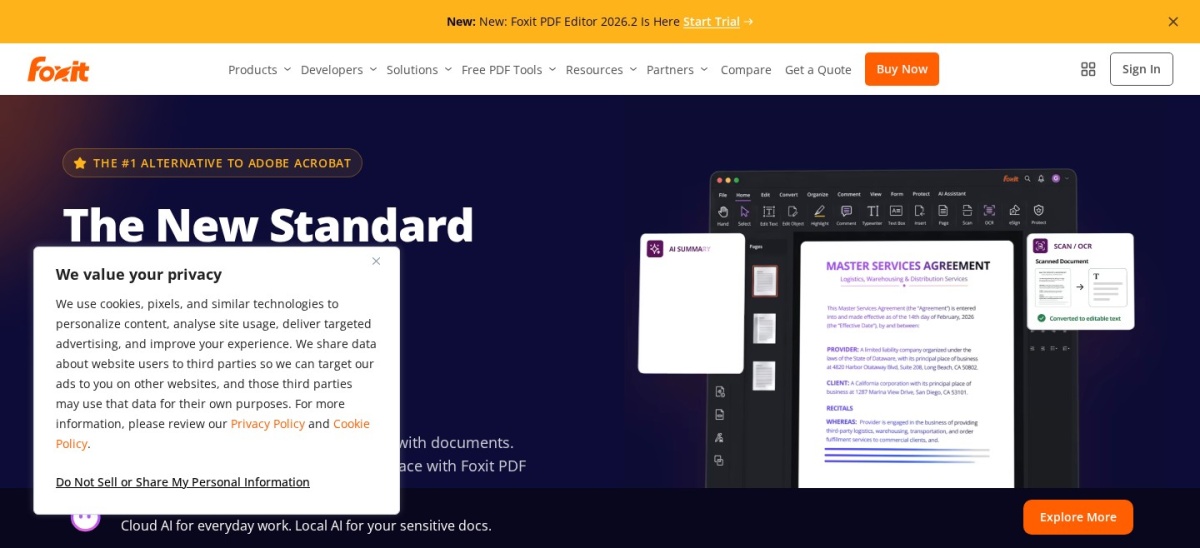
Foxit PDF Editor is a desktop editor for Windows, Mac and the web that covers nearly everything Acrobat Pro does, including text and image editing, conversion to Office formats, OCR, redaction, forms and Bates numbering. The base plan costs $129.99 a year and includes 300 AI credits a month, while Editor+ adds mobile apps, cloud editing and eSign for $159.99 a year.
The trade off is the learning curve. The Office-style ribbon packs in so many tools that new users can feel lost, and there is no free plan beyond a 14-day trial. It suits offices and professionals who want a full Acrobat replacement at about half the price.
What we like
OCR, redaction and Bates numbering in the base plan
Rated 4.6 out of 5 on G2 from 3,784 reviews
A perpetual licence of version 14 costs $209.99 once
Editor+ adds eSign and mobile apps for $159.99 a year
iLovePDF is a browser PDF toolkit that merges, splits, compresses, converts and signs files without installing anything. The free plan handles everyday jobs with per-task size limits, and Premium lifts the cap to 4 GB per task with batch processing and desktop and mobile apps.
The trade off is the upload. Files are processed on iLovePDF servers, so large or sensitive documents travel off your computer, and the free plan caps file size and task frequency. It suits anyone who wants quick PDF jobs in a browser for $48 a year.
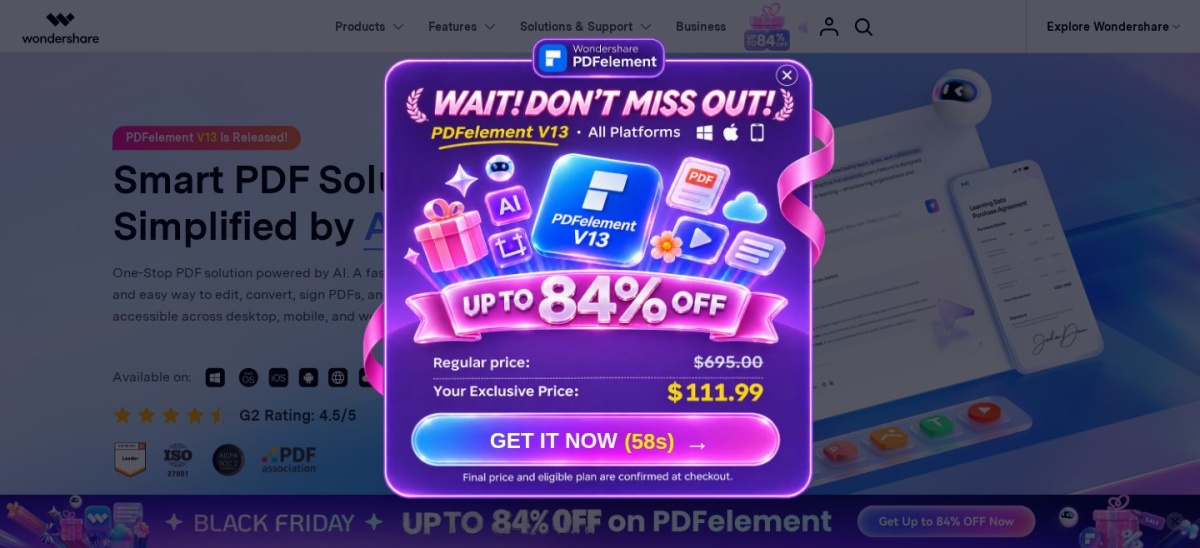
PDFelement is a desktop PDF editor from Wondershare with an Acrobat-like layout covering editing, conversion, forms, OCR, redaction and signing. The yearly plan costs $79.99 on auto-renew for one platform, and a perpetual licence costs $129.99 once for buyers who dislike subscriptions.
The trade off is pricing that moves around. The store shows several yearly prices and heavy discounts, so the figure at checkout can differ from the list price, and AI use beyond 50 actions needs a separate add-on. It suits budget buyers who want a full desktop editor.
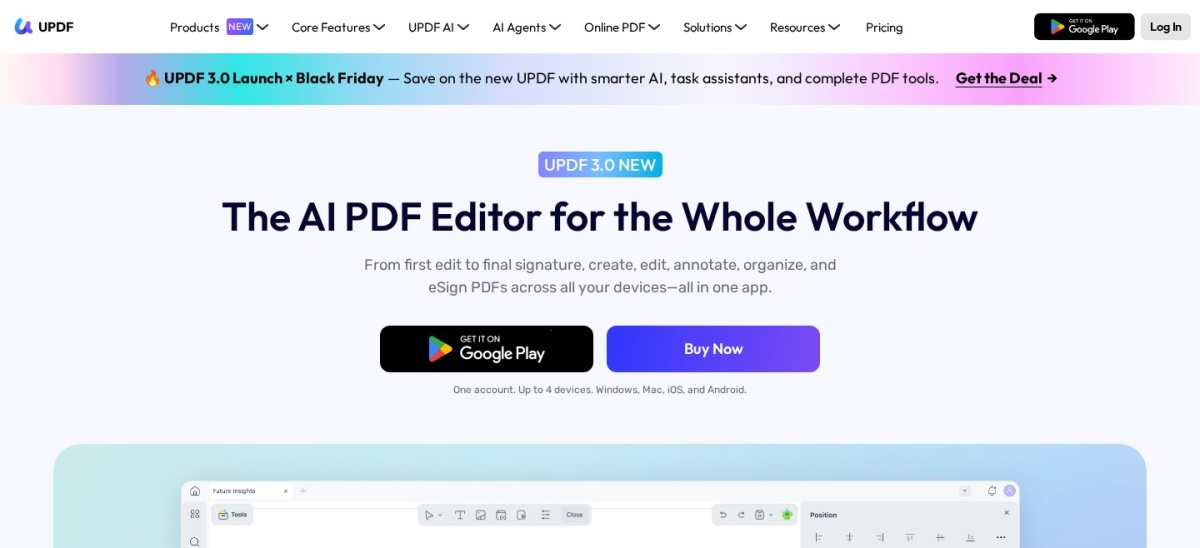
UPDF is a modern PDF editor that runs the same app on Windows, Mac, iOS and Android, with one account covering up to four devices. The free version reads and annotates, while Pro at $49.99 a year adds editing, OCR, conversion and 10 GB of cloud storage.
The trade off is the free tier. Free saves can carry a watermark and conversions stop at two a day, so regular use needs Pro, and AI features cost extra on top. It suits people who work across phone, tablet and desktop and want one cheap subscription.
Sejda is an online PDF editor with a desktop app that processes files on your own computer, so nothing is uploaded. The free tier needs no account and covers files up to 50 MB or 200 pages, with up to three tasks an hour, and the annual plan costs $63 a year.
The trade off is the hourly cap. Free users hit the three-task limit quickly on busy days, and the tool set is smaller than the big desktop editors. It suits occasional users who value privacy and want a cheap upgrade when the free tier runs out.
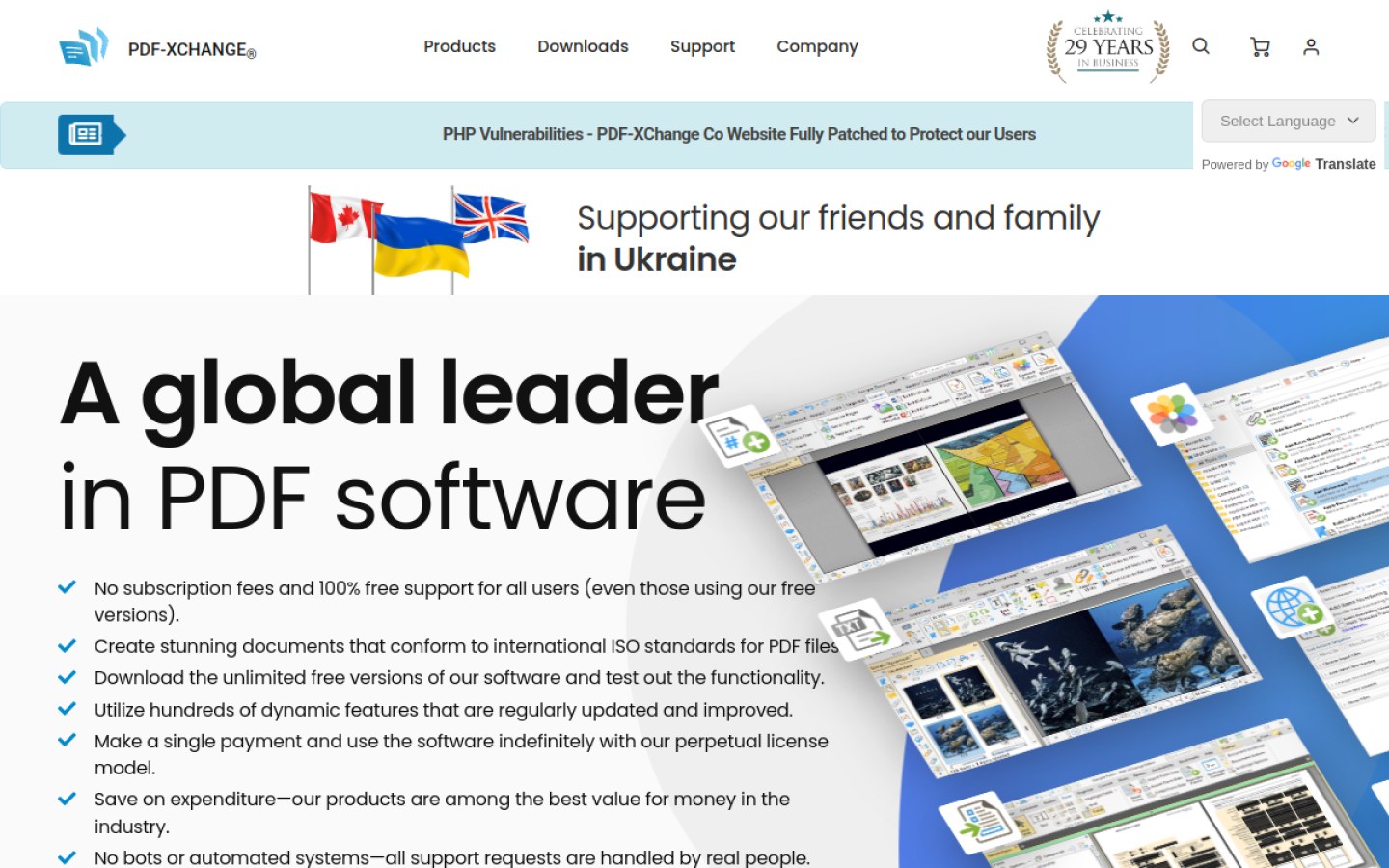
PDF-XChange Editor is a Windows PDF tool with a strong free version that covers reading, commenting and most everyday edits. A single-user licence costs $62 once and opens the full editor, including OCR, redaction and digital signatures, with a year of updates.
The trade off is Windows only. Mac users need another tool, and licensed features watermark files on the free version until you pay. It suits Windows users who want to pay once and never see another subscription bill.
Smallpdf is a browser-first PDF suite with more than 30 tools for converting, compressing, merging, splitting and signing PDFs. The free tier covers two tasks a day, while Pro at $108 a year removes the caps and adds batch processing, OCR, strong compression and desktop and mobile apps.
The trade off is the daily cap and the price. Two free tasks a day run out fast, and Pro costs twice the price of iLovePDF Premium for a similar browser tool set. It suits people who want one polished site for every PDF job and can live with the cap or pay.
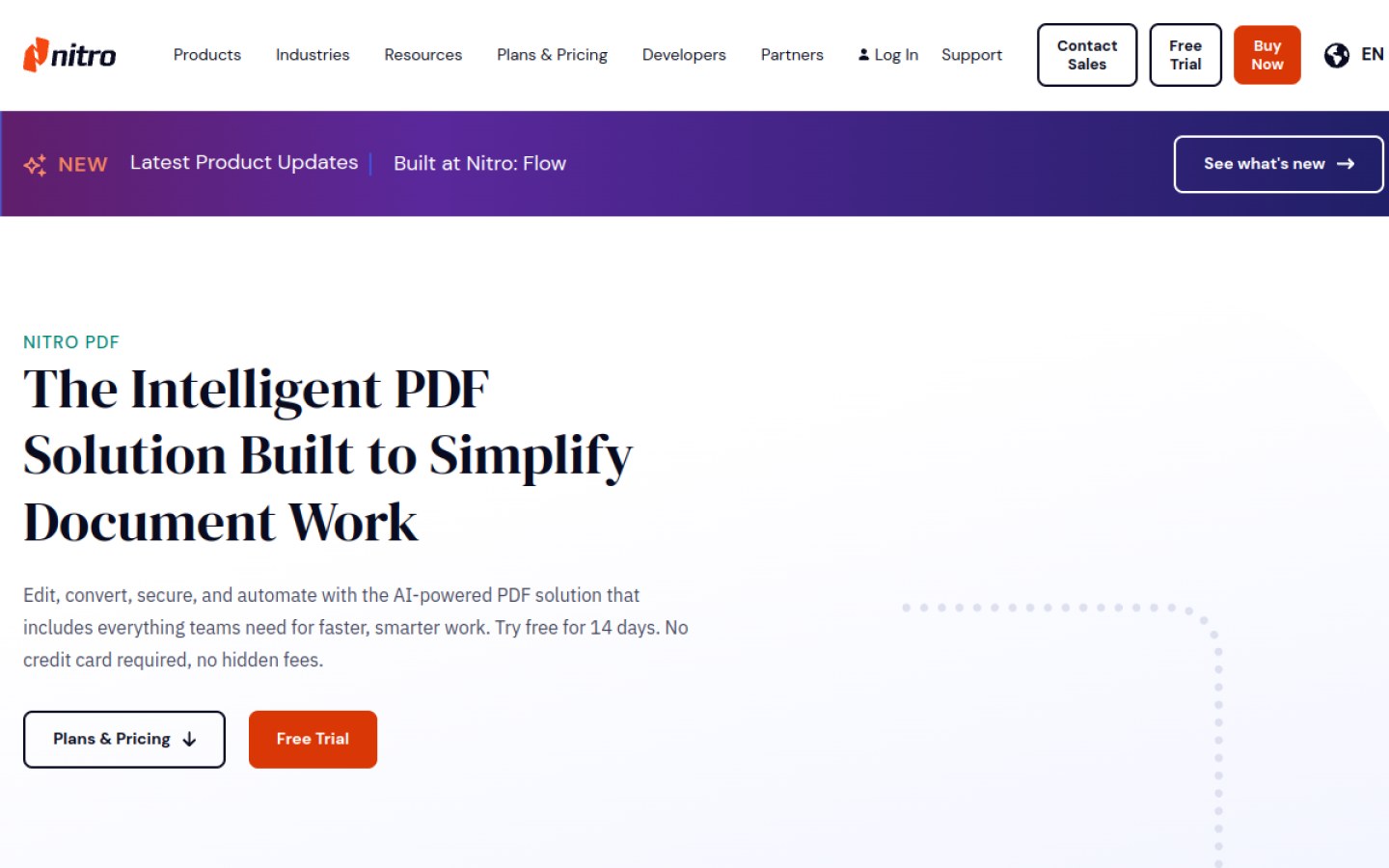
Nitro PDF is a desktop PDF editor with an Office-style interface that covers creating, editing, converting, signing and securing PDFs, plus AI tools and an admin portal for teams. Standard costs $15 per user a month billed annually, and a three-year Classic licence costs $270 once.
The trade off is the seat price. At $180 a year per user it costs more than Foxit while offering a similar feature set, and there is no free plan beyond a 14-day trial. It suits IT teams that value the admin portal and volume licence management.
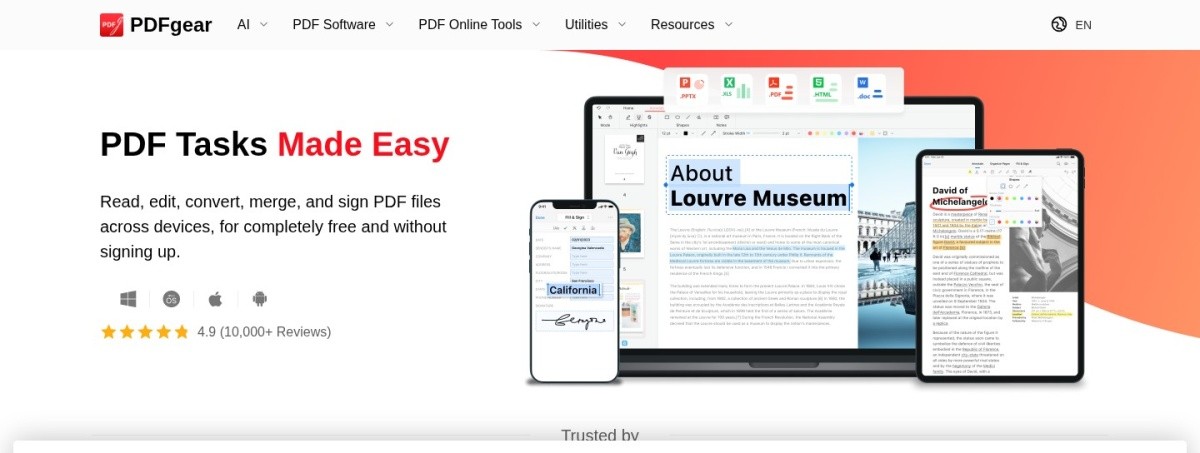
PDFgear is a free PDF editor for Windows, Mac, iOS and Android with editing, conversion, annotation, OCR and signing, and no subscription at all. It is rated 4.8 out of 5 on G2, the highest score in this list, from 186 reviews.
The trade off is depth. It covers everyday editing well but lacks the advanced redaction, Bates numbering and form tools of the paid editors, and support is limited. It suits home users and small offices that want a capable editor for free.
Acrobat Pro still leads on compatibility. Files made in Acrobat open the same everywhere, and its OCR is the most accurate in this category.
It also leads on integrations. Acrobat connects to Microsoft 365, Google Drive and Adobe Sign without extra steps, which matters in offices that already run Adobe tools.
For most buyers that edge is not worth $239.88 a year. Foxit matches the daily editing work for about half the price, and PDFgear covers casual use for free.
How we chose
We started from the PDF editors people actually switch to when they leave Acrobat, then kept the nine with a real free plan or a clear price advantage.
Prices come from each vendor's pricing page, checked on 29 November 2026, using the regular annual rate. Ratings and review counts come from G2 on the same day.
We left out tools with no verifiable rating and editors that only read PDFs. No vendor paid for a place, and we do not claim hands-on testing for this list.
How to choose an alternative to Adobe Acrobat
Start with how often you edit PDFs, then match the tool to that habit.
Count your weekly PDF jobs. A few merges a month fit a free browser tool, while daily editing needs a desktop editor.
Check whether you need OCR or redaction. Scanned pages and legal documents need a desktop editor such as Foxit, PDFelement or Nitro.
Decide how you want to pay. PDF-XChange and PDFgear avoid subscriptions, while the rest charge yearly.
Try the free tier first. Most tools here have a free plan or trial, so test your real files before paying.
FAQ
What is the best alternative to Adobe Acrobat in 2026?
Foxit PDF Editor is the best alternative to Adobe Acrobat for most people. It covers editing, OCR, redaction and signing for $129.99 a year, about half the price of Acrobat Pro, and it holds a 4.6 rating on G2 from more than 3,700 reviews.
Is there a free alternative to Adobe Acrobat?
Yes. PDFgear is completely free and covers editing, conversion, OCR and signing on desktop and mobile. iLovePDF and Sejda also have useful free plans, though both cap file size or tasks, so heavy users still need a paid plan.
Which Adobe Acrobat alternative is the cheapest?
PDFgear costs nothing and is the cheapest option of all. Among paid tools, iLovePDF Premium is cheapest at $48 a year, followed by UPDF Pro at $49.99 a year and Sejda at $63 a year.
Can I buy a PDF editor once instead of subscribing?
Yes. PDF-XChange Editor sells a single-user licence for $62 once, and UPDF sells a lifetime plan for $79.99 once. Foxit also sells a perpetual licence of version 14 for $209.99 once.
Which alternative is best for a small team?
Foxit PDF Editor is the best pick for a small team, because it matches Acrobat on features at $129.99 per user a year and adds an admin-friendly Editor+ tier. Nitro is the other team pick, with an admin portal and volume licensing.
Is Foxit PDF Editor better than Adobe Acrobat?
Foxit matches Acrobat on everyday editing, OCR and redaction for about half the price, and it holds a higher G2 rating at 4.6 against 4.5. Acrobat still leads on OCR accuracy and Adobe integrations, so large Adobe shops may stay put.
SaaS SEO and WordPress specialist with about 8 years of experience. Rakib compares WordPress plugins, themes, hosting and software using public pricing, documentation and user reviews. See how we rank.