Adobe Acrobat is the best software to edit PDF files for most people, with Standard plan text and image editing for $179.88 a year and a 4.5 out of 5 G2 rating. Pick Foxit for a cheaper desktop suite, or PDFgear if you want a full editor for free.
How we make this list: we compare pricing pages, product documentation and public user reviews, then re-check every price before each update. No product paid for a place. Disclosure.
Adobe Acrobat is the most complete editor here, rated 4.5 out of 5 on G2 from 5,789 reviews, but its cheapest paid plan costs $179.88 a year.
Foxit PDF Editor matches most of Acrobat's desktop features for $129.99 a year, with OCR, redaction and Bates numbering included.
PDFgear edits, converts and OCRs PDFs for free, rated 4.8 out of 5 on G2, though it has no paid support plan.
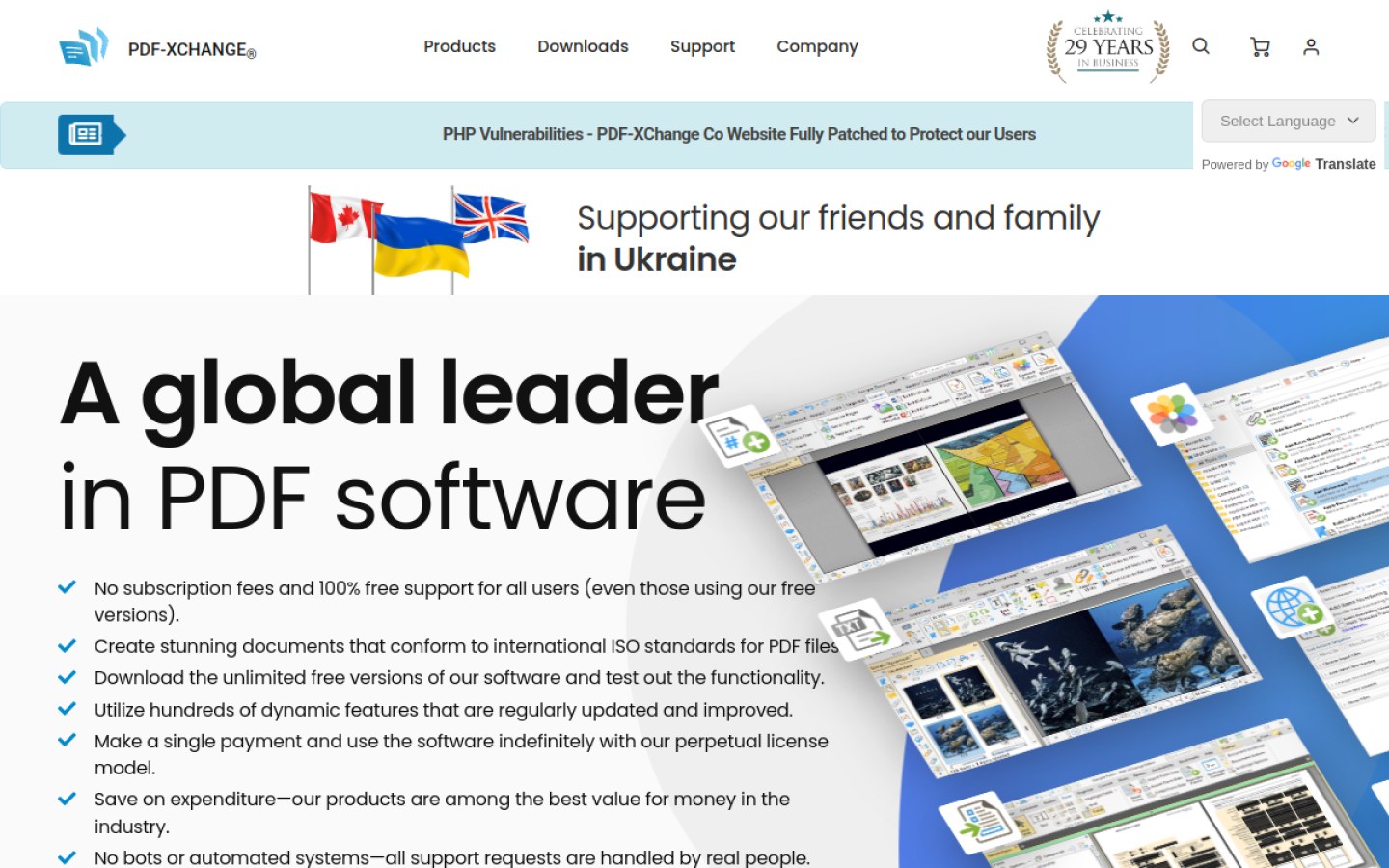
PDF-XChange Editor costs $62 once with no subscription, but it runs on Windows only.
Browser tools are cheapest: iLovePDF Premium is $60 a year and Sejda is $63, but both upload files to process them.
What a good PDF editor should cover
Editing a PDF means changing the text and images already in the file, not just adding notes on top. A real editor lets you fix a typo, swap a logo, move a paragraph and save the file without rebuilding it.
Look for direct text editing first, then OCR for scanned pages. Without OCR, a scanned document is a picture, and no editor can change its words.
Free plans differ most on editing itself. Some let you edit text free, some only annotate, and some watermark every file you save until you pay.
Where your files go matters too. Desktop apps process files on your computer, while browser tools upload them to a server. Our guide on adding a PDF to WordPress covers the publishing side of sharing finished files.
Adobe Acrobat is the PDF editor from the company that created the PDF format, and it sets the standard other editors are judged against. The Standard plan edits text and images, converts files, fills forms and signs documents, while Pro adds OCR, redaction and document comparison for $239.88 a year.
The trade off is price. Standard costs $179.88 a year, and the free Reader only views, annotates and signs, so any real editing needs a paid plan. It suits anyone whose files must open exactly as sent, in any reader, on any device.
What we like
Widest file compatibility, from the PDF creator
Largest review base here, 5,789 on G2
OCR, redaction and comparison on the Pro plan
Watch out for
Most expensive paid plan in this list
Free Reader cannot edit text or run OCR
Annual plan carries a cancellation fee after 14 days
Pro adds OCR, redaction and comparison for $239.88 a yearVisit adobe.com
02
Foxit PDF Editor
4.6/5on G2 (3,784 reviews, checked Nov 2026)
Starts at$129.99/yr
Best Acrobat alternative for offices
Direct text editingYes
OCRYes
RedactionYes
PlatformsWindows, Mac, web, mobile
foxit.com
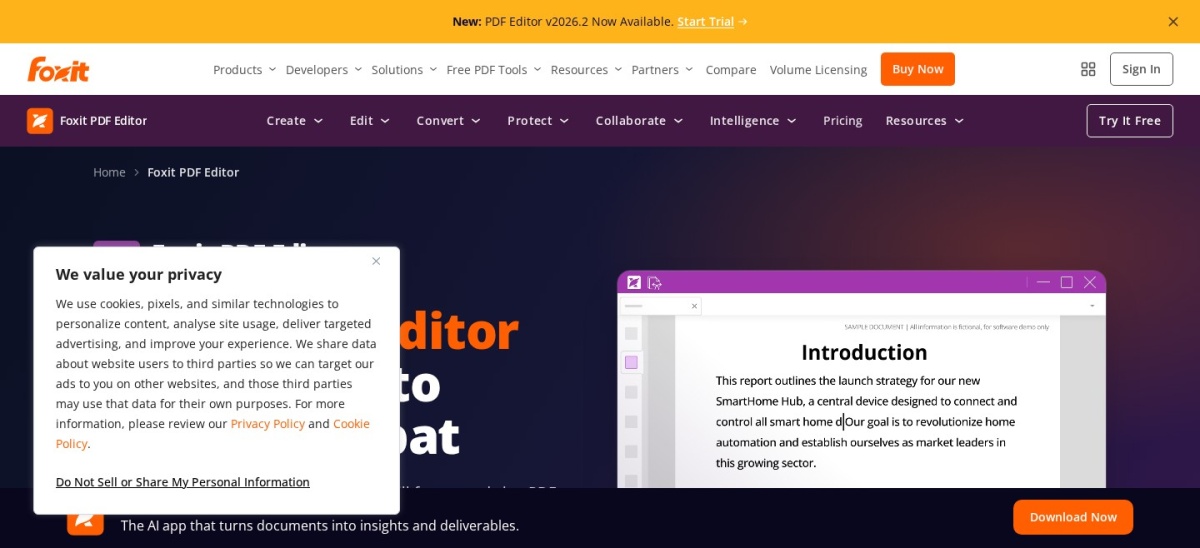
Foxit PDF Editor homepage, captured Nov 2026.
Foxit PDF Editor is a full desktop editor with an Office-style ribbon, covering text and image editing, conversion, forms, OCR, redaction and Bates numbering. The base plan costs $129.99 a year, and Editor+ adds mobile apps, cloud editing and eSign for $159.99 a year.
The trade off is setup. The feature list is deep, so new users face more menus than in lighter editors, and there is no free plan beyond a 14-day trial. It suits offices and legal teams that want Acrobat-class tools without Acrobat's price.
What we like
OCR, redaction and Bates numbering in the base plan
Rated 4.6 out of 5 on G2 from 3,784 reviews
A perpetual licence of version 14 costs $209.99 once
Watch out for
No free plan, only a 14-day trial
Busy interface with a learning curve
Mobile apps and eSign need the $159.99 Editor+ plan
Editor+ adds mobile apps, cloud editing and eSignVisit foxit.com
03
PDFelement
4.5/5on G2 (1,070 reviews, checked Nov 2026)
Starts at$79.99/yr
Best value desktop editor
Direct text editingYes
OCRYes
AI tools50 free uses
PlatformsWindows, Mac, iOS, Android
pdf.wondershare.com
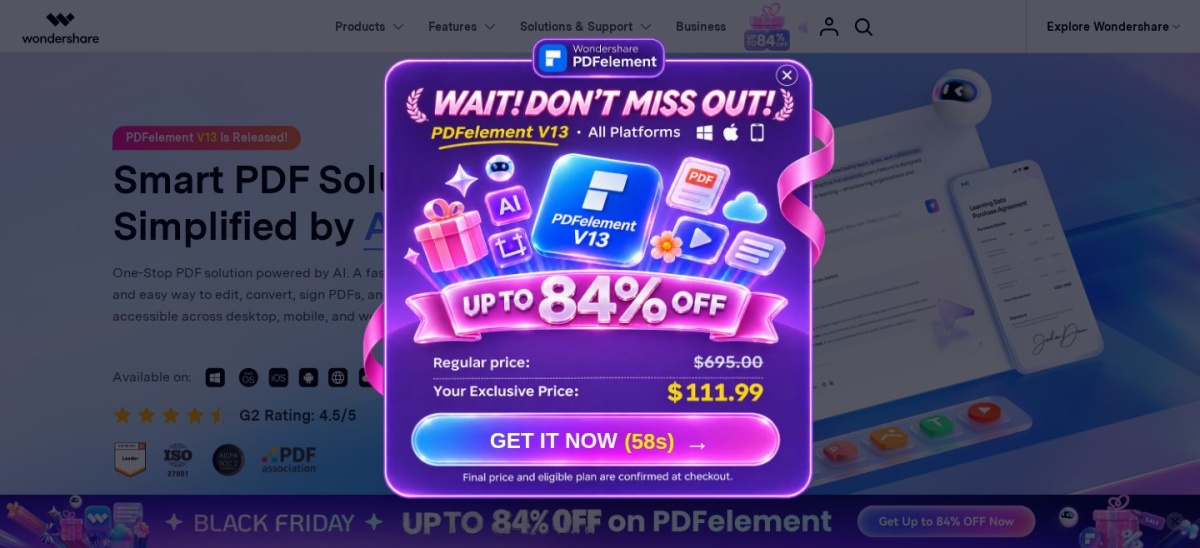
PDFelement homepage, captured Nov 2026.
PDFelement is a desktop PDF editor from Wondershare for Windows and Mac, with iOS, Android and web apps beside it. The yearly plan edits text and images, converts files, fills forms, runs OCR and adds AI tools for summaries and translation, with 50 free AI uses included.
The trade off is the plan split. The $79.99 yearly plan covers one platform, so Windows and Mac together cost $89.99 a year, and the store shows a higher crossed-out price beside the yearly figure. It suits individuals who want full editing on one computer at a low yearly price.
PDF-XChange Editor is a Windows PDF editor sold as a one-time licence, with a free version that covers reading, commenting and most everyday edits. The $62 licence opens the full editor, and Editor Plus adds enhanced OCR, fillable form creation and document comparison for $79 once.
The trade off is Windows only. There is no Mac version, and the interface packs in many tools, so new users face a learning curve. It suits Windows power users who want deep features and a single payment instead of a subscription.
What we like
Cheapest full editor here as a one-time payment
Strong free version with no time limit
Fast with large files and no account needed
Watch out for
Windows only, no Mac version
Busy interface with a learning curve
Paid features watermark output in the free version
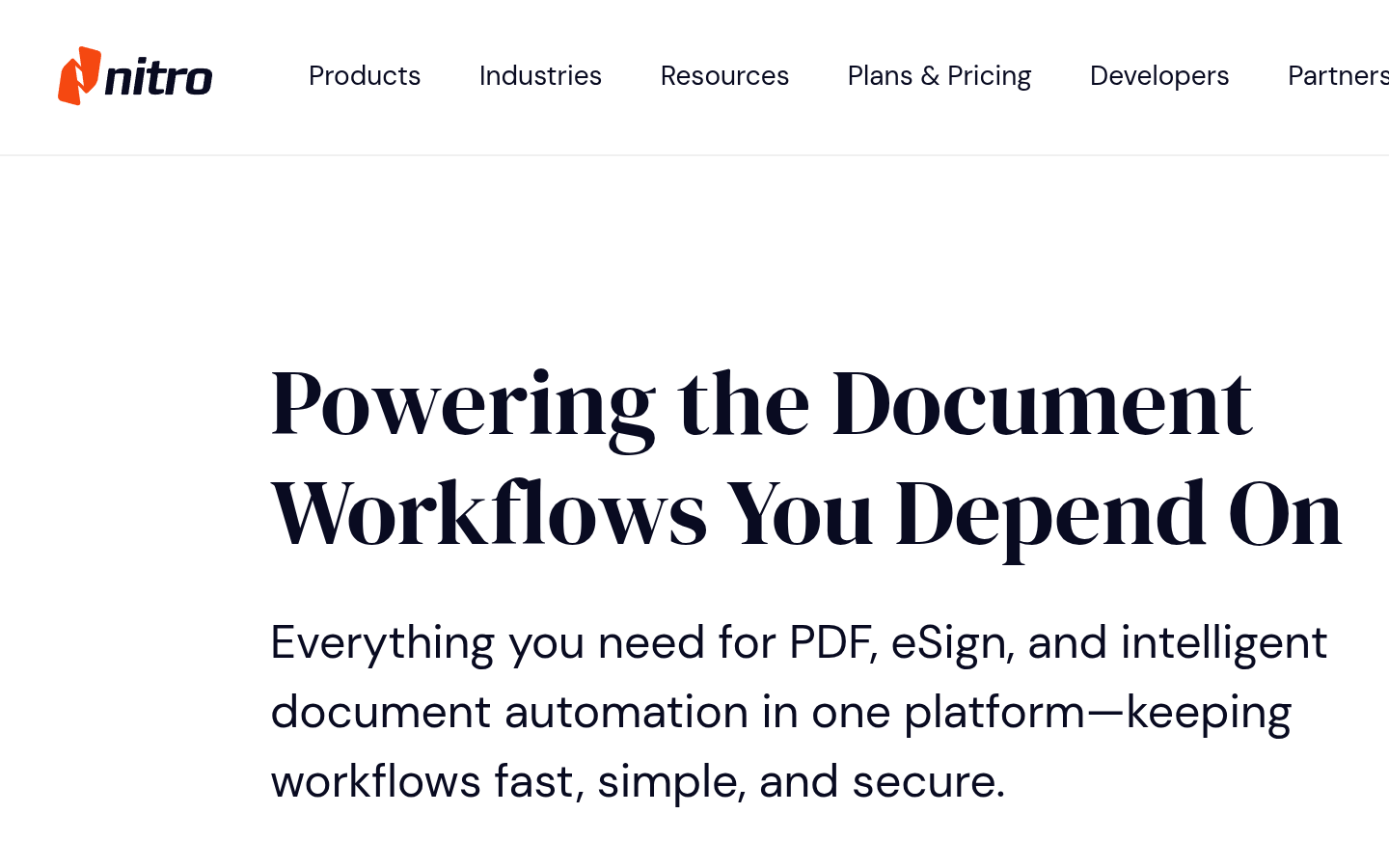
Nitro PDF Pro is a desktop PDF editor built around an Office-style ribbon, so Word users find the tools quickly. The Standard plan costs $15 a user a month billed annually, or $180 a year, and covers editing, conversion, batch OCR, comparison and AI tools, with a 14-day free trial.
The trade off is the subscription. The old one-time licence is gone for new buyers, and the Mac app trails the Windows version on features. It suits Windows-first offices that want an Acrobat-style editor with an admin portal and 24/7 support.
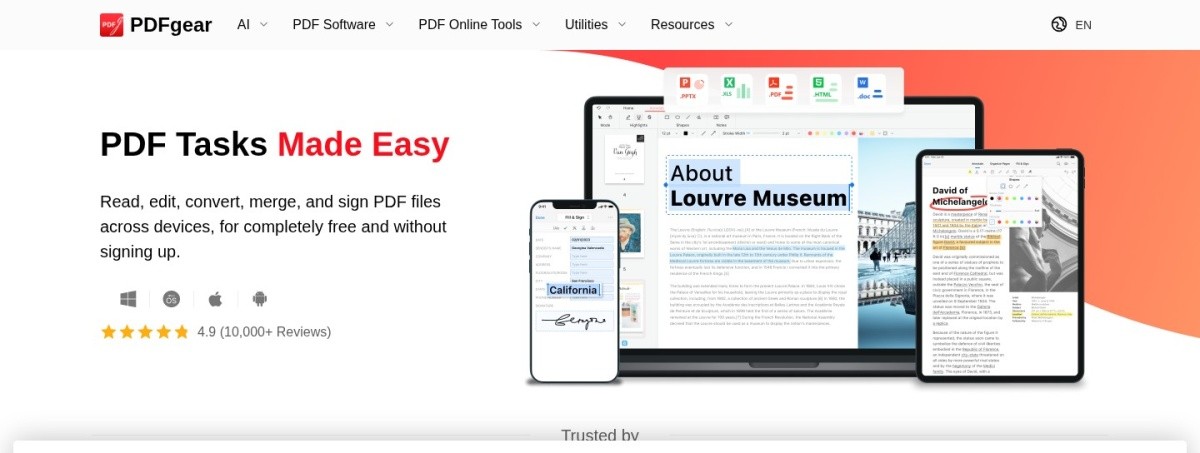
PDFgear is a free PDF editor and reader for Windows and Mac, with mobile apps and online tools beside it. The desktop app edits text and images, converts files, fills forms, signs documents and runs OCR, with no account, no watermark and no paid tier.
The trade off is support. There is no paid plan, so offices that want a service contract or admin controls will not find one, and the vendor says some advanced features may cost money later. It suits anyone who wants a real desktop editor and does not want to pay yet.
What we like
Rated 4.8 out of 5 on G2 from 183 reviews
Full editing, OCR and signing with no paid tier
No account, no watermark and no file-size cap
Watch out for
No paid support plan for offices
Some advanced conversions process files in the cloud
4.9/5on Trustpilot (14,269 reviews, checked Nov 2026)
Paid from$60/yr
Best browser editor for quick edits
Direct text editingYes, Premium
File cap4 GB on Premium
Desktop appPremium
PlatformsWeb, Windows, Mac, mobile
ilovepdf.com
iLovePDF homepage, captured Nov 2026.
iLovePDF is a browser PDF toolkit with more than 30 tools, including an Edit PDF tool that changes existing text, adds text, images and shapes, and annotates files. The free plan needs no account and handles files up to 100 MB for merge and split, while Premium lifts the cap to 4 GB and adds batch work and desktop apps.
The trade off is the upload. Files go to iLovePDF servers for processing, and the free plan caps file size and task frequency. Premium costs $5 a month billed annually, or $60 a year. It suits occasional users who want many PDF tools without installing software.
What we like
Highest rating in this list at 4.9 out of 5 on Trustpilot
Smallpdf is a browser-first PDF toolkit with desktop and mobile apps, covering editing, compressing, merging, splitting, converting and signing. The free plan gives access to all 21 tools, limited to two tasks a day, and Pro removes the caps and adds text editing, batch work and OCR.
The trade off is the daily cap. Two free tasks a day is enough for occasional jobs, but daily users need Pro at $9 a month billed annually, or $108 a year. It suits people who handle PDFs in the browser a few times a week and like a clean interface.
Sejda is a web and desktop PDF toolkit that edits existing PDF text, fills forms, merges, splits and converts files, and runs OCR. The free desktop app processes files on your own computer, covers files up to 50 MB and 200 pages, and allows three tasks a day with no account.
The trade off is the daily limit. Three free tasks a day suits one-off jobs, but regular use needs a paid plan, with Desktop plus Web at $63 a year, or a $7.95 week pass for a single project. It suits anyone with a short PDF job who does not want a subscription.
What we like
Edits existing PDF text on the free plan
Desktop app keeps files on your computer
Rare $5 web week pass for single projects
Watch out for
Free plan allows only three tasks a day
Smallest review base in this list, 41 on G2
Desktop app needs the $63 annual plan
Desktop plus Web adds offline use and higher limitsVisit sejda.com
Free vs paid: what you give up
Free plans cover annotation, form filling and signing well. Most here let you highlight text, add comments and fill forms without paying.
Paid plans mostly add editing and OCR. You pay to change existing text, turn scans into searchable files and convert between formats.
Two tools in this list charge nothing at all for those extras. PDFgear includes editing and OCR free, and PDF-XChange Editor includes them in its free Windows version.
If you edit PDFs most days, a paid plan or a one-time licence pays for itself quickly. If you only fix a file now and then, stay free.
How we chose
We started from the most widely used PDF editors on G2, Capterra and Trustpilot, then kept those with a free plan or trial and an established user base.
Prices come from each vendor's pricing page, checked on 26 November 2026. Ratings and review counts come from G2, Capterra or Trustpilot on the same day. Where a vendor shows a sale, the list shows the listed price and notes the sale in the text.
We left out editors with no public rating to cite. No vendor paid for a place, and we do not claim to have used these tools ourselves.
How to choose software to edit PDF
Start with how often you edit PDFs, then match the tool to that habit.
Decide where you edit. Desktop apps suit daily editing and keep files on your computer. A browser tool suits occasional jobs on any machine.
Check what free covers. If you only annotate, fill forms and sign, a free plan is enough. Changing existing text and OCR are what push most people to pay.
Weigh subscription against one payment. PDF-XChange Editor and Foxit sell one-time licences, while most others charge yearly. PDFgear charges nothing at all.
Mind where your files go. Browser tools upload files to process them. If a document is sensitive, use a desktop app that keeps files on your machine.
FAQ
What is the best software to edit PDF files?
Adobe Acrobat is the best overall pick, rated 4.5 out of 5 on G2 from 5,789 reviews, with the most complete editing, OCR and redaction tools. Foxit is the best cheaper desktop alternative at $129.99 a year.
Is there a completely free PDF editor?
Yes. PDFgear is completely free with full editing, OCR, conversion and signing, and no paid tier. PDF-XChange Editor also edits text free on Windows, though some paid features watermark output.
Can I edit PDF text for free in a browser?
Yes, with limits. Sejda edits existing PDF text free for three tasks a day, and iLovePDF edits text on its Premium plan. Both upload files to their servers, so avoid them for sensitive documents.
Do I need OCR to edit a scanned PDF?
Yes. A scan is a picture, so the text must be recognised before it can be changed. Acrobat Pro, Foxit, PDFelement, PDF-XChange Editor Plus, Nitro and PDFgear all include OCR.
What is the cheapest paid PDF editor?
PDFgear costs nothing, and PDF-XChange Editor is the cheapest paid option at $62 once. Among yearly plans, iLovePDF Premium is cheapest at $60 a year, followed by Sejda at $63 a year.
Is Adobe Acrobat worth the price?
It is worth it if your files must open exactly as sent everywhere, since Acrobat sets the standard other readers follow. For everyday editing, Foxit at $129.99 a year or PDFelement at $79.99 a year cover most of the same ground.
Can I edit a PDF on my phone?
Yes. Adobe Acrobat, Foxit, PDFelement, PDFgear, iLovePDF and Smallpdf all have mobile apps. Editing on a small screen suits quick fixes, while longer edits are easier on a desktop.
SaaS SEO and WordPress specialist with about 8 years of experience. Rakib compares WordPress plugins, themes, hosting and software using public pricing, documentation and user reviews. See how we rank.