PDFsam Basic is the best free PDF split software for most people, splitting PDFs offline with no file size limit, no watermark and no account. Pick PDFgear for free online splitting with no limits, or iLovePDF for the most polished browser tool.
How we make this list: we compare pricing pages, product documentation and public user reviews, then re-check every price before each update. No product paid for a place. Disclosure.
PDFsam Basic is the best free pick: offline, open source, no file size limit and no watermark.
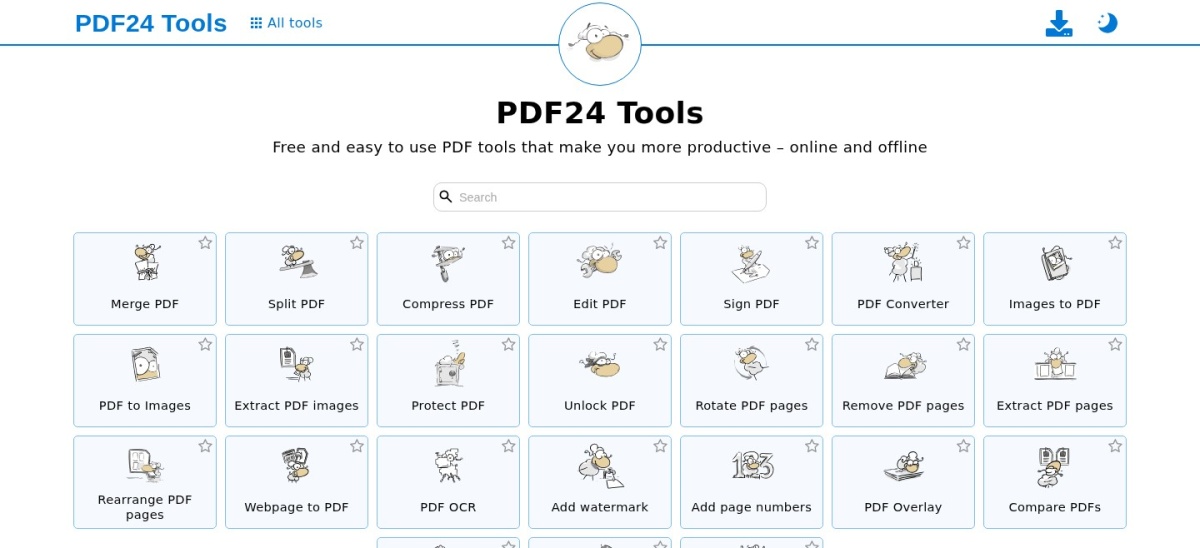
PDFgear and PDF24 Tools split free online with no stated daily limit and no account.
iLovePDF is the most polished browser tool, but free splits stop at 100 MB per file.
Sejda has the most split modes, with free limits stated plainly: 3 tasks an hour, 50 MB, 200 pages.
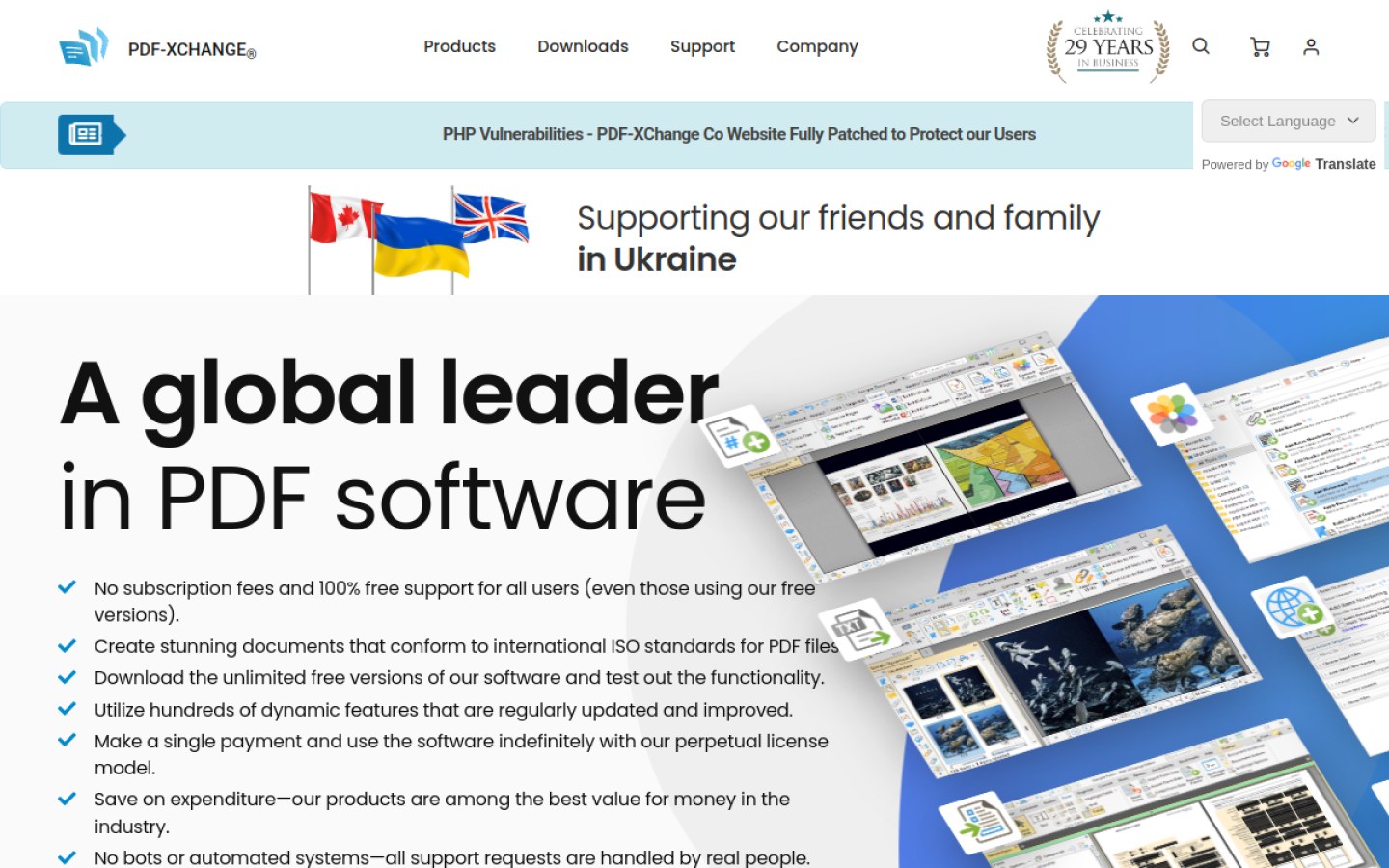
PDF-XChange Editor sells a $62 one-time licence and UPDF a $79.99 lifetime licence; the rest are free or subscriptions.
What to look for in a free PDF splitter
Splitting a PDF means dividing one file into several smaller files, or pulling a few pages out into a new file. People do it to share one chapter, send a single invoice from a bundle, or cut a large report down to size.
The free tools fall into two groups. Desktop apps such as PDFsam Basic and PDF-XChange Editor keep files on your computer, while browser tools such as iLovePDF, Sejda and Smallpdf upload the file and return the split copy.
Free limits matter more than features here. Most browser tools cap tasks per day or hour, or cap file size, so check the cap against how often you split.
Privacy is the other split. Online tools delete files after an hour or two, but a contract or medical form should still go through a desktop app. If you publish PDFs on a WordPress site and a large file will not upload, our guide on fixing the uploaded file size limit explains the limit.
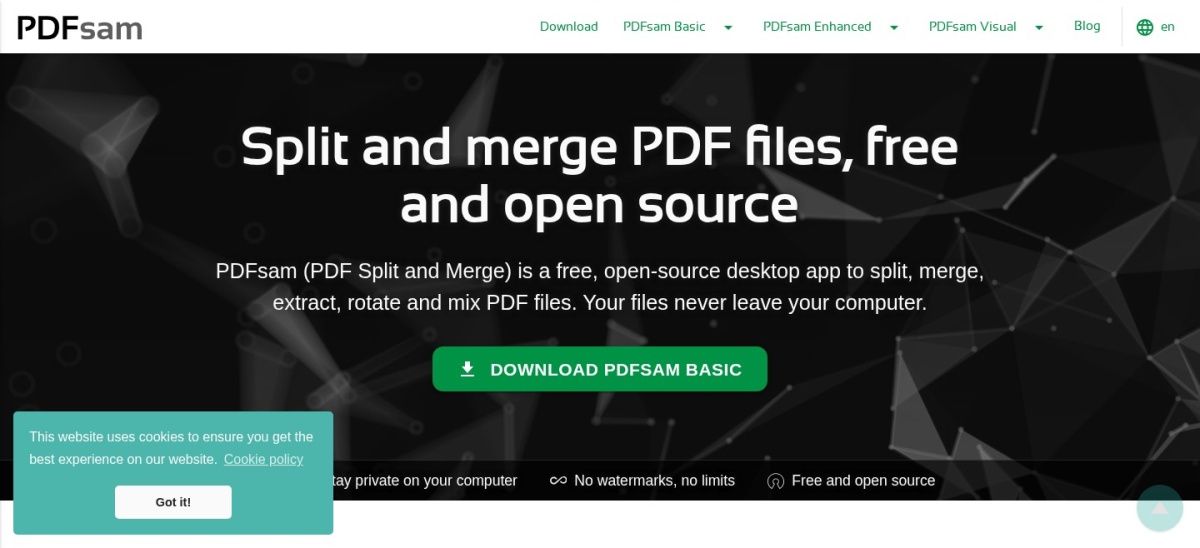
PDFsam Basic is a free, open source desktop app for Windows, Mac and Linux that splits, merges, extracts, rotates and mixes PDF files. It splits by page ranges, every few pages, even or odd pages, bookmark level or file size, with no watermark and no file size limit.
The trade off is polish. The interface is plain next to the browser tools, and you must install the app before you split anything. PDFsam Visual adds more page tools at $34.90 a year. It suits anyone who splits PDFs often or handles files that should never leave their computer.
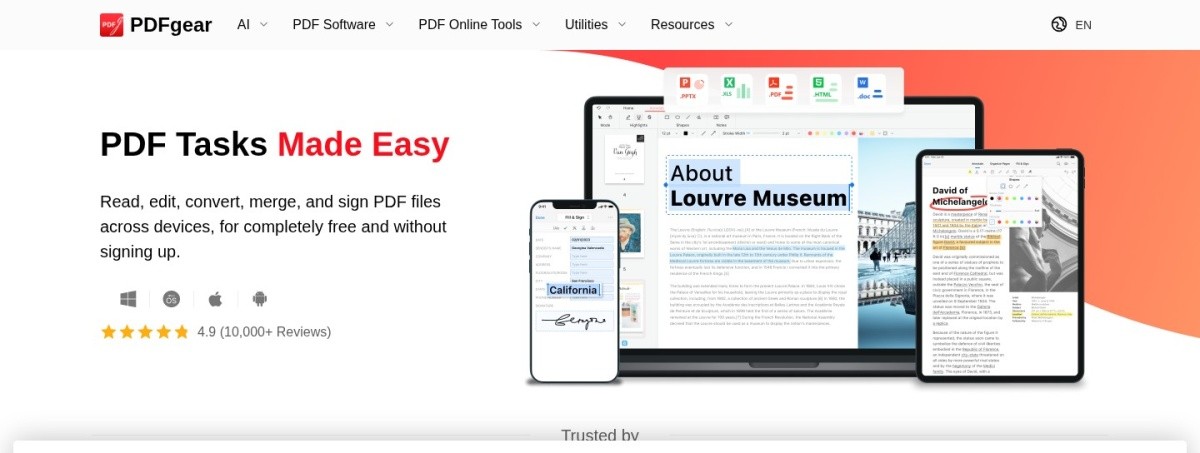
PDFgear is a free PDF editor with an online split tool and free desktop and mobile apps. You upload a file, pick the pages or ranges to keep, and download the result, with no account and no stated daily limit.
The trade off is that your file is uploaded to PDFgear servers when you split online, so private documents belong in its desktop app instead. There is no paid plan to remove limits, which keeps the choice simple. It suits anyone who wants a free split in a browser without signing up.
iLovePDF is a browser PDF toolkit whose Split PDF tool extracts pages, splits by custom ranges or divides a file into fixed ranges. The free plan covers occasional splits, with one file up to 100 MB for the split tool, and desktop and mobile apps are included.
The trade off is the free cap. Heavy users hit daily task limits and file size caps, and files are processed on iLovePDF servers. Premium costs $9 a month, or $5 a month on annual billing, and lifts the caps to files up to 4 GB. It suits anyone who splits PDFs in a browser and wants the widest toolkit.
Sejda is an online PDF editor with a desktop app, and its splitter is one of the most flexible here. It divides by pages, extracts pages, splits by size or bookmarks, and can split where text changes, while files are deleted after 2 hours.
The trade off is the free tier. It allows 3 tasks an hour on files up to 50 MB or 200 pages, with no batch processing. A $5 week pass covers a one-off project, and the $63 a year plan adds the desktop app. It suits people who split by bookmarks or text and want the limits stated plainly.
What we like
Splits by bookmarks, size or text
Free limits stated in plain numbers
Desktop app works offline
$5 week pass for one-off jobs
Watch out for
Only 3 free tasks an hour
No batch processing on the free tier
Desktop app needs the annual plan
Paid plans remove the hourly limit and add the desktop appVisit sejda.com
05
Smallpdf
4.5/5on G2 (306 reviews, checked Nov 2026)
Paid from$10/mo
Easiest splitter for occasional use
Split modesRanges or one file per page
Free limit2 tasks a day
PlatformsWeb, desktop, mobile
Paid planPro, $10/mo annual
smallpdf.com
Smallpdf homepage, captured Nov 2026.
Smallpdf is a browser PDF toolkit whose Split PDF tool asks for a file, offers range or page extraction, and returns the result with no settings to learn. Splitting sits beside compress, convert, sign and edit tools in the same account.
The trade off is the free limit. The free plan covers 2 tasks a day, so regular splitting needs Pro at $15 a month, or $10 a month on annual billing. Files are processed on Smallpdf servers. It suits anyone who splits a PDF now and then and values a clean interface.
PDF24 Tools is a free online PDF toolkit whose Split PDF tool divides a file after a fixed number of pages, separates even and odd pages, or cuts where you click. It needs no account, states no daily limit, and files are deleted after 1 hour.
The trade off is that the online tool uploads your file, and the service is paid for by advertising. The free PDF24 Creator app for Windows works offline for private files. It suits anyone who wants a quick free split with no signup and no cap.
PDF-XChange Editor is a Windows PDF editor with a free version that covers page work including splitting and extracting pages. The paid licence costs $62 once, with no subscription, and the app runs fully offline on your computer.
The trade off is platform. It runs on Windows only, so Mac and Linux users need another pick. The free version also shows some features as paid-only. It suits Windows users who split PDFs often and would rather pay once than subscribe.
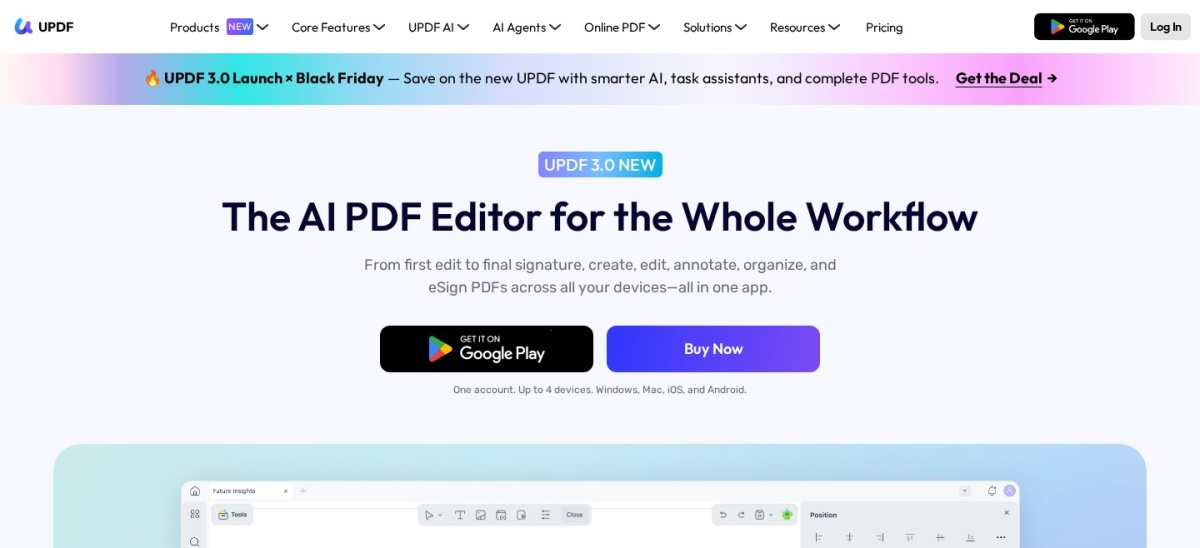
UPDF is a PDF editor for Windows, Mac, iOS and Android with page tools that split a file into separate documents and rearrange pages. One account covers up to 4 devices, and the free version lets you try the tools before paying.
The trade off is the free version. It watermarks output and limits AI use, so regular splitting needs Pro at $49.99 a year, or a $79.99 lifetime licence. It suits anyone who wants a low-cost full editor rather than a split-only tool.
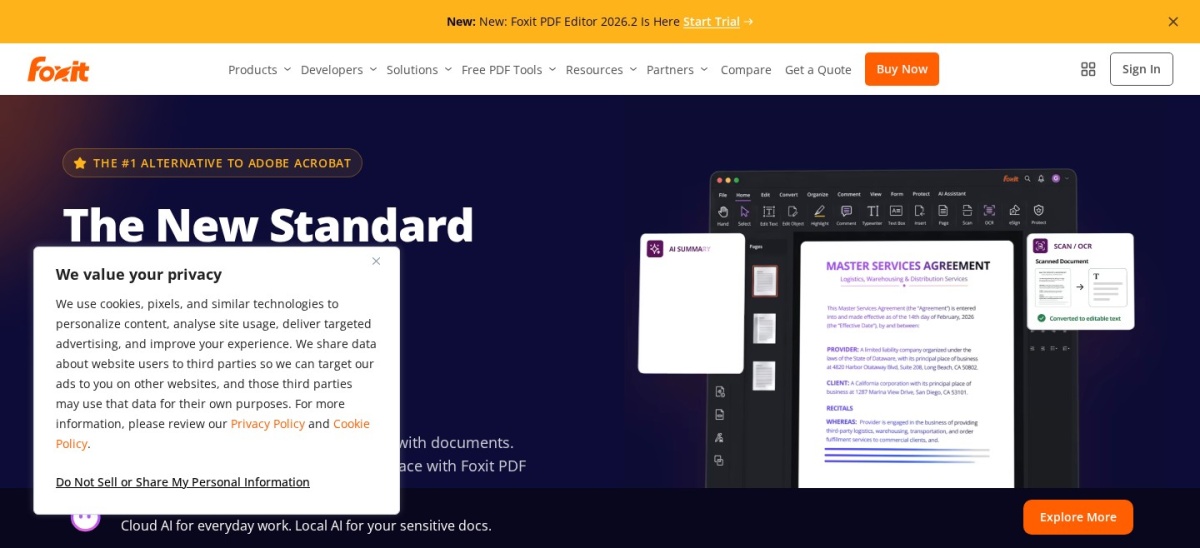
Foxit PDF Editor is a full PDF editor for Windows, Mac, web and mobile, with page tools that split, organise, redact and sign documents. It is the main lower-cost alternative to Acrobat for teams that edit PDFs every day.
The trade off is price and the free tier. There is no free plan, only a 14-day trial, and the editor costs $129.99 a year. It suits small businesses that want a full editor for less than Acrobat Pro.
Free plans cover splitting itself well. Every tool here splits a PDF for free, and three of them never ask for payment.
Paid plans mostly remove limits. You get bigger files, more tasks a day, batch work and desktop apps, plus editing tools such as OCR and e-signatures.
For a one-off job, Sejda sells a $5 week pass and PDF-XChange Editor sells a $62 one-time licence. A subscription only pays when you split PDFs every week.
How we chose
We started from the best-known free PDF splitters, online and desktop, then kept nine with a real free way to split a PDF and a public rating.
Prices come from each vendor's pricing page and G2 pricing listings, checked on 25 November 2026. Ratings come from G2, Capterra or Trustpilot on the same day. Where a vendor shows a sale, the list shows the regular price.
We left out tools with no public rating. No vendor paid for a place, and we do not claim hands-on testing for this list.
How to choose a free PDF split tool
Start with where the file should go, then check the free limit against how often you split.
Decide where the file goes. For private files, pick a desktop tool such as PDFsam Basic or PDF-XChange Editor. For anything else, a browser tool is faster.
Check the free limit first. Count your splits per day and check file size. Sejda allows 3 tasks an hour and iLovePDF caps free splits at 100 MB.
Match the split mode to the job. Ranges cover most jobs, but splitting by bookmarks or text needs Sejda or PDFsam Basic.
Pay only if the cap bites. A $5 Sejda week pass covers a one-off project, and a $62 PDF-XChange licence covers Windows users for good.
FAQ
What is the best free PDF split software?
PDFsam Basic is the best free option for most people. It is free and open source, runs offline on Windows, Mac and Linux, and splits by ranges, bookmarks or size with no file size limit and no watermark.
Can I split a PDF for free without signing up?
Yes. PDF24 Tools, PDFgear, Sejda and iLovePDF all split PDFs in a browser without an account. PDF24 Tools and PDFgear state no daily limit, while Sejda allows 3 free tasks an hour and iLovePDF caps free splits by file size.
Is it safe to split a PDF online?
It depends on the file. Online tools upload your PDF and delete it after an hour or two, which is fine for ordinary documents. For contracts, medical forms or anything private, use a desktop tool such as PDFsam Basic so the file never leaves your computer.
What is the cheapest way to split PDFs often?
Use a free desktop tool. PDFsam Basic and PDF24 Creator cost nothing and have no daily limit, and PDF-XChange Editor costs $62 once. Among browser tools, Sejda is cheapest at $63 a year, or $5 for a week pass.
Can I split a PDF by bookmarks?
Yes, with PDFsam Basic or Sejda. Both can divide a file at bookmark level, which is useful for splitting a long report into chapters. Most browser tools only split by page ranges, so check the split modes before you upload.
Do free PDF splitters add watermarks?
The free tools in this list do not watermark split files. PDFsam Basic, PDFgear, PDF24 Tools and the browser tools return clean copies. UPDF is the exception: its free version watermarks output, so regular use needs the $49.99 a year Pro plan.
SaaS SEO and WordPress specialist with about 8 years of experience. Rakib compares WordPress plugins, themes, hosting and software using public pricing, documentation and user reviews. See how we rank.